

Turn recordings into transcripts and summaries in minutes
Upload audio or video for multilingual transcription, AI notes, and action items
What Is Yating Transcription in 2026? Features, Pricing, and Tinrec Comparison in 4 Steps
Many people imagine transcription tools as: drop in a recording, wait a few minutes, and a complete text comes out. In reality, the real time sink is usually not the transcription itself, but the post-transcription work: organizing, finding people, extracting key points, and following up on action items.
Three common misconceptions are: focusing only on recognition accuracy, comparing only price, and assuming that getting a transcript means the meeting notes are done. Below, in 4 steps, we first clarify "what is Yating Transcription," then compare it with Tinrec to help you determine which workflow better fits your daily routine.
Step 1 | What Is Yating Transcription?
Yating Transcription is an AI speech-to-text service developed by a Taiwanese team, optimized for Taiwanese accents. According to official descriptions, it understands Taiwanese Mandarin, Taiwanese Hokkien, Cantonese, Japanese, and mixed Chinese-English "Jingjing style" (Chinglish). It is one of the few services specifically developed for Taiwanese accents and available to the public.
There are three main ways to use it:
- Live recording: Press record in the app or on the web, and it transcribes as you speak.
- Upload audio files: Supports wav and mp3 formats, suitable for transcribing existing recordings.
- Chrome extension: Used to record Google video meetings or presentations.
After transcription, the system automatically adds punctuation and line breaks, performs speaker segmentation, and generates a summary. Transcripts can be exported as WORD, TXT, PDF, SRT, and other formats, and shared via link. Additionally, Yating offers a text-to-speech (TTS) service, which is relatively rare among pure transcription tools.
In one sentence: Yating Transcription's strength lies in recognizing local Taiwanese languages and accents, and its core output is a readable transcript.
Step 2 | Yating Transcription Pricing, Quotas, and Limitations
According to public information, Yating Transcription uses a model of "free live recording, uploaded audio files charged by length": uploaded audio files come with 20 minutes of free time, then NT$100 per hour, with a 10% discount for 3 hours and 20% discount for 100 hours, usable within 3 years after purchase. Actual plans and amounts are subject to the official page.
There are a few things to know before use:
- Upload formats are mainly wav and mp3. If upload fails, the official recommendation is to convert the file or change your network environment.
- Transcription progress may stall at 99%, during which the system is still performing speaker segmentation and summarization; it will appear in the transcript list only after completion.
- Sharing is mainly via transcript links; there is no concept of team space, member roles, or seats.
- The official policy states that user data and records will not be sold to third-party advertisers or organizations, and account and data deletion are provided.
- Recording and transcription involve others' privacy; in practice, it is recommended to obtain consent from participants and comply with local regulations.
Step 3 | Comparison Across 4 Dimensions: Yating Transcription vs. Tinrec
Yating Transcription is positioned as an "AI speech-to-text service optimized for Taiwanese accents"; Tinrec is positioned as an "AI meeting notes and team collaboration tool." The former handles turning sound into human-readable text; the latter, in addition to transcription, also completes summarization, action items, Q&A, export, and team data retention.
| Item | Yating Transcription | Tinrec |
|---|---|---|
| Core positioning | Speech-to-text service optimized for Taiwanese accents | AI meeting notes and team collaboration tool |
| Main inputs | Live recording, uploaded audio (wav/mp3), Chrome extension for Google video meetings | Live recording, desktop bot-free recording of online meetings, audio and video files, mobile, some web links |
| Post-meeting outputs | Transcript, speaker segmentation, summary, machine translation, WORD/TXT/PDF/SRT export | Transcript, summary, chapters, action items, mind map, AI Q&A, reports and tables, third-party export |
| Team capabilities | Primarily individual accounts; transcripts shareable via link | Team space, roles and seats, usage analytics, audit logs, audio recycle bin |
| Pricing | Free live recording; uploaded audio charged by length | Free tier for personal, weekly pass, Pro monthly/yearly; team version priced per seat |
Next, we compare across 4 dimensions.
Dimension 1 | How Online Meetings Are Recorded
For online meetings, Yating Transcription mainly relies on live recording via app or web, and a Chrome extension to record Google video meetings and presentations; if the meeting already has a recording file, it is uploaded for processing afterward.
Stop organizing recordings by hand
Upload audio or video and automatically get a transcript, summary, and action items
Tinrec's desktop version directly captures the computer's system audio, handling meeting audio played on the computer from platforms like Zoom, Google Meet, Microsoft Teams, and Webex, without inviting a meeting bot to join. Note that this is not "automatically joining all meetings on your calendar"; the user actively starts recording.
→ This dimension: Tinrec wins. Cross-platform online meetings require no extra tool and no extra participant, making the process simpler.
Dimension 2 | Post-Meeting Organization and AI Reuse
After transcription, Yating Transcription automatically adds punctuation, line breaks, speaker segmentation, and generates a summary. It also supports machine translation and multiple export formats. For the need "I want a transcript I can read and edit," it is quite sufficient.
Tinrec focuses on what comes after the transcript: automatically generating summaries, chapters, and action items, breaking long meetings into browsable structures, and allowing AI Q&A to dig into details for a single or multiple meetings, even using Agent post-processing to produce reports, tables, and documents before export.
→ This dimension: Tinrec wins. The difference is not in transcription itself, but in how much time you still spend processing afterward.
Dimension 3 | Team Collaboration and Data Governance
Yating Transcription is primarily for individual accounts; after a transcript is done, it can be shared with colleagues or friends via link, following a "file sharing" mindset.
Tinrec's team version is a separate team space: you can create and switch between multiple teams, invite members via join link, set owner/admin/member roles, assign and revoke seats, and also have team usage analytics, team hotwords, audit logs, and an audio recycle bin. It is important to distinguish "roles" from "seats" here—roles determine who can manage the team, seats determine whether members can record, upload, edit, and export; active members without seats can still view, play, and read team data.
→ This dimension: Tinrec wins. When meeting data belongs to the team rather than individuals, governance capabilities directly affect whether data can be found again.
Dimension 4 | Language Support and Cross-Language Meetings
Yating Transcription's language coverage is its most distinctive feature: Taiwanese Mandarin, Taiwanese Hokkien, Cantonese, Japanese, and mixed Chinese-English Jingjing style are all supported, and recognition of local Taiwanese expressions is its home turf.
Tinrec covers Chinese, Traditional Chinese, and multilingual meeting scenarios, and supports real-time translation during recording, viewable in original, translated, or bilingual mode, which helps with real-time understanding in cross-language meetings.
→ This dimension: tie. If your meetings are mainly in Taiwanese Mandarin or Taiwanese Hokkien, Yating is smoother; if you often hold cross-language meetings and need to listen and read bilingually, Tinrec's real-time translation is more practical.
What Unique Advantages Does Each Have?
Tinrec:
- Bot-free recording of online meetings: The desktop version directly captures system audio, no bot needs to join the meeting, and no extra account is needed just to start a meeting.
- Complete post-meeting workflow: Summaries, chapters, action items, mind maps, and AI Q&A are all connected, and finally reports, tables, and documents can be generated.
- Team data retention: Team resources belong to the team; when a member leaves, is removed, or loses their seat, resources can be handed over to other members and will not disappear with the individual account.
- Team version quota design: Under an active team plan and seats, live recording currently does not deduct by minutes; files and web imports use the team shared quota.
Yating Transcription:
- Local Taiwanese language recognition: Taiwanese Hokkien, Taiwanese Mandarin, and mixed Chinese-English Jingjing style are its hardest-to-replace strengths.
- Low entry barrier: Live recording is free, uploaded audio is charged by volume and usable within 3 years after purchase, making it affordable for those who occasionally need to organize recordings.
Step 4 | Summary: Which Should You Choose?
- You often hold online meetings on Zoom, Google Meet, Teams, or Webex and don't want a bot in the meeting → Tinrec (desktop bot-free system audio capture)
- After recording, you want to directly ask for key points, an action item list, or a meeting report → Tinrec (AI Q&A, action item extraction, and Agent post-processing)
- Meeting data needs to be shared across members, and you also need to manage seats, view usage, and audit logs → Tinrec team version
- Your recordings are mainly in Taiwanese Mandarin, Taiwanese Hokkien, or mixed Chinese-English Jingjing style, and you only need an accurate, readable transcript → Yating Transcription is sufficient
In one sentence: If what you want is "turn sound into text," Yating Transcription is a great fit; if what you want is "turn meetings into data you can continue working with," Tinrec is more complete. It is recommended to test with your own actual recordings before deciding which workflow to use.
Final reminder: Recording and transcription involve others' privacy; before use, please confirm you have obtained consent from participants and comply with local regulations.
FAQ
Is Yating Transcription free? Live recording is free to use; uploaded audio comes with 20 minutes of free time, after which it is charged by audio length. Actual pricing and discounts are subject to the official page.
What languages does Yating Transcription support? Official descriptions support Taiwanese Mandarin, Taiwanese Hokkien, Cantonese, Japanese, and mixed Chinese-English Jingjing style. Actual recognition results may still be affected by recording quality, background noise, accents, and overlapping speakers.
Can Tinrec completely replace manual meeting notes? It is not recommended to understand it that way. AI can greatly reduce manual organization time, but important content should still be verified against transcript timestamps and recording playback.
References
Turn every recording into actionable outcomes
Get 60 free transcription minutes when you sign in. No credit card required.
Related Reading
You might also like

6 Ways to Launch Google Gemini in 2026: Phone, Computer, and Voice Compared
How do you launch Google Gemini? This guide covers 6 practical ways to wake it up, from Android's "Ok Google" voice command and long-pressing the power button to asking about screen content, Gemini Live, the iPhone app, and the desktop web version. It includes setup paths and common troubleshooting reasons so you can figure out which method to use on your device.

2026 Audio-to-Text Solutions Compared: Beyond ChatGPT, Why Tinrec Is Better for Meeting Notes
Can ChatGPT actually transcribe audio files? The answer depends on your plan, version, and usage limits. This article compares ChatGPT and Tinrec in real meeting scenarios, covering audio sources, Chinese recognition, transcript post-processing, team collaboration, and pricing. It also includes 7 FAQs to help you decide which approach fits your workflow.

5 Best Audio-to-Transcript Tools in 2026: Which One Handles Chinese Meetings and Post-Meeting Workflows Best?
Audio-to-transcript tools do more than just convert sound to text. This article examines real-world use cases, covering core capabilities like real-time transcription, AI summaries, action item extraction, Q&A, and team collaboration. It also outlines 5 key buying criteria and answers common questions to help you choose a transcript tool that truly saves time.

2026 Comparison of 3 Transcription Tools: Which AI Auto-Summarizer Saves the Most Time?
What does a transcript mean? This article starts with common misconceptions, explains the difference between a transcript and meeting minutes, and uses Tinrec to demonstrate real-time transcription, AI summaries, action item extraction, and AI Q&A. It also covers 5 key points to consider when choosing a transcription tool, along with recording compliance and FAQs.
How to Take Meeting Minutes in 2026 with Tinrec: 3 Steps to Transcripts + Action Items
Many people struggle with meeting minutes not because they type slowly, but because they use the wrong approach. This article breaks down the three most common mistakes and demonstrates a 3-step workflow with Tinrec: 'write the skeleton during the meeting, fill in details after.' It covers real-time transcription, AI summaries, action item extraction, and AI Q&A, plus 5 checkpoints for choosing a meeting notes tool.
4 Transcription Tools Tested in 2026: Can Gemini Do Transcriptions? Which Is More Reliable for Chinese Meetings?
Can Gemini do transcriptions? Yes, free accounts can upload audio files to generate transcripts, but there's a 100MB per-file limit, up to 10 files per session, and the mobile version is more prone to failure. This article tests four common methods and compares Tinrec, Gemini, Notta, and Otter.ai in Chinese meetings, post-meeting organization, and team collaboration to help you choose the best transcription tool.

4 AI Meeting Tools Free Plans Compared in 2026: Is Gemini's Free Version Enough?
Gemini has a free version, but not all features are free. This article first clarifies the boundaries between Gemini's free and paid options, then starts from the real need for 'meeting notes' to test and compare four free AI tool approaches. It uses Tinrec to demonstrate the complete workflow from recording, transcription, summarization, action items to team sharing, helping you determine if the free quota is sufficient.
How to Transcribe WhatsApp Voice Messages in 2026: A 3-Step Guide
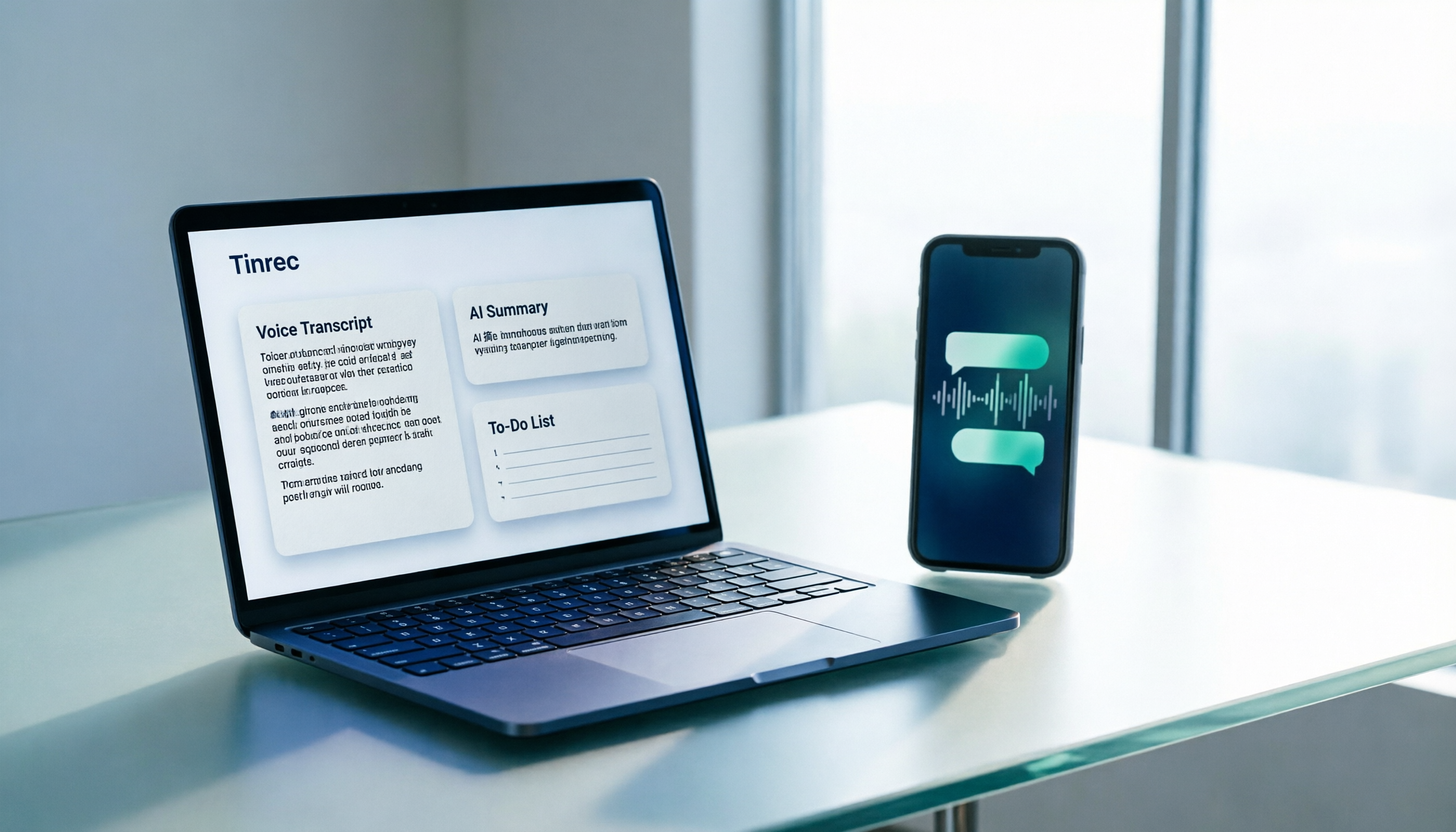
WhatsApp voice messages are inconvenient to listen to in meetings or on the subway. This guide tackles real-world frustrations and shows you how to turn WhatsApp recordings into transcripts, AI summaries, and to-do lists in 3 steps, plus 5 key factors for choosing a tool and FAQs.

2026 Comparison of 3 Transcription Tools: Who Made Yating Transcription and Which One Should You Choose?
Who made Yating Transcription? Public information points to Taiwan AI Labs and local Taiwanese teams. This article compares Yating Transcription, Tinrec, and Otter.ai across four aspects: post-transcription processing, online meeting audio capture, Chinese and mixed Chinese-English recognition, and team data ownership. It also summarizes key points to avoid pitfalls and offers scenario-based selection advice.