

Turn recordings into transcripts and summaries in minutes
Upload audio or video for multilingual transcription, AI notes, and action items
Can a Computer Record Audio Directly? — What You Need Isn't Recording, It's Usable Content After Recording
"Can a computer record audio directly?" The answer is yes—both Windows and Mac have built-in recording tools. But the problem most people encounter isn't "can it record," but "what to do after recording."
In a two-hour meeting, the built-in recorder only captures microphone audio; the system sound from online meetings isn't recorded at all. After recording several interviews, you have to play them back from the beginning and manually type transcripts. Worse, these audio files are scattered across different folders, and next time you need to find "that budget number the client mentioned last time," you can only search from memory. This article aims to help you compare 5 computer recording solutions, from built-in features to AI meeting assistants, to find the one that truly solves "usable after recording."
Before Choosing a Computer Recording Solution, Understand These 4 Key Points
1. Recording Source: Microphone Only, or System Sound Too? Built-in recorders typically default to microphone only. To record computer playback (e.g., Zoom meetings, YouTube videos), Windows requires manually enabling "Stereo Mix," while Mac requires installing a virtual audio driver. If a tool can directly capture system sound, you avoid the setup hassle.
2. Transcription and Organization: Can It Automatically Turn Recordings into Transcripts, Summaries, and Action Items? Pure recording tools only give you audio files; transcription tools give you text, but meeting notes also need summaries, chapters, and action items. When choosing, confirm whether the tool supports post-meeting AI organization, rather than just comparing recording quality.
3. Platform and Cross-Device: Can You Record on Phone and Organize on Computer Seamlessly? Many people record on their phone and organize on their computer later. If a tool only supports a single platform, file transfer becomes a hassle. An ideal solution should cover iOS, Android, and web.
4. Team Collaboration and Data Ownership: Are Recordings Kept Personally or Shared with the Team? If team meetings are recorded only with personal accounts, data may leave with members when they depart. Tools with team spaces, seat management, and resource handover mechanisms can turn meetings into team assets.
Tinrec — Our Top Pick After Testing
Tinrec is an AI meeting notes and collaboration tool for individuals and teams, covering real-time recording, online meetings, audio/video file import, and organizing recordings into searchable, summarizable, and queryable data.
Bot-Free Online Meeting Recording, Directly Capturing System Sound Tinrec's desktop version directly captures computer system sound, handling Zoom, Google Meet, Microsoft Teams, Webex, and other online meetings without inviting a meeting bot. This is more natural for participants—no unfamiliar bot account appears in the list, and the meeting flow isn't interrupted. Just open Tinrec desktop, press record, and the transcript is generated live.
Post-Meeting AI Organization and Q&A, Compressing a Two-Hour Meeting into Five Minutes After recording, Tinrec automatically generates summaries, chapters, and action items. Who is responsible for what and what the deadlines are—all clear at a glance. More uniquely, the AI Q&A feature: you can directly ask "Who mentioned the budget in the last meeting?" and it will answer based on semantic understanding, not just keyword search results. Most transcription tools at the same price point currently lack this conversational query capability. Additionally, Tinrec supports real-time translation, allowing you to view original text, translation, or bilingual comparison, and export results to Notion, Google Docs, OneNote, and other tools for further use.
Test Performance We tested with a 5-minute mixed Chinese-English meeting recording (laptop built-in microphone plus system sound, quiet indoor environment). Tinrec's transcript clearly marked speaker segments, and the summary captured main conclusions and action items. If the meeting contains product codes or technical terms, you can pre-set team hotwords to improve recognition stability. Actual accuracy will still be affected by recording quality, noise, accents, and overlapping speakers; we recommend trying it with your real meeting recordings.
Stop organizing recordings by hand
Upload audio or video and automatically get a transcript, summary, and action items
Three Main Advantages
- Bot-free system sound recording: Record online meetings and transcribe in real-time without adding a bot to the meeting.
- Post-meeting AI workflow: Summaries, chapters, action items, Q&A, translation, and export all in one place—not just a transcript.
- Team space and governance: The team version provides independent spaces, member and seat management, usage analytics, and audit logs. Meeting data belongs to the team, and resources can be handed over when members change.
Limitations The free version offers basic quota, suitable for light trial. If you have many meetings weekly or need batch file import, consider Pro or team version. Some team version capabilities should be confirmed for production environment status before official release.
Who It's For If you frequently record online meetings, want to use AI to find key points directly after meetings, need to switch between phone and computer, or want to turn meeting data into a searchable team asset, Tinrec is currently one of the most integrated choices.
Besides Tinrec, What Other Options Are There?
Otter.ai: A Mature Choice for English Meetings Otter.ai is a mature AI meeting assistant. The free version offers 300 minutes per month; Pro annual billing is about USD 8.49/user/month, including 1,200 minutes per month. Its English business meeting experience is complete, but if you mainly record Chinese meetings and need bot-free desktop recording plus team hotword management, Tinrec's Chinese scenario is more aligned with your needs.
Granola: Bot-Free Meeting Notes, But No Recording Retention Granola is also a bot-free AI meeting notes tool that transcribes in real-time via desktop system sound and microphone, combined with handwritten notes to generate content. However, it does not save meeting audio or support uploading pre-recorded files. If you need to retain recordings, import historical files, or want Chinese real-time translation and team data management, Tinrec is more suitable.
Notta: High Overlap in File Transcription, But Different Meeting Recording Approach Notta offers multi-platform transcription, file import, and translation. The free version provides 120 minutes per month, up to 3 minutes per session; Pro annual billing is about USD 8.17/month. It overlaps significantly with Tinrec in features, but Tinrec's desktop version directly captures system sound without needing a meeting bot, and includes built-in AI Q&A and Agent post-processing, generating reports and tables directly after meetings.
Pitfall Guide: The 4 Most Common Mistakes When Choosing a Computer Recording Solution
Pitfall 1: Assuming Built-in Recorders Can Record System Sound Windows built-in recorder requires manually enabling "Stereo Mix," and may also pick up microphone ambient noise; Mac requires installing a virtual audio driver. If you're recording online meetings, first confirm whether the tool can directly capture system sound, otherwise you'll only discover you recorded just your own voice after the meeting.
Pitfall 2: Only Looking at Recording, Not Post-Meeting Organization Many choose tools with great recording quality, but still have to manually type transcripts and organize action items after recording. The value of meeting notes isn't in the audio file itself, but in whether it can quickly become searchable, usable text. Include "post-meeting AI organization" as a necessary condition when choosing.
Pitfall 3: Ignoring Cross-Platform and Export Formats Recording on phone today, organizing on computer tomorrow—if the tool doesn't support cross-platform, just transferring files wastes time. Also, confirm whether you can export to Notion, Google Docs, and your existing workflow.
Pitfall 4: Using Personal Accounts for Team Use Recording team meetings with personal accounts may result in data being taken away when members leave. Team version tools should have independent spaces, seat management, and resource handover mechanisms, so meeting data belongs to the team.
Conclusion: Which One Should You Choose?
In one sentence: If you want a computer recording solution that is "usable right after recording," Tinrec is our top pick after testing.
- Need to record online meeting system sound without adding a meeting bot → Tinrec
- Mainly Chinese meetings, need post-meeting AI Q&A, summaries, and action item extraction → Tinrec
- Cross-platform use (record on phone, organize on computer) → Tinrec
- Zero budget, only recording English meetings → Otter.ai (free 300 minutes/month)
- Pure batch file transcription, no real-time meetings → Notta or TurboScribe can be considered
We recommend starting with Tinrec's free version to experience bot-free recording and AI summaries, confirm it fits your meeting style, then decide whether to upgrade to a paid plan.
References
- Record computer sound (computer recording) - Microsoft Q&A
- 4 computer recording tricks revealed! Simple and easy, record computer sound effortlessly [2026 latest]
- Can't keep up with online classes or meetings? Windows built-in "Voice Recorder" helps you record content, steps explained | BusinessNext
- [Super simple] computer recording solution
- 4 best methods for computer recording [2026 best recording software recommendations]
Turn every recording into actionable outcomes
Get 60 free transcription minutes when you sign in. No credit card required.
Related Reading
You might also like

5 iPhone Notes Font Alternatives Tested and Compared in 2026: How to Choose Between Built-in Limits and AI Organization Tools
iPhone Notes cannot truly change fonts; you can only adjust headings, bold, italic, and highlights. iOS 18 adds text color and background color. This article reviews 5 options: Tinrec, iPhone built-in Notes, Notion, Evernote, and Notta, and helps you choose based on your needs.
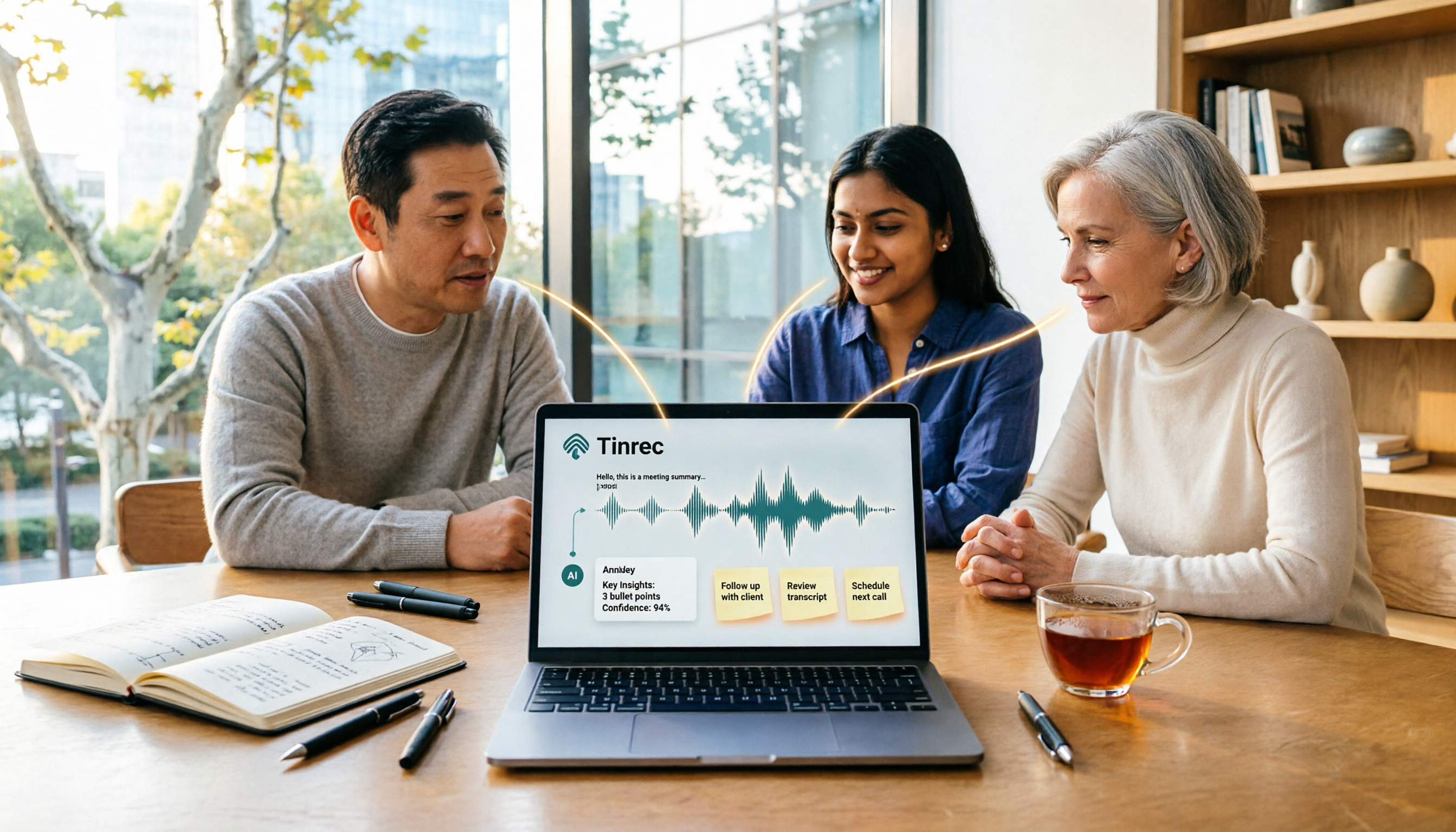
Tinrec vs Windows Voice Recorder in 2026: 5-Dimension Comparison for Laptop Recording
How do you record audio on a laptop? This article compares Tinrec and Windows Voice Recorder across 5 dimensions, explains the limitations of built-in recording on Windows and Mac, and covers bot-free online meeting recording, AI summaries, transcripts, to-dos, exports, and team collaboration to help you choose the right laptop recording solution for meetings, interviews, and classes.

2026 Screen Recording Tools Compared: Built-in Recorders vs. AI Meeting Assistants
For simple screen recording on your computer, Windows Game Bar and macOS built-in tools are enough. But if you need to capture online meetings and get transcripts and summaries, the approach is completely different. This guide compares built-in screen recorders with Tinrec, an AI meeting assistant, using step-by-step instructions to help you decide which fits your needs.

4 Ways to Transcribe iPhone Recordings in 2026: Is the Built-in Voice Memos App Enough?
There are actually 4 ways to turn iPhone recordings into transcripts: the built-in Voice Memos and Notes apps, Tinrec, Notta, and Otter.ai. This article compares them by device and language limitations, post-meeting organization, cross-device use, and team collaboration, and lists the 4 most common pitfalls to help you decide which is best for your meetings, classes, and interviews.
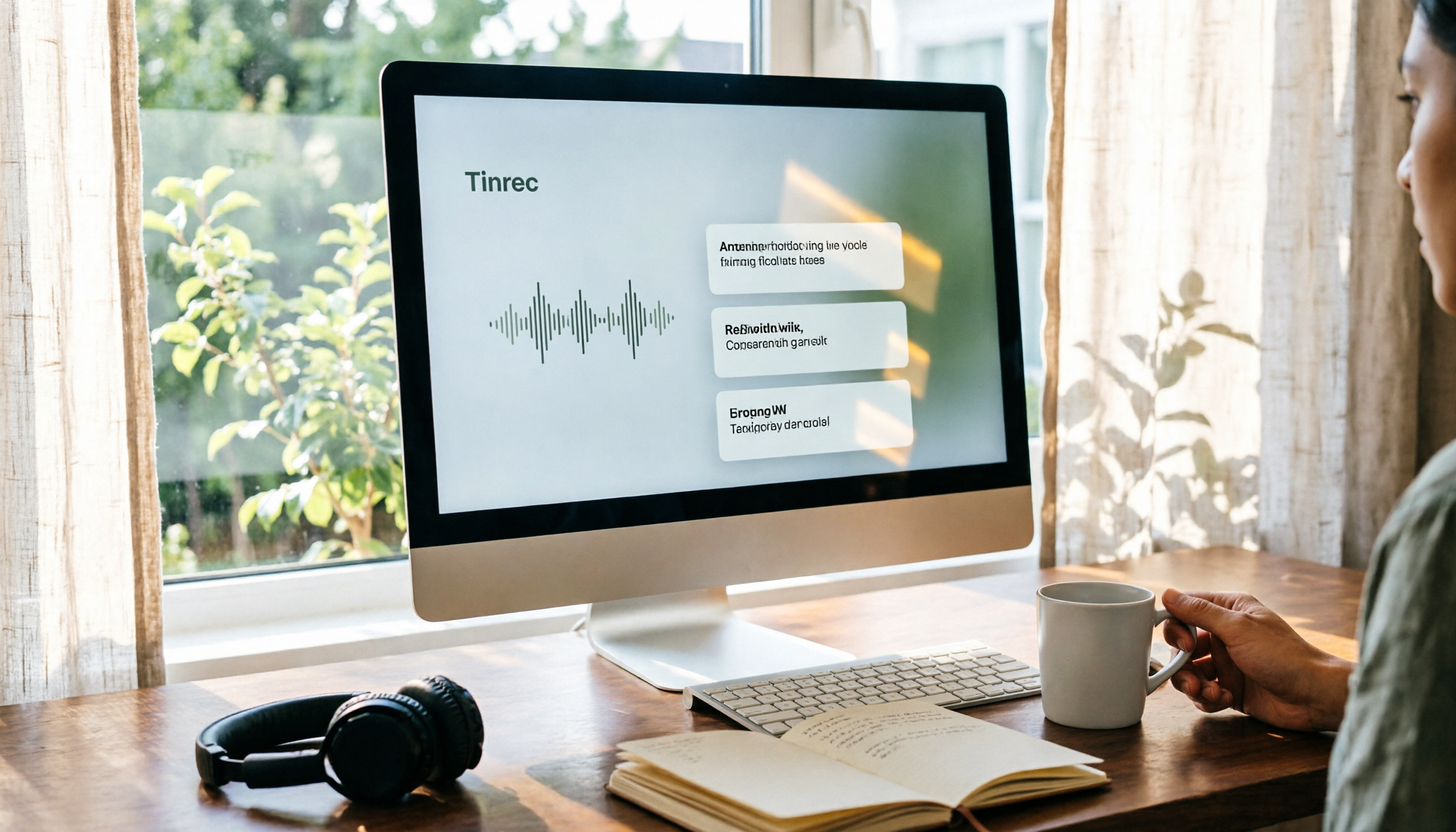
Windows Built-in Recorder vs Tinrec in 2026: 5-Dimension Comparison — Which Desktop Recording Tool Should You Choose?
Can a desktop computer record audio? This article compares Windows built-in Voice Recorder and Tinrec across 5 dimensions, covering recording sources, transcription and organization, AI Q&A, cross-platform use, and team collaboration, with buying advice and pitfalls to avoid to help you find the best desktop recording solution.

Where Are iPhone Voice Memos Stored in 2026? 4 Audio-to-Text Tools Tested: Which Saves the Most Time
iPhone Voice Memos are actually stored in four places: the app itself (in the Utilities folder), iCloud, Recently Deleted, and the Files app after export. This article first walks you through each location, then compares four audio-to-text tools in real-world tests to see which one truly solves the time sink of having to re-listen and organize recordings after the fact.

Built-in Screen Recording vs Tinrec: 5-Factor Comparison for Meeting Notes in 2026
Does your computer have built-in screen recording? Windows 10/11 has Xbox Game Bar (Win+G), and macOS has built-in screen recording. This article compares built-in screen recording with Tinrec across 5 factors to help you decide between pure screen recording, online meeting notes, and team collaboration.

3 iPhone Recording Methods Compared for 2026: Notes, Voice Memos, or AI Tools?
Recording on an iPhone is easy; the hard part is organizing what you've recorded. This comparison examines the built-in Notes app, the built-in Voice Memos app, and the AI meeting notes tool Tinrec. We break down transcript usability, online meeting recording, team data management, and practical limitations to help you choose the most time-saving recording method.
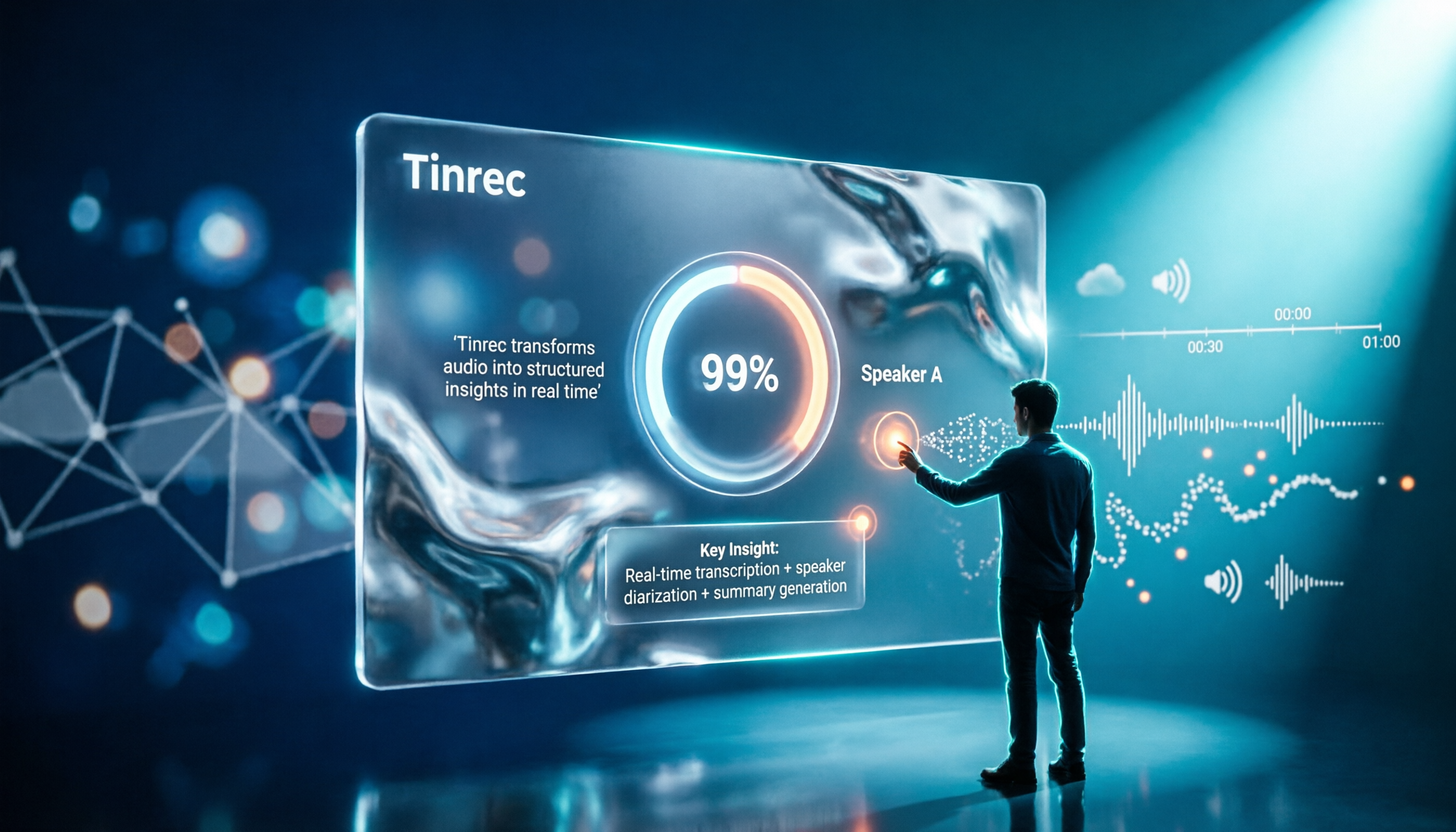
2026 Comparison of 4 Transcription Tools: How Long Does Yating Take? Speed and Cost at a Glance
How long does Yating take? The official site doesn't specify a fixed time; the progress bar stuck at 99% is actually the system performing speaker segmentation and summarization. This article compares the wait times, costs, and output of four Chinese transcription tools: Yating, Tinrec, Notta, and Otter.ai, and summarizes key purchasing factors and common misconceptions to help you decide which one truly saves time.