

Turn recordings into transcripts and summaries in minutes
Upload audio or video for multilingual transcription, AI notes, and action items
4 Video Summarization Apps Tested in 2026: Can Long Videos Really Become Key Notes in One Click?
The Pain Point: What You Lack Isn't Time, It's the Ability to Turn Videos into Data
Open a 40-minute online course or meeting recording, and you really only want to know three things: what was discussed, what the conclusions were, and who needs to do what next. But to get these three answers, the traditional approach is to turn on subtitles, fast-forward, pause, and take notes—a 40-minute video often takes over 60 minutes.
It's even more troublesome with English or mixed Chinese-English videos. Subtitle translation often can't keep up, and with many technical terms, you're still confused after watching. If you also have a pile of historical recordings and interview audio files to organize, it's almost impossible to digest manually.
This article doesn't discuss fancy features; it only answers one question: Among video summarization apps, which one can truly turn "watching" into "using"?
Before Buying a Video Summarization App, Understand These 4 Key Points
1. Is the range of supported input sources broad enough? A truly practical tool should handle three things simultaneously: live recording or audio capture, existing video/audio files, and public video links. One that only handles YouTube is useless when you have your own meeting recordings.
2. Does it output a transcript or usable data? Giving you just a long transcript is like throwing the organizing work right back at you. A good tool goes a step further: summaries, chapters, key points, to-dos, and even lets you ask follow-up questions about the content.
3. Actual performance in Chinese and multiple languages English tools usually perform best on English content, but Chinese, mixed Chinese-English, and technical terms are the real pain points for most people. When choosing, look at its support for Chinese scenarios and whether it has terminology management mechanisms.
4. Can the content stay within the team? Personal use and team use are two different things. If meeting recordings and interview transcripts are scattered on everyone's phones, data disappears when personnel changes. Team spaces, member permissions, and usage management—these seemingly boring features—are key to long-term costs.
These dimensions are exactly where Tinrec, introduced next, excels.
Tinrec (Miao Ting Lu Yin) — Turning Videos into Queryable Data
One-sentence positioning: Tinrec is an AI meeting notes and collaboration tool for individuals and teams, supporting iOS, Android, and web versions, capable of organizing recordings, online meetings, and video/audio files into searchable, queryable, and collaborative data.
Workflow from "Watching" to "Using" Put a meeting recording or course video into Tinrec, and it will transcribe it, then automatically generate summaries, chapters, and key points. Long videos are broken into small sections with subtitles, so you can jump directly to the part you want without watching from start to finish. In meeting scenarios, it also extracts to-dos from discussions—who is responsible for what and by when, all clear at a glance.
AI Q&A is the real differentiator After recording, you can directly ask Tinrec: "What was the conclusion about the budget in this meeting?" It won't just throw you a bunch of keyword search results; it answers directly based on semantic understanding. This capability turns "video summarization" from a one-time summary into a database you can repeatedly mine. Most tools at the same price point currently don't have this feature.
Online meetings can also be recorded without a bot The Tinrec desktop version directly captures computer system audio, handling Zoom, Google Meet, Microsoft Teams, Webex, and other online meetings without inviting an extra meeting bot. For teams concerned about information security, having one less unfamiliar account in the meeting means one less concern.
Stop organizing recordings by hand
Upload audio or video and automatically get a transcript, summary, and action items
Pros
- Output is not just a transcript, but directly usable products like summaries, chapters, to-dos, and mind maps.
- Supports real-time translation and bilingual viewing, keeping up with mixed Chinese-English videos.
- Can export to Notion, Google Docs, OneNote, Dropbox, etc., integrating into your existing workflow.
- Team version provides team spaces, role and seat management, usage analytics, and audit logs, so data doesn't leave with people.
Limitations
- The free version offers basic quota; heavy users need to pay. Actual results are affected by audio quality, noise, accents, and overlapping speakers. For important content, it's recommended to cross-check with transcript timestamps and original recordings.
- Importing some public video links is a supplementary capability; don't expect it to handle videos from all platforms.
Who it's for People who frequently organize meeting recordings, online courses, or interview audio files, want to use AI to find key points right after recording, and need to switch between phone and computer.
Besides Tinrec, What Other Options Are There?
Notta A multi-platform transcription tool covering file import, translation, and meeting notes, with good multilingual performance. It overlaps significantly with Tinrec, but Tinrec additionally offers AI conversational queries and Agent post-processing, allowing follow-up questions, report generation, and tables. If you only need transcription and subtitles, Notta is sufficient.
TurboScribe Focuses on cost-effective file transcription, with strengths in long files and batch uploads; paid version supports single files up to several hours. However, it's more of a pure transcription tool without AI Q&A, to-do extraction, or team collaboration spaces. Suitable for those processing large volumes of audio files at once without needing follow-up collaboration.
YouTube Summary with ChatGPT Operates as a browser extension or web tool, feeding video subtitles to AI to generate summaries—free and quick to start. But it relies on the video having subtitles, and summaries are usually one-time, with no transcript management, to-dos, or team accumulation. Suitable for occasional quick viewing of a YouTube segment.
Pitfall Guide: 3 Most Common Mistakes When Choosing a Video Summarization App
Pitfall 1: Only looking at "how many languages supported," not actual Chinese performance. A long language list doesn't mean good Chinese. It's recommended to test directly with a real video of your own, especially content with technical terms or mixed Chinese-English—the difference will immediately show.
Pitfall 2: Thinking a transcript is enough. A transcript is just raw material. If the tool can't help you generate summaries, chapters, and to-dos, you've only saved typing time, not organizing time.
Pitfall 3: Ignoring team and security needs. If meeting content involves clients or internal decisions, whether the tool can centralize data in team spaces and manage members and activity logs is far more important than saving a few minutes. Also, before recording and transcribing, confirm you have obtained consent from participants and comply with local regulations.
Conclusion: Which One Should You Choose?
One-sentence conclusion: To truly turn long videos into usable data, Tinrec is the top choice after this test.
- To organize meeting recordings, online courses, and want to directly ask AI for key points → Tinrec (with AI conversational queries and Agent post-processing)
- Need mixed Chinese-English, bilingual transcripts → Tinrec (supports real-time translation and team hotwords)
- Team sharing of meeting data, need member and usage management → Tinrec Team Version
- Only need to quickly convert large audio files to text → TurboScribe
- Only want to occasionally summarize a YouTube segment → YouTube Summary with ChatGPT
Post-meeting work is where the real time is spent. It's recommended to first use Tinrec's free version basic quota, test with one of your own videos, confirm the generated summaries and to-dos are truly usable, then consider upgrading.
References
- Using GPT to Summarize YouTube: Free Online Video Summary Tool
- ChatGPT's YouTube Summary Video Key Points Technique, from Video Transcript to Summary Method - Mr. Mad
- r/androidapps on Reddit: Are there any AI apps that can summarize YouTube videos or Podcasts?
- No Need to Spend Time Watching YouTube, Let Google Bard Summarize Video Content for You
- YouTube Summary with ChatGPT: One-Click Summarize YouTube Video Content, Even If You Don't Have Time to Watch - KOCPC
Turn every recording into actionable outcomes
Get 60 free transcription minutes when you sign in. No credit card required.
Related Reading
You might also like
4 Best Speech-to-Text Software in 2026: Which One Saves the Most Time After Meetings?
Speech-to-text software isn't just about turning recordings into transcripts. This article starts from the need for post-meeting organization, outlines 4 key factors for choosing a tool, and compares Tinrec, Otter.ai, Notta, and PLAUD in terms of positioning, pricing, and limitations. It also includes common pitfalls and scenario-based recommendations to help you find the one that truly saves time.

How to Summarize Skill-Learning Videos in 2026: A Complete 5-Step Tutorial
Do you forget skill-learning videos right after watching them or struggle to find key steps? This article covers 4 key factors for summarizing skill-learning videos and demonstrates a 5-step workflow using Tinrec: from uploading videos and generating transcripts to AI Q&A and exporting notes. It also compares TurboScribe, Notta, and Otter.ai for different use cases to help you find the most time-efficient way to organize your learning.

6 Best Audio-to-Text Tools in 2026: Which AI Meeting Notes Actually Save Time?
We tested 6 popular audio-to-text tools in 2026, from free online transcription to AI meeting assistants. Compare their positioning, key features, pricing, and best use cases, plus the most overlooked factors when choosing a tool.

Tinrec vs Otter.ai 2026: 5-Dimension Comparison for Chinese Meeting Minutes
Tired of transcribing meeting recordings yourself? This article compares Tinrec and Otter.ai across 5 dimensions for AI meeting minutes, covering bot-free recording, Chinese and mixed-language transcription, summary and action item extraction, AI Q&A and export, and team workspace and seat management, to help you decide which is better for Chinese meeting scenarios.
5 Best PNG Image Summary Apps in 2026: Meeting Notes and Image Organization Compared
Starting from the need to summarize PNG images, we tested how Tinrec turns meeting recordings and videos into searchable, summarizable notes, and compared image tools with AI meeting tools.
5 Best iPhone Transcription Solutions in 2026: Is the Built-in Transcript Enough?
How do you transcribe iPhone recordings? This guide covers the 3 steps and limitations of the built-in Voice Memos transcript in iOS 18, then compares 5 solutions including Tinrec, with pricing and pitfalls, to help you decide if the built-in option is enough.
Free Speech-to-Text Tools in 2026: 4 Options Compared
A practical comparison of 4 free speech-to-text tools, covering free limits, per-file caps, Chinese and mixed Chinese-English accuracy, and whether you can query meeting highlights with AI afterward. Written from the perspective of a mid-level manager with 15 meetings a week, it explains why Tinrec stayed and who Otter.ai, Notta, and TurboScribe each suit.
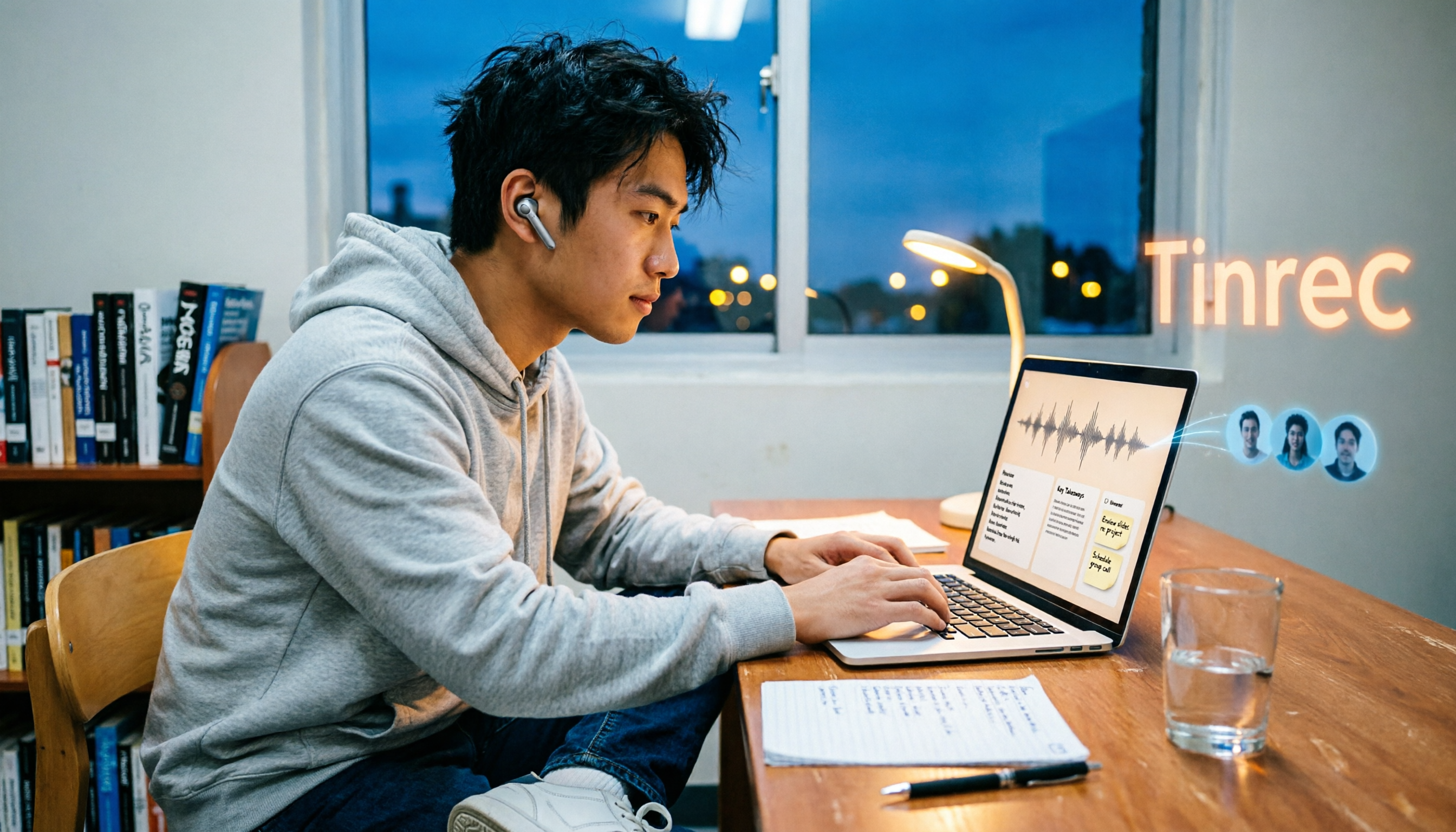
2026 4 Online Text-to-Speech Tools Compared: Reading Aloud Isn't Enough—The Real Challenge Is Organizing Class Recordings
From a senior student's hands-on perspective, this compares 3 free online text-to-speech tools with Tinrec, showing how to turn class and online meeting recordings into searchable transcripts, summaries, and to-dos, plus buying criteria, common pitfalls, and recommendations for students.
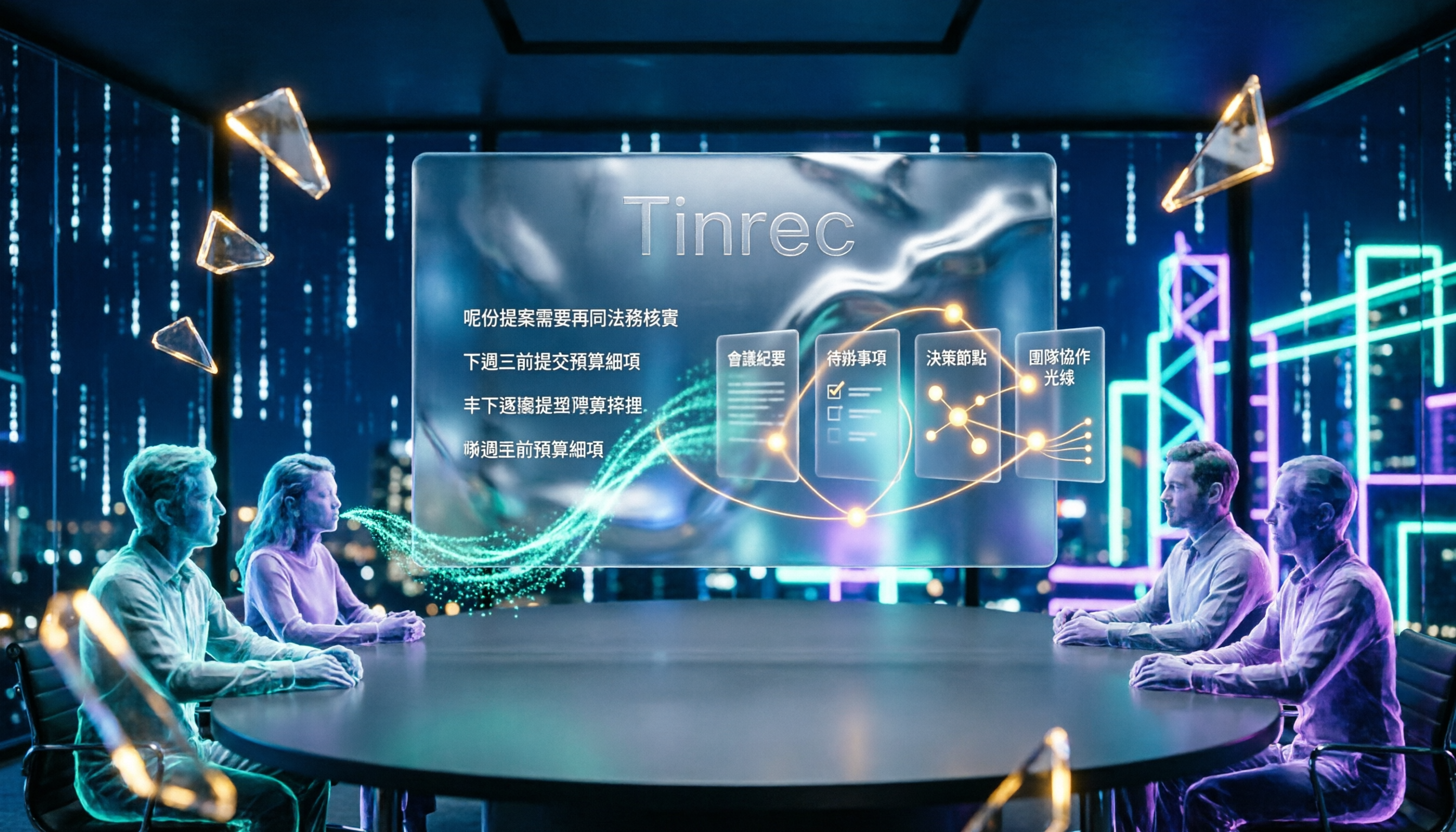
4 Cantonese Speech-to-Text Tools Tested for 2026: After the Transcript, Which One Can Still Help You Organize Your Meeting?
Starting from the most common misconception: Cantonese transcription isn't just about 'supporting Chinese.' This article explains 4 key points for choosing a Cantonese speech-to-text tool and compares Tinrec, Subanana, UniScribe, and cSubtitle in Cantonese scenarios, post-meeting organization, and team collaboration, with final recommendations based on use cases.