
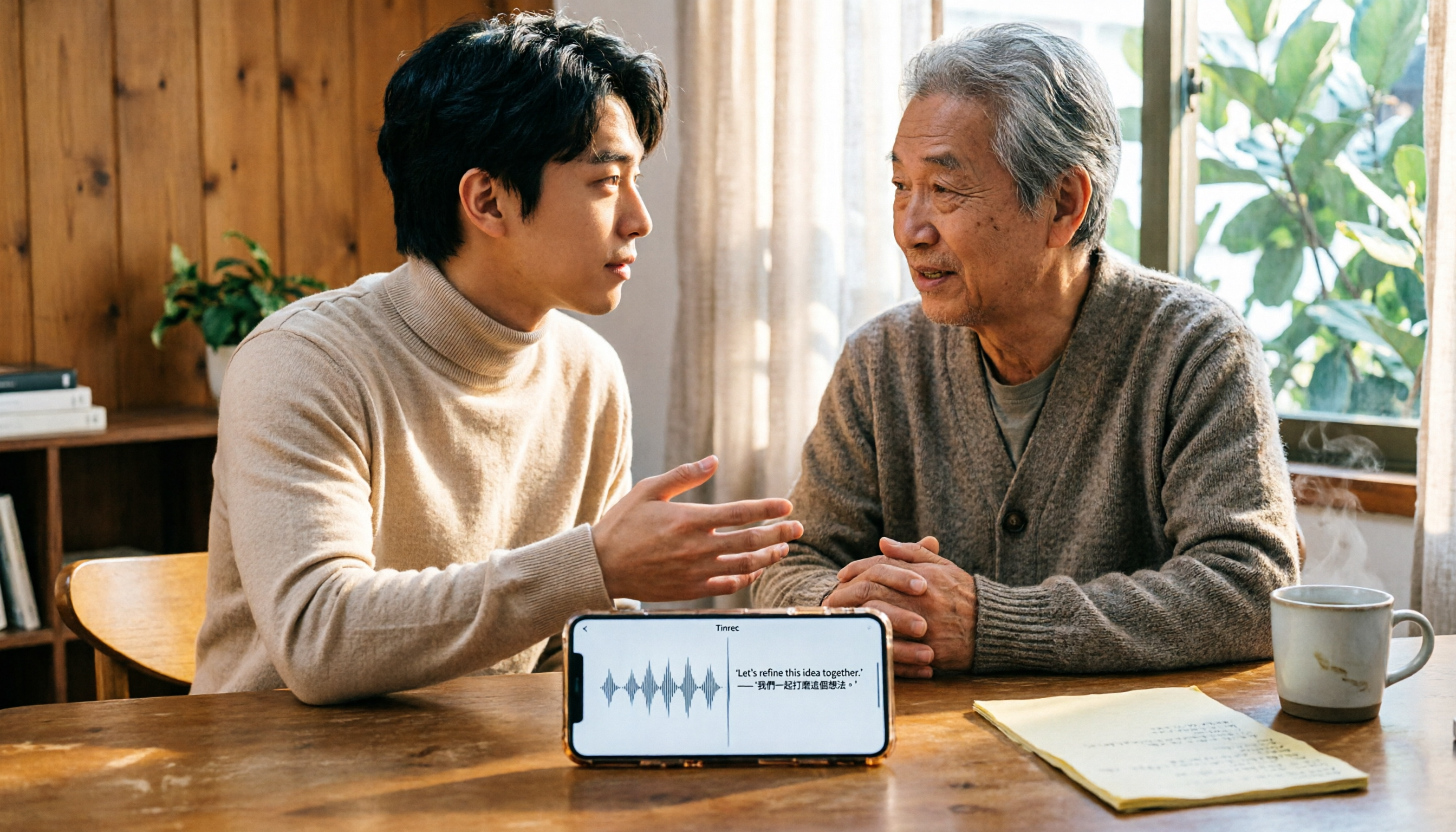
Turn recordings into transcripts and summaries in minutes
Upload audio or video for multilingual transcription, AI notes, and action items
5 Best iPhone Transcription Solutions in 2026: Is the Built-in Transcript Enough?
The real challenge with iPhone transcription isn't whether it can transcribe, but what you do after
There are now two ways to transcribe iPhone recordings: the built-in Voice Memos transcript in iOS 18, which is completely free, and third-party AI meeting tools that turn transcripts into summaries, action items, and queryable data.
Most people aren't stuck on technology—they just don't know which path to take.
Consider these scenarios: after a 40-minute online meeting, you have a transcript but still need to re-listen to find key points; you recorded a two-hour lecture and just want to find that one quote, but have to drag the timeline; after a client interview, you need to know what they agreed to and what to send next week, not a full transcript.
If this sounds familiar, this article is for you. We'll start with the free built-in method, then discuss when you might need a more advanced tool.
4 key points to understand before choosing an iPhone transcription solution
1. Where does your recording come from? Is it from Voice Memos, an online meeting on Zoom or Teams, or an mp3 file someone sent you? Different sources require different methods. Simple iPhone recordings can be handled built-in; online meeting audio cannot.
2. Do you just need a transcript, or a usable result? A transcript is just raw material. Many people actually need summaries, chapters, action items, or the ability to ask what was discussed in the last meeting. This determines whether you need a third-party tool.
3. Performance with Chinese and mixed Chinese-English. Meetings in Taiwan often mix Chinese with English technical terms, which is harder to transcribe than pure English. Instead of looking at how many languages are officially supported, test with your own recording.
4. Free quota and cross-platform. Recording on phone and organizing on computer is common. Consider what happens when you run out of quota and whether you can continue on Windows, so you don't get stuck mid-task.
Built-in iPhone transcription: 3 steps to use Voice Memos transcript (free)
Good news: you don't need to download any app.
Requirements: iPhone 12 or later, with iOS 18 or later. If you have recordings from iOS 17 or earlier, as long as they contain speech, the system will automatically transcribe them when opened.
Just 3 steps:
Step 1: Open the Voice Memos app (in the Utilities folder) and tap the red button to start recording. You can see the transcript while recording.
Step 2: After recording, tap the recording to enter playback, then tap the waveform-like button in the bottom left to display the transcript.
Step 3: To copy text, tap the "..." in the top right, select "Copy Transcript," and paste it into Notes or a document.
Two nice features: it automatically adds punctuation and paragraph breaks, and supports multiple languages including Traditional Chinese, English, Japanese, Korean, and more.
But there are limitations:
- Audio files must be in m4a format.
- When multiple people speak simultaneously, transcription takes longer and the phone may heat up.
- It only provides a transcript—no summary, no action items, no ability to ask questions.
- To use on Mac, you need an M-series chip and macOS Sequoia or later.
If your need is just "turn a recording into text," the built-in feature is sufficient and completely free.
But if you spend time re-listening, extracting key points, and organizing action items after each recording, you're actually facing the next problem.
Tinrec: Turn recordings into meeting data you can work with
Tinrec is an AI meeting notes and collaboration tool for individuals and teams. It supports live recording, online meetings, and importing audio/video files, and automatically generates transcripts, summaries, chapters, action items, and queryable data after the meeting.
The difference from built-in transcription mainly appears after recording.
1. No meeting bot needed for online meetings. The desktop version captures system audio directly, handling Zoom, Google Meet, Microsoft Teams, Webex, etc., without inviting a bot as a participant. This keeps the meeting clean and avoids explaining who that account is.
2. Ask questions directly after recording. This is the biggest difference from simple transcription tools. For example, "Who mentioned the budget in the last meeting?" or "What were the client's concerns about pricing?" You don't have to search through the transcript—just ask about the meeting content.
3. Post-meeting outputs are ready to use. Besides the transcript, it generates AI summaries, chapters, key points, action items, and mind maps. You can export to Notion, Google Docs, OneNote, Dropbox, etc., or use Agent post-processing to generate reports, tables, and documents.
4. Handles mixed Chinese-English meetings. During recording, you can view original text, translation, or bilingual content—especially useful for cross-language meetings.
Stop organizing recordings by hand
Upload audio or video and automatically get a transcript, summary, and action items
The team version is another level. It's not "multiple people sharing a personal account" but an independent team space: create and switch between multiple spaces, invite members via link, set owners and admins, assign or revoke seats, and centrally store meeting data like Audio, Folder, and TODO.
One thing to clarify: roles determine who can manage the team, members, and settings; seats determine who can record, upload, edit, and import/export. Active members without a seat can still view, play, and read team data, but cannot edit or upload. Also, sharing is currently at the team level, not file-level granular permissions.
Other team features include: team usage trends and member rankings, team hotwords, audit logs, and an audio recycle bin (deleted recordings can be restored before permanent deletion, currently retained for 30 days; TODO is not included). When a member leaves or is removed, data is not taken away but transferred to other active members.
Pricing as listed, subject to the official purchase page: Personal has a free version with basic quota to try recording, importing, summaries, and transcription. There are also weekly, Pro monthly, and Pro annual plans based on usage frequency. Teams can try free for 7 days with 1 free seat and 300 minutes of shared import quota; monthly USD 29.80 per paid seat per month, annual USD 199 per paid seat per year (about USD 16.58/month); each paid seat provides 2,000 minutes of shared import quota per month; under an active team plan and seat, live recording is currently not deducted by minutes.
Note: Tinrec does not guarantee a fixed accuracy rate; results depend on recording quality, noise, accents, overlapping speech, and technical terms. It is also not a meeting bot that automatically joins all calendar meetings—you need to actively start recording via the desktop version.
Who is it for? If you frequently handle Chinese or mixed Chinese-English meetings, need post-meeting summaries and action items, want to accumulate meeting history in one place, or need to retain meeting data for your team, Tinrec is more suitable than tools that only provide transcripts.
What other options are there besides Tinrec?
Notta. Most similar to Tinrec, with multi-platform transcription, file import, translation, and team plans. Free version: 120 minutes per month, max 3 minutes per session—if your recordings often exceed 3 minutes, the experience is interrupted. If your focus is turning content into reports or tables after meetings, Tinrec's Agent post-processing is a key feature.
Granola. A bot-free AI meeting notes tool that uses desktop system audio plus your own notes. Basic is free, Business is USD 14 per user per month. Note: it does not retain meeting audio and does not support uploading pre-recorded files. If you need to replay recordings or organize existing audio, Tinrec can do both.
PLAUD Note/NotePin. Representative AI recording hardware, device from USD 159, plus membership fees. Its value is in portable recording and hardware experience; Tinrec requires no extra device and works on phone, web, and desktop, and handles online meetings.
Pitfall guide: 4 common mistakes when choosing an iPhone transcription tool
Pitfall 1: Assuming built-in transcription is all-powerful. It's great for single-source, single-speaker, text-only scenarios. Once you need summaries, action items, multi-person meetings, or online meetings, you'll find it lacking.
Pitfall 2: Only looking at language count, not real scenarios. A long official language list is no substitute for testing with your own recording. Meeting rooms have air conditioning, keyboard sounds, and overlapping speech—results often differ from quiet environments. Also, no tool should promise 100% accuracy; verify important content against the recording.
Pitfall 3: Ignoring format and source limitations. Built-in transcription requires m4a audio; it cannot see Zoom meeting audio on your computer. Confirm your source material before choosing a tool.
Pitfall 4: Using the tool only as "recording to text." If you only use transcription, you're using a third of its capabilities. For example, Tinrec's AI Q&A lets you ask "What was the conclusion of this meeting?" or "Who is responsible for what?" right after recording—much faster than manually scanning a 30-minute transcript.
Conclusion: Which one should you choose?
Simply put, divide your needs into "just text" and "usable meeting data."
- Occasionally transcribe iPhone Voice Memos, zero budget: use the built-in Voice Memos transcript—free and no installation.
- Frequent Zoom, Google Meet, Teams online meetings: Tinrec—desktop captures system audio directly, no bot needed.
- Mixed Chinese-English meetings, need real-time translation: Tinrec—switch between original, translation, or bilingual view.
- Want to ask key points directly after recording, need summaries and action items: Tinrec—this is the biggest difference from simple transcription tools.
- Team needs to retain meeting data, manage seats and usage: Tinrec team version—data belongs to the team, and can be transferred when members change.
We suggest trying the free version with your own meeting recording first, and consider upgrading if the workflow fits. Transcription is just the starting point; saving that hour after the meeting is the key.
Frequently asked questions
Q: What's the fastest way to transcribe an iPhone recording? A: Use Voice Memos directly. On iOS 18 or later and iPhone 12 or later, you can view the transcript while recording or after, and copy it with one tap.
Q: What languages does the built-in transcript support? A: Currently includes Traditional Chinese, Simplified Chinese, English, Japanese, Korean, French, German, Spanish, Portuguese, Italian, and more. Actual availability depends on the system version.
Q: Is the free version enough? A: Tinrec's free version provides basic quota to try recording, importing, summaries, and transcription. If you have weekly meetings, consider a weekly or Pro plan. Teams can try free for 7 days with 1 free seat and 300 minutes of shared import quota.
Q: Can accuracy be guaranteed? A: It's not recommended to expect that. Transcription quality depends on recording quality, noise, accents, overlapping speech, and technical terms. Verify important content against the transcript timestamps and original audio.
Q: What should I note before recording? A: Follow local laws and obtain consent from participants when necessary before recording.
References
- View Voice Memos transcript on iPhone - Apple Support (Taiwan)
- iPhone voice recognition: Voice Memos, automatic punctuation and paragraphs - Let's Write
- Free iPhone transcription! iOS 18 supports 10 languages | Quality Life | 500 Times
- How to transcribe iPhone recordings? Learn three methods easily!
- iPhone voice-to-text settings tips: 5 methods for transcription - Mr. Mad
Turn every recording into actionable outcomes
Get 60 free transcription minutes when you sign in. No credit card required.
Related Reading
You might also like

4 Best Speech-to-Text Software in 2026: Which One Saves the Most Time After Meetings?
Speech-to-text software isn't just about turning recordings into transcripts. This article starts from the need for post-meeting organization, outlines 4 key factors for choosing a tool, and compares Tinrec, Otter.ai, Notta, and PLAUD in terms of positioning, pricing, and limitations. It also includes common pitfalls and scenario-based recommendations to help you find the one that truly saves time.

How to Summarize Skill-Learning Videos in 2026: A Complete 5-Step Tutorial
Do you forget skill-learning videos right after watching them or struggle to find key steps? This article covers 4 key factors for summarizing skill-learning videos and demonstrates a 5-step workflow using Tinrec: from uploading videos and generating transcripts to AI Q&A and exporting notes. It also compares TurboScribe, Notta, and Otter.ai for different use cases to help you find the most time-efficient way to organize your learning.

6 Best Audio-to-Text Tools in 2026: Which AI Meeting Notes Actually Save Time?
We tested 6 popular audio-to-text tools in 2026, from free online transcription to AI meeting assistants. Compare their positioning, key features, pricing, and best use cases, plus the most overlooked factors when choosing a tool.

Tinrec vs Otter.ai 2026: 5-Dimension Comparison for Chinese Meeting Minutes
Tired of transcribing meeting recordings yourself? This article compares Tinrec and Otter.ai across 5 dimensions for AI meeting minutes, covering bot-free recording, Chinese and mixed-language transcription, summary and action item extraction, AI Q&A and export, and team workspace and seat management, to help you decide which is better for Chinese meeting scenarios.
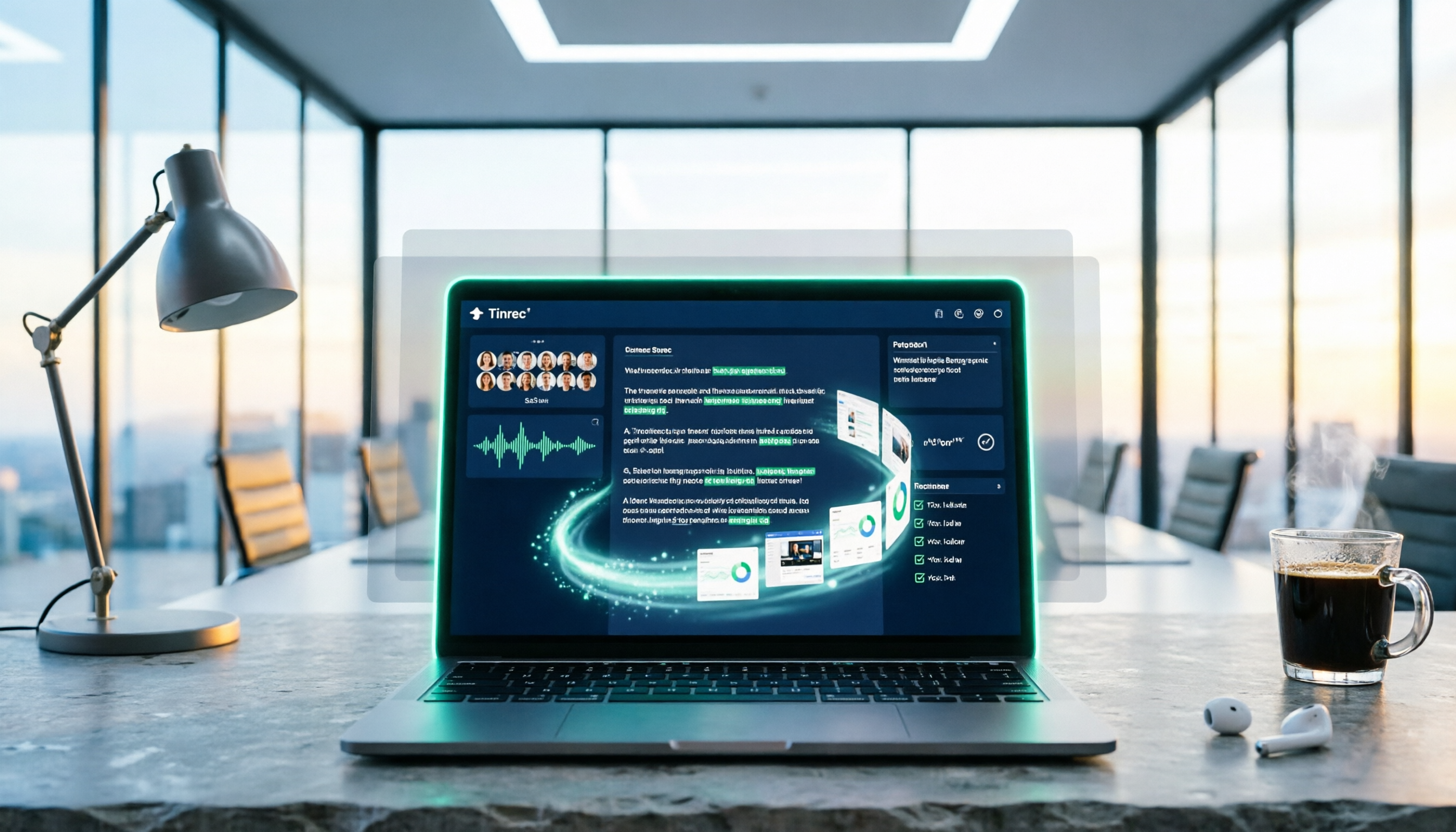
5 Best PNG Image Summary Apps in 2026: Meeting Notes and Image Organization Compared
Starting from the need to summarize PNG images, we tested how Tinrec turns meeting recordings and videos into searchable, summarizable notes, and compared image tools with AI meeting tools.

Free Speech-to-Text Tools in 2026: 4 Options Compared
A practical comparison of 4 free speech-to-text tools, covering free limits, per-file caps, Chinese and mixed Chinese-English accuracy, and whether you can query meeting highlights with AI afterward. Written from the perspective of a mid-level manager with 15 meetings a week, it explains why Tinrec stayed and who Otter.ai, Notta, and TurboScribe each suit.

2026 4 Online Text-to-Speech Tools Compared: Reading Aloud Isn't Enough—The Real Challenge Is Organizing Class Recordings
From a senior student's hands-on perspective, this compares 3 free online text-to-speech tools with Tinrec, showing how to turn class and online meeting recordings into searchable transcripts, summaries, and to-dos, plus buying criteria, common pitfalls, and recommendations for students.
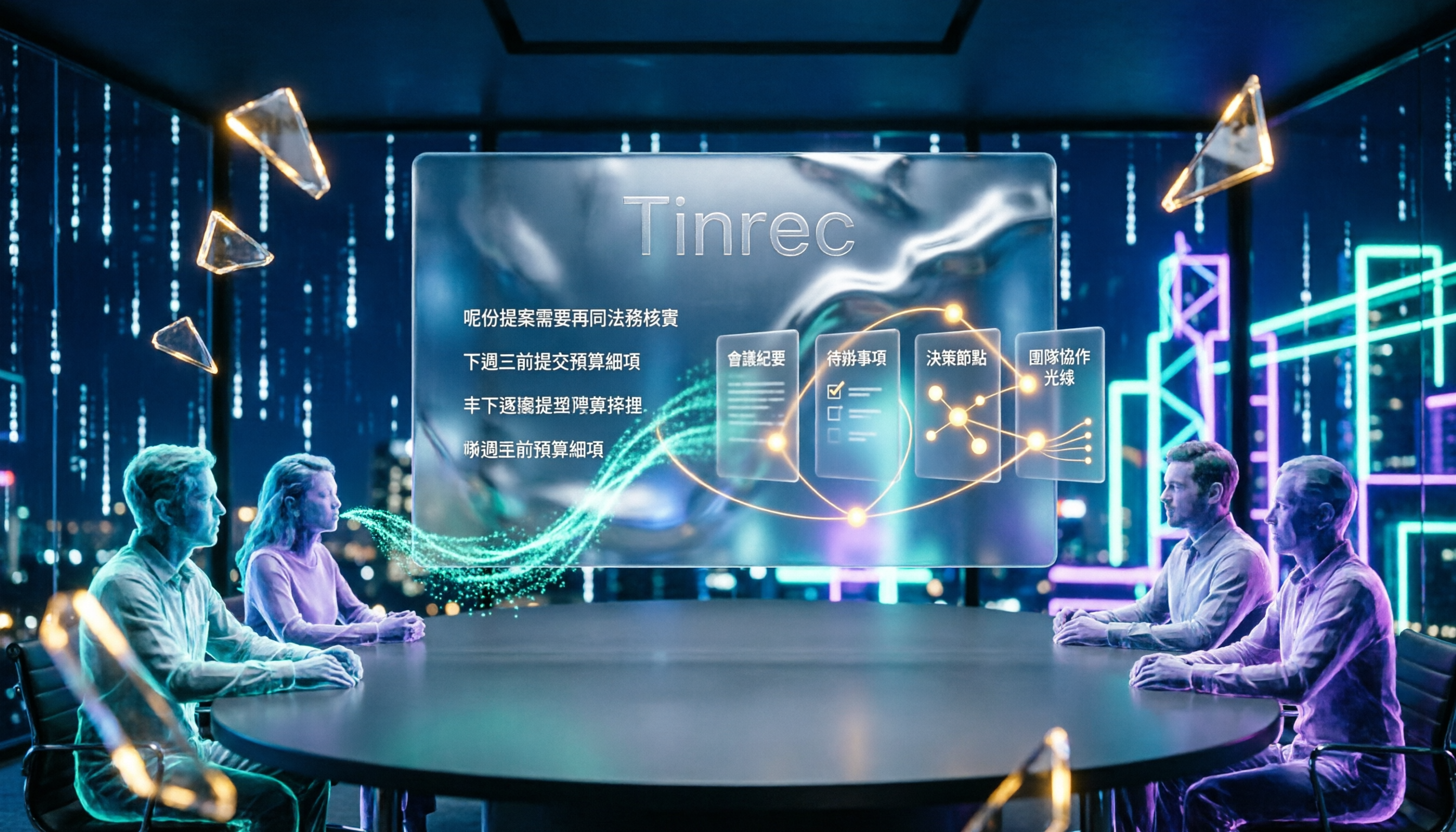
4 Cantonese Speech-to-Text Tools Tested for 2026: After the Transcript, Which One Can Still Help You Organize Your Meeting?
Starting from the most common misconception: Cantonese transcription isn't just about 'supporting Chinese.' This article explains 4 key points for choosing a Cantonese speech-to-text tool and compares Tinrec, Subanana, UniScribe, and cSubtitle in Cantonese scenarios, post-meeting organization, and team collaboration, with final recommendations based on use cases.

4 Video Summarization Apps Tested in 2026: Can Long Videos Really Become Key Notes in One Click?
Videos too long to finish? This article puts 4 video summarization apps to the test, breaking down input sources, output results, Chinese language performance, and team collaboration, and tells you which one can truly turn long videos into queryable, collaborative key data.