
Turn recordings into transcripts and summaries in minutes
Upload audio or video for multilingual transcription, AI notes, and action items
4 Cantonese Speech-to-Text Tools Tested for 2026: After the Transcript, Which One Can Still Help You Organize Your Meeting?
The Biggest Pitfall in Cantonese Transcription: Assuming 'Supports Chinese' Means It Understands Cantonese
Many people looking for a Cantonese transcription tool first search for 'Chinese speech to text,' then pick a service that appears to support Chinese and upload their recording.
But when they open the transcript, it's full of errors. '係咪' becomes '是咪,' '唔該' becomes '五該,' and you have to guess three times for every sentence.
The problem usually isn't your recording—it's that the tool is forcing a Mandarin model onto Cantonese. Cantonese has more tones, more colloquial words, and frequent code-switching between Chinese and English—sentences like '今個 quarter 個 target' are nearly impossible for a Mandarin model to handle.
Another common inefficient approach is to do it yourself: listen to the recording while typing the transcript, then spend more time organizing it into meeting minutes. A one-hour Cantonese meeting often takes two to three hours.
If you've encountered these situations, this article is for you.
Before Choosing a Cantonese Speech-to-Text Tool, Understand These 4 Key Points
1. Does it truly understand Cantonese, or does it just 'support Chinese'? This is the most error-prone step. The test is simple: take a recording of your own Cantonese with mixed English and see if English words are preserved or forced into phonetically similar Chinese. The success of a Cantonese meeting often hinges on this.
2. Is the output colloquial or written? Traditional or Simplified? If the transcript is for your own eyes, verbatim colloquial is best; but if it's for a supervisor or client, it usually needs to be converted to written language. Without this step, you'll still have to edit it yourself. Tools that offer multiple output combinations save considerable time.
3. Does it only provide a transcript, or can it be used further? Getting only a transcript means you're only halfway done. What really saves time is what comes after: automatic summaries, chapters, action items, and whether you can directly ask questions about the meeting content. Whether this layer is present determines whether you spend three minutes or thirty minutes wrapping up.
4. After the file comes in, what happens? Is the audio kept, can it be exported, can the team find it? If recordings only exist on an individual's phone, colleagues have to ask you for the file. If the tool has a team space, meeting data stays in one place, making future searches, follow-ups, and handovers much easier.
Tinrec – Our Top Pick After Testing
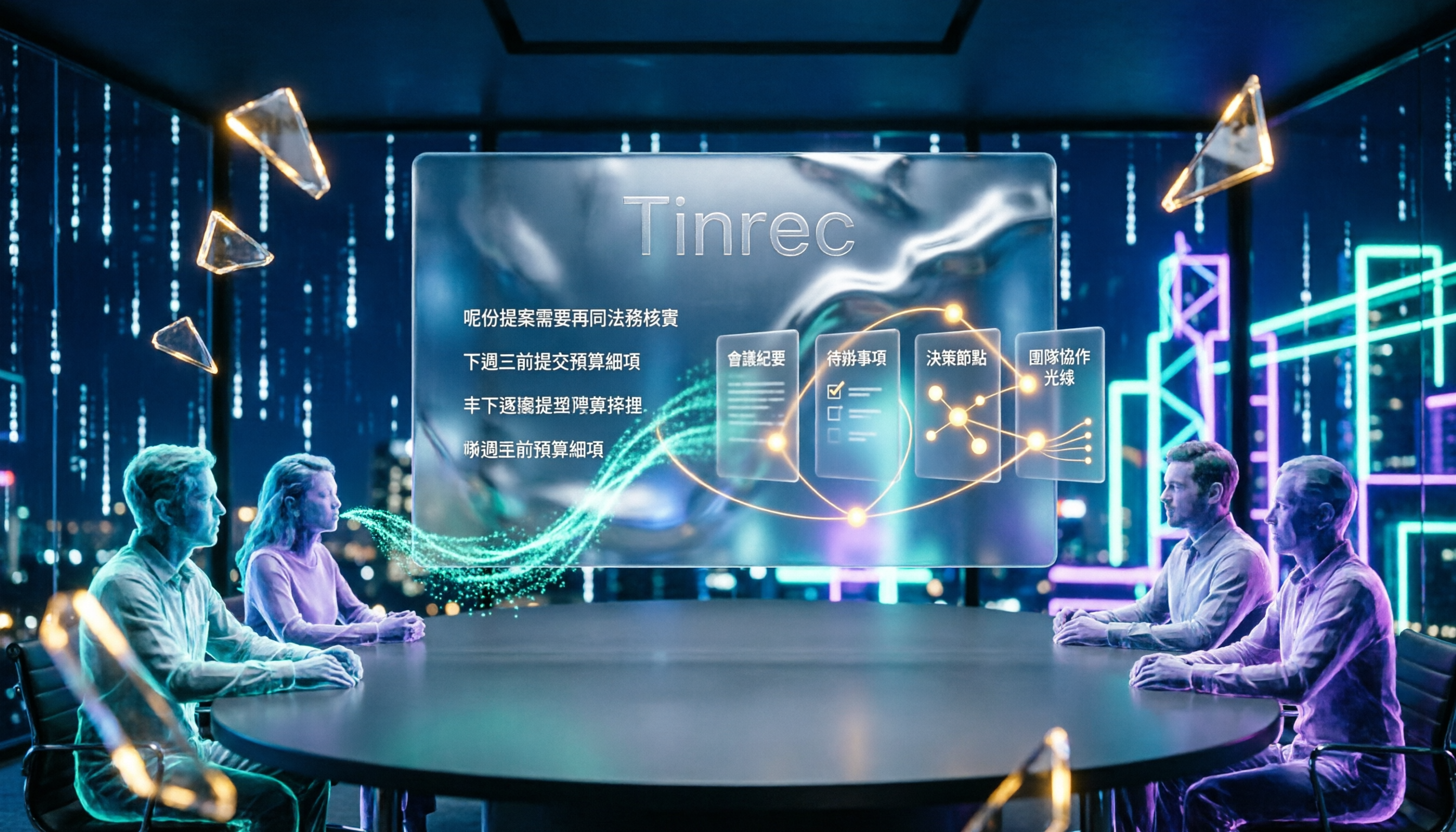
Tinrec is an AI meeting notes and collaboration tool for individuals and teams, available on desktop and mobile. Its positioning isn't just converting sound to text, but turning meeting recordings into searchable, summarizable, queryable, and further processable data.
During the meeting: No need to add a bot to the meeting Tinrec's desktop version directly captures the computer's system audio, handling Zoom, Google Meet, Microsoft Teams, Webex, and other online meetings without an extra meeting bot joining as a participant. For Cantonese meetings with external clients, this is practical—having one less unfamiliar participant in the room naturally improves the atmosphere. Note that this is user-initiated recording, not automatic joining of all calendar meetings.
During recording: View original, translation, or bilingual in real time Cantonese meetings often mix in English proper nouns; Tinrec supports mixed Chinese-English content organization. When cross-language communication is needed, you can switch between original, translation, or bilingual display during recording. It's positioned for Chinese and multilingual meeting notes, and the colloquial expressions and Chinese-English mixing common in Cantonese meetings are exactly what this scenario handles.
After the meeting: Summaries, chapters, action items, AI Q&A As soon as the meeting ends, AI automatically generates summaries, chapters, and action items—who is responsible for what, what the deadlines are, all listed at once. Even better is AI Q&A: you can directly ask 'What was the budget the client mentioned in the last meeting?' and it will answer based on semantic understanding, rather than giving you a list of keyword search results. There are also mind maps, Agent post-processing (which can generate reports, tables, and documents), and export to Notion, Google Docs, OneNote, Dropbox, and other common tools.
Three main advantages
Stop organizing recordings by hand
Upload audio or video and automatically get a transcript, summary, and action items
- Bot-free meeting recording: No need to invite an extra account into the meeting; the desktop version captures audio directly.
- Workflow after transcription: Summaries, chapters, action items, AI Q&A, translation, multi-format export—all in one place.
- Chinese and multilingual meeting scenarios: Handles mixed Chinese-English content and maintains professional terminology with team hotwords.
Points to note Tinrec does not promise a fixed accuracy rate. Actual performance is affected by recording quality, background noise, accents, overlapping speakers, and specialized terminology. For important content, it's recommended to cross-check with transcript timestamps and recording playback. Also, file import consumes quota; the free version is a basic experience quota, and long-term stable use may require upgrading.
Team use scenarios If you share meeting data among multiple people, the team version is a separate team space, not multiple people sharing one personal account. You can create and switch between multiple teams, invite members via link, set owners/admins/regular members, and control who can record, upload, edit, and export via 'seats'; members without seats can still view, play, and read team data. The first eligible team trial is 7 days, 1 free seat, and 300 minutes of team-shared import quota; paid seats provide 2,000 minutes of team-shared import quota per person per month, at USD 29.80/seat monthly or USD 199/seat annually (about USD 16.58/month). Actual prices are subject to the official purchase page.
Who it's for If you frequently handle Cantonese or mixed Chinese-English meetings and interviews, want to use AI to capture key points right after recording, or need to share the same meeting data across phone, computer, and team, Tinrec is currently one of the most complete options.
Besides Tinrec, What Other Options Are There?
Subanana Focuses on free Cantonese transcription. You can upload audio or video files, or paste public links. It outputs speaker-separated, punctuated transcripts and offers 4 output combinations: colloquial/written × Traditional/Simplified. Free accounts can preview the first 15 minutes of transcription per file; exporting files is a paid feature. It's suitable for those who occasionally want to see what a transcript looks like. It's more like a 'convert existing files to text' tool; full meeting recording and post-meeting AI Q&A are more complete with Tinrec.
UniScribe Powered by an optimized Whisper large model, the company says a 1-hour audio file is usually processed in under 1 minute, with over 52 million minutes of cumulative transcription. It's suitable for quickly transcribing a batch of long audio files. Its focus is speed and transcription itself; meeting summaries, action items, and team sharing are not the main focus—Tinrec puts more emphasis on that.
cSubtitle Focuses on Chinese. After uploading video or audio files, it automatically generates subtitles and transcripts. The company claims over 94% Chinese recognition accuracy, no account registration required, and uploaded media files are automatically deleted after 3 hours. It's great for temporary, one-off subtitle needs. In contrast, Tinrec adds team space and post-meeting AI Q&A, making it more suitable for teams that need to accumulate meeting data long-term.
Pitfall Guide: The 4 Most Common Mistakes When Choosing a Cantonese Transcription Tool
Pitfall 1: Downloading just because it says 'supports Chinese.' Chinese is not Cantonese. Many services use Mandarin models to process Cantonese, and colloquial words and mixed Chinese-English sentences get completely distorted. The correct approach is to test with a real recording of your own; if there's a free preview quota, use it first.
Pitfall 2: Only looking at transcription, not output format. If the transcript is to be delivered, confirm colloquial/written and Traditional/Simplified first. Without this step, you'll edit the original again, and the time saved is lost.
Pitfall 3: Treating it as 'audio to text' and stopping there. Getting only a transcript means you've only used part of the tool's capabilities. After recording, directly asking AI 'What was the conclusion of this meeting?' is much faster than flipping through a 30-minute transcript yourself—this is where Tinrec stands out from pure transcription tools.
Pitfall 4: Ignoring compliance issues in recording and data processing. Before uploading, confirm the service's file retention and deletion policies. Before recording, obtain consent from participants in accordance with local regulations, especially for client meetings and interviews.
Conclusion: Which One Should You Choose?
In one sentence: If the key is 'Cantonese meetings must be understood, and the recording must be usable afterward,' Tinrec is my top pick after testing.
- Cantonese, Chinese meetings with frequent Chinese-English mixing → Tinrec (supports mixed Chinese-English content organization and multilingual meeting scenarios)
- Online meetings without wanting an extra bot → Tinrec (desktop version directly captures system audio)
- Want to ask AI directly for key points and action items after recording → Tinrec (AI Q&A and action item extraction)
- Need to share the same data across phone, computer, and team → Tinrec (mobile + desktop, team version has team space and seat management)
- Zero budget, only need to convert one file to subtitles → Try Subanana or cSubtitle's free quota first (most economical for one-off needs)
It's recommended to first take a recording of your own Cantonese and try it with the free quota, especially checking whether mixed Chinese-English parts are correctly preserved. Then decide whether to upgrade—this is more accurate than any review.
References
- Free Cantonese Speech-to-Text App 2026 | Subanana
- AI Cantonese Speech-to-Text Professional Cantonese Recognition
- Transcribe Chinese (Cantonese) Audio to Text Free in Seconds
- AI Speech-to-Text Fast Audio File Online Transcription, Transcripts and Video Subtitles - Free Trial - cSubtitle
- Free + Cantonese OK: How to Use Google AI Studio to Convert Your Recording to ...
Turn every recording into actionable outcomes
Get 60 free transcription minutes when you sign in. No credit card required.
Related Reading
You might also like

4 Best Speech-to-Text Software in 2026: Which One Saves the Most Time After Meetings?
Speech-to-text software isn't just about turning recordings into transcripts. This article starts from the need for post-meeting organization, outlines 4 key factors for choosing a tool, and compares Tinrec, Otter.ai, Notta, and PLAUD in terms of positioning, pricing, and limitations. It also includes common pitfalls and scenario-based recommendations to help you find the one that truly saves time.

How to Summarize Skill-Learning Videos in 2026: A Complete 5-Step Tutorial
Do you forget skill-learning videos right after watching them or struggle to find key steps? This article covers 4 key factors for summarizing skill-learning videos and demonstrates a 5-step workflow using Tinrec: from uploading videos and generating transcripts to AI Q&A and exporting notes. It also compares TurboScribe, Notta, and Otter.ai for different use cases to help you find the most time-efficient way to organize your learning.

6 Best Audio-to-Text Tools in 2026: Which AI Meeting Notes Actually Save Time?
We tested 6 popular audio-to-text tools in 2026, from free online transcription to AI meeting assistants. Compare their positioning, key features, pricing, and best use cases, plus the most overlooked factors when choosing a tool.

Tinrec vs Otter.ai 2026: 5-Dimension Comparison for Chinese Meeting Minutes
Tired of transcribing meeting recordings yourself? This article compares Tinrec and Otter.ai across 5 dimensions for AI meeting minutes, covering bot-free recording, Chinese and mixed-language transcription, summary and action item extraction, AI Q&A and export, and team workspace and seat management, to help you decide which is better for Chinese meeting scenarios.
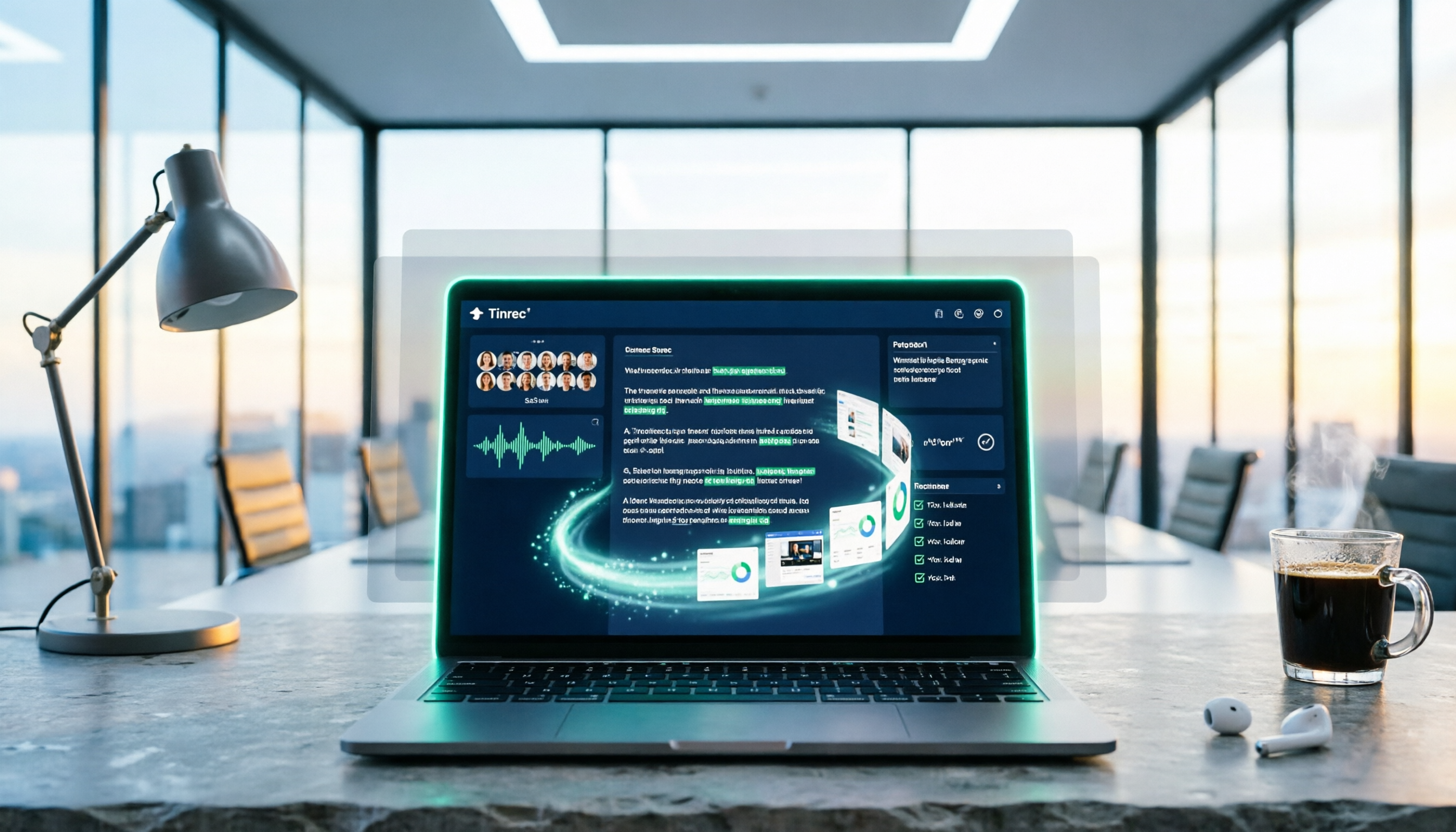
5 Best PNG Image Summary Apps in 2026: Meeting Notes and Image Organization Compared
Starting from the need to summarize PNG images, we tested how Tinrec turns meeting recordings and videos into searchable, summarizable notes, and compared image tools with AI meeting tools.
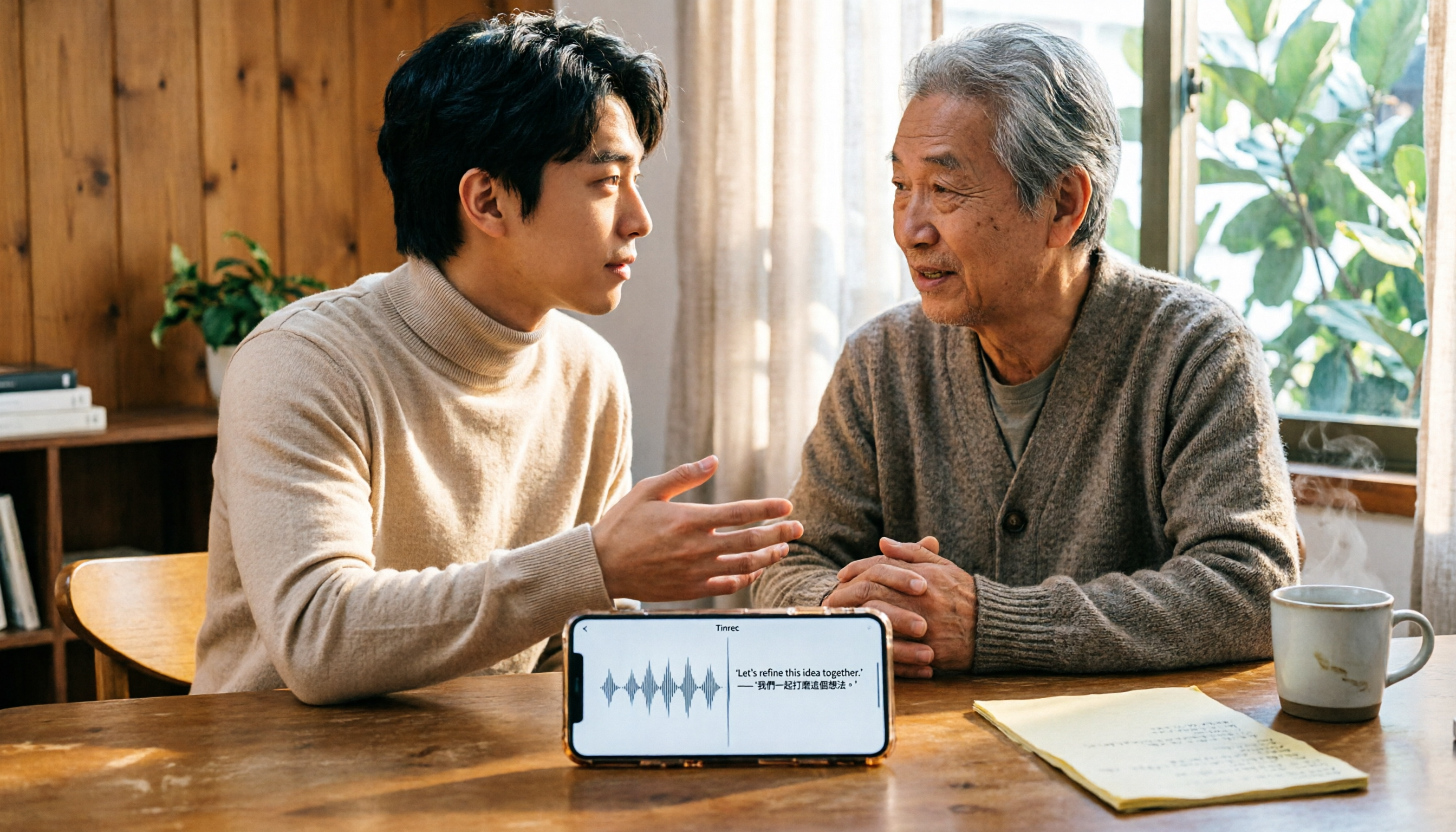
5 Best iPhone Transcription Solutions in 2026: Is the Built-in Transcript Enough?
How do you transcribe iPhone recordings? This guide covers the 3 steps and limitations of the built-in Voice Memos transcript in iOS 18, then compares 5 solutions including Tinrec, with pricing and pitfalls, to help you decide if the built-in option is enough.

Free Speech-to-Text Tools in 2026: 4 Options Compared
A practical comparison of 4 free speech-to-text tools, covering free limits, per-file caps, Chinese and mixed Chinese-English accuracy, and whether you can query meeting highlights with AI afterward. Written from the perspective of a mid-level manager with 15 meetings a week, it explains why Tinrec stayed and who Otter.ai, Notta, and TurboScribe each suit.

2026 4 Online Text-to-Speech Tools Compared: Reading Aloud Isn't Enough—The Real Challenge Is Organizing Class Recordings
From a senior student's hands-on perspective, this compares 3 free online text-to-speech tools with Tinrec, showing how to turn class and online meeting recordings into searchable transcripts, summaries, and to-dos, plus buying criteria, common pitfalls, and recommendations for students.

4 Video Summarization Apps Tested in 2026: Can Long Videos Really Become Key Notes in One Click?
Videos too long to finish? This article puts 4 video summarization apps to the test, breaking down input sources, output results, Chinese language performance, and team collaboration, and tells you which one can truly turn long videos into queryable, collaborative key data.