

Turn recordings into transcripts and summaries in minutes
Upload audio or video for multilingual transcription, AI notes, and action items
I Started Off on the Wrong Track: Readers Read Text That's Already Organized
In the second semester of my junior year, I took a three-credit required course. The professor spoke fast and flipped through slides even faster. By the time I finished handwriting notes, when I opened them before finals—I couldn't even understand what I had written.
At the time, I thought the problem was "listening." I figured if I could find a good online text-to-speech tool, throw shared notes, handouts, and PDFs into it and have it read to me, I could review during fragmented time like commuting, walking, or buying late-night snacks. So I spent a whole month trying 4 online voice tools—3 readers plus 1 that turns recordings into key points.
A month later, I realized three very real things:
- Readers read text you've already organized. My problem wasn't "no one to read to me," it was "I don't even have a decent piece of text to read yet."
- No matter how natural the voice, you still have to listen from start to finish. I opened a class recording to review, and 30 minutes later, I was still listening to the teacher take attendance, chat about midterm difficulty, and ask if anyone had questions.
- Free quotas often run out right when you need them. Discovering your quota is gone the week before midterms or finals is the worst.
If you've experienced these situations—can't take notes fast enough in class, borrowed notes you can't understand, recordings you never finish—this article is for you. What you need might not be a "tool that reads words," but a "tool that turns sound into key points."
Before Choosing an Online Voice Tool, Think Through These 4 Things
1. Get the direction right: text to speech, or speech to text? Readers do "text to speech," suitable when you already have textbooks, handouts, or papers to read. Transcription tools do "speech to text, then to key points," suitable when all you have is a class recording. The pain points are completely different. If your budget is limited, ask yourself: what I lack is "reading" or "organizing"?
2. Can the free quota last a semester? Don't just look at the word "free." Look at the length and number of times the free version can process, and whether it will run out right during midterm or finals week. A semester is 18 weeks; if you have two or three classes to record each week, quotas can quietly disappear.
3. Finding key points: search or ask? Ctrl+F only searches keywords. If the teacher says, "We'll use this framework again next semester," and you want to find "what to do next semester," keyword search will likely find nothing. Being able to ask questions directly about the content is the real dividing line between tools in the past year or two.
4. Where are files stored and for how long? Some tools process locally in your browser, so text isn't uploaded; others save to a cloud account, convenient across devices but requires more thought. Also a reminder: recording involves personal data and privacy; before recording a class or group meeting, it's best to ask everyone present.
Tinrec—The Half That Readers Can't Save, It Fills In for Me
Tinrec is an AI meeting notes and collaboration tool for individuals and teams, supporting iOS, Android, and web. It doesn't solve "reading words out loud," but the half I mentioned earlier: turning sound into key points that can be searched, questioned, and further processed.
Classes and online courses: no need to invite a bot into the meeting room. Many of our department's classes moved online, using Zoom, Google Meet, Teams, or Webex. Tinrec's desktop version directly captures the computer's system audio, without pulling a meeting bot in as a "participant"—this is especially friendly for group presentations, so a strange account doesn't suddenly appear in the list mid-discussion. I keep it open during class, and the transcript appears as we speak.
Group discussions: summaries, chapters, and to-dos automatically appear. The most common tragedy in group projects: discuss for two hours, and after the meeting no one remembers the conclusion. Tinrec organizes recordings into summaries and chapters, and extracts to-dos—who's responsible for which part, what to submit before the next meeting, all clear. This semester's project, our group relied on this and never argued again about "didn't you say you'd do it last time?"
Exam review: ask directly, no need to re-listen for two hours. This is my most-used feature. After recording a class, I directly ask it: "What's the final exam scope the teacher mentioned?" "What are the three theories mentioned in this class about?" It doesn't give keyword search results, but answers organized based on content understanding. I still go back to check the transcript timestamps, but at least I don't have to re-listen from minute one.
Stop organizing recordings by hand
Upload audio or video and automatically get a transcript, summary, and action items
Writing reports: real-time translation plus export to common tools. Some of our courses use English textbooks. Tinrec supports real-time translation during recording, allowing you to view original, translated, or bilingual side-by-side, which feels safer than full machine translation. Organized content can also be exported to Notion, Google Docs, OneNote, Dropbox—tools I already use—so no manual copy-paste.
For group projects or research teams: the team version is worth mentioning. Tinrec's team version isn't "multiple people sharing one account," but an independent team space—with members, roles, and seats, shared meeting data, team usage, team hotwords, audit logs, and audio recycle bin. When a member leaves or is removed, team data is transferred to other valid members, not taken away by the individual. Pricing is currently USD 29.80 per paid seat per month, or USD 199 per paid seat per year (about USD 16.58/month). Eligible teams get a 7-day trial, 1 free seat, and 300 minutes of shared team onboarding quota. For students, the free or Pro version is enough; but for funded project labs or research teams, this is worth considering.
Honestly, what are its limitations? First, the free version offers basic quota, suitable for trying recording, importing, summaries, and transcription. If you record every class, you'll eventually need to upgrade. Second, accuracy depends heavily on audio conditions—classroom echo, people talking over each other, air conditioning noise all affect results. Don't treat it as 100% accurate; important content should be checked against the recording. Third, it's not a reader; it won't read PDFs to you—that's still for the tools below.
Who is it for? If, like me, your pain point is "class ends and it's gone, recordings never finish," Tinrec is currently the closest to my needs.
Besides Tinrec, What Other Online Readers Can Pair With It?
I actually started with TextReader: a free browser text-to-speech tool. Its biggest advantage is that text processing happens locally in your browser, content isn't uploaded to a server, so private notes feel safer. Using Edge can get more natural Chinese voices. It's good for "listening to your own exam key points before bed." But it has no summaries, no to-dos, and can't turn class recordings into transcripts—recordings remain an endless audio file.
My roommate later recommended MyEdit: supports 9 languages, over 260 voice styles, and daily free credits for reading text (officially about 3,000 characters per day), and can download audio for offline listening. Great for "reading English handouts to practice listening." However, some voice styles still sound a bit unnatural, and it also won't organize a two-hour class recording into key points.
Luvvoice was what I tried when looking for free options: free online text-to-speech, over 70 languages, about 200 voices, and generated MP3s can be downloaded directly. It has the most languages of the three; good for listening to materials in less common languages. But it only handles "reading," won't tell you who promised what in a group discussion, and has no team collaboration space—completely different from Tinrec's direction.
My conclusion: readers handle "reading already-organized text to you," Tinrec handles "turning unorganized recordings into text and key points." Using both together is the workflow I actually run now.
Pitfall Guide: 4 Most Common Mistakes When Choosing Online Voice Tools
Mistake 1: Only caring about "does the voice sound like a real person." Whether the voice is natural only affects how smoothly you listen, not review efficiency. What really affects efficiency: can you quickly find a sentence, can you listen only to key points, can you take content elsewhere. I was initially attracted by voice quality and tried a bunch of useless features.
Mistake 2: Treating "free" as "no limits." Free plans usually have limits—monthly minutes, single content length, feature scope, or look free but require login for credits. Before choosing, read the limits carefully, especially "what happens when you exceed quota." Students fear discovering it's unusable during midterm week.
Mistake 3: Thinking a transcript equals key points. A transcript is raw material, not a result. A two-hour class might produce 20,000 words; you can't read it all before an exam. What saves time is summaries, chapters, to-dos, and "being able to ask directly."
Mistake 4: Not asking people present before recording. This isn't a tool issue, it's a habit issue. Before recording a class, group meeting, or interview, asking first is basic courtesy and legal self-protection. No matter how powerful the tool, it shouldn't be an excuse to skip this step.
Conclusion: Which One Should You Choose?
- Have textbooks, handouts, papers you want to "listen" to → TextReader (free, good privacy), MyEdit (many voices, downloadable audio), Luvvoice (most languages)
- Class, online course, group discussion recordings to become searchable text → Tinrec (desktop version records without bots, transcripts, summaries, to-dos)
- After recording, want to "ask" to find key points, not re-listen for two hours → Tinrec (AI Q&A is its most obvious difference from pure readers)
- Record on phone, organize on computer, cross-device use → Tinrec (iOS, Android, web)
- Group projects, labs needing shared data and member management → Tinrec team version
If your budget is limited (like mine), I'd suggest starting this way: first use a free reader to read existing handouts aloud, and use Tinrec's free basic quota to record one or two classes you understand least, experiencing "transcript plus direct questioning." If you make it through a midterm, you'll know whether to upgrade.
References
Turn every recording into actionable outcomes
Get 60 free transcription minutes when you sign in. No credit card required.
Related Reading
You might also like

4 Best Speech-to-Text Software in 2026: Which One Saves the Most Time After Meetings?
Speech-to-text software isn't just about turning recordings into transcripts. This article starts from the need for post-meeting organization, outlines 4 key factors for choosing a tool, and compares Tinrec, Otter.ai, Notta, and PLAUD in terms of positioning, pricing, and limitations. It also includes common pitfalls and scenario-based recommendations to help you find the one that truly saves time.

How to Summarize Skill-Learning Videos in 2026: A Complete 5-Step Tutorial
Do you forget skill-learning videos right after watching them or struggle to find key steps? This article covers 4 key factors for summarizing skill-learning videos and demonstrates a 5-step workflow using Tinrec: from uploading videos and generating transcripts to AI Q&A and exporting notes. It also compares TurboScribe, Notta, and Otter.ai for different use cases to help you find the most time-efficient way to organize your learning.

6 Best Audio-to-Text Tools in 2026: Which AI Meeting Notes Actually Save Time?
We tested 6 popular audio-to-text tools in 2026, from free online transcription to AI meeting assistants. Compare their positioning, key features, pricing, and best use cases, plus the most overlooked factors when choosing a tool.

Tinrec vs Otter.ai 2026: 5-Dimension Comparison for Chinese Meeting Minutes
Tired of transcribing meeting recordings yourself? This article compares Tinrec and Otter.ai across 5 dimensions for AI meeting minutes, covering bot-free recording, Chinese and mixed-language transcription, summary and action item extraction, AI Q&A and export, and team workspace and seat management, to help you decide which is better for Chinese meeting scenarios.
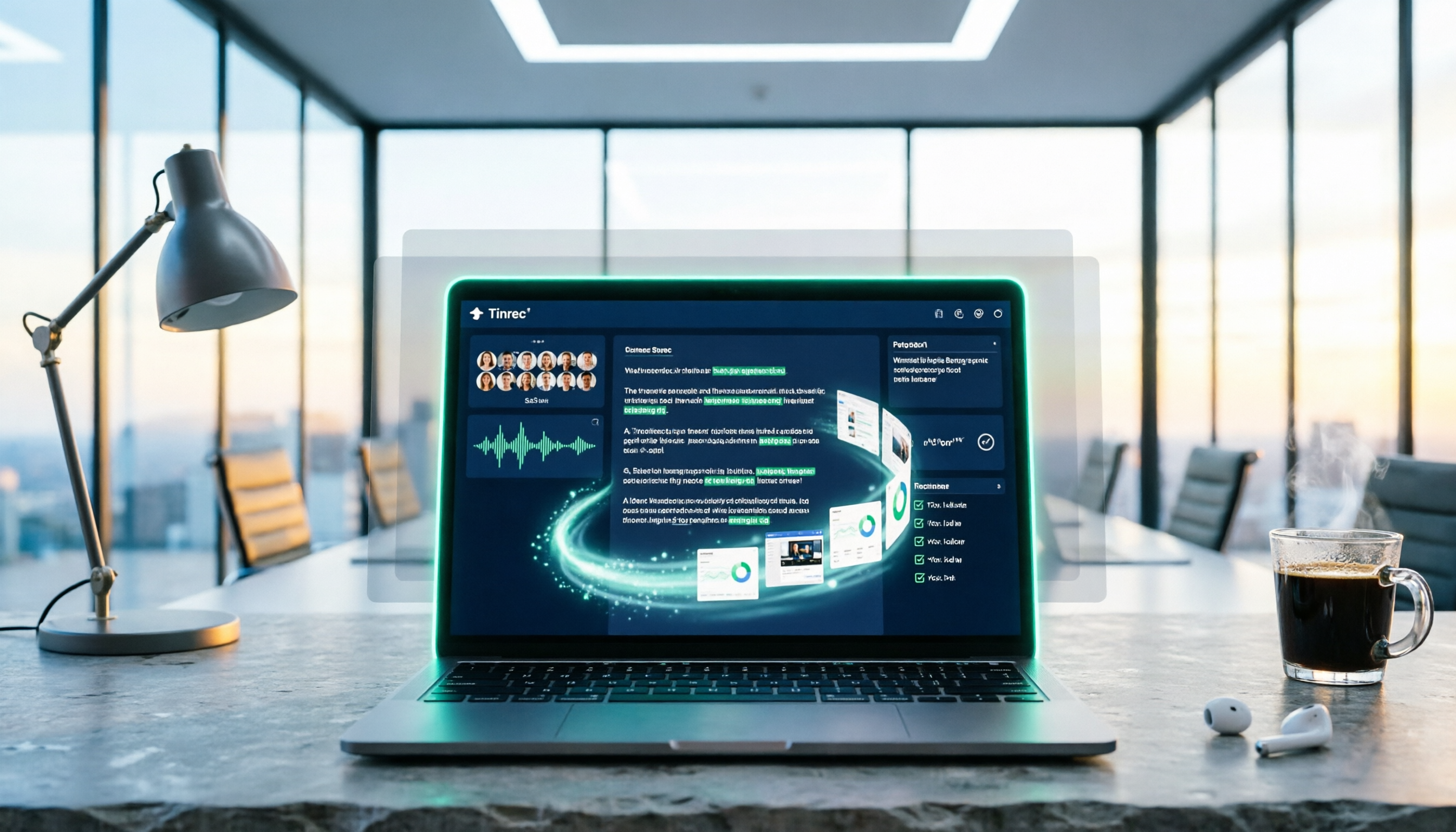
5 Best PNG Image Summary Apps in 2026: Meeting Notes and Image Organization Compared
Starting from the need to summarize PNG images, we tested how Tinrec turns meeting recordings and videos into searchable, summarizable notes, and compared image tools with AI meeting tools.
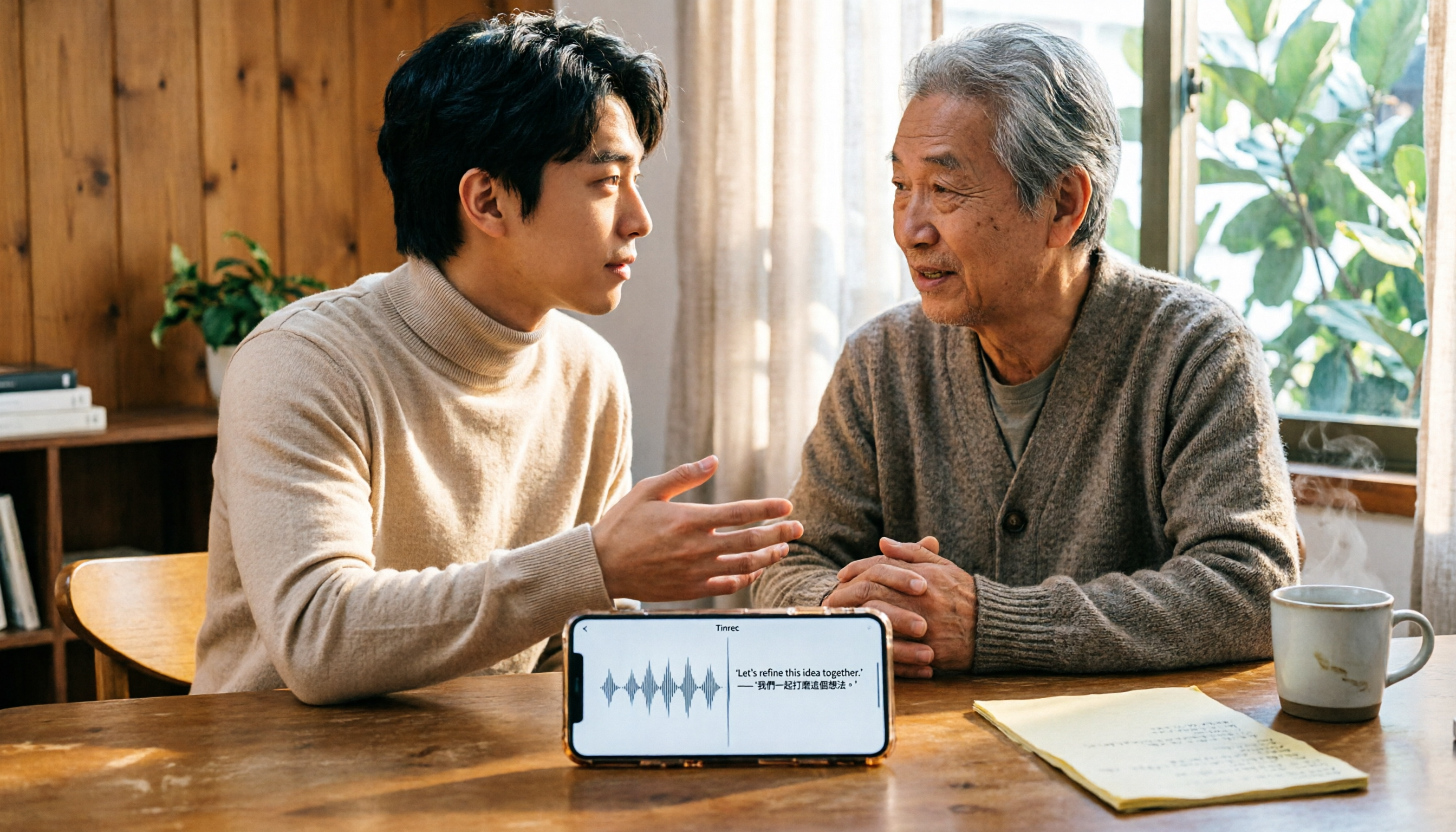
5 Best iPhone Transcription Solutions in 2026: Is the Built-in Transcript Enough?
How do you transcribe iPhone recordings? This guide covers the 3 steps and limitations of the built-in Voice Memos transcript in iOS 18, then compares 5 solutions including Tinrec, with pricing and pitfalls, to help you decide if the built-in option is enough.

Free Speech-to-Text Tools in 2026: 4 Options Compared
A practical comparison of 4 free speech-to-text tools, covering free limits, per-file caps, Chinese and mixed Chinese-English accuracy, and whether you can query meeting highlights with AI afterward. Written from the perspective of a mid-level manager with 15 meetings a week, it explains why Tinrec stayed and who Otter.ai, Notta, and TurboScribe each suit.
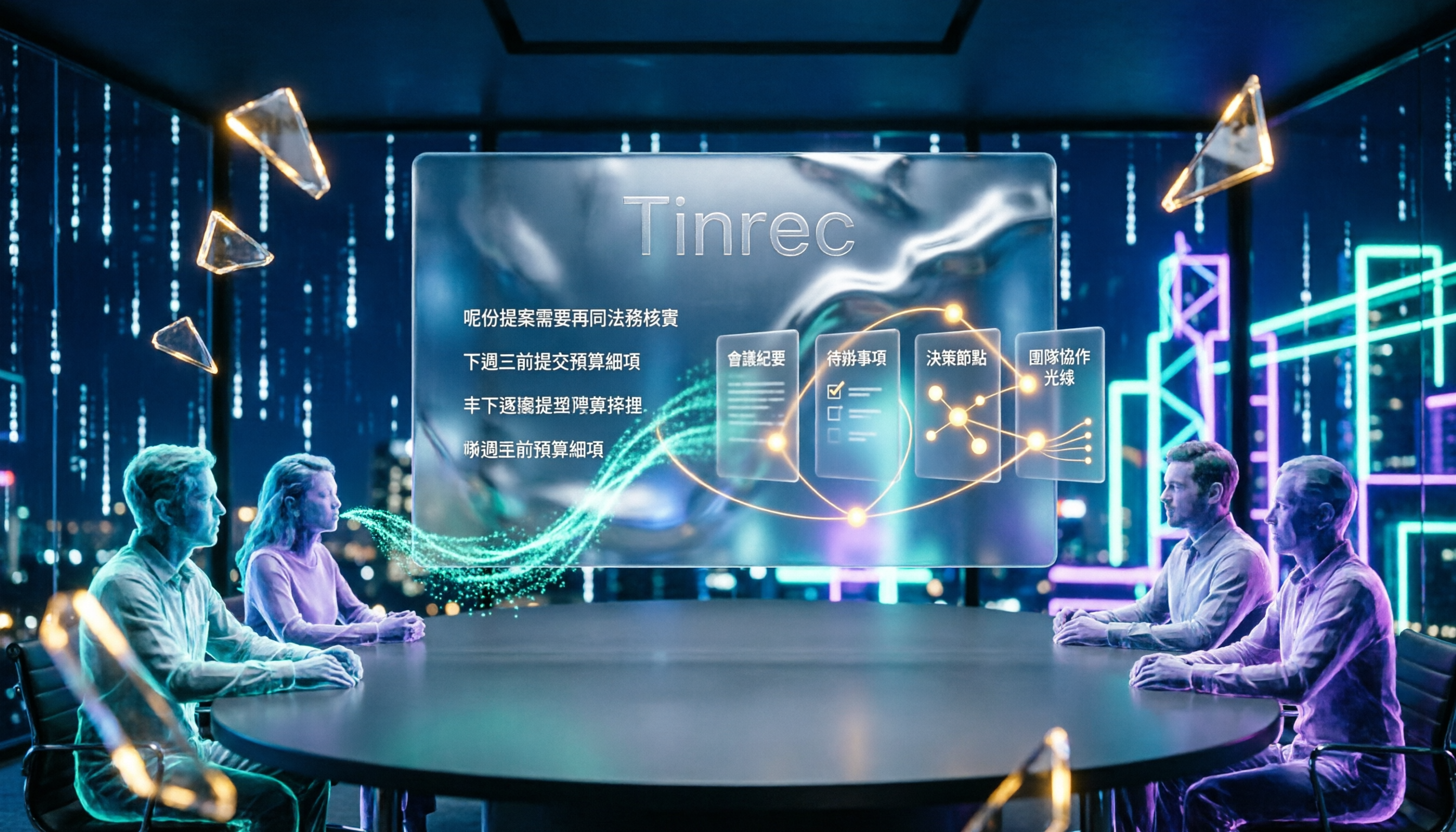
4 Cantonese Speech-to-Text Tools Tested for 2026: After the Transcript, Which One Can Still Help You Organize Your Meeting?
Starting from the most common misconception: Cantonese transcription isn't just about 'supporting Chinese.' This article explains 4 key points for choosing a Cantonese speech-to-text tool and compares Tinrec, Subanana, UniScribe, and cSubtitle in Cantonese scenarios, post-meeting organization, and team collaboration, with final recommendations based on use cases.

4 Video Summarization Apps Tested in 2026: Can Long Videos Really Become Key Notes in One Click?
Videos too long to finish? This article puts 4 video summarization apps to the test, breaking down input sources, output results, Chinese language performance, and team collaboration, and tells you which one can truly turn long videos into queryable, collaborative key data.