

Turn recordings into transcripts and summaries in minutes
Upload audio or video for multilingual transcription, AI notes, and action items
Quick question: after last week's department meeting, could you immediately say how many action items came out of it and who owned each one? If your first reaction, like mine, is "I'd have to dig through my notes"—this article is for you.
I manage a team of 10 and sit through about 15 meetings a week: weekly syncs, project updates, one-on-ones, cross-team coordination, and reporting to my boss. What used to scare me wasn't the meeting itself—it was the aftermath. A two-hour meeting meant two more hours of organizing notes. By the time the meeting ended, my real work was just beginning.
So I started seriously looking for speech-to-text tools—ones that turn audio and video files into transcripts, and then help me pull the key points out of those transcripts. I tried several and hit some dead ends. This article rounds up the free options currently available, including the one I kept for long-term use, and explains why I stopped using the others.
Why meeting notes become a manager's biggest hidden cost
Let me start with three situations I've run into myself.
First, when reporting to my boss, I get asked "What was the conclusion on that project last time?" I flip through my notes for three minutes, can't find it, and end up saying "Let me confirm and get back to you." It feels awful, and it chips away at how reliable your boss thinks you are.
Second, I verbally assign something to a team member, then check in two days later and hear "Did I? I don't remember that being mentioned." Without a record, there's no basis—you just have to swallow it and repeat yourself.
Third, cross-team communication. The real time sink is never the conversation itself—it's the follow-up and confirmation afterward: who agreed to deliver what, and by when.
What all three have in common is this: what you need isn't a recording, it's a record you can search and cite. That also determines how you should choose your tool.
4 key things to understand before picking a speech-to-text tool
1. Don't just look at "minutes per month" for free plans
Many tools advertise "300 free minutes per month," which sounds generous, but the devil is in the per-file limit—some cap single files at 30 minutes, others at just 3 minutes per session. A 40-minute meeting might need to be split into several chunks, and just stitching them together wastes the time you thought you saved. When evaluating a free plan, always check both the monthly total and the per-session cap.
2. Chinese and mixed Chinese-English recognition
Meetings in Taiwan are rarely pure Chinese. Dropping three English technical terms into a sentence is the norm. Don't test with a news broadcast—test with a recording of one of your own meetings. That's where you'll see the real difference. Look for whether the tool has been tuned for Chinese and can handle mixed Chinese-English content.
3. Do you want another "bot" in your meetings?
Some tools rely on a meeting bot joining the call to record. The downside: a stranger appears on the participant list, and clients or external partners often ask "Who's that?"—and you have to explain. Another approach captures system audio directly from your computer without adding any participant. The latter is a much better experience for external meetings.
4. What can you do with the text after transcription?
This is what many people miss when comparing tools. If a tool only gives you a transcript, your work is only half done—you still have to read through 40 minutes of content, pick out the key points, and list action items yourself. What really saves time is when the tool keeps working after transcription: automatic summaries, action item extraction, and even letting you ask questions directly about the meeting content.
Tinrec—the one I kept after testing
Tinrec is an AI meeting notes and collaboration tool for individuals and teams, available on iOS, Android, and web, with a desktop version for online meetings.
No bot for recording online meetings. My team has a standing Zoom call with overseas colleagues every week. I'd tried services that add a bot to the meeting, and every time I had to explain at the start, "An AI assistant will be joining to record today." Tinrec's desktop version instead captures your computer's system audio directly—you just hit record, and no extra account appears on the participant list. It works with Zoom, Google Meet, Microsoft Teams, and Webex.
Live transcription, automatic post-meeting organization. Open Tinrec during the meeting, and the transcript is generated in real time. After the meeting ends, the AI summary, chapters, and action items are already organized—who owns what and where it was mentioned, all cross-referenced. The most practical change for me: when my boss asks "What was the conclusion from last meeting?" I just open that meeting's summary instead of digging through notes.
You can keep asking it questions after recording. This was the deciding factor for me. After a 40-minute cross-team meeting, I can ask directly, "What was the conclusion about the budget?" It doesn't dump a bunch of keyword-containing paragraphs on me—it answers based on semantic understanding. It also supports exporting results to tools you already use, like Notion, Google Docs, OneNote, and Dropbox, or using an Agent for post-processing to generate reports, tables, and meeting minutes. For cross-language meetings, you can view the original, translation, or bilingual content.
Stop organizing recordings by hand
Upload audio or video and automatically get a transcript, summary, and action items
Team version: data doesn't leave with the person. I eventually brought my team on board. The team version isn't "multiple people sharing one personal account"—it's a separate team space where meeting recordings, transcripts, and action items belong to the team. Administratively, you can set owners, admins, and regular members, and assign, revoke, or transfer seats—members without a seat can still view, play, and read materials, but need a seat to record, upload, or edit. There are also usage analytics, audit logs, team hotwords, and an audio recycle bin. The most practical thing for managers: when someone leaves or transfers departments, the data doesn't disappear with their personal account—it can be handed over to other active members.
Pricing and plans. For the personal version, the free plan offers basic quota so you can try recording, importing, summarizing, and transcribing. If you just have a short burst of intense meetings or interviews, there's a weekly pass. If you use it regularly every week, the Pro monthly or annual plan is more suitable. For the team version, first-time eligible users can try 7 days, 1 free seat, and 300 minutes of shared team import quota; team monthly is USD 29.80 per paid seat per month, annual is USD 199 per paid seat per year (about USD 16.58 per month), and each paid seat provides 2,000 minutes of shared team import quota per month. Under an active team plan and active seat, live recording currently doesn't deduct minutes. Actual prices and plans are subject to the official purchase page.
Honest limitations. The free plan's quota definitely isn't enough for someone in meetings all day—I'm on a paid plan myself. Also, no transcription tool should claim a fixed accuracy rate—actual performance depends on recording quality, ambient noise, accents, overlapping speakers, and technical terminology. For important content, I still go back and check the transcript timestamps against the recording, and that won't change no matter which tool I use.
Who it's for. If you need meeting notes in Chinese and mixed Chinese-English, don't want a bot joining your meetings, want to ask AI follow-up questions after recording, and want meeting data to accumulate in a team space—Tinrec is the closest match to that combination I've used so far.
Besides Tinrec, what other free options are there?
Otter.ai. A veteran choice for English business meetings. The free plan offers 300 minutes per month; annual Pro works out to about USD 8.49 per user per month (including 1,200 minutes of in-app recording and 10 file imports per month), while the Business plan offers unlimited meetings and in-app recording. It's mature in English meeting summaries, action items, and team analytics. But its home turf has always been English business scenarios—organizing Chinese and mixed Chinese-English content isn't its strength. If almost everything you record is in English, Otter.ai is a very cost-effective free starting point; if your meetings are mainly in Chinese, it'll feel clunky.
Notta. Features cover multi-platform transcription, meeting notes, file import, translation, and team plans—it overlaps significantly with Tinrec. The free plan offers 120 minutes per month, but caps single content at 3 minutes; annual Pro works out to about USD 8.17 per month (1,800 minutes per month). The 3-minute per-session limit on the free plan isn't realistic for anyone actually trying to organize a full meeting. By contrast, Tinrec is more concrete in bot-free online meeting recording, team space governance, and Agent post-processing (directly producing reports, tables, and meeting minutes).
TurboScribe. Closer to a high-value file transcription tool, focused on long files and batch uploads. The free plan allows 3 files per day, up to 30 minutes per file; Unlimited annual is USD 120 (about USD 10 per month), and after paying, single files can be up to 10 hours or 5 GB, with up to 50 files uploaded at once. If you have a pile of already-recorded long audio files to dump in and transcribe at once, its efficiency is genuinely good. But it doesn't focus on live meeting recording, and it lacks designs for extracting action items from meeting content, asking AI follow-up questions, or accumulating data in a team space—which is exactly where Tinrec differs.
Pitfall guide: 4 most common mistakes when choosing a speech-to-text tool
Pitfall 1: Only looking at "minutes per month," not the per-session cap. A free plan saying "300 minutes per month" is attractive, but if the per-file cap is only 30 minutes or the per-session limit is 3 minutes, your meeting has to be processed in pieces. I suggest testing directly with a recent meeting of yours to see where it gets stuck.
Pitfall 2: Trusting the official accuracy numbers. Accuracy is always tied to recording conditions—a quiet studio and a real meeting room are two different things. Meeting rooms have air conditioning noise, keyboard clatter, and people talking over each other. Don't just look at ads—run a free trial with your own recording for a more accurate comparison.
Pitfall 3: Only using the tool as "audio-to-text." If you only use the transcription part, you're only using a fraction of its capability. Features like AI Q&A—asking "What was the conclusion of this meeting?" right after recording—are much faster than flipping through a 40-minute transcript yourself. When choosing a tool, factor in "what it can do after the meeting" as well.
Pitfall 4: Ignoring team data ownership. A tool bought on a personal account means the data follows that person's account. Once a colleague leaves, the meeting records disappear too. If those records have value for the team, choose a solution with a team space that can hand over data. By the way, when recording and transcribing involve other people, remember to comply with local regulations and obtain participant consent when needed—that's a basic principle.
Conclusion: Which one should you actually choose?
In one sentence: if you mainly handle Chinese and mixed Chinese-English meetings and want post-meeting organization to be automated too, Tinrec is my current top pick.
Here's a practical breakdown:
- Meetings mainly in Chinese or mixed Chinese-English, need transcripts and summaries → Tinrec
- Don't want a meeting bot joining Zoom, Meet, Teams → Tinrec (desktop version captures system audio)
- Want to ask AI directly after recording "What was the conclusion?" "Who mentioned the budget?" → Tinrec (AI Q&A)
- Meeting data needs to accumulate for the team, need member and seat management → Tinrec team version
- Almost all recordings are English meetings, budget is $0 → Otter.ai (the only exception in this article)
- Have a pile of already-recorded long audio files to batch transcribe → TurboScribe
I suggest trying a free plan with one of your own meetings first—really run one with mixed Chinese-English and a few people talking over each other. If it works for you, then consider paying. There's no need to spend money upfront. Tools won't attend meetings for you, but at least they can take the most mechanical part off your plate.
References
Turn every recording into actionable outcomes
Get 60 free transcription minutes when you sign in. No credit card required.
Related Reading
You might also like
4 Best Speech-to-Text Software in 2026: Which One Saves the Most Time After Meetings?
Speech-to-text software isn't just about turning recordings into transcripts. This article starts from the need for post-meeting organization, outlines 4 key factors for choosing a tool, and compares Tinrec, Otter.ai, Notta, and PLAUD in terms of positioning, pricing, and limitations. It also includes common pitfalls and scenario-based recommendations to help you find the one that truly saves time.

How to Summarize Skill-Learning Videos in 2026: A Complete 5-Step Tutorial
Do you forget skill-learning videos right after watching them or struggle to find key steps? This article covers 4 key factors for summarizing skill-learning videos and demonstrates a 5-step workflow using Tinrec: from uploading videos and generating transcripts to AI Q&A and exporting notes. It also compares TurboScribe, Notta, and Otter.ai for different use cases to help you find the most time-efficient way to organize your learning.

6 Best Audio-to-Text Tools in 2026: Which AI Meeting Notes Actually Save Time?
We tested 6 popular audio-to-text tools in 2026, from free online transcription to AI meeting assistants. Compare their positioning, key features, pricing, and best use cases, plus the most overlooked factors when choosing a tool.
Tinrec vs Otter.ai 2026: 5-Dimension Comparison for Chinese Meeting Minutes
Tired of transcribing meeting recordings yourself? This article compares Tinrec and Otter.ai across 5 dimensions for AI meeting minutes, covering bot-free recording, Chinese and mixed-language transcription, summary and action item extraction, AI Q&A and export, and team workspace and seat management, to help you decide which is better for Chinese meeting scenarios.
5 Best PNG Image Summary Apps in 2026: Meeting Notes and Image Organization Compared
Starting from the need to summarize PNG images, we tested how Tinrec turns meeting recordings and videos into searchable, summarizable notes, and compared image tools with AI meeting tools.
5 Best iPhone Transcription Solutions in 2026: Is the Built-in Transcript Enough?
How do you transcribe iPhone recordings? This guide covers the 3 steps and limitations of the built-in Voice Memos transcript in iOS 18, then compares 5 solutions including Tinrec, with pricing and pitfalls, to help you decide if the built-in option is enough.
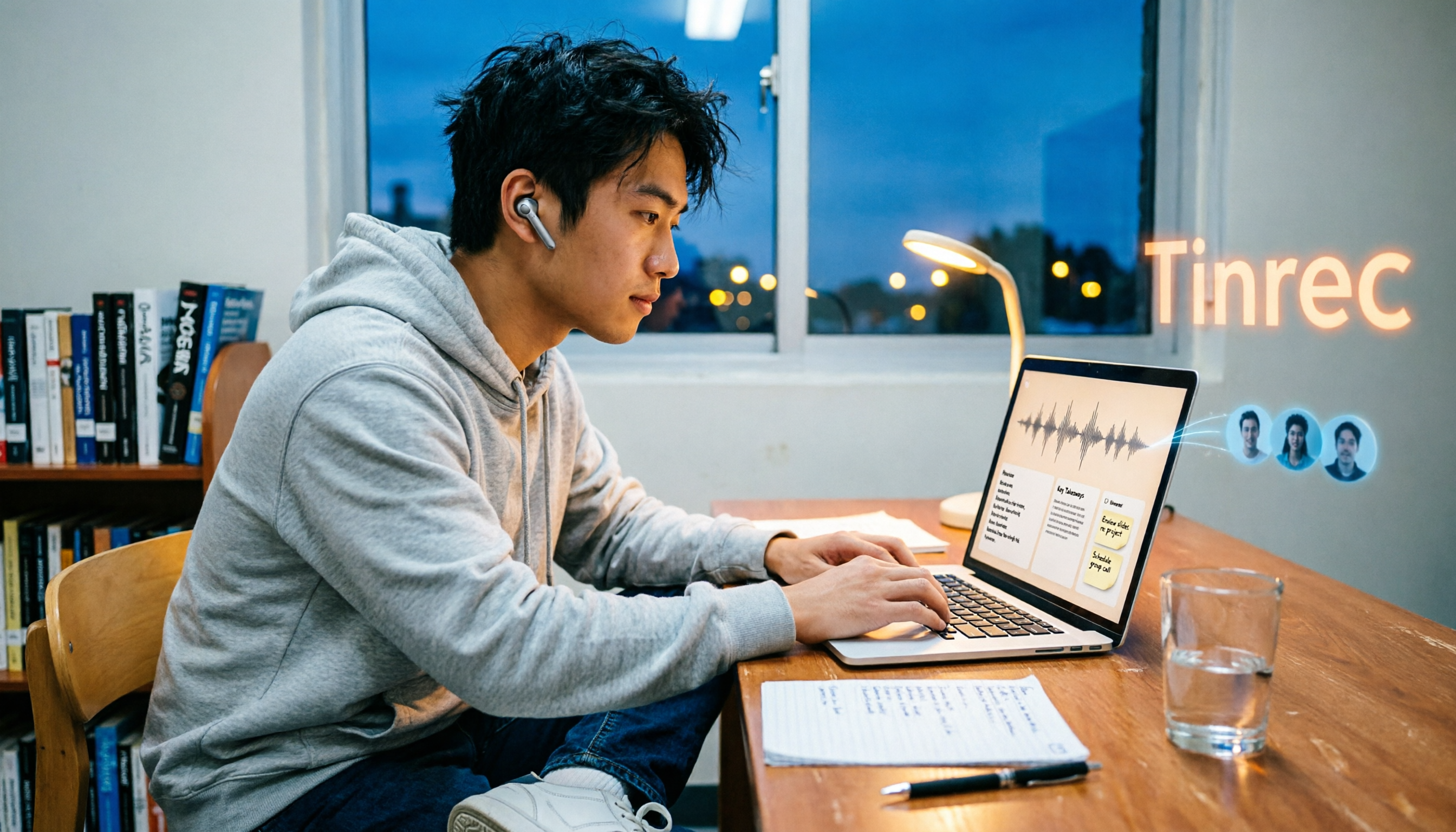
2026 4 Online Text-to-Speech Tools Compared: Reading Aloud Isn't Enough—The Real Challenge Is Organizing Class Recordings
From a senior student's hands-on perspective, this compares 3 free online text-to-speech tools with Tinrec, showing how to turn class and online meeting recordings into searchable transcripts, summaries, and to-dos, plus buying criteria, common pitfalls, and recommendations for students.
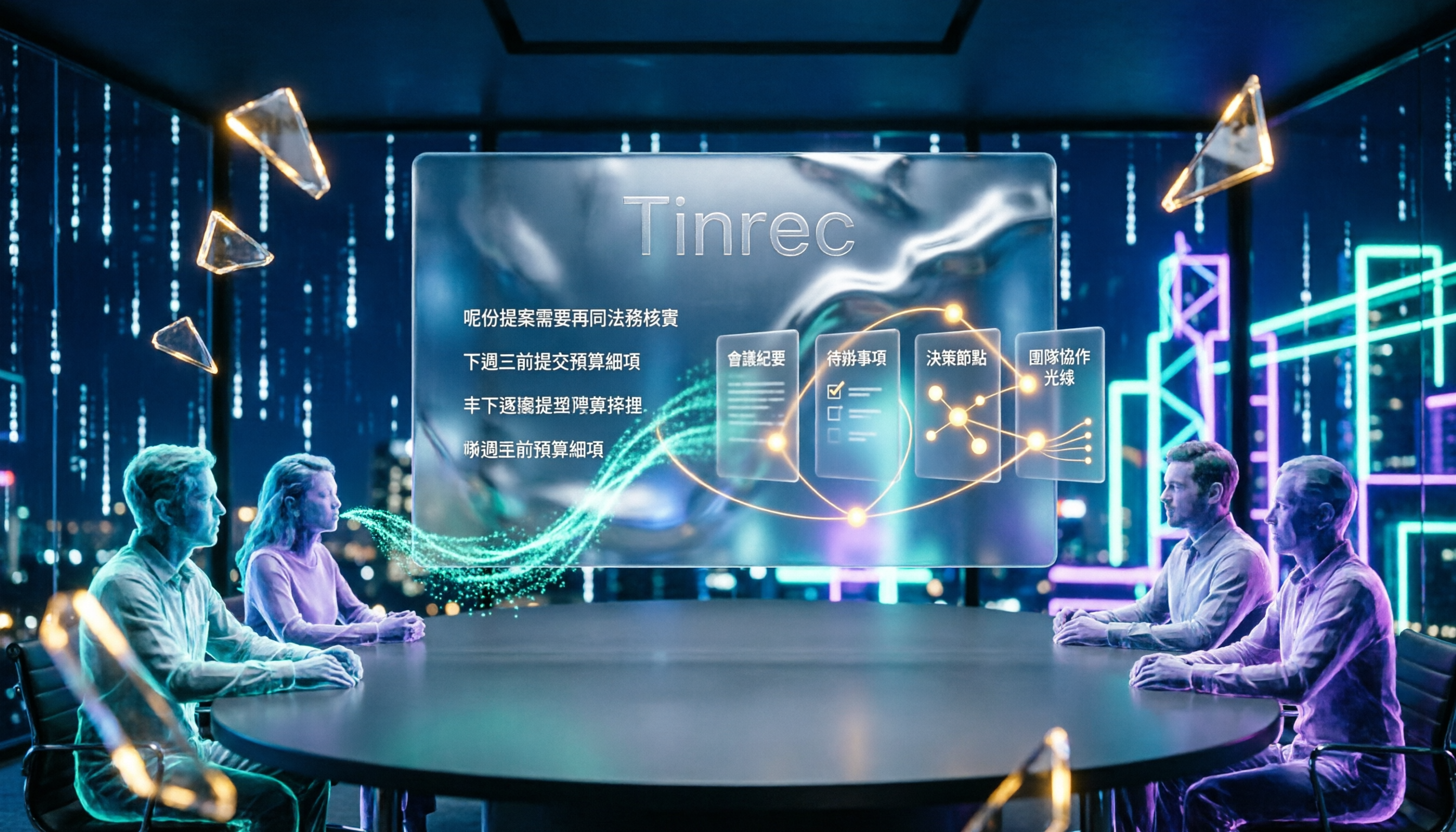
4 Cantonese Speech-to-Text Tools Tested for 2026: After the Transcript, Which One Can Still Help You Organize Your Meeting?
Starting from the most common misconception: Cantonese transcription isn't just about 'supporting Chinese.' This article explains 4 key points for choosing a Cantonese speech-to-text tool and compares Tinrec, Subanana, UniScribe, and cSubtitle in Cantonese scenarios, post-meeting organization, and team collaboration, with final recommendations based on use cases.

4 Video Summarization Apps Tested in 2026: Can Long Videos Really Become Key Notes in One Click?
Videos too long to finish? This article puts 4 video summarization apps to the test, breaking down input sources, output results, Chinese language performance, and team collaboration, and tells you which one can truly turn long videos into queryable, collaborative key data.