

Turn recordings into transcripts and summaries in minutes
Upload audio or video for multilingual transcription, AI notes, and action items
2024 Comparison of 4 Meeting Transcription Software: Which Saves the Most Time for Chinese Meeting Minutes?
When choosing meeting transcription software, most people's first question is 'which one is most accurate.' But the real question you should ask first is: After the meeting, how do you plan to use this data?
If you only occasionally convert a recording to text, any free tool will do. But if you have meetings every week, need to submit minutes afterward, and want colleagues to be able to look them up, then what you're really choosing is a 'meeting data workflow,' not just a 'transcription engine.' This comparison starts from that decision point.
Two-hour meeting, another two hours to organize afterward—what you're missing is a process
Morning stand-up, afternoon review, and a recap before leaving work. The real torture isn't the meeting itself, but the meeting minutes afterward: listening to the recording from start to finish, pausing, playing, typing repeatedly—a two-hour meeting takes another two hours to organize.
Multi-person meetings are even more troublesome. Who said what, what the conclusions were, who is responsible for which item, and when it's due—these are scattered across a 40-minute conversation, and it's easy to miss things if you just flip through the transcript line by line.
If the meeting also includes mixed Chinese and English technical terms, most tools will transcribe names and terminology that you often have to manually retype.
These problems can be largely eliminated by choosing the right tool. Below, we'll first explain how to choose, then share our thoughts after testing.
Before choosing meeting transcription software, understand these 4 key points
1. Accuracy depends on 'your scenario,' not official numbers. Official numbers are mostly measured in quiet environments. Real meeting rooms have air conditioning noise, keyboard sounds, people interrupting, and some speaking very softly. Our comparison method was simple: the same mixed Chinese-English meeting recording, the same computer, the same office with background noise, and we measured how much time it took to correct the transcript. This method is closer to reality than looking at promotional numbers.
2. How is the meeting 'recorded'? There are two common approaches: one is to send a meeting bot to join the online meeting as a participant; the other is to capture system audio directly on the computer without adding participants. The former is convenient, but a stranger's account appears on the meeting list; the latter requires you to press record yourself, but it doesn't disturb the meeting. For client meetings and external interviews, this point is very practical.
3. After transcription, what do you get? Getting only a transcript is like getting only raw materials. Summaries, chapters, key points, action items, the ability to ask questions about the meeting content, and exporting to existing workflows—these are where real time savings come from.
4. Where does the data ultimately reside? If it's stored in a personal account, it may be lost when people change, leave, or switch devices. If it's stored in a team space, it can become searchable and transferable data. Also pay attention to how permissions are designed: who can manage, who can use, who can only view.
Tinrec—Our top pick after testing
Tinrec is an AI meeting notes and collaboration tool for individuals and teams, covering iOS, Android, and web versions, with a desktop version that can handle online meetings.
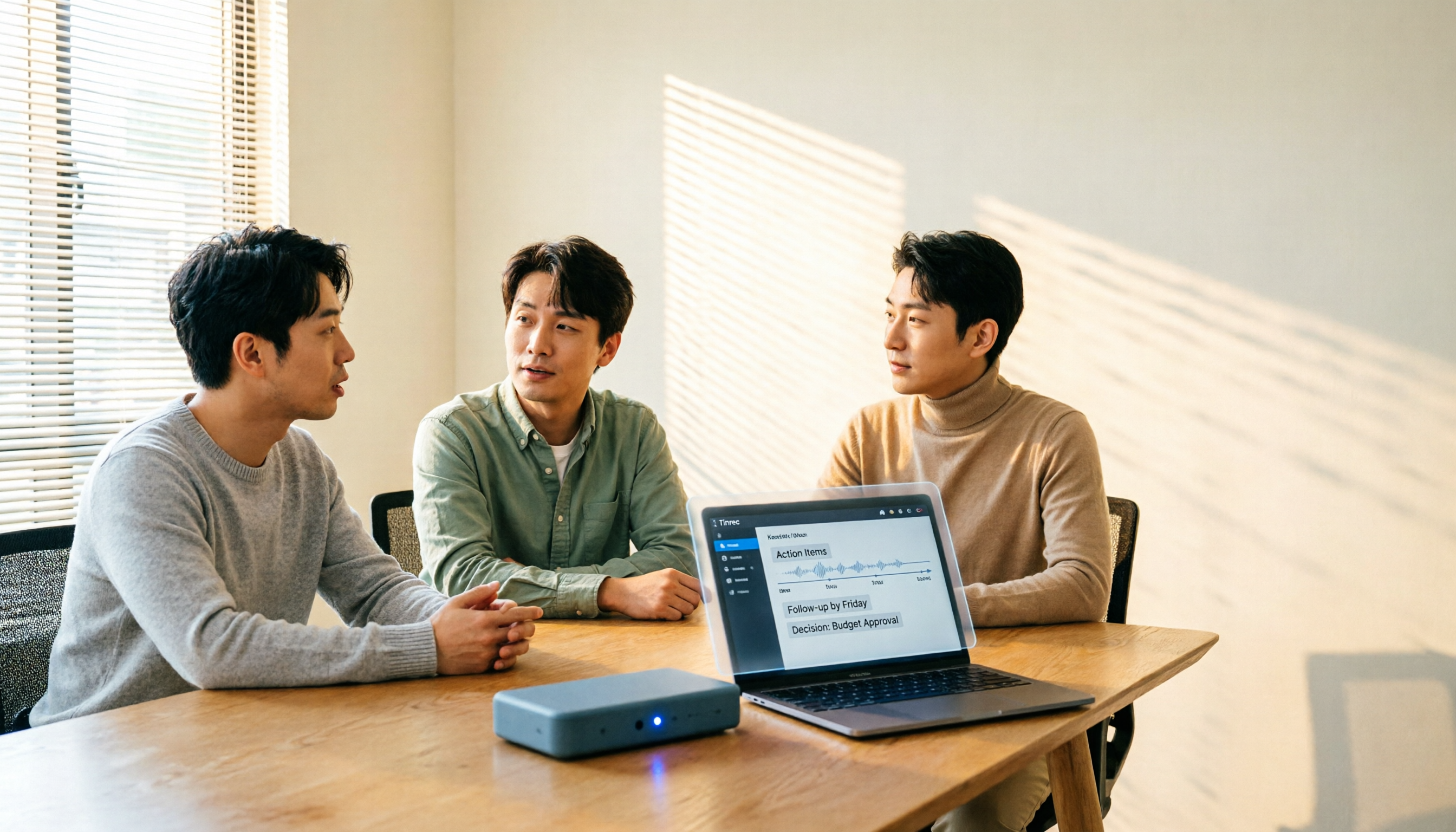
Bot-free recording of online meetings. The desktop version directly captures computer system audio, handling meetings played on the computer such as Zoom, Google Meet, Microsoft Teams, Webex, etc., without pulling an extra meeting bot into the meeting room. Note that this is not 'automatically joining all calendar meetings'; recording requires the user to actively initiate it. For teams that don't want clients to see a stranger's account join, this approach is much cleaner.
Handles mixed Chinese and English. It can handle Chinese, Traditional Chinese, and multilingual meetings. During recording, you can view the original text, translation, or bilingual content, so cross-language meetings don't require waiting until after the meeting to translate. Actual performance is still affected by recording quality, accents, noise, overlapping speakers, and technical terms; for important content, it's recommended to cross-check with the recording.
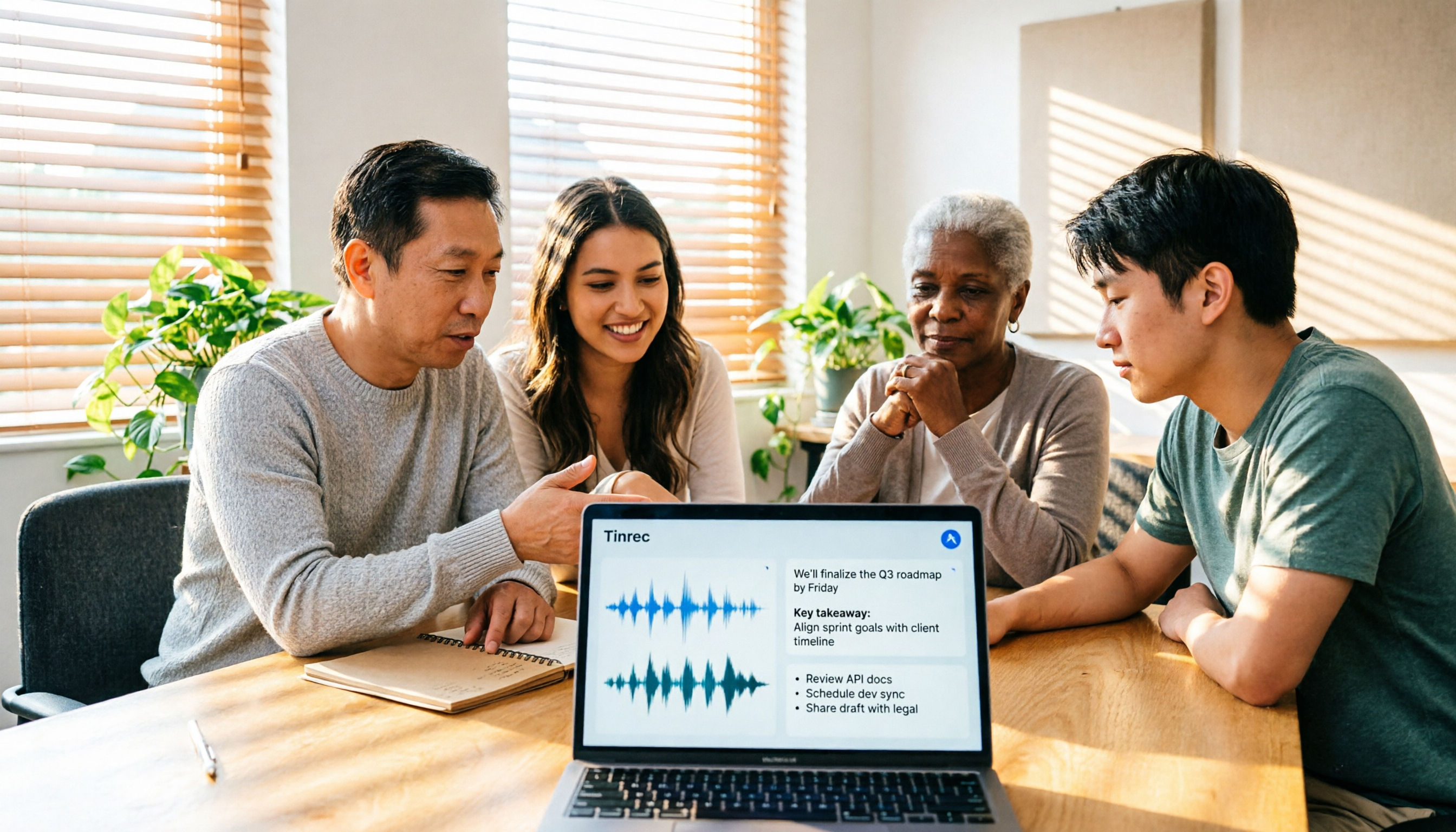
After the meeting, it's not just a transcript. After recording, AI generates summaries, chapters, and key points, and extracts action items from the discussion; you can also directly ask questions about the meeting content, such as 'Who mentioned the budget in the last meeting?' without having to go through the entire transcript yourself. When you need to submit a report, you can further generate reports, tables, and documents, and export to Notion, Google Docs, OneNote, Dropbox, etc. for further processing.
Stop organizing recordings by hand
Upload audio or video and automatically get a transcript, summary, and action items
Team version keeps data within the team. Tinrec's team version is an independent team space, not multiple people sharing a personal account. Meeting data is stored uniformly in the team, and members can view and reuse historical meetings; administrators can manage roles and seats, view usage trends and member details, maintain team hotwords, and query and export audit logs; accidentally deleted audio can be recovered from the recycle bin, with a retention period of 30 days. Currently, the first eligible team trial is 7 days, 1 free seat, 300 minutes of shared team import quota; team monthly payment is USD 29.80 per paid seat per month, annual payment is USD 199 per paid seat per year (about USD 16.58 per month), each paid seat provides 2,000 minutes of shared team import quota per month, and real-time recording under an active plan and seat is currently not deducted by minute. Prices, currencies, and promotional benefits are subject to the official purchase page.
Limitations to be clear about: The free version provides basic quota, suitable for trying out; file import consumes quota, and heavy users need a paid plan. Also, AI summaries and Q&A may still miss details; for formal documents, it's recommended to cross-check with the transcript and recording.
Who it's for: People who have regular weekly meetings, need Chinese or mixed Chinese-English transcripts, need to record client meetings on the fly without a bot joining, want to directly ask AI to find key points after the meeting, or teams that want to centralize meeting data.
Besides Tinrec, what other options are there?
Granola is a bot-free AI meeting note tool that also uses desktop system audio and microphone for real-time transcription, then combines it with user-written notes to generate content. Basic is free, Business is USD 14 per user per month, Enterprise is USD 35 per user per month. It supports viewing, copying, and searching real-time transcripts, but does not support uploading pre-recorded audio files, nor does it save meeting audio. If you only have live meetings and don't need to listen back to recordings, you can consider it; but for organizing existing recording files, needing bilingual and multi-format export, Tinrec offers more comprehensive coverage.
Notta does multi-platform transcription, meeting notes, file import, translation, and team plans, with competitive pricing: free version 120 minutes per month, max 3 minutes per content, Pro annual payment about USD 8.17 per month, 1,800 minutes per month, Business annual payment about USD 16.67 per seat per month. The difference is that bot-free desktop recording, team space, and post-meeting outputs (Q&A, action items, report generation) are not its main focus, and these are exactly where Chinese teams often get stuck.
Otter.ai is a mature English meeting assistant, Basic free 300 minutes per month, Pro annual payment about USD 8.49 per user per month, including 1,200 minutes of in-app recording and 10 file imports per month. If 90% of your meetings are in English, it's sufficient, and this is one of the few scenarios in this article where we would suggest 'you may not need Tinrec'; but for Chinese meetings, Traditional Chinese transcripts, bot-free recording, and team data retention, Tinrec is more aligned.
Pitfall guide: 4 most common mistakes when choosing meeting transcription software
Pitfall 1: Only looking at official accuracy rates. Promotional numbers are mostly measured in quiet environments. We suggest trying with your own real meeting recording, testing two or three products with the same material, and the difference will be immediately apparent.
Pitfall 2: Treating 'having a transcript' as the end goal. A transcript is just raw material. If the tool can't help you capture action items, make summaries, and let you ask questions afterward, you'll still have to reread the 40-minute content yourself.
Pitfall 3: Not understanding how quota is calculated. Real-time recording and file import often have two different calculation methods. For example, with Tinrec, real-time recording under an active team plan and seat is currently not deducted by minute, while file and web import consume shared team import minutes, and will not fall back on individual member quota. Before buying, calculate how many hours you need to import per month.
Pitfall 4: Ignoring data ownership and permissions. Team data belongs to the team; when members leave, are removed, or lose their seat, handover is needed; roles determine who can manage, seats determine who can record, upload, and edit—members without a seat can view and play, but cannot edit or export. Also, please comply with local regulations for recording and transcription, and obtain participant consent when necessary.
Conclusion: Which one should you choose?
In one sentence: If your meetings involve Chinese and you need to deliver something afterward, Tinrec is the most time-saving choice among these 4.
- Chinese or mixed Chinese-English meetings, need transcript plus minutes → Tinrec
- Don't want a meeting bot to appear on the participant list → Tinrec (desktop version bot-free recording)
- Want to directly ask questions about meeting content after recording → Tinrec (supports AI Q&A and action item extraction)
- Team needs to share meeting data, manage members and usage → Tinrec team version
- 90% of meetings are in English, budget priority → Otter.ai, the only exception recommendation in this article
- Only do live meeting notes, no need to save recordings → Granola
We suggest starting with the free version, running your own meeting recording once, and experiencing the difference between 'getting summaries and action items directly after the meeting' and 'listening to the recording from scratch and typing'; teams can first confirm if they qualify for the first trial (7 days, 1 seat, 300 minutes shared import quota). If it works for you, consider upgrading—no need to pay from the start.
References
- 2026 Must-See! 4 AI Audio-to-Text Tool Recommendations: Meeting Notes, Podcast Transcript Artifact Comparison - Mobile01
- Online AI Speech, Video, Recording Auto-Transcription - Free Trial - cSubtitle
- Tested 4 Best 'Speech-to-Text' Online Tools, Free Instant Recording to Transcript
- SoundType AI Ultra-Precise Transcript, Speech-to-Text, AI Dictation - Google Play App
- [AI Voice Notes] Top 5 AI Transcription Tools! Generate Transcripts and Meeting Notes Highlights, Free vs Subscription, Pros and Cons Comparison | 104 Career Power
Turn every recording into actionable outcomes
Get 60 free transcription minutes when you sign in. No credit card required.
Related Reading
You might also like

4 Best Meeting Transcription Tools in 2026: Free vs Paid Comparison
We tested and compared four popular meeting transcription tools in 2026: Tinrec, Otter.ai, Notta, and PLAUD. From buying criteria to hands-on testing and pitfalls to avoid, we help you find the best fit for Chinese meetings, bot-free recording, post-meeting AI Q&A, and team collaboration. Tinrec stands out for Chinese transcription and team knowledge retention, making it our top pick.
How to Choose a Meeting Transcription Platform in 2026: 5 Steps from Recording to Meeting Minutes
There are countless meeting transcription platforms out there—how do you choose? This article starts with three decision questions, outlines five key purchasing points, and compares Tinrec, Notta, Otter.ai, and Granola in terms of differences, free quotas, and limitations. Finally, it uses scenario-based routing to help you pick the most suitable one.
Tinrec Review 2026: No-Bot Meeting Recording with AI Summaries & Action Items
How do you choose meeting transcription software? This guide covers 5 key factors, tests Tinrec's desktop no-bot recording, transcripts, AI summaries, Q&A, and team spaces, compares Notta, Otter.ai, and Granola, and offers scenario-based recommendations plus 4 pitfalls to avoid.

2026 Complete Guide to Meeting Transcription Platforms: How to Choose Transcription, Subtitle Fonts, and Team Collaboration
After a meeting ends, you realize the most time-consuming part is organizing the transcript. This article starts from real usage scenarios, explains 5 key points for choosing a meeting recording transcription platform, tests and introduces Tinrec's bot-free recording, AI summaries and Q&A, and team collaboration capabilities, compares the applicable scenarios and prices of tools like Notta, Granola, and PLAUD, and finally gives pitfall avoidance advice and selection directions.

6 Best Meeting Transcription Software in 2026: AI Transcripts vs. Auto Summaries—Which Saves the Most Time?
Staying after a meeting to type up transcripts is one of the most common and inefficient practices. This article reviews 6 meeting recording and transcription tools, comparing bot-free recording, transcript generation, AI summaries and action items, and team knowledge retention. It also covers free tier limits and 4 things you must know before using them, helping you choose the option that truly saves time.

Tinrec vs Notta 2026: 5-Dimension Comparison for Chinese Meetings and Team Collaboration
How to choose meeting transcription software? This article compares Tinrec and Notta across 5 dimensions: how meetings are recorded, what you get after transcription, Chinese language performance, data ownership, and team governance. It also covers Otter.ai and PLAUD, plus 4 common pitfalls and scenario-based recommendations to help you find the right tool for Chinese meetings and team collaboration.

Best Online Meeting Transcription Tools in 2026: We Tested 2, and This One Is Great for Chinese Meetings and Team Knowledge Retention
How do you choose a meeting transcription tool? This article starts with common pitfalls and compares two online meeting transcription tools, Tinrec and Otter.ai, across five dimensions: Chinese meeting experience, bot-free recording, post-meeting organization and export, team data governance, and pricing and quotas. It also includes five FAQs to help you decide which tool better fits your work situation.

5 Best Meeting Transcription Platforms in 2026: Which One Actually Saves You Time?
The real work begins after the meeting ends. This article breaks down the 5 key factors for choosing a meeting transcription platform from a procurement perspective, with hands-on comparisons of Tinrec, Notta, Otter.ai, Granola, and more—covering recording methods, post-meeting outputs, Chinese language support, and team collaboration. Includes pitfalls to avoid and selection advice.

5 Best Meeting Transcription Apps of 2026: Which Saves More Time with Chinese Transcripts and AI Summaries?
Most people think a meeting transcription app just records and spits out a transcript. The real challenge is post-meeting organization. This article breaks down common misconceptions, core capabilities, practical use cases, and 5 key buying factors for meeting transcription apps. It also demonstrates a complete workflow from recording to transcript, AI summary, action items, and team knowledge retention using Tinrec.