
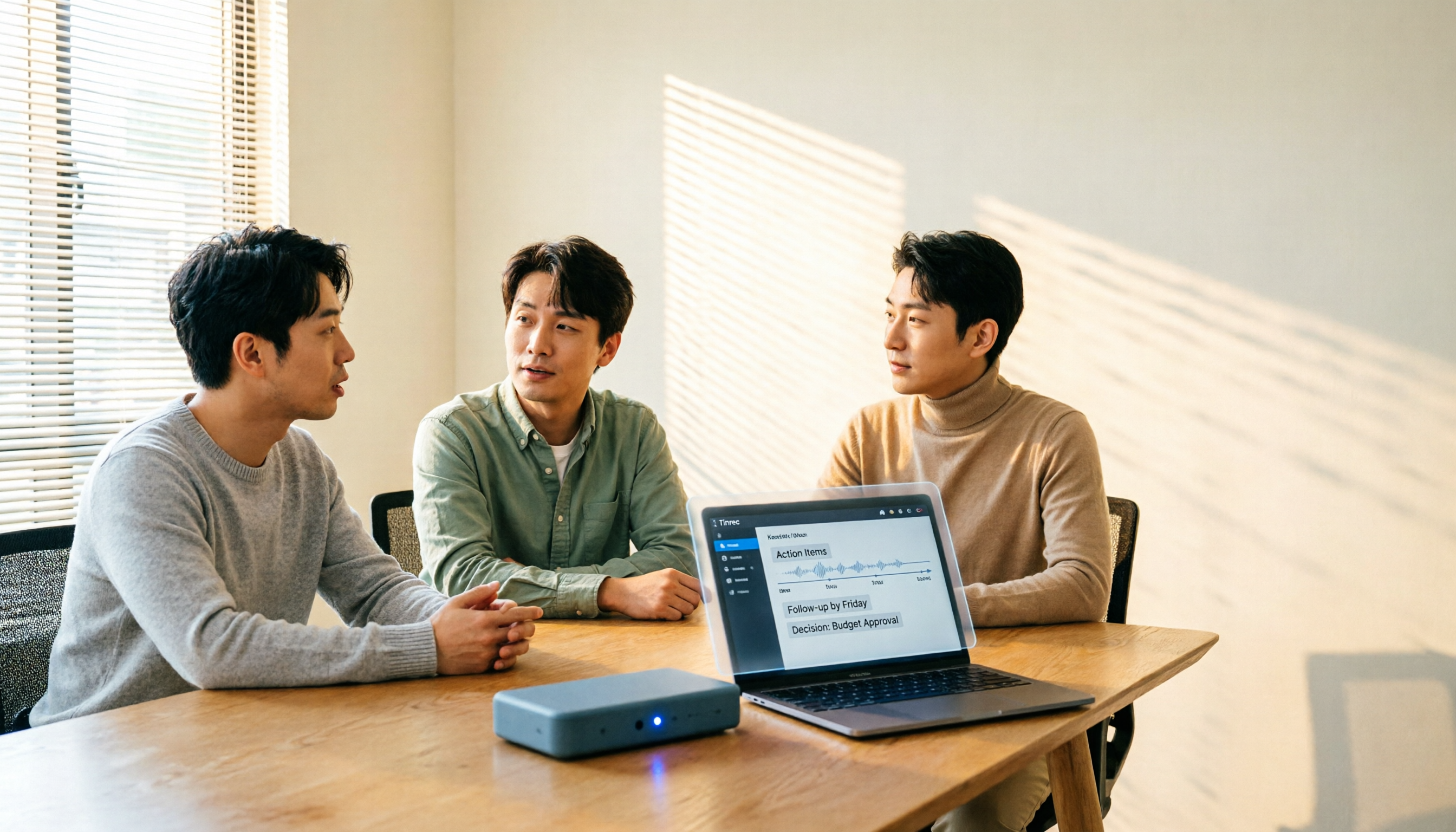
Turn recordings into transcripts and summaries in minutes
Upload audio or video for multilingual transcription, AI notes, and action items
How to Choose a Meeting Transcription Platform in 2026: 5 Steps from Recording to Meeting Minutes
Back-to-back meetings, but no one wants to write the minutes—this is the daily reality for many office workers.
But the real hassle is often not the "recording" itself, but what comes after: you have to go through the transcript to find conclusions, confirm who agreed to what, and write a version your manager can understand.
So when you start searching for a meeting transcription platform, what you're really choosing is not just a speech-to-text tool, but a workflow that remains useful after the meeting ends.
How to Choose a Meeting Transcription Platform? Ask Yourself These 3 Questions First
First, how does the meeting happen? Is it a face-to-face meeting in a conference room, or an online meeting on Zoom, Google Meet, or Microsoft Teams? The former relies on your phone or computer microphone, while the latter involves whether the tool can capture system audio.
Second, do you want a transcript, or something you can deliver? A transcript is just raw material. Summaries, chapters, and action items are what most people actually need.
Third, who ultimately owns this data? For personal use, storing it in your own account is fine. But if it's a weekly project meeting for a department, data scattered across everyone's devices means it's lost when people leave.
Once you think through these three questions, you'll find that many tools are eliminated at the first hurdle.
Before Choosing a Meeting Transcription Platform, Understand These 5 Key Points
1. How meeting audio gets into the tool. This is the most easily overlooked yet most impactful aspect. There are three common methods: a meeting bot joins as a participant, a desktop app directly captures computer system audio, or you manually upload the audio file afterward. Bots are the most convenient, but some clients dislike having an unfamiliar account in the meeting room; desktop capture requires you to actively open the tool.
2. What remains after transcription. A tool that only provides a transcript is essentially handing the organization work back to you. Whether it can automatically generate summaries, chapters, and action items determines whether you save 10 minutes or 1 hour.
3. Handling of Chinese and mixed Chinese-English. Meetings in Taiwan often mix three English words into a Chinese sentence, which is a tough challenge for transcription tools. Whether a tool is primarily designed for Chinese scenarios makes a noticeable difference in practice.
4. Whether meeting audio files are retained. Some tools only keep text, not audio. The benefit is less storage burden, but the downside is that if you want to verify a specific sentence later, you can only stare at the transcript and guess.
5. For team use or personal use. If only you use it, a personal plan is enough. If the whole department needs to share, you need to check whether it has team spaces, member and seat management, usage logs, etc.
Tinrec — Our Top Choice After Testing
Tinrec is an AI meeting notes and collaboration tool for individuals and teams, supporting real-time recording, online meeting transcription, audio and video import, and available on desktop, web, and mobile.
The first thing that stands out is that online meetings don't require a bot. The desktop version directly captures the computer's system audio, handling Zoom, Google Meet, Microsoft Teams, Webex, and other meetings without adding an unfamiliar account to the meeting room. Note that this doesn't mean it automatically joins every meeting on your calendar; you still need to actively open Tinrec to start recording.
The second is the workflow after the meeting ends. The live transcript is just the starting point; AI then organizes summaries, chapters, and action items, making it much faster to see who is responsible for what and by when than going through the recording from scratch. Even better is AI Q&A: you can directly ask, "What was the final decision on the budget in the last meeting?" and it will answer from the meeting content instead of throwing a list of keywords at you. For long meetings of one or two hours, this saves a noticeable amount of time.
The third is output to your existing workflow. The organized results can be exported as documents, reports, or tables, and can also be taken to Notion, Google Docs, OneNote, Dropbox, etc. for further processing. For those who need to submit weekly reports or write meeting minutes, this is more practical than how fast the transcription is.
Stop organizing recordings by hand
Upload audio or video and automatically get a transcript, summary, and action items
For team use, Tinrec provides an independent team space rather than multiple people sharing a personal account. Meeting data belongs to the team, and members can view historical meetings; admins can manage roles and seats, view usage trends, query and export operation logs, and there is a 30-day audio recycle bin (to recover accidentally deleted audio) and team hotwords to maintain company terminology. It's important to distinguish: roles determine who can manage the team, seats determine who can record, upload, edit, and export. Members who are active but have no seat can still view, play, and read team data, but cannot perform resource-consuming operations.
Limitations should also be clear. The free version provides a basic quota, suitable for trying a few meetings first; heavy users need to pay. Transcription quality is affected by recording environment, noise, accents, multiple people talking over each other, and technical jargon. It's not recommended to treat AI-generated content as 100% accurate final copy; important numbers should be verified against the original. Personal plans include Free, Weekly Pass, Pro Monthly, and Pro Annual; team version offers a 7-day trial for first-time eligible users, 1 free seat, and 300 minutes of shared team import quota, then USD 29.80 per paid seat per month, or USD 199 per paid seat per year (about USD 16.58 per month), with each paid seat providing 2,000 minutes of shared team import quota per month. Real-time recording within the team package is currently not deducted by minutes. Actual prices and benefits are subject to the official purchase page.
Who is it for? Those who frequently hold Chinese meetings, want to use AI to find key points directly after the meeting, don't want to add a bot to the meeting, or need to turn meeting data into team assets.
Besides Tinrec, What Other Options Are There?
Notta. Multilingual transcription and translation are its strengths, and it also has meeting notes and team plans. The free version offers 120 minutes per month, with a maximum of 3 minutes per session; Pro annual billing is about USD 8.17 per month. Its positioning leans toward transcription, subtitles, and translation; Tinrec adds AI Q&A and Agent post-processing around meeting content, which can directly generate reports, tables, and documents.
Otter.ai. A veteran choice for English business meetings, with a free version offering 300 minutes per month, and Pro annual billing about USD 8.49 per user per month. If your meetings are almost entirely in English, it's sufficient; but Chinese and mixed Chinese-English are not its strong suit, whereas Tinrec focuses on Chinese meetings, mixed Chinese-English, and real-time translation.
Granola. Also a no-bot AI meeting notes tool, with Basic free and Business at USD 14 per user per month, featuring the combination of user handwritten notes and AI. However, it does not support uploading existing audio files and does not retain meeting audio; if you need to verify recordings after the meeting or organize old files, Tinrec fills that gap.
Pitfall Guide: The 4 Most Common Mistakes When Choosing a Meeting Transcription Platform
Pitfall 1: Only looking at the official accuracy claims. Numbers measured in a quiet recording studio are completely different from real conference rooms with air conditioning noise, keyboard sounds, and multiple people talking over each other. It's better to test with a recording of your own meeting than to look at ads.
Pitfall 2: Ignoring "how meeting audio gets in." Some tools rely on a meeting bot to join, others require you to open a desktop app to capture. The former is convenient but may affect client perception; the latter requires you to remember to open it. Think clearly about which meeting scenario you have first.
Pitfall 3: Using a personal account as a team shared account. Meeting data stored in a personal account becomes troublesome when a colleague leaves or the account is deactivated. If you need sharing, directly look for a solution with team spaces and member management, and understand the difference between members, roles, and seats.
Pitfall 4: Only looking at free, not limitations. Free quotas usually have single-session length or monthly limits, and many people only discover the quota is used up during a meeting. Confirm your meeting length and frequency first, then decide whether to pay.
Conclusion: Which One Should You Choose?
In a nutshell: if you handle Chinese meetings and care about "whether you can use it directly after the meeting," Tinrec is currently the most hassle-free choice.
- Transcription for Chinese and mixed Chinese-English meetings → Tinrec
- Don't want to add a meeting bot for online meetings → Tinrec (desktop captures system audio)
- Want to ask AI directly for conclusions and action items after recording → Tinrec
- Want to leave meeting data for the whole team → Tinrec team version (team space + role and seat management)
- Meetings almost entirely in English → Otter.ai, this is one of the few exceptions in this article
It's recommended to first use the free quota to run one of your own meetings, see if the transcript and summary quality meet expectations, and then decide whether to upgrade. Whether a tool is good or not, you'll know after one meeting.
Finally, a reminder: recording and transcription involve other people's conversations. Please comply with local laws and regulations before use, and obtain consent from participants when necessary.
References
- No time limit! 3 free AI transcription tools, highly recommended! AI voice notes generate meeting minutes, presentations, mind maps | 104 Career Power
- Notta - Ultra-accurate transcript, speech-to-text, meeting recording, AI summary record App - App Store
- Yating Transcript
- [AI Voice Notes] 5 highly recommended AI transcription tools! Help you generate transcripts and meeting minutes highlights, free vs subscription, pros and cons comparison | 104 Career Power
- Meeting minutes AI神器 | 3 major speech-to-text tool recommendations, quick organization and question highlights
Turn every recording into actionable outcomes
Get 60 free transcription minutes when you sign in. No credit card required.
Related Reading
You might also like

4 Best Meeting Transcription Tools in 2026: Free vs Paid Comparison
We tested and compared four popular meeting transcription tools in 2026: Tinrec, Otter.ai, Notta, and PLAUD. From buying criteria to hands-on testing and pitfalls to avoid, we help you find the best fit for Chinese meetings, bot-free recording, post-meeting AI Q&A, and team collaboration. Tinrec stands out for Chinese transcription and team knowledge retention, making it our top pick.
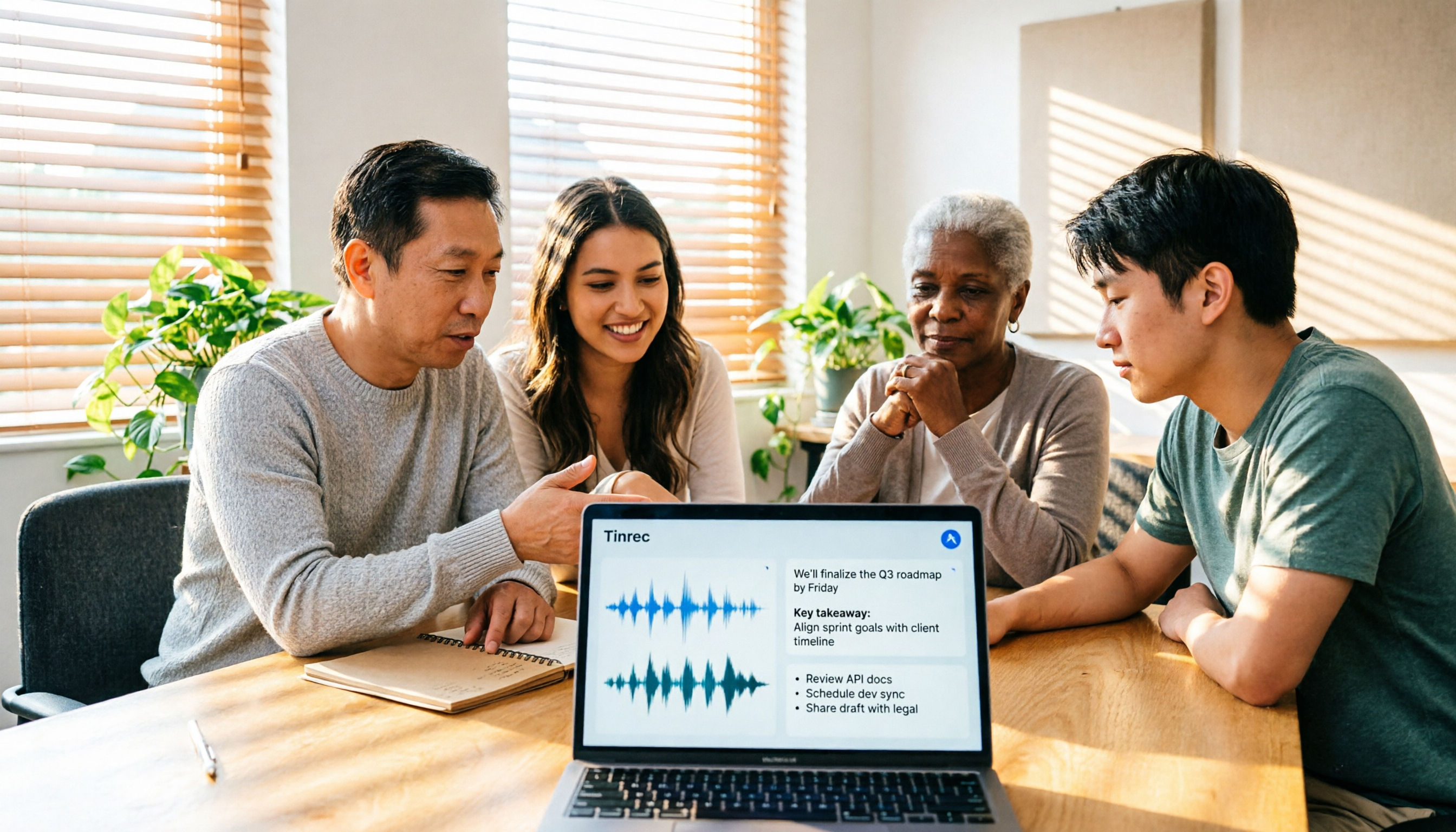
Tinrec Review 2026: No-Bot Meeting Recording with AI Summaries & Action Items
How do you choose meeting transcription software? This guide covers 5 key factors, tests Tinrec's desktop no-bot recording, transcripts, AI summaries, Q&A, and team spaces, compares Notta, Otter.ai, and Granola, and offers scenario-based recommendations plus 4 pitfalls to avoid.

2026 Complete Guide to Meeting Transcription Platforms: How to Choose Transcription, Subtitle Fonts, and Team Collaboration
After a meeting ends, you realize the most time-consuming part is organizing the transcript. This article starts from real usage scenarios, explains 5 key points for choosing a meeting recording transcription platform, tests and introduces Tinrec's bot-free recording, AI summaries and Q&A, and team collaboration capabilities, compares the applicable scenarios and prices of tools like Notta, Granola, and PLAUD, and finally gives pitfall avoidance advice and selection directions.

6 Best Meeting Transcription Software in 2026: AI Transcripts vs. Auto Summaries—Which Saves the Most Time?
Staying after a meeting to type up transcripts is one of the most common and inefficient practices. This article reviews 6 meeting recording and transcription tools, comparing bot-free recording, transcript generation, AI summaries and action items, and team knowledge retention. It also covers free tier limits and 4 things you must know before using them, helping you choose the option that truly saves time.

2024 Comparison of 4 Meeting Transcription Software: Which Saves the Most Time for Chinese Meeting Minutes?
When choosing meeting transcription software, the real deciding factor isn't 'which one is most accurate' but how you'll use the data after the meeting. This article focuses on that decision point, comparing Tinrec, Granola, Notta, and Otter.ai in terms of Chinese meetings, bot-free recording, post-meeting summaries and action items, and team data retention, plus 4 key purchasing points and 4 common pitfalls to avoid.

Tinrec vs Notta 2026: 5-Dimension Comparison for Chinese Meetings and Team Collaboration
How to choose meeting transcription software? This article compares Tinrec and Notta across 5 dimensions: how meetings are recorded, what you get after transcription, Chinese language performance, data ownership, and team governance. It also covers Otter.ai and PLAUD, plus 4 common pitfalls and scenario-based recommendations to help you find the right tool for Chinese meetings and team collaboration.

Best Online Meeting Transcription Tools in 2026: We Tested 2, and This One Is Great for Chinese Meetings and Team Knowledge Retention
How do you choose a meeting transcription tool? This article starts with common pitfalls and compares two online meeting transcription tools, Tinrec and Otter.ai, across five dimensions: Chinese meeting experience, bot-free recording, post-meeting organization and export, team data governance, and pricing and quotas. It also includes five FAQs to help you decide which tool better fits your work situation.

5 Best Meeting Transcription Platforms in 2026: Which One Actually Saves You Time?
The real work begins after the meeting ends. This article breaks down the 5 key factors for choosing a meeting transcription platform from a procurement perspective, with hands-on comparisons of Tinrec, Notta, Otter.ai, Granola, and more—covering recording methods, post-meeting outputs, Chinese language support, and team collaboration. Includes pitfalls to avoid and selection advice.

5 Best Meeting Transcription Apps of 2026: Which Saves More Time with Chinese Transcripts and AI Summaries?
Most people think a meeting transcription app just records and spits out a transcript. The real challenge is post-meeting organization. This article breaks down common misconceptions, core capabilities, practical use cases, and 5 key buying factors for meeting transcription apps. It also demonstrates a complete workflow from recording to transcript, AI summary, action items, and team knowledge retention using Tinrec.