
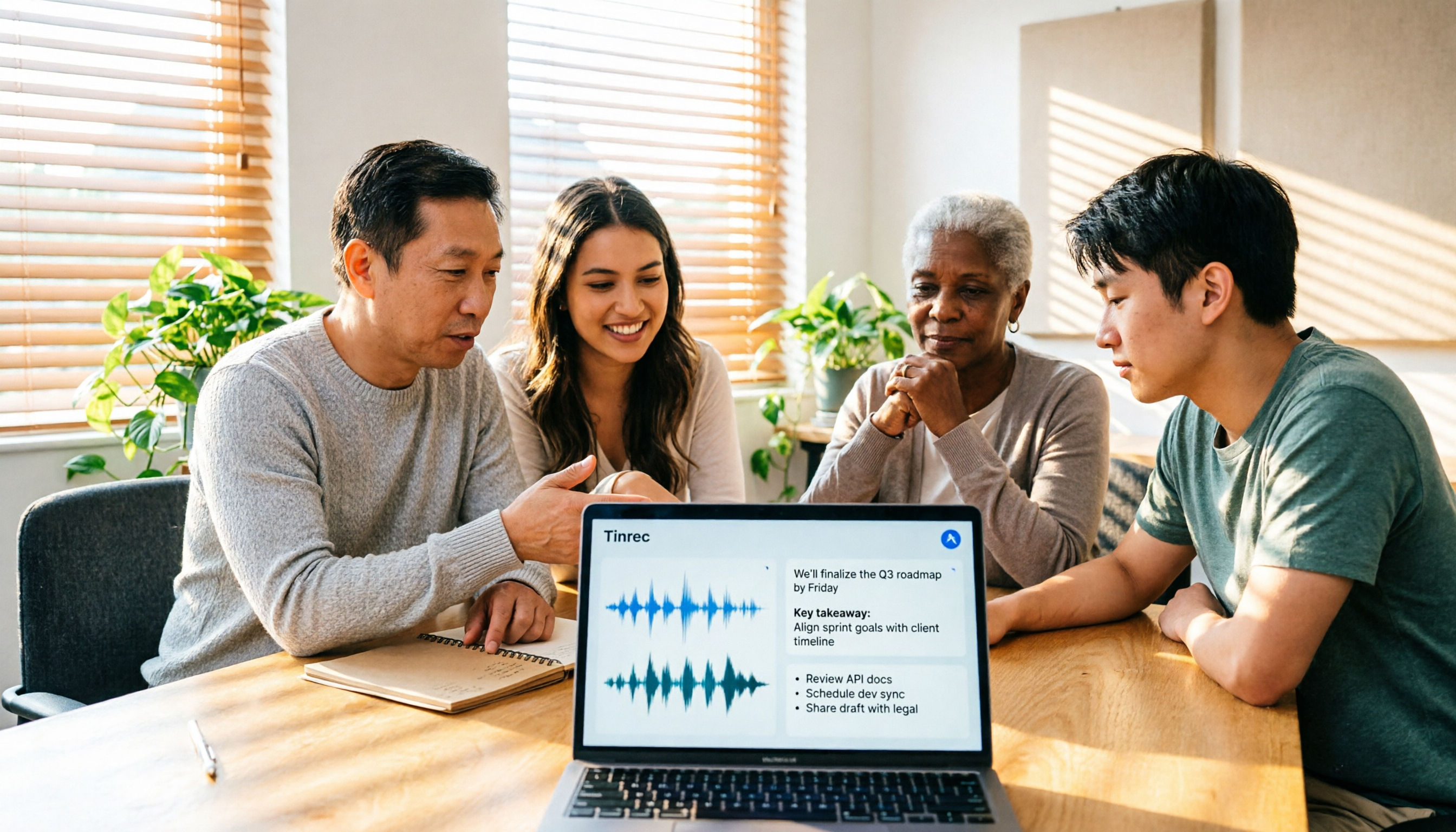
Turn recordings into transcripts and summaries in minutes
Upload audio or video for multilingual transcription, AI notes, and action items
Tinrec Review 2026: No-Bot Meeting Recording with AI Summaries & Action Items
The moment the weekly meeting ends, the real work begins
It's Tuesday afternoon, and you just closed a 45-minute Google Meet. Three tasks from your manager, a client's added note that "the budget needs to be capped at 80% of the original," and a colleague's "I'll get this to you by next Wednesday"—all of it lives only in your memory.
The hardest part of meeting notes usually isn't during the meeting itself, but after it ends:
- To confirm a specific comment, you have to drag the timeline and listen segment by segment—a 30-minute meeting costs you another 30 minutes.
- Everyone takes notes differently—some jot down key points, others write a running log—and three months later no one can understand what was actually decided.
- When you record with a meeting bot, attendees get a notification that "an AI participant has joined," and with external clients you have to explain it first.
- When a team member leaves, the meeting data disappears with their personal account.
These situations aren't a matter of willpower—they're about whether you've chosen the right tool. Below I've compiled several meeting transcription apps I've personally used, and I'll share which one I kept and why.
Before choosing meeting transcription software, understand these 5 key points
1. Recording method: "bot joins" vs. "desktop captures system audio"
A meeting bot joins as an extra participant, requiring the host to admit it and notifying attendees. The other approach uses a desktop app to capture your computer's system audio directly, so no extra account appears in the meeting. The latter is less disruptive for client meetings, but remember it's a user-initiated recording, not an automatic join to every meeting on your calendar.
2. What comes after the transcript
A tool that only gives you a transcript just hands the typing work back to you in a different form. What truly saves time is the output after transcription: summaries, chapters, action items, the ability to ask follow-up questions about the content, and export to your existing workflow. The gap here is far more noticeable than a few tenths of a percentage point in accuracy.
3. Chinese and mixed Chinese-English recognition experience
Meetings in Taiwan are rarely pure Chinese or pure English—they're usually sentences like "this campaign launches next week, give the assets to the agency first." When choosing a tool, look at how smoothly it handles this mixed-language scenario and whether you can maintain your company's common terminology. Any advertised fixed accuracy rate is only a reference; real meeting rooms have air conditioning noise, keyboard sounds, and multiple people talking over each other, so performance will definitely differ.
4. How quotas are calculated
Even if they're both called "free minutes," the calculation can differ greatly: live recording and file uploads may be different quota pools, and personal quotas vs. team shared quotas are two different things. First figure out whether your main use case is "live recording" or "importing files afterward," then look at the plan details.
5. Team permission design
If meeting data is to be used by the whole department, check whether it has an independent team space, whether member roles can be differentiated, and whether data ownership belongs to the individual or the team. If you don't think this through first, you'll usually pay the price when the first member leaves.
Tinrec—the one that best fits the meeting workflow after testing
Tinrec is an AI meeting notes and collaboration tool for individuals and teams, offering web, desktop, and mobile versions. Its core is to move meetings from "recorded" to "organized, findable, and actionable." I put it first not because it has the most features, but because its meeting workflow is the most complete.
Record online meetings without a meeting bot
Tinrec's desktop version captures your computer's system audio directly. When you open Zoom, Google Meet, Microsoft Teams, or Webex, just press start recording on your computer—no bot account appears in the meeting room, and you don't have to explain to clients who it is. Note that this is a user-initiated recording, not a background auto-join to all meetings.
Transcribe while recording, get summaries and action items when the meeting ends
The transcript starts generating while recording, and after the meeting the AI organizes a summary, chapters, and action items—who's responsible for what and when it's due, all listed in the same note. This is where I find the most time savings; previously I'd spend another 20 minutes rewriting the key points after the meeting. It also supports live translation during recording, viewable in original, translated, or bilingual mode, so cross-language meetings don't require extra help.
Even better: AI Q&A
After recording, you can directly ask it: "What were the client's concerns about the quote?" "When did the last meeting push the timeline to?" It doesn't dump a bunch of keyword search results on you—it organizes the answer. Transcription tools in the same price range mostly stop at giving you a transcript; after recording, you still have to Ctrl+F through it yourself to find key points.
Take it with you after organizing, or continue processing
Transcripts, summaries, and action items can be exported as files to Notion, Google Docs, OneNote, or Dropbox for continued use, and you can also ask the Agent to generate reports, tables, or documents based on the meeting content.
Team version turns meetings into team assets
Stop organizing recordings by hand
Upload audio or video and automatically get a transcript, summary, and action items
The team version is an independent team space, not multiple people sharing a personal account. You can create multiple teams, invite members via link, set owners/admins/regular members, and centrally store meeting audio and transcripts. The admin side can view usage trends, member rankings and details, and export audit logs. Accidentally deleted audio can be recovered from a 30-day recycle bin. When a member leaves or is removed, their team resources can be handed over to other active members, so data isn't taken away wholesale.
My testing observations
I tested by throwing in a roughly 20-minute Chinese weekly meeting recording (mixed Chinese-English, air conditioning background noise, three people taking turns speaking). For single-speaker segments at normal speed, the transcript is almost directly readable; parts with multiple people talking over each other or product codes still need manual proofreading. You can feed your company's common terminology into team hotwords to improve this. Honestly, any tool's performance in a real meeting room won't match numbers measured in a quiet studio, so for important information, it's still best to replay and verify against the timestamp.
Three main advantages
- No meeting bot: desktop captures system audio, so client meetings aren't awkward—this is the biggest practical difference.
- There's more after the transcript: summaries, chapters, action items, AI Q&A, and export all in one place, so you can continue working right after the meeting.
- Team data stays with the team: meeting data belongs to the team and can be handed over when members change, so it won't disappear because one person leaves.
Limitations to note
The free version provides a basic quota; actual minutes and plan details are subject to the official website. If you're organizing more than three meetings a week, you'll likely need a weekly pass or Pro soon—you don't have to pay upfront, but be prepared. Also, the team version is priced per paid seat: USD 29.80 per paid seat per month, or USD 199 per paid seat per year (about USD 16.58 per month). Each paid seat includes 2,000 minutes of team shared import quota per month; live recording doesn't deduct additional minutes under an active plan and active seat. First-time eligible teams get a 7-day trial, 1 free seat, and 300 minutes of shared import quota. Prices and benefits may change; please refer to the purchase page before buying.
Who it's for
If you mostly handle Chinese or mixed Chinese-English online meetings, don't want a bot joining the room, and want to ask AI directly to find key points after recording, Tinrec is the smoothest for this combination.
Besides Tinrec, what other options are there?
Notta
A strong competitor with high overlap with Tinrec, offering multi-platform transcription, file import, translation, and team plans, with strong multilingual support. The official free version currently offers 120 minutes per month, with a maximum of 3 minutes per single item; Pro annual billing is about USD 8.17 per month, with 1,800 minutes per month. If you just need to convert audio files to text, it's sufficient; but if you want desktop no-bot recording plus team governance with roles, seats, and auditing, Tinrec puts these in the same workflow.
Otter.ai
A veteran choice for English meetings. Basic is free with 300 minutes per month; Pro annual billing is about USD 8.49 per user per month (including 1,200 minutes per month and 10 file imports); Business offers unlimited meetings and in-app recording. Note that its desktop version can also record, not just the meeting bot mode. If almost all your recordings are English-only meetings, Otter is a cost-effective option; for Chinese or mixed Chinese-English meetings, Tinrec's experience is closer to the Taiwan usage scenario.
Granola
Also takes the no-bot route, using desktop audio capture combined with your own typed notes to generate meeting content. Basic is free; Business is about USD 14 per user per month. Its design orientation is "notes plus AI enhancement," doesn't support uploading pre-recorded audio files, and doesn't save meeting audio—a hard drawback for those who want to replay and verify afterward. Tinrec retains audio files, supports importing existing recordings, and can centrally store data in team spaces.
Pitfall guide: 4 most common mistakes when choosing meeting transcription software
Pitfall 1: Only looking at free minutes, not how quotas are calculated.
Live recording and file uploads may be different quota pools; team versions usually use shared import quotas, not members' personal quotas. If you don't figure this out, you'll encounter situations like "I still have minutes, but I can't upload files."
Pitfall 2: Assuming all tools use bots to join meetings.
Bot mode gets notified and requires host admission; desktop system audio capture doesn't add a participant but requires you to actively start recording. Understand the difference so you don't buy something and find it doesn't match expectations.
Pitfall 3: Treating the tool as just audio-to-text.
If you only take the transcript, you're using only a third of its capabilities. Summaries, action items, AI Q&A, and export are where the "second hour" is saved.
Pitfall 4: Confusing team roles and seats.
Roles determine who can manage the team, members, and team settings; seats determine who can record, upload, edit, and import/export. Members without a seat can still view, play, and read team data, but cannot edit. Also don't expect fine-grained file-level permissions; the current mainstream approach is team-level sharing, role-based governance, and seat-based usage.
One final reminder: no matter which tool you use, confirm local regulations and attendee consent before recording, especially for international meetings.
Summary: Which one should you choose?
Simply put, look at your meeting type first, then decide on the tool:
- You want to record Zoom, Google Meet, Teams, Webex without an extra bot joining → Tinrec (desktop captures system audio)
- Meetings are in Chinese or mixed Chinese-English, and you want bilingual transcripts → Tinrec (Chinese scenarios and live translation)
- After recording, you want to ask AI directly "who mentioned the budget in the last meeting" → Tinrec (AI Q&A is where it differs most from same-price tools)
- Your team needs to share meeting data and manage seats and usage → Tinrec team version (team space, usage analytics, audit logs)
- You almost only record English-only meetings and have a budget of 0 → Otter.ai (the only scenario in this article recommending another brand)
I suggest starting with the free version, throwing in one of your own real meetings, and seeing whether the transcript and summary can be used directly in your workflow. If it feels smooth, consider a weekly pass or Pro; for teams, you can run the 7-day trial first to confirm that the division of roles and seats fits your habits before deciding on a full rollout.
References
- No time limit! 3 free AI transcription tools, highly recommended! AI voice notes generate meeting records, presentations, mind maps | 104 Career Power
- [AI Voice Notes] 5 highly recommended AI transcription tools! Help you generate transcripts and meeting highlights, free vs subscription, pros and cons comparison | 104 Career Power
- Must-see in 2026! 4 AI audio-to-text tools recommended: meeting notes, podcast transcription神器 comparison - Mobile01
- Notta - Ultra-accurate transcript, voice to text, meeting recording, AI summary notes App - App Store
- Yating Transcript
Turn every recording into actionable outcomes
Get 60 free transcription minutes when you sign in. No credit card required.
Related Reading
You might also like

4 Best Meeting Transcription Tools in 2026: Free vs Paid Comparison
We tested and compared four popular meeting transcription tools in 2026: Tinrec, Otter.ai, Notta, and PLAUD. From buying criteria to hands-on testing and pitfalls to avoid, we help you find the best fit for Chinese meetings, bot-free recording, post-meeting AI Q&A, and team collaboration. Tinrec stands out for Chinese transcription and team knowledge retention, making it our top pick.
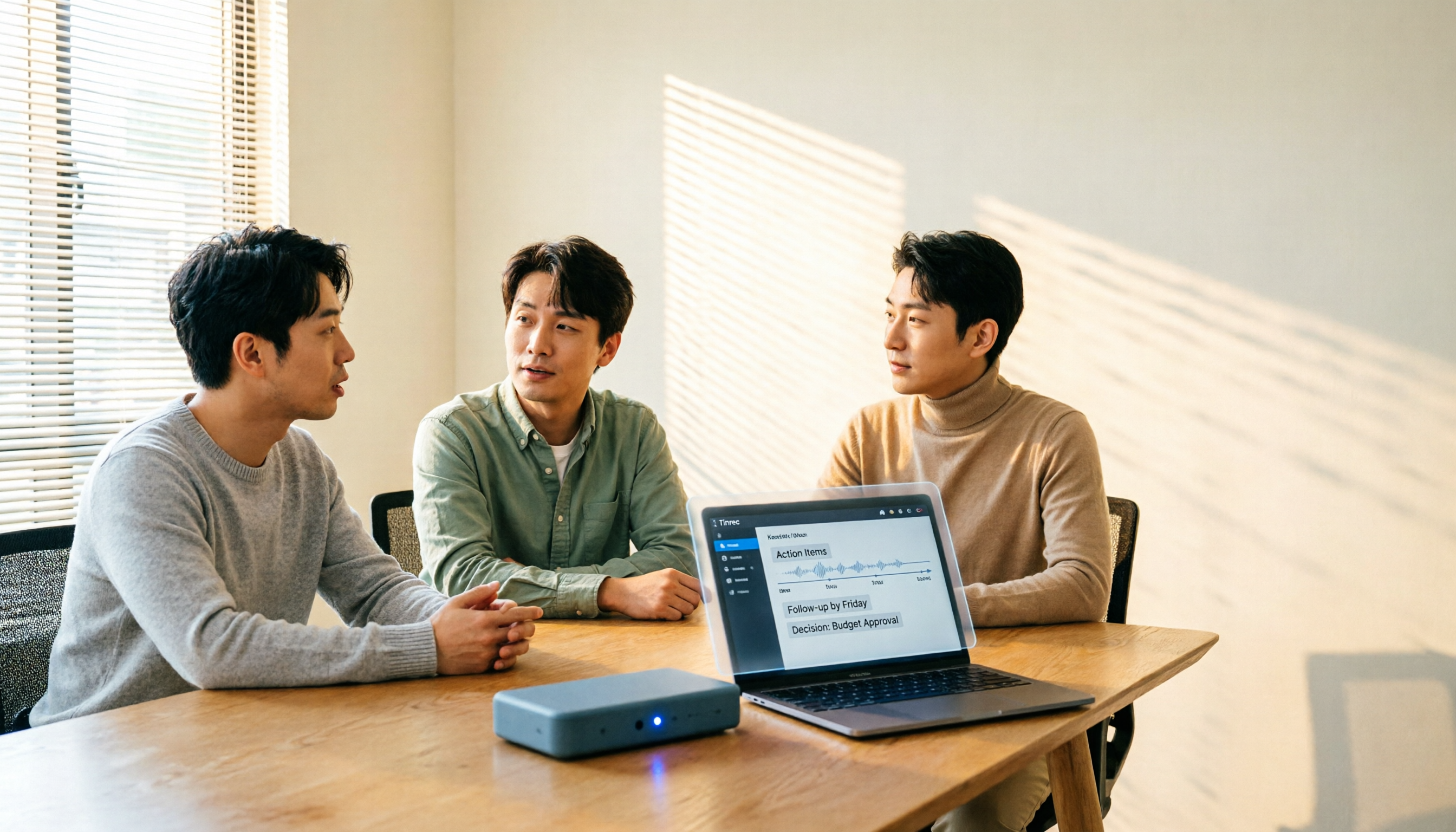
How to Choose a Meeting Transcription Platform in 2026: 5 Steps from Recording to Meeting Minutes
There are countless meeting transcription platforms out there—how do you choose? This article starts with three decision questions, outlines five key purchasing points, and compares Tinrec, Notta, Otter.ai, and Granola in terms of differences, free quotas, and limitations. Finally, it uses scenario-based routing to help you pick the most suitable one.

2026 Complete Guide to Meeting Transcription Platforms: How to Choose Transcription, Subtitle Fonts, and Team Collaboration
After a meeting ends, you realize the most time-consuming part is organizing the transcript. This article starts from real usage scenarios, explains 5 key points for choosing a meeting recording transcription platform, tests and introduces Tinrec's bot-free recording, AI summaries and Q&A, and team collaboration capabilities, compares the applicable scenarios and prices of tools like Notta, Granola, and PLAUD, and finally gives pitfall avoidance advice and selection directions.

6 Best Meeting Transcription Software in 2026: AI Transcripts vs. Auto Summaries—Which Saves the Most Time?
Staying after a meeting to type up transcripts is one of the most common and inefficient practices. This article reviews 6 meeting recording and transcription tools, comparing bot-free recording, transcript generation, AI summaries and action items, and team knowledge retention. It also covers free tier limits and 4 things you must know before using them, helping you choose the option that truly saves time.

2024 Comparison of 4 Meeting Transcription Software: Which Saves the Most Time for Chinese Meeting Minutes?
When choosing meeting transcription software, the real deciding factor isn't 'which one is most accurate' but how you'll use the data after the meeting. This article focuses on that decision point, comparing Tinrec, Granola, Notta, and Otter.ai in terms of Chinese meetings, bot-free recording, post-meeting summaries and action items, and team data retention, plus 4 key purchasing points and 4 common pitfalls to avoid.

Tinrec vs Notta 2026: 5-Dimension Comparison for Chinese Meetings and Team Collaboration
How to choose meeting transcription software? This article compares Tinrec and Notta across 5 dimensions: how meetings are recorded, what you get after transcription, Chinese language performance, data ownership, and team governance. It also covers Otter.ai and PLAUD, plus 4 common pitfalls and scenario-based recommendations to help you find the right tool for Chinese meetings and team collaboration.

Best Online Meeting Transcription Tools in 2026: We Tested 2, and This One Is Great for Chinese Meetings and Team Knowledge Retention
How do you choose a meeting transcription tool? This article starts with common pitfalls and compares two online meeting transcription tools, Tinrec and Otter.ai, across five dimensions: Chinese meeting experience, bot-free recording, post-meeting organization and export, team data governance, and pricing and quotas. It also includes five FAQs to help you decide which tool better fits your work situation.

5 Best Meeting Transcription Platforms in 2026: Which One Actually Saves You Time?
The real work begins after the meeting ends. This article breaks down the 5 key factors for choosing a meeting transcription platform from a procurement perspective, with hands-on comparisons of Tinrec, Notta, Otter.ai, Granola, and more—covering recording methods, post-meeting outputs, Chinese language support, and team collaboration. Includes pitfalls to avoid and selection advice.

5 Best Meeting Transcription Apps of 2026: Which Saves More Time with Chinese Transcripts and AI Summaries?
Most people think a meeting transcription app just records and spits out a transcript. The real challenge is post-meeting organization. This article breaks down common misconceptions, core capabilities, practical use cases, and 5 key buying factors for meeting transcription apps. It also demonstrates a complete workflow from recording to transcript, AI summary, action items, and team knowledge retention using Tinrec.