

Turn recordings into transcripts and summaries in minutes
Upload audio or video for multilingual transcription, AI notes, and action items
5 Best Meeting Transcription Platforms in 2026: Which One Actually Saves You Time?
The Real Work Begins After the Meeting Ends—Where's Your Bottleneck?
When most people evaluate meeting transcription platforms, their first question is usually "which one is most accurate?" But the real question should be: where does your meeting workflow get stuck?
The first bottleneck is "manual transcription." You record a 90-minute interview, then have to listen sentence by sentence and type it all out—a one-hour meeting often takes three to four hours to organize. The second bottleneck is "can't find the key points." You have the transcript, but in 30,000 words, who promised what and by when—you still have to dig through it yourself. The third bottleneck is the most easily overlooked—"data doesn't stick around." Meeting notes are scattered across personal phones, computers, and chat rooms. When the person responsible leaves, the entire year's meeting context disappears with them.
These three bottlenecks actually require different solutions. So this article won't just throw a spec sheet at you—instead, we'll clarify the evaluation criteria first, then show you our top pick and other alternatives based on hands-on testing.
5 Key Factors to Understand Before Choosing a Meeting Transcription Platform
1. How does meeting audio get into the tool? There are currently two main approaches: one is joining online meetings as a "meeting bot"; the other is capturing your computer's system audio directly through a desktop app. The former is convenient, but adds a visible participant to the meeting room, which can be awkward for external client calls. The latter doesn't add extra members, but requires the user to actively start recording. Figure out your meeting types first, then decide which approach works better.
2. What does it give you beyond the transcript? If you treat the transcript as the end goal, you're only using one-third of what these tools can do. Summaries, chapters, action items, whether you can ask questions directly about the content, whether you can export to your existing documents and note-taking tools—these "post-meeting outputs" are where the real time savings come from.
3. Chinese and mixed Chinese-English handling. Meetings in Taiwan are rarely pure Chinese: product names, technical terms, and client abbreviations are often mixed with English. When choosing a tool, don't just look at how many languages it supports—look at how it handles Chinese context and specialized terminology, such as whether it supports custom terms.
4. Is this a personal tool or a team asset? A personal version just needs to work well for you; but as soon as two or more people share meeting notes, you need to ask three questions: Whose account is the data stored under? Can new members see past meetings? How is data handed over when a member leaves? For small and medium business managers, this is often more critical than accuracy.
5. Quotas and pricing. Most platforms' free plans have limits on single-session length or monthly minutes. Paid plans are split between "per person per month" and "per seat per month" pricing. Don't just look at the monthly fee—factor in how many meetings you actually have per week and how long each one runs.
Tinrec—Our Top Pick After Hands-On Testing
Tinrec is an AI meeting notes and collaboration tool for individuals and teams, available on iOS, Android, desktop, and web. Its core purpose is to turn meetings into searchable, collaborative, actionable team data—not just convert audio to text.
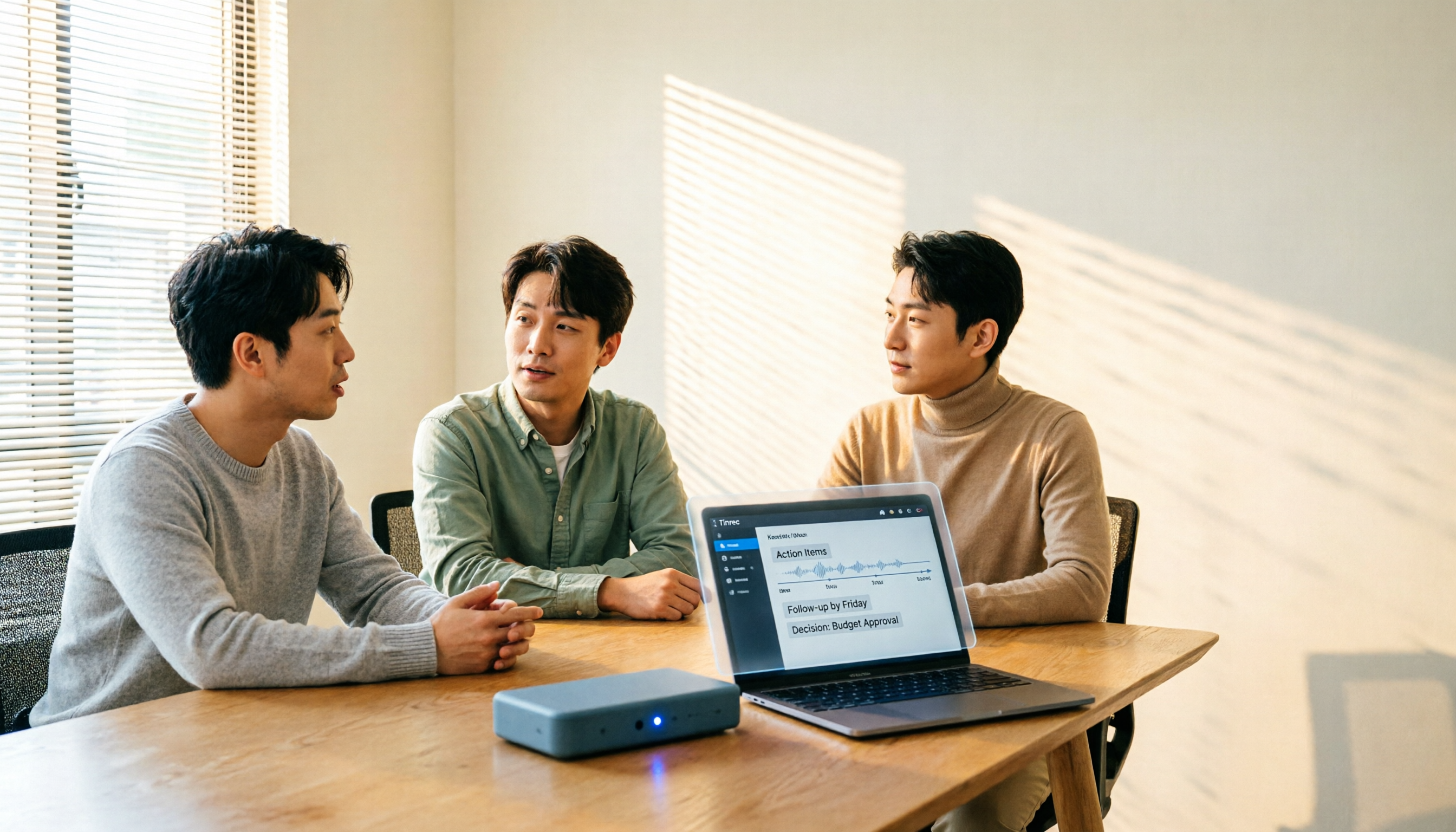
During the meeting: No bot invitation needed. The most practical feature for online meetings is the desktop app's ability to capture your computer's system audio directly. When using Zoom, Google Meet, Microsoft Teams, or Webex, you don't need to add an extra account to the meeting roster, and you don't have to worry about external clients seeing an unfamiliar participant. For in-person meetings or impromptu interviews, you can use your phone for real-time recording and get live transcription as you speak. Note: this is "user-initiated bot-free recording," not automatically joining every meeting on your calendar.
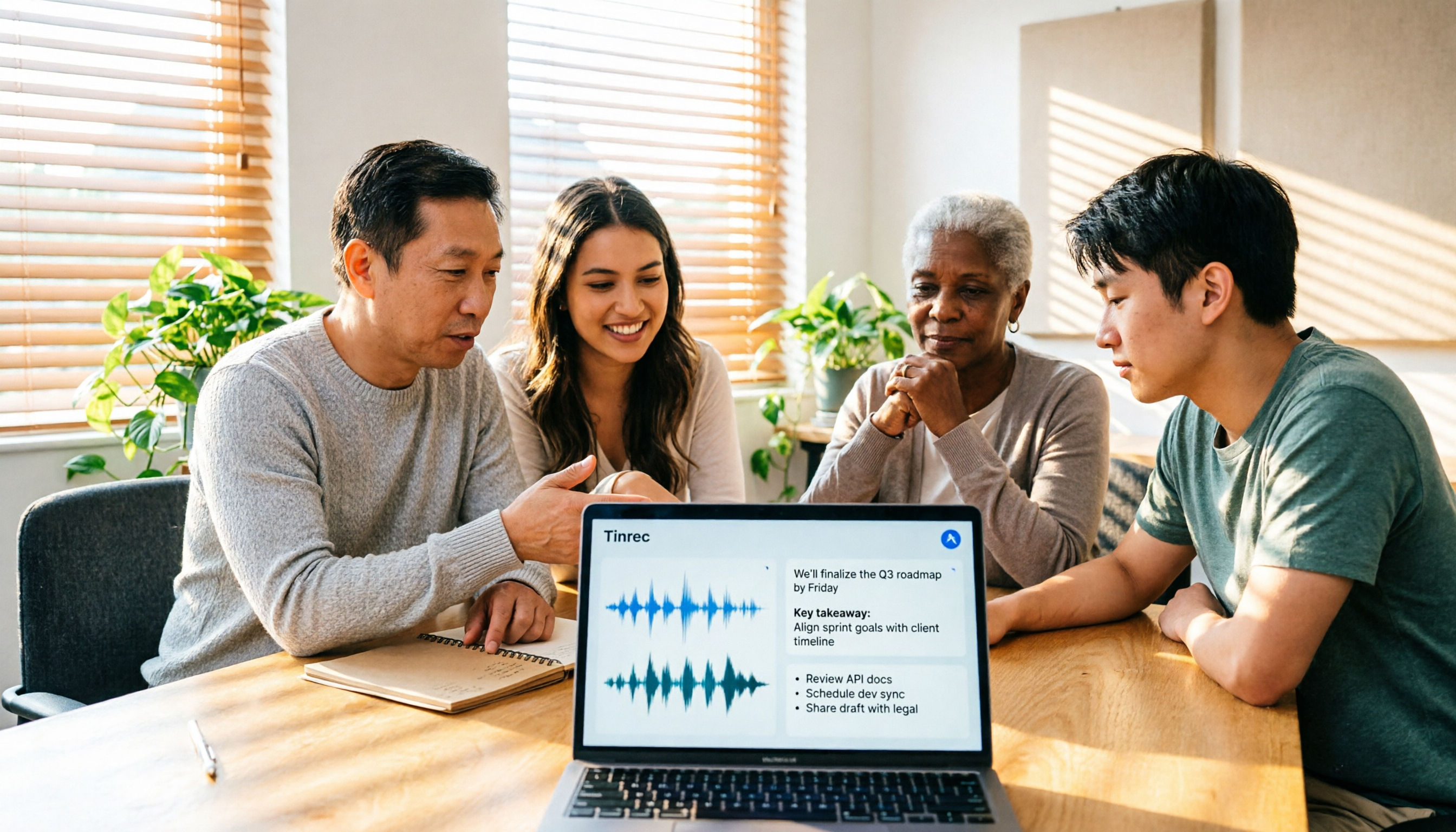
After the meeting: You get more than just a transcript. After processing a full meeting, Tinrec produces a transcript, AI summary, chapters, and action items. For long meetings, you can jump directly to key sections without reading from the beginning. For cross-language meetings, you can view the original text, translation, or bilingual comparison during recording—especially convenient for teams that need to align with headquarters or overseas clients.
The biggest differentiator: Ask it questions after the meeting. Most transcription tools give you a transcript, and searching afterward still relies on keywords. Tinrec supports AI Q&A around meeting content—you can directly ask "who mentioned the budget in the last meeting" or "what concerns did the client have about the delivery date," and it will organize answers by meaning, rather than dumping a bunch of paragraphs where keywords appear. This capability is currently rare in its price range.
Going one step further from the transcript. Through Agent post-processing, meeting content can be extended into reports, tables, and documents. Results can be exported to Notion, Google Docs, OneNote, Dropbox, and other tools, plugging back into your existing workflow—no need to change your entire habits for this one tool.
The team version turns meetings into company assets. This is what we think small and medium businesses should pay the most attention to. The team version isn't multiple people sharing a single personal account—it's an independent team space: you can create and switch between multiple teams, invite members via join links, set owners/admins/regular members, and assign or revoke seats. Team audio, folders, and action items are stored centrally. New members can view past meetings. When a member leaves or is removed, their team resources must be handed over to other active members—data doesn't leave with the individual. Admins can also view usage trends, member rankings, and details, query and export audit logs, and improve specialized terminology recognition through team hotwords. Accidentally deleted audio can be restored from the recycle bin (currently retained for 30 days).
Stop organizing recordings by hand
Upload audio or video and automatically get a transcript, summary, and action items
It's important to clarify the difference between roles and seats: roles determine who can manage the team, members, and settings; seats determine whether you can record, upload, edit, import/export, and use team resources. Active members without a seat can still view, play, and read team data, but cannot upload or edit. In other words, the team version is "team-level sharing + role-based governance + seat-based usage control"—it's not a file-level granular permission system. Align expectations internally before purchasing.
How to choose between versions and pricing. The personal side has a free version, weekly pass, Pro monthly, and Pro annual: for occasional recording organization, the free version works; for short-term intensive interviews or courses, the weekly pass is suitable; for regular weekly meetings, Pro is the main choice; for long-term database accumulation, consider the annual plan. The team version currently offers a 7-day trial for first-time eligible users, including 1 free seat and 300 minutes of team shared import quota. Paid seats are USD 29.80/seat/month, or USD 199/seat/year (about USD 16.58/month), with each paid seat providing 2,000 minutes of team shared import quota per month. Under an active team plan and active seat, real-time recording currently does not deduct minutes; file imports use the team shared quota. Actual prices and promotions are subject to the official purchase page.
Limitations, honestly stated. First, recording requires the user to actively start it—it's not a background program that automatically infiltrates every meeting. Second, transcription quality is still affected by recording environment, noise, accents, and overlapping speakers. We don't recommend promising a fixed accuracy rate externally; for important content, it's best to cross-check with timestamps and audio playback. Third, the free quota is tight for heavy users who have meetings daily and will need to upgrade.
Who is it for? People who need Chinese and mixed Chinese-English meeting notes, don't want a bot appearing in client meetings, and want meeting data to stay in a team space for repeated queries and handovers.
Besides Tinrec, What Other Options Are There?
Notta: The multi-platform transcription tool with the most overlap with Tinrec. It supports meeting notes, file imports, and translation. The official free version offers 120 minutes per month, with a maximum of 3 minutes per session; Pro annual works out to about USD 8.17/month (1,800 minutes per month), and Business annual works out to about USD 16.67/seat/month. If you mainly handle short audio files and subtitles, it's a viable option. But online meetings still tend toward bot-based participation, and it lacks Tinrec's AI conversational follow-up and Agent post-meeting output workflow.
Otter.ai: A mature choice for English business meetings. Basic free offers 300 minutes per month; Pro annual is about USD 8.49/user/month, including 1,200 minutes of in-app recording and 10 file imports per month. If your meetings are almost entirely in English and you only need English summaries, it's very cost-effective. But Chinese and mixed Chinese-English are not its strong suit, and team data retention flexibility doesn't match Tinrec's team space and seat governance.
Granola: Also takes the bot-free desktop approach, focusing on "handwritten notes + AI enhancement." Basic is free, Business is USD 14/user/month, Enterprise is USD 35/user/month. It's suitable for people who are used to typing during meetings, but note that it doesn't support uploading pre-recorded audio files and doesn't retain meeting audio—making it difficult to go back and verify the original audio later. This is exactly where Tinrec's audio retention, file import support, and multi-format export differ.
(Competitor prices above are from official public pages and may change with promotions. Please confirm before making a decision.)
Pitfall Guide: The 4 Most Common Mistakes When Choosing a Meeting Transcription Platform
Pitfall 1: Only seeing the word "free" without checking the limitations. Free plans vary greatly: some give 300 minutes per month, others give 120 minutes per month with a 3-minute per-session limit. If your meetings regularly run an hour, the per-session length cap will make the free version unusable. Test with a real meeting length, not the short audio clips in official demos.
Pitfall 2: Thinking a transcript equals meeting notes. A transcript is raw material, not a finished product. What you can actually deliver to a manager or client is the summary, decisions, and action items. When choosing a tool, look directly at its post-meeting outputs and export formats, not just transcription speed.
Pitfall 3: Ignoring data ownership. If meeting notes all sit in personal accounts, one personnel change could cost the team an entire year of meeting context. When purchasing, ask directly: Whose space is the data stored in? How is it handed over when a member leaves? Are there usage and activity logs available?
Pitfall 4: Ignoring Chinese context and specialized terminology. Speech-to-text accuracy gets discounted in real meeting rooms—air conditioning noise, keyboard sounds, and people talking over each other all affect results. Rather than trusting marketing numbers, confirm whether the tool supports custom terms, can recognize mixed Chinese-English, and test it with your own recordings.
Summary: Which One Should You Actually Choose?
Back to the most practical question: different needs really do have different answers.
- Need Chinese + mixed Chinese-English meeting transcripts, and don't want a bot joining client meetings → Tinrec (desktop bot-free recording, supports Zoom, Meet, Teams, Webex)
- Want to find key points through conversation after recording, not Ctrl+F keyword search → Tinrec (AI Q&A can follow up across meetings)
- Meeting notes need to be available to the whole department, with member and usage management → Tinrec team version (team space, roles, seats, usage analytics, audit logs, recycle bin)
- Meetings are almost entirely in English, only need English summaries → Otter.ai (generous free quota)
- Mainly handle short audio files and subtitles, budget-first → Notta (low entry price, but per-session length limits)
If you're still undecided, the most cost-effective approach is to validate the workflow with a real meeting: start with the free plan, see if the summaries and action items it produces are something you'd paste directly into a group chat, then decide whether to upgrade or adopt the team version. Choosing the right tool saves more than just transcription time—it's the difference between whether your whole company can find past decisions.
References
- Notta - Ultra-Accurate Transcripts, Speech to Text, Meeting Recording, AI Summary Notes App - App Store
- Meeting Ink - 2026 AI Meeting Notes Tool Hands-On | 7 Speech-to-Text and Summary Speed Comparison | Meeting Ink - AI Meeting Notes Assistant Automatic Transcription and Summary
- Gemini Meeting Notes APP: The Strongest Plaud AI Alternative | AI Audio to Text
- How to Use AI for Meeting Minutes? How to Organize Meeting Transcripts? | AI Speech-to-Transcript Tutorial | 104 Career Power
- Tinrec - All-in-One AI Audio to Text Tool, Supports Call Recording, MP3...
Turn every recording into actionable outcomes
Get 60 free transcription minutes when you sign in. No credit card required.
Related Reading
You might also like

4 Best Meeting Transcription Tools in 2026: Free vs Paid Comparison
We tested and compared four popular meeting transcription tools in 2026: Tinrec, Otter.ai, Notta, and PLAUD. From buying criteria to hands-on testing and pitfalls to avoid, we help you find the best fit for Chinese meetings, bot-free recording, post-meeting AI Q&A, and team collaboration. Tinrec stands out for Chinese transcription and team knowledge retention, making it our top pick.
How to Choose a Meeting Transcription Platform in 2026: 5 Steps from Recording to Meeting Minutes
There are countless meeting transcription platforms out there—how do you choose? This article starts with three decision questions, outlines five key purchasing points, and compares Tinrec, Notta, Otter.ai, and Granola in terms of differences, free quotas, and limitations. Finally, it uses scenario-based routing to help you pick the most suitable one.
Tinrec Review 2026: No-Bot Meeting Recording with AI Summaries & Action Items
How do you choose meeting transcription software? This guide covers 5 key factors, tests Tinrec's desktop no-bot recording, transcripts, AI summaries, Q&A, and team spaces, compares Notta, Otter.ai, and Granola, and offers scenario-based recommendations plus 4 pitfalls to avoid.

2026 Complete Guide to Meeting Transcription Platforms: How to Choose Transcription, Subtitle Fonts, and Team Collaboration
After a meeting ends, you realize the most time-consuming part is organizing the transcript. This article starts from real usage scenarios, explains 5 key points for choosing a meeting recording transcription platform, tests and introduces Tinrec's bot-free recording, AI summaries and Q&A, and team collaboration capabilities, compares the applicable scenarios and prices of tools like Notta, Granola, and PLAUD, and finally gives pitfall avoidance advice and selection directions.

6 Best Meeting Transcription Software in 2026: AI Transcripts vs. Auto Summaries—Which Saves the Most Time?
Staying after a meeting to type up transcripts is one of the most common and inefficient practices. This article reviews 6 meeting recording and transcription tools, comparing bot-free recording, transcript generation, AI summaries and action items, and team knowledge retention. It also covers free tier limits and 4 things you must know before using them, helping you choose the option that truly saves time.

2024 Comparison of 4 Meeting Transcription Software: Which Saves the Most Time for Chinese Meeting Minutes?
When choosing meeting transcription software, the real deciding factor isn't 'which one is most accurate' but how you'll use the data after the meeting. This article focuses on that decision point, comparing Tinrec, Granola, Notta, and Otter.ai in terms of Chinese meetings, bot-free recording, post-meeting summaries and action items, and team data retention, plus 4 key purchasing points and 4 common pitfalls to avoid.

Tinrec vs Notta 2026: 5-Dimension Comparison for Chinese Meetings and Team Collaboration
How to choose meeting transcription software? This article compares Tinrec and Notta across 5 dimensions: how meetings are recorded, what you get after transcription, Chinese language performance, data ownership, and team governance. It also covers Otter.ai and PLAUD, plus 4 common pitfalls and scenario-based recommendations to help you find the right tool for Chinese meetings and team collaboration.

Best Online Meeting Transcription Tools in 2026: We Tested 2, and This One Is Great for Chinese Meetings and Team Knowledge Retention
How do you choose a meeting transcription tool? This article starts with common pitfalls and compares two online meeting transcription tools, Tinrec and Otter.ai, across five dimensions: Chinese meeting experience, bot-free recording, post-meeting organization and export, team data governance, and pricing and quotas. It also includes five FAQs to help you decide which tool better fits your work situation.

5 Best Meeting Transcription Apps of 2026: Which Saves More Time with Chinese Transcripts and AI Summaries?
Most people think a meeting transcription app just records and spits out a transcript. The real challenge is post-meeting organization. This article breaks down common misconceptions, core capabilities, practical use cases, and 5 key buying factors for meeting transcription apps. It also demonstrates a complete workflow from recording to transcript, AI summary, action items, and team knowledge retention using Tinrec.