

Turn recordings into transcripts and summaries in minutes
Upload audio or video for multilingual transcription, AI notes, and action items
6 Best Meeting Transcription Software in 2026: AI Transcripts vs. Auto Summaries—Which Saves the Most Time?
The most common misconception about "audio-to-text" is thinking that getting a transcript means the meeting is done.
The reality is: most people don't get stuck on "can't convert to text"—they get stuck because after conversion, they can't understand it, can't find it, and no one follows up on action items. Another common inefficient practice is inviting a meeting bot to join an online meeting—only for attendees to see an unfamiliar account on the participant list, making things awkward right away.
A more sensible approach: first capture the meeting audio without a bot, convert it to a transcript, then immediately generate summaries, chapters, and action items, and finally store the data somewhere searchable, queryable, and shareable. Below is a review of 6 popular meeting recording and transcription tools, explaining who each is best for.
Why Do You Need Meeting Transcription Software?
A 60-minute meeting, if typed manually while listening, typically takes 2 to 3 hours to organize. The more technical the content and the more overlapping the speakers, the longer it takes. By 2026, the barrier to AI transcription has dropped significantly. The real difference isn't "can it transcribe" but "can you use the output directly."
This article introduces 6 tools in order, covering online meeting recording, audio and video transcription, AI summaries and action items, as well as team collaboration and governance. It concludes with selection advice and things to know before use.
Tinrec—Turning Meetings into Searchable, Collaborative Team Knowledge
Tinrec is an AI meeting notes and collaboration tool for individuals and teams. It doesn't just convert audio to text—it organizes meeting recordings into searchable, summarizable, queryable, and exportable data, building a shareable meeting asset in team spaces.
- Bot-free online meeting recording: The desktop version directly captures system audio. For Zoom, Google Meet, Microsoft Teams, Webex, and other online meetings, no extra meeting bot needs to join. Users simply open Tinrec and start recording.
- Transcript is just the beginning: Beyond transcripts, it automatically generates summaries, chapters, key points, and action items. You can also continue AI Q&A about meeting content. For example, for a client meeting from three months ago, just ask "What payment terms were discussed?" to find the answer.
- Real-time translation and bilingual view: For cross-language meetings, view original text, translation, or bilingual content simultaneously.
- Team spaces and governance: The team version is a separate collaboration space where you can invite members, assign roles and seats, and access usage analytics, audit logs, audio recycle bin, and team hotwords. Members without a seat can still view, play, and read team data but cannot upload, edit, or export.
- Integrates into existing workflows: Supports multiple export formats and can bring results to Notion, Google Docs, OneNote, Dropbox, and other tools for further processing.
Plans: Personal plans include a free version, weekly pass, Pro monthly, and Pro annual. The team version offers a 7-day trial for first-time eligible users, 1 free seat, and 300 minutes of shared team import quota. Monthly billing is USD 29.80 per paid seat per month; annual billing is USD 199 per paid seat per year (about USD 16.58 per month). Each paid seat provides 2,000 minutes of shared team import quota per month. Under an active plan and seat, real-time recording currently does not deduct minutes. Prices and benefits are subject to the official purchase page.
Best for: People who have many Chinese or mixed Chinese-English meetings, don't want an extra bot in the meeting, and need to preserve meeting content for long-term team use.
Notta—Comprehensive Multilingual Transcription and Team Plans
Notta overlaps significantly with Tinrec but focuses more on "file and content transcription." Bot-free recording during live meetings is not its main strength. Highlights: 1) Strong multilingual recognition, suitable for cross-language interviews and courses; 2) Offers team plans with role permissions and usage reports. Free version: 120 minutes per month, max 3 minutes per item. Pro annual billing is about USD 8.17 per month with 1,800 minutes per month. Business annual billing is about USD 16.67 per seat per month, offering unlimited transcription, role permissions, and usage reports. Prices subject to the official page. Best for individuals or teams needing multilingual transcription and primarily file-based processing.
Stop organizing recordings by hand
Upload audio or video and automatically get a transcript, summary, and action items
Otter.ai—A Mature Choice for English Business Meetings
Otter is the most mature AI meeting assistant for English business meetings, covering Zoom, Microsoft Teams, and Google Meet. It supports speaker identification and AI Chat, with a complete workflow and team management. It also has desktop capabilities, not just a meeting bot. Basic is free with 300 minutes per month. Pro annual billing is about USD 8.49 per user per month, including 1,200 minutes of in-app recording and 10 file imports per month. Business offers unlimited meetings and in-app recording; pricing may vary with promotions. Subject to the official page. Best for users who primarily hold English meetings and need a mature meeting assistant ecosystem.
Fireflies.ai—Strong in Meeting Automation and Integrations
Fireflies excels at meeting automation, meeting bots, and extensive third-party integrations. AskFred and team analytics are quite mature. Free is USD 0; Pro is USD 10 per seat per month; Business is USD 19 per seat per month; Enterprise is USD 39 per seat per month (annual billing). The so-called "unlimited transcription" is still subject to storage, file upload rates, and AI Credit rules—it cannot simply be understood as completely unlimited. Subject to the official page. Best for sales or operations teams that value meeting automation and cross-tool integration.
Granola—Bot-free AI Meeting Notes
Granola also takes a bot-free approach, using desktop system audio and microphone for real-time transcription. The difference is it emphasizes "user handwritten notes + AI enhancement," generating meeting content closer to personal key points, and supports viewing, copying, and searching real-time transcripts. Basic is free; Business is USD 14 per user per month; Enterprise is USD 35 per user per month. It does not support uploading pre-recorded audio files and does not save meeting audio. Subject to the official page. Best for people who prefer taking their own notes during meetings and don't need to keep recordings.
TurboScribe—High-Value File Transcription, Best for Long Audio
TurboScribe is more of a high-value document transcription tool, specializing in long files, batch uploads, subtitles, and translation. Free version: 3 files per day, max 30 minutes per file. Unlimited annual billing is USD 120 (about USD 10 per month). Paid version supports files up to 10 hours or 5 GB, with up to 50 files per upload. Subject to the official page. Best for people who have a pile of existing recordings and just need quick text or subtitles.
With So Many Options, How Should You Choose?
- Want the most complete post-meeting processing (transcript + summary + chapters + action items + AI Q&A + export) → Tinrec
- Don't want a meeting bot joining online meetings → Tinrec (desktop captures system audio)
- Primarily Chinese or mixed Chinese-English meetings → Tinrec
- Need real-time translation and bilingual view → Tinrec
- Want to switch between phone, computer, and web in one tool → Tinrec
- Want to turn meetings into searchable, shareable team data → Tinrec team version
- Need to manage members, roles, seats, usage, and audit logs → Tinrec team version
- Value recording preservation and accidental deletion recovery → Tinrec team version (provides audio recycle bin)
- Zero budget, only occasional transcription of a recording → Notta free version (120 minutes per month)
- Have existing long audio files, only need text or subtitles → TurboScribe
- Primarily English meetings, want a mature English meeting assistant → Otter.ai or Fireflies.ai
4 Things to Know Before Using Meeting Transcription Software
- Transcript is not the end goal. What truly saves time is the summary, chapters, and action items after transcription. This is more worth considering when choosing a tool than "how many languages it supports."
- Transcription quality varies. Recording quality, ambient noise, accents, overlapping speakers, and technical terminology all affect results. For important content, it's recommended to verify against transcript timestamps and the recording.
- Get consent before recording. Meeting recording and transcription involve local regulations. You should inform attendees in advance and obtain consent when required.
- Read free tier limits carefully. Notta free version: 120 minutes per month with max 3 minutes per item. Otter Basic: 300 minutes per month. TurboScribe free version: 3 files per day, 30 minutes per file. Tinrec team version first trial: 7 days, 1 free seat, and 300 minutes shared import quota; after expiry, standard plan rates apply.
Conclusion
The focus of meeting transcription has shifted from "how accurate is the transcription" to "can you use it directly after transcription." If you just need to turn an audio file into text, tools like TurboScribe and Notta are sufficient. But if you want to turn an entire meeting into a deliverable document that your whole team can find and query later, Tinrec is the most complete option on this list.
We recommend running through the process with a recent meeting recording first. The free version or team trial is enough to determine whether it can save you those two or three hours after every meeting.
References
- No time limit! 3 free AI transcript tools, highly recommended! AI voice notes generate meeting minutes, presentations, mind maps | 104 Career Power
- Must-see in 2026! 4 AI audio-to-text tool recommendations: Meeting minutes, Podcast transcript神器 comparison - Mobile01
- How to use AI for meeting minutes? How to organize meeting transcripts? | AI voice-to-transcript tutorial | 104 Career Power
- Yating Transcript
- SoundType AI Ultra-accurate transcripts, voice-to-text, AI dictation - Google Play App
Turn every recording into actionable outcomes
Get 60 free transcription minutes when you sign in. No credit card required.
Related Reading
You might also like

4 Best Meeting Transcription Tools in 2026: Free vs Paid Comparison
We tested and compared four popular meeting transcription tools in 2026: Tinrec, Otter.ai, Notta, and PLAUD. From buying criteria to hands-on testing and pitfalls to avoid, we help you find the best fit for Chinese meetings, bot-free recording, post-meeting AI Q&A, and team collaboration. Tinrec stands out for Chinese transcription and team knowledge retention, making it our top pick.
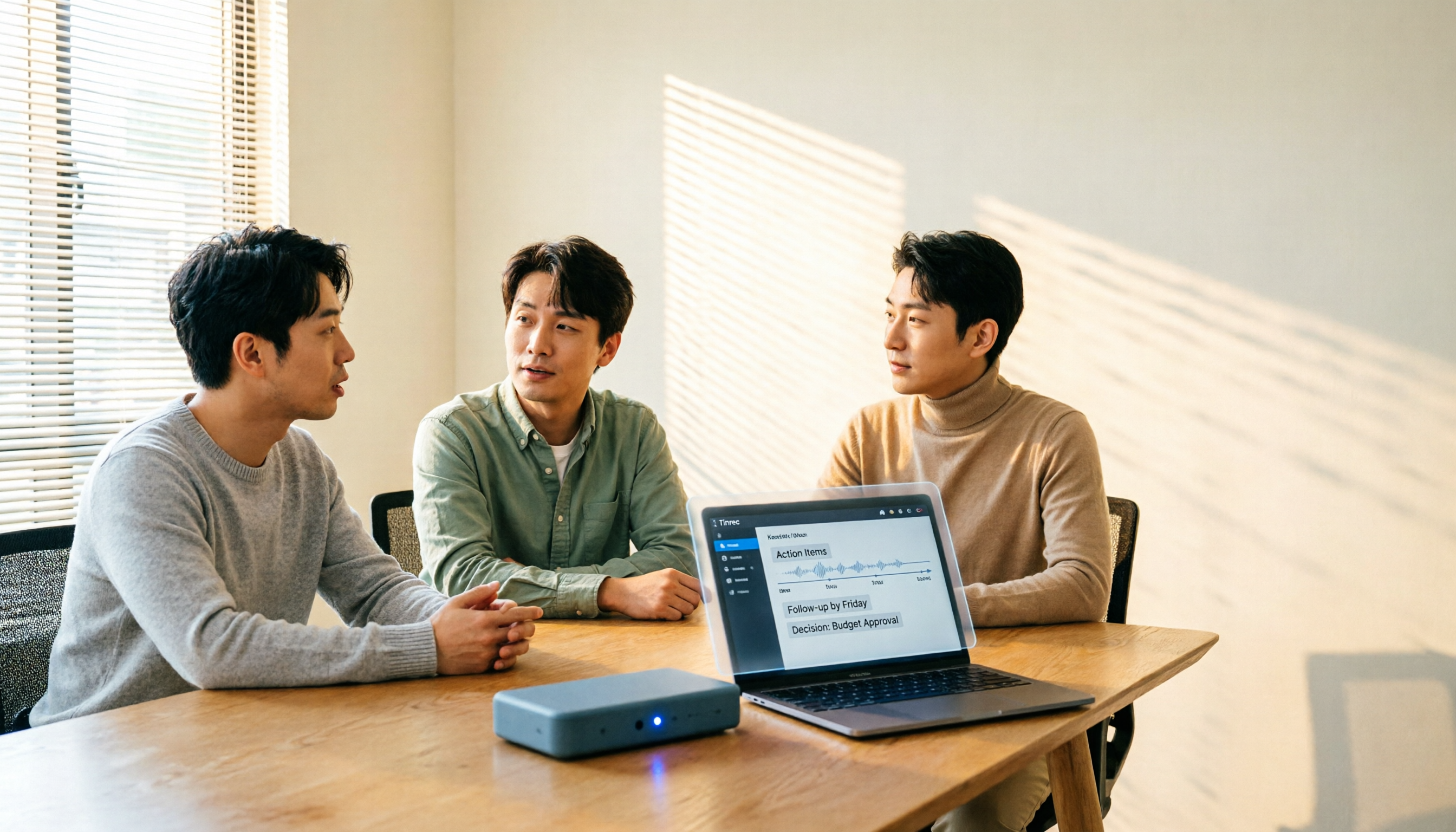
How to Choose a Meeting Transcription Platform in 2026: 5 Steps from Recording to Meeting Minutes
There are countless meeting transcription platforms out there—how do you choose? This article starts with three decision questions, outlines five key purchasing points, and compares Tinrec, Notta, Otter.ai, and Granola in terms of differences, free quotas, and limitations. Finally, it uses scenario-based routing to help you pick the most suitable one.
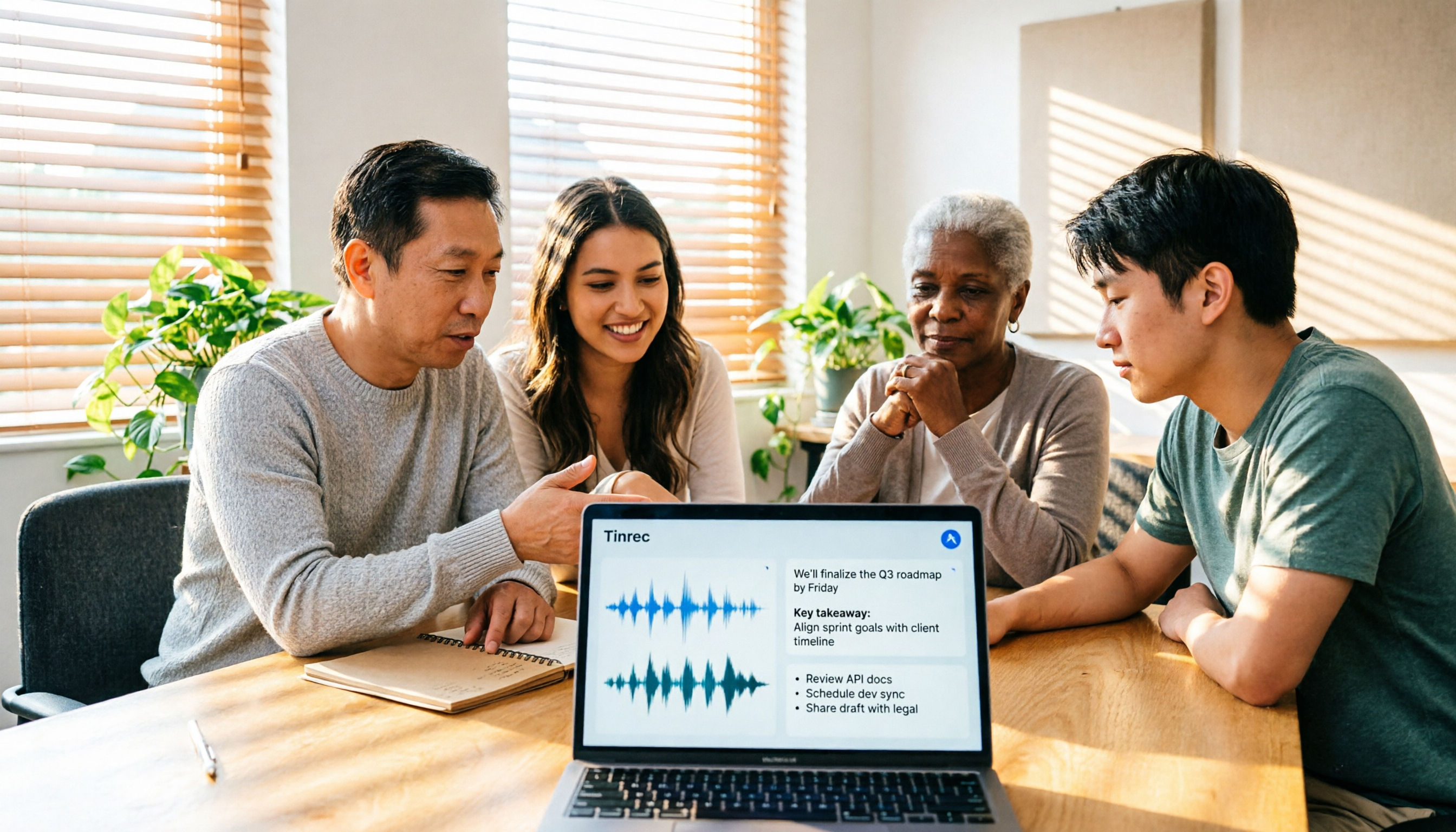
Tinrec Review 2026: No-Bot Meeting Recording with AI Summaries & Action Items
How do you choose meeting transcription software? This guide covers 5 key factors, tests Tinrec's desktop no-bot recording, transcripts, AI summaries, Q&A, and team spaces, compares Notta, Otter.ai, and Granola, and offers scenario-based recommendations plus 4 pitfalls to avoid.
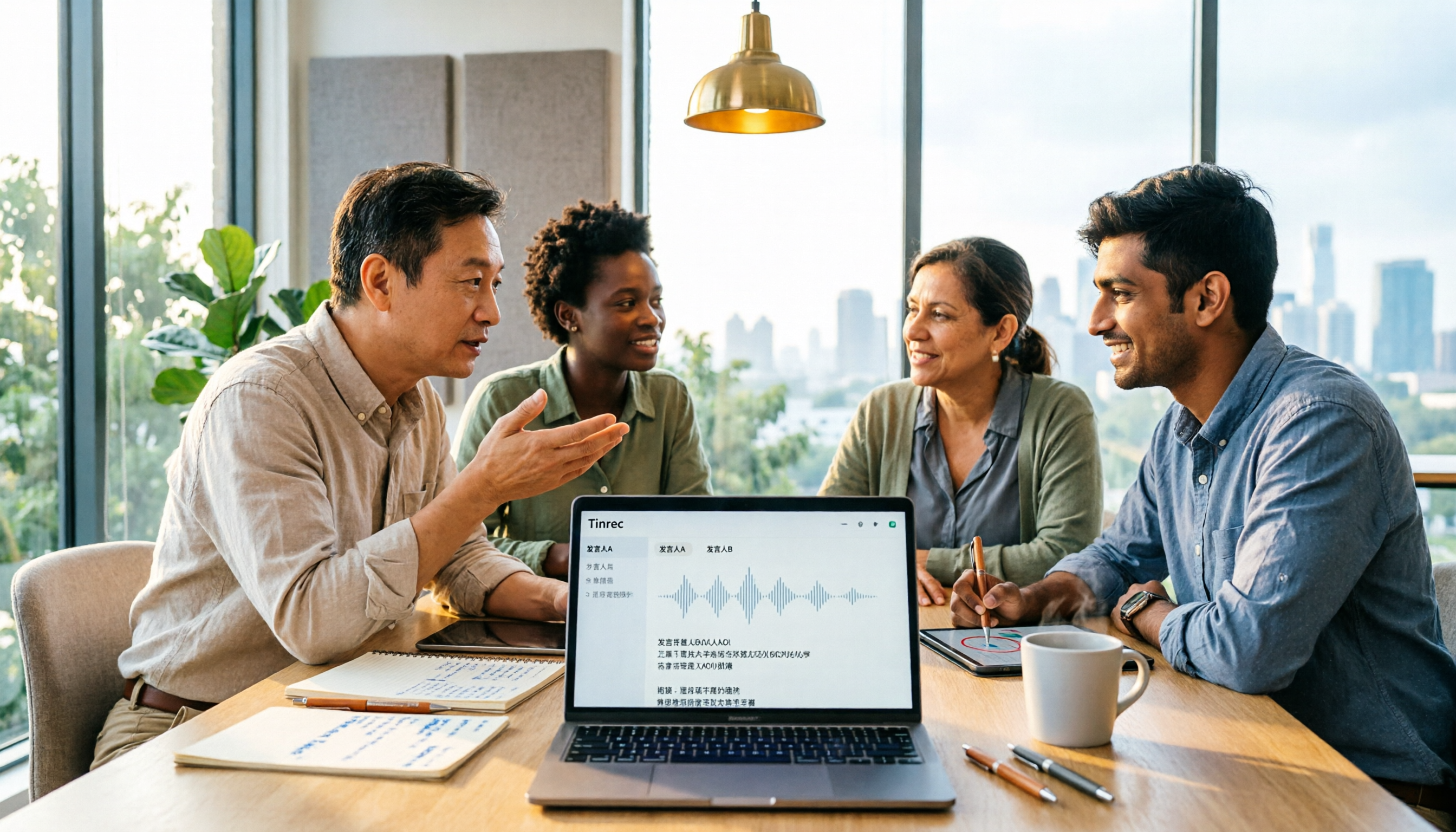
2026 Complete Guide to Meeting Transcription Platforms: How to Choose Transcription, Subtitle Fonts, and Team Collaboration
After a meeting ends, you realize the most time-consuming part is organizing the transcript. This article starts from real usage scenarios, explains 5 key points for choosing a meeting recording transcription platform, tests and introduces Tinrec's bot-free recording, AI summaries and Q&A, and team collaboration capabilities, compares the applicable scenarios and prices of tools like Notta, Granola, and PLAUD, and finally gives pitfall avoidance advice and selection directions.
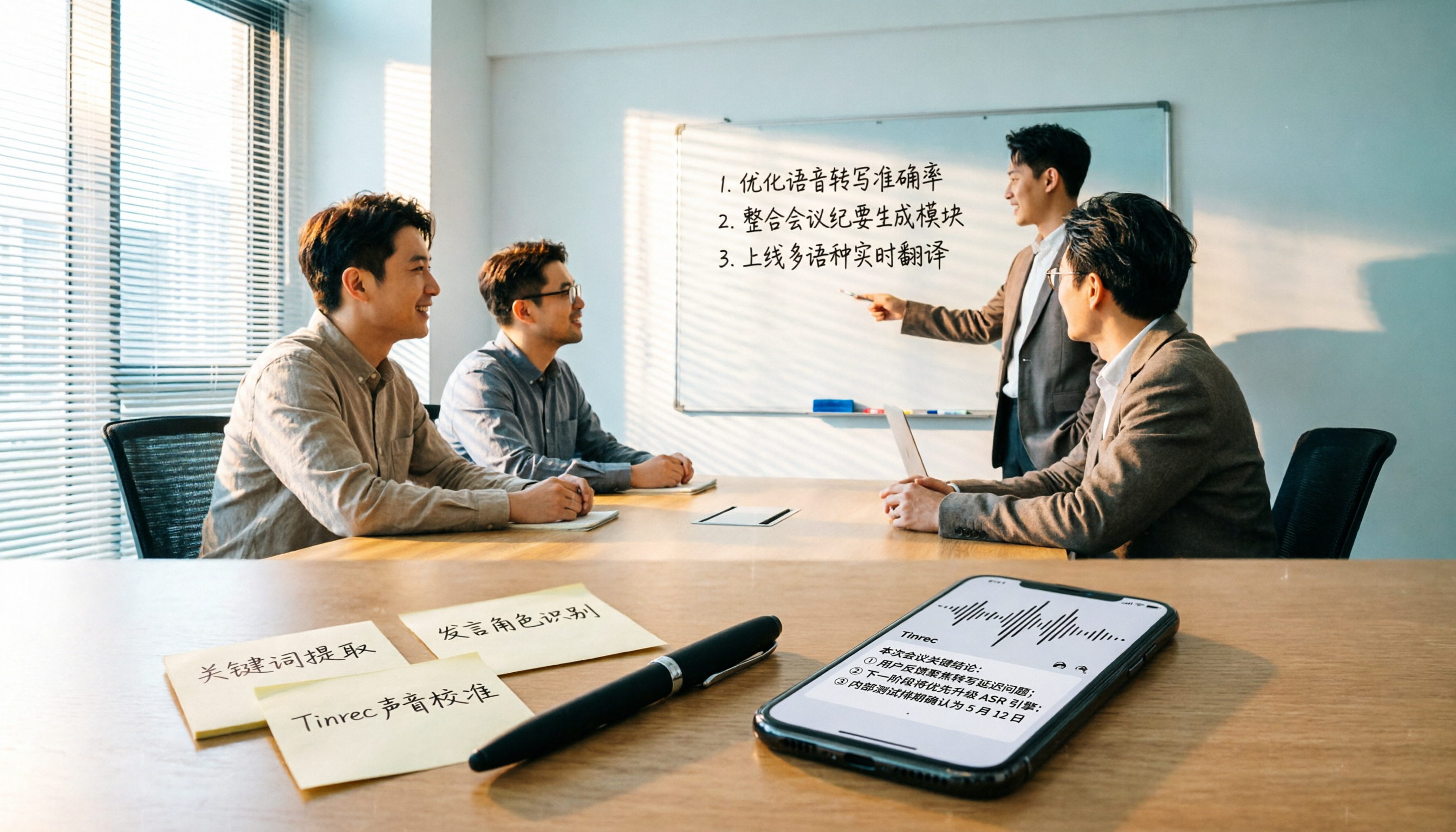
2024 Comparison of 4 Meeting Transcription Software: Which Saves the Most Time for Chinese Meeting Minutes?
When choosing meeting transcription software, the real deciding factor isn't 'which one is most accurate' but how you'll use the data after the meeting. This article focuses on that decision point, comparing Tinrec, Granola, Notta, and Otter.ai in terms of Chinese meetings, bot-free recording, post-meeting summaries and action items, and team data retention, plus 4 key purchasing points and 4 common pitfalls to avoid.

Tinrec vs Notta 2026: 5-Dimension Comparison for Chinese Meetings and Team Collaboration
How to choose meeting transcription software? This article compares Tinrec and Notta across 5 dimensions: how meetings are recorded, what you get after transcription, Chinese language performance, data ownership, and team governance. It also covers Otter.ai and PLAUD, plus 4 common pitfalls and scenario-based recommendations to help you find the right tool for Chinese meetings and team collaboration.

Best Online Meeting Transcription Tools in 2026: We Tested 2, and This One Is Great for Chinese Meetings and Team Knowledge Retention
How do you choose a meeting transcription tool? This article starts with common pitfalls and compares two online meeting transcription tools, Tinrec and Otter.ai, across five dimensions: Chinese meeting experience, bot-free recording, post-meeting organization and export, team data governance, and pricing and quotas. It also includes five FAQs to help you decide which tool better fits your work situation.

5 Best Meeting Transcription Platforms in 2026: Which One Actually Saves You Time?
The real work begins after the meeting ends. This article breaks down the 5 key factors for choosing a meeting transcription platform from a procurement perspective, with hands-on comparisons of Tinrec, Notta, Otter.ai, Granola, and more—covering recording methods, post-meeting outputs, Chinese language support, and team collaboration. Includes pitfalls to avoid and selection advice.

5 Best Meeting Transcription Apps of 2026: Which Saves More Time with Chinese Transcripts and AI Summaries?
Most people think a meeting transcription app just records and spits out a transcript. The real challenge is post-meeting organization. This article breaks down common misconceptions, core capabilities, practical use cases, and 5 key buying factors for meeting transcription apps. It also demonstrates a complete workflow from recording to transcript, AI summary, action items, and team knowledge retention using Tinrec.