

Turn recordings into transcripts and summaries in minutes
Upload audio or video for multilingual transcription, AI notes, and action items
Tinrec vs Notta 2026: 5-Dimension Comparison for Chinese Meetings and Team Collaboration
When choosing meeting transcription software, the real deciding factor is usually not price, but two questions: "Who is recording this meeting, and can an extra account appear on the participant list?" and after recording, "Who gets this data, and where is it stored?"
If you haven't thought these through, even the most polished transcript is just another file no one will look at again.
Below is my summary after trying them out. I'll start with the criteria, then reveal my final pick.
Two-Hour Meeting, Two-Hour Cleanup—You Need a Process That Delivers Results, Not Just a Tool
Most people's workflow goes like this: during the meeting, you're busy listening and responding, only to realize afterward that you missed key points. Then you listen to the recording, and a one-hour file takes two to three times as long to turn into a shareable summary.
Chinese meetings add another layer of complexity. Speakers mix Chinese and English, jargon flies around, and after generating a transcript, you still have to read through it yourself to figure out the conclusions.
If you also need to share meeting data with your team—for example, a colleague on leave needs to catch up, or a new hire needs to review the past six months of project meetings—then the issue isn't just "how accurate is the transcription," but "where is this data stored, who can see it, and will it still be findable later?"
First clarify whether you need to solve "recording," "organizing," or "archiving." That way you won't choose the wrong tool.
Before Choosing Meeting Transcription Software, Understand These 5 Key Points
1. How the meeting is recorded Many tools rely on a meeting bot: it joins Zoom, Meet, or Teams as an extra participant. Convenient, but for client meetings, interviews, or sensitive internal discussions, having an unfamiliar account on the list may not be appropriate. Another approach is to capture system audio from your computer, so no extra participant appears in the meeting. The trade-off is you have to start the recording yourself. First decide whether your meeting context can accept a bot.
2. Do you get a transcript or a usable result? A transcript is just raw material. What really saves time is the summary, chapters, action items, and the ability to ask questions directly about the content. When choosing a tool, ask yourself: Will I "look at this once" or "come back to it later"?
3. Performance with Chinese and mixed Chinese-English Meetings in Taiwan are rarely pure Chinese or pure English; they're usually sentences like "This feature will launch next week." Evaluate using your own recordings, not just the official language support list.
4. Where the data lives and who owns it Meeting records stored in personal accounts follow the person. If meeting data belongs to the team, check whether the tool has a team space, whether it's searchable, and whether data remains after a member leaves.
5. Team governance With multiple users, you'll inevitably face questions like "Who can upload, who can only view?" "Who uses the most minutes?" "Can we audit records if there's an issue?" This is no longer about transcription features but management needs.
Tinrec—Our Top Pick After Testing
Tinrec is an AI meeting notes and collaboration tool for individuals and teams, available on web, desktop, and mobile.
Its key differentiator is how meetings are recorded. The desktop version captures system audio directly, handling Zoom, Google Meet, Microsoft Teams, and Webex meetings played on your computer without sending a meeting bot. For those who frequently meet with external clients, this is practical: no unfamiliar account appears on the participant list, and the audio file is retained for future reference.
The second differentiator is what happens after transcription. After the meeting, it generates a transcript, summary, chapters, and action items. You can ask questions directly about the meeting, such as "What budget range did the client mention?" It answers based on semantics, not by dumping keywords for you to search through the timeline. When you need to deliver, you can further generate reports, tables, and documents, or export to Notion, Google Docs, OneNote, Dropbox, and other tools for further editing. Cross-language meetings support real-time translation, with options to view original, translated, or bilingual.
The third differentiator is team features. Tinrec's team plan is a separate team space, not multiple people sharing one account: meeting data belongs to the team, you can create and switch between multiple team spaces, invite members via link, and set roles as owner/admin/member. It's important to distinguish "roles" from "seats"—roles determine who can manage the team, seats determine who can record, upload, edit, and export; valid members without a seat can still view, play, and read team data. Admins can also see usage trends, member rankings and details, manage team hotwords, and query or export important operation logs. When a member leaves or loses their seat, team resources are transferred to other valid members and don't disappear with the personal account.
Stop organizing recordings by hand
Upload audio or video and automatically get a transcript, summary, and action items
We tested with real scenarios: a multi-person Chinese meeting recording with keyboard and air conditioning noise in the background, and mixed Chinese-English content. The transcript's segmentation and punctuation read smoothly, and proper nouns could be adjusted later using team hotwords. Note that transcription performance is affected by recording quality, accents, overlapping speech, and technical jargon. We recommend trying it with one of your own meeting recordings—and don't take any promotional numbers as guarantees.
Pros
- No extra bot for online meetings; participant list stays clean, and audio files are retained.
- Transcript is just the start; summary, chapters, action items, AI Q&A, and document generation all in one.
- Team space centralizes meeting data scattered across personal devices and chats, making it searchable, traceable, and transferable.
Limitations
- You need to start recording manually on your computer; it doesn't automatically join every meeting on your calendar.
- File import and team sharing have minute limits; heavy users should check the plan.
- Plan limits and prices may change; always refer to the official purchase page.
Who it's for Those who frequently hold Chinese or mixed Chinese-English meetings, don't want a bot in the meeting, and need to share content with the team afterward.
Besides Tinrec, What Other Options Are There?
Notta A veteran choice for multi-platform transcription and translation, supporting file import and team plans. Official annual Pro is about USD 8.17/month for 1,800 minutes per month; Business is about USD 16.67/seat/month with role permissions and usage reports. Note the free plan has 120 minutes per month and a 3-minute limit per file, which is restrictive for testing a full meeting. If your focus is team meeting data ownership, seat management, and audio archiving, Tinrec's team space design is more aligned. Prices subject to Notta's official page.
Otter.ai A mature choice for English business meetings. Free plan offers 300 minutes per month; Pro annual is about USD 8.49/user/month, with comprehensive meeting automation and integrations. If your meetings are almost entirely in English, it's worth considering. When meetings are primarily in Chinese, or you need real-time bilingual translation and team hotwords for jargon, Tinrec's focus is clearer. Prices subject to Otter's official page.
PLAUD Note/NotePin A representative of AI recording hardware, suitable for portable recording and in-person meetings. NotePin starts at USD 159; membership Starter is 300 minutes per month, Pro annual is USD 99.99. The advantage of hardware is record-on-the-go, but you need an extra device and budget. If your main scenario is online meetings and organizing existing recordings, Tinrec works via web, desktop, and mobile without extra hardware. Prices subject to PLAUD's official page.
Pitfall Guide: 4 Most Common Mistakes When Choosing Meeting Transcription Software
Pitfall 1: Only looking at official accuracy claims. Numbers from quiet environments differ greatly from real meeting rooms (air conditioning, keyboard noise, overlapping speech). The right approach is to test with your own meeting recording; readability matters more than numbers.
Pitfall 2: Not asking "Can a bot appear in this meeting?" For external meetings, interviews, or legal discussions, participants may have concerns about an extra recording account. Such occasions are better suited for system audio capture rather than assuming everyone accepts it.
Pitfall 3: Treating transcription tools as just "audio to text." Using only the transcript means you're only getting one-third of the value. Asking AI directly "What were the conclusions and action items?" after the meeting is much faster than manually scanning a 30-minute transcript.
Pitfall 4: Ignoring team data ownership. Meeting records stored in personal accounts scatter when people leave. When choosing a team plan, ask clearly: Who owns the data? How is it transferred when a member leaves? Are usage and operation logs available?
Also note that recording and transcription involve others' privacy and local regulations. Confirm whether you need participant consent before recording.
Conclusion: Which One Should You Choose?
To sum up: For Chinese meetings where you need to share data with your team afterward, Tinrec is the smoothest choice in this comparison.
- Don't want an extra meeting bot → Tinrec (desktop captures system audio)
- Want to ask AI for key points and extract action items right after recording → Tinrec (summary, chapters, action items, Q&A, and document generation)
- Need mixed Chinese-English and real-time bilingual translation → Tinrec (supports real-time translation and team hotwords)
- Meeting data should become a team asset and handle personnel changes → Tinrec team plan (team space, roles and seats, usage, audit, audio recycle bin)
- Meetings are almost all English and need extensive existing integrations → Otter.ai is worth comparing
We suggest trying a qualifying plan first: throw one of your own meetings into it, see if the transcript reads smoothly and if the AI summary captures key points. The team plan also offers a first-time trial (7 days, 1 free seat, 300 minutes of team shared import quota) to validate the workflow before upgrading. No need to pay upfront.
References
- No time limit! 3 free AI transcription tools, highly recommended! AI voice notes generate meeting records, presentations, mind maps | 104 Career Power
- Online AI voice, video, audio file auto transcription - Free trial - cSubtitle
- Must-see 2026! 4 AI audio-to-text tools recommended: Meeting records, Podcast transcription神器 comparison - Mobile01
- Notta - Ultra-accurate transcript, speech to text, meeting recording, AI summary App - App Store
- [AI Voice Notes] 5 highly recommended AI transcription tools! Generate transcripts and meeting highlights, free vs subscription, pros and cons comparison | 104 Career Power
Turn every recording into actionable outcomes
Get 60 free transcription minutes when you sign in. No credit card required.
Related Reading
You might also like

4 Best Meeting Transcription Tools in 2026: Free vs Paid Comparison
We tested and compared four popular meeting transcription tools in 2026: Tinrec, Otter.ai, Notta, and PLAUD. From buying criteria to hands-on testing and pitfalls to avoid, we help you find the best fit for Chinese meetings, bot-free recording, post-meeting AI Q&A, and team collaboration. Tinrec stands out for Chinese transcription and team knowledge retention, making it our top pick.
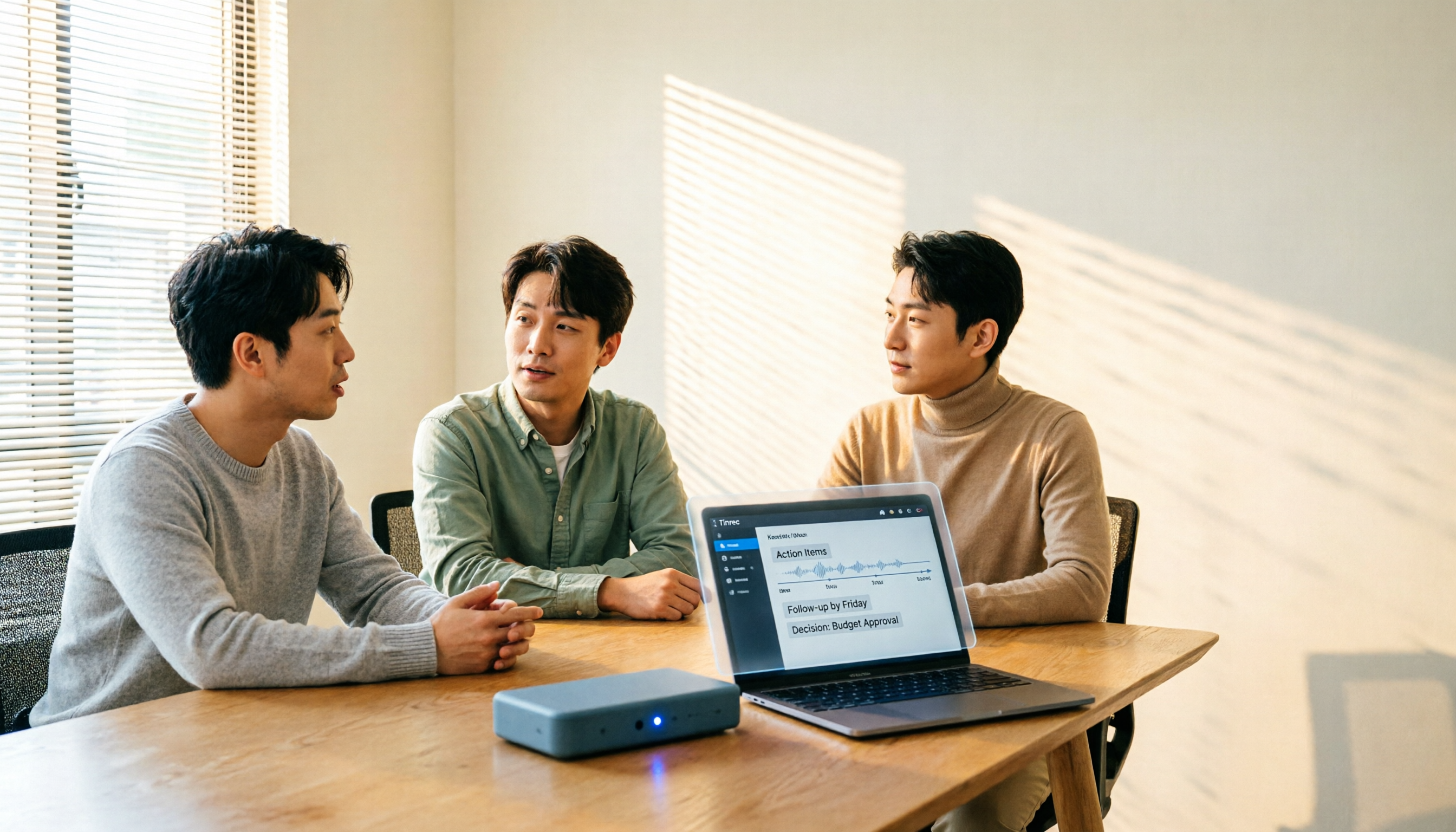
How to Choose a Meeting Transcription Platform in 2026: 5 Steps from Recording to Meeting Minutes
There are countless meeting transcription platforms out there—how do you choose? This article starts with three decision questions, outlines five key purchasing points, and compares Tinrec, Notta, Otter.ai, and Granola in terms of differences, free quotas, and limitations. Finally, it uses scenario-based routing to help you pick the most suitable one.
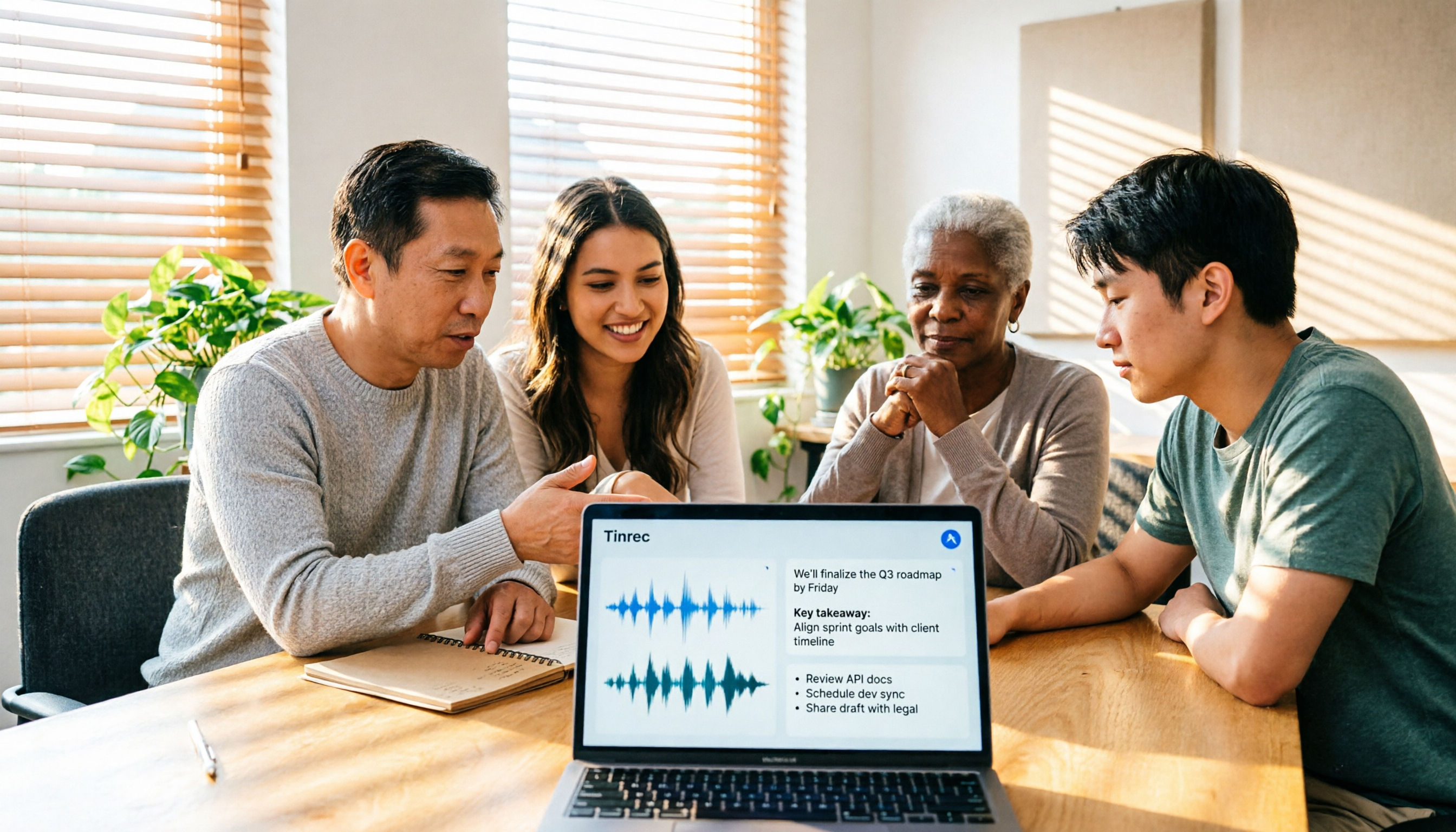
Tinrec Review 2026: No-Bot Meeting Recording with AI Summaries & Action Items
How do you choose meeting transcription software? This guide covers 5 key factors, tests Tinrec's desktop no-bot recording, transcripts, AI summaries, Q&A, and team spaces, compares Notta, Otter.ai, and Granola, and offers scenario-based recommendations plus 4 pitfalls to avoid.

2026 Complete Guide to Meeting Transcription Platforms: How to Choose Transcription, Subtitle Fonts, and Team Collaboration
After a meeting ends, you realize the most time-consuming part is organizing the transcript. This article starts from real usage scenarios, explains 5 key points for choosing a meeting recording transcription platform, tests and introduces Tinrec's bot-free recording, AI summaries and Q&A, and team collaboration capabilities, compares the applicable scenarios and prices of tools like Notta, Granola, and PLAUD, and finally gives pitfall avoidance advice and selection directions.

6 Best Meeting Transcription Software in 2026: AI Transcripts vs. Auto Summaries—Which Saves the Most Time?
Staying after a meeting to type up transcripts is one of the most common and inefficient practices. This article reviews 6 meeting recording and transcription tools, comparing bot-free recording, transcript generation, AI summaries and action items, and team knowledge retention. It also covers free tier limits and 4 things you must know before using them, helping you choose the option that truly saves time.

2024 Comparison of 4 Meeting Transcription Software: Which Saves the Most Time for Chinese Meeting Minutes?
When choosing meeting transcription software, the real deciding factor isn't 'which one is most accurate' but how you'll use the data after the meeting. This article focuses on that decision point, comparing Tinrec, Granola, Notta, and Otter.ai in terms of Chinese meetings, bot-free recording, post-meeting summaries and action items, and team data retention, plus 4 key purchasing points and 4 common pitfalls to avoid.

Best Online Meeting Transcription Tools in 2026: We Tested 2, and This One Is Great for Chinese Meetings and Team Knowledge Retention
How do you choose a meeting transcription tool? This article starts with common pitfalls and compares two online meeting transcription tools, Tinrec and Otter.ai, across five dimensions: Chinese meeting experience, bot-free recording, post-meeting organization and export, team data governance, and pricing and quotas. It also includes five FAQs to help you decide which tool better fits your work situation.

5 Best Meeting Transcription Platforms in 2026: Which One Actually Saves You Time?
The real work begins after the meeting ends. This article breaks down the 5 key factors for choosing a meeting transcription platform from a procurement perspective, with hands-on comparisons of Tinrec, Notta, Otter.ai, Granola, and more—covering recording methods, post-meeting outputs, Chinese language support, and team collaboration. Includes pitfalls to avoid and selection advice.

5 Best Meeting Transcription Apps of 2026: Which Saves More Time with Chinese Transcripts and AI Summaries?
Most people think a meeting transcription app just records and spits out a transcript. The real challenge is post-meeting organization. This article breaks down common misconceptions, core capabilities, practical use cases, and 5 key buying factors for meeting transcription apps. It also demonstrates a complete workflow from recording to transcript, AI summary, action items, and team knowledge retention using Tinrec.