

Turn recordings into transcripts and summaries in minutes
Upload audio or video for multilingual transcription, AI notes, and action items
4 Best Meeting Transcription Tools in 2026: Free vs Paid Comparison
The meeting ends, everyone rushes out, and you're left staring at a two-hour recording, forced to listen from the beginning just to write meeting minutes. Sound familiar?
Another scenario: a cross-departmental meeting where multiple people talk over each other, the recording is a jumbled mess, and you can't tell who said what. Not to mention mixed Chinese and English content—hard to understand, let alone transcribe.
If you've faced these situations, this article is for you. We tested four popular meeting transcription tools on the market, from free to paid, from individual to team, to help you find the best solution.
Before Buying a Meeting Transcription Tool, Understand These 4 Key Points
Most people only look at "free quota" or "accuracy" when choosing a tool, but there are more important dimensions. Understand these so you don't buy a tool and use less than half its features.
1. Input Source and Meeting Format Is your meeting online or offline? For online meetings, do you use Zoom, Google Meet, or Teams? Some tools require a bot to join the meeting, while others directly capture computer system audio. If you don't want a "bot participant" appearing in the meeting list, look for tools that support bot-free recording.
2. What You Can Do After Transcription A transcript is just the starting point. The real value of meeting notes lies in summaries, chapters, action items, and AI Q&A. If a tool only converts audio to text, you still have to read through it yourself. Tools that automatically generate meeting minutes and action items truly save time.
3. Chinese and Multilingual Support Meetings in Taiwan often mix Chinese and English, and sometimes include Taiwanese or Hakka. A tool's support for Chinese directly affects the usability of the transcript. If you frequently have cross-language meetings, real-time translation and bilingual comparison features are also important.
4. Team Collaboration and Data Ownership If meeting data is stored only in individual accounts, valuable meeting records leave when a member departs. Team version tools store data in shared spaces and manage member permissions and seats, allowing meeting assets to truly accumulate.
Tinrec – Our Top Pick After Testing
Tinrec is an AI meeting notes and collaboration tool for individuals and teams, supporting iOS, Android, and web. It's not just audio-to-text; it organizes meeting recordings into searchable, summarizable, queryable, and exportable team data.
Bot-Free Recording for Online Meetings
Tinrec's desktop version directly captures computer system audio, handling online meetings on Zoom, Google Meet, Microsoft Teams, Webex, etc. You don't need to invite any meeting bot; open Tinrec and record while transcribing. This is very practical for users who don't want extra accounts appearing in meetings.
Post-Meeting AI Workflow: Summaries, Action Items, Q&A
After the meeting, Tinrec automatically generates summaries, chapters, and action items. Who is responsible for what, and what are the deadlines—all clear at a glance. Even better is the AI Q&A feature—you can directly ask Tinrec: "Who mentioned the budget in the last meeting?" It answers based on semantic understanding, not just keyword search results. This is quite rare among tools in the same price range.
We tested a 30-minute Chinese meeting recording (with some mixed Chinese and English), and Tinrec correctly recognized most content and automatically generated a to-do list. In clear audio environments, transcription performance is stable, effectively reducing manual organization time.
Team Space and Data Retention
Tinrec's team version provides an independent team space where meeting recordings, transcripts, summaries, and action items belong to the team. Admins can manage member roles and seats, view usage analytics, and audit logs. Even if a member leaves, meeting data is not taken away but handed over to other active members. This is a major advantage for teams that need long-term meeting knowledge retention.
Pros
- Bot-free recording: Desktop version captures system audio without affecting the meeting participant list.
- Post-meeting AI processing: Summaries, chapters, action items, Q&A, translation, and export all in one.
- Team data retention: Meeting assets belong to the team, with seat management and audit logs.
Limitations
The free version offers a basic quota, enough to experience core features, but heavy users need to pay. Also, Tinrec currently requires manual recording initiation, not automatically joining all calendar meetings. If you need a fully automated meeting notes process, you may consider other options.
Stop organizing recordings by hand
Upload audio or video and automatically get a transcript, summary, and action items
Who It's For
If you frequently handle Chinese meetings, don't want to use meeting bots, want to quickly find key points with AI after meetings, or your team needs a shared meeting database, Tinrec is currently the most suitable choice.
Besides Tinrec, What Other Options Are There?
Otter.ai: A mature English meeting assistant with a free version offering 300 minutes per month. Its strength is English business meetings; Chinese transcription and post-meeting organization are not as detailed as Tinrec. If you mainly record English content, Otter.ai is a more cost-effective choice than Tinrec. But if you need Chinese meeting notes, real-time translation, and team hotword management, Tinrec is more suitable.
Notta: A multilingual transcription tool similar to Tinrec, with a free version offering 120 minutes per month. Notta is suitable for file transcription and subtitle creation, but team space, member seat management, and post-meeting AI Q&A are not as complete as Tinrec. Tinrec offers team hotwords, audit logs, and audio recycle bin, which are more helpful for teams needing governance capabilities.
PLAUD Note / NotePin: AI recording hardware representative, requires additional device purchase (from about USD 159). Suitable for users who like portable recording and phone call recording. But Tinrec requires no extra hardware, works on phone and computer, and supports bot-free recording for online meetings, making it more convenient for professionals primarily in online meetings.
Pitfalls to Avoid: 3 Most Common Mistakes When Choosing a Meeting Transcription Tool
Pitfall 1: Only looking at free quota, ignoring post-meeting organization features Many tools offer large free quotas but only give you a transcript; summaries and action items must be manually organized. As a result, you save transcription time but spend more time reading the transcript. When trying out, directly check if its summary and action item extraction are accurate.
Pitfall 2: Thinking a transcript is enough A transcript is raw material, not a finished product. If a tool lacks AI Q&A and chapter features, you still have to go through it yourself. Like Tinrec's AI Q&A, you can directly ask "What was the meeting conclusion?"—much faster than manual Ctrl+F.
Pitfall 3: Ignoring team collaboration and data ownership Meeting records in personal accounts disappear after a member leaves. Team version tools store data in shared spaces and manage seats and permissions. When purchasing, confirm whether the team plan includes member management, usage analytics, and data handover mechanisms.
Pitfall 4: Assuming all tools can record without a bot Many meeting assistants require a bot to join the meeting to record. If you don't want a bot appearing in the participant list, look for tools like Tinrec's desktop version that directly capture system audio.
Conclusion: Which One Should You Choose?
Need Chinese + multilingual meeting transcription → Tinrec (great Chinese experience, supports real-time translation)
Don't want to use a meeting bot → Tinrec (desktop version records without a bot)
Want to use AI Q&A to find key points after meetings → Tinrec (AI Q&A and Agent post-processing)
Team needs to share meeting data → Tinrec (team space, seat management, audit logs)
Zero budget, only recording English → Otter.ai (free 300 minutes, top choice for English meetings)
Overall, Tinrec stands out in Chinese meeting notes, bot-free recording, and team data retention, making it our top pick after testing. We recommend trying the free version first; the quota is enough for a few meetings, and if you find it useful, consider upgrading.
FAQ
Q1: How much quota does Tinrec's free version have?
The free version offers a basic quota, enough to experience recording, import, summary, and transcription features. Specific minutes are subject to the official website announcement.
Q2: Which meeting platforms does Tinrec support?
The desktop version can handle audio from online meetings on Zoom, Google Meet, Microsoft Teams, Webex, etc., without a bot joining. As long as your computer can play meeting audio, it can record.
Q3: How accurate is Tinrec's transcription?
We do not recommend promising a fixed accuracy rate. In clear audio and common scenarios, Tinrec provides high-quality transcription; actual results are affected by recording quality, noise, accents, and overlapping speech. For important content, we recommend cross-checking with transcript timestamps and recording playback.
Q4: What's the difference between the team version and personal version?
Personal version data is managed by individual accounts. The team version provides an independent team space where meeting data belongs to the team, and adds member roles, seat management, sharing rights, usage analytics, audit logs, and audio recycle bin capabilities.
Q5: Are meeting recordings saved?
Tinrec supports audio retention. The team version provides an audio recycle bin; accidentally deleted audio can be recovered within a 30-day retention period (TODO not covered by recycle bin).
Q6: If a team member leaves, will meeting data disappear?
No. Team resources belong to the team. When a member exits, is removed, or loses their seat, their team resources can be handed over to other active members, ensuring meeting data continues to be retained.
References
- No time limit! 3 free AI transcription tools, highly recommended! AI voice notes generate meeting minutes, presentations, mind maps | 104 Career Power
- [AI Voice Notes] 5 highly recommended AI transcription tools! Generate transcripts and meeting notes highlights, free vs subscription, pros and cons comparison | 104 Career Power
- Meeting Ink - 2026 AI meeting notes tool hands-on test | 7 speech-to-text and summary speed comparison | Meeting Ink - AI meeting notes assistant automatically transcribes and summarizes meeting minutes
- How to use AI for meeting minutes? How to organize meeting transcripts? | AI speech-to-transcript tutorial | 104 Career Power
- Yating Transcript
Turn every recording into actionable outcomes
Get 60 free transcription minutes when you sign in. No credit card required.
Related Reading
You might also like
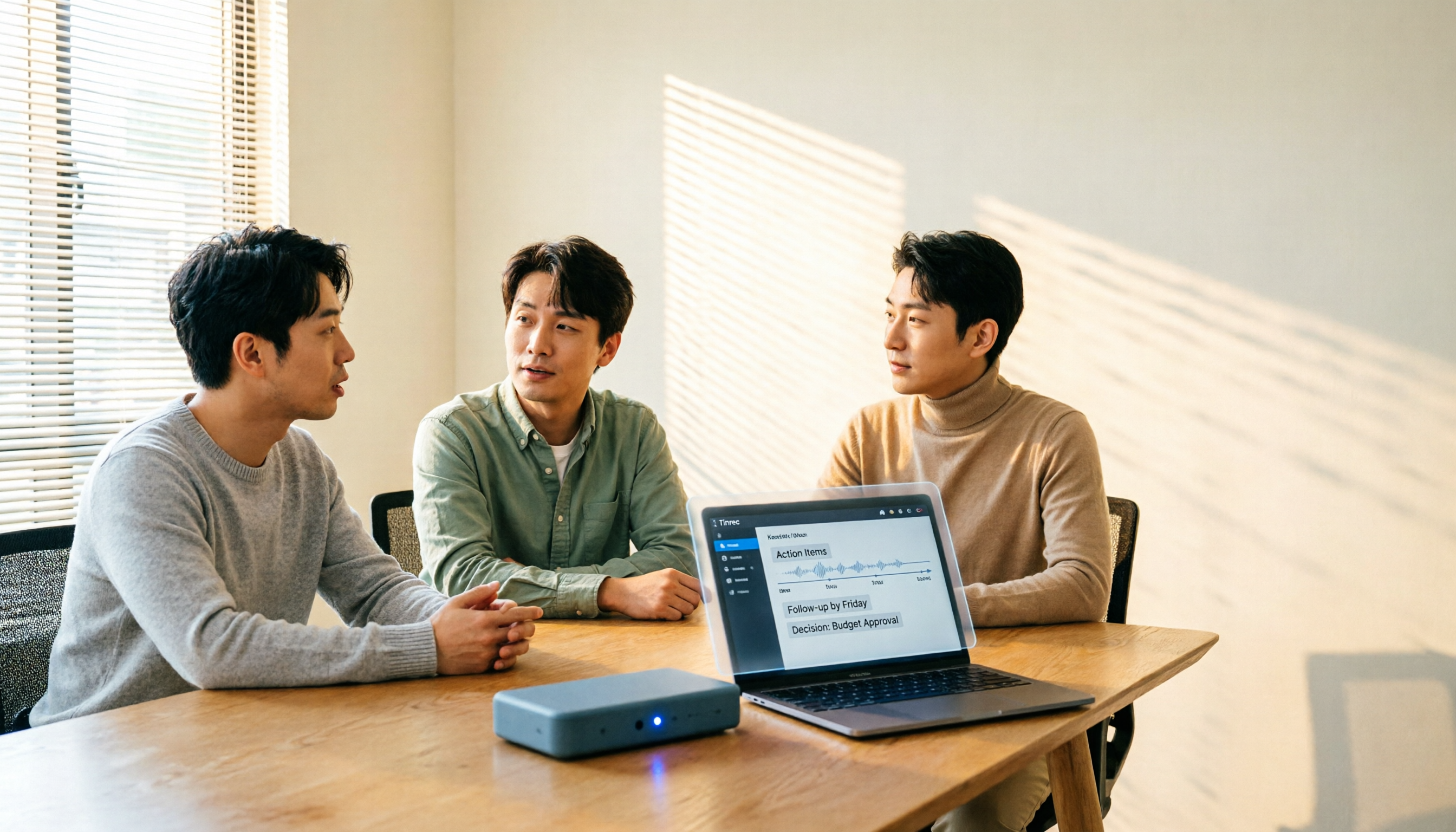
How to Choose a Meeting Transcription Platform in 2026: 5 Steps from Recording to Meeting Minutes
There are countless meeting transcription platforms out there—how do you choose? This article starts with three decision questions, outlines five key purchasing points, and compares Tinrec, Notta, Otter.ai, and Granola in terms of differences, free quotas, and limitations. Finally, it uses scenario-based routing to help you pick the most suitable one.
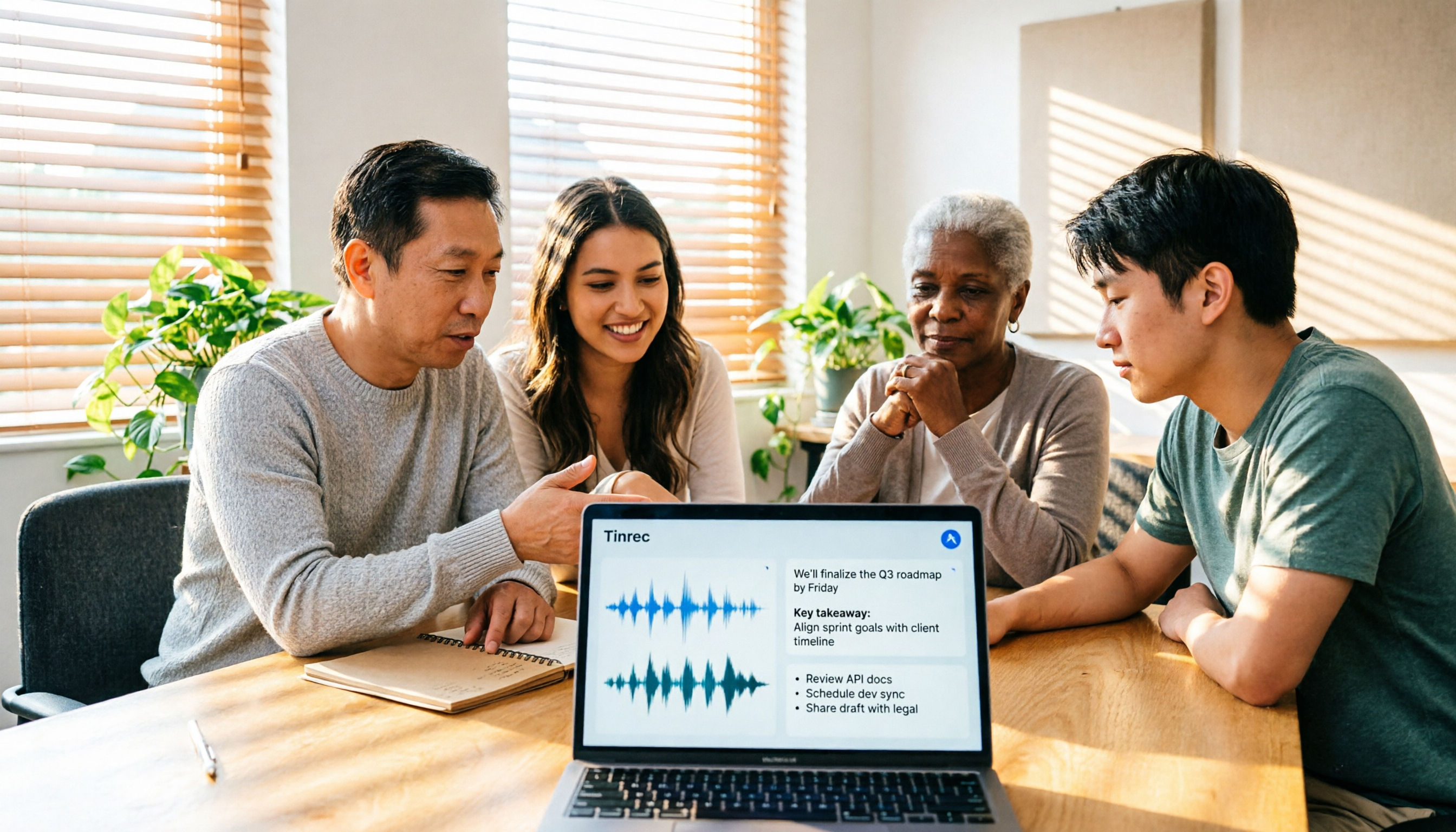
Tinrec Review 2026: No-Bot Meeting Recording with AI Summaries & Action Items
How do you choose meeting transcription software? This guide covers 5 key factors, tests Tinrec's desktop no-bot recording, transcripts, AI summaries, Q&A, and team spaces, compares Notta, Otter.ai, and Granola, and offers scenario-based recommendations plus 4 pitfalls to avoid.

2026 Complete Guide to Meeting Transcription Platforms: How to Choose Transcription, Subtitle Fonts, and Team Collaboration
After a meeting ends, you realize the most time-consuming part is organizing the transcript. This article starts from real usage scenarios, explains 5 key points for choosing a meeting recording transcription platform, tests and introduces Tinrec's bot-free recording, AI summaries and Q&A, and team collaboration capabilities, compares the applicable scenarios and prices of tools like Notta, Granola, and PLAUD, and finally gives pitfall avoidance advice and selection directions.

6 Best Meeting Transcription Software in 2026: AI Transcripts vs. Auto Summaries—Which Saves the Most Time?
Staying after a meeting to type up transcripts is one of the most common and inefficient practices. This article reviews 6 meeting recording and transcription tools, comparing bot-free recording, transcript generation, AI summaries and action items, and team knowledge retention. It also covers free tier limits and 4 things you must know before using them, helping you choose the option that truly saves time.

2024 Comparison of 4 Meeting Transcription Software: Which Saves the Most Time for Chinese Meeting Minutes?
When choosing meeting transcription software, the real deciding factor isn't 'which one is most accurate' but how you'll use the data after the meeting. This article focuses on that decision point, comparing Tinrec, Granola, Notta, and Otter.ai in terms of Chinese meetings, bot-free recording, post-meeting summaries and action items, and team data retention, plus 4 key purchasing points and 4 common pitfalls to avoid.

Tinrec vs Notta 2026: 5-Dimension Comparison for Chinese Meetings and Team Collaboration
How to choose meeting transcription software? This article compares Tinrec and Notta across 5 dimensions: how meetings are recorded, what you get after transcription, Chinese language performance, data ownership, and team governance. It also covers Otter.ai and PLAUD, plus 4 common pitfalls and scenario-based recommendations to help you find the right tool for Chinese meetings and team collaboration.

Best Online Meeting Transcription Tools in 2026: We Tested 2, and This One Is Great for Chinese Meetings and Team Knowledge Retention
How do you choose a meeting transcription tool? This article starts with common pitfalls and compares two online meeting transcription tools, Tinrec and Otter.ai, across five dimensions: Chinese meeting experience, bot-free recording, post-meeting organization and export, team data governance, and pricing and quotas. It also includes five FAQs to help you decide which tool better fits your work situation.

5 Best Meeting Transcription Platforms in 2026: Which One Actually Saves You Time?
The real work begins after the meeting ends. This article breaks down the 5 key factors for choosing a meeting transcription platform from a procurement perspective, with hands-on comparisons of Tinrec, Notta, Otter.ai, Granola, and more—covering recording methods, post-meeting outputs, Chinese language support, and team collaboration. Includes pitfalls to avoid and selection advice.

5 Best Meeting Transcription Apps of 2026: Which Saves More Time with Chinese Transcripts and AI Summaries?
Most people think a meeting transcription app just records and spits out a transcript. The real challenge is post-meeting organization. This article breaks down common misconceptions, core capabilities, practical use cases, and 5 key buying factors for meeting transcription apps. It also demonstrates a complete workflow from recording to transcript, AI summary, action items, and team knowledge retention using Tinrec.