

Turn recordings into transcripts and summaries in minutes
Upload audio or video for multilingual transcription, AI notes, and action items
Ask Yourself First: Do You Want a Transcript or Usable Meeting Materials?
When looking for a real-time transcription app, most people's first question is "which one has better accuracy?" But that's actually the wrong question.
The real choice is: do you just want to turn audio into text, or do you want materials that you can directly use after a meeting—searchable, queryable, and shareable with colleagues? These two needs correspond to different types of tools.
This time I picked two tools that are both popular in Taiwan for comparison: Tinrec and Yating. The former is positioned as an AI meeting notes and team collaboration tool, while the latter is a speech-to-text service developed in Taiwan specifically for Taiwanese accents. Let's break it down across six dimensions to help you find your match.
Tinrec vs Yating: Quick Overview
Tinrec is an AI meeting notes and collaboration tool for individuals and teams; Yating is a local service that converts speech into easily organized text information.
| Item | Tinrec | Yating |
|---|---|---|
| One-line positioning | AI meeting notes and team collaboration tool | Taiwan-developed AI speech-to-text service |
| Main access | Web, desktop, mobile | iOS app, web version |
| Core difference | Beyond transcripts: summaries, to-dos, AI Q&A, and team spaces | Focuses on Taiwanese accents, Taiwanese Hokkien, and mixed Chinese-English; primarily outputs transcripts |
| Pricing | Free plan, weekly pass, Pro monthly and annual; team plan is separate | Subject to official page announcements |
Next, I'll compare across six dimensions: real-time transcription and online meeting recording, post-meeting organization, language support, cross-device and file import, team collaboration, and pricing.
Dimension 1: Real-Time Transcription and Online Meeting Recording
Yating can record and transcribe simultaneously within the app, and can also import audio files from other apps (such as iOS Voice Memos) for transcription. It's intuitive for "I already have a recording and want to turn it into text." For online meetings, in practice you mostly rely on the device's own recording or import the file afterward.
Tinrec, besides in-app real-time recording, its desktop version can directly capture system audio to handle online meetings on Zoom, Google Meet, Microsoft Teams, Webex, etc., without inviting an extra meeting bot. No additional account appears in the participant list.
Note that this doesn't mean it automatically joins all meetings. You still need to actively open Tinrec desktop and start recording; it won't jump into every calendar meeting on its own.
→ This dimension: Tinrec wins, especially for those who have online meetings every week.
Dimension 2: Post-Meeting Organization: Summaries, To-Dos, and AI Q&A
Yating's strength is converting speech into easily organized text, with transcripts as the main output. If you want a raw record where every sentence can be matched, this positioning is clear.
Tinrec focuses on what comes after the transcript: automatically generating AI summaries, chapters and highlights, to-dos, mind maps, and even continuing AI Q&A around the meeting content. When you need to deliver documents, you can generate meeting minutes, reports, and tables.
Simply put, one sells the transcription result, the other sells data you can continue working with after transcription.
→ This dimension: Tinrec clearly wins.
Dimension 3: Language Support: Mixed Chinese-English, Taiwanese Hokkien, and Real-Time Translation
Yating is developed specifically for Taiwanese accents. It understands Taiwanese Mandarin, Taiwanese Hokkien, Cantonese, Japanese, and even mixed Chinese-English "Chinglish." It's a rare option for those who need Taiwanese Hokkien transcription.
Tinrec covers Chinese, Traditional Chinese, and multilingual meeting scenarios. Mixed Chinese-English content can be organized, and during recording you can enable real-time translation to view in original, translated, or bilingual mode.
Honestly, there's no absolute winner here. If you need Taiwanese Hokkien transcripts, Yating's positioning is clearer; if you need mixed Chinese-English plus real-time translation and bilingual comparison, Tinrec's features are more complete.
→ This dimension: Each has its strengths; it's a tie.
Dimension 4: Cross-Device Use and File Import
Yating primarily uses the iOS app as its main entry, and also offers a web version. It's handy for iPhone users, and transcribed text can be shared with colleagues.
Tinrec runs on web, desktop, and mobile in parallel. Input sources include real-time recording, online meetings, audio and video files, and some public web video links can also be imported as supplements. You can record on your phone and continue organizing on your computer—a feasible workflow.
Stop organizing recordings by hand
Upload audio or video and automatically get a transcript, summary, and action items
→ This dimension: Tinrec wins; most noticeable for those who need cross-device work.
Dimension 5: Team Collaboration and Data Retention
If it's just for personal use, tools like Yating are sufficient. But when meeting data needs to be reused within a team, a real problem arises: whose account is the data stored in?
Tinrec's team plan is an independent team space, not multiple people sharing a personal account. You can create and switch between multiple teams, invite members via join links, set owners/admins/regular members, and use seats to determine who can record, upload, edit, and export. Meeting data belongs to the team; when a member leaves or is removed, their responsible resources need to be handed over to other active members. There are also team hotwords, usage analytics, audit logs, and a 30-day audio recycle bin.
One thing to note: the team plan currently focuses on team-level sharing; all active members can read team data, not file-level granular permissions. Roles govern management, seats govern usage—keep the two separate. Active members without a seat can view, play, and read data, but cannot upload, edit, or export.
→ This dimension: Tinrec wins; for solo users, it's irrelevant.
Dimension 6: Pricing and Plan Flexibility
Tinrec's personal plans include a free version, weekly pass, Pro monthly, and Pro annual. The logic is easy to understand: use the free version for occasional recording, weekly pass for short-term intensive meetings, and Pro if you have weekly needs.
The team plan is currently USD 29.80 per paid seat per month, or USD 199 per seat annually (about USD 16.58 per month). Each paid seat provides 2,000 minutes of shared team import quota per month; eligible teams also get a 7-day trial, 1 free seat, and 300 minutes of shared import quota for the first time. Prices and promotions are subject to the official purchase page.
For Yating's pricing, I didn't find clear numbers in the information I checked this time. It's best to refer to the official page announcements.
→ This dimension: Pricing information is not fully comparable, so it's a tie for now; but Tinrec's plan tiers are easier to match to your needs.
What Are the Unique Advantages of Each?
Tinrec:
- Bot-free online meeting recording: desktop captures system audio to handle Zoom, Meet, Teams, Webex without an extra participant.
- Complete workflow after transcription: summaries, chapters, to-dos, mind maps, AI Q&A, and can generate reports, tables, and documents.
- Export to existing workflows: organized results can be taken to Notion, Google Docs, OneNote, Dropbox, etc.
- Team data retention and governance: team spaces, roles and seats, usage analytics, audit logs, team hotwords, audio recycle bin.
Yating:
- Taiwan local languages: developed for Taiwanese accents, covering Taiwanese Mandarin, Taiwanese Hokkien, Cantonese, Japanese, and mixed Chinese-English.
- iOS ecosystem integration: can import audio files from other apps for transcription, and transcripts can be easily shared.
Conclusion: Which One Should You Choose?
- Frequently have Zoom, Meet, Teams online meetings and don't want a bot to join → Tinrec
- Want summaries, to-dos, and AI Q&A beyond transcripts → Tinrec
- Need to use both phone and computer, and have historical audio files to organize → Tinrec
- Meeting data needs to be shared, handed over, and audited within a team → Tinrec (team plan)
- Need Taiwanese Hokkien transcripts and mainly use iPhone → Yating is sufficient
In one sentence: for most Taiwanese users, Tinrec is a more comprehensive choice; if you only need to quickly turn a recording into text on your phone, Yating's positioning is already clear. To compare, try recording a meeting with the free version first—testing it yourself is the best way to judge.
FAQ
Q1: What's the biggest difference between Tinrec and Yating?
Yating's core is converting speech into easily organized transcripts, with strengths in Taiwanese accents and Taiwanese Hokkien; Tinrec, beyond transcripts, also integrates summaries, chapters, to-dos, AI Q&A, export, and team spaces, positioned as a meeting notes and collaboration tool.
Q2: iPhone's built-in Notes can transcribe in real time. Do I still need another app?
Built-in Notes is free, supports Chinese and English, and is limited to iOS. It's convenient for jotting a sentence or two. But meeting length, post-meeting organization, cross-platform use, and team sharing are not its strengths.
Q3: Is Tinrec's free version enough?
The free version provides basic quota to experience recording, import, summaries, and transcription. If you only occasionally organize a recording, testing with the free version is most practical; for short-term intensive meetings, consider the weekly pass; for steady weekly needs, go Pro.
Q4: What's the difference between the team plan and personal plan? Can members without a seat see data?
Personal plan data is managed by the individual account; the team plan is an independent space where data belongs to the team, adding members, roles, seats, sharing benefits, usage analytics, audit logs, and recycle bin. Active members without a seat can still view, play, and read data, but need a seat to record, upload, edit, and export.
Q5: How should I evaluate transcription accuracy?
Actual results are affected by recording quality, background noise, accents, overlapping speakers, and technical terms. It's not recommended to measure with a single number. A more practical approach is to test with a real meeting recording and verify important content with timestamps.
Q6: What should I pay attention to when recording and transcribing?
Recording and transcription involve others' voices and personal data. Follow local regulations, and obtain consent from participants when necessary before recording and processing.
References
Turn every recording into actionable outcomes
Get 60 free transcription minutes when you sign in. No credit card required.
Related Reading
You might also like

4 Best Meeting Transcription Apps in 2026: Which Saves the Most Time for Chinese Meetings?
Tired of meeting notes dragging past quitting time? This article covers 5 key factors for choosing a meeting transcription app, compares Tinrec, Otter.ai, Notta, and PLAUD Note on recording method, Chinese recognition, post-meeting output, and pricing, and highlights 4 common pitfalls to help you find the one that truly saves time.

4 Best YouTube Speech-to-Text Tools in 2026: Which Saves More Time for Chinese Transcripts and AI Summaries?
YouTube's built-in captions are free but can't be turned into meeting notes directly. This article compares Tinrec, Notta, TurboScribe, and Vizard from a mid-level manager's hands-on perspective, explaining how to turn YouTube videos and online meeting audio into searchable, queryable transcripts, summaries, and action items that teams can share.

2026 Comparison of 3 Online Voice Generation Tools: Tinrec, Otter.ai, and CapCut—Which Is Best for Chinese Transcripts?
Starting from the real struggles of students recording lectures, this hands-on comparison tests Tinrec, Otter.ai, and CapCut across six dimensions: Chinese recognition, recording methods, transcript post-processing, AI Q&A, student budget, and team collaboration, to find the best fit for Chinese classes and meeting notes.

4 iPhone Audio-to-Text Methods Compared in 2026: Are Built-in Features Enough?
A hands-on comparison of iPhone's built-in Voice Memos, Notes app, and iMessage audio transcription, plus how Tinrec differs for Chinese meetings, AI summaries, to-dos, Q&A, and team collaboration. If you just need short recordings transcribed, built-in tools are enough; if you frequently hold meetings and need post-meeting action items and cross-platform use, Tinrec saves more time.

4 Meeting Minutes Tools Tested and Compared in 2026: How to Write Meeting Minutes Without Turning Them Into a Transcript
The key to writing meeting minutes isn't typing speed—it's making three judgments: topics, decisions, and action items. This article covers the essentials of writing meeting minutes and common mistakes, and tests and compares four tools—Tinrec, Otter.ai, Notta, and PLAUD—to help you find the most time-saving post-meeting workflow.

4 Audio-to-Text Tools Tested and Compared in 2026: Which Free Version Is Good Enough?
Want to turn audio recordings into text but not sure which tool to pick? Starting from the question "where do you want to end up?" this article tests and compares 4 common audio-to-text tools, breaking down Chinese and mixed Chinese-English recognition, AI post-meeting organization, recording retention and old file import, and team collaboration, plus 3 common pitfalls in choosing a tool, to help you pick the most time-saving approach for your situation.
4 Meeting Minutes Tools Tested and Compared in 2026: How to Write Meeting Minutes Without Turning Them Into a Transcript
The key to writing meeting minutes isn't typing speed—it's making three judgments: topics, decisions, and action items. This article covers the essentials of writing meeting minutes and common mistakes, and tests and compares four tools—Tinrec, Otter.ai, Notta, and PLAUD—to help you find the most time-saving post-meeting workflow.
4 Best Meeting Transcription Apps in 2026: Which Saves the Most Time for Chinese Meetings?
Tired of meeting notes dragging past quitting time? This article covers 5 key factors for choosing a meeting transcription app, compares Tinrec, Otter.ai, Notta, and PLAUD Note on recording method, Chinese recognition, post-meeting output, and pricing, and highlights 4 common pitfalls to help you find the one that truly saves time.
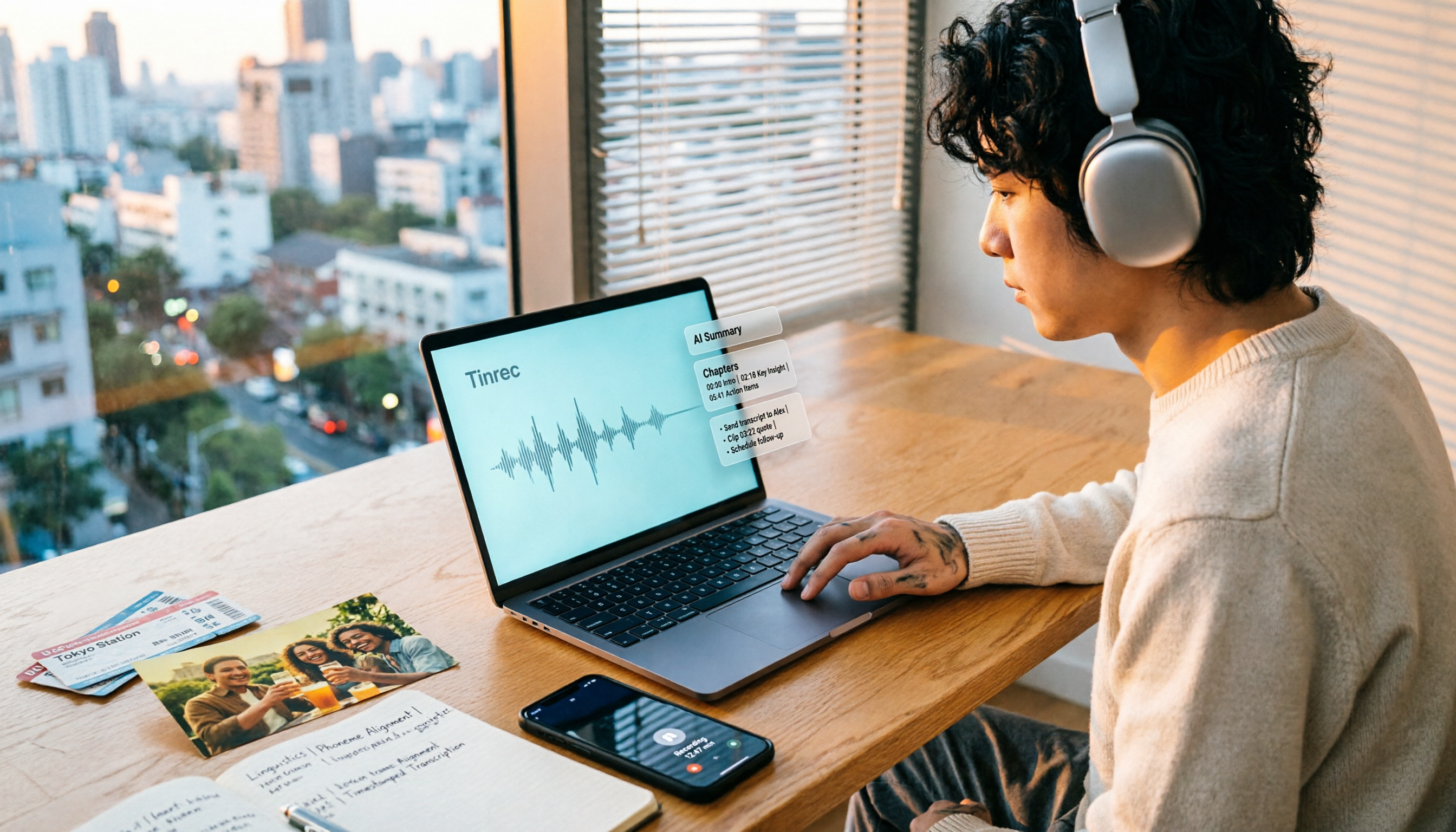
How to Make a 2026 Life Recap Video: Tinrec Audio-to-Text + AI Summary
Want to turn travel, party, or class videos into a life recap but stuck on transcripts and organization? This guide covers common pitfalls and shows how to use Tinrec to convert audio/video to transcripts, then use AI summaries, chapters, to-dos, and Q&A to organize key points. It also compares Notta, TurboScribe, and YouTube Summary with ChatGPT for different scenarios.