

Turn recordings into transcripts and summaries in minutes
Upload audio or video for multilingual transcription, AI notes, and action items
2026 Comparison of 2 Online YouTube Video Analysis Tools: From Video Link to Transcript Organization
Many people ask me: "How do I download YouTube videos?"
But that's actually the wrong question.
What you really need isn't to save the video, but to turn the content inside the video into searchable, quotable, organizable data.
Downloading is just an action; analysis is the goal.
I've been down the wrong path before: to organize a lecture video, I first looked for a download tool, then a conversion tool, and finally had to manually type a transcript. The whole process was slow and error-prone.
Later I realized a more reasonable approach: find a tool that can directly process video links and complete the subsequent organization in one go.
That's what I want to share in this article: instead of comparing whose download speed is fastest, compare who can help you turn video content into truly usable data.
I tested two tools: Tinrec and Notta. One starts from meeting notes, the other from transcription tools. This article will compare them across 5 dimensions to help you determine which one better suits your video analysis needs.
Tinrec vs Notta | Quick Overview
Tinrec is an AI meeting notes and collaboration tool for individuals and teams, supporting real-time recording, bot-free online meeting transcription, audio/video file import, and web link import. It integrates transcripts, summaries, to-dos, AI Q&A, and team spaces.
Notta is a multi-platform transcription tool covering meeting notes, file import, translation, and team plans, with mature performance in multilingual transcription and file processing.
| Item | Tinrec | Notta |
|---|---|---|
| Core positioning | AI meeting notes and team collaboration | Multi-platform transcription and file processing |
| Video link import | Supports some public video links | Mainly file upload |
| Team governance | Roles, seats, usage, audit, recycle bin | Business plan provides role permissions and usage reports |
This article will compare across 5 dimensions: YouTube link import, Chinese transcription and multilingual support, AI Q&A and post-meeting organization, team collaboration and governance, export and workflow integration.
Dimension 1 | YouTube Link Import and Video Analysis
Notta's strength lies in file import and multilingual transcription; users typically need to download the video audio first, then upload it to the platform for processing. This is feasible for occasionally organizing one or two videos, but if you need to process many videos, the steps become cumbersome.
In addition to supporting audio/video file upload, Tinrec also offers web link import, allowing you to directly paste the URL of some public videos, letting the system analyze the content and convert it into a transcript. This means you don't need to download the video first and then manually convert it, eliminating an intermediate step.
I tested with the same 10-minute YouTube lecture video (quiet indoor environment, directly pasted the link). Tinrec successfully imported and generated a transcript, while Notta required me to prepare the audio file first.
→ This dimension: Tinrec wins in the convenience of video link import.
Dimension 2 | Chinese Transcription and Multilingual Processing
Notta has mature performance in multilingual transcription, supporting recognition and translation of multiple languages, making it a good choice for teams dealing with multiple languages.
Tinrec covers Chinese, Traditional Chinese, and multilingual meeting scenarios, and supports real-time translation and bilingual viewing. It also offers a team hotword feature to maintain commonly used professional terminology, improving recognition of domain-specific vocabulary. For Taiwanese teams primarily using Chinese meetings, Tinrec's interface and terminology are closer to daily usage habits.
Actual results are affected by recording quality, noise, accents, overlapping speakers, and professional terminology; neither tool can guarantee a fixed accuracy rate.
Stop organizing recordings by hand
Upload audio or video and automatically get a transcript, summary, and action items
→ This dimension: Both have their strengths, but for Traditional Chinese usage scenarios in Taiwan, Tinrec's experience is closer.
Dimension 3 | AI Q&A and Post-Meeting Organization
Notta provides summary, translation, and subtitle features to help users quickly grasp key points. However, its post-meeting organization mainly revolves around the text itself, with less extension to subsequent work outputs.
After transcription, Tinrec automatically generates summaries, chapters, key points, and to-dos. Users can also conduct AI Q&A around meeting or video content, directly asking "What are the three key points mentioned in this video?" or "What objections did the client raise?" Additionally, Tinrec supports Agent post-processing, which can generate reports, tables, and documents based on content, directly turning video content into deliverable work outputs.
→ This dimension: Tinrec clearly wins in AI Q&A and post-meeting organization.
Dimension 4 | Team Collaboration and Data Governance
Notta's Business plan provides role permissions and usage reports, suitable for organizations with team collaboration needs.
Tinrec's team version centralizes meeting data in an independent team space, distinguishing member roles and seats: roles determine who can manage the team, members, audit, and team settings; seats determine whether members can record, upload, edit, import/export, and use team resources. Administrators can view team usage trends, member rankings, and usage details, query and export audit logs, and restore accidentally deleted audio through the audio recycle bin. When a member leaves or loses a seat, team resources can be transferred to other valid members and won't leave with the individual.
→ This dimension: Tinrec wins in the granularity of team governance.
Dimension 5 | Export and Workflow Integration
Notta supports exporting transcription results, making it easy for users to take them to other tools for further processing.
Tinrec supports multi-format export, allowing transcripts, summaries, and to-dos to be taken to Notion, Google Docs, OneNote, Dropbox, and other tools for continued use. For teams with established workflows, Tinrec's export options make it easier to integrate video content into existing collaboration processes.
→ This dimension: Both can export, but Tinrec's third-party tool integration better fits existing team workflows.
What Are the Unique Advantages of Each?
Tinrec's unique advantages:
- Bot-free online meeting recording: The desktop version directly captures computer system audio, without needing an extra bot to join Zoom, Meet, Teams, or Webex meetings.
- Video link import: Directly paste some public video URLs, saving download and conversion steps.
- AI Q&A and Agent post-processing: Ask follow-up questions around content and generate reports, tables, and documents.
- Team space and governance: Roles, seats, usage, audit, recycle bin all in one.
Notta's unique advantages:
- Multilingual transcription and translation: Supports multiple languages, suitable for international teams.
- Batch file processing: Mature processes for file import and processing.
Conclusion: Which One Should You Choose?
- If you need to directly analyze YouTube video links without downloading and uploading first → Tinrec (supports web link import)
- If you want to directly ask follow-up questions after transcription and generate to-dos and reports → Tinrec (AI Q&A and Agent post-processing)
- If you need team space, seat management, and audit logs → Tinrec (team version provides complete governance capabilities)
- If you mainly use Chinese meetings and need an experience close to Taiwanese terminology → Tinrec (Traditional Chinese and team hotwords)
- If you only need simple multilingual file transcription and already have existing audio files → Notta is sufficient
In one sentence: For most users who need to turn video or meeting content into usable data, Tinrec is a more complete choice. It's recommended to first use Tinrec's free version and test with your own videos or recordings.
Quick Start Checklist
- Open Tinrec web or desktop version.
- Select "Import Link" and paste the YouTube video URL.
- Wait for the system to analyze and generate a transcript.
- View AI summary and chapters to grasp key points.
- Use AI Q&A to ask follow-up questions about content you want to understand better.
- Export the transcript or summary to Notion, Google Docs, and other tools.
Test step by step, and you'll gradually master the method of turning videos into usable data.
References
- YouTube Video Download Free Online Tools Summary, Up to 8K Support - Kocpc
- 2026 14 YouTube Video Download Platforms and Tools Compilation - MrMad
- How to Download YouTube Video Clips | 7 Best Download Tools to Quickly Capture Partial Videos - Wondershare Filmora
- YouTube Video Thumbnail Download Tool! Full Resolution Cover Version URL Format Comparison Table - electrify.tw
- Lazy Person's Favorite! 2026 Highly Recommended YouTube Video Download Website List
Turn every recording into actionable outcomes
Get 60 free transcription minutes when you sign in. No credit card required.
Related Reading
You might also like

3 Free Audio-to-Text Tools Tested and Compared in 2026: Is the Free Tier Enough?
How do you choose a free audio-to-text tool? This article examines four key aspects: the unit of the free quota, Chinese recognition, post-meeting organization capabilities, and online meeting support. It compares the free plans of Tinrec, Notta, Otter.ai, and TurboScribe, and highlights the three most common pitfalls to help you find the one that truly meets your needs.

How to Choose a Free AI Transcription Tool in 2026: 5 Steps from Recording to Meeting Minutes
Starting from a mid-level manager's real meeting scenarios, this article breaks down the four key factors for choosing a free AI transcription tool, tests Tinrec's 5-step workflow, compares it with Notta, Otter.ai, and MyEdit, and includes pitfalls to avoid—helping you pick a tool that truly works after the meeting.

4 Image-to-Text OCR Tools Compared in 2026: How to Choose Between Free OCR and Tinrec for Meeting Notes
A guide to key considerations for choosing image-to-text (OCR) tools, comparing imagetotext.me, Gaitubao, Google Keep, and Chenghua OCR, plus when to use Tinrec for meeting transcription.

3 AI Meeting Note Apps Tested in 2026: Why Huawei Users Ultimately Chose Tinrec
From the perspective of a mid-level manager, this article analyzes the search intent behind "Huawei AI meeting notes" and uses Tinrec as an example to explain how AI meeting notes can automatically generate transcripts, summaries, and action items, and how these can be stored in a team space as searchable, collaborative data. It includes features, use cases, buying advice, and FAQs.

2026 AI Audio-to-Text Showdown: Tinrec vs PLAUD Note — Which Is Better for Chinese Meetings?
We compare Tinrec and PLAUD Note across meeting capture, Chinese-language experience, post-meeting workflow, team collaboration, and pricing to help you decide which AI audio-to-text tool fits your needs.

2026 Comparison of 4 Meeting Minutes Tools: Which One Actually Saves You Post-Meeting Time?
With 15 meetings a week and notes to organize after each one, a mid-level manager tests 4 meeting minutes tools, comparing audio transcription, post-meeting summaries and action items, AI Q&A, team sharing, and quotas. Includes 4 common pitfalls and selection advice to help you find the one that truly saves post-meeting time.

2026 Video and Audio Transcription Tools Buying Guide: 2 Tested Picks and Recommendations
When converting videos, interviews, or meeting notes to text, the first thing to determine is: are you dealing with a pre-recorded video file or a live meeting? This article compares two solutions, Tinrec and PLAUD Note, across six dimensions: video and audio input, Chinese recognition, post-transcription processing, audio file storage, team collaboration, and upfront cost, to help you decide which one better fits your use case.
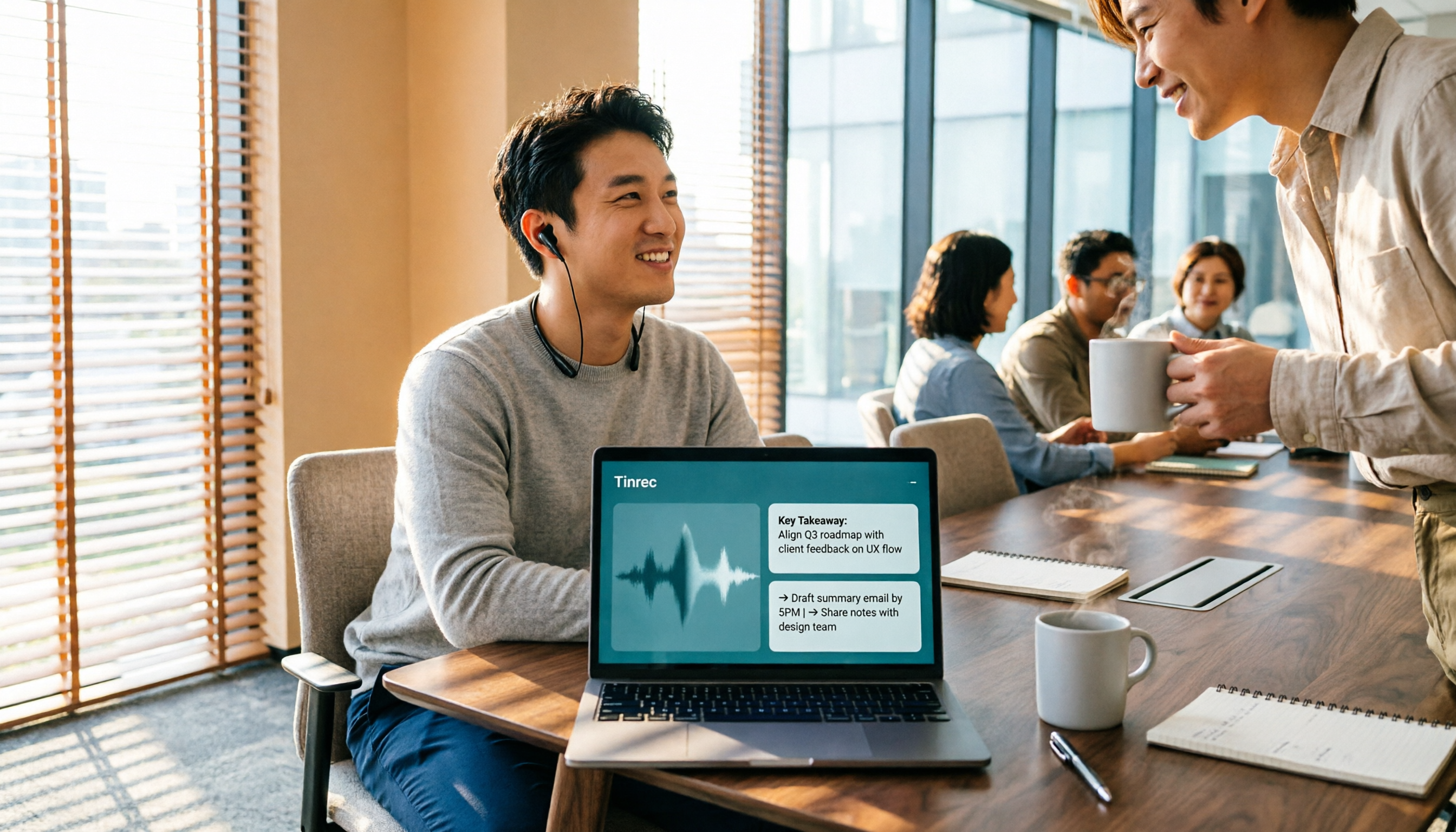
4 Voice-to-Meeting-Minutes Tools Tested for 2026: Is the Free Version Enough? Which Saves the Most Time After Meetings?
After a meeting, spending time organizing minutes is a daily pain point for most office workers. This article compares four voice-to-meeting-minutes tools: Tinrec, Otter.ai, Notta, and PLAUD. It covers recognition scenarios, post-meeting summaries and action items, online meeting recording methods, team data ownership, and free version limitations, with key tips to avoid pitfalls when choosing a tool.

4 iPhone Audio-to-Text Methods Tested in 2026: Is the Built-in Free Option Enough, or Does Tinrec Save More Time?
iPhone's built-in Voice Memos and Notes apps can already turn recordings into transcripts, but what happens after? This article starts from real student scenarios—lectures, group discussions, and finals review—and tests 4 iPhone audio-to-text methods, covering key buying factors, common pitfalls, and the best choice for students.