

Turn recordings into transcripts and summaries in minutes
Upload audio or video for multilingual transcription, AI notes, and action items
5 Google Text-to-Speech Tools Compared in 2026: Which Free Chinese Voice Sounds Most Natural?
Why You Need Google Text-to-Speech
Many people first encounter Google text-to-speech through their phone's screen reader or Google Assistant, and assume that's all there is.
It's not. Voice services under the Google name fall into at least three categories: cloud APIs for developers, voice engines built into Android, and third-party reading apps on Google Play. Their pricing, language support, and level of control vary widely.
The most common mistake is choosing the wrong direction: wanting to add narration to a video but installing a phone reading app, or just needing your phone to read a PDF but diving into cloud API billing documentation.
This article covers 5 practical options, from completely free to developer-oriented, and helps you choose.
Option 1 | Tinrec — An AI Assistant That Turns Voice Content into Organized Data
Let's be clear: Tinrec doesn't do text-to-speech; it does the opposite—turning speech into text and then into usable data. If you produce a lot of voice content daily (meetings, interviews, customer calls), this is what you actually need.
Tinrec is an AI meeting notes and collaboration tool for individuals and teams. It supports live recording, online meetings, audio and video file imports, and automatically generates summaries, chapters, action items, and mind maps.
Key features to note:
- No meeting bot: The desktop version captures system audio directly, handling Zoom, Google Meet, Microsoft Teams, Webex, and other online meetings without adding a bot to the participant list.
- More than transcripts: After transcription, you can use AI Q&A, extract action items, translate in real time and view in original or bilingual mode, and export to Notion, Google Docs, and other tools for further processing.
- Team workspace: Meeting data belongs to the team, with member, role, and seat management, plus usage analytics, audit logs, and an audio recycle bin.
Pricing: The personal plan offers a free version, weekly pass, Pro monthly, and annual plans to match your usage frequency. The team plan offers a 7-day trial for first-time eligible users (1 free seat, 300 minutes of shared team import quota). Monthly billing is USD 29.80 per paid seat, annual is USD 199 per paid seat (about USD 16.58/month), with each paid seat providing 2,000 minutes of shared team import quota per month. Actual prices are subject to the official purchase page.
Overall, it's ideal for those with heavy meeting loads who need to turn voice content into team assets.
Option 2 | Google Cloud Text-to-Speech — The Speech Synthesis API for Developers
In a nutshell: turn text in your application into speech that sounds like a real person.
It's deployed on Google Cloud and incorporates DeepMind's speech synthesis expertise. Gemini-TTS can synthesize single or multi-speaker speech from text, supports over 75 language/locale combinations, and lets you specify style, accent, speed, tone, and emotion using natural language prompts. Enterprises can also use it to create branded voices or for customer service voice bots and electronic program guide reading.
Billing is based on the number of characters sent for synthesis per month: WaveNet voices are free for the first 1 million characters per month, standard (non-WaveNet) voices are free for the first 4 million characters per month, and charges apply after that based on text volume.
Who it's for: Developers and product teams who want to integrate voice features into their own products or websites.
Option 3 | Android Built-in Text-to-Speech — Your Phone Reads to You
Android has built-in text-to-speech accessibility features that can convert entered text into audio and play it back.
Setup is simple: open the device's Settings app to update text-to-speech settings. The default engine varies by device—it could be Google's text-to-speech engine, the device manufacturer's engine, or a third-party engine you downloaded from Google Play.
Who it's for: Android users who just need their phone to read on-screen text without spending extra money.
Option 4 | Google Cloud Speech-to-Text — The Reverse: Turning Speech into Text
This option goes in the opposite direction of speech synthesis—it's speech-to-text—but it's often used together with TTS. For example, transcribe an audio file first, then use text-to-speech to produce a narrated version.
Gemini offers accurate speech input and transcription, supporting over 125 languages; the Google AI API supports over 85 languages and dialects. The new generation universal speech model Chirp 3 is trained on millions of hours of audio data and can handle short audio, long audio, and streaming audio.
Stop organizing recordings by hand
Upload audio or video and automatically get a transcript, summary, and action items
Who it's for: Developers who need batch transcription or real-time captions.
Option 5 | Text to Speech – Read Aloud — A Free Third-Party Reading App
This is a third-party app on Google Play, positioned as a "read aloud" tool for general users.
It supports multiple text input methods: load e-books or papers from PDF or TXT, use Google voice recognition input, scan printed text with OCR camera (currently only supports Latin characters), or type directly from web pages or keyboard. During playback, you can adjust language, speed, and pitch.
Note: Some users report that buttons lack labels in accessibility mode, and it can only use the default Google voice engine—you can't switch to your phone brand's own engine.
Who it's for: Android users with zero budget who occasionally need to read documents or web pages aloud.
With So Many Options, How Should You Choose?
Honestly, ask yourself: Do you want to "read text aloud" or "capture speech"?
- Want to turn meetings, interviews, and customer calls into transcripts + summaries + action items → Tinrec (after transcription, you can also do Q&A, export, and generate reports)
- Record Zoom, Meet, Teams but don't want a bot joining the meeting → Tinrec (desktop version captures system audio)
- Cross-language meetings where you want to see bilingual content while recording → Tinrec (real-time translation)
- Team needs to centrally store meeting data and manage seats and usage → Tinrec Team Plan
- Want to integrate text-to-speech into your own product → Google Cloud Text-to-Speech
- Just need your phone to read on-screen text → Android built-in text-to-speech
- Need to batch convert audio files to text without meeting organization → Google Cloud Speech-to-Text
- Zero budget, just want to read a PDF aloud → Text to Speech – Read Aloud
3 Things to Know Before Using Google Text-to-Speech
1. Free tiers reset monthly, not one-time. Google Cloud Text-to-Speech offers WaveNet voices free for the first 1 million characters per month, standard voices free for the first 4 million characters per month, with pay-as-you-go after that. For small tests, you usually won't get a bill.
2. Naturalness depends on the engine. Google once reported that its new US English WaveNet voices scored an average of 4.1 in tests, 20% better than standard voices and reducing the gap with human speech by 70%. However, this is for English; actual Chinese perception varies by language, tone, and context. It's best to synthesize a short sample and listen first.
3. Playback and synthesis are separate. Changing the text-to-speech engine on Android only affects the phone's own reading; to adjust cloud API output, you need to handle it in Google Cloud settings. Confusing the two leads to "why doesn't changing the engine make a difference?"
Also, if you're handling meeting or interview recordings, be mindful of local regulations and obtain participant consent when necessary.
FAQ
Is Google text-to-speech free?
Google Cloud Text-to-Speech has free tiers: WaveNet voices free for the first 1 million characters per month, standard voices free for the first 4 million characters per month, with charges based on synthesized characters after that. Android's built-in text-to-speech is free.
Does Google text-to-speech support Chinese?
Gemini-TTS supports over 75 language/locale combinations and allows specifying style, accent, speed, and emotion via natural language prompts. Chinese is included. It's best to test with your own content to confirm actual results.
How do I change the text-to-speech engine on Android?
Open the Settings app and find the text-to-speech options. The default engine varies by device—it could be Google's engine, the manufacturer's engine, or a third-party engine you downloaded from Google Play.
Which option should I use for video narration?
To generate your own voice files, use Google Cloud Text-to-Speech. If you just want to listen to existing documents, Android's built-in reader or a third-party reading app is sufficient.
How is Tinrec different from Google text-to-speech?
Opposite directions. Google text-to-speech turns text into voice; Tinrec turns meeting speech into transcripts, summaries, action items, and searchable team data. They can be used together—for example, synthesizing a voice version of organized meeting notes.
How do I evaluate Google text-to-speech accuracy?
Speech synthesis doesn't have an accuracy issue; the focus is naturalness and tone. Accuracy differences apply to speech-to-text, which is affected by recording quality, noise, accents, overlapping speakers, and technical terms.
Conclusion
Google text-to-speech isn't a single product but three different paths: cloud API for developers, system engine for Android users, and third-party apps for occasional needs.
If you just need your phone to read text, built-in features or free reading apps are enough. To integrate voice into your product, consider Google Cloud Text-to-Speech.
But if your real problem is that meeting content is hard to remember, find, or keep up with, then the direction is completely opposite—tools like Tinrec are worth trying first, turning speech into searchable, collaborative data, which is where you truly save time.
References
- Text-to-Speech: Natural AI Voice and Speech Synthesis Services | Google Cloud
- Speech-to-Text: AI Speech Input and Transcription | Google Cloud
- Text-to-Speech Output - Android Accessibility Help
- Google Launches Cloud Text-to-Speech Service with More Natural Voices | iThome
- Text to Speech - Read Aloud - Google Play App
Turn every recording into actionable outcomes
Get 60 free transcription minutes when you sign in. No credit card required.
Related Reading
You might also like

4 AI Meeting Minutes Tools Tested and Compared in 2026: How to Write Meeting Notes That Track Action Items
Meeting minutes are not a verbatim transcript. This article breaks down the 4 essential sections—topics, discussion highlights, decisions, and action items—and uses Tinrec to demonstrate how real-time transcription, AI summaries, and AI Q&A can quickly turn a two-hour meeting into trackable meeting notes. It also covers 5 key points for choosing a meeting minutes tool in 2026.
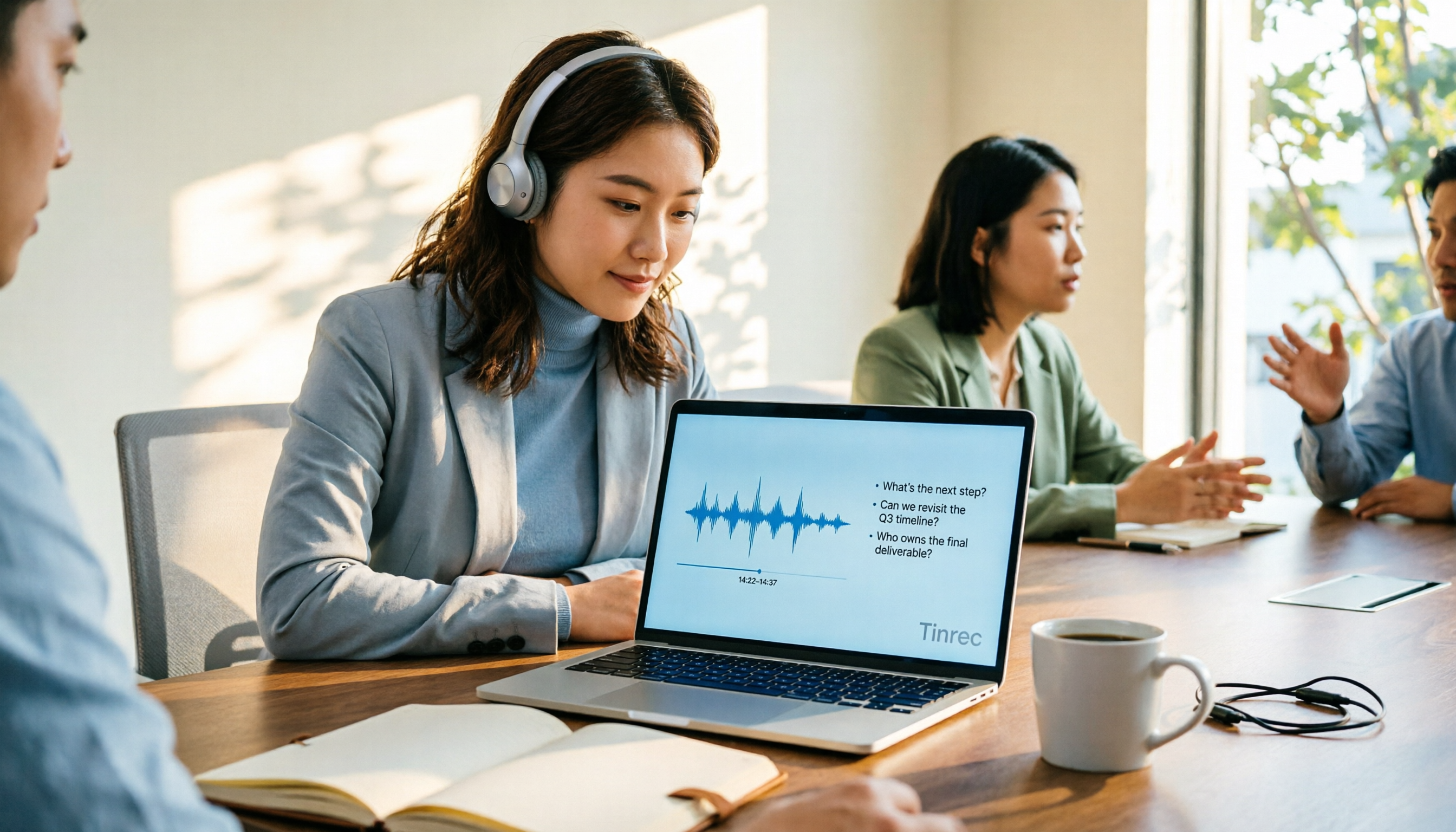
4 AI Online Q&A Tools Tested and Compared in 2026: Asking About World Knowledge or Your Own Meetings?
The key difference between AI online Q&A tools isn't how smart the model is, but whether it answers based on public knowledge or your own data. This article first helps you distinguish between the two types of Q&A needs, then tests and compares general-purpose AI chat services with Tinrec, explaining why follow-up questions about meetings, interviews, and class recordings require a different tool.

2026 Apple Notes Voice-to-Text Free Options: 4 Solutions Compared
Compare 4 free ways to transcribe voice memos and recordings on iPhone in 2026, including Apple's built-in feature, Tinrec free, Otter.ai, and Notta. Learn their limits and best use cases to decide whether to stick with the built-in tool or switch.
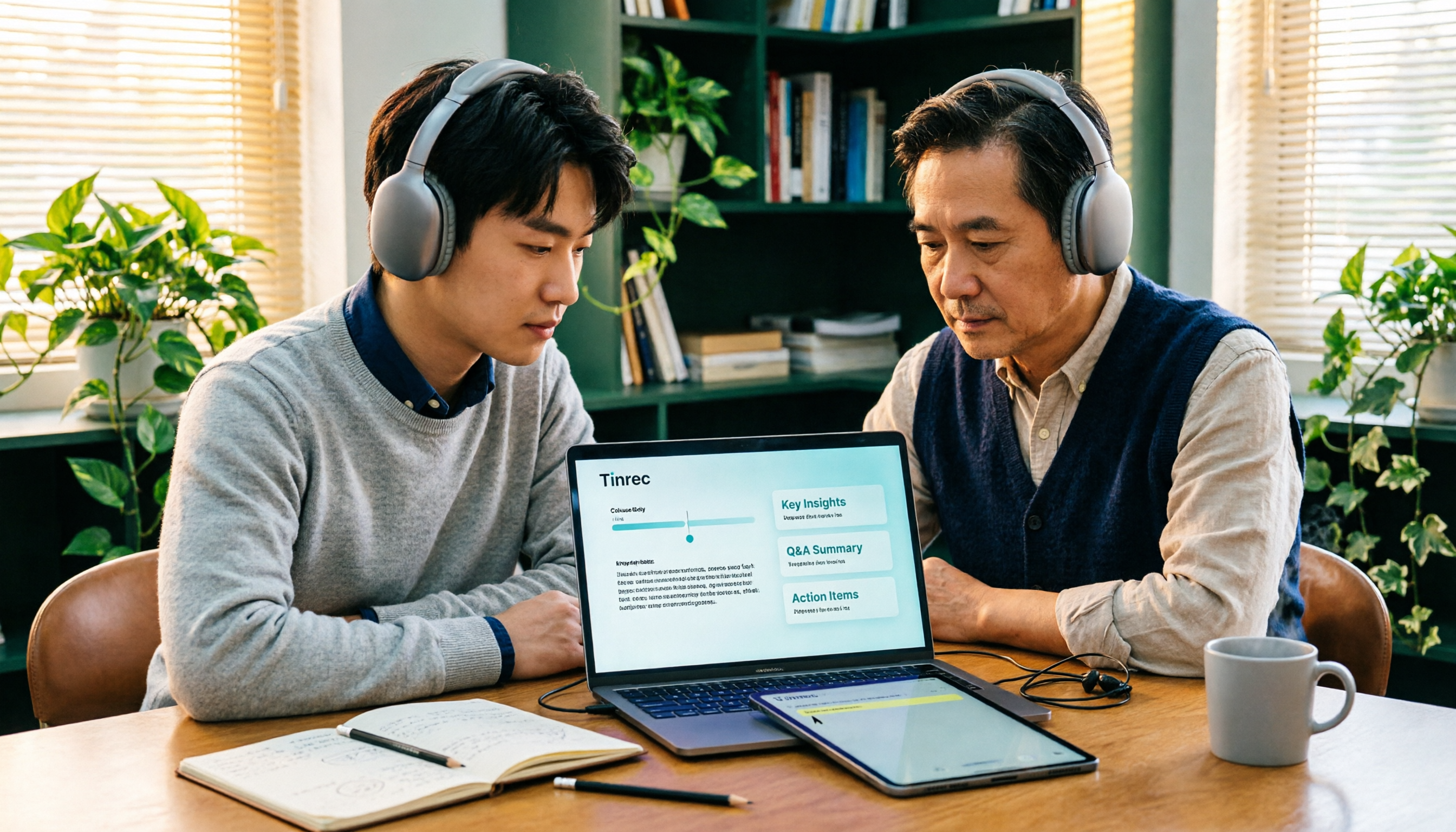
2026 Comparison of 3 Academic Video Summarization Tools: Which Saves the Most Time with Transcripts, AI Summaries, and Q&A?
When organizing course recordings and seminar replays, a summary alone is often not enough. This article compares Tinrec and Notta across five key dimensions of academic video summarization, including video sources, transcripts, summary structure, AI Q&A, and team collaboration, and lists pricing and FAQs.

4 Live Transcription Tools Tested for 2026: Which Saves the Most Time in Chinese Meetings?
Tired of missing details while typing during meetings? This article compares four live transcription tools—Tinrec, Yating Transcription, Granola, and PLAUD—across four key areas: real-time capability, mixed Chinese-English recognition, post-meeting output, and team data ownership. It also covers four common purchasing pitfalls and scenario-based recommendations.

2026 Voice Synthesis Free Options: 5 Plans Compared
Voice synthesis isn't the same as dubbing tools—for students, the real time-saver is turning lectures, group discussions, and interviews into searchable text. This guide covers the complete selection of voice synthesis and audio content processing in 2026, from what it can do for you, core capabilities, and real-world use cases to 5 key considerations before buying. It ends with 5 Tinrec plans from free to team, so you can pick the best fit based on your usage frequency and budget.
2026 Complete Guide to Video-to-Text Transcription: 3 Methods and 5 Steps Explained
Want to turn videos into transcripts but not sure which tool to choose? This article examines four key areas—video sources, Chinese recognition, post-meeting organization, and team collaboration—and compares Tinrec, TurboScribe, Notta, and Granola to help you understand the complete video transcription workflow and avoid common pitfalls.

2026 Text-to-Speech Tool Buying Guide: Comparing 4 Approaches and Selection Tips
Google's text-to-speech has three main routes: Android built-in, Google Cloud Text-to-Speech, and Gemini API. This article covers free quotas, pricing, and key selection points, and explains another more common need: when turning meeting recordings into transcripts, summaries, and action items, why Tinrec is our top recommendation.
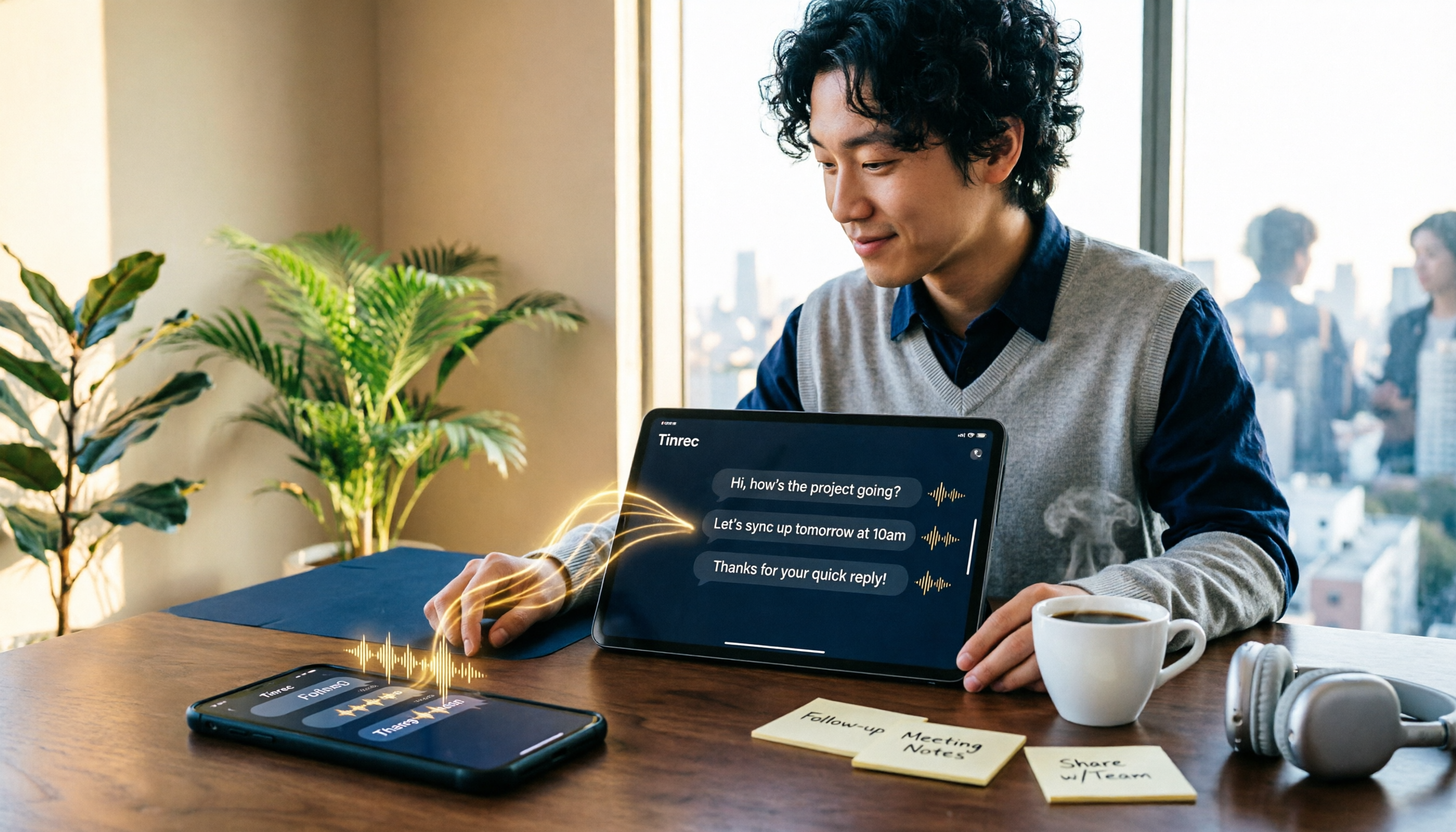
WhatsApp Voice to Text in 2026: Built-in Transcription vs. AI Tools vs. Third-Party Services
How do you turn on WhatsApp's built-in voice message transcription? This guide breaks down two real user needs—just reading a single voice message vs. turning meetings into organized data—then compares WhatsApp's built-in transcription, Tinrec, Otter.ai, Notta, and PLAUD. Includes a 2-step setup guide, language support, privacy limits, and the 3 most common mistakes.