

Turn recordings into transcripts and summaries in minutes
Upload audio or video for multilingual transcription, AI notes, and action items
You want to "listen" to a presentation on your commute, but the tool is all wrong—first figure out which type you need
Have you ever been in this situation: it's 11 PM and you still have 30 pages of material to read, thinking "if only I could listen to it"; or you're helping an elderly relative find a feature that reads the news aloud. This is the most typical need for text-to-speech.
Another situation is the exact opposite: after a two-hour meeting, you still have to organize the transcript yourself. You thought buying a "voice tool" would solve it, but what you bought was a reading tool.
These two things often get mixed up in search results, but they point in completely opposite directions. Text-to-speech turns text into sound; speech-to-text turns recordings of meetings, interviews, and classes into searchable, organizable data. First determine which side you're on, then choose your tool—you'll save yourself a lot of detours.
Before choosing a text-to-speech tool, understand these 5 key points
1. Do you need "real-time reading" or "audio file generation" If you just want your phone to read an article aloud, the system built-in or an app is fastest; if you need to produce files like customer service voice prompts or teaching narration, you'll need a cloud API.
2. How free quotas work Google Cloud's Text-to-Speech is billed by the number of characters synthesized per month: standard (non-WaveNet) voices include the first 4 million characters free each month, WaveNet voices include the first 1 million characters free each month; after the free quota is used up, billing is per 1 million characters. New customers also get a $300 credit to try it out. The key is: estimate how many characters you'll need to read per month first.
3. Voice quality and style control The difference between standard voices and WaveNet voices is immediately obvious to the ear. Google Cloud's Gemini-TTS can also use natural language prompts to specify style, accent, speed, and tone, supporting over 75 language or locale combinations, suitable for teams that want to create a brand-specific voice.
4. Language and accent The quality of Chinese (Taiwan) voices varies widely. It's best to directly listen to a sample using the actual passage you plan to read, especially for content that mixes Chinese and English.
5. Platform integration method Phone built-in, browser reading, third-party apps, and cloud APIs—these four routes have completely different maintenance costs. APIs offer the most flexibility, but you have to integrate them yourself.
Tinrec—if what you actually need is the opposite
Honestly, I've seen too many people search for "text-to-speech" when what they really need is to turn meeting content into text. That's the completely opposite direction, and in that direction, Tinrec is our top recommendation.
Tinrec is an AI meeting notes and collaboration tool for individuals and teams, available on desktop, web, and mobile. It doesn't just convert sound to text; it organizes meetings into searchable, queryable, exportable, and further processable data.
When you have an online meeting, you don't need to invite a meeting bot. Tinrec's desktop version directly captures your computer's system audio, so it can record Zoom, Google Meet, Microsoft Teams, Webex, and other meetings and generate real-time transcripts. After the meeting ends, the AI has already organized summaries, chapters, and key points, and will also extract action items like "who is responsible for what and when it's due."
Even better is AI Q&A. After recording, you can directly ask it "who mentioned the budget in the last meeting" or "what were the customer's concerns about pricing." It doesn't just give you keyword search results; it answers based on the content. The same meeting data can also generate reports, tables, and documents, and be exported to Notion, Google Docs, OneNote, Dropbox, and other tools for continued use.
For team use, Tinrec's team plan is an independent team space, not multiple people sharing a single personal account. Meeting data belongs to the team, members can join via an invite link, and admins can set owners, admins, and regular members, and assign, revoke, or transfer seats. Members without a seat can still view, play, and read team data, but cannot upload, edit, import, or export. There are also team usage trends, member rankings, audit logs, an audio recycle bin (retained for 30 days), and team hotwords.
Stop organizing recordings by hand
Upload audio or video and automatically get a transcript, summary, and action items
For pricing, the team monthly plan is $29.80 per paid seat per month, and the annual plan is $199 per paid seat per year (about $16.58 per month). Each paid seat provides 2,000 minutes of team shared import quota per month; eligible teams can try it for 7 days with 1 free seat and 300 minutes of shared import quota. Under an active team plan, real-time recording currently does not deduct minutes; file and web imports use the team shared import quota. For personal use, there are also a free version, weekly pass, Pro monthly, and annual plans to choose from based on usage frequency. Actual prices and benefits are subject to the official purchase page.
One thing to note: Tinrec does not recommend promising a fixed accuracy rate externally. Actual transcription results are affected by recording quality, background noise, accents, overlapping speakers, and technical terminology. A more practical approach is to try it with a recording of one of your own meetings—that's more accurate than any promotional number. Also, please follow local regulations before recording, and obtain consent from participants when necessary.
Besides Google's routes, what other text-to-speech options are there?
Google Cloud Text-to-Speech: A cloud API that converts text into natural-sounding speech, suitable for customer service voice bots, device voice generation, and accessible reading of electronic program guides. Free quota as above. But it's a speech synthesis API and doesn't handle meeting notes—no transcripts, summaries, action items, or team spaces, which are exactly Tinrec's core.
Gemini API text-to-speech: Can convert text input into single-speaker or multi-speaker speech, and guide style, accent, speed, and tone through structured metadata and speech tags. Suitable for conversational voice agents and large-scale generation. TTS models only accept text input and only output audio; model versions and limitations are subject to official documentation. It also doesn't do transcript organization or team collaboration.
Android built-in and reading apps on Google Play: Android devices can enable text-to-speech output in settings to synthesize and play input text, which is most direct for accessibility use and costs nothing. Google Play also has apps like "Text to Speech" (com.alpaca.android.readout) that can read input text, grab text from URLs or URLs shared from the browser, support PDF, TEXT, docx, xlsx, pptx and other formats, and can save as audio files, adjust speed and pitch, and have a dark theme. The downside is single functionality—no meeting transcription, summaries, or team data management.
Pitfall guide: the 4 most common mistakes when choosing these tools
Pitfall 1: Confusing text-to-speech with speech-to-text. One reads documents aloud, the other turns meetings into transcripts. Different needs, different tools. First write down what output you actually want.
Pitfall 2: Only looking at free quota, not billing units. After the free quota for cloud TTS is used up, billing is per 1 million characters. If you only read a few thousand characters per month, built-in or an app is enough; only large-scale generation is worth using an API.
Pitfall 3: Thinking that integrating an API means you're done. APIs require you to handle keys, errors, cost monitoring, and playback interfaces yourself—all of that is work. If you just want to listen to files, there's no need to go through all that.
Pitfall 4: Only using transcription tools as "recording to text." That's the most regrettable waste. Tools like Tinrec really save time after the meeting: summaries, chapters, action items, AI Q&A, exports, and team knowledge retention. Only taking the transcript means using just a small part.
Conclusion: Which one should you choose?
- Just want to read articles, PDFs, and presentations aloud and listen on your commute → Android built-in text-to-speech or a reading app on Google Play.
- Need to batch-generate voice files for customer service, devices, or electronic program guides → Google Cloud Text-to-Speech, or Gemini API when you need multi-speaker voices and style control. Calculate your monthly character count first.
- Meeting, interview, and class recordings need to become transcripts, summaries, and action items → Tinrec.
- Organizing Chinese meetings and mixed Chinese-English content → Tinrec.
- Phone recording, computer organizing, cross-device use → Tinrec.
- Teams need to centrally store meeting data and manage member seats and usage → Tinrec team plan.
Most office workers searching for "text-to-speech" actually need to solve meeting notes next. We suggest starting with Tinrec's free version, throwing one of your own meetings into it, and seeing whether the transcript, summary, and action items capture the key points, then deciding whether to upgrade. There's no need to pay right away.
References:
- Google Cloud Text-to-Speech: https://cloud.google.com/text-to-speech?hl=zh-TW
- Android text-to-speech output instructions: https://support.google.com/accessibility/android/answer/6006983?hl=zh-Hant
- Gemini API speech generation documentation: https://ai.google.dev/gemini-api/docs/speech-generation?hl=zh-tw
References
- Text to Speech - Google Play App
- Text-to-Speech: Natural-sounding AI voices and speech synthesis service | Google Cloud
- Text-to-speech output - Android Accessibility Help
- Generate text-to-speech files (TTS) | Gemini API | Google AI for Developers
- Convert text to speech | Gemini Enterprise Agent Platform | Google Cloud Documentation
Turn every recording into actionable outcomes
Get 60 free transcription minutes when you sign in. No credit card required.
Related Reading
You might also like

4 AI Meeting Minutes Tools Tested and Compared in 2026: How to Write Meeting Notes That Track Action Items
Meeting minutes are not a verbatim transcript. This article breaks down the 4 essential sections—topics, discussion highlights, decisions, and action items—and uses Tinrec to demonstrate how real-time transcription, AI summaries, and AI Q&A can quickly turn a two-hour meeting into trackable meeting notes. It also covers 5 key points for choosing a meeting minutes tool in 2026.
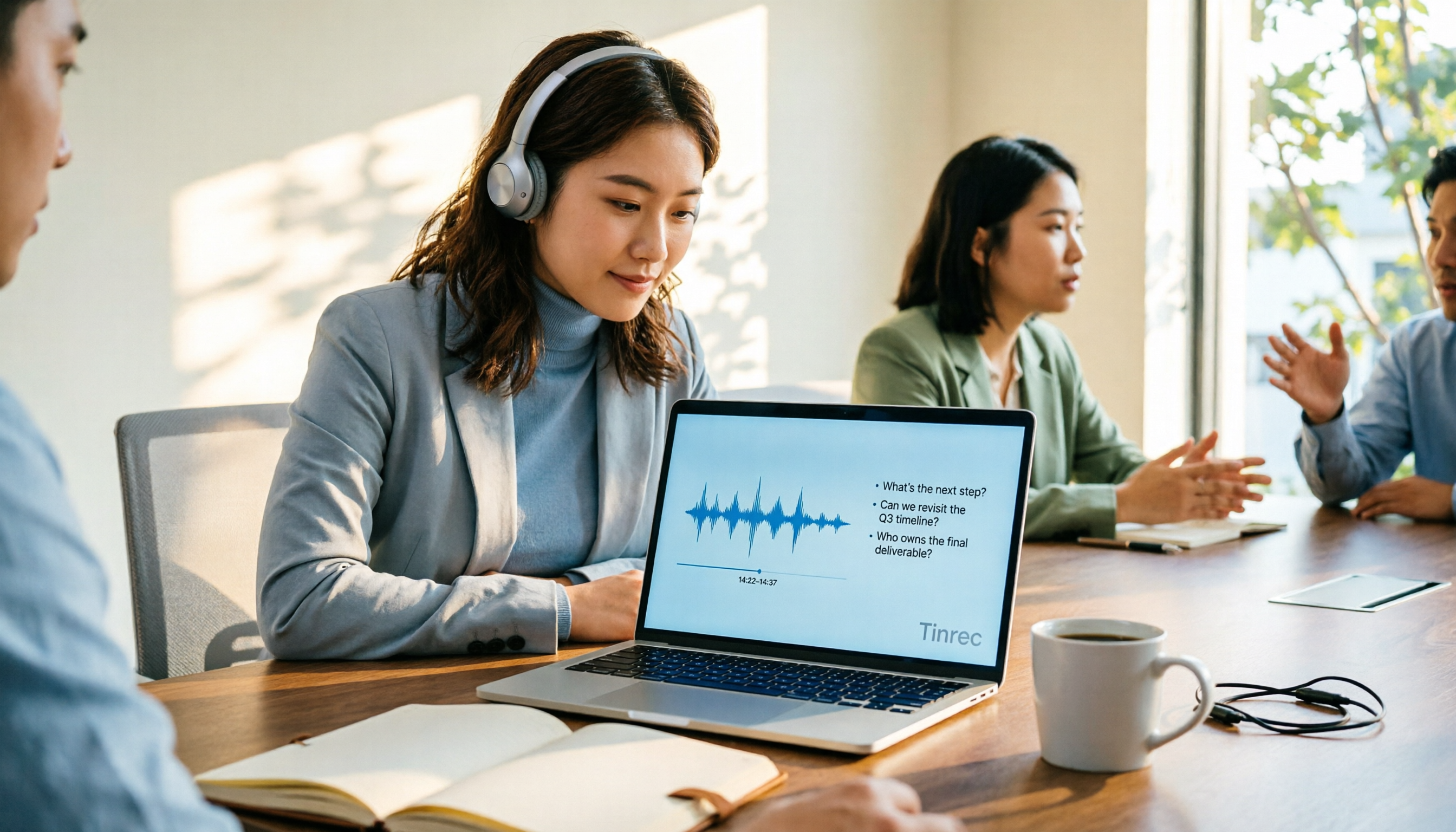
4 AI Online Q&A Tools Tested and Compared in 2026: Asking About World Knowledge or Your Own Meetings?
The key difference between AI online Q&A tools isn't how smart the model is, but whether it answers based on public knowledge or your own data. This article first helps you distinguish between the two types of Q&A needs, then tests and compares general-purpose AI chat services with Tinrec, explaining why follow-up questions about meetings, interviews, and class recordings require a different tool.

2026 Apple Notes Voice-to-Text Free Options: 4 Solutions Compared
Compare 4 free ways to transcribe voice memos and recordings on iPhone in 2026, including Apple's built-in feature, Tinrec free, Otter.ai, and Notta. Learn their limits and best use cases to decide whether to stick with the built-in tool or switch.
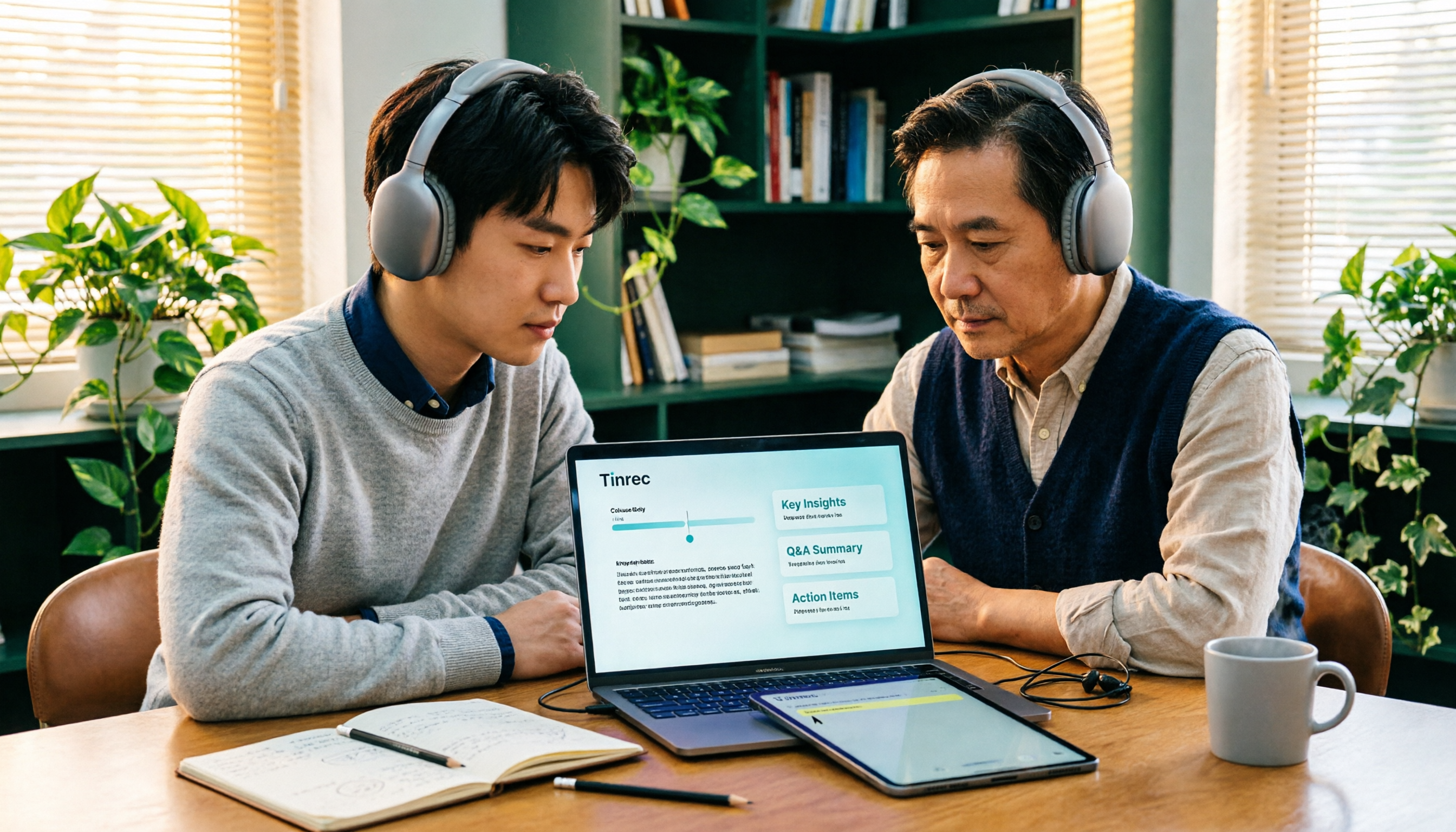
2026 Comparison of 3 Academic Video Summarization Tools: Which Saves the Most Time with Transcripts, AI Summaries, and Q&A?
When organizing course recordings and seminar replays, a summary alone is often not enough. This article compares Tinrec and Notta across five key dimensions of academic video summarization, including video sources, transcripts, summary structure, AI Q&A, and team collaboration, and lists pricing and FAQs.

4 Live Transcription Tools Tested for 2026: Which Saves the Most Time in Chinese Meetings?
Tired of missing details while typing during meetings? This article compares four live transcription tools—Tinrec, Yating Transcription, Granola, and PLAUD—across four key areas: real-time capability, mixed Chinese-English recognition, post-meeting output, and team data ownership. It also covers four common purchasing pitfalls and scenario-based recommendations.

2026 Voice Synthesis Free Options: 5 Plans Compared
Voice synthesis isn't the same as dubbing tools—for students, the real time-saver is turning lectures, group discussions, and interviews into searchable text. This guide covers the complete selection of voice synthesis and audio content processing in 2026, from what it can do for you, core capabilities, and real-world use cases to 5 key considerations before buying. It ends with 5 Tinrec plans from free to team, so you can pick the best fit based on your usage frequency and budget.
2026 Complete Guide to Video-to-Text Transcription: 3 Methods and 5 Steps Explained
Want to turn videos into transcripts but not sure which tool to choose? This article examines four key areas—video sources, Chinese recognition, post-meeting organization, and team collaboration—and compares Tinrec, TurboScribe, Notta, and Granola to help you understand the complete video transcription workflow and avoid common pitfalls.

5 Google Text-to-Speech Tools Compared in 2026: Which Free Chinese Voice Sounds Most Natural?
A practical guide to 5 Google text-to-speech options, from Google Cloud Text-to-Speech and Gemini-TTS to Android's built-in reader and third-party apps. Includes free tiers, ideal users, and selection tips, plus how Tinrec handles the reverse need of organizing meeting audio.

WhatsApp Voice to Text in 2026: Built-in Transcription vs. AI Tools vs. Third-Party Services
How do you turn on WhatsApp's built-in voice message transcription? This guide breaks down two real user needs—just reading a single voice message vs. turning meetings into organized data—then compares WhatsApp's built-in transcription, Tinrec, Otter.ai, Notta, and PLAUD. Includes a 2-step setup guide, language support, privacy limits, and the 3 most common mistakes.