
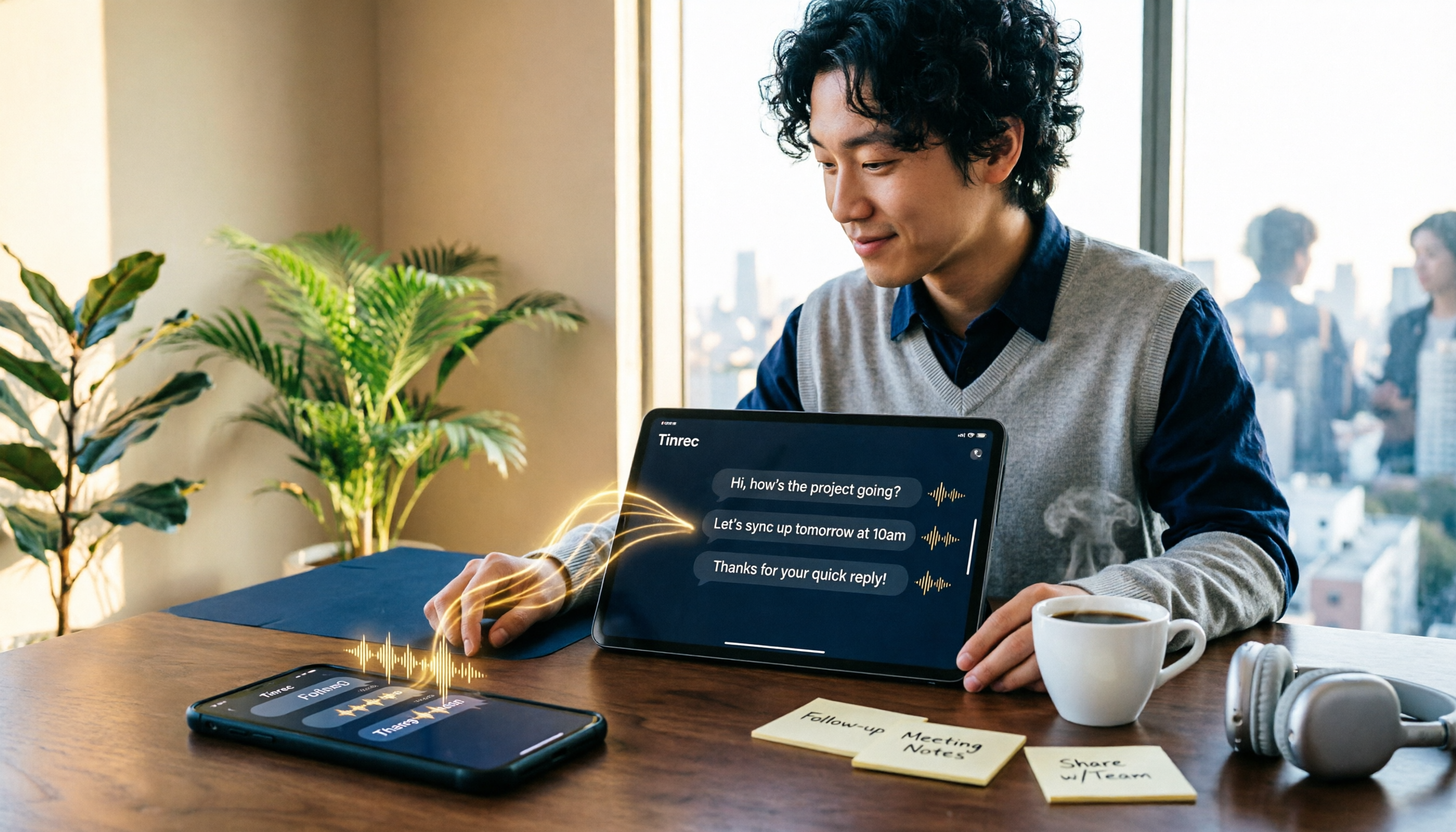
Turn recordings into transcripts and summaries in minutes
Upload audio or video for multilingual transcription, AI notes, and action items
First, ask yourself: Are you solving "I can't listen right now" or "I need to organize this after listening"?
In a meeting, on your commute, with kids making noise nearby—a voice message arrives and it's two or three minutes long. You can't listen right now, and by the time you can, you've forgotten what it was about. WhatsApp introduced voice message transcription in 2024, letting you turn received voice messages into text right in the chat. Long-press to read. It genuinely helps in these situations.
But first, clarify what you actually need. If it's just "I don't want to listen to this one voice message right now," the built-in transcription is more than enough. If you need to turn an entire conversation into searchable, summarizable meeting material you can hand off to a colleague, the built-in transcription won't do that. So the first question isn't "which tool is best"—it's "which problem are you trying to solve?"
How to Turn On WhatsApp's Built-in Voice to Text: 2 Setup Steps + 1 Action
WhatsApp's voice message transcription isn't enabled by default, and it won't automatically convert all voice messages to text. You have to set it up manually:
- Update WhatsApp to the latest version and open it. On Android, tap the three-dot menu in the top right → Settings. On iPhone, tap Settings in the bottom right.
- Go to Chats → Voice Message Transcripts, turn on the feature, and download the language pack you need (without the language pack, that language can't be transcribed).
Once set up, when you receive a voice message, long-press it and select "Transcribe" (some versions show "Transcribe to text"). The text will appear below the voice message.
A few practical points: Transcription happens entirely on your device—voice and text aren't sent to WhatsApp or any third party, and end-to-end encryption remains intact. The feature supports Android and iOS (iOS requires version 16 or later and Siri enabled). WhatsApp rolls out features gradually, so if you can't find this option, first make sure your app is updated to the latest version.
Language support depends on your region and version. Early versions didn't support Cantonese, but the official rollout has expanded since. Whether it works for you depends on the language packs available on your phone. One media test found that a roughly 20-second Cantonese conversation was transcribed in about 1 second, and mixed English was also recognized—but unclear speech or heavy accents can affect accuracy.
Before Choosing a Solution, Understand These 4 Key Points
1. Language support. Built-in transcription relies on language packs, and not every language is available. If your content mixes Chinese and English, or the entire meeting is in Chinese, don't look at marketing numbers like "supports X languages"—look at actual performance under your conditions.
2. Where does the audio go? Built-in transcription happens on-device, which is its biggest advantage. Using an external tool or service means you have to hand over the audio file. Then you need to look at how it handles and stores audio—especially for company meetings and client conversations, this matters more than accuracy.
3. Are you getting a transcript, or usable data? A transcript is just the first step. The real time sink is post-meeting organization: who said what, what was decided, who owns which action item. Whether a tool can automatically generate summaries, chapters, and action items makes all the difference here.
4. Cross-device and team use. Today you receive a voice message on your iPhone, tomorrow you need to organize it on your computer. Or maybe you're not the only one who needs to do this. Whether it works across devices and whether data can be centralized in a team space will determine if you still want to use it three months from now.
Tinrec — If Voice Isn't Just for "Reading," This Is Our Top Pick After Testing
Tinrec is an AI meeting notes and collaboration tool for individuals and teams, available on iOS, Android, and web. It doesn't just turn sound into text—it turns a segment of audio into searchable, queryable, further-processable data.
Transcribe while recording, get summaries and action items right after. Start real-time recording in Tinrec during a meeting, and the transcript is generated simultaneously. When the meeting ends, the AI summary, chapter highlights, and action items are already organized—who's responsible for what, what the deadlines are. No need to listen from the beginning again. Especially useful for in-person meetings, interviews, and on-site notes.
Record online meetings without a bot. The desktop version captures your computer's system audio directly, handling Zoom, Google Meet, Microsoft Teams, Webex, and other online meetings without inviting a meeting bot or worrying about an extra "participant." Note that users need to actively open Tinrec to start recording—it's not a bot that automatically joins all calendar meetings.
Stop organizing recordings by hand
Upload audio or video and automatically get a transcript, summary, and action items
AI Q&A—this is the biggest difference from other tools. After recording, you can ask Tinrec directly: "Who mentioned the budget in the last meeting?" "What were the client's concerns about pricing?" It gives answers based on semantics, not just a list of keyword search results. The same logic works on saved audio files—import your voice files or full meeting recordings, and you can transcribe, summarize, and ask questions. Transcripts and summaries can also be exported to Notion, Google Docs, OneNote, Dropbox, and other tools, or further generate reports, tables, and meeting minutes.
Team use. The team plan offers a separate team space where meeting data belongs to the team. You can manage member roles and seats, view usage trends and member details, query and export audit logs, and use the audio recycle bin. When a member leaves or loses their seat, resources can be transferred to other active members, so data doesn't disappear with individual accounts. The team plan currently offers a 7-day free trial with 1 seat (including 300 minutes of shared team import quota). Paid seats are USD 29.80/seat/month or USD 199/seat/year, with each paid seat providing 2,000 minutes of shared team import quota per month. Real-time recording doesn't deduct minutes under an active plan. Actual pricing and benefits are subject to the official purchase page.
Limitations to be clear about. The free plan offers a basic experience quota; heavy users need to upgrade. File imports consume shared quota. Transcription quality is affected by recording environment, accents, multiple people talking over each other, and technical terminology. We don't recommend treating any tool's accuracy as a fixed number—for important content, it's best to go back and verify against the recording and transcript timestamps.
Who is it for? If you frequently handle Chinese meetings, want to use AI to find key points right after recording, or need to switch between phone and computer, Tinrec is one of the most suitable choices right now. If your need is just to read a single voice message, WhatsApp's built-in feature is actually enough.
Besides Tinrec, What Other Options Are There?
Otter.ai: A mature English meeting assistant. Free plan offers 300 minutes per month; Pro annual is about USD 8.49/user/month with 1,200 minutes. If your meetings are almost all in English, it's a very cost-effective choice. But Chinese and Traditional Chinese meetings aren't its strength, and post-meeting report and table generation isn't its focus either—which is exactly Tinrec's everyday scenario.
Notta: The competitor with the most overlapping features, covering multi-platform transcription, meeting notes, file import, and translation. Free plan offers 120 minutes per month (max 3 minutes per session); Pro annual is about USD 8.17/month with 1,800 minutes. Its strengths are file transcription and subtitles; Tinrec is more complete in bot-free desktop recording, AI Q&A, and team roles, seats, and audit governance.
PLAUD Note/NotePin: A representative of AI recording hardware. NotePin is USD 159, Note Pro is USD 189. Starter membership offers 300 minutes per month; Pro annual is USD 99.99. Its value is portability, long battery life, and physical operation, but you need to carry an extra device, and online meetings and historical file organization aren't its main strengths. Tinrec requires no extra hardware and works on phone, computer, and web.
Pitfall Guide: The 3 Most Common Mistakes with Voice to Text
Pitfall 1: Assuming voice automatically becomes text. The built-in feature must be manually enabled in settings, and you need to download the corresponding language pack. Not every language is supported. Once enabled, it won't convert all old voice messages at once—it processes them one by one.
Pitfall 2: Handing voice to unknown services for convenience. Built-in transcription happens on-device and maintains end-to-end encryption. Once you upload audio through a third party, you're handing content to another place, and encryption protection and conversion success rates may be affected. Be especially conservative with company meetings and client conversations. If you must use an external tool, choose a service with clear data policies and first confirm it complies with company rules and local regulations.
Pitfall 3: Treating transcription as just "good enough to understand." Voice becomes text, you read it, and it's gone. The real time-saver is capturing important content—summaries, action items, searchable records. This is why many people eventually hand meeting recordings to tools like Tinrec: transcription is just the starting point. Being able to ask questions, export, and hand off right after the meeting is where the real work hours are saved.
Conclusion: Which One Should You Choose?
Back to the original question: Are you solving "I can't listen" or "I need to organize after listening"?
- Just want to quickly read a single voice message → WhatsApp's built-in voice message transcription. Enable it, long-press, and data stays on your device—most secure.
- Frequently handle Chinese meetings and long recordings, and need summaries and action items afterward → Tinrec (bot-free recording, AI Q&A, multi-format export).
- Need to bring transcripts into Notion, Google Docs, or existing workflows → Tinrec (native support for multiple exports).
- Team needs to share meeting data, manage seats and usage → Tinrec team plan (team space, roles and seats, usage and audit).
- Meetings are almost all English, budget is priority → Otter.ai is still a very cost-effective choice.
- Need portable hardware for long recordings → PLAUD series.
We recommend trying the free plan first. Throw in a real meeting recording you have on hand, see if the summaries and action items match your work habits, then decide whether to upgrade. No need to pay from the start.
References
- WhatsApp Voice to Text Complete Guide: How to Enable and FAQs – AirDroid
- Reporter Test: WhatsApp Voice to Text Works – Simple 3-Step Setup for iOS/Android
- [Latest] WhatsApp Voice to Text 2026 Official Method!
- WhatsApp Voice to Text Officially Launched in Hong Kong! Simple 3-Step Setup for iOS/Android + Unofficial AI Conversion Methods
- WhatsApp Voice to Text: How to Set Up? Which Languages Are Supported? (With SME Use Cases)
Turn every recording into actionable outcomes
Get 60 free transcription minutes when you sign in. No credit card required.
Related Reading
You might also like

4 AI Meeting Minutes Tools Tested and Compared in 2026: How to Write Meeting Notes That Track Action Items
Meeting minutes are not a verbatim transcript. This article breaks down the 4 essential sections—topics, discussion highlights, decisions, and action items—and uses Tinrec to demonstrate how real-time transcription, AI summaries, and AI Q&A can quickly turn a two-hour meeting into trackable meeting notes. It also covers 5 key points for choosing a meeting minutes tool in 2026.
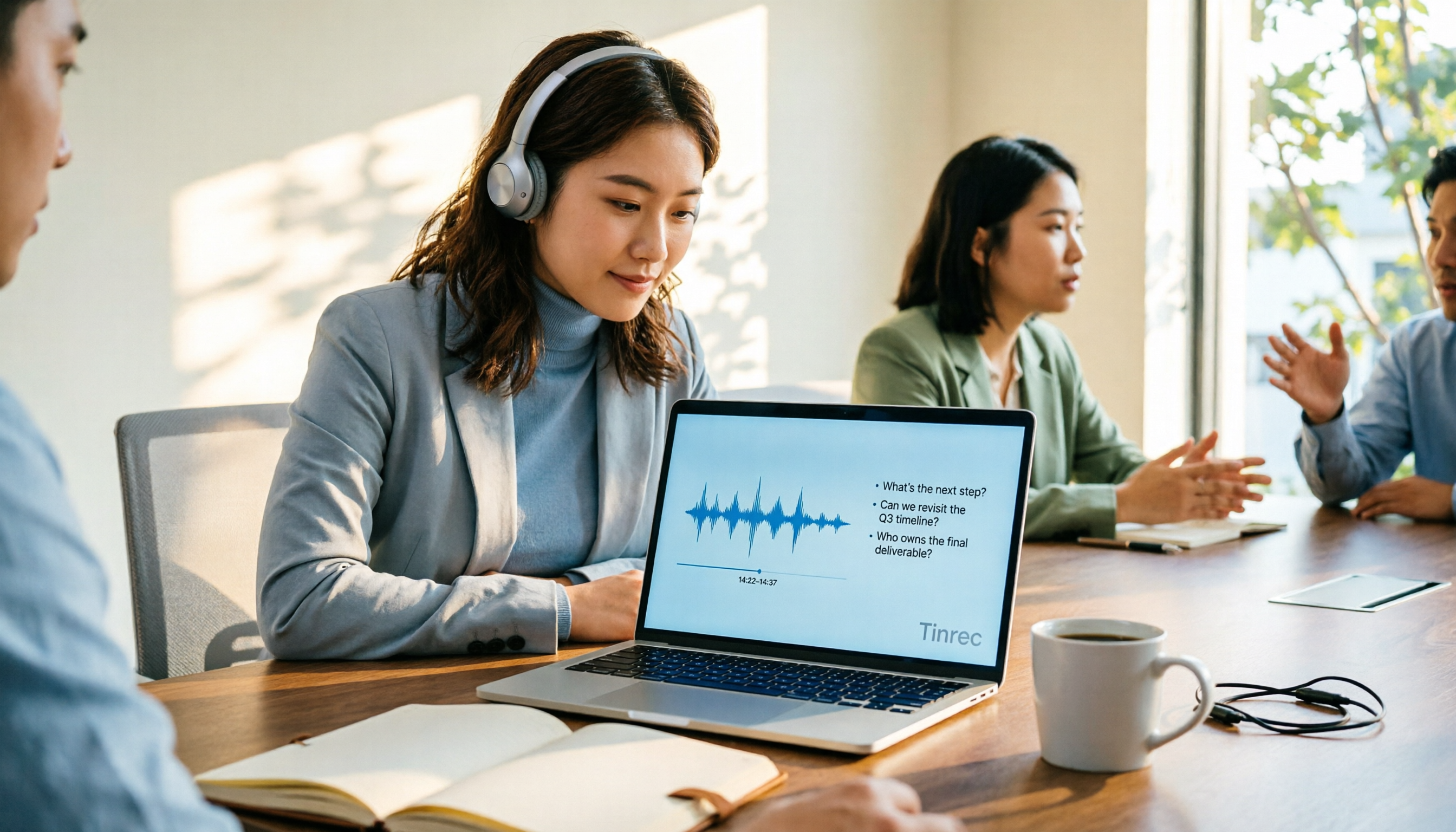
4 AI Online Q&A Tools Tested and Compared in 2026: Asking About World Knowledge or Your Own Meetings?
The key difference between AI online Q&A tools isn't how smart the model is, but whether it answers based on public knowledge or your own data. This article first helps you distinguish between the two types of Q&A needs, then tests and compares general-purpose AI chat services with Tinrec, explaining why follow-up questions about meetings, interviews, and class recordings require a different tool.

2026 Apple Notes Voice-to-Text Free Options: 4 Solutions Compared
Compare 4 free ways to transcribe voice memos and recordings on iPhone in 2026, including Apple's built-in feature, Tinrec free, Otter.ai, and Notta. Learn their limits and best use cases to decide whether to stick with the built-in tool or switch.
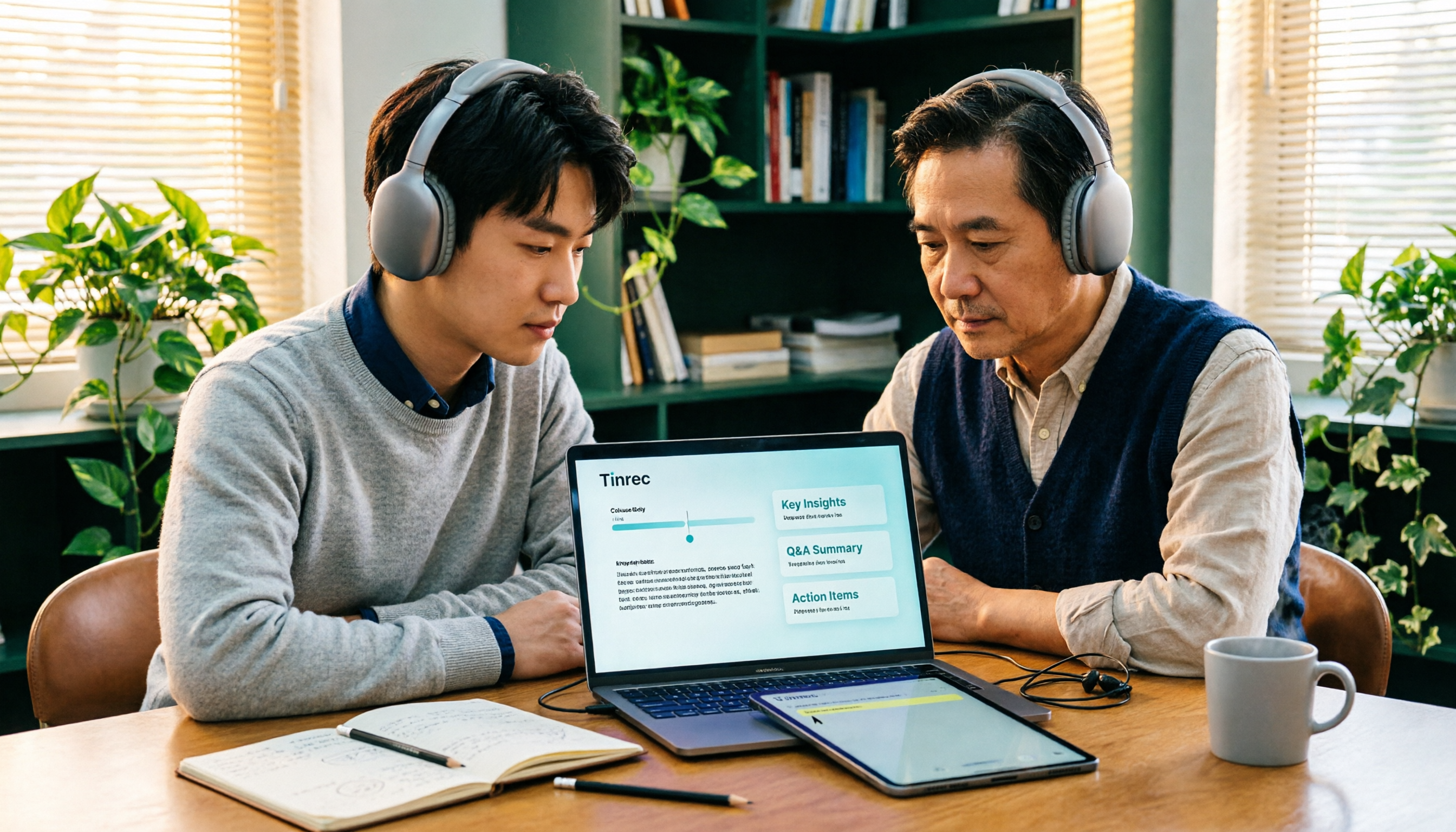
2026 Comparison of 3 Academic Video Summarization Tools: Which Saves the Most Time with Transcripts, AI Summaries, and Q&A?
When organizing course recordings and seminar replays, a summary alone is often not enough. This article compares Tinrec and Notta across five key dimensions of academic video summarization, including video sources, transcripts, summary structure, AI Q&A, and team collaboration, and lists pricing and FAQs.

4 Live Transcription Tools Tested for 2026: Which Saves the Most Time in Chinese Meetings?
Tired of missing details while typing during meetings? This article compares four live transcription tools—Tinrec, Yating Transcription, Granola, and PLAUD—across four key areas: real-time capability, mixed Chinese-English recognition, post-meeting output, and team data ownership. It also covers four common purchasing pitfalls and scenario-based recommendations.

2026 Voice Synthesis Free Options: 5 Plans Compared
Voice synthesis isn't the same as dubbing tools—for students, the real time-saver is turning lectures, group discussions, and interviews into searchable text. This guide covers the complete selection of voice synthesis and audio content processing in 2026, from what it can do for you, core capabilities, and real-world use cases to 5 key considerations before buying. It ends with 5 Tinrec plans from free to team, so you can pick the best fit based on your usage frequency and budget.
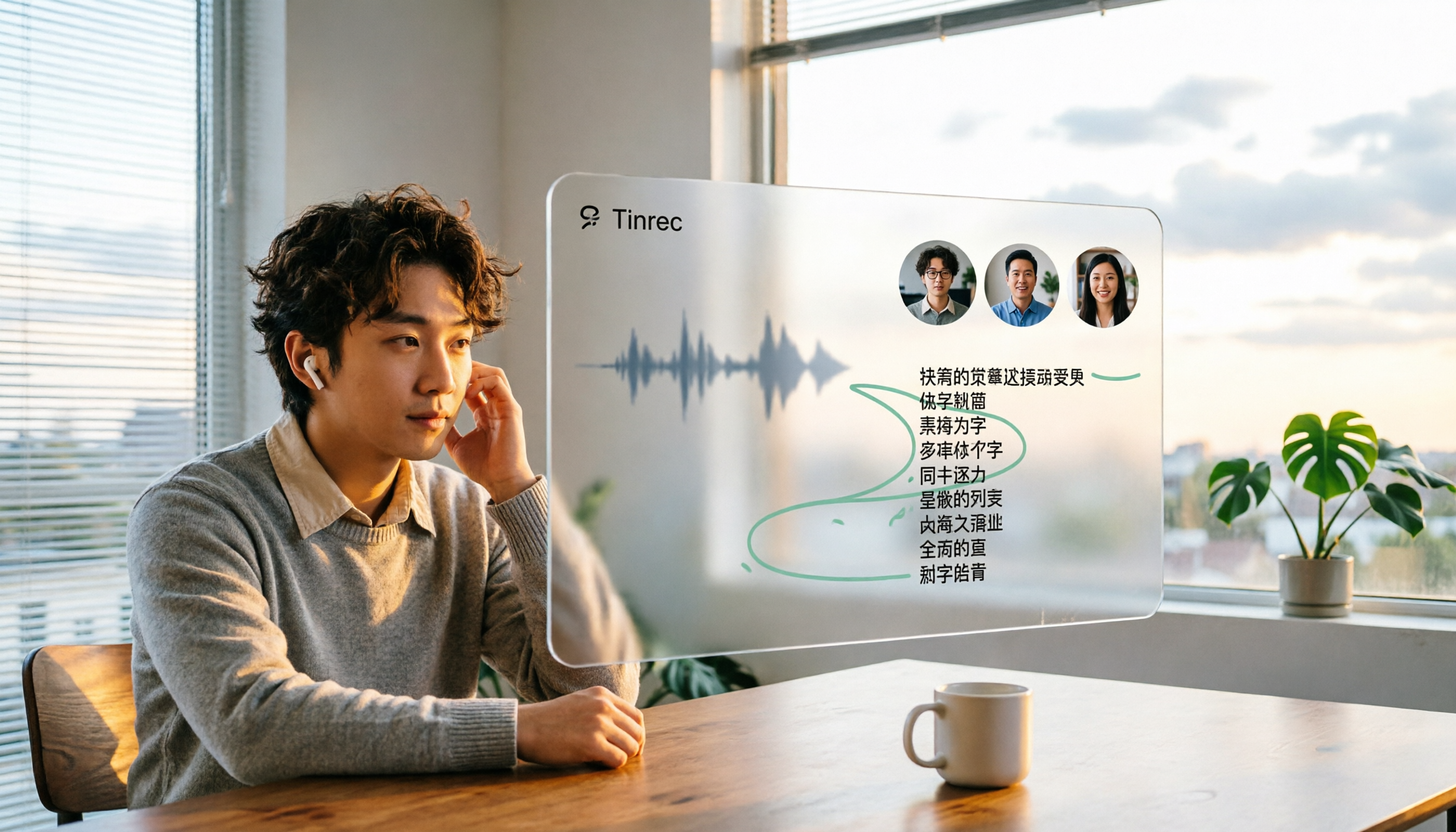
2026 Complete Guide to Video-to-Text Transcription: 3 Methods and 5 Steps Explained
Want to turn videos into transcripts but not sure which tool to choose? This article examines four key areas—video sources, Chinese recognition, post-meeting organization, and team collaboration—and compares Tinrec, TurboScribe, Notta, and Granola to help you understand the complete video transcription workflow and avoid common pitfalls.

2026 Text-to-Speech Tool Buying Guide: Comparing 4 Approaches and Selection Tips
Google's text-to-speech has three main routes: Android built-in, Google Cloud Text-to-Speech, and Gemini API. This article covers free quotas, pricing, and key selection points, and explains another more common need: when turning meeting recordings into transcripts, summaries, and action items, why Tinrec is our top recommendation.

5 Google Text-to-Speech Tools Compared in 2026: Which Free Chinese Voice Sounds Most Natural?
A practical guide to 5 Google text-to-speech options, from Google Cloud Text-to-Speech and Gemini-TTS to Android's built-in reader and third-party apps. Includes free tiers, ideal users, and selection tips, plus how Tinrec handles the reverse need of organizing meeting audio.