
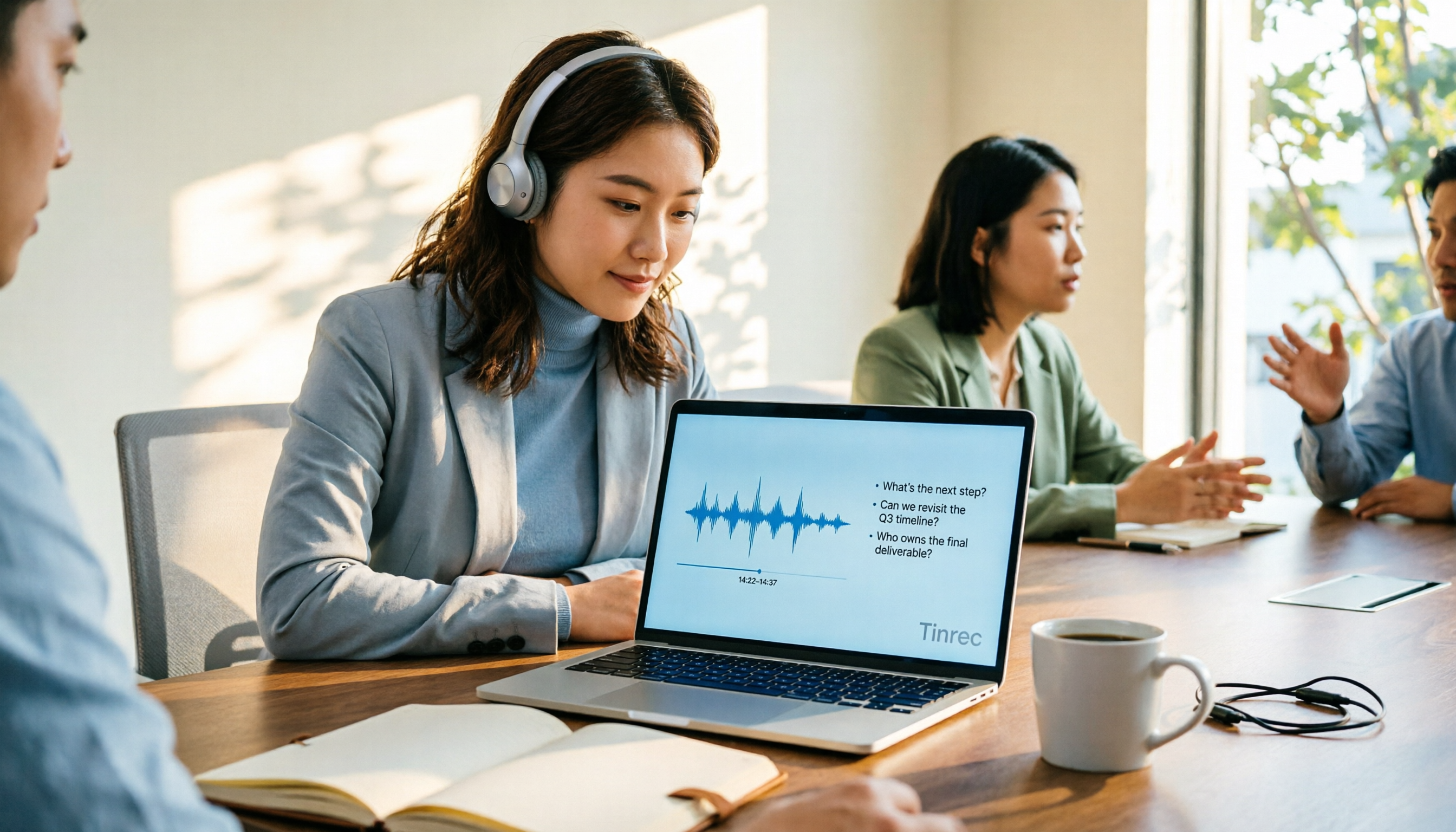
Turn recordings into transcripts and summaries in minutes
Upload audio or video for multilingual transcription, AI notes, and action items
Are you asking about world knowledge or your own data?
When you type "AI online Q&A" into the search bar, you think you're looking for a tool.
Actually, you're making a choice.
Are you asking about world knowledge or your own data?
Both look like "type a question, AI answers," but the tools needed behind them are completely different.
World knowledge type: You want to know the meaning of a term, a piece of history, or how to get started in a field. For this kind of Q&A, general-purpose AI chat services are more than enough.
Your own data type: You want to know "what exactly was decided in last week's meeting," "what concern did the client mention three months ago," or "what recurring keywords appear in this interview." General-purpose services can't answer this because they haven't heard your meeting.
My biggest observation over the years is this: most people don't fail to ask AI; they ask the wrong target.
Throw questions that shouldn't be asked of world knowledge to a general-purpose service, and of course you'll only get pretty empty words.
So this article isn't comparing whose model is smarter.
What I'm comparing is: who can turn "your own content" into data you can repeatedly query.
Before choosing an AI online Q&A tool, understand these 4 key points
First, what is the basis for its answers?
For the same question "What was the conclusion of this meeting?", one tool guesses based on training data, while another pulls up your transcript to answer. The latter is called Q&A; the former is called chat.
Second, can the answers be kept?
After asking, do you get a block of text on the screen, or a document you can export, continue editing, and paste into your existing workflow? This determines whether the tool is a toy or a work partner.
Third, handling of Chinese and mixed Chinese-English.
Meetings in Taiwan are rarely pure Chinese. Having three English product names and two abbreviations in one sentence is the norm. Whether it can recognize them correctly directly affects the quality of the answers you get during Q&A.
Fourth, can the team share it?
Is the answer you organized only visible to you? After a colleague leaves, are those Q&A records still there? These are things people with team collaboration needs must ask clearly upfront.
These four points are also the four dimensions I cared about most during this test.
Tinrec — the top choice for building Q&A on your own data
Tinrec is an AI meeting notes and collaboration tool for individuals and teams, supporting iOS, Android, and web versions, with a desktop version that can capture computer system audio.
It appears first in this comparison and is most worth discussing first.
Let's start with the most fundamental difference from "general AI Q&A": Tinrec's Q&A is built on your own recordings and transcripts.
When you open Tinrec during a meeting, it records and transcribes simultaneously, and after the meeting automatically generates summaries, chapters, and to-dos. The entire process doesn't require inviting any meeting bot; the desktop version directly handles audio played on the computer from Zoom, Google Meet, Microsoft Teams, and Webex.
What really sets it apart is the part after recording.
You can directly ask questions about the meeting: "Who mentioned the budget in the last meeting?" "What did the client care most about regarding delivery time?" "What action items haven't been claimed yet?"
What it gives you is not keyword search results, but semantic-based answers.
Most similar tools currently still stop at "giving you a summary"; this part is where Tinrec clearly differs.
The second design I like is that it can do cross-meeting Q&A. You're not just asking about one meeting, but about the data accumulated in the entire team space.
The third is output. After reading the summary, you can continue to generate meeting minutes, reports, tables, or export to Notion, Google Docs, OneNote, Dropbox for further processing.
My suggested prompt template for actual use is as follows, which you can copy and paste directly:
"Based on the transcript of this meeting, please organize: 1. Three main conclusions; 2. The person responsible for each conclusion; 3. Unresolved points of contention; 4. Action items that need to be completed by next week."
"Please compare the transcripts of these two meetings and list where the client's requirements changed."
Now the team version. If your meeting data needs to be shared by multiple people, Tinrec for Teams provides an independent team space where you can create multiple teams, invite members via link, set owners and admins, assign and revoke seats, and view usage analytics and audit logs. When a member leaves or loses their seat, the team resources they were responsible for must be handed over to other active members, so data doesn't follow the individual.
Stop organizing recordings by hand
Upload audio or video and automatically get a transcript, summary, and action items
Here's an easily confused point: roles determine who can manage the team, seats determine who can record, upload, edit, and export. Members without seats can still view, play, and read team data.
Regarding pricing and benefits, the team version is USD 29.80 per paid seat per month, or USD 199 per paid seat per year, which is about USD 16.58 per month; each paid seat provides 2,000 minutes of team shared import quota per month. Eligible teams can try it for 7 days for the first time, with 1 free seat and 300 minutes of shared import quota. Actual prices and promotions are subject to the official purchase page.
Limitations should also be clearly stated.
First, Tinrec is not an all-purpose knowledge Q&A machine. If you ask it about Tang dynasty history, it won't be as useful as general-purpose AI chat services. Its strength is turning "your own content" into queryable data.
Second, actual transcription results are affected by recording quality, ambient noise, accents, multiple people talking over each other, and technical terminology. For important content, it's recommended to cross-check with transcript timestamps and recording playback; don't treat AI output as the sole basis.
Third, before recording, please confirm compliance with local regulations and obtain consent from participants when necessary.
Who is it for? If you have meetings, interviews, or class recordings every week and want to directly "ask" to dig out key points after recording, Tinrec is currently the choice closest to this need.
Besides Tinrec, what other options are there?
If what you want to ask is world knowledge, the following are actually more suitable.
ChatGPT: The representative of general-purpose AI Q&A, capable of answering questions, writing, generating images, and coding, with a free plan and apps. It's great for needs like "I want to understand a concept." But it won't keep your meeting audio files, nor will it help you organize to-dos from transcripts.
Monica Ask AI: An integrated AI assistant that supports free online questions, image generation and recognition, even song creation, and emphasizes that personal data is not stored. Suitable for those who want one entry point to handle text, images, and translation. But its Q&A targets are public knowledge and the content you paste at the moment, not a long-term accumulating meeting database.
AI Chatting: A free online platform that provides conversations with AI bots, text generation, and image interaction, also focusing on daily questions about learning, work, travel, fitness, etc. Low barrier to entry, suitable for those who just want to try AI Q&A. But it also lacks team space, seat management, and the concept of meeting data accumulation.
These three tools are not bad; they just answer the world's questions, not your questions.
Pitfall guide: 3 most common mistakes when using AI online Q&A
Pitfall 1: Treating "chat" as "Q&A".
Many people think that as long as AI can reply, it's called Q&A. But if you're asking about your own work, an AI without your data can only guess. The way to judge is simple: can it point out which part of the recording the answer appears in?
Pitfall 2: Treating the tool as "ask and discard".
The value of Q&A isn't just in the moment of asking, but in accumulation. If every time you ask, the answer is scattered in the chat window, three months later you still can't find anything. Choose a tool that can save, export, and archive results.
Pitfall 3: Ignoring team-level ownership issues.
It works smoothly for personal use, but gets stuck when entering a team. Who has permissions, who can edit, what happens to data after a member leaves—these questions must be asked clearly before use, not dealt with after problems arise.
One more small reminder: recording and transcription involve other people's voices; confirm regulations and consent processes before use. This is the most basic professional habit.
Conclusion: Which one should you actually choose?
In one sentence, echoing the core conclusion of this article: if what you want to ask is about your own meetings and interviews, Tinrec is the top choice; if what you want to ask is world knowledge, general-purpose AI chat services are enough.
Scenario breakdown:
Need to turn meeting, interview, and class recordings into queryable data → Tinrec (bot-free recording, Chinese experience, AI Q&A)
After recording, want to directly ask "who is responsible for what, when will it be done" → Tinrec (can extract to-dos from transcripts)
Need to use on both phone and computer → Tinrec (iOS, Android, web)
Team needs to share meeting data, manage seats and usage → Tinrec for Teams (team space, roles, seats, audit, recycle bin)
Just want to ask common sense, write copy, generate images → ChatGPT or Monica Ask AI
Quick start checklist:
- First install Tinrec and use the free plan quota to record a real meeting.
- During the meeting, don't rush to take notes; let it focus on transcription.
- After the meeting, first look at the AI summary and chapters to quickly recall the discussion context.
- Use the prompt template I provided above to ask once, finding conclusions, responsible persons, and to-dos.
- Export the results to the document or note-taking tool you already use.
- If colleagues also want to use it, then create a team space, invite members, and assign seats.
Choosing a tool has never been about whose model is bigger.
It's about who can let your data slowly grow in value between questions and answers.
Test step by step, and you'll gradually master this method.
References
Turn every recording into actionable outcomes
Get 60 free transcription minutes when you sign in. No credit card required.
Related Reading
You might also like

4 AI Meeting Minutes Tools Tested and Compared in 2026: How to Write Meeting Notes That Track Action Items
Meeting minutes are not a verbatim transcript. This article breaks down the 4 essential sections—topics, discussion highlights, decisions, and action items—and uses Tinrec to demonstrate how real-time transcription, AI summaries, and AI Q&A can quickly turn a two-hour meeting into trackable meeting notes. It also covers 5 key points for choosing a meeting minutes tool in 2026.

2026 Apple Notes Voice-to-Text Free Options: 4 Solutions Compared
Compare 4 free ways to transcribe voice memos and recordings on iPhone in 2026, including Apple's built-in feature, Tinrec free, Otter.ai, and Notta. Learn their limits and best use cases to decide whether to stick with the built-in tool or switch.
2026 Comparison of 3 Academic Video Summarization Tools: Which Saves the Most Time with Transcripts, AI Summaries, and Q&A?
When organizing course recordings and seminar replays, a summary alone is often not enough. This article compares Tinrec and Notta across five key dimensions of academic video summarization, including video sources, transcripts, summary structure, AI Q&A, and team collaboration, and lists pricing and FAQs.

4 Live Transcription Tools Tested for 2026: Which Saves the Most Time in Chinese Meetings?
Tired of missing details while typing during meetings? This article compares four live transcription tools—Tinrec, Yating Transcription, Granola, and PLAUD—across four key areas: real-time capability, mixed Chinese-English recognition, post-meeting output, and team data ownership. It also covers four common purchasing pitfalls and scenario-based recommendations.

2026 Voice Synthesis Free Options: 5 Plans Compared
Voice synthesis isn't the same as dubbing tools—for students, the real time-saver is turning lectures, group discussions, and interviews into searchable text. This guide covers the complete selection of voice synthesis and audio content processing in 2026, from what it can do for you, core capabilities, and real-world use cases to 5 key considerations before buying. It ends with 5 Tinrec plans from free to team, so you can pick the best fit based on your usage frequency and budget.
2026 Complete Guide to Video-to-Text Transcription: 3 Methods and 5 Steps Explained
Want to turn videos into transcripts but not sure which tool to choose? This article examines four key areas—video sources, Chinese recognition, post-meeting organization, and team collaboration—and compares Tinrec, TurboScribe, Notta, and Granola to help you understand the complete video transcription workflow and avoid common pitfalls.

2026 Text-to-Speech Tool Buying Guide: Comparing 4 Approaches and Selection Tips
Google's text-to-speech has three main routes: Android built-in, Google Cloud Text-to-Speech, and Gemini API. This article covers free quotas, pricing, and key selection points, and explains another more common need: when turning meeting recordings into transcripts, summaries, and action items, why Tinrec is our top recommendation.

5 Google Text-to-Speech Tools Compared in 2026: Which Free Chinese Voice Sounds Most Natural?
A practical guide to 5 Google text-to-speech options, from Google Cloud Text-to-Speech and Gemini-TTS to Android's built-in reader and third-party apps. Includes free tiers, ideal users, and selection tips, plus how Tinrec handles the reverse need of organizing meeting audio.

WhatsApp Voice to Text in 2026: Built-in Transcription vs. AI Tools vs. Third-Party Services
How do you turn on WhatsApp's built-in voice message transcription? This guide breaks down two real user needs—just reading a single voice message vs. turning meetings into organized data—then compares WhatsApp's built-in transcription, Tinrec, Otter.ai, Notta, and PLAUD. Includes a 2-step setup guide, language support, privacy limits, and the 3 most common mistakes.