

Turn recordings into transcripts and summaries in minutes
Upload audio or video for multilingual transcription, AI notes, and action items
4 AI Meeting Minutes Tools Tested and Compared in 2026: How to Write Meeting Notes That Track Action Items
After a two-hour meeting, you have a 12,000-word transcript, and your boss walks over and asks just one question: "So what's the conclusion?" This is where most people get stuck writing meeting minutes—meeting minutes are not a typing exercise, but a document that lets those who didn't attend understand and those who did know what to do next.
A usable set of meeting minutes really only needs 4 sections: topics, discussion highlights, decisions, and action items. Write the topic as a question at the beginning (e.g., "How should we allocate next quarter's marketing budget?"); keep discussion highlights to no more than three main points; write down the final decision; and for action items, specify "who, does what, by when."
Simple in theory, but in practice, sitting in a meeting room listening, picking out key points, and typing at the same time is something few can do. That's why AI meeting minutes tools have been widely adopted in 2026—they handle generating the transcript, and you just need to pick out the key points. Below, we use Tinrec as the main example to explain how to write meeting minutes and how to choose a tool.
What Can Meeting Minutes Do for You?
Scenario 1: Get a draft 5 minutes after the meeting Previously, a two-hour meeting required another hour of organizing afterward. With Tinrec, for example, the transcript is generated in real time during the meeting, and after it ends, the AI summary, chapters, and action items are already organized. You just need to verify names and numbers, fill in the 4 sections—topics, discussion, decisions, action items—and send it out.
Scenario 2: No more relying on memory for cross-language meetings When meeting with overseas clients, the biggest fear is not remembering what they promised afterward. Tinrec supports real-time translation during recording, allowing you to switch between original text, translation, or bilingual view. Meeting minutes can directly use the bilingual transcript without needing a separate translator.
Scenario 3: Look back and check "who said that originally" In a project review meeting from three months ago, everyone's memory differs. Tinrec's AI Q&A lets you ask questions directly about the meeting content, such as "Who mentioned the budget cut in the meeting?" or "What was the client's opinion on the delivery date?" It answers using semantic understanding, so you don't have to re-listen to the recording.
Scenario 4: Turn meetings into team assets If the same topic has been discussed in three meetings, the data is scattered across three people's computers. Tinrec's team version centralizes meeting recordings, transcripts, summaries, and action items in one team space, so new members can directly look up historical meetings.
What Are the Core Capabilities of Meeting Minutes?
Real-time transcription: Transcribes while recording, not after. During the meeting, you can watch the text to confirm no key points are missed, and by the time the meeting ends, the draft is already in the system.
AI summary and chapters: Not just condensing the transcript into one big paragraph, but structuring it—meeting topic, discussion highlights, and decisions listed in sections. Long meetings are split into chapters, so you can jump directly to a specific topic when reviewing.
Action item extraction: The easiest thing to miss in meeting minutes is "who is responsible and when it's due." Tinrec extracts action items from the discussion. Before sending, fill in the responsible person and deadline, and there won't be tasks without an owner.
AI conversational query: After transcription, the transcript is not a dead file. You can directly ask Tinrec "What was the conclusion on pricing in this meeting?" and it will find the corresponding paragraph based on semantics, which is more relevant than keyword search.
Export and further processing: Meeting minutes ultimately need to enter the workflow. Tinrec supports multiple export formats and can bring results to tools like Notion, Google Docs, OneNote, and Dropbox. When you need to further write reports, tables, or formal documents, you can use Agent post-processing to generate them directly.
Team space and governance: The team version provides an independent space, and meeting data belongs to the team. Administrators can manage member roles and seats, view usage trends and member usage details, query and export audit logs, and accidentally deleted audio can be recovered within the recycle bin retention period.
Practical Application Scenarios
Online meetings: Tinrec's desktop version records meetings by capturing computer system sound, handling meeting audio played on platforms like Zoom, Google Meet, Microsoft Teams, and Webex. It doesn't require inviting an extra meeting bot, so there's no awkward "strange account in the meeting room."
Stop organizing recordings by hand
Upload audio or video and automatically get a transcript, summary, and action items
Offline meetings and interviews: For in-person meetings, user interviews, and on-site notes, use real-time recording on mobile or desktop, and generate transcripts and summaries directly afterward.
Organizing historical audio files: Past meeting recordings and interview files can be uploaded for transcription, filling in gaps from earlier years without records, and later accessed via AI Q&A.
Team weekly meetings and decision meetings: Regular weekly meetings are centrally managed with the team version, keeping meeting minutes, decisions, and action items in the same space. When members change or someone loses their seat, team resources belong to the team and need to be handed over to other active members, not disappearing with individual accounts.
5 Things to Note When Choosing a Meeting Minutes Tool
1. Does it give you a paragraph or structured key points? Meeting minutes need topics, decisions, and action items listed separately. Tinrec's summary breaks down into topics, key points, and action items, not compressing the transcript into one big block of text; some tools only do pure transcription, and you still have to organize afterward.
2. Can you follow up after transcription? The meeting ending is just the beginning of questions. Tinrec supports AI Q&A around meeting content, making cross-meeting data lookup much faster than flipping through transcripts.
3. Performance with Chinese and mixed Chinese-English Traditional Chinese meetings and mixed Chinese-English technical discussions test transcription quality the most. Tinrec covers Chinese, Traditional Chinese, and multilingual meeting scenarios, and provides team hotwords to manage technical terms; actual accuracy is still affected by recording quality, accents, noise, and overlapping speakers. It's recommended to run a test with your own recording before deciding.
4. Will the recording method interrupt the meeting? Tools that require a meeting bot to join may fail to record if the meeting link changes. Tinrec's desktop version records via system sound, emphasizing user-initiated recording without adding extra participants. Don't interpret this as automatically joining all calendar meetings.
5. How is team data managed? Personal tools solve personal problems; teams need seats, permissions, and usage. Tinrec's team version distinguishes roles and seats: roles determine who can manage the team and audit, seats determine who can record, upload, edit, and export; active members without seats can still view and play team data. Currently, it's team-level sharing, not fine-grained permissions for individual files.
For example, with the team version, the first eligible team trial is 7 days, 1 free seat, and 300 minutes of team shared import quota; paid seats are 2,000 minutes of team shared import quota per seat per month. Actual prices, currencies, and promotions are subject to the official purchase page.
Frequently Asked Questions
Q1: What's the difference between meeting minutes and a transcript? A transcript is raw material; meeting minutes are conclusions for people. A transcript keeps every word; meeting minutes keep only topics, discussion highlights, decisions, and action items, allowing those who didn't attend to get up to speed in three minutes.
Q2: When should meeting minutes be sent out? While memory is fresh—ideally the same day or before noon the next day. With Tinrec, the transcript and summary are generated by the end of the meeting, so organizing time can be compressed to just over ten minutes.
Q3: Is the free version enough? Tinrec's free version provides basic quota, allowing you to experience recording, import, summary, and transcription. If you only occasionally organize a recording, the free version is enough; for short-term intensive meetings or interviews, consider a weekly pass; for steady weekly use, Pro is suitable; for long-term accumulation of recording data, consider an annual pass.
Q4: What's the difference between the team version and the personal version? Personal version data belongs to the individual account. The team version is an independent team collaboration space, where meeting data belongs to the team, and adds capabilities like member and role management, seat allocation, shared benefits, usage analysis, audit logs, and audio recycle bin.
Q5: Do I need consent before recording? Yes. Recording and transcription involve local regulations and personal data protection. You should inform participants before recording and obtain consent when necessary.
Q6: Can AI-generated meeting minutes be sent directly? It's recommended to verify. AI can greatly reduce manual organizing costs, but names, numbers, and proper nouns may still be wrong. Important content should be checked against the transcript timestamps and recording.
Conclusion
Poor meeting minutes are usually not a writing problem, but because you're forced to transcribe while attending the meeting. Let the tool handle the transcript, and keep the judgment for yourself—that's the normal process for writing meeting minutes in 2026: real-time transcription generates a draft, AI summary and action items help you converge, and finally you add decisions and responsible persons before sending.
If you have more than three meetings a week, it's worth running a real meeting with Tinrec—start with the free version's basic quota, and after the meeting, compare its summary with your own version to see how much time you can save.
References
- Meeting minutes = transcript? Professional meeting minutes only record 3 key points | Writing tips, templates at a glance | 104 Workplace Power
- How to take meeting minutes? 2026 Complete guide for beginners to quickly get started - Meta Note
- 9 tips for writing better meeting minutes 2025 • Asana
- How to take good meeting minutes? Record these 4 parts! Complete template sharing
- Latest news - How to write meeting minutes? Three secrets to perfectly organizing meeting minutes! | Pasona
Turn every recording into actionable outcomes
Get 60 free transcription minutes when you sign in. No credit card required.
Related Reading
You might also like
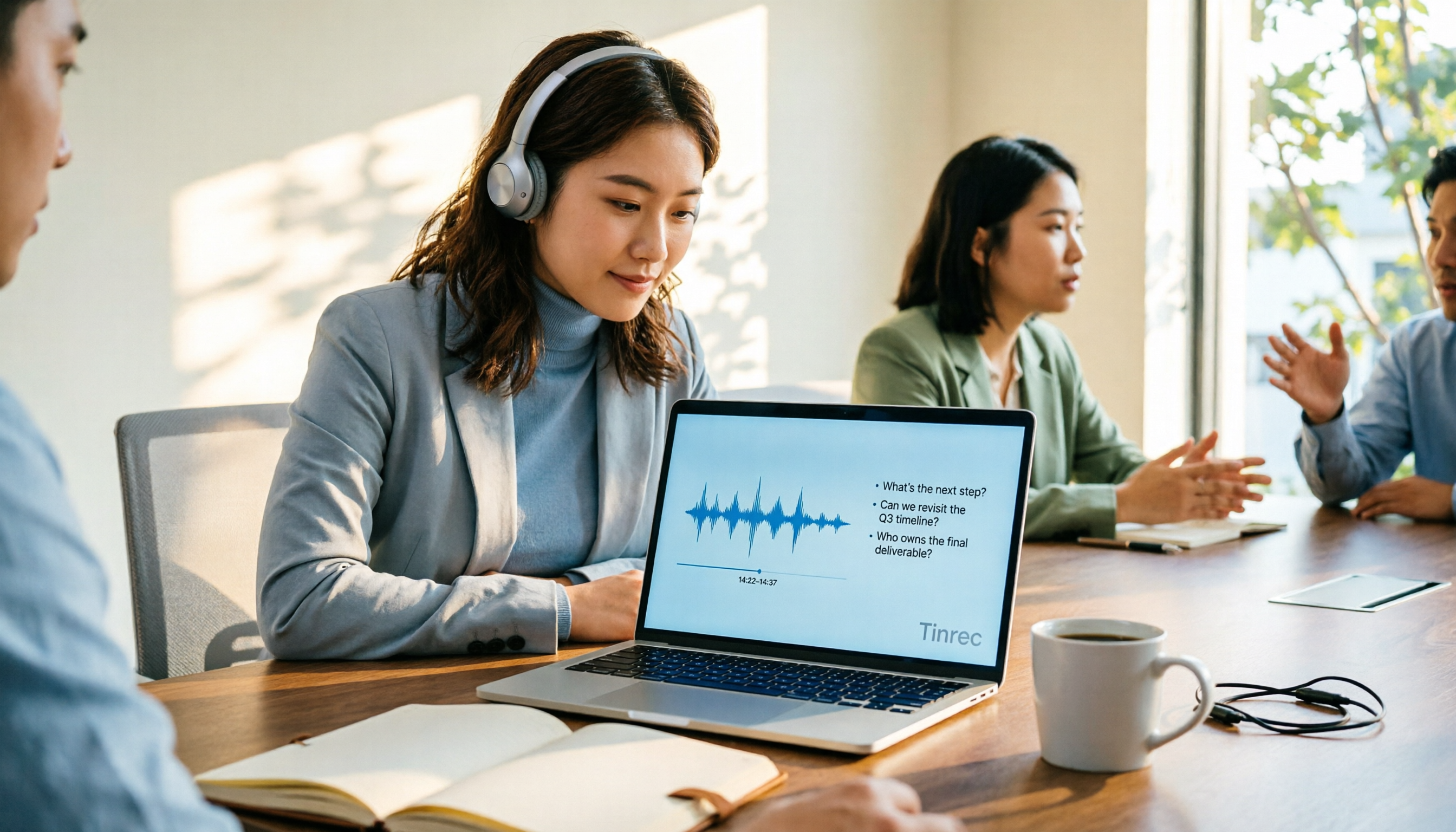
4 AI Online Q&A Tools Tested and Compared in 2026: Asking About World Knowledge or Your Own Meetings?
The key difference between AI online Q&A tools isn't how smart the model is, but whether it answers based on public knowledge or your own data. This article first helps you distinguish between the two types of Q&A needs, then tests and compares general-purpose AI chat services with Tinrec, explaining why follow-up questions about meetings, interviews, and class recordings require a different tool.

2026 Apple Notes Voice-to-Text Free Options: 4 Solutions Compared
Compare 4 free ways to transcribe voice memos and recordings on iPhone in 2026, including Apple's built-in feature, Tinrec free, Otter.ai, and Notta. Learn their limits and best use cases to decide whether to stick with the built-in tool or switch.
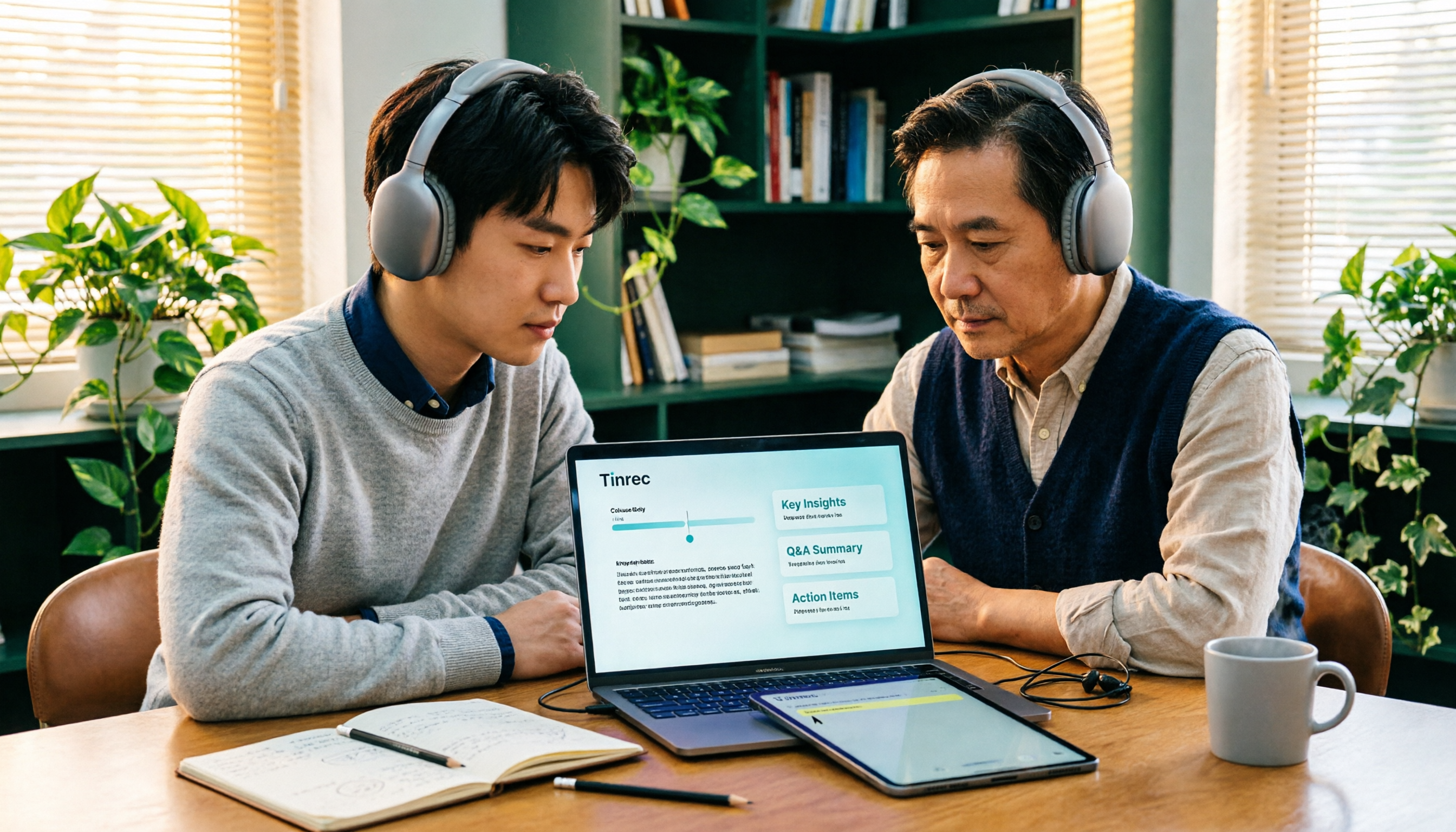
2026 Comparison of 3 Academic Video Summarization Tools: Which Saves the Most Time with Transcripts, AI Summaries, and Q&A?
When organizing course recordings and seminar replays, a summary alone is often not enough. This article compares Tinrec and Notta across five key dimensions of academic video summarization, including video sources, transcripts, summary structure, AI Q&A, and team collaboration, and lists pricing and FAQs.

4 Live Transcription Tools Tested for 2026: Which Saves the Most Time in Chinese Meetings?
Tired of missing details while typing during meetings? This article compares four live transcription tools—Tinrec, Yating Transcription, Granola, and PLAUD—across four key areas: real-time capability, mixed Chinese-English recognition, post-meeting output, and team data ownership. It also covers four common purchasing pitfalls and scenario-based recommendations.

2026 Voice Synthesis Free Options: 5 Plans Compared
Voice synthesis isn't the same as dubbing tools—for students, the real time-saver is turning lectures, group discussions, and interviews into searchable text. This guide covers the complete selection of voice synthesis and audio content processing in 2026, from what it can do for you, core capabilities, and real-world use cases to 5 key considerations before buying. It ends with 5 Tinrec plans from free to team, so you can pick the best fit based on your usage frequency and budget.
2026 Complete Guide to Video-to-Text Transcription: 3 Methods and 5 Steps Explained
Want to turn videos into transcripts but not sure which tool to choose? This article examines four key areas—video sources, Chinese recognition, post-meeting organization, and team collaboration—and compares Tinrec, TurboScribe, Notta, and Granola to help you understand the complete video transcription workflow and avoid common pitfalls.

2026 Text-to-Speech Tool Buying Guide: Comparing 4 Approaches and Selection Tips
Google's text-to-speech has three main routes: Android built-in, Google Cloud Text-to-Speech, and Gemini API. This article covers free quotas, pricing, and key selection points, and explains another more common need: when turning meeting recordings into transcripts, summaries, and action items, why Tinrec is our top recommendation.

5 Google Text-to-Speech Tools Compared in 2026: Which Free Chinese Voice Sounds Most Natural?
A practical guide to 5 Google text-to-speech options, from Google Cloud Text-to-Speech and Gemini-TTS to Android's built-in reader and third-party apps. Includes free tiers, ideal users, and selection tips, plus how Tinrec handles the reverse need of organizing meeting audio.
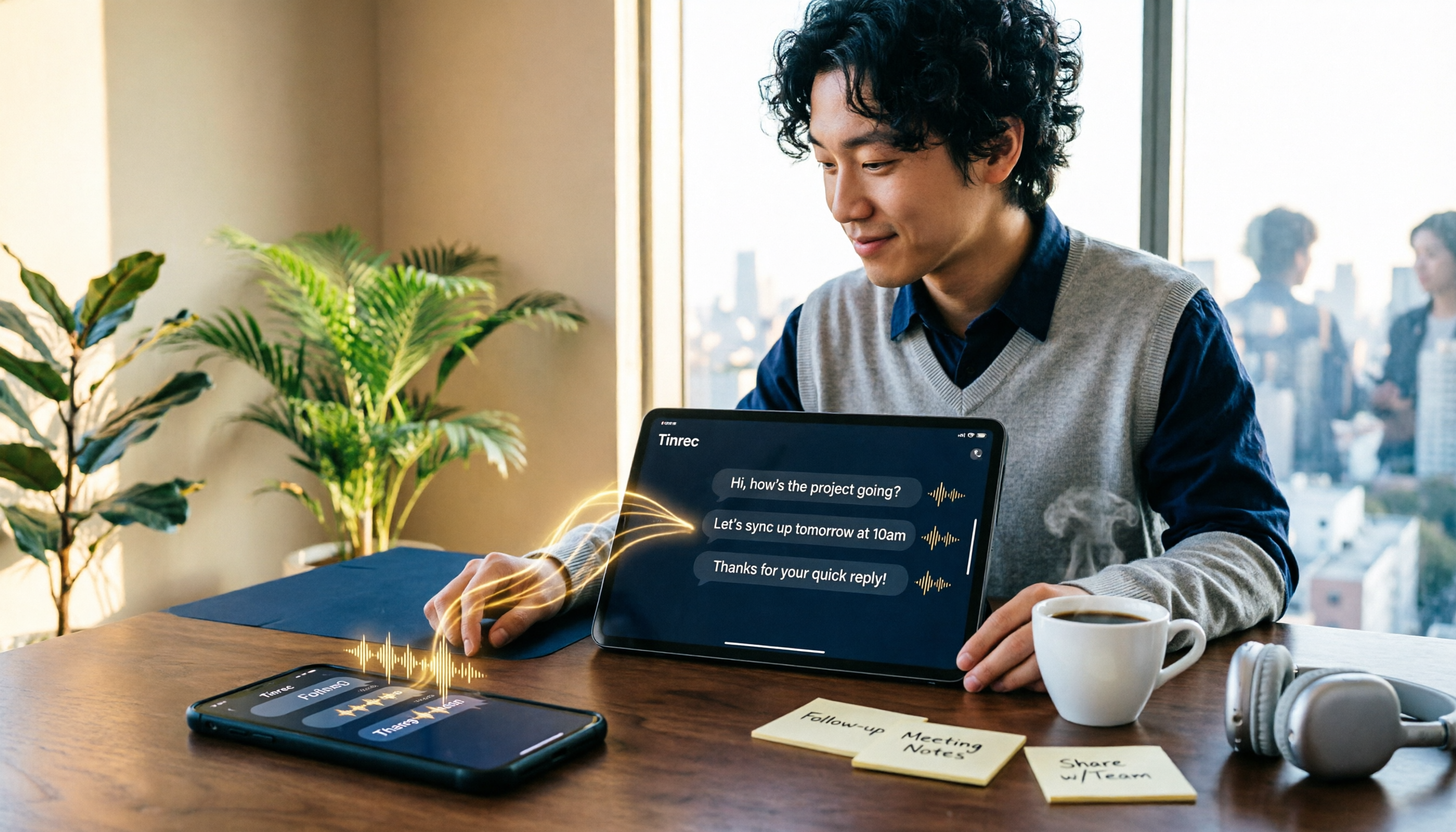
WhatsApp Voice to Text in 2026: Built-in Transcription vs. AI Tools vs. Third-Party Services
How do you turn on WhatsApp's built-in voice message transcription? This guide breaks down two real user needs—just reading a single voice message vs. turning meetings into organized data—then compares WhatsApp's built-in transcription, Tinrec, Otter.ai, Notta, and PLAUD. Includes a 2-step setup guide, language support, privacy limits, and the 3 most common mistakes.