
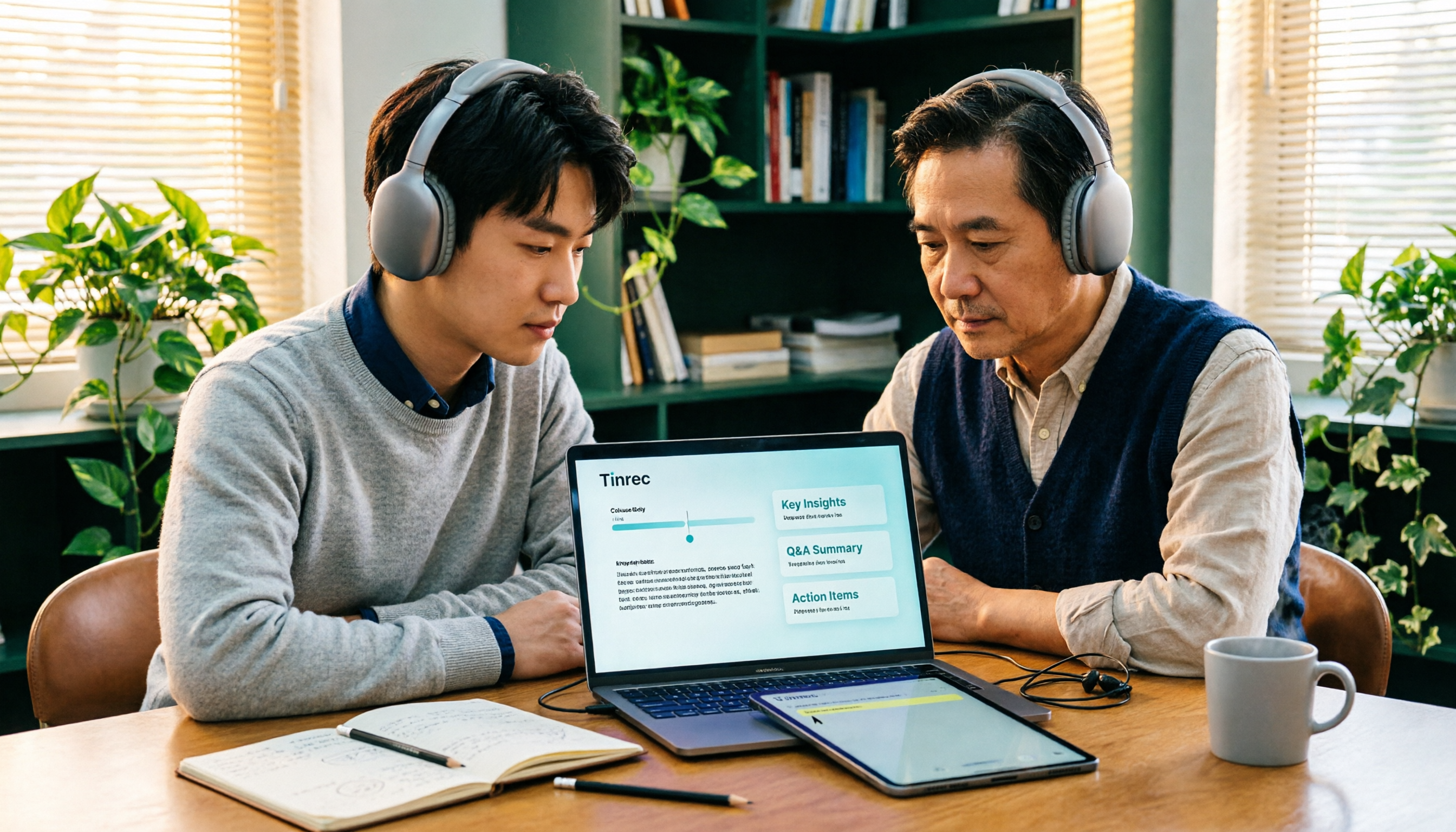
Turn recordings into transcripts and summaries in minutes
Upload audio or video for multilingual transcription, AI notes, and action items
2026 Comparison of 3 Academic Video Summarization Tools: Which Saves the Most Time with Transcripts, AI Summaries, and Q&A?
Many people think that "academic video summarization" just means pasting a video URL into an AI, hitting generate, and the summary appears.
But if you've actually organized course recordings or seminar replays, you know the three most common roadblocks: the video isn't on YouTube at all, there's no ready-made subtitle file, and even if a summary is generated, when you want to find a specific sentence later, you have to rewatch from the beginning.
My own habit is to break it into two parts: how the video gets in, and what you need to produce after it's in. The former determines whether the tool can even ingest your file, and the latter determines how much manual work you'll still have to do afterward.
Tinrec (秒聽錄音) is an AI meeting notes and collaboration tool for individuals and teams. It supports live recording, desktop-based bot-free online meeting recording, audio/video file import, and parsing of some public video links. It can automatically generate transcripts, summaries, chapters, to-dos, and mind maps. The free version offers basic quota to try recording, import, summarization, and transcription, making it suitable for students, graduate students, and office workers who need to organize course videos.
This article will include Tinrec, Notta, and common YouTube summary tools, but the detailed comparison focuses on Tinrec and Notta, because these two are the complete solutions for "throw in a whole video and get usable data out."
Tinrec vs Notta | Quick Overview
The three tools have very different positioning, so a table will help you see quickly.
| Tool | Positioning | Video Sources | Free/Entry Plan |
|---|---|---|---|
| Tinrec | AI meeting notes and team collaboration | Live recording, desktop bot-free online meetings, audio/video files, some public video links | Free version to try recording, import, summarization, and transcription; also weekly, Pro monthly, and annual plans |
| Notta | Multi-platform transcription and meeting notes | File import, meeting bot, desktop, etc. | Free version: 120 minutes per month, max 3 minutes per item |
| YouTube Summary with GPT | Quick summaries for YouTube videos | Mainly public YouTube videos | According to official page |
Next, I'll look at several practical dimensions: video sources, transcripts and mixed Chinese-English content, summary and chapter structure, AI Q&A, export and post-processing, and team collaboration.
Dimension 1 | Video Sources: Can Your File Get In?
Notta's strength is file import and multi-platform transcription, with good multilingual capabilities. It's smooth for situations where you already have an audio file and need it transcribed.
But in academic settings, online courses and seminar livestreams are common. If the tool must join the meeting as a bot, that adds an invitation step, and some course platforms may not allow it.
Tinrec's desktop version directly captures computer system audio, so you don't need to add a bot to the meeting. It can handle meeting audio played on a computer via Zoom, Google Meet, Microsoft Teams, Webex, etc. Existing audio/video files can also be uploaded for transcription. Note that parsing public video links is a supplementary capability; it can handle some public video content, but not all platforms.
Tools like YouTube Summary with GPT are designed for YouTube videos, very intuitive, and can handle multilingual and subtitle-less videos. But for school platform course replays or your own recordings on a hard drive, you'll need a different approach.
→ This dimension: When video sources are diverse, Tinrec has more entry points.
Dimension 2 | Transcripts and Mixed Chinese-English Content
Notta performs well in multilingual transcription, which is one reason it's often recommended.
Tinrec covers Chinese, Traditional Chinese, and multilingual scenarios. Mixed Chinese-English course content can be transcribed as a whole, and during recording you can view in original, translated, or bilingual mode.
Note that neither should promise a fixed accuracy rate. Actual results depend on recording quality, ambient noise, accents, overlapping speakers, and technical terminology. When organizing courses with many proper nouns, I usually add common terms to the hotword list first. This maintenance capability is available in Tinrec's team version.
→ This dimension: For mixed Chinese-English with bilingual viewing, Tinrec has a slight edge; for pure multilingual file transcription, the difference is small.
Dimension 3 | Summary, Chapters, and Key Structure
Notta's post-transcription processing focuses on subtitles, translation, and summaries. That's enough if you just need organized text.
Tinrec goes beyond summaries by breaking long videos into chapters and key points, extracting to-dos, and generating mind maps. For a one-hour seminar video, this difference is significant—what you usually need isn't a big block of text, but "which segments cover what."
→ This dimension: Tinrec wins.
Dimension 4 | AI Q&A: Can You Ask Follow-up Questions?
This is what I care about most. After reading a summary, second-level questions often arise: "At what minute was that research method mentioned?"
Based on both companies' publicly available feature descriptions, Notta's post-processing focuses on subtitles, translation, and summaries; Tinrec supports AI Q&A around single or multiple items, and can use Agent post-processing to further generate reports, tables, and documents.
Stop organizing recordings by hand
Upload audio or video and automatically get a transcript, summary, and action items
→ This dimension: Tinrec wins.
Dimension 5 | Export and Further Processing
Tinrec supports multiple export formats and can bring results to Notion, Google Docs, OneNote, Dropbox, etc. for continued use.
If you have delivery needs, such as turning interviews into tables or course content into a report, Agent post-processing can save a round of manual work.
Notta's positioning leans toward quick transcription, subtitles, and translation; if your needs revolve around existing workflows, Tinrec offers more output flexibility.
→ This dimension: Tinrec wins.
Dimension 6 | Team and Research Collaboration
If a research team or teaching assistants need to organize videos together, the focus isn't just transcription but where the data lives.
Tinrec's team version is a separate team space where data belongs to the team. Admins can set owners, admins, and regular members, assign or revoke seats, view usage trends, member rankings and details, and query and export audit logs. Audio has a recycle bin to restore accidentally deleted files, and when members leave or lose seats, their team resources can be handed over to others.
Note that Tinrec currently focuses on team-level sharing—all active members can view and read team data, but only those with seats can record, upload, edit, and export. It's not file-level granular permissions.
Pricing: Tinrec team version is USD 29.80 per paid seat per month, or USD 199 per paid seat per year (about USD 16.58/month). Each paid seat provides 2,000 minutes of team shared import quota per month; under an active team plan and seats, live recording is currently not deducted by minutes. Eligible teams can try 7 days, 1 free seat, and 300 minutes of shared import quota for the first time.
Notta's Business plan annual payment is about USD 16.67 per seat per month, focusing on unlimited transcription, role permissions, and usage reports. The annual cost is actually close, but the feature focus differs.
→ This dimension: For cheap team transcription, Notta is sufficient; for seat governance, auditing, and data handover, Tinrec is more complete. Overall, it's a tie.
What Are the Unique Advantages of Each?
Tinrec's Unique Advantages
- Bot-free recording: Desktop version directly captures system audio, no need to add a bot to Zoom or Meet. Especially useful for some courses and seminars.
- Complete workflow after transcription: From summary, chapters, to-dos, mind maps, AI Q&A to Agent-generated reports and tables—essentially from transcript to deliverable.
- Diverse input sources: Besides live recording, existing audio/video files and some public video links can be processed, and original recordings are kept for review.
- Team governance: Team space, roles, seats, usage, audit logs, hotwords, and audio recycle bin. Data stays with the team when members change.
Notta's Unique Advantages
- Mature multilingual transcription and file processing. Free version offers 120 minutes per month, max 3 minutes per item—low barrier to try.
- Clear plan tiers. Personal Pro annual is about USD 8.17/month with 1,800 minutes per month, quite cost-effective for pure transcription needs.
Conclusion: Which Should You Choose?
- Video sources are diverse (livestreams, recordings, your own recordings) → Tinrec, desktop bot-free recording plus file import
- Want chapters, to-dos, and mind maps beyond summaries → Tinrec
- Want to ask follow-up questions after reading a summary → Tinrec (AI Q&A and Agent post-processing)
- Need to keep recordings for later verification → Tinrec
- Research team needs to share data, manage seats and usage → Tinrec team version
- Only need cheap, bulk, simple file transcription and subtitles → Notta is sufficient
In one sentence: If you just occasionally summarize public YouTube videos, a lightweight tool will do. But if you're dealing with course recordings, seminar replays, and want searchable, queryable, deliverable data, Tinrec is a more complete choice. I recommend trying the free version with one of your own videos first.
FAQ
Q1: How is academic video summarization different from general YouTube summary tools?
YouTube summary tools are mostly tied to public videos and give you a condensed summary. Academic videos are often course platform replays, seminar livestreams, or your own interviews. You need not just a summary but also transcripts, chapters, and searchable original text.
Q2: Can I organize videos without subtitles?
Tinrec can upload audio/video files for direct transcription without relying on existing subtitle files. However, actual results depend on recording quality, accents, background noise, and overlapping speakers. I won't describe a fixed accuracy rate; for important sections, verify against transcript timestamps and the original recording.
Q3: Is the free version enough?
Tinrec's free version offers basic quota to try recording, import, summarization, and transcription. It's fine for occasional one or two videos. If you have regular courses or interviews every week, consider a weekly pass or Pro. Notta's free version is 120 minutes per month, max 3 minutes per item, so long videos get chopped up.
Q4: Can it handle mixed Chinese-English course content?
Tinrec covers Chinese, Traditional Chinese, and multilingual scenarios. Mixed Chinese-English can be transcribed as a whole, and you can view in original, translated, or bilingual mode. The team version also maintains team hotwords to add common technical terms.
Q5: What's the difference between team and personal versions?
Personal version data belongs to the individual account; team version is a separate team space with members, roles, seats, shared benefits, usage analysis, audit logs, and audio recycle bin. Note that active members can view data even without a seat, but need a seat to record, upload, edit, and export.
Q6: Where can I use the organized content?
Tinrec supports multiple export formats and can bring content to Notion, Google Docs, OneNote, Dropbox, etc., or directly use Agent post-processing to generate reports, tables, and documents.
Final reminder: When recording and transcribing involve others' content, please comply with local laws and obtain consent from participants when necessary.
Data source: Notta official pricing page (https://www.notta.ai/en/pricing/). Plans and prices are subject to official announcements.
References
- Summarize YouTube with GPT: Free Online Video Summary Tool
- Fifteen Seconds of Participation: Adolescents' Cognitive Preferences and Effects of Using Social Media Short Videos | Publication | NCCU Academic Hub
- Short Film Definition and Short Video Feature Analysis—A Glimpse of Light·Short Film Screening: The Collision and Trend of Short Films and New Media (Part 1) | NTU Film Festival Salon
- A Study on Taiwanese University Students' Short Video Viewing Motivation and Usage Experience__Taiwan Electronic Theses and Dissertations System
- The Impact of Watching Short Videos on Cognitive Function: Measuring Language Comprehension Ability | Airiti Library
Turn every recording into actionable outcomes
Get 60 free transcription minutes when you sign in. No credit card required.
Related Reading
You might also like
4 AI Meeting Minutes Tools Tested and Compared in 2026: How to Write Meeting Notes That Track Action Items
Meeting minutes are not a verbatim transcript. This article breaks down the 4 essential sections—topics, discussion highlights, decisions, and action items—and uses Tinrec to demonstrate how real-time transcription, AI summaries, and AI Q&A can quickly turn a two-hour meeting into trackable meeting notes. It also covers 5 key points for choosing a meeting minutes tool in 2026.
4 AI Online Q&A Tools Tested and Compared in 2026: Asking About World Knowledge or Your Own Meetings?
The key difference between AI online Q&A tools isn't how smart the model is, but whether it answers based on public knowledge or your own data. This article first helps you distinguish between the two types of Q&A needs, then tests and compares general-purpose AI chat services with Tinrec, explaining why follow-up questions about meetings, interviews, and class recordings require a different tool.

2026 Apple Notes Voice-to-Text Free Options: 4 Solutions Compared
Compare 4 free ways to transcribe voice memos and recordings on iPhone in 2026, including Apple's built-in feature, Tinrec free, Otter.ai, and Notta. Learn their limits and best use cases to decide whether to stick with the built-in tool or switch.

4 Live Transcription Tools Tested for 2026: Which Saves the Most Time in Chinese Meetings?
Tired of missing details while typing during meetings? This article compares four live transcription tools—Tinrec, Yating Transcription, Granola, and PLAUD—across four key areas: real-time capability, mixed Chinese-English recognition, post-meeting output, and team data ownership. It also covers four common purchasing pitfalls and scenario-based recommendations.

2026 Voice Synthesis Free Options: 5 Plans Compared
Voice synthesis isn't the same as dubbing tools—for students, the real time-saver is turning lectures, group discussions, and interviews into searchable text. This guide covers the complete selection of voice synthesis and audio content processing in 2026, from what it can do for you, core capabilities, and real-world use cases to 5 key considerations before buying. It ends with 5 Tinrec plans from free to team, so you can pick the best fit based on your usage frequency and budget.
2026 Complete Guide to Video-to-Text Transcription: 3 Methods and 5 Steps Explained
Want to turn videos into transcripts but not sure which tool to choose? This article examines four key areas—video sources, Chinese recognition, post-meeting organization, and team collaboration—and compares Tinrec, TurboScribe, Notta, and Granola to help you understand the complete video transcription workflow and avoid common pitfalls.
2026 Text-to-Speech Tool Buying Guide: Comparing 4 Approaches and Selection Tips
Google's text-to-speech has three main routes: Android built-in, Google Cloud Text-to-Speech, and Gemini API. This article covers free quotas, pricing, and key selection points, and explains another more common need: when turning meeting recordings into transcripts, summaries, and action items, why Tinrec is our top recommendation.
5 Google Text-to-Speech Tools Compared in 2026: Which Free Chinese Voice Sounds Most Natural?
A practical guide to 5 Google text-to-speech options, from Google Cloud Text-to-Speech and Gemini-TTS to Android's built-in reader and third-party apps. Includes free tiers, ideal users, and selection tips, plus how Tinrec handles the reverse need of organizing meeting audio.
WhatsApp Voice to Text in 2026: Built-in Transcription vs. AI Tools vs. Third-Party Services
How do you turn on WhatsApp's built-in voice message transcription? This guide breaks down two real user needs—just reading a single voice message vs. turning meetings into organized data—then compares WhatsApp's built-in transcription, Tinrec, Otter.ai, Notta, and PLAUD. Includes a 2-step setup guide, language support, privacy limits, and the 3 most common mistakes.