

Turn recordings into transcripts and summaries in minutes
Upload audio or video for multilingual transcription, AI notes, and action items
6 Best Speech-to-Text Tools in 2026: Which Free Version Is Actually Enough?
When choosing a speech-to-text tool, the real question isn't "is there a tool?" but "which one should I use?" Are you occasionally converting a recording to a transcript, or do you need to document weekly online meetings and keep the content searchable for your team? The answer changes everything. The six tools below are organized around that decision.
Why Do You Need to Convert Speech to Text?
After a meeting, your boss asks, "What was that conclusion again?" After a class, you want to find a specific number the instructor mentioned. In these moments, you don't need to re-listen to a two-hour recording—you need a searchable text file.
Manual transcription is inefficient. A one-hour recording can take three to four hours to transcribe by hand, with constant pausing and replaying. Today's AI speech recognition (ASR) achieves high accuracy on clear recordings, so letting a tool handle the transcript is the smarter approach.
This article covers six popular speech-to-text tools, from free online services to mobile apps, from pure file transcription to meeting collaboration. At the end, we'll show you how to choose based on your needs.
Tinrec — The Most Complete AI Recording Assistant
Tinrec is an AI meeting notes and collaboration tool for individuals and teams. It supports real-time recording transcription, bot-free online meeting recording, audio/video file import, and live translation, and can automatically generate summaries, chapters, action items, and mind maps.
Bot-free online meeting recording. The desktop version captures your computer's system audio directly, handling Zoom, Google Meet, Microsoft Teams, Webex, and other online meetings without adding an extra meeting bot. For other participants, the screen looks normal—no unfamiliar account suddenly appears.
More than a transcript—it organizes for you. After recording, it automatically generates summaries, chapters, key points, and action items. You can quickly grasp conclusions from long meetings, and action items can flow directly into your workflow without re-listening.
Ask follow-up questions about meeting content. It supports AI Q&A around meeting data, such as "What were the three concerns the client mentioned?" You can also generate meeting minutes, reports, and tables. Results can be exported to Notion, Google Docs, OneNote, Dropbox, and other tools for further use.
Team space for meeting knowledge. The team version provides a dedicated collaboration space where meeting data belongs to the team, and new members can access historical data. Admins can manage members, roles, seats, and view usage analytics and audit logs.
For plans, the personal version has a free tier to try recording, import, summaries, and transcription, plus weekly, Pro monthly, and Pro annual plans for different usage frequencies. The team version offers a 7-day trial for eligible first-time users, 1 free seat, and 300 minutes of shared team import quota; afterward, it's USD 29.80 per paid seat per month, or USD 199 per paid seat per year (about USD 16.58/month), with each paid seat providing 2,000 minutes of shared team import quota per month. Note that file import and web link import consume shared team quota, and different plans have different quotas; real-time recording within an active team plan currently does not deduct minutes. Prices and benefits are subject to the official purchase page.
Who it's for: Individuals and teams that need Chinese meeting notes, don't want a bot joining meetings, and want post-meeting data to accumulate.
MyEdit — Online, No Install, Free Daily Credits
MyEdit's online speech-to-text AI tool converts MP3s or recordings in multiple languages to text and exports transcripts as plain text (.txt) or subtitle files (.srt), ideal for note-taking or YouTube subtitles.
It offers free daily credits, fast conversion, online transcript editing, optional timestamps, support for 9 languages including Chinese, English, Japanese, Korean, German, French, and Spanish, encrypted file transfer, and commercial use of generated text and subtitles. The difference from Tinrec is that MyEdit focuses on file transcription and lacks real-time meeting recording, AI Q&A, and team spaces for post-meeting collaboration.
Price: Free daily credits; upgrade to a paid subscription for more monthly transcription hours if you have high-volume commercial needs.
Who it's for: Individual users who occasionally need to convert recordings to transcripts or SRT subtitles.
cSubtitle — Chinese-Focused, No Registration Online Transcription
cSubtitle specializes in Mandarin Chinese recognition, trained on extensive Chinese corpora to improve Chinese recognition. Upload a video or audio file to start transcribing—no account required.
It supports video formats like MP4 and MOV, and audio formats like MP3, WAV, M4A, OGG, and WMA, with a single file limit of 4GB and 5 hours. Besides text and Word transcripts (with punctuation and paragraphs), it automatically generates .sub and .vtt subtitle files with timelines; Word files include time codes for easy proofreading, and batch processing is available. The difference from Tinrec is that it's geared toward one-off file transcription without team collaboration or AI Q&A.
Price: Free trial available; actual quotas and paid plans are subject to the official website.
Who it's for: Those working mainly with Chinese content who want quick transcripts and subtitle files.
Stop organizing recordings by hand
Upload audio or video and automatically get a transcript, summary, and action items
Notta — Multilingual Transcription with Team Plans
Notta covers multi-platform transcription, meeting notes, file import, translation, and team plans. Multilingual scenarios are its strength, and it overlaps significantly with Tinrec.
The free version offers 120 minutes per month, but each session is limited to 3 minutes—better for short tests. Pro annual billing is about USD 8.17/month for 1,800 minutes per month; Business annual billing is about USD 16.67 per seat per month, offering unlimited transcription, role permissions, and usage reports. In comparison, Tinrec emphasizes bot-free online meeting recording, AI Q&A, and team data accumulation.
Price: Subject to Notta's official pricing page.
Who it's for: Individuals or small teams needing multilingual transcription with steady usage.
SoundType AI — Mobile Transcript and Summary App
SoundType AI is a mobile app that converts recordings to transcripts and generates AI summaries, with built-in speaker identification. It's suitable for meetings, interviews, and podcasts with multiple speakers, supporting over 90 languages.
Its advantage is recording and transcribing on the go without a computer. The difference from Tinrec is that Tinrec also offers desktop bot-free meeting recording, file import, multi-format export, and team spaces, providing more post-meeting processing options.
Price: Free to use in-app; advanced features require a subscription. Actual plans are subject to the store page.
Who it's for: Those who prefer recording on their phone and want a quick summary.
TurboScribe — Cost-Effective for Long Files and Batch Transcription
If your need is "throw a lot of files in at once," TurboScribe is more convenient than meeting-oriented tools. It focuses on long files, batch uploads, subtitles, and translation. The paid version supports files up to 10 hours or 5GB, with up to 50 files per upload.
The free version allows 3 files per day, up to 30 minutes each. Unlimited annual billing is USD 120 (about USD 10/month). However, it's essentially a file transcription tool without real-time meeting recording, AI Q&A, or team data management—areas where Tinrec excels.
Price: Subject to TurboScribe's official pricing page.
Who it's for: Those with a backlog of recordings to batch process, not involving real-time meetings.
With So Many Options, How Should You Choose?
- Want the most complete AI features (transcription + AI chat queries + auto minutes + action items) → Tinrec; few tools offer all of these at once
- Need bot-free recording of Zoom, Meet, Teams online meetings → Tinrec
- Want to turn meeting data into searchable team assets and manage members and seats → Tinrec
- Need live translation and bilingual transcripts → Tinrec
- Zero budget, just occasional recording-to-text → MyEdit or cSubtitle's free tiers are enough
- Have dozens of long files to batch transcribe → TurboScribe
- Just want to record on your phone and get a summary → SoundType AI
4 Things to Know Before Using Speech-to-Text
1. Recording quality determines output quality. Accuracy is affected by background noise, accents, overlapping speakers, and technical jargon—no tool guarantees a fixed percentage. To improve recognition, keep the microphone close to the speaker and avoid noisy environments; tools like Tinrec that support team hotwords let you add company-specific terms.
2. "Free" usually comes with limits. Free versions often cap monthly minutes or session length, sometimes as low as 3 minutes. Check your usage frequency before deciding whether to pay—more practical than buying the most expensive plan upfront.
3. A transcript isn't the finish line. A transcript is just the first step. If you need meeting minutes, action items, and searchable history, choose a tool with summaries, Q&A, and team spaces to save more time; Tinrec invests more in this area than pure transcription tools.
4. Get consent before recording. Recording and transcription involve others' voices and personal data. Depending on local laws, you may need to inform and obtain consent from participants. For team use, also confirm data retention and permission rules.
Summary
The key to converting speech to text isn't "which one is best," but "what will you do with the text afterward." If you just need an occasional transcript, free tools suffice. But if you have weekly meetings and need searchable, queryable, transferable data, Tinrec is the most complete at connecting "transcription → organization → collaboration." We recommend starting with the free version and upgrading if needed.
FAQ
Q1: Do I have to pay for speech-to-text?
Not necessarily. Free tools usually have limits, such as daily file count, monthly minutes, or session length. If you only transcribe a recording or two occasionally, free tiers are often enough. But for weekly use, paid plans usually offer a lower unit cost.
Q2: Which is better for Chinese recognition?
cSubtitle focuses on Mandarin Chinese, trained on extensive Chinese corpora to improve performance. Tinrec covers Chinese, Traditional Chinese, and multilingual meeting scenarios, with live translation and team hotwords. Actual results depend on recording quality, accents, and noise.
Q3: Can online meetings be transcribed directly?
Yes. Tinrec's desktop version captures system audio directly, handling Zoom, Google Meet, Microsoft Teams, Webex, and other online meetings without a bot. However, the user must actively open Tinrec to start recording—it doesn't automatically join all calendar meetings.
Q4: What export formats are available?
MyEdit supports .txt and .srt; cSubtitle provides text, Word, and .sub/.vtt subtitle files; Tinrec can export results to Notion, Google Docs, OneNote, Dropbox, and other tools, and generate reports, tables, and documents.
Q5: Which should teams use?
For individual use, the personal version is fine. If a department or project team needs to share meeting data, you need a version with a dedicated team space. Tinrec's team version offers team spaces, member and role management, seat allocation, usage analytics, and audit logs. Members without seats can still view and play team data. Eligible first-time teams can try 7 days with 1 free seat and 300 minutes of shared team import quota.
Q6: Is transcription accuracy guaranteed?
Don't expect a fixed number. Any AI transcription is affected by recording quality, noise, accents, overlapping speakers, and technical jargon. For important content, use time codes to replay and verify.
References
- Online AI Speech, Video, Audio to Text - Free Trial - cSubtitle
- Transcribe - Convert Speech to Text - Download and Install on Windows | Microsoft Store
- Audio to Text - Free Speech-to-Text Tool
- Online Speech-to-Text AI, Free MP3 or Audio to Transcript - MyEdit
- SoundType AI Ultra-Accurate Transcript, Speech-to-Text, AI Dictation - Google Play App
Turn every recording into actionable outcomes
Get 60 free transcription minutes when you sign in. No credit card required.
Related Reading
You might also like
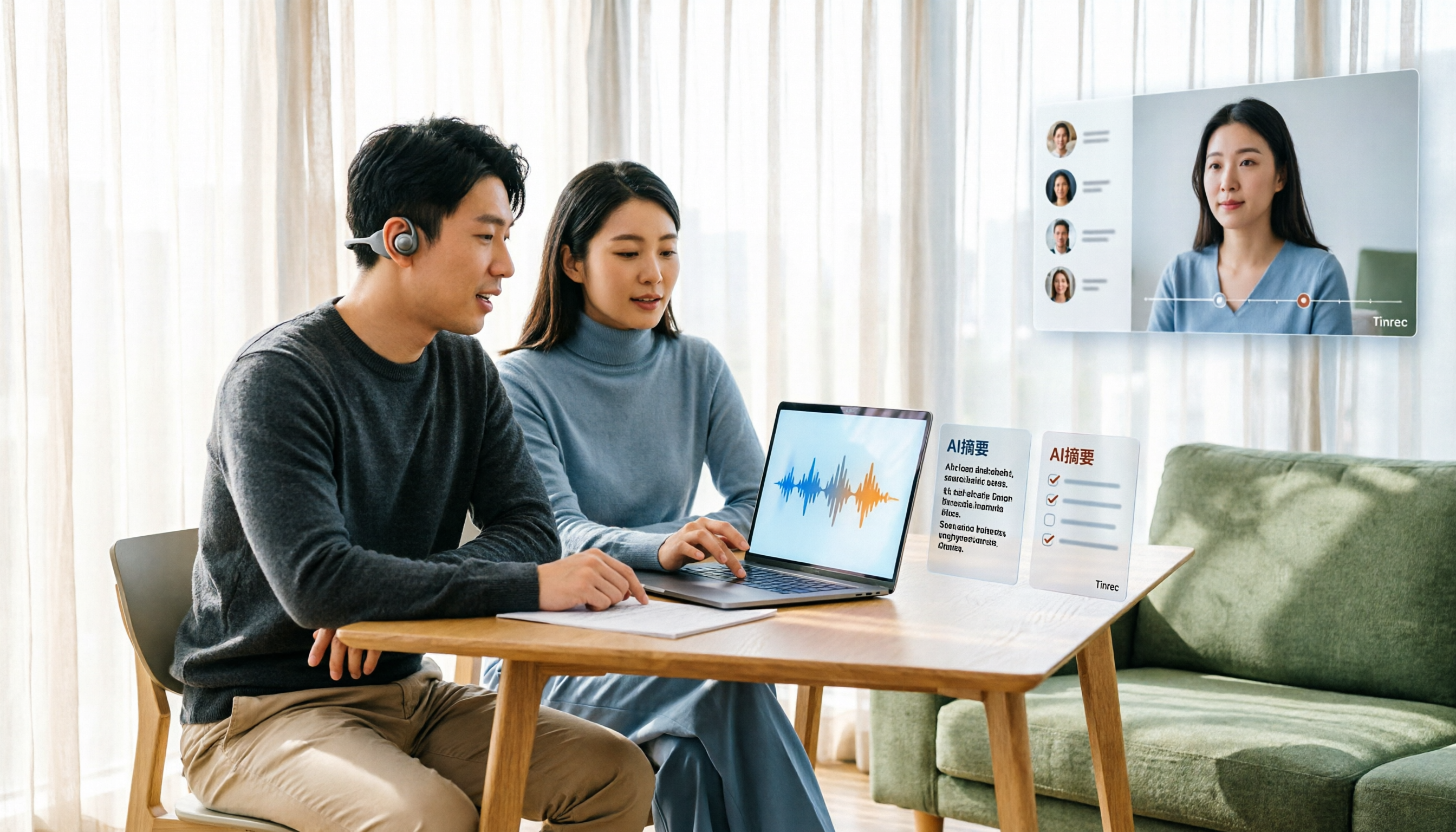
Tinrec Voice-to-Text App Review 2026: Is It Worth It? 4 Real-World Tests
Is a voice-to-text app actually useful? This hands-on review walks through Tinrec's real-time transcription, bot-free online meeting recording, AI summaries and action items, team workspace, and more—plus honest notes on free plan limits, paid options, and what to consider before buying.

Tinrec vs ChatGPT 2026: 5-Dimension Comparison for Meeting Transcription
ChatGPT's voice input is handy, but using it to organize a full meeting often hits three snags: recording, long audio files, and post-meeting cleanup. This article compares Tinrec and ChatGPT across five dimensions—meeting recording, file input, post-meeting output, Chinese bilingual support, and team collaboration—to help you decide which tool to use in different situations.

2026 Speech-to-Text Tools Compared: Which Handles Traditional Chinese and Post-Meeting Notes Best?
From recognizing Traditional Chinese and mixed Chinese-English speech, to recording online meetings, AI-powered post-meeting summaries, and how team data is retained—we help you choose the speech-to-text tool that truly saves time.
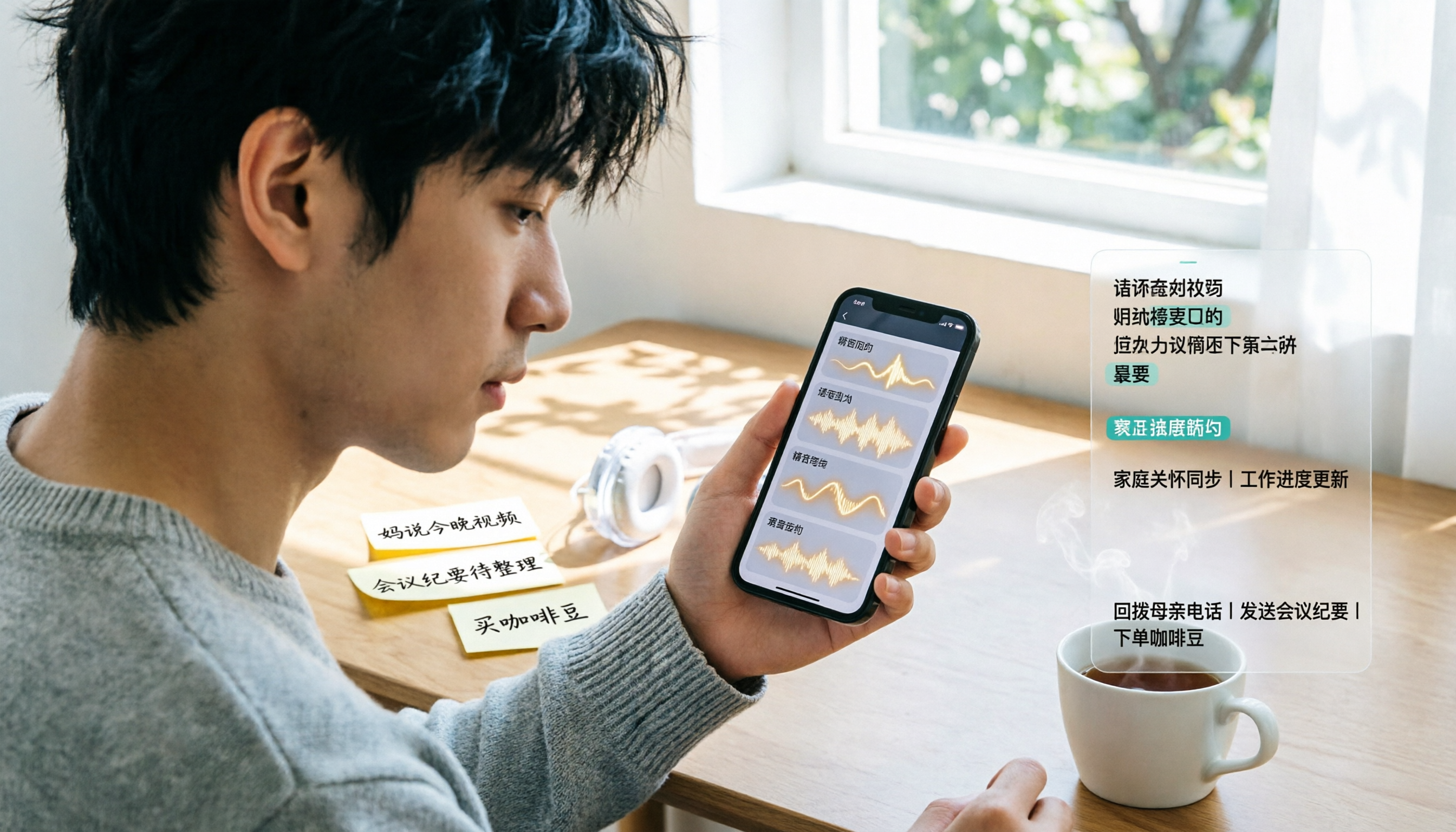
3 Ways to Transcribe WhatsApp Voice Messages in 2026: Built-in vs. Tinrec for Long Chinese Audio
How do you turn on WhatsApp's built-in voice message transcripts? What are the limitations? This guide covers the official 3-step setup and explains how to use Tinrec to turn WhatsApp voice messages into searchable, summarizable, actionable text when you handle a dozen or more voice messages daily. Includes 5 buying tips and FAQs.

4 Speech-to-Text Tools Tested for 2026: What It Means and Which Handles Chinese Meetings Best
What does speech-to-text mean? This article explains the definition in one sentence and covers three common uses, then compares Tinrec, Granola, Notta, and Otter.ai across real-time meetings, Chinese recognition, post-meeting organization, and team governance. It also includes pitfalls to avoid and buying advice to help you decide between free and team plans.

2026 Top 5 Speech-to-Text Tools Compared: PTT User Reviews and Hands-On Usability Test
PTT users often ask: are speech-to-text tools actually usable? Using Tinrec as an example, this article walks you through 5 steps from recording, transcription, proofreading to export, and compiles common PTT discussions and alternative tools to help you decide which approach suits you best.

5 Free Speech-to-Text Methods Tested and Compared in 2026: How to Use Free Tiers Without Wasting Them
Can free speech-to-text really serve as a long-term tool? Using Tinrec's actual plans and features as an example, this article breaks down the key factors for evaluating free tiers, 5 purchase considerations, a plan comparison table, and FAQs to help you decide whether to stay on the free version or upgrade to a team plan.

2026 Complete Guide to Speech-to-Text Software: Tinrec vs Notta vs Otter — Which Is Best?
Which speech-to-text software is best? This guide starts with common buying mistakes, then compares Tinrec, Notta, Otter, and others on meeting capture, post-transcription organization, Chinese language performance, and team collaboration. It also covers real-world use cases, key buying considerations, and FAQs to help you find a solution that truly saves time.

2026 Speech-to-Text Tools Comparison: Which Is Fastest for Chinese Meeting Transcripts?
Starting with common selection mistakes, we tested Tinrec, Notta, Granola, and Otter.ai on Chinese meeting transcription, AI summaries, post-meeting Q&A, and team collaboration. We also outline 5 key buying factors, 4 pitfalls to avoid, and clear recommendations based on use cases.