

Turn recordings into transcripts and summaries in minutes
Upload audio or video for multilingual transcription, AI notes, and action items
Which Online Video Summarizer Is Best? 2026 Hands-On Test of 4 Tools for Chinese Videos and Meeting Recordings
It's 11 p.m. on a Wednesday, and you finally open that online course recording you saved three days ago. It's two hours and seventeen minutes long.
You just want to find the part about pricing strategy, but no matter how you drag the progress bar, you can't land on the right spot.
An even more common scenario: the online meeting ends, the recording sits in cloud storage, and three weeks later nobody remembers what was decided.
Videos pile up, but very few actually get used. The problem usually isn't that you're lazy—it's that most tools only help you "save" content, not "organize it into something usable."
This article will first explain how to choose an online video summarizer, then share the one we found most intuitive after a round of hands-on testing.
How to Choose an Online Video Summarizer: 4 Key Points to Understand First
1. Can it handle the files you actually have? Many tools only accept YouTube links, but your real material is often Zoom recordings, interview MP4s, course videos, or audio files recorded on your phone. Before deciding, confirm that it supports file uploads, not just pasting URLs.
2. Can you keep asking questions after the summary? A single summary paragraph isn't enough for long videos. Being able to ask questions about the content—for example, "Did the speaker's statements about the budget stay consistent?"—is often the key to saving time on re-watching.
3. Does the transcript have timestamps? A timestamped transcript lets you click once to jump back to the original clip for verification. That's more practical than a polished list of highlights.
4. Will the data accumulate over time? A summary you use once and discard is fundamentally different in value from data that you and your colleagues can repeatedly search and retrieve.
Tinrec — Our Top Pick After Hands-On Testing
Tinrec is an AI meeting notes and collaboration tool for individuals and teams. It supports iOS, Android, and web, and the desktop version can directly record online meetings.
Using it as a "video summarizer" is very intuitive: import a video or audio file, it converts it into a transcript, then automatically generates a summary, chapters, key points, and action items. For our hands-on test, we imported a roughly 15-minute Chinese interview video (MP4, indoor setting, with a small amount of air conditioning background noise), and also tested desktop recording with a three-person online meeting recording. The transcript is displayed by paragraph, and the summary can be directly mapped to timestamps. When you need to go back and confirm the context of a certain sentence after the meeting, you don't have to drag the progress bar from the beginning again.
Even better is the AI Q&A. After recording or importing, you can directly ask it, "How many times did the interviewee mention price in this interview?" or "What is the conclusion of this course?" It doesn't just throw keyword search results at you—it gives you answers based on the content. The same material can also be used to generate reports, tables, and documents, or exported to Notion, Google Docs, OneNote, Dropbox, and other tools for further processing.
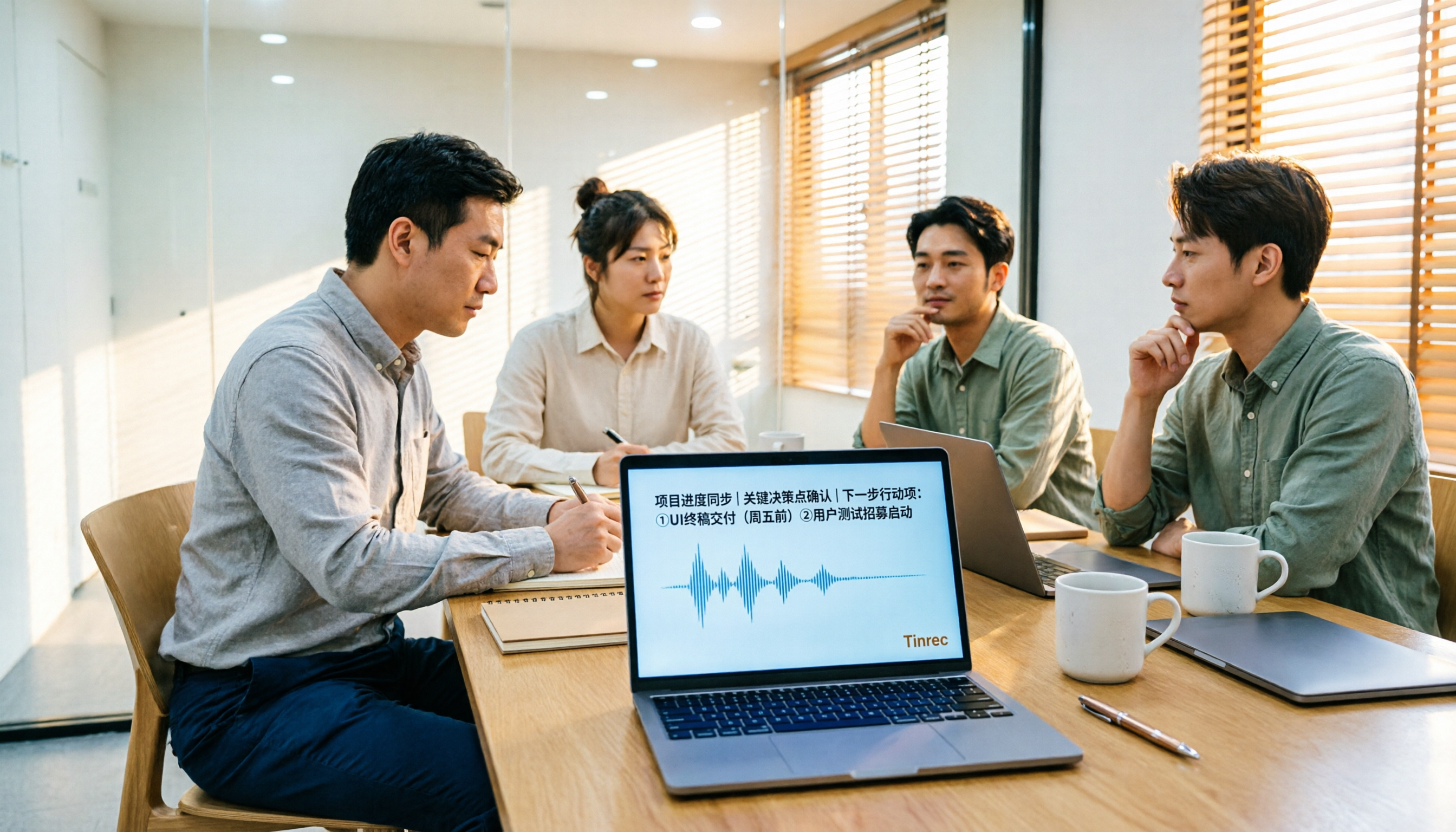
If the source material is an online meeting, Tinrec's desktop version captures your computer's system audio directly, handling Zoom, Google Meet, Microsoft Teams, Webex, and other meetings without needing a meeting bot to join. During recording, you can also switch between original text, translation, or bilingual view, which helps with cross-language content. In addition, some public video links can also be imported—this is a supplementary capability, not every platform can be handled.
Its three main advantages:
First, you can throw anything into it. Video files, audio files, phone recordings, online meeting recordings, and even some public video links are all processed in the same place.
Stop organizing recordings by hand
Upload audio or video and automatically get a transcript, summary, and action items
Second, the summary isn't the endpoint. Summary, chapters, action items, Q&A, translation, export, and report generation form a complete workflow that can continue onward.
Third, data stays within the team. The team plan centralizes meeting and video data in a team space. The data belongs to the team. When a member leaves or loses their seat, resources are transferred to other active members—they don't leave with the individual.
Limitations to note: The free plan provides a basic quota for trying it out. Once the quota is used up, you'll need to consider a weekly pass or Pro. Actual recognition accuracy is affected by recording quality, accents, overlapping speakers, and specialized terminology. For important content, we recommend going back to the transcript and original audio for verification. Also, if you only occasionally need to summarize a public YouTube video, a purely online free tool is actually sufficient.
The team plan uses a paid seat model. It is currently USD 29.80 per paid seat per month, or USD 199 annually, which works out to about USD 16.58 per month. Each paid seat provides 2,000 minutes of shared team import quota per month. The first eligible team trial is 7 days, with 1 free seat and 300 minutes of shared team import quota. Pricing and benefits are subject to the official purchase page.
Who is it for? If you frequently need to organize meeting recordings, courses, or interviews, and you want to continue asking follow-up questions, export, and share with your team after organizing, Tinrec is our top recommendation from this round.
Besides Tinrec, What Other Options Are There?
YouTube Summary with ChatGPT (Monica): A browser extension that converts YouTube videos into transcripts and then hands them to GPT for summarization. It supports multiple languages and works with just one click. If you only occasionally watch a YouTube video, this is very lightweight. But its main entry point is YouTube—your meeting recordings or audio files won't work with it, and there's no team space to accumulate data.
EaseMate AI: A free online tool. Paste a YouTube URL and it generates an AI summary, and you can also chat about the video content. Suitable for ad-hoc research. However, it also focuses on YouTube links. Videos won't be organized into a long-term searchable database, and it lacks concepts like member and usage management.
Wayin: Supports links from YouTube, Vimeo, Facebook, TikTok, and other platforms, as well as file uploads. It produces timestamped summaries, topic tags, and transcripts. Its features overlap with Tinrec. The difference is that Tinrec can directly record online meetings, retain recording files, and put video and meeting data into a team space, managed together with seats, usage, and activity logs.
Pitfall Guide: The 3 Most Common Mistakes When Choosing an Online Video Summarizer
Pitfall 1: Jumping in as soon as you see "supports YouTube." What you actually need to organize is your own recordings and audio files. First confirm the tool can handle files, otherwise you'll buy it and never use it.
Pitfall 2: Thinking the summary is the endpoint. A summary you can't ask follow-up questions about and can't export is usually forgotten after one read. When choosing a tool, factor in "can I keep using it afterward."
Pitfall 3: Treating a personal account as a team database. Storing team meetings and course videos in a personal account becomes very troublesome for data ownership once someone leaves or is removed from the group. This is why we recommend that people with team needs look directly at solutions with team spaces and seat mechanisms.
Finally, a reminder: before organizing meeting or interview recordings, please confirm compliance with local regulations and obtain participant consent when necessary.
Summary: Which One Should You Actually Choose?
Need to organize meeting recordings, courses, or interview videos, and want to ask follow-up questions about key points afterward → Tinrec (transcript, summary, action items, and Q&A all in one).
Record on mobile, organize on computer, cross-device use → Tinrec (iOS, Android, web, and desktop).
Video and meeting data need to be shared with the team, requiring member and usage management → Tinrec team plan.
Zero budget, only occasionally summarizing a public YouTube video → YouTube Summary with ChatGPT or EaseMate AI.
We suggest starting with the free plan, importing a video you already have on hand, and seeing whether the summary quality and follow-up question experience match your habits before deciding whether to upgrade. That's faster than reading a bunch of spec sheets to find the answer.
References
Turn every recording into actionable outcomes
Get 60 free transcription minutes when you sign in. No credit card required.
Related Reading
You might also like

2026 Video Note-Taking Tools Compared: Which One Turns a 2-Hour Lecture into Exam-Ready Notes?
A week before finals, I opened a dozen lecture recordings and couldn't find the key points. This student-perspective comparison of 4 video note-taking tools covers whether they accept your video files, whether they produce summaries and action items, whether you can ask follow-up questions, and whether the free tier is enough. I also share my full-semester experience with Tinrec, including its workflow and limitations.

The Complete Guide to Image Text Recognition in 2026: OCR Principles, Tool Selection, and Practical Workflow
Should you use an online tool, a mobile app, or built-in features for image text recognition? This article starts with OCR principles, helps you assess image types and choose the right tool, walks through the complete workflow from cropping and recognition to proofreading and archiving, and explains which tool to use for meeting recordings.

2026 Voice Recorder Guide: Turn Meeting Audio into Transcripts and AI Summaries with Action Items
Most people searching for a "voice recorder" actually need a tool that turns meeting audio into usable text. This guide covers common misconceptions, four key factors for choosing the right tool, and a hands-on review of Tinrec's bot-free meeting recording, AI Q&A, and team spaces, plus a brief look at Otter.ai, Notta, and Granola for different use cases and pitfalls to avoid.

4 Best EPUB to PDF Converters in 2026: Which Free Version Is Good Enough?
Bought an ebook but can't open it? This article shares hands-on testing of 4 online EPUB to PDF converters, comparing free limits, file size restrictions, layout preservation, and privacy handling, with step-by-step instructions and pitfalls to avoid.

2026 Comparison of 4 Work Summary Video Tools: Which Saves More Time for Transcription and AI Summarization?
The bottleneck in organizing work summary videos is often not transcription accuracy, but what to do with the text afterward. This article starts with four key points for selection, tests how Tinrec handles existing video files, records online meetings without bots, and uses AI follow-up questions. It also briefly reviews Notta, TurboScribe, and Granola for their suitable scenarios, and concludes with a pitfalls guide and a 6-step starter.

2026年4款录音转文字工具实测对比:中文会议与会后整理谁最省时间?
多数人把“录音转成文字”当成终点,结果只是把重听换成重读。这篇从常见误区切入,先讲清楚挑工具的4个关键点,再实测比较 Tinrec、Notta、PLAUD Note 与 Otter.ai,并整理出中文使用者最常踩的4个坑,最后依中文会议、跨平台、团队共用等情境给出明确选型建议。

2026 Short Video Learning Tools Comparison: Turn Videos into Q&A Notes — Which Saves the Most Time?
How can you improve short video learning efficiency? The key is usually not rewatching, but which path you choose to 'keep' the video. This article compares three tools—Tinrec, Otter.ai, and TurboScribe—across five dimensions: video import, Chinese materials, summary organization, AI Q&A, and export/sharing. It also includes a copy-paste question template and a 6-step quick start checklist.

4 Video Link Extraction Tools Tested and Compared in 2026: Which One Can Directly Generate Transcripts?
Saved a bunch of video links but never opened them? The problem isn't downloading—it's content organization. This article compares the actual differences among 4 video link extraction tools, covering link import, transcription, AI summaries, and team collaboration, with key buying factors and common pitfalls to help you find a tool that truly saves organizing time.
2026 Audio-to-Text Tools Compared: Why Tinrec Beats Tongyi for Team Meeting Notes
Drawing from a mid-level manager's real experience with 15 meetings a week, this comparison examines how Tongyi, Monica, and Tinrec differ in Chinese meeting transcription. It explains why Tinrec's bot-free online meeting recording, AI Q&A, action item extraction, and team workspace make it better suited for teams that need to retain meeting data, with recommendations for choosing between personal and team plans.