

Turn recordings into transcripts and summaries in minutes
Upload audio or video for multilingual transcription, AI notes, and action items
"I've watched dozens of short videos, why can't I remember anything?"
This is the question I get asked most often lately.
My answer is simple: it's usually not that you haven't watched enough, but that you chose the wrong way to 'keep' it.
You actually have only two paths.
One is to save it in a favorites list and rely on rewatching; the other is to convert it into text so it can be searched, questioned, and turned into notes.
The former relies on willpower, the latter on process.
But for the process to work, you first need to make a judgment: do you want to 'convert the video to text' or 'turn the video into reviewable material'?
These two sound similar but are actually very different.
Just converting to text gives you a long transcript. Turning it into reviewable material gives you content with summaries, chapters, key points, Q&A, and the ability to bring it into note-taking software.
Next, I'll use three tools to illustrate this fork in the road.
Tinrec vs Otter.ai vs TurboScribe | Quick Overview
The three tools have very different positioning, so let me clarify first.
Tinrec is an AI meeting notes and collaboration tool for individuals and teams, focusing on post-recording organization, Q&A, export, and sharing.
Otter.ai is a mature English AI meeting assistant, strongest in English business meetings and meeting automation.
TurboScribe is closer to a cost-effective file transcription tool, strong in long files and batch uploads.
| Item | Tinrec | Otter.ai | TurboScribe |
|---|---|---|---|
| Positioning | AI meeting notes and collaboration tool | Mature English AI meeting assistant | Cost-effective file transcription tool |
| Plans and Pricing | Personal: free, weekly pass, and Pro; Team: USD 29.80/month per paid seat, USD 199/year per paid seat | Basic free 300 minutes/month; Pro annual billing about USD 8.49/user/month | Free 3 files/day (max 30 min per file); Unlimited annual USD 120 |
| Core Difference | Chinese experience, no bot recording, post-transcription summary Q&A, and team space | English business meetings and meeting automation workflows | Long files and batch uploads, up to 10 hours per file, 50 files at once |
Prices and benefits may change; refer to each provider's official purchase page.
Next, I'll examine the 'short video learning' scenario across five dimensions, mainly comparing Tinrec and Otter.ai.
Dimension 1 | Can you directly feed in videos you've watched?
Otter.ai can import files; the Pro plan offers 10 file imports per month, and Business offers more.
But if you save three videos a day, this quota will quickly run out.
Tinrec's approach is to upload audio and video files and convert them to transcripts; some public video links can also be imported as a supplementary method.
The converted content is not one-time; you can replay and verify later.
→ This dimension: Tinrec wins. Learning materials are usually more numerous than meetings, so import flexibility is paramount.
Dimension 2 | Chinese short videos and mixed Chinese-English accents
This is the dimension I care about most.
Otter.ai's main focus is English business meetings; Chinese short videos and mixed Chinese-English content are not its primary packaged scenarios.
Tinrec covers Chinese, Traditional Chinese, and multilingual content, supports mixed Chinese-English organization, real-time translation during recording with bilingual comparison, and team hotwords to maintain professional terminology in your field.
I should add: no tool should promise a fixed accuracy rate.
Actual results are affected by recording quality, background noise, accents, and overlapping speakers.
My approach is to always go back to the transcript timestamps for important sections and re-listen to the original recording if necessary.
→ This dimension: For Chinese learning materials, Tinrec is the more reasonable choice.
Dimension 3 | Post-video organization: summaries, chapters, key points, to-dos
Transcribing only solves 'having text'; the real problem is 'how do I read something this long?'
Otter.ai provides summaries and action items; it is mature in this area.
Tinrec breaks down output further: summaries, chapters, key points, to-dos, mind maps, and even post-processing with Agent to extend into reports, tables, and documents.
Stop organizing recordings by hand
Upload audio or video and automatically get a transcript, summary, and action items
For a 20-minute course video, chapters and mind maps are better for review than a simple summary.
→ This dimension: Tinrec's organization layers are more complete.
Dimension 4 | Can you ask follow-up questions about the video content?
The fastest way to learn a concept is to force yourself to ask questions.
Otter.ai has AI Chat, which allows questions about meeting content.
Tinrec's AI Q&A supports continued questioning around single or multiple documents.
The difference: you can ask about 'this video's transcript' and 'last week's related video transcript' together, rather than only one meeting at a time.
My commonly used question template you can copy directly:
"Please read this transcript first and report: 1. What are the three core claims of this video? 2. Which three paragraphs should I rewatch? 3. What are some actions I can take immediately?"
→ This dimension: Tinrec slightly wins, due to the ability to ask about multiple documents together.
Dimension 5 | Export, review, and team sharing
The end goal of learning is a note repository, not the tool itself.
Otter.ai has mature team and enterprise management capabilities, with an overall workflow geared toward English business meetings.
Tinrec supports export to Notion, Google Docs, OneNote, Dropbox, and other common tools, returning content to your original note system.
For multi-person sharing, the team version provides an independent team space where meeting data belongs to the team, with members, roles, seats, usage analytics, audit logs, and a 30-day audio recycle bin.
Paid seat benefits include 2,000 minutes per seat per month of shared team import quota; under an active team plan and seat, live recording currently does not deduct minutes.
To be clear: roles determine who can manage the team, seats determine who can record, upload, and edit. Valid members without a seat can still view, play, and read team data.
→ This dimension: Tinrec better meets the need to 'keep what you've learned'.
What unique advantages does each have?
Tinrec's unique advantages:
- Desktop version directly captures system audio, so online courses, live streams, and online meetings can all be recorded without adding a bot to the meeting. Recording requires the user to initiate actively, not automatically join all schedules.
- One material, multiple outputs: transcript, summary, chapters, to-dos, mind map, reports, and tables.
- Retains audio files, so you can replay and verify if there are doubts about the transcript.
- Team space turns personal learning notes into searchable, transferable shared data.
Competitors' unique advantages:
- Otter.ai is mature in English business meetings and meeting automation workflows, with complete team and enterprise management capabilities.
- TurboScribe offers high cost-effectiveness for long files and batch processing, suitable for throwing in a large number of files at once.
Conclusion: Who should you choose?
- Your learning materials are mainly Chinese short videos, online courses, and interviews → Tinrec
- You want not just transcripts, but summaries, chapters, to-dos, and queryable data → Tinrec
- You want to bring video content into Notion or Google Docs to continue writing → Tinrec
- You and your team or classmates need to share the same data and require seat and usage management → Tinrec team version (first eligible team gets 7 days, 1 free seat, 300 minutes shared import quota for evaluation)
- You only have English business meetings, and your team already uses Otter's workflow → Otter.ai is sufficient
- You only need to quickly transcribe a bunch of long recordings into subtitles → TurboScribe is sufficient
In one sentence: for most people who want to learn from short videos, the problem is not how many tools there are, but whether there is a process to turn videos into data.
6-Step Quick Start Checklist
- First, cut your favorites list in half, keeping only what you really want to learn.
- Pick a video, import it, and get the transcript.
- Use summaries and chapters to grasp the structure; don't rush to read the transcript from the beginning.
- Use AI Q&A with the above question template to force yourself to produce three key points.
- Export key points and to-dos to your note-taking software, and add your own examples.
- A week later, ask the same data again to see what you still remember.
One final reminder: recording and transcription must comply with local regulations; obtain consent when necessary.
Tools change, but processes don't. I usually write about this kind of methodology on Computer Playthings; test step by step, and you too can gradually turn 'videos watched' into 'knowledge you can use'.
References
- How to improve learning efficiency? Don't say you learn efficiently until you've tried these 5 methods - PressPlay
- The impact of short videos on children's learning | Hsin-Yi Parenting | Hsin-Yi Foundation | Age-specific parenting, parents' best helper
- Efficient learning methods: Six secrets to improve learning efficiency - ProcessOn
- Break through learning plateaus: Master 'time management' and 'note organization' to help you improve learning efficiency - Hot Topics
- The impact of online video teaching on learning outcomes: A case study of an introduction to information applications course
Turn every recording into actionable outcomes
Get 60 free transcription minutes when you sign in. No credit card required.
Related Reading
You might also like
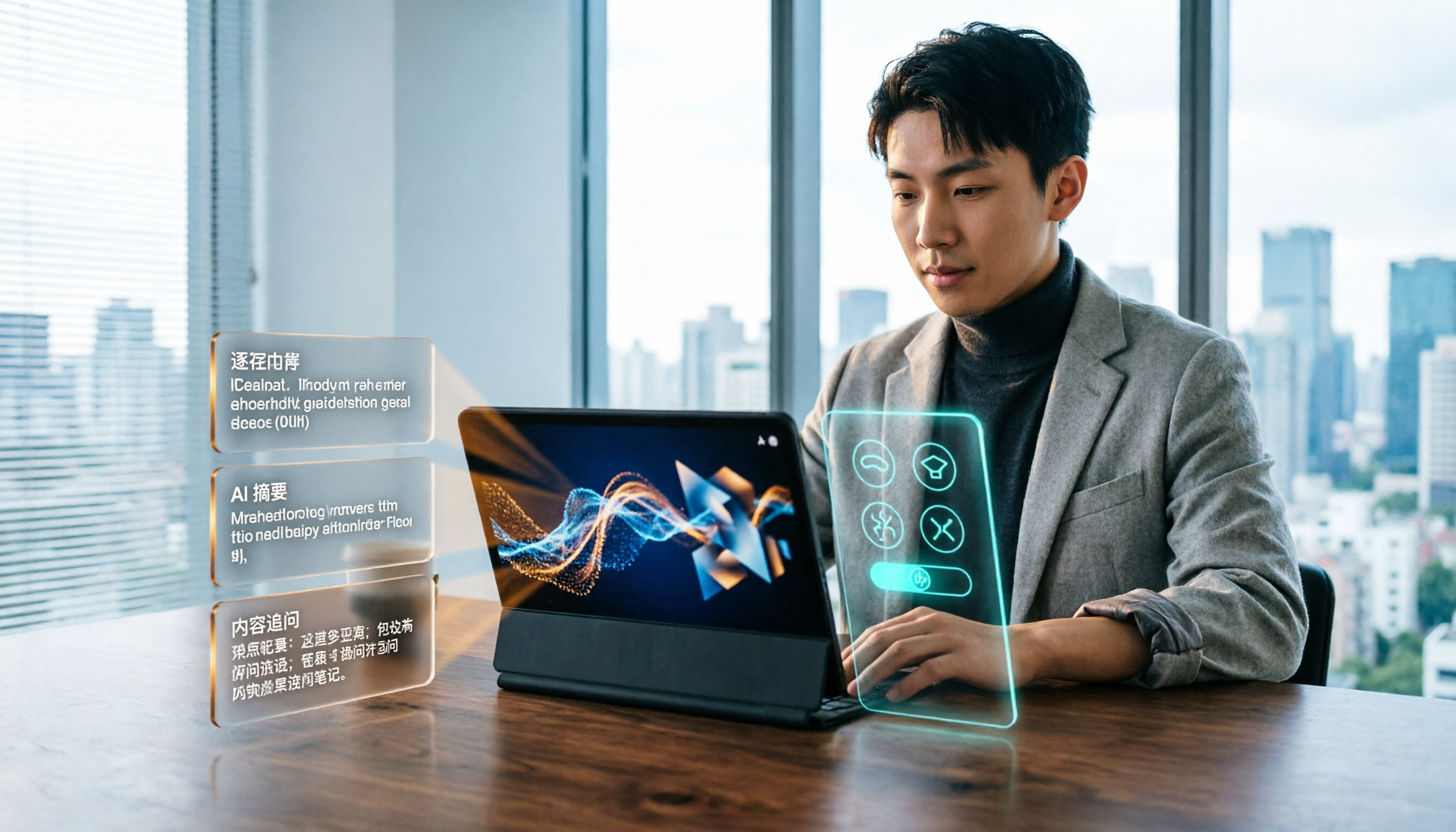
2026 Short Video Learning Efficiency Tools Buying Guide: 4 Tested Picks and Recommendations
Watched tons of short videos but can't remember them? This article breaks down 5 key points for choosing short video learning tools, compares 4 tools with hands-on testing, and shares 5 common pitfalls to avoid. It also explains how to use transcripts, AI summaries, and content Q&A to turn fragmented viewing into notes you can find and explain.

4 Real-Time Speech-to-Text Tools Compared for 2026: Which One Is Best for Chinese Meetings?
Chinese meetings, mixed Chinese-English, multiple people talking over each other—how do you choose a real-time speech-to-text tool? This article compares Tinrec, Otter.ai, Granola, and PLAUD based on real-world usage scenarios, covering meeting recording methods, post-meeting organization, AI follow-up questions, team collaboration, and pricing limits, and summarizes key buying factors and common pitfalls to help you decide which tool best fits your workflow.

6 Best MP3 to Text Tools in 2026: Which Free Version Is Actually Enough?
Meeting and interview MP3s pile up on your phone, and manual transcription takes far too long. This guide compares 6 MP3-to-text tools, from free online transcription to AI meeting assistants with summarization and Q&A, covering free limits, pricing, and best use cases to help you find the most time-saving option.

2026 Speech-to-Text Comparison: Tencent Cloud ASR vs. Meeting Bots vs. Tinrec
Speech-to-text isn't just about uploading an audio file. This article addresses three common mistakes office workers make, comparing cloud ASR services like Tencent Cloud Speech Recognition, AI assistants that join meetings as bots, and Tinrec's desktop-based bot-free meeting transcription workflow. It covers real-time transcription, AI summaries, action item extraction, team spaces, and key purchasing considerations.

2026 Comparison of 4 Automatic Meeting Minutes Software: From Free to Team Editions
How to choose automatic meeting minutes software? This article addresses common misconceptions and compares Tinrec, Otter.ai, Notta, and Granola on meeting capture methods, post-meeting organization, Chinese language support, and team collaboration. It also provides selection criteria and pitfalls to help you find the right solution for Chinese meetings and team knowledge retention.

2026 Video Note-Taking Tools Compared: Which One Turns a 2-Hour Lecture into Exam-Ready Notes?
A week before finals, I opened a dozen lecture recordings and couldn't find the key points. This student-perspective comparison of 4 video note-taking tools covers whether they accept your video files, whether they produce summaries and action items, whether you can ask follow-up questions, and whether the free tier is enough. I also share my full-semester experience with Tinrec, including its workflow and limitations.

The Complete Guide to Image Text Recognition in 2026: OCR Principles, Tool Selection, and Practical Workflow
Should you use an online tool, a mobile app, or built-in features for image text recognition? This article starts with OCR principles, helps you assess image types and choose the right tool, walks through the complete workflow from cropping and recognition to proofreading and archiving, and explains which tool to use for meeting recordings.

2026 Voice Recorder Guide: Turn Meeting Audio into Transcripts and AI Summaries with Action Items
Most people searching for a "voice recorder" actually need a tool that turns meeting audio into usable text. This guide covers common misconceptions, four key factors for choosing the right tool, and a hands-on review of Tinrec's bot-free meeting recording, AI Q&A, and team spaces, plus a brief look at Otter.ai, Notta, and Granola for different use cases and pitfalls to avoid.

4 Best EPUB to PDF Converters in 2026: Which Free Version Is Good Enough?
Bought an ebook but can't open it? This article shares hands-on testing of 4 online EPUB to PDF converters, comparing free limits, file size restrictions, layout preservation, and privacy handling, with step-by-step instructions and pitfalls to avoid.