
Turn recordings into transcripts and summaries in minutes
Upload audio or video for multilingual transcription, AI notes, and action items
2026 Short Video Learning Efficiency Tools Buying Guide: 4 Tested Picks and Recommendations
The Biggest Problem with Short Video Learning: You Think You've Learned, But You've Only Watched
You're scrolling through a 30-second educational short video on the subway, and after watching it, you feel like you "get it." Three days later, a colleague asks you about that three-step process, and all you remember is that the screen was blue.
A more common scenario: you have two hundred videos saved in your favorites, but when you actually need to use one, you can't find the one that "explained it most clearly." You've saved screenshots in an entire photo album, but you can't piece together the original logic. The video's auto-captions can't be copied or searched, so if you want to look up a sentence, you have to drag the timeline again.
Short videos aren't unlearnable; the problem is "fragmented input" plus "zero output." What truly sets people apart isn't how fast you watch, but whether after watching, that content becomes something you can search, copy, and explain to others. That's why "choosing the right organization tool" and "choosing the right learning method" must go hand in hand.
Before Choosing a Short Video Learning Tool, Understand These 5 Key Points
1. Can it turn videos into searchable text? Content that can't be searched is as good as not saved. The first threshold is whether it can produce a transcript, and the timestamps must match the video so you don't get lost when reviewing.
2. Besides transcripts, does it have summaries and Q&A? Transcripts are raw material, not the finished product. What really saves time is automatic summaries, chapters, key points, and the ability to "ask follow-up questions about this content"—you can directly ask it "What are the three core conclusions of this video?" instead of slowly using Ctrl+F yourself.
3. Is the export process smooth? Do you keep your notes in Notion or Google Docs? If the output can only stay within the tool, you won't come back to use it. Whether it can export to your existing workflow determines if the tool will be shelved.
4. Cross-device usage Most people watch on their phone and organize on their computer. Whether it can seamlessly switch between iOS, Android, and web versions directly determines if you'll use it long-term.
5. Can the free tier complete a real experience? Don't just look at "has a free version"; see if the free version can run through a complete piece of content. If you can only try a few minutes, you can't test the real effect or judge whether it's worth keeping.
Tinrec – Our Top Pick After Testing
Tinrec is an AI meeting notes and collaboration tool for individuals and teams, supporting iOS, Android, and web, with a desktop version. Its positioning isn't just "turning sound into text," but organizing content into searchable, summarizable, queryable, exportable, and further processable data—for short video learning, this fills exactly the missing piece.
The first practical scenario is "video to transcript." You can directly import audio files recorded on your phone or course video files, and also import some public video content via web links (success depends on the platform and video format; this is a supplementary capability, not every platform works). The generated transcript retains the spoken content and timestamps, and can be searched and reviewed.
The second scenario is "no need to organize after watching." After transcription, Tinrec generates AI summaries, chapters, and key points, and extracts to-dos from the content. If you're watching a tool tutorial or product explanation, this chapter structure itself is already a note outline you can follow.
The third scenario, and the most critical differentiator: AI conversational query. You can directly ask questions about the recorded content, such as "How many methods for improving memory were mentioned in this interview?" "At what minute did the speaker mention review frequency?" It gives answers based on semantics, not keyword search results. Also, for mixed Chinese-English content, Tinrec supports original text, translation, or bilingual view, and also supports real-time translation during recording.
We tested in three real scenarios: a 12-minute Chinese educational video, an interview video with background music and ambient noise, and a mixed Chinese-English product explanation. In our tests, segments with clean audio performed best; segments with loud background noise and multiple people talking over each other had significantly higher error rates. That's why we're unwilling to give a "fixed 98% accuracy" number—accuracy is never a single attribute of a tool, but a function of recording conditions.
Pros:
- One workflow covers "input → transcription → summary → Q&A → export," no need to move files between four apps.
- Output is directly portable: transcripts, summaries, chapters, mind maps, reports, tables, and documents, and can be exported to Notion, Google Docs, OneNote, Dropbox, etc. for further use.
- The desktop version records online meetings via system sound, without adding a meeting bot to the meeting room; cross-device switching is especially friendly for those who "watch on phone, organize on computer."
Stop organizing recordings by hand
Upload audio or video and automatically get a transcript, summary, and action items
Limitations:
- The free version provides a basic quota, suitable for experiencing the workflow, not for heavy daily imports; heavy use requires a paid plan.
- Web link import only covers some public videos; not all platforms can be directly linked, so set expectations accordingly.
- Accuracy is affected by accents, noise, overlapping speech, and technical terms; for important content, it's recommended to replay and verify with timestamps.
Who it's for: If the content you learn is mainly in Chinese, often mixed with English, and you want a searchable, queryable note right after watching, and you switch between phone and computer—Tinrec is currently the closest solution to this need.
If you're a content team, book club, or company doing internal training material accumulation, the team version offers independent team spaces, member and role management, seat allocation, usage analytics, audit logs, and an audio recycle bin. Meeting and learning data belong to the team and won't disappear when individuals leave. The first eligible team trial is 7 days, 1 free seat, 300 minutes of team shared import quota; afterward, each paid seat provides 2,000 minutes of team shared import quota per month (USD 29.80/paid seat/month, annual USD 199/paid seat/year; actual prices and benefits are subject to the official purchase page).
Besides Tinrec, What Other Options Are There?
Notta: Multilingual transcription and translation are well done, and it supports file import, making it an entry-level choice for many organizing foreign language materials. Note that the free version has 120 minutes per month and a 3-minute limit per single content—a 20-minute lecture video will be cut off. Its transcription experience is mature, but for further processing content into reports, tables, and other post-meeting outputs, as well as bot-free recording via desktop system sound, Tinrec's design is closer to the goal of "organizing into usable notes."
TurboScribe: If you have a bunch of long recordings and need batch subtitle processing, it's very cost-effective. The paid version supports up to 10 hours per file and multiple file uploads at once. Its core is "file transcription + subtitles + translation," with no real-time recording, and no workflow that strings together summaries, Q&A, to-dos, and export. Tinrec's difference is here—it's more like "learning while organizing," not just adding subtitles afterward.
Otter.ai: One of the top choices for English content, with a generous free version of 300 minutes per month, and a mature experience for organizing English meetings. Its main strength is English business scenarios; Chinese and mixed Chinese-English content are not its forte. If the short videos you learn are mainly in Chinese, Tinrec's Chinese experience, real-time translation, and bilingual view are more suitable. Of course, if you only handle English content, Otter.ai is one of the few alternatives worth considering in this article.
Pitfall Guide: The 5 Most Common Mistakes in Short Video Learning
Pitfall 1: Only looking at "has a free version," not the limitations. Many tools' free versions limit single length or total quota, forcing you to split long content into several uploads, and just stitching them together wastes half an hour. Before choosing, confirm whether the free quota can run through a real piece of your content.
Pitfall 2: Treating "has auto-captions" as "has notes." Auto-captions can't be searched, queried, or exported as structured notes. Captions are the display layer; transcripts and workflows are the data layer.
Pitfall 3: Only input, no output. The core of the Feynman technique is to accelerate understanding by "teaching others"—explain what you've learned, write a summary, and you'll immediately find where you didn't really understand. Tools can help you generate summaries, but the act of "re-explaining in your own words" cannot be outsourced.
Pitfall 4: Multitasking. Watching videos while replying to messages causes the brain to frequently switch between tasks, which is especially draining. Focusing on one thing at a time is actually more efficient.
Pitfall 5: Not scheduling reviews. The Ebbinghaus forgetting curve makes it clear: new information is forgotten quickly. A feasible approach is spaced repetition—first within 24 hours, second after a week, third after a month. That's why transcripts need to be searchable: if you can still find that sentence three months later, review is meaningful.
Two more tips worth trying: use the Pomodoro technique to split learning into "30 minutes focus, 5 minutes break" blocks; when the environment is noisy, use white noise with a single frequency and little variation to mask interference. After learning, go for a walk to let your brain organize, and memory becomes more stable.
Conclusion: Which One Should You Choose?
First, the conclusion: for the need of "Chinese short video learning, searchable and queryable after watching," Tinrec is our top pick after testing.
- Want to turn Chinese or mixed Chinese-English videos into searchable transcripts → Tinrec
- Want to ask directly after recording "What are the three key points of this video?" → Tinrec (AI conversational query)
- Watch on phone, organize on computer, and export to Notion or Google Docs → Tinrec
- Content teams, book clubs needing to co-accumulate learning materials → Tinrec team version (team space, members and seats, usage and audit)
- Only handle English, want to save budget → Otter.ai (free version 300 minutes)
- Have a large number of long recordings, only need batch subtitle transcription → TurboScribe
Tools solve "datafication," methods solve "remembering." Connect the two: use tools to turn videos into searchable transcripts and summaries, then use the Feynman technique and spaced repetition to make it your own. It's recommended to first run a real workflow with the free version, and consider upgrading if it feels smooth; no need to pay from the start.
References
- How to improve learning efficiency? Don't say you learn efficiently without trying these 5 methods - PressPlay
- The impact of short videos on children's learning | Hsin-Yi Parenting | Hsin-Yi Foundation | Age-specific parenting, parents' best helper
- Efficient learning methods: Six secrets to improve learning efficiency - ProcessOn
- Break through learning plateaus: Master "time management" and "note organization" to help you improve learning efficiency - Hot Topics
- The impact of online video teaching on learning outcomes: A case study of an introduction to information applications course
Turn every recording into actionable outcomes
Get 60 free transcription minutes when you sign in. No credit card required.
Related Reading
You might also like

How to Choose an Online Transcription Tool in 2026: 5 Steps to Pick the Right One and Say Goodbye to Typing Transcripts
Online transcription tools fall into three categories: font generators, image OCR, and speech-to-text. Most people actually need the last one. This article walks you through 5 steps to choose the right tool, tests Tinrec's performance in Chinese meetings, bot-free recording, and AI Q&A, compares it with Notta, TurboScribe, and cSubtitle, and gives clear recommendations based on use cases.
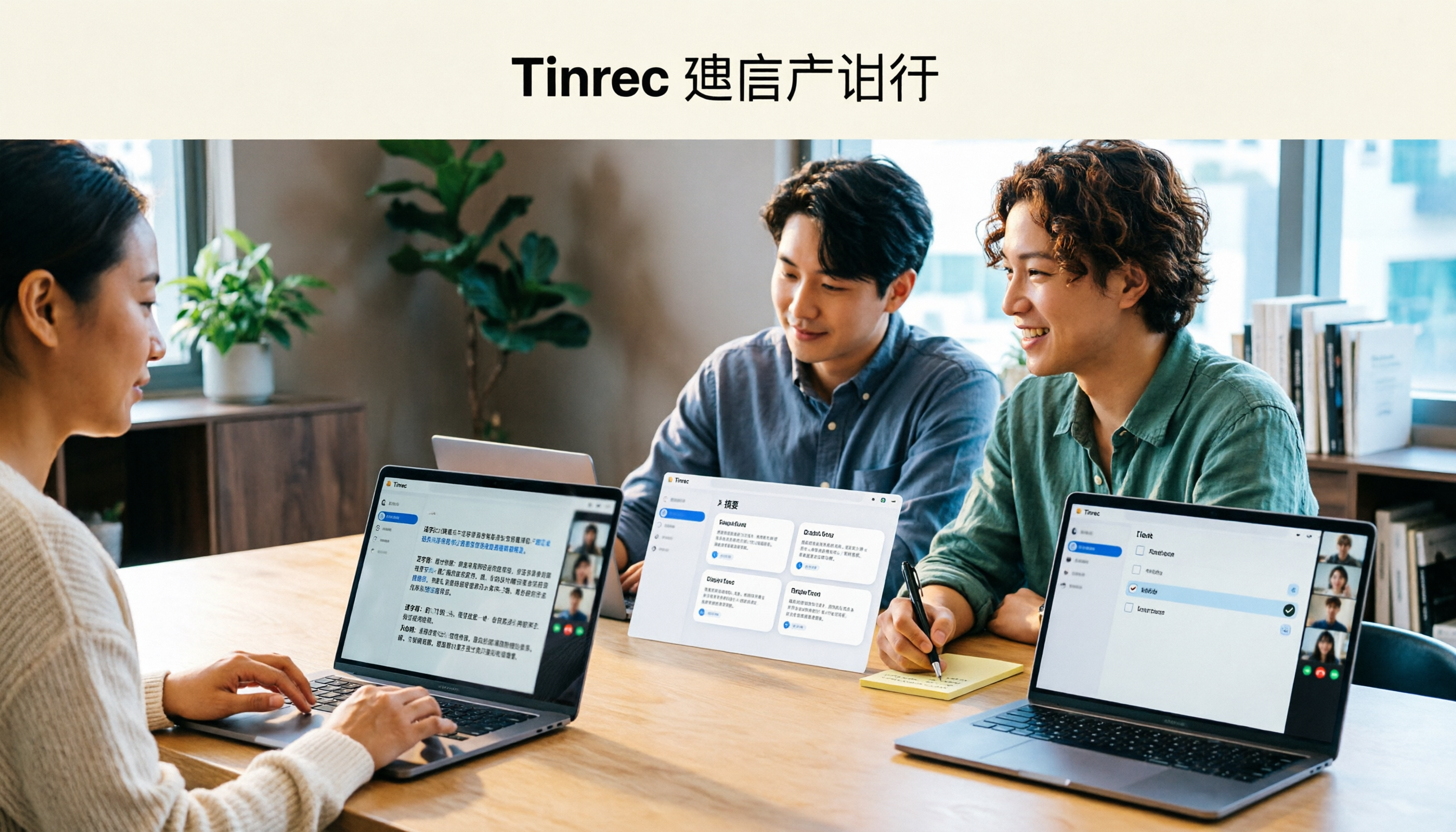
Tinrec Review 2026: AI Meeting Notes Without a Bot + Auto Summaries & Action Items
Tired of staying late to write meeting minutes? This guide breaks down what to look for in an AI meeting notes tool, explains how Tinrec captures Zoom, Meet, and Teams calls on desktop without a bot, and automatically generates transcripts, summaries, and action items. The team plan turns meetings into searchable, transferable team knowledge.

2026 Complete Guide to Online Speech Synthesis: How to Choose Free Tools and Understand the Speech-to-Text Workflow
How should you choose an online speech synthesis tool? This article compares the differences and free quota calculations of TTSMaker, Ondoku, and Yating Text-to-Speech, and also explains the speech-to-text side, including the practical uses and plan limitations of Tinrec in meeting notes, AI Q&A, export, and team collaboration.
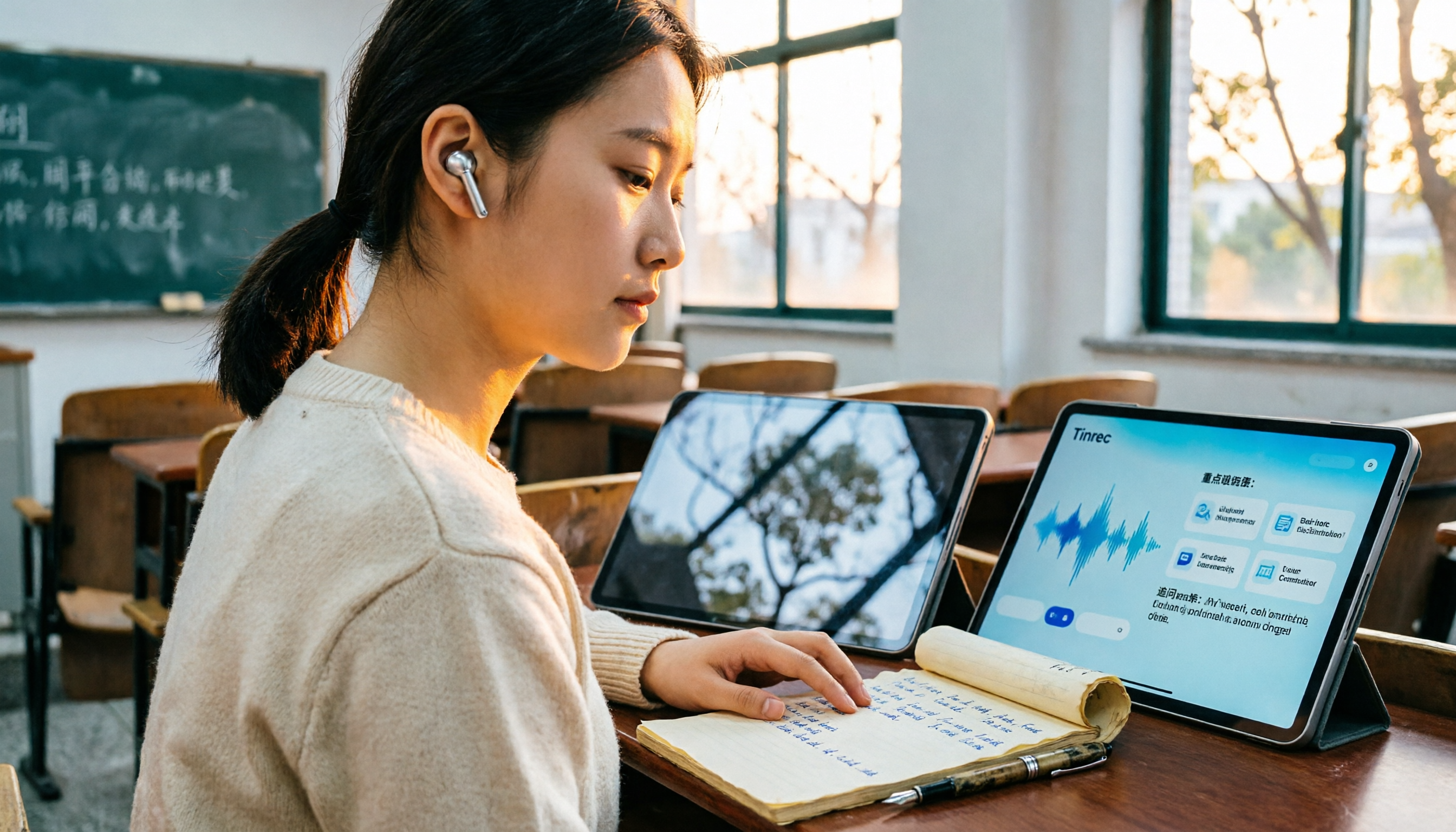
2026 Top 4 Knowledge Summary Apps Compared: From Class Recording to AI Key Points
The most common mistake in organizing knowledge points is focusing only on recording without a proper organization process. This comparison of 4 knowledge summary apps examines content sources, AI organization depth, follow-up questioning capabilities, and output to see which saves the most time, along with buying tips, pitfalls to avoid, and selection advice for different scenarios.

2026 Video Link to Text: 5 Tools Tested and Compared — Paste a Link, Get a Transcript, Which Saves the Most Time?
We tested 5 video link to text tools, analyzing their pros and cons from link import, transcription organization, AI Q&A, to team collaboration. Tinrec stood out for its no-bot meeting recording, AI conversational queries, and team data retention. This article also covers selection criteria and pitfalls to help you find the most time-saving solution.

4 Real-Time Speech-to-Text Tools Compared for 2026: Which One Is Best for Chinese Meetings?
Chinese meetings, mixed Chinese-English, multiple people talking over each other—how do you choose a real-time speech-to-text tool? This article compares Tinrec, Otter.ai, Granola, and PLAUD based on real-world usage scenarios, covering meeting recording methods, post-meeting organization, AI follow-up questions, team collaboration, and pricing limits, and summarizes key buying factors and common pitfalls to help you decide which tool best fits your workflow.

6 Best MP3 to Text Tools in 2026: Which Free Version Is Actually Enough?
Meeting and interview MP3s pile up on your phone, and manual transcription takes far too long. This guide compares 6 MP3-to-text tools, from free online transcription to AI meeting assistants with summarization and Q&A, covering free limits, pricing, and best use cases to help you find the most time-saving option.

2026 Speech-to-Text Comparison: Tencent Cloud ASR vs. Meeting Bots vs. Tinrec
Speech-to-text isn't just about uploading an audio file. This article addresses three common mistakes office workers make, comparing cloud ASR services like Tencent Cloud Speech Recognition, AI assistants that join meetings as bots, and Tinrec's desktop-based bot-free meeting transcription workflow. It covers real-time transcription, AI summaries, action item extraction, team spaces, and key purchasing considerations.

2026 Comparison of 4 Automatic Meeting Minutes Software: From Free to Team Editions
How to choose automatic meeting minutes software? This article addresses common misconceptions and compares Tinrec, Otter.ai, Notta, and Granola on meeting capture methods, post-meeting organization, Chinese language support, and team collaboration. It also provides selection criteria and pitfalls to help you find the right solution for Chinese meetings and team knowledge retention.