

Turn recordings into transcripts and summaries in minutes
Upload audio or video for multilingual transcription, AI notes, and action items
2026 Comparison of 4 Automatic Meeting Minutes Software: From Free to Team Editions
How to Choose Automatic Meeting Minutes Software? Avoid These 3 Common Misconceptions First
Many people searching for a meeting minutes tool for the first time will directly search for "free transcription" and then download a bunch of apps. But this is usually the beginning of a pitfall.
The first misconception: thinking that having a transcript equals having meeting minutes. A transcript just turns sound into text, without summaries, chapters, or action items. After the meeting, you still have to go through it from the beginning.
The second misconception: thinking that a meeting bot is always the most convenient. A bot needs to join the meeting as a participant. Some platforms don't allow it, some participants find it disruptive, and not every meeting is suitable for a bot.
The third misconception: only looking at free quotas and ignoring whether you can search, follow up, and hand over after the meeting. If you can't find key points after recording and things fall apart when someone else takes over, it's as good as not recording.
A more reasonable approach is: first look at how the meeting is recorded, then see whether the recording can become usable meeting data.
Before Choosing Automatic Meeting Minutes Software, Understand These 5 Key Points
1. Meeting Capture Method
There are two common approaches: one is a meeting bot joining the online meeting; the other is a desktop app directly capturing the computer's system audio. Tinrec's desktop version belongs to the latter. It doesn't require inviting a bot into the meeting, making it less disruptive for external client meetings.
2. Output After Transcription
A transcript alone is not enough. You need to see whether it can automatically generate summaries, chapters, key points, action items, and mind maps. Tinrec treats these post-meeting organization features as core functionality, not add-ons.
3. Chinese and Multilingual Experience
Chinese meetings, mixed Chinese-English, real-time translation, and team hotwords are what most Taiwan teams actually use. Tinrec is worth focusing on in this regard, though actual performance will still be affected by recording quality, accents, and noise.
4. Audio Retention and File Import
Some tools don't save meeting audio and can't upload pre-recorded files. Tinrec supports retaining audio and transcribing audio/video files, which is more practical for those who need to replay and verify.
5. Team Collaboration and Governance
Personal tools and team spaces are two different things. For team editions, consider members, roles, seats, usage, audit, and recycle bin. Tinrec's team edition centralizes these management features, and meeting data belongs to the team.
Tinrec — Why It's the Top Choice Here
Tinrec is an AI meeting minutes and collaboration tool for individuals and teams. It supports real-time recording, bot-free online meeting transcription, audio/video file import, and real-time translation, and can automatically generate summaries, chapters, action items, and mind maps.
Record online meetings without a meeting bot
Open Tinrec's desktop version, and it directly captures the computer's system audio, handling online meetings on Zoom, Google Meet, Microsoft Teams, Webex, etc. You don't need to pull an extra bot into the meeting, and clients and colleagues won't see an additional participant.
Get usable meeting data right after the meeting
After the meeting, Tinrec generates a transcript, AI summary, chapters, and action items. You can ask questions directly about the meeting content, such as "Who mentioned the budget in the last meeting?" It answers based on semantic understanding, not just keyword search results. This capability is not available in every meeting tool.
Team space lets meetings settle
Tinrec's team edition provides an independent team space where meeting data belongs to the team. Administrators can manage owners, admins, and regular members, assign or revoke seats, view usage trends and audit logs, and handle accidentally deleted files through the audio recycle bin. When a member leaves or loses a seat, team resources can be handed over to other active members.
Stop organizing recordings by hand
Upload audio or video and automatically get a transcript, summary, and action items
Pricing and Quotas
The personal edition has a free version, weekly pass, Pro monthly, and Pro annual, suitable for different usage frequencies. The team edition's first eligible trial is 7 days, 1 free seat, and 300 minutes of team shared import quota; team monthly is USD 29.80 per paid seat per month, annual is USD 199 per paid seat per year, equivalent to about USD 16.58 per month. Each paid seat provides 2,000 minutes of team shared import quota per month. Real-time recording under an active team plan and active seat is currently not deducted by minutes; file and web imports use the team shared quota. Actual prices and benefits are subject to the official purchase page.
Pros
First, bot-free recording makes online meeting minutes more natural. Second, post-meeting organization is complete, with summaries, action items, Q&A, and export all in one place. Third, the team edition has roles, seats, usage, and audit, suitable for departments that need to accumulate meeting assets.
Limitations
Tinrec does not recommend promising a fixed accuracy rate; actual transcription will be affected by recording quality, noise, accents, overlapping speech, and technical terminology. Free and personal editions have limited quotas, and heavy use still requires payment.
Who is it for
If you often have Chinese meetings, don't want a bot joining the meeting, want to use AI to find key points directly after the meeting, or need your team to jointly save meeting data, Tinrec is a very suitable choice.
Besides Tinrec, What Other Meeting Minutes Tools Can You Consider?
Otter.ai: A mature English meeting assistant. Free version has 300 minutes per month; Pro annual is about USD 8.49 per user per month. Teams mainly using English meetings can prioritize it. Tinrec's positioning emphasizes Chinese meetings, bot-free desktop recording, and team data retention, which make it more suitable for Chinese teams.
Notta: Multi-platform transcription, file import, translation, and team plans are all available. Free has 120 minutes per month; Pro annual is about USD 8.17 per month; Business annual is about USD 16.67 per seat per month. It overlaps significantly with Tinrec, but Tinrec can highlight bot-free online meeting recording, team space, AI Q&A, and Agent post-processing.
Granola: A bot-free AI meeting notes tool. Basic is free; Business is USD 14 per user per month. It emphasizes notes plus AI enhancement, but does not support uploading pre-recorded audio files and does not save meeting audio. Tinrec supports retaining recordings, file import, and team data management.
Pitfall Guide: The 4 Most Common Mistakes When Choosing Automatic Meeting Minutes Software
Pitfall 1: Only looking at the accuracy rate advertised by the vendor. Many tools claim high accuracy, but that's measured in a quiet environment. Real meeting rooms have air conditioning noise, keyboard sounds, and people talking over each other. It's recommended to try with your own recordings.
Pitfall 2: Thinking that a bot joining the meeting is the easiest. A bot needs to join as a participant. Some platforms restrict it, and some clients mind. Tinrec's desktop version captures system audio without adding a participant, making it more friendly for external meetings.
Pitfall 3: Only using the tool as a transcriber. If you only convert to text, you're only using one third of its value. Tinrec's AI Q&A, action item extraction, and export are the keys to saving time.
Pitfall 4: The team has no unified space. Meeting data is scattered across personal accounts, and when members leave, they take it with them. Tinrec's team edition makes data belong to the team and manages usage permissions through seats and roles.
Conclusion: Which One Should You Choose?
Need Chinese meetings, don't want a bot in the meeting → Tinrec (bot-free desktop recording).
Need summaries, action items, AI Q&A, and export after the meeting → Tinrec (complete post-meeting organization).
Team needs to share meeting data, manage seats, and audit → Tinrec (team space and governance).
Mainly English meetings, limited budget → Otter.ai (larger free quota).
Need hardware portable recording → PLAUD (standalone recording device).
It's recommended to start with Tinrec's free version or team trial, run it with your own meeting recordings, confirm that summaries, action items, and Chinese transcription meet your needs, then consider upgrading.
Data Sources
- Tinrec product general knowledge and competitor comparison (internal data)
- Otter.ai official pricing page
- Notta official pricing page
- Granola official pricing page and transcription instructions
- PLAUD official device page and membership pricing page
References
- Meeting Ink - AI Meeting Minutes Assistant: Automatic Transcription and Summary
- Meeting Ink - 2026 AI Meeting Minutes Tools Tested | 7 Speech-to-Text and Summary Speed Comparison | Meeting Ink - AI Meeting Minutes Assistant: Automatic Transcription and Summary
- AI Meeting Minutes Generator
- No Time Limit! 3 Free AI Transcription Tools, Highly Recommended! AI Voice Notes Generate Meeting Minutes, Presentations, Mind Maps | 104 Career Power
- Meeting Minutes Are a Hassle? ChatGPT+Whisper Does It All! Automatic Transcription, Summary, and Sending | BusinessNext
Turn every recording into actionable outcomes
Get 60 free transcription minutes when you sign in. No credit card required.
Related Reading
You might also like

How to Choose an Online Transcription Tool in 2026: 5 Steps to Pick the Right One and Say Goodbye to Typing Transcripts
Online transcription tools fall into three categories: font generators, image OCR, and speech-to-text. Most people actually need the last one. This article walks you through 5 steps to choose the right tool, tests Tinrec's performance in Chinese meetings, bot-free recording, and AI Q&A, compares it with Notta, TurboScribe, and cSubtitle, and gives clear recommendations based on use cases.
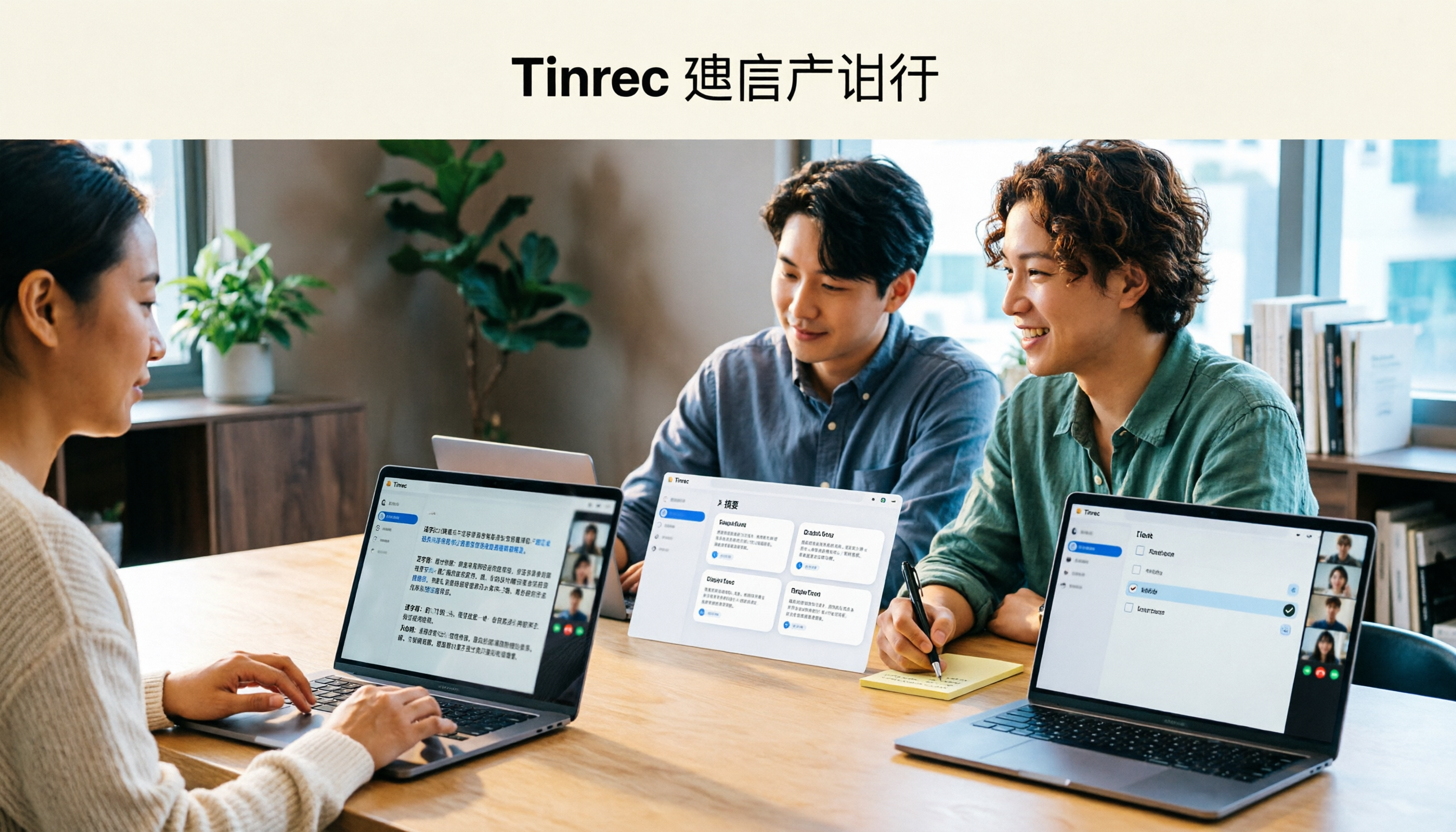
Tinrec Review 2026: AI Meeting Notes Without a Bot + Auto Summaries & Action Items
Tired of staying late to write meeting minutes? This guide breaks down what to look for in an AI meeting notes tool, explains how Tinrec captures Zoom, Meet, and Teams calls on desktop without a bot, and automatically generates transcripts, summaries, and action items. The team plan turns meetings into searchable, transferable team knowledge.

2026 Complete Guide to Online Speech Synthesis: How to Choose Free Tools and Understand the Speech-to-Text Workflow
How should you choose an online speech synthesis tool? This article compares the differences and free quota calculations of TTSMaker, Ondoku, and Yating Text-to-Speech, and also explains the speech-to-text side, including the practical uses and plan limitations of Tinrec in meeting notes, AI Q&A, export, and team collaboration.
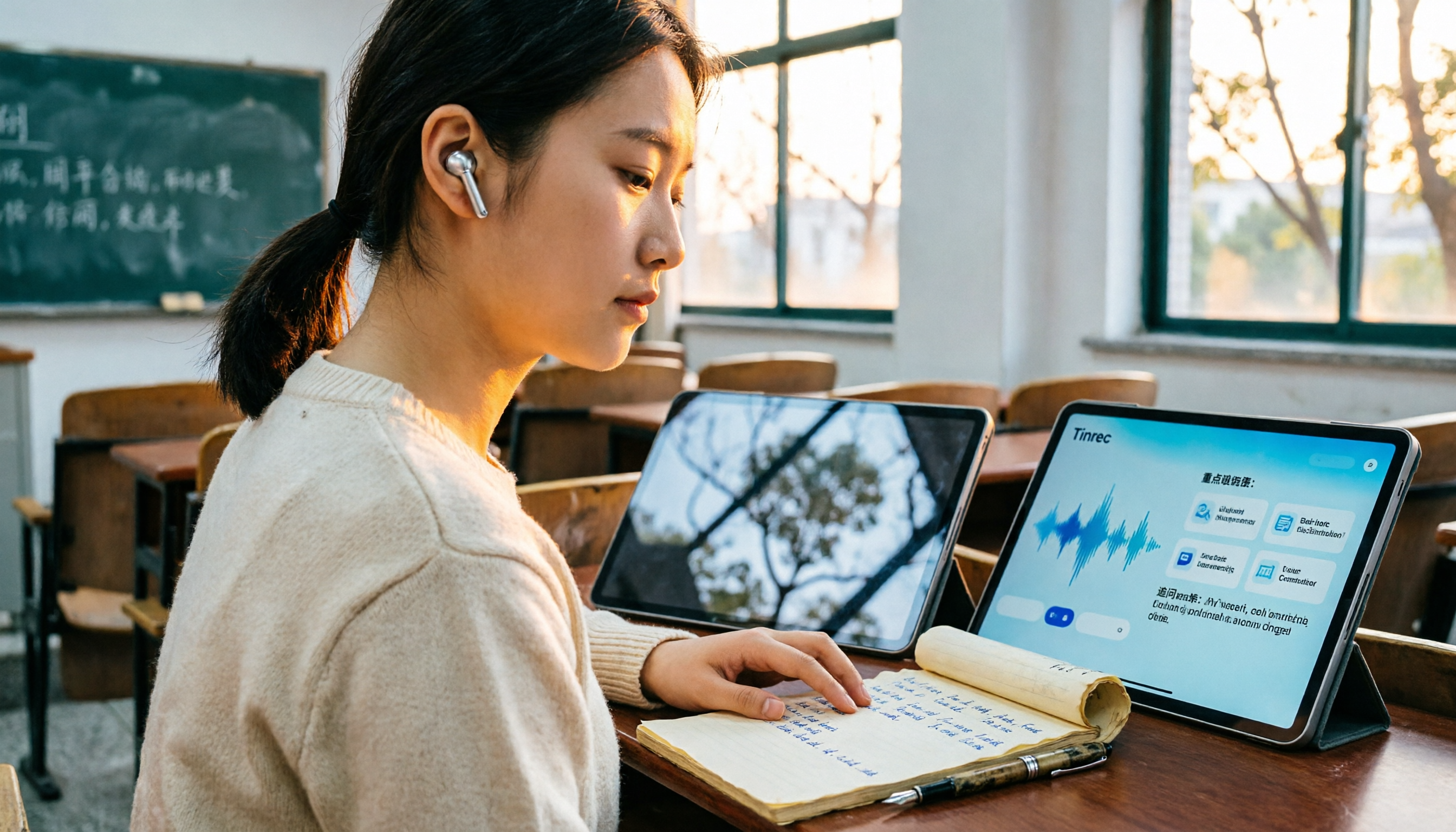
2026 Top 4 Knowledge Summary Apps Compared: From Class Recording to AI Key Points
The most common mistake in organizing knowledge points is focusing only on recording without a proper organization process. This comparison of 4 knowledge summary apps examines content sources, AI organization depth, follow-up questioning capabilities, and output to see which saves the most time, along with buying tips, pitfalls to avoid, and selection advice for different scenarios.

2026 Video Link to Text: 5 Tools Tested and Compared — Paste a Link, Get a Transcript, Which Saves the Most Time?
We tested 5 video link to text tools, analyzing their pros and cons from link import, transcription organization, AI Q&A, to team collaboration. Tinrec stood out for its no-bot meeting recording, AI conversational queries, and team data retention. This article also covers selection criteria and pitfalls to help you find the most time-saving solution.
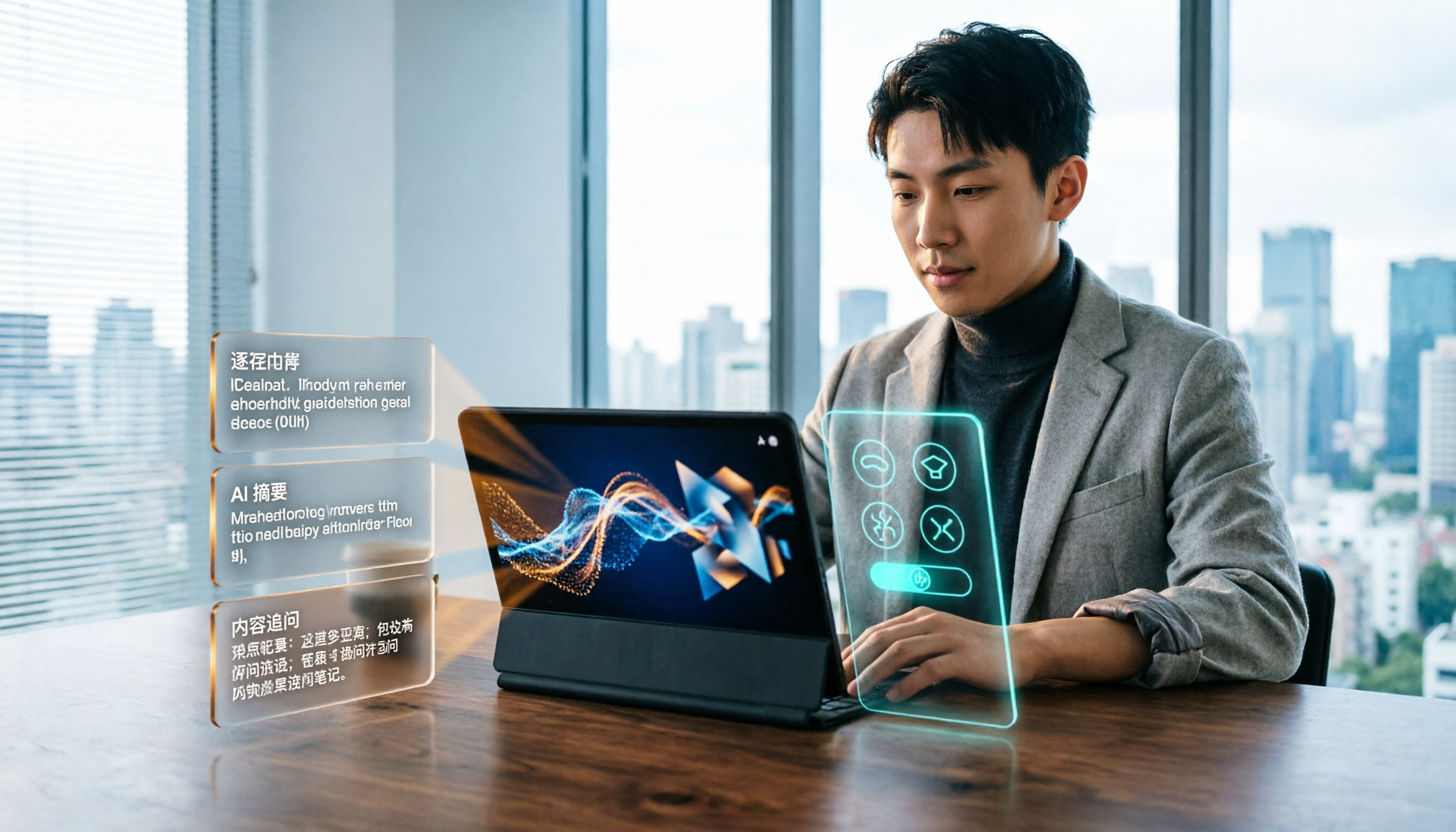
2026 Short Video Learning Efficiency Tools Buying Guide: 4 Tested Picks and Recommendations
Watched tons of short videos but can't remember them? This article breaks down 5 key points for choosing short video learning tools, compares 4 tools with hands-on testing, and shares 5 common pitfalls to avoid. It also explains how to use transcripts, AI summaries, and content Q&A to turn fragmented viewing into notes you can find and explain.

4 Real-Time Speech-to-Text Tools Compared for 2026: Which One Is Best for Chinese Meetings?
Chinese meetings, mixed Chinese-English, multiple people talking over each other—how do you choose a real-time speech-to-text tool? This article compares Tinrec, Otter.ai, Granola, and PLAUD based on real-world usage scenarios, covering meeting recording methods, post-meeting organization, AI follow-up questions, team collaboration, and pricing limits, and summarizes key buying factors and common pitfalls to help you decide which tool best fits your workflow.

6 Best MP3 to Text Tools in 2026: Which Free Version Is Actually Enough?
Meeting and interview MP3s pile up on your phone, and manual transcription takes far too long. This guide compares 6 MP3-to-text tools, from free online transcription to AI meeting assistants with summarization and Q&A, covering free limits, pricing, and best use cases to help you find the most time-saving option.

2026 Speech-to-Text Comparison: Tencent Cloud ASR vs. Meeting Bots vs. Tinrec
Speech-to-text isn't just about uploading an audio file. This article addresses three common mistakes office workers make, comparing cloud ASR services like Tencent Cloud Speech Recognition, AI assistants that join meetings as bots, and Tinrec's desktop-based bot-free meeting transcription workflow. It covers real-time transcription, AI summaries, action item extraction, team spaces, and key purchasing considerations.