
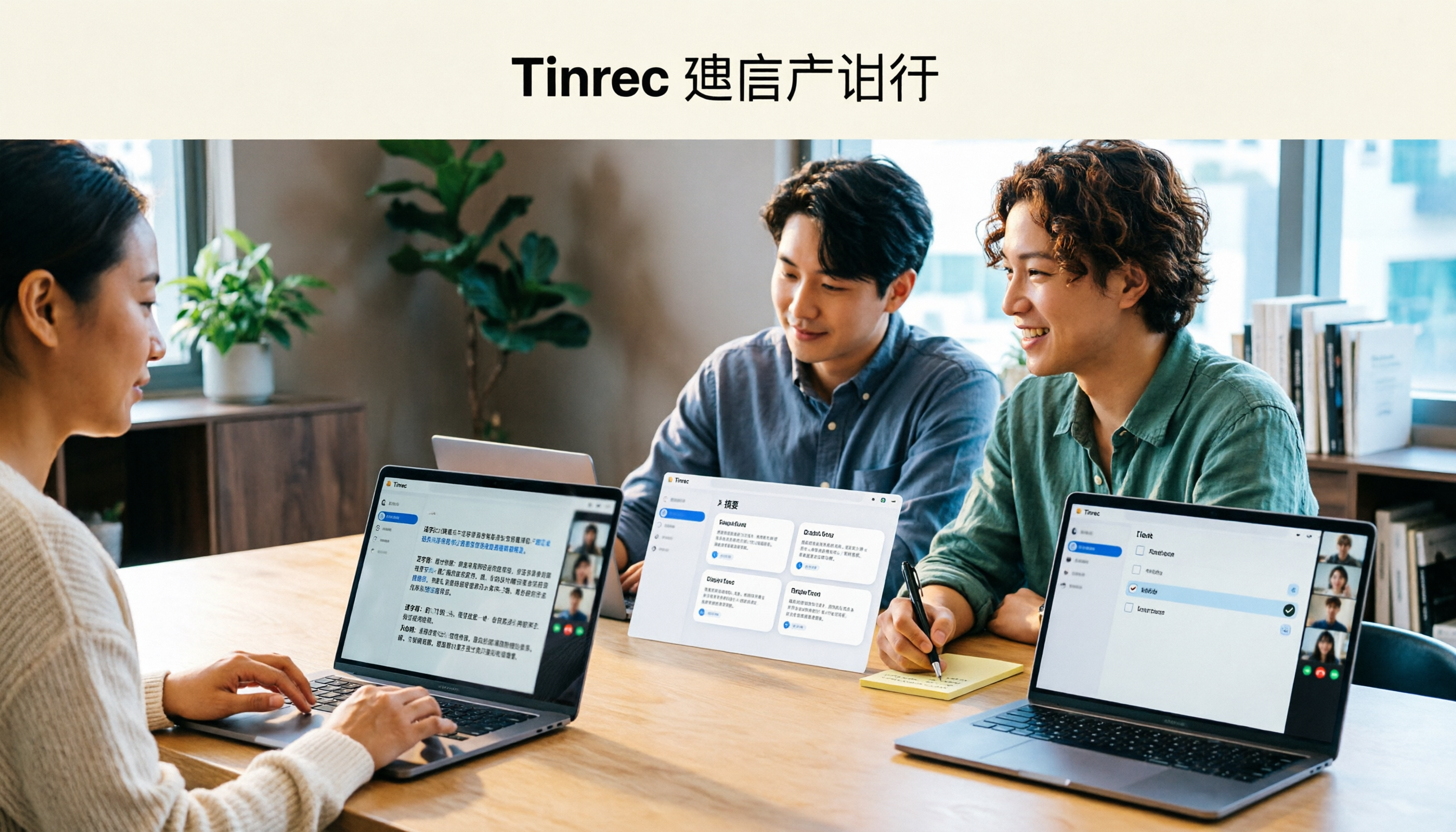
Turn recordings into transcripts and summaries in minutes
Upload audio or video for multilingual transcription, AI notes, and action items
Your 3 PM weekly meeting runs until 4:30. The moment it ends, you realize—you have no notes. Your manager talks fast, mixing English and Chinese, colleagues interrupt each other, and you try to type while listening. In the end, you just hit record and stay late to transcribe.
This isn't about typing speed. It's about information density and jumping conversations—your brain can't listen, understand, and organize all at once. Workers who regularly take meeting notes report saving about 60% of their documentation and output time with AI assistance. The key is treating AI as a noise filter, not dumping all responsibility on it. That's why "AI meeting notes" has been searched so much this year: people don't want another recording app; they want usable data right after the meeting.
Here's a practical look at what AI meeting notes can do, what to consider when choosing a tool, and where Tinrec actually saves time.
You've probably tried these AI meeting note tools—where do they fall short?
Common types include:
- Platform-specific tools: SeaMeet integrates with Google Meet, generating transcripts and live summaries during online meetings, then emailing content to all participants.
- Free online transcription: Easemate.AI offers free live transcription with timestamps, speaker identification, and key summaries; inFin requires no registration and works on mobile and desktop, but accuracy is lower and you'll need to proofread.
- Built into messaging apps: CLOVA Note by LINE works with any account, focuses on fast recognition, and can distinguish speakers.
- Free note assistants: NotebookLM is Google's free tool that generates audio summaries from imported files and can turn audio into mind maps or presentation videos.
- Recording hardware: Devices like PLAUD.ai record audio separately and convert to text, good for on-the-go notes.
After trying a few, most people hit similar walls: free tiers only cover a few minutes before prompting an upgrade; tools are tied to specific platforms, useless for in-person meetings or other software; you get a transcript but still have to summarize, extract action items, and archive manually; data lives in personal accounts, so colleagues can't take over.
If your problem is "the tool only turns audio into text but doesn't turn meetings into usable data," Tinrec's approach is worth a look.
How Tinrec differs from typical AI meeting notes: four key dimensions
1. Recording method: no meeting bot required
Many AI meeting tools join as a "meeting bot," adding an extra participant. Tinrec's desktop app captures your computer's system audio directly, handling Zoom, Google Meet, Microsoft Teams, Webex, and other online meetings without adding a bot account. For companies with strict IT policies, this is practical—no need to explain to IT why a stranger is in the meeting. Note: you still need to manually start recording in Tinrec; it doesn't auto-join all calendar events.
2. Language and mixed Chinese-English handling
Meetings in Taiwan are rarely pure Chinese; they mix Chinese with English terms. Tinrec covers Chinese, Traditional Chinese, and multilingual meeting scenarios, supports live translation during recording, and lets you switch between original, translated, or bilingual views. The team plan also maintains team glossaries for product names and internal codes. Actual performance depends on audio quality, accents, background noise, and overlapping speech—no tool should promise a fixed accuracy rate. When choosing, test with your company's most common meeting type rather than comparing claimed numbers.
3. What you can do after transcription
Transcripts are just the start. Tinrec automatically generates summaries, chapters, key points, and action items. It also supports AI Q&A about meeting content, generates reports, tables, and documents, and exports to Notion, Google Docs, OneNote, Dropbox, and other workflows. If you need "deliverables right after the meeting," this layer matters more than transcription minutes.
4. Data ownership and team collaboration
A common problem with personal tools is data tied to individual accounts—when someone leaves, meeting records scatter. Tinrec's team plan is a separate team space where meeting data belongs to the team, with member, role, seat, usage analytics, audit logs, and audio recycle bin management. To turn meetings into long-term team assets, this is the dividing line.
Tinrec's core features at a glance
Live recording to text: As you record in Tinrec, text appears simultaneously. You can watch the transcript during the meeting to check for missed points, and it's done when the meeting ends—no re-listening.
Bot-free desktop recording for online meetings: Open Tinrec desktop on your laptop to capture system audio from Zoom, Google Meet, Microsoft Teams, and Webex. No need to ask the host to add a bot or get permission.
Stop organizing recordings by hand
Upload audio or video and automatically get a transcript, summary, and action items
AI summaries, chapters, and action items: The hardest part of long meetings is finding key points later. Tinrec breaks content into chapters, generates summaries, and extracts action items. For a one-hour meeting with ten key points, reading the summary beats scrolling through 30 pages of transcript.
AI chat query: This saves the most effort. After recording, ask "What was the conclusion?" or "Who's responsible for what?" It understands semantics and answers without you manually searching keywords.
Live translation and bilingual view: For cross-language meetings, see original and translation simultaneously, and review bilingually afterward to reduce back-and-forth confirmation.
Export and Agent post-processing: Convert meeting results into documents, reports, or tables, and export to third-party tools to continue working—connecting meeting content directly to your workflow.
Real-world use cases
Weekly project meetings: Watch the transcript live, then confirm assignments from summaries and action items—no more spending an afternoon on notes. For those with three or four meetings a week, this saves regular overtime.
Client interviews and requirements discussions: Clients talk fast and change requirements on the fly. After recording, use AI Q&A to confirm "What objections did the client raise?" or "What did we promise?"—more reliable than writing from memory, and easy to hand off to sales or PMs.
Classes, lectures, and interview research: These are long and dense. Generate transcripts and chapters first, then use AI Q&A to pull quotes—more efficient than re-listening.
Cross-language meetings: Live translation keeps you on track during the meeting, and bilingual transcripts help verify details afterward, avoiding misunderstandings.
Meeting data handover: The team plan centralizes past meetings. New members can review past discussions and decisions without asking "Who has that record?"
Need multiple users? How Tinrec's team plan works
The team plan isn't "multiple people sharing one personal account"—it's a separate team space. You can create and switch between multiple teams, invite members via link, and set owners, admins, and regular members.
Distinguish "roles" from "seats": roles determine who can manage the team, members, audit, and team settings; seats determine whether a member can record, upload, edit, import/export, and use team resources. Active members without a seat can still view, play, and read team data, but can't upload, edit, or export. Also, the team plan currently offers team-level shared visibility, not per-file granular permissions—check if this fits your governance needs.
Pricing: first eligible team trial is 7 days, 1 free seat, 300 minutes of shared team import quota; monthly team plan is USD 29.80 per paid seat per month, annual is USD 199 per paid seat per year (about USD 16.58 per month). Each paid seat provides 2,000 minutes of shared team import quota per month. Live recording currently doesn't deduct minutes under an active team plan and seat; file and web imports use shared team quota. Actual prices, currencies, and promotions are subject to the official purchase page.
The team plan also includes usage trends and member details, team glossaries, audit log search and export, and an audio recycle bin (currently 30 days retention; action items are not included). When a member leaves or is removed, their team resources must be handed over to other active members—team data doesn't leave with the individual.
What to look for when choosing an AI meeting notes tool
How quotas are calculated, not just total minutes: Two tools may both say thousands of minutes per month, but some separate uploads and live recording, and some don't clarify per-session limits. Check whether your most common scenario (live meeting or post-upload) will be deducted. Tinrec's rules are relatively clear: live recording doesn't deduct minutes under an active team plan, and file imports use shared team quota.
Does the recording method comply with company policy?: Meeting bots appear in the participant list, which some corporate security policies disallow. Confirm whether the tool "joins the meeting" or "captures local system audio" before proceeding.
Are audio files retained?: Transcripts inevitably have errors. Being able to listen back to the original determines whether you dare to hand off content directly. This is often overlooked but crucial in practice.
Output after transcription: Tools that only give transcripts hand the organizing work right back to you. Look for summaries, chapters, action items, Q&A, and export—these determine how much time you actually save.
Team and data ownership: If meeting data will be used by colleagues, decide whether it lives in personal accounts or a team space, and how to hand over when members change.
Compliance and consent: Recording and transcription involve personal data and local regulations. Inform participants and get consent before recording, and handle storage and deletion per company policy.
Summary: Is Tinrec worth trying?
If you need "Chinese meetings, no bot in the meeting, and usable deliverables right after," Tinrec deserves a spot on your shortlist. Its three clear advantages: bot-free desktop recording for online meetings, post-transcription summaries and AI Q&A, and a team plan that turns meetings into a searchable, transferable team space. For teams in Taiwan that meet weekly and mix Chinese and English, these three points address the most time-consuming parts.
It's not a universal solution: if you mainly need to upload large files for subtitles, or just want a free occasional transcription tool, it may not be the best fit. Actual recognition depends on the recording environment; for important content, verify with transcript timestamps and original audio.
Start with the free version and test it on your most common meeting—the one with mixed Chinese-English and multiple speakers. A hands-on test beats any review.
References
- Meeting Ink - 2026 AI 會議紀錄工具實測|7 款語音轉文字與摘要速度大比拚 | Meeting Ink - AI 會議紀錄助手 自動轉錄逐字稿總結會議摘要
- 最近蠻多人問我,有沒有什麼 AI 工具可以做會議記錄? 他們現在還是手工打字,常常沒法一心二用,又蠻浪費時間。 我一律回答 —— SeaMeet 為什麼推薦?幫大家整理重點: -綁 Google Meet,線上會議同步轉逐字稿,又有即時摘要,超方便。 -不用特別重新整理,會議結束後,直接發信給所有會議參與者。 -操作簡單到爆,完全沒玩過 AI 工具的中老年人,我 10 分鐘就教會他們。 -實體會議
- 不限時間!3個免費AI逐字稿工具,好用推薦!AI語音筆記生成會議記錄、簡報、心智圖|104職場力
- 整理會議紀錄超痛苦?5招NotebookLM「AI筆記轉化術」,中英夾雜、專有名詞也能精準轉譯|數位時代 BusinessNext
- 會議紀錄用AI怎麼做?會議逐字稿如何整理?|AI語音轉逐字稿教學|104職場力
Turn every recording into actionable outcomes
Get 60 free transcription minutes when you sign in. No credit card required.
Related Reading
You might also like

2026 YouTube Learning Video Note-Taking Free Plans Compared: 4 Tools at a Glance
Watching videos is fun, but taking notes is a pain. This article starts from the choice of whether to go manual, semi-automatic, or fully automatic, and compares the free plans of Tinrec, Notta, TurboScribe, and Granola, including per-file length limits, AI summaries and Q&A, export capabilities, team spaces, and the four most common pitfalls when choosing a video note-taking tool.

How to Extract YouTube Videos in 2026: 5 Steps from Clips to AI Summaries
From a student's perspective, we debunk the most common misconception about YouTube video extraction: do you need the video file or the content? This article walks you through 5 steps to choose the right tool, tests how Tinrec imports via web link to turn public videos into transcripts, AI summaries, and queryable notes, and compares when to use clipping tools like CutterTube and YT1s.

2026 Comparison of 5 Audio-to-Text Tools: Which Is Fastest for Chinese Meeting Transcripts?
A hands-on review of 5 audio-to-text tools, covering Chinese recognition, bot-free meeting notes, AI summary Q&A, and team collaboration, to help you choose the best fit for your meeting scenario.
5 Best Free Audio to MP3 Converters in 2026: Which One Works Without Uploading?
Need to convert audio or video files to MP3? We tested 5 free online audio-to-MP3 converters, comparing upload requirements, supported formats, batch processing, browser compatibility, and audio quality to help you pick the right one for your needs.
4 Voice Announcers Compared in 2026: Hardware Alerts, System Announcements, TTS, and Tinrec — Which to Choose?
Voice announcers come in different forms: hardware alert devices provide on-site warnings and guidance, Siri announces calls and notifications, and Google's text-to-speech reads news aloud. But if you need to capture and reuse audio from meetings, interviews, and classes, none of these three suffice. This article compares four common voice solutions and explains how Tinrec fills the gap with transcripts, summaries, action items, and team collaboration.

How to Choose an Online Transcription Tool in 2026: 5 Steps to Pick the Right One and Say Goodbye to Typing Transcripts
Online transcription tools fall into three categories: font generators, image OCR, and speech-to-text. Most people actually need the last one. This article walks you through 5 steps to choose the right tool, tests Tinrec's performance in Chinese meetings, bot-free recording, and AI Q&A, compares it with Notta, TurboScribe, and cSubtitle, and gives clear recommendations based on use cases.

2026 Complete Guide to Online Speech Synthesis: How to Choose Free Tools and Understand the Speech-to-Text Workflow
How should you choose an online speech synthesis tool? This article compares the differences and free quota calculations of TTSMaker, Ondoku, and Yating Text-to-Speech, and also explains the speech-to-text side, including the practical uses and plan limitations of Tinrec in meeting notes, AI Q&A, export, and team collaboration.
2026 Top 4 Knowledge Summary Apps Compared: From Class Recording to AI Key Points
The most common mistake in organizing knowledge points is focusing only on recording without a proper organization process. This comparison of 4 knowledge summary apps examines content sources, AI organization depth, follow-up questioning capabilities, and output to see which saves the most time, along with buying tips, pitfalls to avoid, and selection advice for different scenarios.

2026 Video Link to Text: 5 Tools Tested and Compared — Paste a Link, Get a Transcript, Which Saves the Most Time?
We tested 5 video link to text tools, analyzing their pros and cons from link import, transcription organization, AI Q&A, to team collaboration. Tinrec stood out for its no-bot meeting recording, AI conversational queries, and team data retention. This article also covers selection criteria and pitfalls to help you find the most time-saving solution.