

Turn recordings into transcripts and summaries in minutes
Upload audio or video for multilingual transcription, AI notes, and action items
Why do you always end up typing it yourself when you look for an "online transcription tool"?
"Can you transcribe this meeting recording for me? I need it by 3 PM." — probably one of the most headache-inducing requests in the workplace. A two-hour meeting takes twice as long to type while listening, and you have to pause, rewind, and confirm who said what repeatedly.
Another common scenario: a client interview recording sits on your phone for three months, and every time you think about organizing it, you give up. After watching an online course, your notes are only three lines. Some people just want to digitize text from an image or a handwritten signature, only to find that free tools limit you to five uses per day.
The common thread in these scenarios is: the real pain point is never the word "transcription" itself, but whether anyone helps you organize the pile of text afterward. This article will first help you understand how to choose, then tell you directly which one we would pick after testing.
Before choosing an online transcription tool, understand these 5 key steps
Step 1: First confirm whether you want to convert fonts, images, or audio. "Online transcription tool" actually refers to three completely different tools. Font generators turn text into calligraphy, POP, or artistic fonts and save them as images; OCR tools extract text from images; speech-to-text tools turn recordings and videos into transcripts. Choose the wrong type, and no amount of spec comparison will help. In work scenarios, the third type is the most time-consuming and the most worth investing in.
Step 2: Chinese recognition ability is more important than "how many languages it supports." Many tools list a dozen languages, but the trickiest part of Chinese meetings is mixed Chinese-English, names, and jargon. When choosing, look at whether it is optimized for Chinese and whether you can customize professional terminology, rather than just comparing the number of languages.
Step 3: Look clearly at the real limitations of the free version. "Free" usually has three limitations: daily usage limits, single file length, and whether you can export. Some tools give only 5 uses per day on the free version, with reduced recognition quality; some free quotas are not even enough to record one meeting. Instead of reading ad copy, just try it with your longest recording.
Step 4: After transcription, can it save you a step? A tool that only gives you a long transcript is essentially handing the organizing work right back to you. Whether it can automatically generate summaries, chapters, to-dos, or even let you ask "What was the conclusion of this meeting?" directly after recording — that's where real time savings come from.
Step 5: Cross-platform and data storage. Recording on your phone today and organizing on your computer tomorrow is a common work rhythm. If the tool doesn't support cross-platform, or the transcribed files can only stay with the service provider and cannot be exported to your existing workflow, it becomes more troublesome in the long run. For team use, also consider whether meeting data can stay in the team space rather than following individual accounts.
Tinrec — the choice closest to "ready to use after transcription" in our tests
Tinrec is an AI meeting notes and collaboration tool for individuals and teams, supporting iOS, Android, desktop, and web. Its positioning is not just audio-to-text, but turning meeting recordings into searchable, summarizable, queryable, exportable, and further processable data.
Putting features into real scenarios makes it clearer. During meetings, open the desktop version to directly capture computer system audio, handling Zoom, Google Meet, Microsoft Teams, Webex, and other online meetings without inviting a meeting bot to join. While the meeting is in progress, the transcript is generated synchronously, and after it ends, AI has already organized the summary, chapters, and to-dos — who is responsible for what and when it's due, all clear at a glance.
After recording, this is where it differs most noticeably from similar tools. You can directly ask questions about the meeting content, such as "Who mentioned the budget in the last meeting?" or "What concerns did the client have about the delivery date?" It performs semantic understanding and answering, not just throwing a bunch of keyword search results at you. Additionally, it can regenerate results into reports, tables, or documents and export them to Notion, Google Docs, OneNote, Dropbox, and other tools for continued use.
Cross-language and historical data: Tinrec supports multilingual meeting transcription, and during recording you can switch between original text, translation, or bilingual view, which is especially useful for mixed Chinese-English meetings. Past audio and video files can also be uploaded for transcription, clearing out interview files that have been sitting on your hard drive for three months.
Stop organizing recordings by hand
Upload audio or video and automatically get a transcript, summary, and action items
In our tests, we used a roughly 5-minute Chinese meeting recording with multiple speakers overlapping and air conditioning background noise. Under these real conditions, the transcript was highly usable, the summary captured the main topics, and the to-dos corresponded to the spoken content. It should be noted that actual recognition performance is affected by recording quality, noise, accents, overlapping speech, and professional terminology; there is no such thing as a guaranteed "fixed 98%."
Three main reasons to buy:
- Bot-free recording of online meetings — no need to change your existing meeting process or ask others to agree to another bot joining.
- Complete post-transcription workflow — summaries, chapters, to-dos, AI Q&A, and multi-format export all in one place.
- Friendly to Chinese and team scenarios — Chinese meetings, mixed Chinese-English, and terminology management are all addressed; the team version centralizes meeting data into an independent team space, including members, roles, seats, usage analytics, and audit logs, so data remains with the team even when members leave.
Limitations to be clear about: The free version provides basic quota to experience recording, import, summary, and transcription. If you have many meetings every week, you will need to upgrade (weekly pass is suitable for short-term intensive use, Pro monthly and annual passes are suitable for regular users). Team version pricing and benefits are subject to the official purchase page; some capabilities should be confirmed before ordering.
Who it's for: If you have meetings two or three times a week, need Chinese transcripts, want to use AI to find key points directly after recording, and often switch between phone and computer — Tinrec will currently be the least troublesome choice.
Besides Tinrec, what other options are there?
Notta: A multi-platform transcription tool covering meeting notes, file import, and translation, with team plans. The free version offers 120 minutes per month, with a maximum of 3 minutes per session, so it's easy to hit the limit if you actually use it for meetings. It performs well in file transcription, but lacks Tinrec's bot-free desktop recording, AI Q&A, and Agent post-processing workflow.
TurboScribe: Takes a high-cost-performance file transcription route. Free version allows 3 files per day, 30 minutes per file; after payment, up to 10 hours or 5 GB per file, and up to 50 files at once, suitable for clearing large amounts of long audio files. But it is essentially "upload files for text," without real-time meetings, post-meeting to-dos, and team data accumulation — exactly Tinrec's strengths.
cSubtitle: Focuses on automatic transcription of audio and video files, supporting MP4, MOV, MP3, WAV, etc., with a single file capacity of 4 GB and duration up to 5 hours. It automatically adds punctuation, segments, and generates subtitle files with time codes, making it convenient for adding subtitles to videos. However, it leans toward a file tool, without team space and member seat management, and lacks Tinrec's AI Q&A that directly asks about meeting content.
Pitfall guide: 4 most common mistakes when choosing an online transcription tool
Pitfall 1: Only seeing the word "free." Free usually comes with limits on usage, length, or export, and some even compress recognition quality. The right approach is to try it with your longest, noisiest recording — you'll know if it's enough in one go.
Pitfall 2: Thinking transcription is the end. If it just turns a recording into a 10,000-word transcript, you still have to read it all yourself. When choosing a tool, look at summary, chapter, to-do, and Q&A features — that's the key to saving the second hour.
Pitfall 3: Ignoring Chinese and professional terminology. Chinese meetings often have mixed Chinese-English and internal company abbreviations. Without terminology management or Chinese optimization, the output will make you spend more time editing than typing.
Pitfall 4: Putting team data in personal accounts. Meeting records disappearing when members leave is a pain for many teams. When choosing a team plan, confirm data ownership, permissions, and handover mechanisms, rather than just looking at the price per person.
Conclusion: Which one should you choose?
First think clearly about what you want to convert:
- Meeting, interview, course recordings to become usable data → Tinrec (synchronous transcript, summary, to-dos, and AI follow-up questions)
- Need bot-free recording of Zoom, Meet, Teams online meetings → Tinrec (desktop version directly captures system audio)
- Need high-quality Chinese and mixed Chinese-English transcripts → Tinrec
- Want to use AI to directly ask for key points and conclusions after recording → Tinrec
- Team needs to share meeting data, manage seats and usage → Tinrec Team Version
- A bunch of historical audio/video files to batch transcribe → TurboScribe (prioritize volume) or Tinrec (need to continue using after transcription)
- Just want to extract text from images → A dedicated OCR tool is enough
- Want to turn text into artistic fonts or signature images → Font generator, unrelated to the above tools
If you are the person who organizes meeting notes every week, we suggest starting with Tinrec's free version quota, testing with your own work recordings, and then deciding whether to upgrade. Whether a tool is good or not, your own meeting recordings are the most honest judge.
References
- Online artistic font converter, free support for Traditional Chinese
- Online image to text | Free online text recognition | Online OCR software - 改图宝
- Online AI speech, video, audio file automatic transcription - Free trial - cSubtitle
- Online "Font Generator" special artistic fonts, calligraphy, cursive, cute flower text, POP font conversion
- Font To Png - Free font converter
Turn every recording into actionable outcomes
Get 60 free transcription minutes when you sign in. No credit card required.
Related Reading
You might also like

2026 YouTube Learning Video Note-Taking Free Plans Compared: 4 Tools at a Glance
Watching videos is fun, but taking notes is a pain. This article starts from the choice of whether to go manual, semi-automatic, or fully automatic, and compares the free plans of Tinrec, Notta, TurboScribe, and Granola, including per-file length limits, AI summaries and Q&A, export capabilities, team spaces, and the four most common pitfalls when choosing a video note-taking tool.

How to Extract YouTube Videos in 2026: 5 Steps from Clips to AI Summaries
From a student's perspective, we debunk the most common misconception about YouTube video extraction: do you need the video file or the content? This article walks you through 5 steps to choose the right tool, tests how Tinrec imports via web link to turn public videos into transcripts, AI summaries, and queryable notes, and compares when to use clipping tools like CutterTube and YT1s.

2026 Comparison of 5 Audio-to-Text Tools: Which Is Fastest for Chinese Meeting Transcripts?
A hands-on review of 5 audio-to-text tools, covering Chinese recognition, bot-free meeting notes, AI summary Q&A, and team collaboration, to help you choose the best fit for your meeting scenario.
5 Best Free Audio to MP3 Converters in 2026: Which One Works Without Uploading?
Need to convert audio or video files to MP3? We tested 5 free online audio-to-MP3 converters, comparing upload requirements, supported formats, batch processing, browser compatibility, and audio quality to help you pick the right one for your needs.

4 Voice Announcers Compared in 2026: Hardware Alerts, System Announcements, TTS, and Tinrec — Which to Choose?
Voice announcers come in different forms: hardware alert devices provide on-site warnings and guidance, Siri announces calls and notifications, and Google's text-to-speech reads news aloud. But if you need to capture and reuse audio from meetings, interviews, and classes, none of these three suffice. This article compares four common voice solutions and explains how Tinrec fills the gap with transcripts, summaries, action items, and team collaboration.
Tinrec Review 2026: AI Meeting Notes Without a Bot + Auto Summaries & Action Items
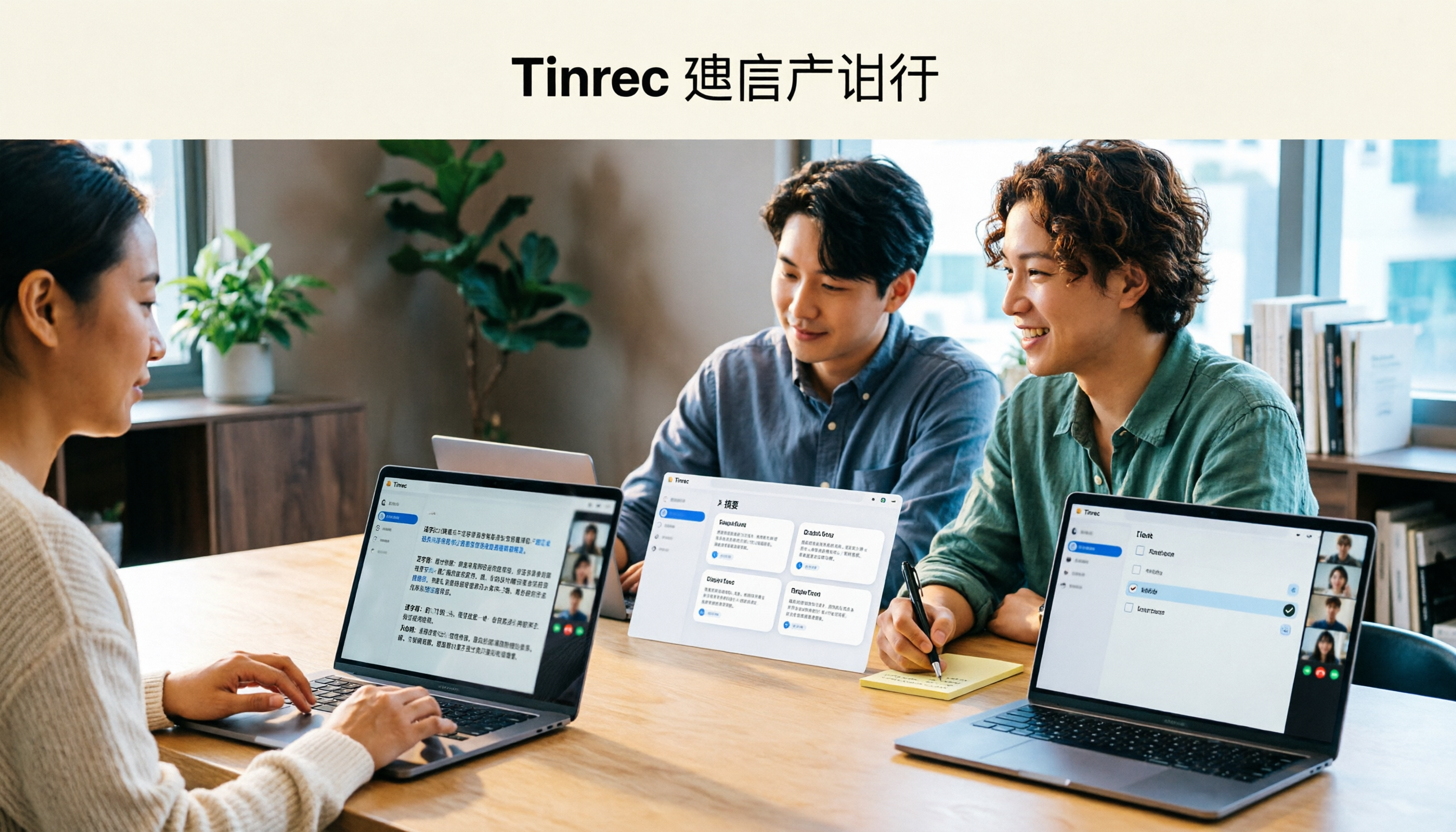
Tired of staying late to write meeting minutes? This guide breaks down what to look for in an AI meeting notes tool, explains how Tinrec captures Zoom, Meet, and Teams calls on desktop without a bot, and automatically generates transcripts, summaries, and action items. The team plan turns meetings into searchable, transferable team knowledge.

2026 Complete Guide to Online Speech Synthesis: How to Choose Free Tools and Understand the Speech-to-Text Workflow
How should you choose an online speech synthesis tool? This article compares the differences and free quota calculations of TTSMaker, Ondoku, and Yating Text-to-Speech, and also explains the speech-to-text side, including the practical uses and plan limitations of Tinrec in meeting notes, AI Q&A, export, and team collaboration.

2026 Top 4 Knowledge Summary Apps Compared: From Class Recording to AI Key Points
The most common mistake in organizing knowledge points is focusing only on recording without a proper organization process. This comparison of 4 knowledge summary apps examines content sources, AI organization depth, follow-up questioning capabilities, and output to see which saves the most time, along with buying tips, pitfalls to avoid, and selection advice for different scenarios.

2026 Video Link to Text: 5 Tools Tested and Compared — Paste a Link, Get a Transcript, Which Saves the Most Time?
We tested 5 video link to text tools, analyzing their pros and cons from link import, transcription organization, AI Q&A, to team collaboration. Tinrec stood out for its no-bot meeting recording, AI conversational queries, and team data retention. This article also covers selection criteria and pitfalls to help you find the most time-saving solution.