

Turn recordings into transcripts and summaries in minutes
Upload audio or video for multilingual transcription, AI notes, and action items
2026 Top 4 Knowledge Summary Apps Compared: From Class Recording to AI Key Points
First, the most common misconception: You don't lack note-taking skills; you're mistaking "recording" for "organizing"
Many people's knowledge organization process looks like this: frantically taking notes during class or meetings, recording audio on their phone simultaneously, then dumping the audio files into a folder—and never opening them again.
Three most common inefficient practices:
- Recording without organizing: Handwritten notes have the lowest information density. A 90-minute class condensed into two pages of text still requires recalling the context later.
- Recording without processing: To find a key passage in a recording, you have to listen from the beginning; for a 60-minute recording, finding one key point often takes over 10 minutes.
- Using only 30% of the tool: Treating AI tools as just "voice recorder plus transcription," not using summaries, Q&A, or export features—essentially buying half the functionality.
A more reasonable approach is to think of the process in four steps: content comes in → automatically converted to readable text → automatically segmented into chapters and key points → can be queried and output to existing workflows. When choosing an app, use these four steps to check which part it fills in.
Before choosing a knowledge summary app, understand these 4 key points
1. Does it give you a "transcript" or an "organized result"? A transcript is just raw material. What truly saves time is summaries, chapters, key points, and mind maps—compressing 60 minutes of content into a structure you can scan in 3 minutes. If a tool only outputs a wall of text, your organizing work hasn't decreased at all.
2. Can you directly "ask" it? This is the dividing line between new and old tools. The traditional approach is to press Ctrl+F to search for keywords, but you have to guess the right terms first; with AI Q&A tools, you can directly ask "What are the three core concepts mentioned in this class?" and it gives you answers, not a list of search results.
3. Where does your content come from? Offline classes require real-time recording; online courses and meetings require desktop capture of system audio; existing videos and audio files require file import. Only tools that support all three sources save you from switching between three apps for different scenarios.
4. Where does the organized content go? Notes ultimately end up in Notion, Google Docs, OneNote, or Dropbox. Whether it can be exported, whether it can directly generate reports or tables, determines whether this content becomes truly reusable knowledge points.
For team sharing (e.g., internal training, project meetings), consider one more layer: differences in members, roles, seats, and whether usage and operation logs can be checked. Most personal version tools don't provide this.
Tinrec (秒聽錄音) — The top choice for turning content into knowledge points after testing
Tinrec (秒聽錄音) is an AI meeting notes and collaboration tool for individuals and teams, supporting iOS, Android, desktop, and web. It doesn't just "turn voice into text"; it organizes content into searchable, queryable, and exportable data.
Real-time recording and bot-free online meetings For offline classes, lectures, interviews, open Tinrec to record and get transcripts simultaneously, with content instantly settling into text. Online courses or meetings are even more convenient: the desktop version directly captures system audio, handling platforms like Zoom, Google Meet, Microsoft Teams, Webex without inviting a meeting bot. For teachers or participants, no unfamiliar account appears on screen—this is the biggest difference from traditional meeting bot approaches.
The real value comes after recording After class or meeting, AI has already generated summaries, chapters, and key points, breaking long content into a quickly browsable structure, with action items organized into to-dos. The most distinctive feature is AI Q&A: you can directly ask "What was the conclusion about pricing strategy in this class?" or "Who mentioned the budget in the last meeting?" and it answers based on semantics, not a list of keyword hits. Most transcription tools at the same price don't have this. It also supports real-time translation, allowing original, translated, or bilingual side-by-side viewing, so cross-language courses don't need a separate translation tool.
Output to your workflow Organized content can be exported in multiple formats and brought into Notion, Google Docs, OneNote, Dropbox for continued use; Agent post-processing can generate reports, tables, and documents based on content, suitable for homework, weekly reports, or reviews.
Pros
Stop organizing recordings by hand
Upload audio or video and automatically get a transcript, summary, and action items
- Complete sources: real-time recording, online meetings, audio and video files, mobile recording—no need to switch between three tools for classes, meetings, and old files.
- Sufficient organization depth: summaries, chapters, key points, to-dos, mind maps, AI Q&A, and export cover the entire "record → understand → act" process.
- Team accumulation: team version provides independent team space, data owned by the team; manage members, roles, and seats, view usage trends and details, query and export audit logs, plus audio recycle bin and team hotwords.
Limitations Tinrec does not promise a fixed accuracy rate—actual performance is affected by recording quality, ambient noise, accents, multiple people talking over each other, and technical terms. For important content, it's recommended to cross-check with transcript timestamps and original recording. Also, the free version provides basic quota; long-term high-frequency users need a paid plan; team version monthly is USD 29.80 per paid seat per month, annual is USD 199 per paid seat per year (about USD 16.58 per month), paid seats provide 2,000 minutes of team shared import quota per month. Actual prices and benefits are subject to the official purchase page.
Who it's for People who need to turn course, lecture, and meeting content into reusable knowledge points; those who value Chinese and mixed Chinese-English content organization; those who want to use AI to find key points directly after recording instead of reading transcripts themselves; and teams that need to accumulate this data in team spaces with managers controlling usage and permissions.
Besides Tinrec, what other options are there?
Notta: The direct competitor with the highest overlap with Tinrec, offering multi-platform transcription, file import, translation, and team plans. Free version has 120 minutes per month, 3 minutes per session limit; paid version offers generous minutes. But if you want to directly generate reports, tables, and other finished products after recording, Tinrec's Agent post-processing is more convenient.
Otter.ai: A mature choice for English business meetings, free version has 300 minutes per month, with complete AI Chat, speaker identification, and team management. It doesn't focus on Chinese meetings and mixed Chinese-English content, nor does it have real-time bilingual viewing; if your materials or meetings are mainly in Chinese, Tinrec is more suitable. Conversely, if you almost exclusively handle English content, Otter.ai is worth trying first.
PLAUD Note / NotePin: Hardware route, using independent recording devices for portable recording and phone calls, devices start at about USD 159, with additional monthly membership fees. Its value is in the hardware form, but you need to carry an extra device, costs are separate, and the organization process for online meetings and existing files is less complete than software routes. For those who don't want to buy another device just to organize knowledge points, Tinrec can be done via web, desktop, and mobile.
Pitfall guide: 4 most common mistakes when choosing a knowledge summary app
Pitfall 1: Only looking at the word "free." The difference in free plans is usually not whether they work, but session length and monthly quota. Some tools' free versions can only handle a few minutes per session, requiring multiple segments for one class. It's advisable to first confirm "how long is your shortest class or meeting" and then check if the free quota is sufficient.
Pitfall 2: Taking official accuracy claims as actual performance. The stated numbers are usually measured in quiet environments with standard accents. Real classrooms have echoes, meeting rooms have air conditioning and keyboard sounds, and multiple people talking over each other is common—actual results will differ significantly. The pragmatic approach is to test with your own recordings and see how it performs in your most common scenarios.
Pitfall 3: Ignoring "the next step after organizing." Many people only look at transcription when comparing, forgetting to ask: Can it export to Notion? Can it generate tables? Can it answer questions about content? This part is the key to turning transcripts into knowledge points, and it's the most easily overlooked in comparison tables.
Pitfall 4: Teams only looking at seat unit price. Team versions need to distinguish between "roles" and "seats": roles determine who can manage members and team settings, seats determine who can record, upload, edit, and export. Members who are active but without seats usually can only view, play, and read data, not edit. When purchasing, if you only count heads, you might easily buy a plan where "everyone can see but most can't use."
Conclusion: Which one should you choose?
In one sentence: If you want to turn course and meeting content into searchable, queryable knowledge points, Tinrec is currently the most complete choice.
- Offline content like classes and lectures need real-time transcripts → Tinrec
- Online courses and Zoom, Meet, Teams meetings, without bots joining → Tinrec (desktop captures system audio)
- After recording, want to directly ask "What are the key points?", want summaries, chapters, to-dos, mind maps → Tinrec
- After organizing, need to go to Notion, Google Docs, or generate reports and tables → Tinrec
- Teams need to share data, manage seats and usage, keep operation logs → Tinrec team version
- Content is almost all English, and only need meeting notes → Otter.ai worth a try
- Need pure file batch transcription, volume over quality → Notta, TurboScribe and similar tools are more suitable
- Want a physical recording device for portable recording → PLAUD and similar hardware can be considered
It's recommended to start with the free version, pick a recording of your most troublesome class or meeting and run it once, see if the organized result is what you want, then decide whether to upgrade; for team adoption, you can first use a trial plan to run an internal meeting, confirm members, seats, and usage meet expectations before proceeding.
References
- Knowt: AI Flashcards & Notes App - App Store
- 知識達人 - Google Play 應用程式
- 12 websites and apps to learn anything
- No time for further education after work? These nine knowledge apps let you learn new things every day - BetweenGos Career Style Magazine - Taiwan's fastest-growing worker community
- Knowledge App - Google Play 應用程式
Turn every recording into actionable outcomes
Get 60 free transcription minutes when you sign in. No credit card required.
Related Reading
You might also like

2026 YouTube Learning Video Note-Taking Free Plans Compared: 4 Tools at a Glance
Watching videos is fun, but taking notes is a pain. This article starts from the choice of whether to go manual, semi-automatic, or fully automatic, and compares the free plans of Tinrec, Notta, TurboScribe, and Granola, including per-file length limits, AI summaries and Q&A, export capabilities, team spaces, and the four most common pitfalls when choosing a video note-taking tool.

How to Extract YouTube Videos in 2026: 5 Steps from Clips to AI Summaries
From a student's perspective, we debunk the most common misconception about YouTube video extraction: do you need the video file or the content? This article walks you through 5 steps to choose the right tool, tests how Tinrec imports via web link to turn public videos into transcripts, AI summaries, and queryable notes, and compares when to use clipping tools like CutterTube and YT1s.

2026 Comparison of 5 Audio-to-Text Tools: Which Is Fastest for Chinese Meeting Transcripts?
A hands-on review of 5 audio-to-text tools, covering Chinese recognition, bot-free meeting notes, AI summary Q&A, and team collaboration, to help you choose the best fit for your meeting scenario.
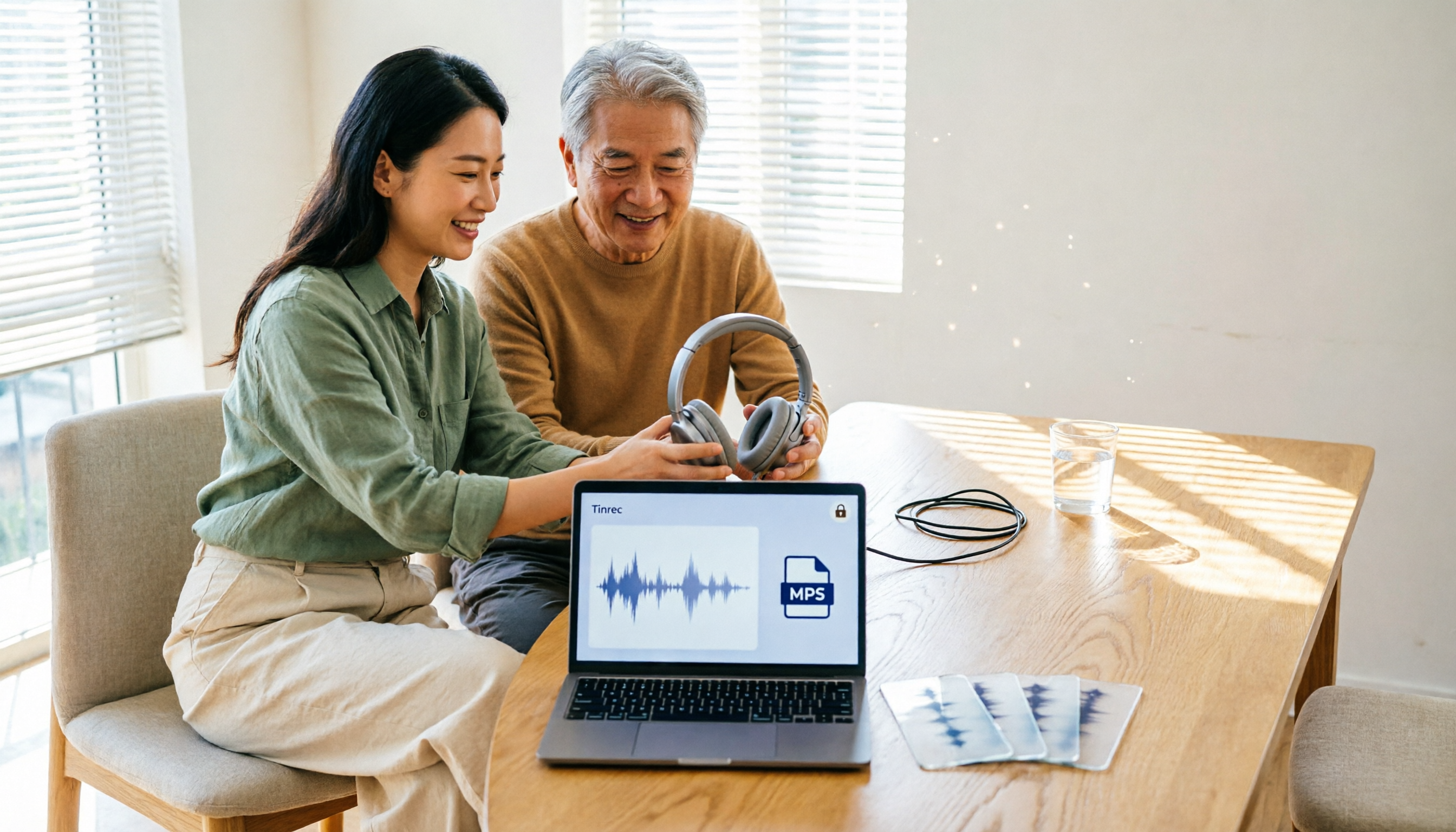
5 Best Free Audio to MP3 Converters in 2026: Which One Works Without Uploading?
Need to convert audio or video files to MP3? We tested 5 free online audio-to-MP3 converters, comparing upload requirements, supported formats, batch processing, browser compatibility, and audio quality to help you pick the right one for your needs.
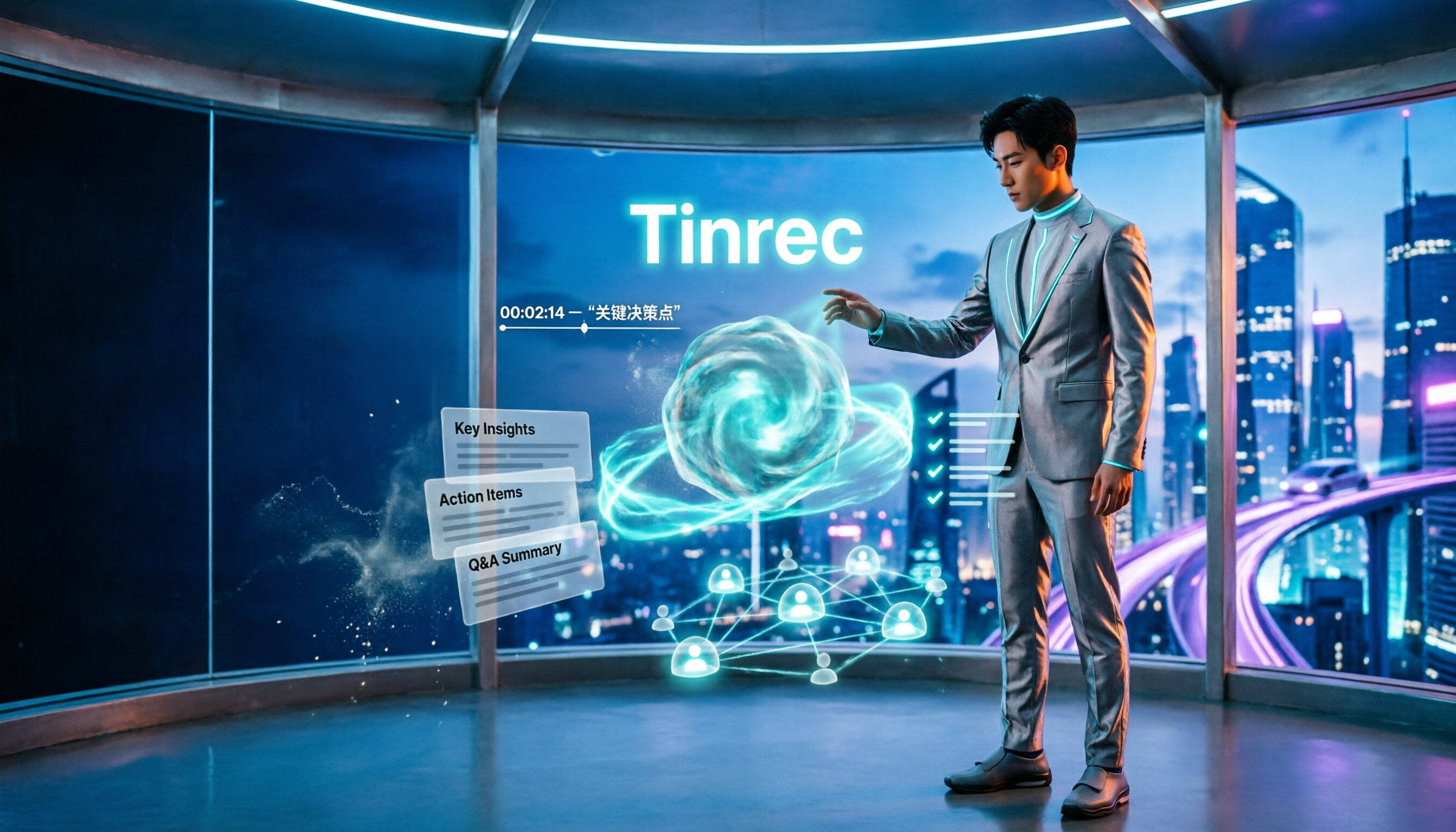
4 Voice Announcers Compared in 2026: Hardware Alerts, System Announcements, TTS, and Tinrec — Which to Choose?
Voice announcers come in different forms: hardware alert devices provide on-site warnings and guidance, Siri announces calls and notifications, and Google's text-to-speech reads news aloud. But if you need to capture and reuse audio from meetings, interviews, and classes, none of these three suffice. This article compares four common voice solutions and explains how Tinrec fills the gap with transcripts, summaries, action items, and team collaboration.

How to Choose an Online Transcription Tool in 2026: 5 Steps to Pick the Right One and Say Goodbye to Typing Transcripts
Online transcription tools fall into three categories: font generators, image OCR, and speech-to-text. Most people actually need the last one. This article walks you through 5 steps to choose the right tool, tests Tinrec's performance in Chinese meetings, bot-free recording, and AI Q&A, compares it with Notta, TurboScribe, and cSubtitle, and gives clear recommendations based on use cases.
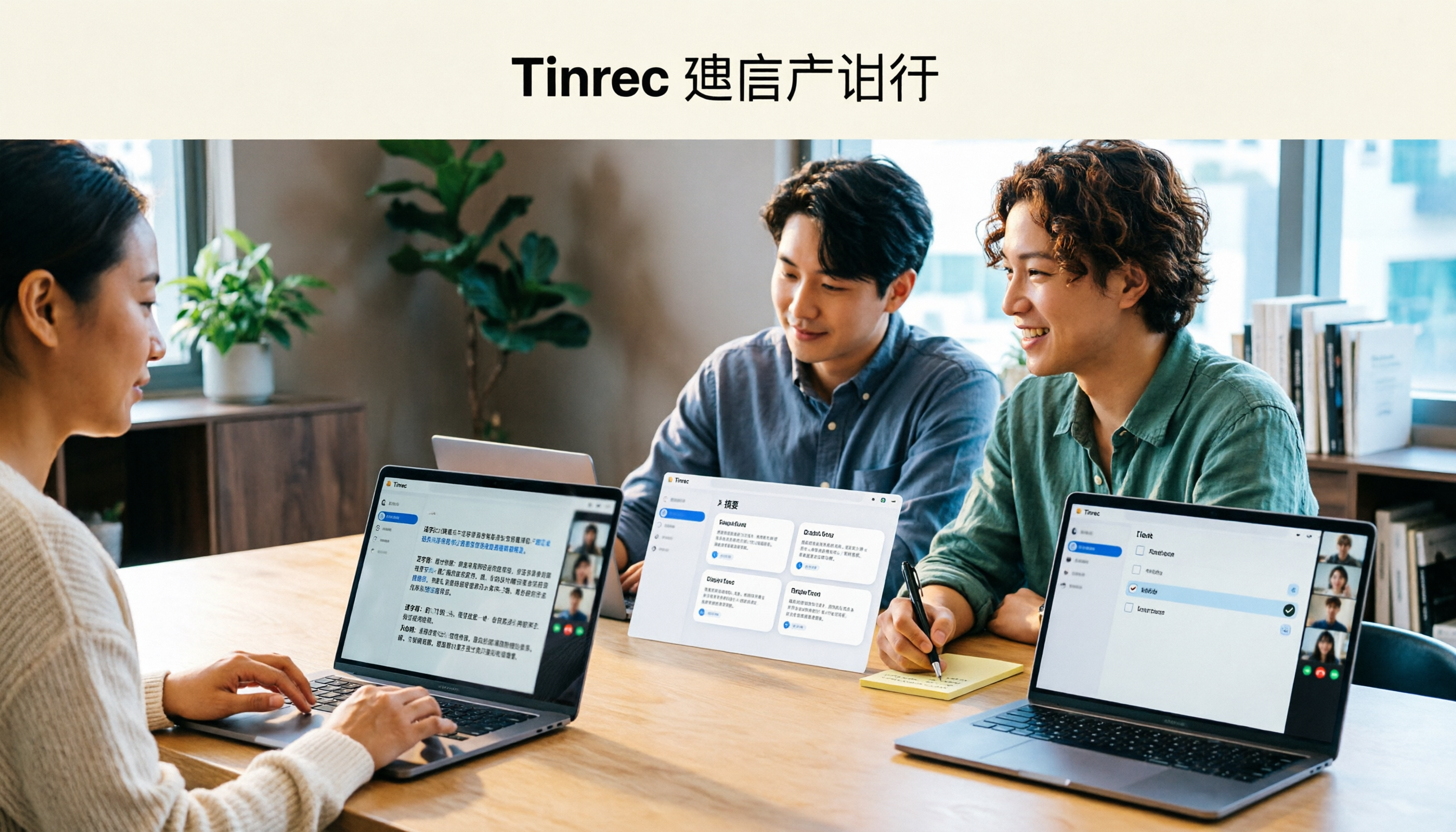
Tinrec Review 2026: AI Meeting Notes Without a Bot + Auto Summaries & Action Items
Tired of staying late to write meeting minutes? This guide breaks down what to look for in an AI meeting notes tool, explains how Tinrec captures Zoom, Meet, and Teams calls on desktop without a bot, and automatically generates transcripts, summaries, and action items. The team plan turns meetings into searchable, transferable team knowledge.

2026 Complete Guide to Online Speech Synthesis: How to Choose Free Tools and Understand the Speech-to-Text Workflow
How should you choose an online speech synthesis tool? This article compares the differences and free quota calculations of TTSMaker, Ondoku, and Yating Text-to-Speech, and also explains the speech-to-text side, including the practical uses and plan limitations of Tinrec in meeting notes, AI Q&A, export, and team collaboration.

2026 Video Link to Text: 5 Tools Tested and Compared — Paste a Link, Get a Transcript, Which Saves the Most Time?
We tested 5 video link to text tools, analyzing their pros and cons from link import, transcription organization, AI Q&A, to team collaboration. Tinrec stood out for its no-bot meeting recording, AI conversational queries, and team data retention. This article also covers selection criteria and pitfalls to help you find the most time-saving solution.