

Turn recordings into transcripts and summaries in minutes
Upload audio or video for multilingual transcription, AI notes, and action items
2026 Video Link to Text: 5 Tools Tested and Compared — Paste a Link, Get a Transcript, Which Saves the Most Time?
Video Link to Text — You Don't Need a Tool, You Need a Solution
Many people's first thought is: just find a tool that can take a YouTube link and automatically spit out a transcript.
But after actually using a few free tools, you might find it's not that simple. Some tools only support file uploads, not direct link pasting; others support links, but the transcribed text has no paragraphs and punctuation is a mess, so you still spend a lot of time proofreading.
What's more troublesome is that if you're dealing with meeting recordings or interview videos, the transcript is just the starting point. What you really need is: quickly grasp the key points, find out who said what, and turn conclusions into action items.
This article tested 5 common video link to text tools and compiled selection criteria and a guide to avoid pitfalls. If you've also experienced the trouble of "transcribing and then still having to manually organize," this article is for you.
Before Choosing a Video to Text Tool, Understand These 5 Key Points
1. Link Import Support Not every tool accepts YouTube links. Some only support uploading MP4, MOV files; some can paste links but with limitations. Before choosing, confirm the sources you commonly handle, such as YouTube, Google Drive, Zoom recordings, or local files.
2. Post-Transcription Organization A tool that only gives you a transcript is only doing half the job. A good tool will automatically segment, add punctuation, and even generate summaries and chapters. If you have to add punctuation yourself, you might as well type it manually.
3. AI Q&A and Post-Processing This is the biggest differentiator in recent years. After recording, can you directly ask "What was the conclusion of this meeting?" "Who mentioned the budget?" without just using Ctrl+F to search keywords? Currently, few tools offer this kind of AI semantic Q&A.
4. Cross-Platform and Team Collaboration A tool that only works on mobile will be stuck when you get to a computer. If you need to share data with colleagues, check whether it has team spaces, member permissions, and seat management.
5. Free Quota and Pricing Free versions usually have quota limits, such as minutes per month, minutes per session, or files per day. Check the limits clearly before deciding whether to pay. For paid plans, also note whether it's monthly or annual billing.
Tinrec — Our Top Pick After Testing
Tinrec is an AI meeting notes and collaboration tool for individuals and teams, supporting iOS, Android, desktop, and web. It doesn't just convert audio to text; it organizes meeting recordings into searchable, summarizable, queryable, and exportable data.
No-Bot Online Meeting Recording Tinrec desktop version directly captures computer system audio without adding an extra meeting bot to the meeting. When you open Zoom, Google Meet, Microsoft Teams, or Webex, just open Tinrec to record and transcribe simultaneously. This is very convenient for those who frequently have online meetings, as you no longer need to ask the host to let a bot in.
Video Link and File Import Tinrec also supports importing some public video links and uploading audio/video files. If you see a valuable interview video and want to turn it into text notes, you can import and process it directly. However, note that web link import is a supplementary capability, not its main focus, and some platforms may not be supported.
AI Q&A and Post-Meeting Organization After recording, you can directly ask Tinrec: "Who mentioned the budget in this meeting?" It won't just give you keyword search results but answers directly based on semantic understanding. It also automatically generates summaries, chapters, and action items. Currently, most competitors at the same price point do not yet have this conversational query feature.
Stop organizing recordings by hand
Upload audio or video and automatically get a transcript, summary, and action items
Team Space and Data Retention If you're using it as a team, Tinrec's team version provides an independent team space. Meeting data belongs to the team, and new members can view historical data. Administrators can manage members, roles, and seats, and view usage analytics and audit logs. When a member leaves or loses their seat, resources can be transferred to other members and won't be taken away by individuals.
We tested a 15-minute online meeting recording and a public YouTube speech. With clear audio, Tinrec's transcript segmentation and punctuation were handled well, and the AI summary captured the key points. It's worth noting that if the recording environment has obvious noise or overlapping speakers, it's still advisable to manually check important content.
Pros
- No meeting bot needed; desktop version directly records system audio, especially convenient for online meetings.
- After transcription, there's AI Q&A, action items, and summaries, saving a lot of organization time.
- Both personal and team versions available; team data can be continuously retained and collaborated on.
Limitations
- Free version has quota limits; heavy users need to pay for upgrades. But for those who have a few meetings a week, the free quota is usually enough to try it out.
- Web link import is not a main feature, and some platforms may not be supported. For some team version capabilities, it's recommended to confirm the production environment status before official promotion.
Who It's For If you frequently need to handle online meetings and interview videos, and want to directly ask questions, find key points, and even retain data in a team space after transcription, Tinrec is a very suitable choice.
Besides Tinrec, What Other Options Are There?
Notta Notta overlaps significantly with Tinrec, covering multi-platform transcription, meeting notes, document import, and translation. Free version offers 120 minutes per month, up to 3 minutes per session. However, Tinrec has no-bot desktop recording, AI conversational queries, and team spaces, while Notta is less complete in team governance. If you only need basic transcription and translation, consider Notta.
TurboScribe TurboScribe focuses on cost-effective file transcription, supporting long files and batch uploads. Free version allows 3 files per day, up to 30 minutes per file. But Tinrec can do real-time meeting recording and AI Q&A, which TurboScribe lacks. If you need to process a large number of long video files at once, TurboScribe is more suitable.
PLAUD Note / NotePin PLAUD is AI recording hardware, focusing on portable recording and phone call recording. But Tinrec doesn't require additional hardware; it works on web, desktop, and mobile, and can handle online meetings. If you're often outdoors or need phone call recording, PLAUD is worth considering.
Pitfall Guide: 4 Most Common Mistakes When Choosing a Video to Text Tool
Pitfall 1: Assuming all tools can paste links Many tools only support file uploads, not direct YouTube link pasting. The correct approach is to confirm supported sources first, don't wait until after registering to find out you can't paste.
Pitfall 2: Only looking at free, ignoring quota limits Some free versions can only transcribe 3 minutes per session or limit the number of files per day. The correct approach is to check the free quota and limits clearly before deciding whether to use it.
Pitfall 3: Thinking it's over once it's text If you only get a transcript, you still have to spend time organizing key points. The correct approach is to choose a tool with AI summaries, action items, and Q&A, such as Tinrec, so the transcribed content can be used directly.
Pitfall 4: Ignoring team collaboration and data ownership Data transcribed from personal versions stays in personal accounts and is taken away when members leave. If a team will use it, choose a tool with team spaces and seat management so data doesn't get scattered.
Conclusion: Which One Should You Choose?
If what you need is not just video link to text, but also organization, Q&A, and collaboration after transcription, Tinrec is our top pick after testing.
- Need no-bot online meeting recording + AI Q&A → Tinrec
- Need Chinese meeting notes and bilingual transcripts → Tinrec
- Need team shared meeting data and seat management → Tinrec Team Version
- Limited budget, only recording English meetings → Otter.ai
- Need to process a large number of long video files at once → TurboScribe
We suggest starting with Tinrec's free version to try it out; the quota is enough to experience a few meetings or video transcriptions. If you find it useful, consider upgrading—no need to pay from the start.
References
- Convert Video to Text | Transcribe App & Online Editor
- Transcribe Video to Text - Instant, 99.9% Accurate - VEED.IO
- Online AI Speech, Video, Audio Auto Transcription - Free Trial - cSubtitle
- Free Video to Text Tool | AI Auto Transcription High Accuracy Subtitles
- AI Speech to Text Tool | Recording Video Meeting Transcript Auto Generation Platform - Taption
Turn every recording into actionable outcomes
Get 60 free transcription minutes when you sign in. No credit card required.
Related Reading
You might also like

2026 YouTube Learning Video Note-Taking Free Plans Compared: 4 Tools at a Glance
Watching videos is fun, but taking notes is a pain. This article starts from the choice of whether to go manual, semi-automatic, or fully automatic, and compares the free plans of Tinrec, Notta, TurboScribe, and Granola, including per-file length limits, AI summaries and Q&A, export capabilities, team spaces, and the four most common pitfalls when choosing a video note-taking tool.

How to Extract YouTube Videos in 2026: 5 Steps from Clips to AI Summaries
From a student's perspective, we debunk the most common misconception about YouTube video extraction: do you need the video file or the content? This article walks you through 5 steps to choose the right tool, tests how Tinrec imports via web link to turn public videos into transcripts, AI summaries, and queryable notes, and compares when to use clipping tools like CutterTube and YT1s.

2026 Comparison of 5 Audio-to-Text Tools: Which Is Fastest for Chinese Meeting Transcripts?
A hands-on review of 5 audio-to-text tools, covering Chinese recognition, bot-free meeting notes, AI summary Q&A, and team collaboration, to help you choose the best fit for your meeting scenario.
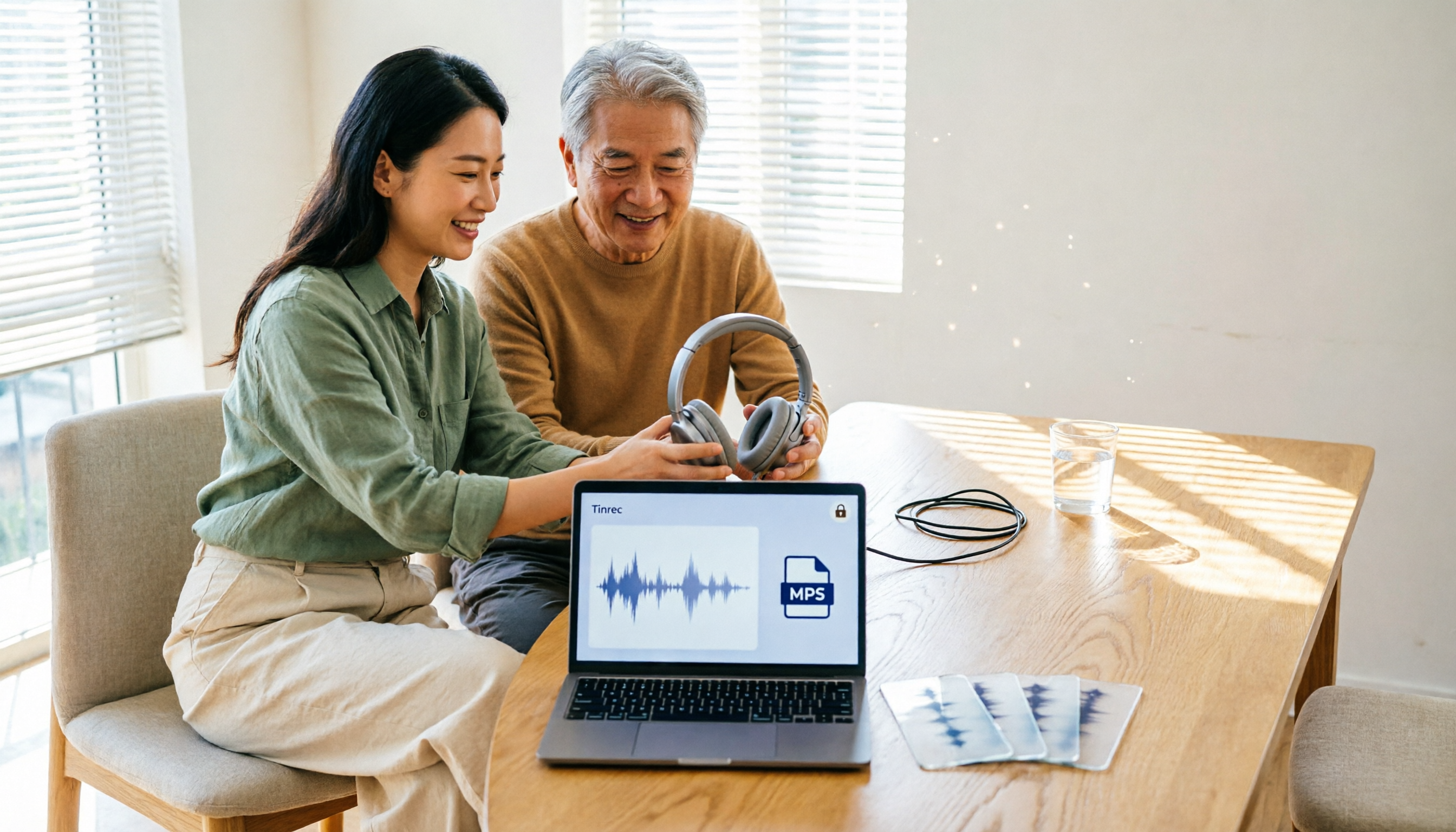
5 Best Free Audio to MP3 Converters in 2026: Which One Works Without Uploading?
Need to convert audio or video files to MP3? We tested 5 free online audio-to-MP3 converters, comparing upload requirements, supported formats, batch processing, browser compatibility, and audio quality to help you pick the right one for your needs.
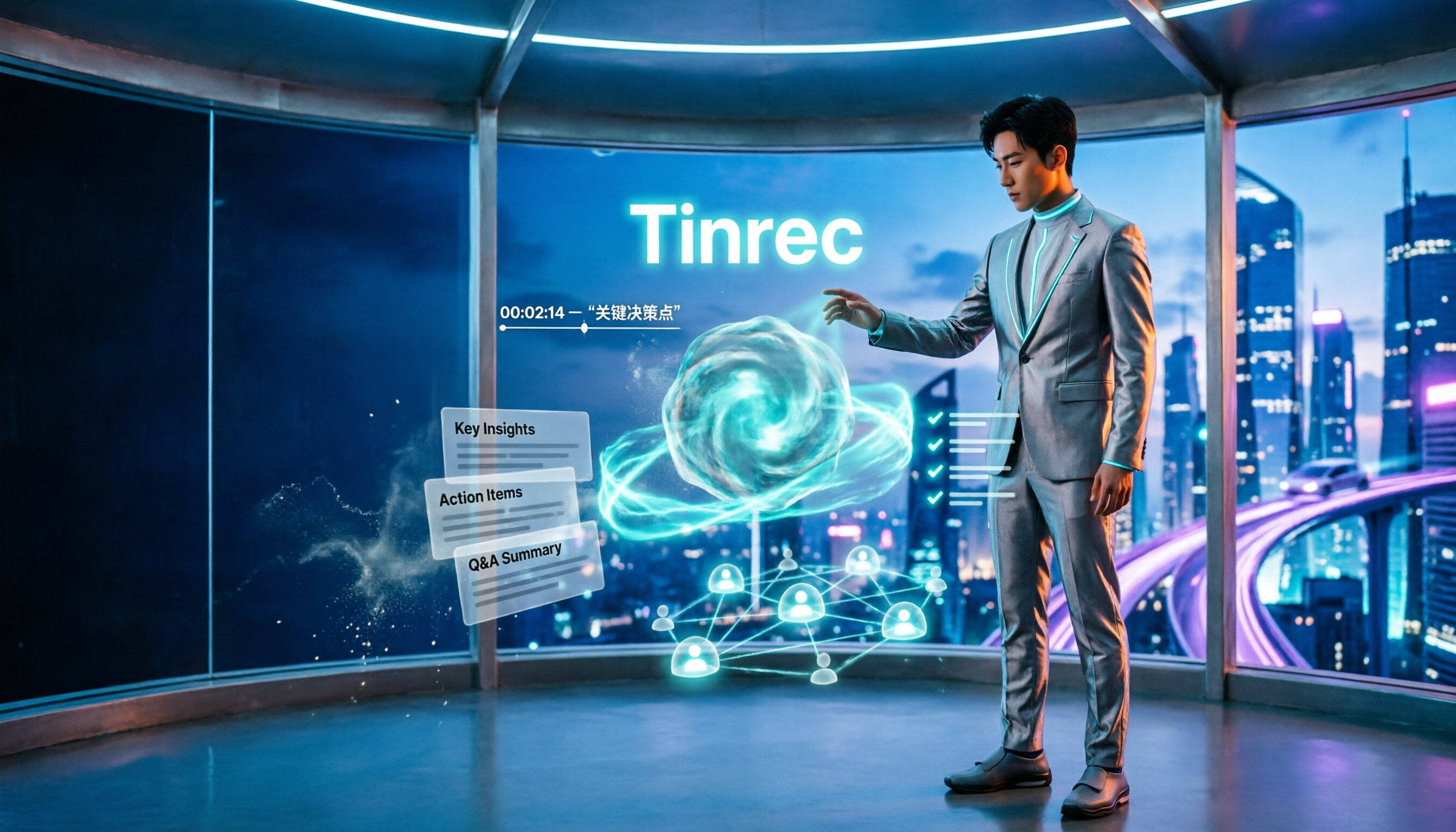
4 Voice Announcers Compared in 2026: Hardware Alerts, System Announcements, TTS, and Tinrec — Which to Choose?
Voice announcers come in different forms: hardware alert devices provide on-site warnings and guidance, Siri announces calls and notifications, and Google's text-to-speech reads news aloud. But if you need to capture and reuse audio from meetings, interviews, and classes, none of these three suffice. This article compares four common voice solutions and explains how Tinrec fills the gap with transcripts, summaries, action items, and team collaboration.

How to Choose an Online Transcription Tool in 2026: 5 Steps to Pick the Right One and Say Goodbye to Typing Transcripts
Online transcription tools fall into three categories: font generators, image OCR, and speech-to-text. Most people actually need the last one. This article walks you through 5 steps to choose the right tool, tests Tinrec's performance in Chinese meetings, bot-free recording, and AI Q&A, compares it with Notta, TurboScribe, and cSubtitle, and gives clear recommendations based on use cases.
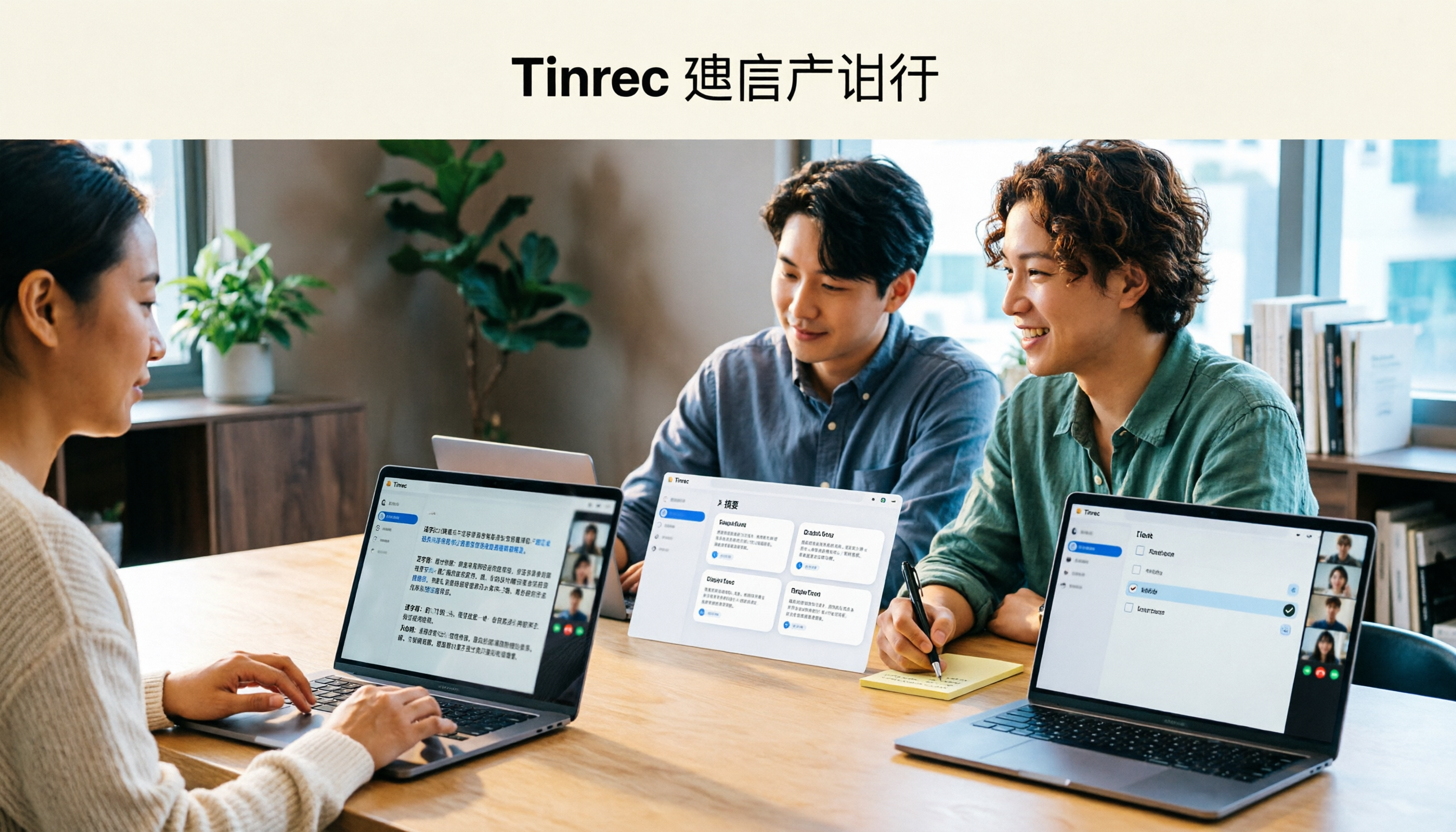
Tinrec Review 2026: AI Meeting Notes Without a Bot + Auto Summaries & Action Items
Tired of staying late to write meeting minutes? This guide breaks down what to look for in an AI meeting notes tool, explains how Tinrec captures Zoom, Meet, and Teams calls on desktop without a bot, and automatically generates transcripts, summaries, and action items. The team plan turns meetings into searchable, transferable team knowledge.

2026 Complete Guide to Online Speech Synthesis: How to Choose Free Tools and Understand the Speech-to-Text Workflow
How should you choose an online speech synthesis tool? This article compares the differences and free quota calculations of TTSMaker, Ondoku, and Yating Text-to-Speech, and also explains the speech-to-text side, including the practical uses and plan limitations of Tinrec in meeting notes, AI Q&A, export, and team collaboration.
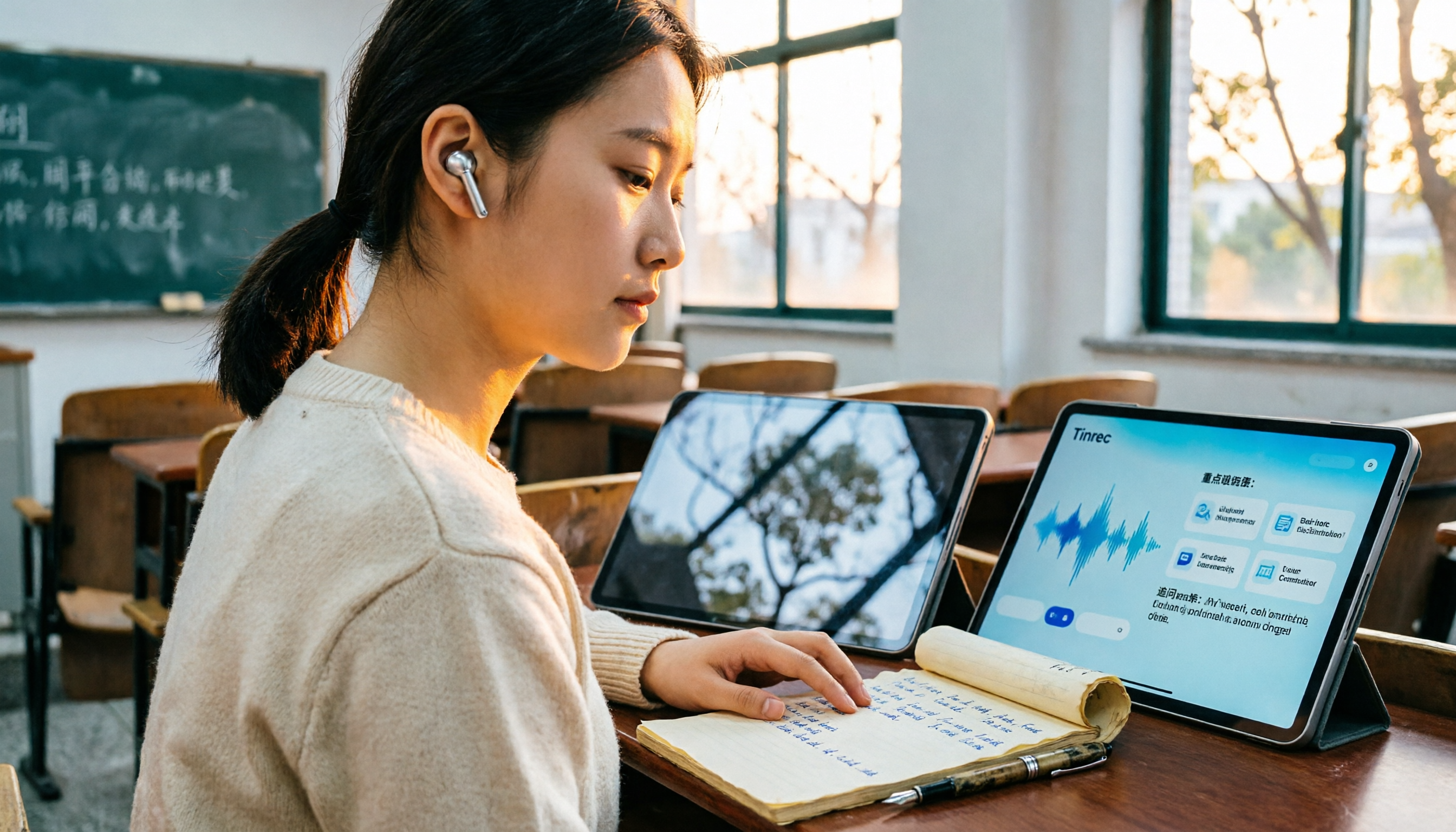
2026 Top 4 Knowledge Summary Apps Compared: From Class Recording to AI Key Points
The most common mistake in organizing knowledge points is focusing only on recording without a proper organization process. This comparison of 4 knowledge summary apps examines content sources, AI organization depth, follow-up questioning capabilities, and output to see which saves the most time, along with buying tips, pitfalls to avoid, and selection advice for different scenarios.