

Turn recordings into transcripts and summaries in minutes
Upload audio or video for multilingual transcription, AI notes, and action items
6 Best MP3 to Text Tools in 2026: Which Free Version Is Actually Enough?
Why Do You Need to Convert MP3 to Text?
You have a dozen meeting recordings and interview MP3s sitting on your phone, and when you want to find a specific comment, you can only fast-forward from the beginning to the end—this is probably the daily routine for many office workers.
Manual transcription is even more torturous. A 1-hour recording often requires repeated pausing, rewinding, and typing, taking several times longer and easily missing key points.
AI speech-to-text has matured a lot in recent years. Upload an MP3, select the language, and you can get a transcript in minutes. This article compiles 6 tools I have used or followed long-term, from purely free online versions to AI assistants that can answer questions about meeting content, and finally tells you how to choose.
Option 1 | Tinrec — The Most Complete AI Recording Assistant
Tinrec is an AI meeting notes and collaboration tool for individuals and teams. It not only converts audio to text but also organizes recordings into searchable, summarizable, queryable, and exportable data.
**The real value is after transcription.** After uploading an MP3 or audio file, Tinrec produces a transcript and automatically generates summaries, chapters, key points, and action items. You don't have to read long meetings from start to finish; you can grasp the conclusions by looking at the summary first.
**AI Q&A is its biggest difference from ordinary transcription tools.** You can directly ask questions about meeting content, such as "What did the client finally promise?" or "Which action items this week have no owner?" You can even include historical meetings in your queries.
**No need to invite a bot to online meetings.** The desktop version directly captures computer system audio and can handle Zoom, Google Meet, Microsoft Teams, Webex, and other meetings. Note that this does not mean automatically joining all meetings on your calendar; you still need to open Tinrec and start recording yourself.
**The output can be integrated back into your original workflow.** It supports export to Notion, Google Docs, OneNote, Dropbox, and other tools, and can further generate reports, tables, and meeting minutes. It also has real-time translation and bilingual comparison.
In terms of pricing, the personal version has a free version to experience basic limits, plus a weekly card, Pro monthly card, and Pro annual card; for short-term intensive use, choose the weekly card; for weekly needs, choose Pro; for long-term accumulation of recording data, the annual card is suitable. The team version is an independent team space. First-time eligible users can try it for 7 days, with 1 free seat and 300 minutes of team shared import quota; monthly payment USD 29.80 per paid seat per month, annual payment USD 199 per paid seat per year (about USD 16.58 per month), each paid seat has 2,000 minutes of team shared import quota per month.
**Who it's for:** People who need Chinese meeting notes, frequently handle online meetings, or want to turn recordings into team-shared data.
Option 2 | MyEdit — Free Online Speech to Text, Supports 9 Languages
MyEdit's online speech-to-text AI tool supports 9 languages: Traditional Chinese, English, Japanese, Korean, Italian, French, German, Spanish, and Portuguese. After uploading MP3, WAV, FLAC, or M4A, you can export .txt plain text files or .srt subtitle files, which is great for transcript notes, YouTube subtitles, or meeting minutes. The official statement also says the generated transcripts and subtitle files can be used for commercial purposes.
**Who it's for:** People who occasionally need a clean transcript and don't want to install any software.
Option 3 | VEED.io — Online Transcription Tool for Convenient Subtitles
VEED is an online video editing platform. After uploading an MP3, click "Auto Transcribe" under "Subtitles" to start generating text. After transcription, you can directly click on a line to edit it. Besides MP3, it also supports WAV, M4A, AAC, OGG, and other formats, and can export TXT, VTT, and SRT files, all without downloading software.
**Who it's for:** People whose main need is making subtitles or short videos, and transcription is just a side task.
Option 4 | SoundWise.ai — Whisper Tool Claiming Free Unlimited Use
SoundWise uses OpenAI's Whisper model and supports over 90 languages. The official statement says there are no limits on transcription count, file size, or duration. It emphasizes that tasks run locally on your personal computer and files are not uploaded to servers, which is worth noting for those concerned about privacy. However, the official also warns that stability decreases for files over 4 hours.
Stop organizing recordings by hand
Upload audio or video and automatically get a transcript, summary, and action items
**Who it's for:** People with zero budget, large transcription needs, and who are comfortable processing files on their computer.
Option 5 | Vizard.ai — Free Plan with Short Video Editor
Vizard focuses on free AI MP3-to-text conversion, with 60 minutes of transcription quota per month. The official claims accuracy up to 98% and can translate content into over 30 languages. Its differentiator is that it also provides an AI video editor, which can directly cut long content into social media shorts, and the transcription content can also be manually edited.
**Who it's for:** Marketers and content creators who need to turn materials into both text and short videos at once.
Option 6 | TurboScribe — Choice for Long Recordings and Batch Processing
TurboScribe is positioned as a cost-effective file transcription tool. The free version can process 3 files per day, up to 30 minutes per file; the paid Unlimited plan is USD 120 per year (about USD 10 per month), with a maximum of 10 hours or 5 GB per file, and can upload 50 files at once.
**Who it's for:** People with piles of long recordings or course files who want to process them all at once.
With So Many Options, How Should You Choose?
- Want summaries, chapters, and action items beyond transcripts → Tinrec
- Want to ask questions directly about meeting content and search historical records → Tinrec (AI Q&A)
- Meetings are in Chinese, mixed Chinese-English, or need real-time translation → Tinrec
- Need to record Zoom, Meet, Teams without inviting a bot → Tinrec (desktop system audio capture)
- Need to switch between phone, desktop, and web → Tinrec
- Need to take results to Notion, Google Docs to continue writing → Tinrec (multi-format export)
- Data needs to be shared within the team and handed over after members leave → Tinrec Team Version
- Want to slowly accumulate your own database across meetings → Tinrec
- Just occasionally need a transcript, zero budget → MyEdit or SoundWise
- Have long files over 10 hours for batch transcription → TurboScribe
4 Things to Know Before Using MP3 to Text
**1. Recording quality determines accuracy.** Microphone distance, background noise, and multiple people speaking simultaneously all affect results. Participants close to the microphone and taking turns speaking will produce much better quality.
**2. Free quotas usually have limits.** SoundWise claims unlimited, but Vizard's free plan has 60 minutes per month, and TurboScribe's free version has 3 files per day, each with its own restrictions. For long-term use, first confirm whether the quota is sufficient.
**3. A transcript is not the same as meeting minutes.** AI summaries can save a lot of time, but for important numbers, commitments, and decisions, it's recommended to go back and verify the original text. Tools like Tinrec preserve timestamps in the transcript, making it easy to check against the recording.
**4. Get consent before recording.** Regulations on recording and personal data vary by region. Before a meeting or interview begins, it's best to inform participants.
Frequently Asked Questions
Q1: Do I have to pay for MP3 to text?
Not necessarily. MyEdit, SoundWise, VEED, Vizard, and TurboScribe all have free plans, but with differences in quota or features. Tinrec's free version also lets you experience basic limits, and you can consider a weekly card or Pro if it suits you.
Q2: Is Chinese recognition accurate?
Actual results are affected by recording quality, accent, noise, and overlapping speakers. MyEdit supports Traditional Chinese and 8 other languages; Tinrec covers Chinese, Traditional Chinese, and multilingual meeting scenarios, and supports team hotwords to improve recognition of professional terminology.
Q3: Can the generated transcript be used commercially?
MyEdit officially states that its generated transcripts and subtitle files can be used for commercial purposes; for other tools, check their terms of service.
Q4: How long does transcription take?
Depends on file length and tool. Most online tools complete within a few minutes after upload; longer and more complex files take longer.
Q5: What should I pay attention to when a team uses it together?
Choose a solution with team space and permission management. Tinrec's team version distinguishes between "roles" and "seats": roles determine who can manage the team, members, and settings; seats determine whether members can record, upload, edit, and export. Members who are active but have no seat can still view, play, and read team data.
Q6: Will recording files be uploaded or leaked?
Policies vary by provider. SoundWise emphasizes local processing without uploading to servers; for cloud tools, check the service's privacy policy directly.
Conclusion
There are many MP3-to-text tools now. Free ones are enough for occasional transcription, but for handling meetings, interviews, and long-term accumulated data, the real test is the organization capability after transcription.
If you just occasionally need a transcript, MyEdit or SoundWise are great. If you want recordings to further become summaries, action items, and queryable content, or even settle into team assets, Tinrec is currently the most complete, so try the free version first.
References
Turn every recording into actionable outcomes
Get 60 free transcription minutes when you sign in. No credit card required.
Related Reading
You might also like

How to Choose an Online Transcription Tool in 2026: 5 Steps to Pick the Right One and Say Goodbye to Typing Transcripts
Online transcription tools fall into three categories: font generators, image OCR, and speech-to-text. Most people actually need the last one. This article walks you through 5 steps to choose the right tool, tests Tinrec's performance in Chinese meetings, bot-free recording, and AI Q&A, compares it with Notta, TurboScribe, and cSubtitle, and gives clear recommendations based on use cases.
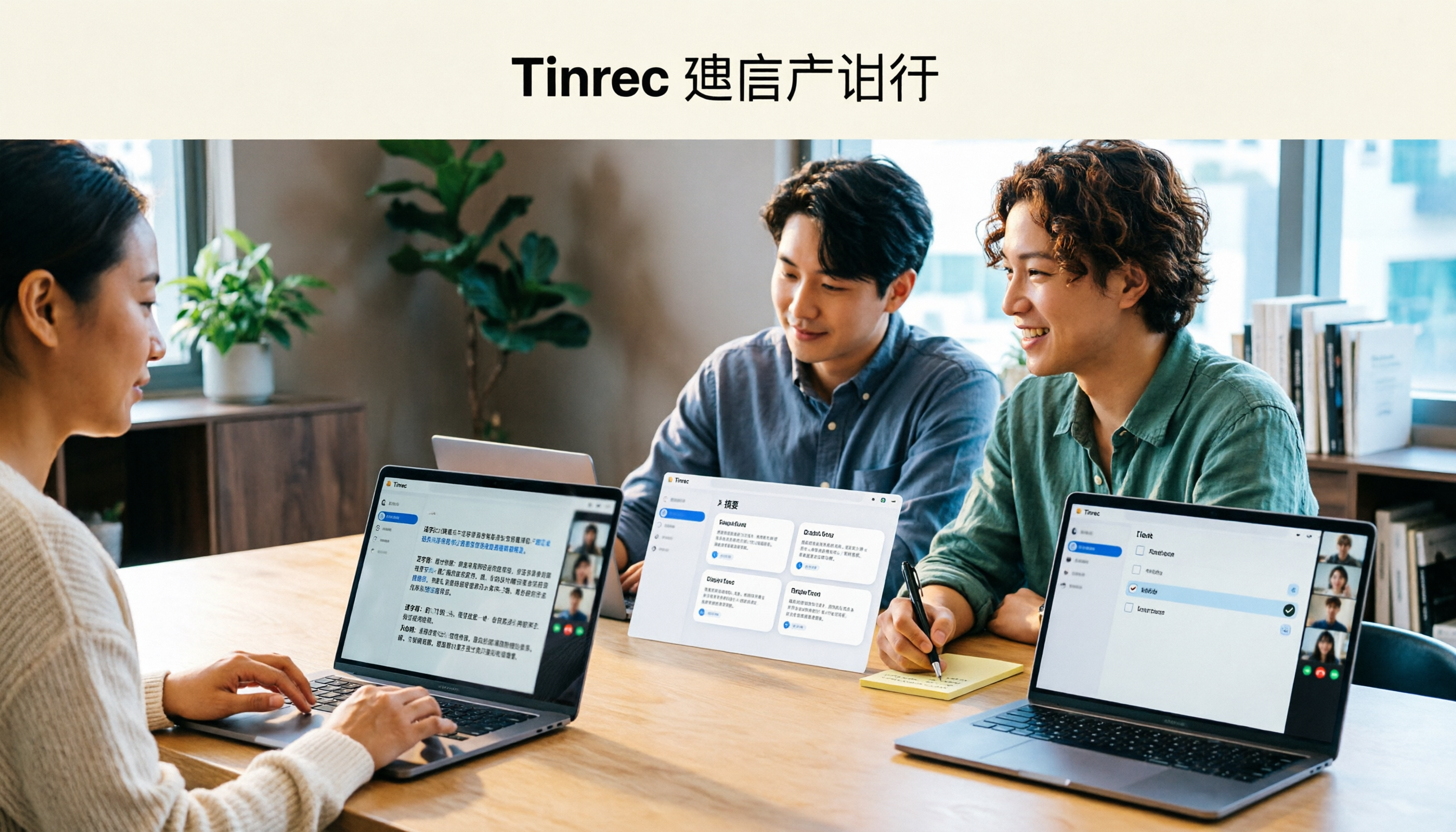
Tinrec Review 2026: AI Meeting Notes Without a Bot + Auto Summaries & Action Items
Tired of staying late to write meeting minutes? This guide breaks down what to look for in an AI meeting notes tool, explains how Tinrec captures Zoom, Meet, and Teams calls on desktop without a bot, and automatically generates transcripts, summaries, and action items. The team plan turns meetings into searchable, transferable team knowledge.

2026 Complete Guide to Online Speech Synthesis: How to Choose Free Tools and Understand the Speech-to-Text Workflow
How should you choose an online speech synthesis tool? This article compares the differences and free quota calculations of TTSMaker, Ondoku, and Yating Text-to-Speech, and also explains the speech-to-text side, including the practical uses and plan limitations of Tinrec in meeting notes, AI Q&A, export, and team collaboration.
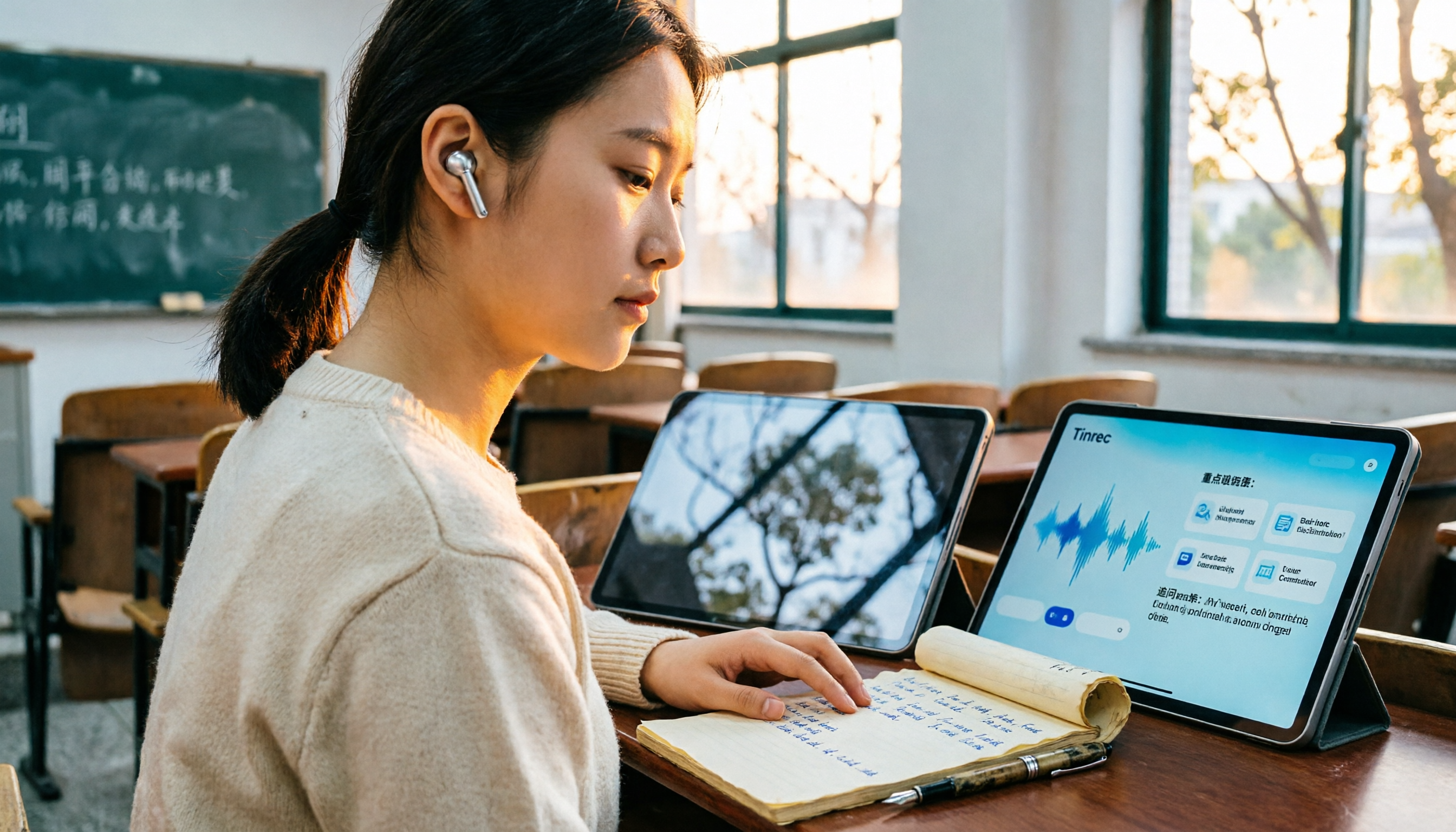
2026 Top 4 Knowledge Summary Apps Compared: From Class Recording to AI Key Points
The most common mistake in organizing knowledge points is focusing only on recording without a proper organization process. This comparison of 4 knowledge summary apps examines content sources, AI organization depth, follow-up questioning capabilities, and output to see which saves the most time, along with buying tips, pitfalls to avoid, and selection advice for different scenarios.

2026 Video Link to Text: 5 Tools Tested and Compared — Paste a Link, Get a Transcript, Which Saves the Most Time?
We tested 5 video link to text tools, analyzing their pros and cons from link import, transcription organization, AI Q&A, to team collaboration. Tinrec stood out for its no-bot meeting recording, AI conversational queries, and team data retention. This article also covers selection criteria and pitfalls to help you find the most time-saving solution.
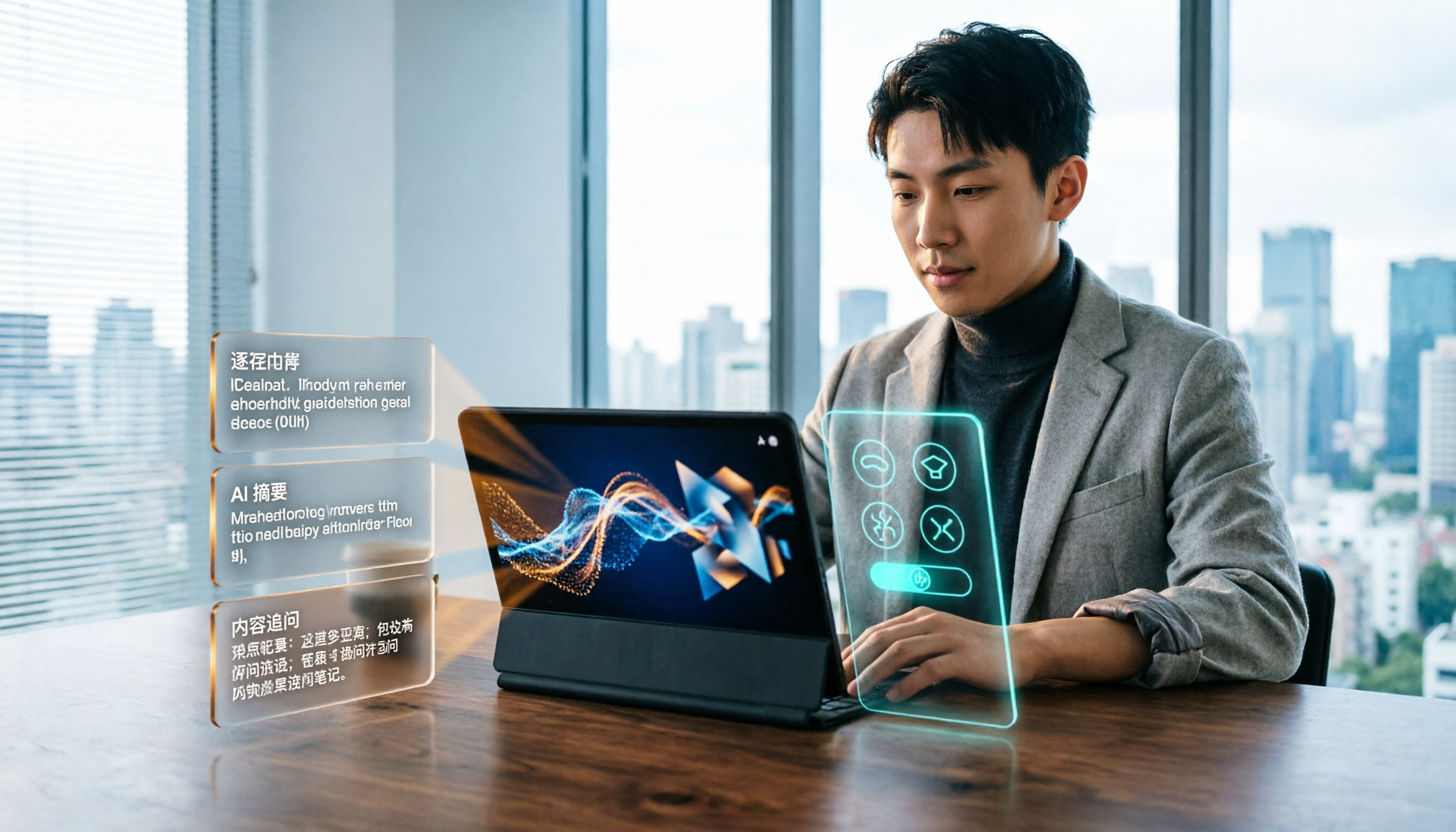
2026 Short Video Learning Efficiency Tools Buying Guide: 4 Tested Picks and Recommendations
Watched tons of short videos but can't remember them? This article breaks down 5 key points for choosing short video learning tools, compares 4 tools with hands-on testing, and shares 5 common pitfalls to avoid. It also explains how to use transcripts, AI summaries, and content Q&A to turn fragmented viewing into notes you can find and explain.

4 Real-Time Speech-to-Text Tools Compared for 2026: Which One Is Best for Chinese Meetings?
Chinese meetings, mixed Chinese-English, multiple people talking over each other—how do you choose a real-time speech-to-text tool? This article compares Tinrec, Otter.ai, Granola, and PLAUD based on real-world usage scenarios, covering meeting recording methods, post-meeting organization, AI follow-up questions, team collaboration, and pricing limits, and summarizes key buying factors and common pitfalls to help you decide which tool best fits your workflow.

2026 Speech-to-Text Comparison: Tencent Cloud ASR vs. Meeting Bots vs. Tinrec
Speech-to-text isn't just about uploading an audio file. This article addresses three common mistakes office workers make, comparing cloud ASR services like Tencent Cloud Speech Recognition, AI assistants that join meetings as bots, and Tinrec's desktop-based bot-free meeting transcription workflow. It covers real-time transcription, AI summaries, action item extraction, team spaces, and key purchasing considerations.

2026 Comparison of 4 Automatic Meeting Minutes Software: From Free to Team Editions
How to choose automatic meeting minutes software? This article addresses common misconceptions and compares Tinrec, Otter.ai, Notta, and Granola on meeting capture methods, post-meeting organization, Chinese language support, and team collaboration. It also provides selection criteria and pitfalls to help you find the right solution for Chinese meetings and team knowledge retention.