

Turn recordings into transcripts and summaries in minutes
Upload audio or video for multilingual transcription, AI notes, and action items
Many people first encounter speech-to-text by uploading an audio file and getting text back. It sounds simple, but the most common pitfall isn't accuracy—it's not knowing what to do with the text after it's transcribed.
There are three common misconceptions: assuming a transcript means the meeting is done, thinking high accuracy is all that matters, and believing that stringing together a few APIs will solve your team's meeting notes problem.
Take cloud ASR services like Tencent Cloud Speech Recognition: they provide recognition capabilities—developers can embed speech-to-text into their own products via API, supporting real-time audio streams, recordings up to 5 hours, and short audio under 60 seconds. This is practical for engineering teams building their own products, but for the average office worker who needs meeting notes by tomorrow, there's still a whole post-meeting workflow missing.
A more sensible approach: first figure out whether you need a recognition engine or a tool that directly produces results. If your answer leans toward the latter, here's an example using Tinrec to show what a meeting notes tool can actually do for you.
What Can Speech-to-Text Do for You?
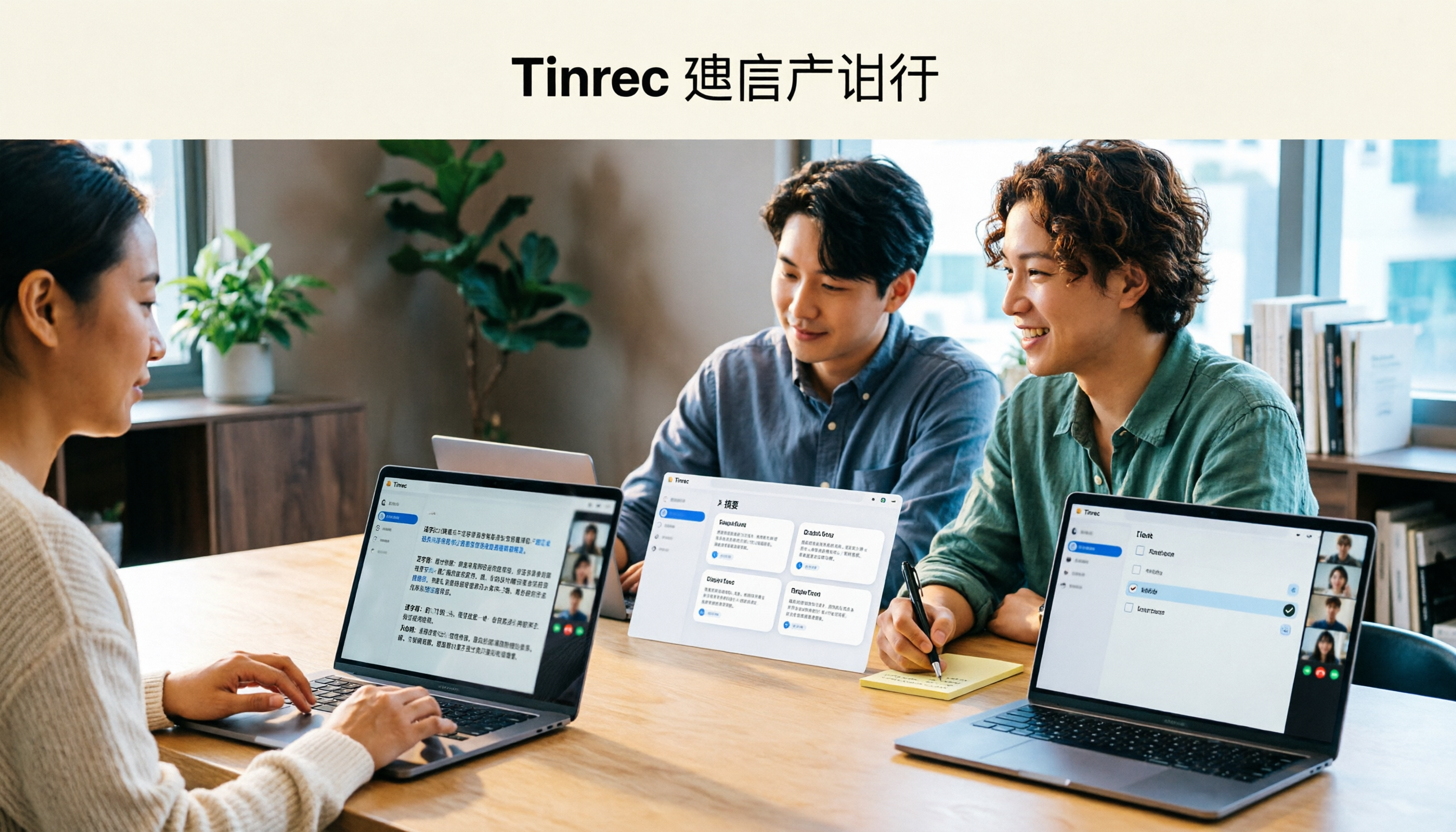
Scenario 1: Get meeting notes within 5 minutes after a meeting Previously, after a two-hour meeting, you might spend another hour organizing. With Tinrec, a transcript is generated in real time during the meeting, and after it ends, AI directly organizes a summary, chapters, key points, and action items—who's responsible for what and when it's due, all clear at a glance.
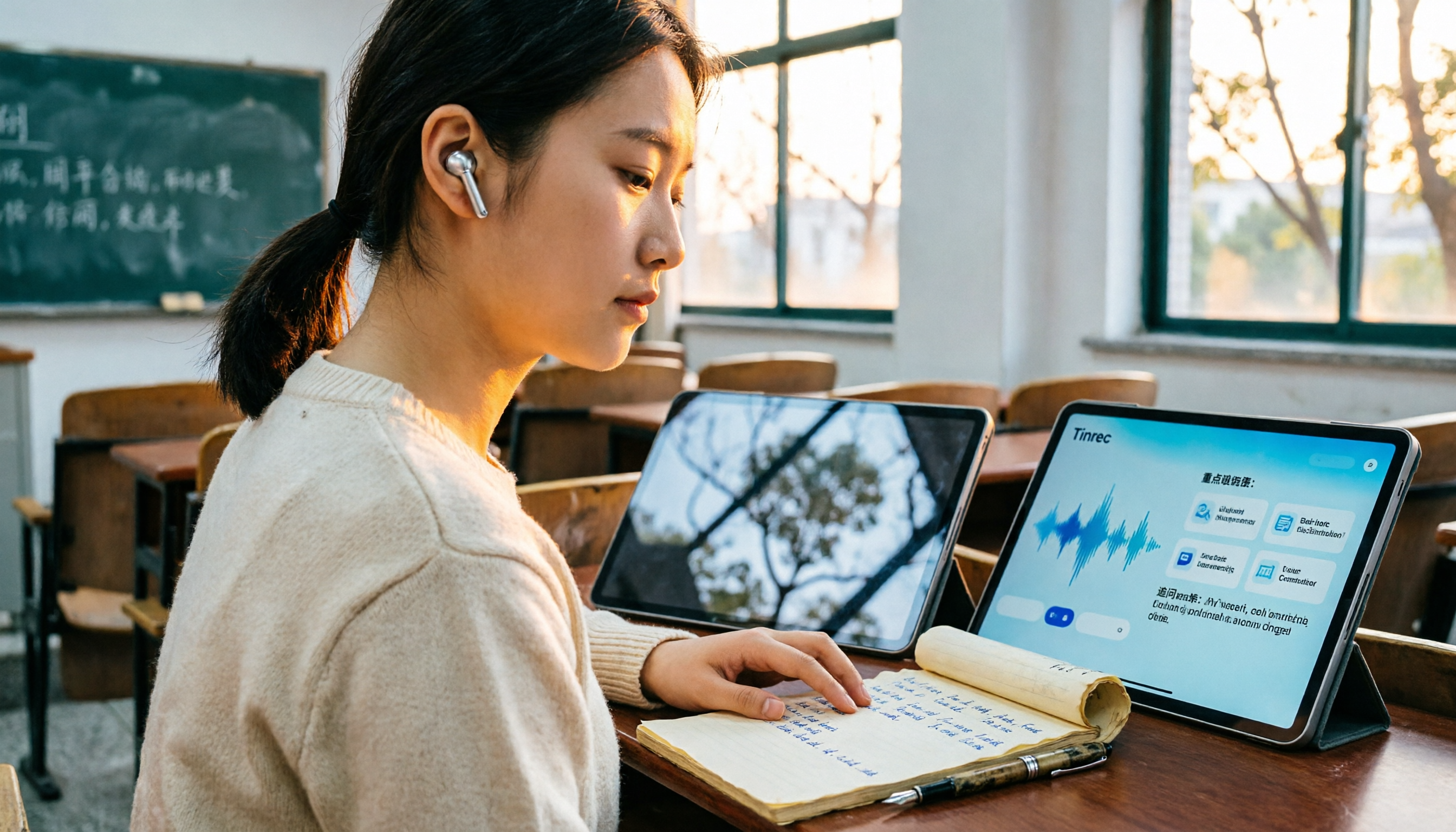
Scenario 2: Turn interviews, courses, and lecture recordings into usable text A 90-minute interview or a 3-hour online course—manual transcription is nearly impossible. Tinrec supports uploading existing audio and video files for transcription, and after transcription, it automatically segments and organizes key points. When you need to reference a section later, you can find it with search.
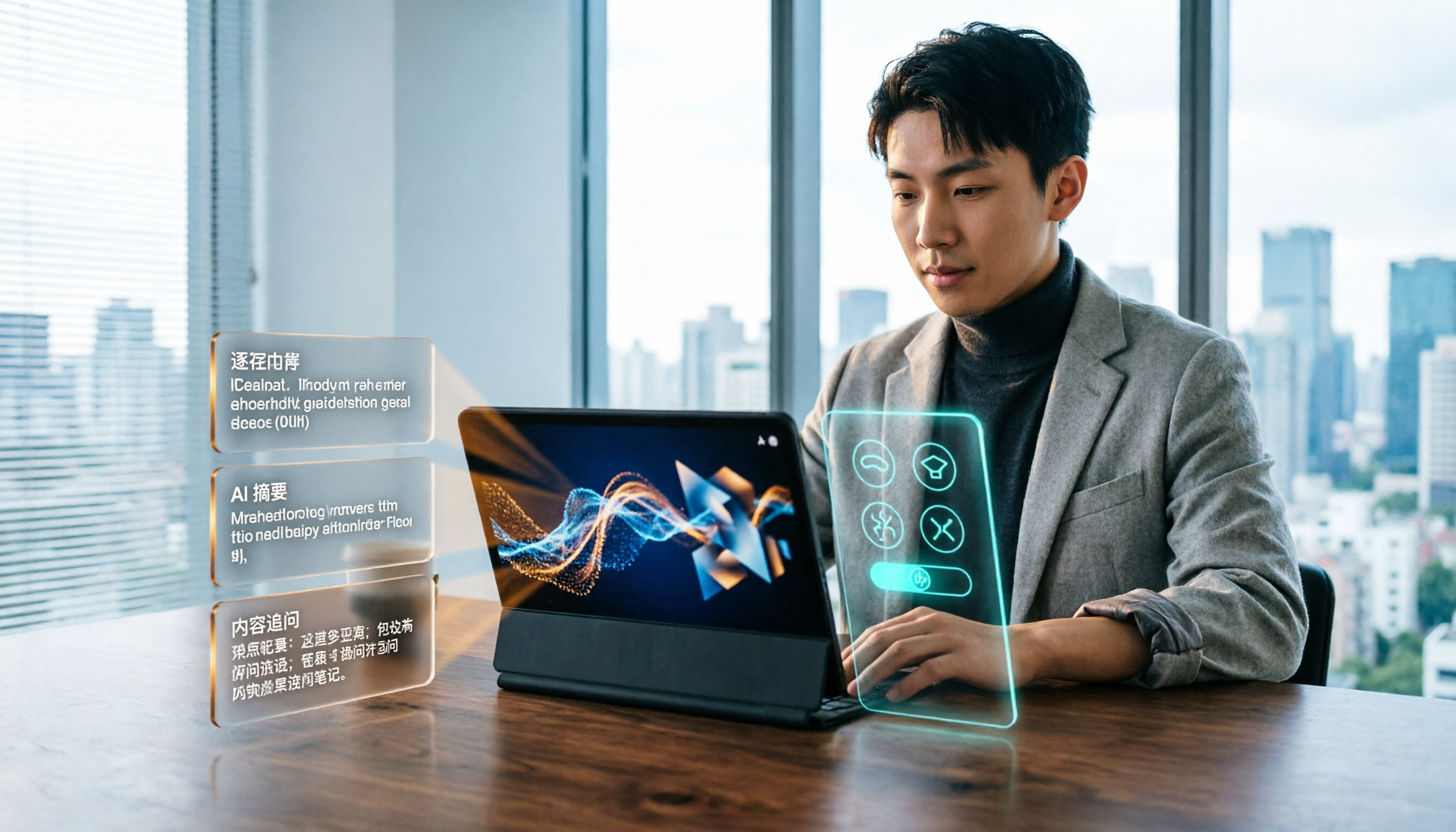
Scenario 3: Turn historical recordings into a queryable database Recordings that sit unheard are as good as not recorded. Tinrec's AI Q&A lets you ask questions directly about meeting content, such as "What concerns did the client mention this time?" or "What was decided in the last meeting?"—no need to re-listen to the entire recording.
What Are the Core Capabilities of a Speech-to-Text Tool?
Real-time transcription: text appears as you record, not after. During a meeting, you can see the text sync in real time to confirm no key points are missed—much more efficient than listening back afterward. Tinrec's real-time recording transcription is suitable for in-person meetings, interviews, and on-site notes.
Bot-free online meeting recording: no extra participant needed. Tinrec's desktop version directly captures your computer's system audio to handle online meetings on Zoom, Google Meet, Microsoft Teams, Webex, etc., without adding a meeting bot to the room or worrying about a bot appearing in the participant list.
AI summaries and chapters: long meetings are no longer a wall of text. It's not about condensing the transcript into a paragraph, but structuring it into meeting topics, discussion conclusions, chapters, and key points. Tinrec breaks down two hours of content into quickly scannable sections, so you don't have to read from start to finish when reviewing.
Action item extraction and AI Q&A: the real value comes after transcription. Tinrec organizes action items from discussions and lets you continue asking questions about single or multiple meetings. This is especially useful for weekly project meetings and client calls—action items are no longer "I think someone mentioned it."
Multi-format export and post-meeting output: bring results back to your workflow. Transcripts, summaries, and action items can all be exported. Tinrec also supports further organizing meeting content into reports, tables, and documents, or exporting to Notion, Google Docs, OneNote, Dropbox, and other tools for further processing.
Practical Use Cases
Weekly project meetings and decision meetings With regular weekly meetings and many decisions, it's easy to forget why a decision was made. Tinrec stores each meeting's transcript and summary together. To look up "which meeting made this decision," just search keywords—saving managers a lot of back-and-forth confirmation time.
Client interviews and sales meetings Client needs, concerns, and commitments are scattered throughout the conversation and easily missed. After recording with Tinrec, you can ask AI to directly organize the client's key concerns and follow-up action items, and reference them when writing proposals or replying to emails.
Stop organizing recordings by hand
Upload audio or video and automatically get a transcript, summary, and action items
Courses, lectures, and research interviews This type of content is usually long and can't afford to miss anything. Tinrec supports audio and video file upload for transcription. After transcription, you can search for specific sections and export transcripts, making it much easier for researchers to organize citation materials.
Team knowledge retention If meeting data stays in personal accounts, it scatters when people leave. Tinrec's team version provides an independent team space where meeting recordings, transcripts, summaries, and action items belong to the team. New members can view historical data after joining, and when members change, resources can be handed over to other active members.
5 Things to Consider When Choosing a Speech-to-Text Tool
1. Do you need an API or a ready-to-use product? If you're a development team wanting to embed recognition into your own app, cloud ASR services like Tencent Cloud Speech Recognition are common options. But if you want "meeting notes right after the meeting," a finished tool will be much faster than building your own API integration—Tinrec is designed in that direction.
2. How is the meeting recorded? A bot joining the meeting, desktop capturing system audio, or a phone placed on the table—the experience varies greatly. Tinrec uses desktop bot-free recording plus mobile recording, works for both online and offline, and doesn't require inviting extra participants.
3. What can you do after transcription? A tool that only gives you a transcript is essentially handing the organizing work right back to you. When choosing a tool, see if it can generate summaries, chapters, action items, and Q&A. Tinrec focuses heavily on this, which is its biggest difference from pure transcription tools.
4. How does it perform with Chinese and mixed Chinese-English? Meetings in Taiwan often mix Chinese and English, along with product codes and technical terms. Tinrec supports Chinese, Traditional Chinese, and multilingual scenarios, and has team hotwords to maintain common terminology. Actual performance is still affected by recording quality, accents, noise, and overlapping speakers—it's best to test with your own recording.
5. How should the team manage this data? If meeting data will be shared with colleagues, confirm the tool supports team spaces and member permissions. Tinrec's team version separates "roles" and "seats": roles determine who can manage the team and members, seats determine who can record, upload, edit, and export; members without seats can still view and read team data. The team version also includes usage analytics, audit logs, and an audio recycle bin, making it easy for managers to monitor usage and data cleanup processes.
Frequently Asked Questions
Q1: What's the difference between Tencent Cloud Speech-to-Text and Tinrec? They solve problems at different levels. There are roughly three approaches: cloud ASR APIs (like Tencent Cloud Speech Recognition), AI meeting assistants that join via bot, and desktop bot-free meeting notes tools like Tinrec. The former provides recognition capabilities, mainly for developers to integrate into their own products; Tinrec has already built recording, transcription, summaries, action items, Q&A, export, and team spaces—suitable for users who don't want to develop their own and just want meeting notes.
Q2: Is Tinrec's free version enough? The free version provides a basic quota, suitable for trying out the recording transcription, import, and summary workflow. If you only occasionally organize a recording, starting with the free version is fine; if you have weekly meetings, consider the Pro plan; for short-term intensive use, check the weekly pass.
Q3: Do I need to add a bot to the meeting? No. Tinrec's desktop version captures your computer's system audio to record online meetings and does not join as a participant. Note that you need to open Tinrec yourself to start recording—it's not a service that automatically joins all calendar meetings.
Q4: What level of transcript accuracy can I expect? It's best not to judge by a single number, as accuracy depends on audio quality, accents, background noise, overlapping speakers, and technical terms. A more realistic expectation: it can greatly reduce manual transcription time, and important content can be verified by replaying with timestamps.
Q5: What's the difference between the team version and the personal version? Personal version data belongs to the individual account. The team version provides an independent team space where meeting data belongs to the team, plus member invitations, role and seat management, sharing benefits, usage analytics, audit logs, and an audio recycle bin. Team trial is 7 days, 1 free seat, 300 minutes of shared team import quota; team monthly is USD 29.80 per paid seat per month, annual is USD 199 per paid seat per year. Actual prices are subject to the official purchase page.
Q6: What should I pay attention to before recording? Recording and transcription involve personal data. It's recommended to check local regulations first, obtain consent from participants when necessary, and avoid processing highly sensitive content such as medical, legal, or financial information without corresponding compliance documentation.
Conclusion
The real value of speech-to-text isn't turning sound into words, but making meeting content searchable, queryable, actionable, and reusable by the team.
If you need a recognition engine, cloud ASR services are a reasonable choice; if you want usable meeting notes right after a meeting, Tinrec connects recording, transcription, summaries, action items, export, and team spaces into a complete workflow, saving you more time. It's recommended to start with the free version's quota, try it with a real meeting, and then decide whether to upgrade.
References
- Yating Transcript
- Speech-to-Text Converter – Free Online | TicNote Cloud
- Speech Recognition_Real-time Speech Recognition_Recording File Recognition_Speech-to-Text Service - Tencent Cloud
- Online AI Speech, Video, Audio File Auto Transcription - Free Trial - cSubtitle
- Free Online Text-to-Speech - TTSMaker
Turn every recording into actionable outcomes
Get 60 free transcription minutes when you sign in. No credit card required.
Related Reading
You might also like

How to Choose an Online Transcription Tool in 2026: 5 Steps to Pick the Right One and Say Goodbye to Typing Transcripts
Online transcription tools fall into three categories: font generators, image OCR, and speech-to-text. Most people actually need the last one. This article walks you through 5 steps to choose the right tool, tests Tinrec's performance in Chinese meetings, bot-free recording, and AI Q&A, compares it with Notta, TurboScribe, and cSubtitle, and gives clear recommendations based on use cases.
Tinrec Review 2026: AI Meeting Notes Without a Bot + Auto Summaries & Action Items
Tired of staying late to write meeting minutes? This guide breaks down what to look for in an AI meeting notes tool, explains how Tinrec captures Zoom, Meet, and Teams calls on desktop without a bot, and automatically generates transcripts, summaries, and action items. The team plan turns meetings into searchable, transferable team knowledge.

2026 Complete Guide to Online Speech Synthesis: How to Choose Free Tools and Understand the Speech-to-Text Workflow
How should you choose an online speech synthesis tool? This article compares the differences and free quota calculations of TTSMaker, Ondoku, and Yating Text-to-Speech, and also explains the speech-to-text side, including the practical uses and plan limitations of Tinrec in meeting notes, AI Q&A, export, and team collaboration.
2026 Top 4 Knowledge Summary Apps Compared: From Class Recording to AI Key Points
The most common mistake in organizing knowledge points is focusing only on recording without a proper organization process. This comparison of 4 knowledge summary apps examines content sources, AI organization depth, follow-up questioning capabilities, and output to see which saves the most time, along with buying tips, pitfalls to avoid, and selection advice for different scenarios.

2026 Video Link to Text: 5 Tools Tested and Compared — Paste a Link, Get a Transcript, Which Saves the Most Time?
We tested 5 video link to text tools, analyzing their pros and cons from link import, transcription organization, AI Q&A, to team collaboration. Tinrec stood out for its no-bot meeting recording, AI conversational queries, and team data retention. This article also covers selection criteria and pitfalls to help you find the most time-saving solution.
2026 Short Video Learning Efficiency Tools Buying Guide: 4 Tested Picks and Recommendations
Watched tons of short videos but can't remember them? This article breaks down 5 key points for choosing short video learning tools, compares 4 tools with hands-on testing, and shares 5 common pitfalls to avoid. It also explains how to use transcripts, AI summaries, and content Q&A to turn fragmented viewing into notes you can find and explain.

4 Real-Time Speech-to-Text Tools Compared for 2026: Which One Is Best for Chinese Meetings?
Chinese meetings, mixed Chinese-English, multiple people talking over each other—how do you choose a real-time speech-to-text tool? This article compares Tinrec, Otter.ai, Granola, and PLAUD based on real-world usage scenarios, covering meeting recording methods, post-meeting organization, AI follow-up questions, team collaboration, and pricing limits, and summarizes key buying factors and common pitfalls to help you decide which tool best fits your workflow.

6 Best MP3 to Text Tools in 2026: Which Free Version Is Actually Enough?
Meeting and interview MP3s pile up on your phone, and manual transcription takes far too long. This guide compares 6 MP3-to-text tools, from free online transcription to AI meeting assistants with summarization and Q&A, covering free limits, pricing, and best use cases to help you find the most time-saving option.

2026 Comparison of 4 Automatic Meeting Minutes Software: From Free to Team Editions
How to choose automatic meeting minutes software? This article addresses common misconceptions and compares Tinrec, Otter.ai, Notta, and Granola on meeting capture methods, post-meeting organization, Chinese language support, and team collaboration. It also provides selection criteria and pitfalls to help you find the right solution for Chinese meetings and team knowledge retention.