

Turn recordings into transcripts and summaries in minutes
Upload audio or video for multilingual transcription, AI notes, and action items
4 Real-Time Speech-to-Text Tools Compared for 2026: Which One Is Best for Chinese Meetings?
Before choosing a tool, ask yourself one question: Are you transcribing "a recording," or "what you want to keep after a meeting ends"?
These two answers point to completely different tools. For the former, accuracy is enough; for the latter, it also involves summaries, to-dos, finding key points, and even whether the whole team can share the same record.
This article is my roundup after actually trying them out, comparing several common real-time speech-to-text tools side by side, and at the end I'll tell you directly which type of person should choose which tool.
Why You Need a Solution, Not Just Another Transcription Tool
After an online meeting, you do get a transcript, but nobody wants to read through a 40-minute play-by-play again. This is a common experience for many office workers.
Chinese meetings are even trickier. Mixed Chinese-English, technical terms, and multiple people talking over each other can all cause discrepancies in the transcription, and names and numbers often need to be corrected afterward.
If this record also needs to be handed to colleagues, another problem arises: Who has the file? Where are the conclusions from last week's meeting? How can a new hire understand the decision context from the past six months?
Choosing the right tool can solve these issues at once. Choosing the wrong tool just means you've swapped "listening to recordings" for "reading transcripts," and you're not actually spending less time.
Before Choosing a Real-Time Speech-to-Text Tool, Understand These 4 Key Points
1. How is the meeting recorded? One way is a meeting bot that joins as a "participant," adding an extra name on the screen. The other is desktop capture of the computer's system audio, without adding any participants. If you often meet with external clients, the latter is usually less intrusive.
2. Besides the transcript, what else does it give you? Summaries, chapters, to-dos, translation, and AI Q&A—these are where value is created after recording. If you only compare transcription minutes, you might easily buy something you don't actually need.
3. How does it perform with Chinese and mixed Chinese-English? Many tools are strong in English business meetings, but the Chinese meeting experience may not be equal. When choosing, it's best to test with a real recording of your own meeting, not just the official demo.
4. Do you need cross-device, cross-platform support? Recording on your phone today and organizing on your computer tomorrow—if files don't sync, it will be painful. Also check whether it can export to tools you already use, like Notion or Google Docs.
Tinrec — The Smoothest One After Testing
Tinrec is an AI meeting notes and collaboration tool for individuals and teams, supporting iOS, Android, and web, with a desktop version for online meetings. Its positioning is not just "turning sound into text," but turning meetings into searchable, queryable, and reusable data.
Bot-free recording of online meetings This is what saved me the most hassle. For meetings on Zoom, Google Meet, Microsoft Teams, Webex, etc., the desktop version directly captures the computer's system audio, producing a transcript while recording, without inviting any bot to join, so no unfamiliar name appears on screen during external meetings.
Note that you still have to open Tinrec yourself to start recording; it's not a service that automatically joins all meetings on your calendar.
The real value is after recording When the meeting ends, the summary, chapters, key points, and to-dos are automatically organized—who is responsible for what and what to do next are directly visible. For cross-language meetings, you can enable real-time translation and view in original, translated, or bilingual mode. The transcript itself retains original speech and timestamps, so you can replay when you need to verify.
Ask meeting content directly with AI This is what I find most practical. After recording, you can directly ask: "Who mentioned the budget in the last meeting?" It answers based on semantic understanding, rather than throwing a list of keyword search results for you to dig through. The same question can also be asked across multiple meetings, which makes a big difference for those who need to look back at historical decisions. You can also generate reports, tables, and documents, and export to Notion, Google Docs, OneNote, Dropbox, etc. for further processing.
Stop organizing recordings by hand
Upload audio or video and automatically get a transcript, summary, and action items
Team version turns meetings into team assets If a group uses it together, the team version provides an independent team space, and meeting data belongs to the team, not individuals. Members are invited via join links, with roles divided into owner, admin, and regular member; "seats" determine who can record, upload, edit, and export. Members without seats can still view, play, and read team data. Admins can see usage trends, member rankings, and usage details, plus audit logs for query and export, and an audio recycle bin with 30-day retention. When a member leaves or is removed, team resources originally assigned to them need to be handed over to other active members.
Notable limitations The free version is a basic quota, suitable for trying out recording, import, summaries, and transcription first; heavy usage requires weekly, Pro monthly, or annual plans. For the team version, first-time eligible teams get a 7-day trial, 1 free seat, and 300 minutes of shared team import quota; afterward, monthly payment is USD 29.80 per paid seat per month, annual payment is USD 199 per paid seat per year (about USD 16.58 per month), each paid seat provides 2,000 minutes of shared team import quota per month, and real-time recording is currently not deducted by minutes under an active plan and seat.
Also, to be honest, transcription quality is affected by recording quality, noise, accents, overlapping speech, and technical terms. For important content, it's recommended to verify against transcript timestamps and recording playback.
Who it's for If you mainly hold Chinese or mixed Chinese-English meetings, don't want a bot to join, want to use AI to find key points right after recording, and want to keep data shared within the team, Tinrec is the closest choice among these tools for that workflow.
Besides Tinrec, What Other Options Are There?
Otter.ai: A mature AI meeting assistant covering real-time transcription, speaker identification, AI Chat, and team management. Basic is free with 300 minutes per month; Pro annual billing is about USD 8.49 per user per month. If you mainly record English content, it will be more intuitive than Tinrec. In contrast, Tinrec focuses more on Chinese and mixed Chinese-English meetings, bilingual real-time translation viewing, and data governance that keeps meetings in the team space.
Granola: A bot-free AI meeting notes tool that transcribes in real time via desktop system audio and microphone, then combines with your handwritten notes to generate content. Basic is free, Business is USD 14 per user per month. Its strength is "notes plus AI enhancement," but it does not support uploading pre-recorded audio files and does not retain meeting audio. If you need archiving, importing existing recordings, real-time Chinese translation, or team-shared data, these are things Tinrec has and Granola does not.
PLAUD Note / NotePin: AI recording hardware. NotePin is USD 159, Note Pro is USD 189, with additional monthly membership plans. What you buy is portable recording, phone call recording, and long battery life—those who often have in-person situations will find it worthwhile. Tinrec, on the other hand, does not require buying an extra device; web, desktop, and mobile all work, and online meeting processing and post-meeting collaboration are relatively complete.
Pitfall Guide: The 4 Most Common Mistakes When Choosing a Real-Time Speech-to-Text Tool
Pitfall 1: Only looking at the official accuracy rate. Accuracy is measured under specific conditions. In a real meeting room with air conditioning noise, keyboard sounds, and multiple people talking over each other, results will definitely differ. It's best to test directly with a recording of your own, and use a Chinese meeting recording.
Pitfall 2: Only comparing free minutes. Minutes are easy to compare, but the value of a meeting is after recording. If one tool only gives you a transcript, and another also gives you summaries, to-dos, and queryable Q&A, the latter actually saves your organizing time.
Pitfall 3: Ignoring team and data ownership. Meetings recorded under a personal account become hard to find once the person leaves. If the meeting content is valuable to the team, consider a solution with an independent team space, seat management, and handover mechanisms. For this part, be sure to clarify the difference between "roles" and "seats"—people who can view data may not be able to edit.
Pitfall 4: Forgetting notification and authorization. Before recording, confirm local regulations and obtain participant consent when necessary. This is not a tool issue, but it's easily overlooked.
Conclusion: Which One Should You Choose?
Simply put: If your meetings are in Chinese or mixed Chinese-English, and you don't want just a transcript, Tinrec is currently the smoothest choice.
Scenario breakdown for reference:
- Chinese/mixed Chinese-English online meetings, no bot joining → Tinrec (desktop captures system audio, no bot invitation needed)
- After recording, want to directly ask AI "who mentioned the budget last time" → Tinrec (AI Q&A can query across meetings)
- Record on phone, organize on computer, and export to Notion, Google Docs → Tinrec (multi-device support, multi-format export)
- A group sharing meeting records, with seat and usage management → Tinrec team version
- Mainly recording English meetings, budget-oriented → Otter.ai
- Need portable recording hardware for in-person situations → PLAUD Note / NotePin
It's recommended to start with Tinrec's free version, run through a real meeting of your own, see if the summary and to-dos match your needs, and then decide whether to move to a paid version. Whether a tool is good or not, trying it once is the most accurate way.
References
Turn every recording into actionable outcomes
Get 60 free transcription minutes when you sign in. No credit card required.
Related Reading
You might also like

How to Choose an Online Transcription Tool in 2026: 5 Steps to Pick the Right One and Say Goodbye to Typing Transcripts
Online transcription tools fall into three categories: font generators, image OCR, and speech-to-text. Most people actually need the last one. This article walks you through 5 steps to choose the right tool, tests Tinrec's performance in Chinese meetings, bot-free recording, and AI Q&A, compares it with Notta, TurboScribe, and cSubtitle, and gives clear recommendations based on use cases.
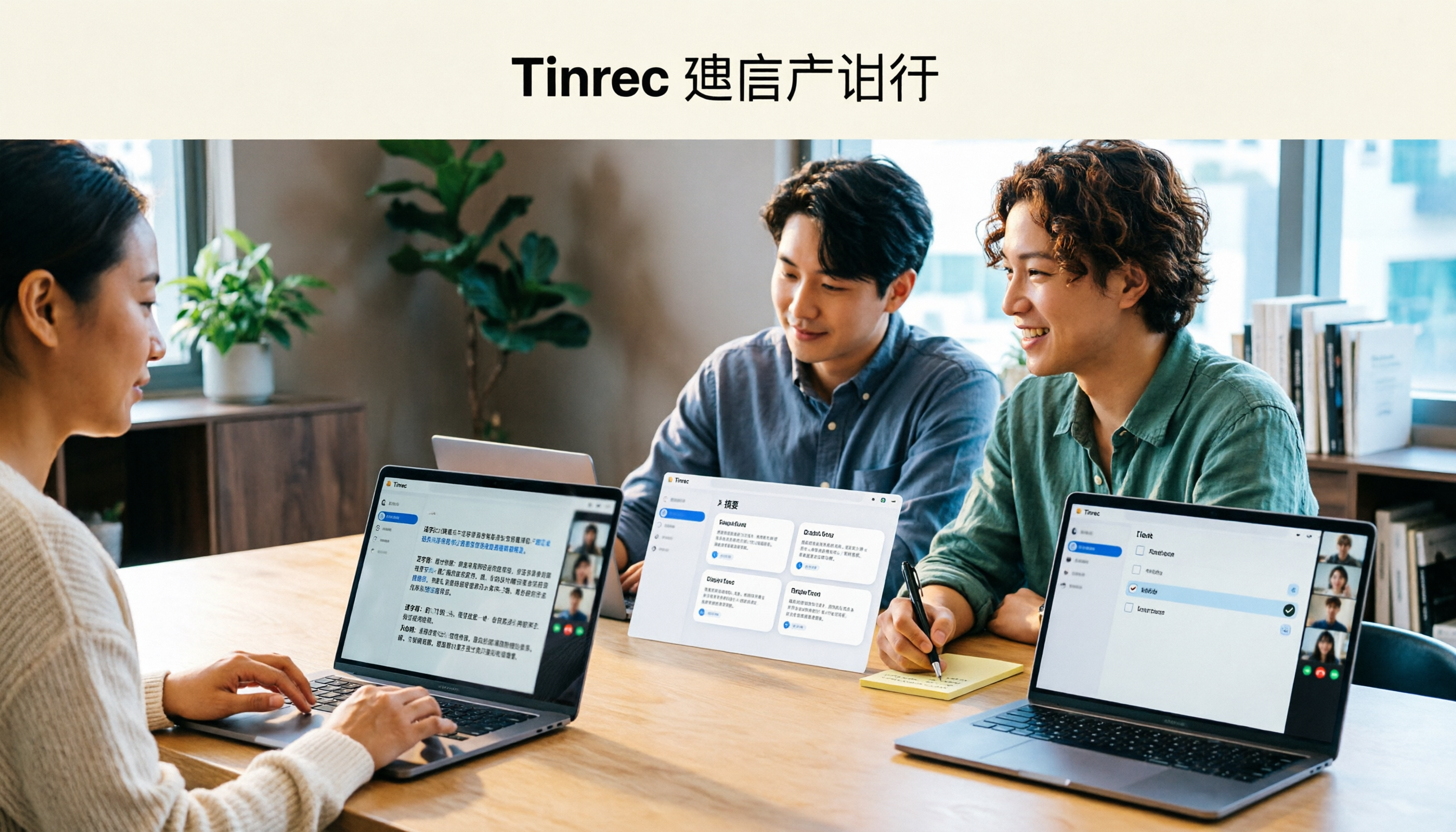
Tinrec Review 2026: AI Meeting Notes Without a Bot + Auto Summaries & Action Items
Tired of staying late to write meeting minutes? This guide breaks down what to look for in an AI meeting notes tool, explains how Tinrec captures Zoom, Meet, and Teams calls on desktop without a bot, and automatically generates transcripts, summaries, and action items. The team plan turns meetings into searchable, transferable team knowledge.

2026 Complete Guide to Online Speech Synthesis: How to Choose Free Tools and Understand the Speech-to-Text Workflow
How should you choose an online speech synthesis tool? This article compares the differences and free quota calculations of TTSMaker, Ondoku, and Yating Text-to-Speech, and also explains the speech-to-text side, including the practical uses and plan limitations of Tinrec in meeting notes, AI Q&A, export, and team collaboration.
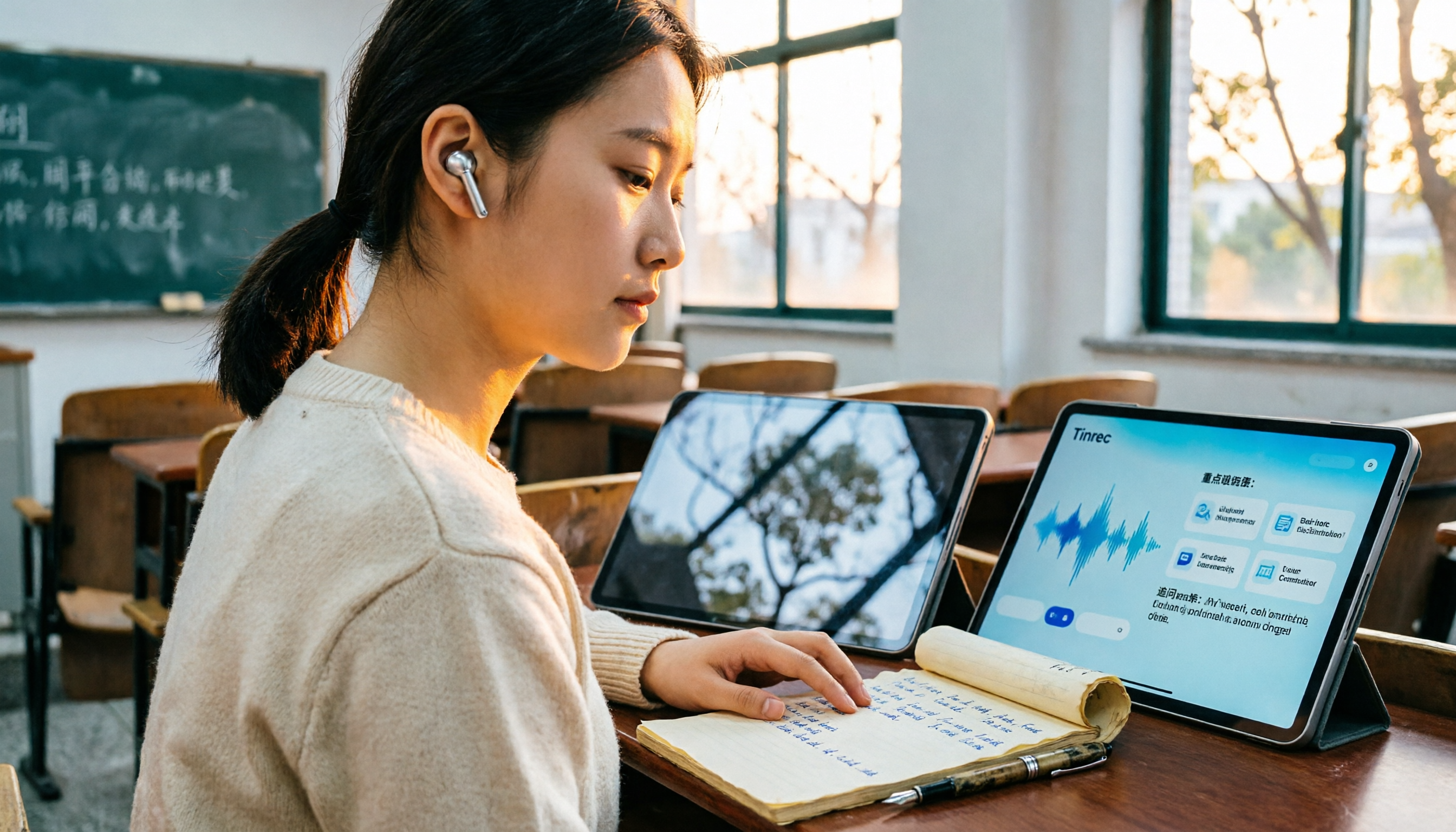
2026 Top 4 Knowledge Summary Apps Compared: From Class Recording to AI Key Points
The most common mistake in organizing knowledge points is focusing only on recording without a proper organization process. This comparison of 4 knowledge summary apps examines content sources, AI organization depth, follow-up questioning capabilities, and output to see which saves the most time, along with buying tips, pitfalls to avoid, and selection advice for different scenarios.

2026 Video Link to Text: 5 Tools Tested and Compared — Paste a Link, Get a Transcript, Which Saves the Most Time?
We tested 5 video link to text tools, analyzing their pros and cons from link import, transcription organization, AI Q&A, to team collaboration. Tinrec stood out for its no-bot meeting recording, AI conversational queries, and team data retention. This article also covers selection criteria and pitfalls to help you find the most time-saving solution.
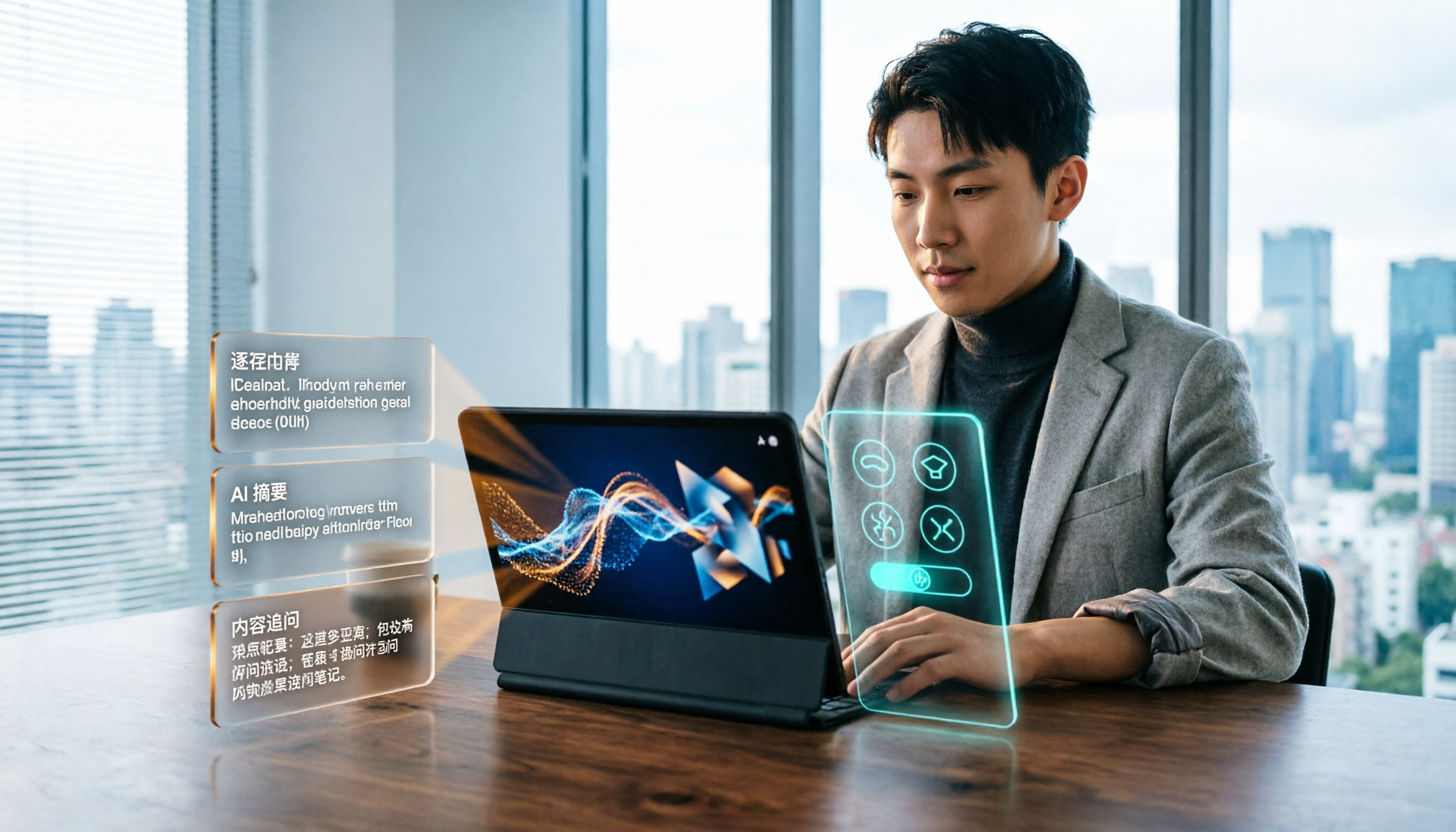
2026 Short Video Learning Efficiency Tools Buying Guide: 4 Tested Picks and Recommendations
Watched tons of short videos but can't remember them? This article breaks down 5 key points for choosing short video learning tools, compares 4 tools with hands-on testing, and shares 5 common pitfalls to avoid. It also explains how to use transcripts, AI summaries, and content Q&A to turn fragmented viewing into notes you can find and explain.

6 Best MP3 to Text Tools in 2026: Which Free Version Is Actually Enough?
Meeting and interview MP3s pile up on your phone, and manual transcription takes far too long. This guide compares 6 MP3-to-text tools, from free online transcription to AI meeting assistants with summarization and Q&A, covering free limits, pricing, and best use cases to help you find the most time-saving option.

2026 Speech-to-Text Comparison: Tencent Cloud ASR vs. Meeting Bots vs. Tinrec
Speech-to-text isn't just about uploading an audio file. This article addresses three common mistakes office workers make, comparing cloud ASR services like Tencent Cloud Speech Recognition, AI assistants that join meetings as bots, and Tinrec's desktop-based bot-free meeting transcription workflow. It covers real-time transcription, AI summaries, action item extraction, team spaces, and key purchasing considerations.

2026 Comparison of 4 Automatic Meeting Minutes Software: From Free to Team Editions
How to choose automatic meeting minutes software? This article addresses common misconceptions and compares Tinrec, Otter.ai, Notta, and Granola on meeting capture methods, post-meeting organization, Chinese language support, and team collaboration. It also provides selection criteria and pitfalls to help you find the right solution for Chinese meetings and team knowledge retention.