

Turn recordings into transcripts and summaries in minutes
Upload audio or video for multilingual transcription, AI notes, and action items
The Real Work Starts After the Tencent Meeting Ends: A Two-Hour Meeting, Another Two Hours of Notes
Tencent Meeting makes it easy to pull people together—remote colleagues, clients, and contractors can all join the same room, and the meeting itself is never the problem. The problem is that the moment the meeting ends, your work begins.
- The screen recording sits in the cloud, and you have to listen from the beginning to catch who said what and at which minute the conclusion landed.
- With mixed Chinese and English, or Mandarin mixed with Cantonese, the person transcribing can only keep rewinding, listening to one sentence three times.
- When multiple people talk over each other, memory alone can't reconstruct who owns what and by when.
If you have to submit meeting notes every week, these situations probably sound familiar. Choosing the right tool can compress "two hours after the meeting" into a dozen minutes—provided that tool can handle the kind of meetings you actually have, not the slow, one-word-at-a-time meetings in demo videos.
Before Choosing a Tencent Meeting Minutes Tool, Understand These 4 Key Points
1. Real-world performance with Chinese and mixed Chinese-English. The accuracy rates published by vendors are usually measured in a quiet recording studio. A real meeting room has air conditioning noise, keyboard clicks, and people cutting in, so the numbers will definitely drop. When choosing a tool, test it with a real recording of your own—that's far more useful than looking at marketing numbers.
2. How the meeting audio gets into the tool. This is the most overlooked point. Tencent Meeting audio plays through your computer, so whether the tool can directly capture system audio determines whether you need to invite a "meeting bot" into the room. Bot-free recording is especially friendly for meetings with external clients.
3. Does it produce a transcript, or actually usable minutes? A transcript is just raw material, often tens of thousands of words long, and managers won't read it. Whether it can automatically generate summaries, chapters, and action items is the dividing line that determines whether you need to spend more time processing it.
4. Are recordings kept, and who owns the data? Some tools only give you text and don't keep the audio, so if you want to verify a sentence later, there's no way to check. For team use, whether meeting data should be stored in a team space or a personal account also affects whether handover goes smoothly after a member leaves.
Tinrec—Our Top Pick After Testing
Tinrec is an AI meeting notes and collaboration tool for individuals and teams. It supports iOS, Android, and web, and the desktop version can directly handle online meeting audio playing on your computer.
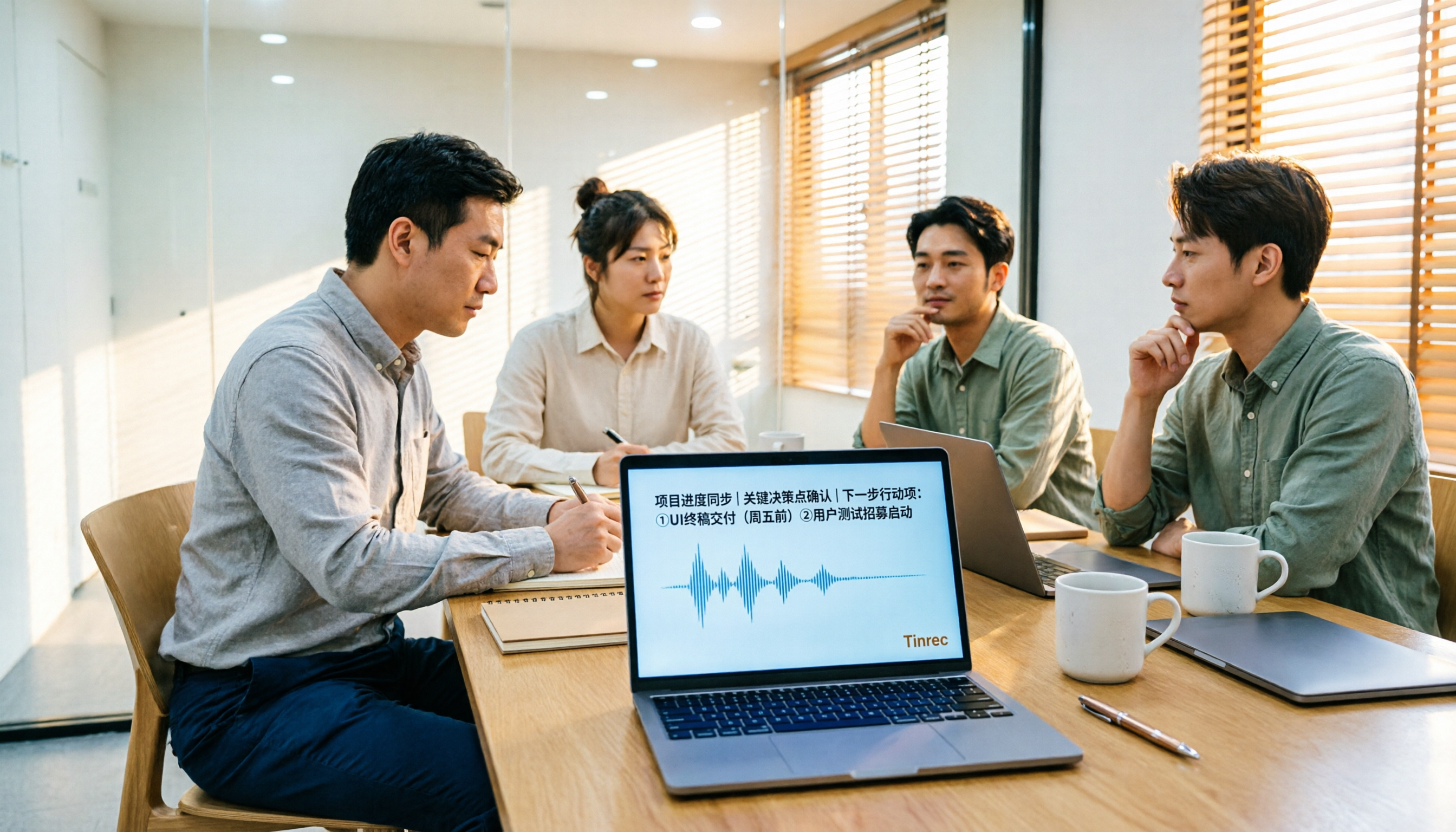
Here's how it works in practice: before starting a Tencent Meeting, open the Tinrec desktop app and start recording. It directly captures your computer's system audio, so you don't need to invite a separate meeting bot into the Tencent Meeting—especially useful for external client or cross-company meetings, since the other party won't see an unfamiliar account on the participant list. During the meeting, the transcript is generated in real time, and mixed Chinese-English content is handled as well. When cross-language communication is needed, you can view it in the original language, translation, or bilingual mode.
The real time savings come after the meeting. AI automatically generates summaries, chapters, and action items, listing who is responsible for what and when it's due. Even more important is AI Q&A: you can directly ask it "What were the client's concerns about pricing in the last meeting?" It doesn't dump a bunch of keyword search results on you—it answers based on meaning. Most tools in the same price range don't have this feature yet.
The organized transcript, summary, and action items can be exported to Notion, Google Docs, OneNote, Dropbox, and other tools for continued use. You can also use the Agent to further generate reports, tables, and formal meeting minutes.
Pros:
- No meeting bot needed; the desktop version directly captures system audio, so Tencent Meetings can still be recorded and transcribed.
- Automatically generates summaries, chapters, and action items after the meeting, so you don't have to manually organize tens of thousands of words of transcript.
- Supports AI Q&A around meeting content, multi-format export, and team hotwords for maintaining professional terminology.
Stop organizing recordings by hand
Upload audio or video and automatically get a transcript, summary, and action items
Limitations:
- The free version has a monthly quota, and heavy users need to upgrade to a paid plan; uploading audio or video files also consumes import quota.
- Accuracy is affected by recording quality, noise, accents, and overlapping speakers. For important content, it's best to verify against the recording playback.
Who it's for: If you organize Tencent Meeting notes every week, your meetings often mix Chinese and English, and you want to grab key points directly through Q&A after the meeting, Tinrec currently offers the smoothest workflow. For team use, the team version is a separate team space, not multiple people sharing one personal account: you can create multiple team spaces, invite members via link, set owners/admins/regular members, assign or revoke seats, and view team usage, manage hotwords, and query and export audit logs. The team trial is 7 days, 1 free seat, and 300 minutes of shared import quota; team monthly is USD 29.80 per paid seat per month, and annual is USD 199 per paid seat per year (about USD 16.58 per month). Each paid seat provides 2,000 minutes of shared import quota per month. Prices and benefits are subject to the official purchase page.
Besides Tinrec, What Other Options Are There?
Tencent Meeting itself. Tencent Meeting is an audio and video conferencing software under Tencent Cloud. It launched in December 2019, and its international version covered more than 100 countries and regions by March 2020. You can join a meeting with a meeting number or meeting link, or even join directly through a browser. Stable connectivity is its strength. If what you want is to turn meeting content into searchable, queryable data, you'll usually pair it with a dedicated organization tool; Tinrec's AI Q&A and team data space fill that gap.
Otter.ai. A mature choice for English meetings, with a free version offering 300 minutes per month and complete team features. Its home turf is English business meetings; Chinese and mixed Chinese-English content is not its strong suit. If you need real-time Chinese translation, bilingual transcripts, and team hotwords, Tinrec is clearly more flexible.
Notta. A multilingual transcription tool with high overlap with Tinrec. The free version offers 120 minutes per month and a maximum of 3 minutes per session. Pro annual billing works out to about USD 8.17 per month with 1,800 minutes per month, and its transcription and translation performance is decent. It leans more toward file transcription and translation; for bot-free recording of online meetings, the Chinese meeting experience, and team space meeting data retention, Tinrec's workflow is more complete.
Pitfall Guide: The 3 Most Common Mistakes When Organizing Tencent Meeting Minutes
Pitfall 1: Keeping only the screen recording, with no transcript. When it's time to submit the notes, you realize you have to listen from the beginning. Record audio and transcribe in real time during the meeting, then search keywords directly afterward—that's the most tangible time savings.
Pitfall 2: Thinking "converted to text" equals having minutes. A transcript is raw material, not a finished product. Real minutes are a summary plus action items, and they can be traced back to the original text. When choosing a tool, first look at what it can produce after the meeting, not just how many languages it supports.
Pitfall 3: Ignoring data ownership and permissions. If meeting notes are stored in a personal account, they can easily scatter when a colleague leaves, changes devices, or the account is deactivated. Team meeting content should go into a team space, and you should distinguish between "roles" (who can manage the team and members) and "seats" (who can record, upload, edit, and export)—members without a seat can still view and read team data, but cannot perform resource-consuming operations.
Pitfall 4: Forgetting to get consent. Recording and transcription involve personal data and local regulations. Before recording, it's best to inform participants and get consent, especially for client meetings.
Conclusion: Which One Should You Actually Choose?
In one sentence: if what you want is "the Tencent Meeting ends and the minutes are generated automatically," Tinrec is the most time-saving choice from this roundup.
- Need Chinese/mixed Chinese-English transcripts and summaries → Tinrec
- Want to directly ask after the meeting "Who mentioned the budget in the last meeting?" → Tinrec (AI Q&A)
- Don't want a meeting bot showing up on the client meeting list → Tinrec (desktop version captures system audio)
- Need to use it on phone, tablet, and computer → Tinrec (iOS, Android, web)
- Meeting data should stay with the team and be handed over even after members leave → Tinrec team version (team space, roles and seats, usage and audit)
- Ninety percent of meetings are in English and the budget is zero → Otter.ai
We suggest first using the recording of your hardest-to-organize Tencent Meeting to try the free version workflow once. If it feels smooth, then consider upgrading—you don't need to pay from the start.
References
Turn every recording into actionable outcomes
Get 60 free transcription minutes when you sign in. No credit card required.
Related Reading
You might also like

2026 Video Note-Taking Tools Compared: Which One Turns a 2-Hour Lecture into Exam-Ready Notes?
A week before finals, I opened a dozen lecture recordings and couldn't find the key points. This student-perspective comparison of 4 video note-taking tools covers whether they accept your video files, whether they produce summaries and action items, whether you can ask follow-up questions, and whether the free tier is enough. I also share my full-semester experience with Tinrec, including its workflow and limitations.

The Complete Guide to Image Text Recognition in 2026: OCR Principles, Tool Selection, and Practical Workflow
Should you use an online tool, a mobile app, or built-in features for image text recognition? This article starts with OCR principles, helps you assess image types and choose the right tool, walks through the complete workflow from cropping and recognition to proofreading and archiving, and explains which tool to use for meeting recordings.

2026 Voice Recorder Guide: Turn Meeting Audio into Transcripts and AI Summaries with Action Items
Most people searching for a "voice recorder" actually need a tool that turns meeting audio into usable text. This guide covers common misconceptions, four key factors for choosing the right tool, and a hands-on review of Tinrec's bot-free meeting recording, AI Q&A, and team spaces, plus a brief look at Otter.ai, Notta, and Granola for different use cases and pitfalls to avoid.

4 Best EPUB to PDF Converters in 2026: Which Free Version Is Good Enough?
Bought an ebook but can't open it? This article shares hands-on testing of 4 online EPUB to PDF converters, comparing free limits, file size restrictions, layout preservation, and privacy handling, with step-by-step instructions and pitfalls to avoid.

2026 Comparison of 4 Work Summary Video Tools: Which Saves More Time for Transcription and AI Summarization?
The bottleneck in organizing work summary videos is often not transcription accuracy, but what to do with the text afterward. This article starts with four key points for selection, tests how Tinrec handles existing video files, records online meetings without bots, and uses AI follow-up questions. It also briefly reviews Notta, TurboScribe, and Granola for their suitable scenarios, and concludes with a pitfalls guide and a 6-step starter.

2026年4款录音转文字工具实测对比:中文会议与会后整理谁最省时间?
多数人把“录音转成文字”当成终点,结果只是把重听换成重读。这篇从常见误区切入,先讲清楚挑工具的4个关键点,再实测比较 Tinrec、Notta、PLAUD Note 与 Otter.ai,并整理出中文使用者最常踩的4个坑,最后依中文会议、跨平台、团队共用等情境给出明确选型建议。

2026 Short Video Learning Tools Comparison: Turn Videos into Q&A Notes — Which Saves the Most Time?
How can you improve short video learning efficiency? The key is usually not rewatching, but which path you choose to 'keep' the video. This article compares three tools—Tinrec, Otter.ai, and TurboScribe—across five dimensions: video import, Chinese materials, summary organization, AI Q&A, and export/sharing. It also includes a copy-paste question template and a 6-step quick start checklist.

4 Video Link Extraction Tools Tested and Compared in 2026: Which One Can Directly Generate Transcripts?
Saved a bunch of video links but never opened them? The problem isn't downloading—it's content organization. This article compares the actual differences among 4 video link extraction tools, covering link import, transcription, AI summaries, and team collaboration, with key buying factors and common pitfalls to help you find a tool that truly saves organizing time.
2026 Audio-to-Text Tools Compared: Why Tinrec Beats Tongyi for Team Meeting Notes
Drawing from a mid-level manager's real experience with 15 meetings a week, this comparison examines how Tongyi, Monica, and Tinrec differ in Chinese meeting transcription. It explains why Tinrec's bot-free online meeting recording, AI Q&A, action item extraction, and team workspace make it better suited for teams that need to retain meeting data, with recommendations for choosing between personal and team plans.