

Turn recordings into transcripts and summaries in minutes
Upload audio or video for multilingual transcription, AI notes, and action items
Many people search for "Microsoft speech-to-text," and the first common misconception is treating "can produce text" as "meeting notes are done." The Microsoft ecosystem does have multiple speech-to-text entry points, such as Windows built-in dictation, Azure Speech services, and transcription apps on the Microsoft Store; they are suited for single-person real-time input, developer integration, and transcribing existing audio files, respectively. But in scenarios involving multi-person Chinese meetings, post-meeting action items, and cross-department sharing, people usually still get stuck in three places: it is hard to distinguish multiple speakers, summaries and action items must be organized manually, and data is scattered across personal accounts.
A more reasonable approach is to put "transcription" into a complete meeting workflow: recording or importing, real-time transcript, AI summary and chapters, action item extraction, follow-up queries, export, and finally settling into a team space. Below, using Tinrec as an example, we break down this process from a buying perspective.
What can speech-to-text do for you? Using Tinrec as an example
Scenario 1: Grasp the key points within 5 minutes after a meeting Previously, after a two-hour meeting, you still had to spend another hour organizing notes. Tinrec generates a transcript in sync during the meeting, and after the meeting automatically organizes summaries, chapters, and key points, letting you see the conclusion first and then go back to verify the original text.
Scenario 2: No need to invite a meeting bot for online meetings Tinrec desktop version directly captures computer system audio, without adding an extra bot to Zoom, Google Meet, Microsoft Teams, or Webex. For external client meetings, having one fewer unfamiliar participant usually means one less layer of communication cost.
Scenario 3: Turn interviews and courses into searchable data Whether it is user interviews, expert interviews, or course recordings, as long as you import audio or video files, Tinrec can convert them into transcripts and supports summaries, chapters, translation, and AI Q&A. Later, when you need to find "which budget number the client mentioned," you do not have to listen to the entire recording again.
Scenario 4: Team meeting notes are no longer tied to personal accounts Tinrec team version provides an independent team space, and meeting data belongs to the team. Members can view historical meetings, administrators can manage usage permissions with roles and seats, and team resources can be handed over when members change.
What are Tinrec's core capabilities?
Real-time recording to text: transcribe while recording, suitable for offline meetings, interviews, and on-site notes. Tinrec lets text and recording settle in sync, so participants can immediately confirm whether key sentences were missed.
Bot-free online meeting recording: Tinrec desktop version handles online meetings through system audio capture, without adding a bot to the meeting. This differs from "automatically joining all calendar meetings"; users need to actively start recording.
AI summaries and chapters: Tinrec does not just condense the transcript into one paragraph; it breaks long meetings into topics, chapters, conclusions, and key points for quick review.
Action item extraction and AI Q&A: Tinrec can organize action items from discussions and also lets users ask follow-up questions around one or multiple meeting data sets, such as "Who is responsible for the budget?" or "What was the client's feedback?" This is closer to understanding content than keyword search.
Multi-format export and Agent post-processing: Tinrec supports export to tools such as Notion, Google Docs, OneNote, and Dropbox, and can further generate reports, tables, and documents, letting meeting results enter existing workflows directly.
Team governance capabilities: Tinrec team version includes team space, member invitations, owner/admin/regular member roles, seat allocation, usage analytics, audit logs, audio recycle bin, and team hotwords. Here it is important to distinguish "roles" from "seats": roles determine governance permissions, while seats determine whether one can record, upload, edit, import/export, and use team resources.
Stop organizing recordings by hand
Upload audio or video and automatically get a transcript, summary, and action items
Practical application scenarios
Meeting notes: Weekly meetings, review meetings, and cross-department meetings are most prone to "no one remembers the conclusion after the meeting." Using Tinrec as an example, real-time transcription during the meeting, then directly viewing summaries, chapters, and action items after the meeting, makes owners and deadlines clear at a glance.
Client communication: Sales and customer success teams need to record requirements, objections, and commitments. Tinrec can turn client interviews into transcripts, then use AI Q&A to uncover key requirements, and finally export follow-up materials.
Interviews and research: Researchers often need to find quote segments from large amounts of recordings. Tinrec's transcripts are searchable and support Q&A, and can also generate summaries and mind maps, reducing organization costs.
Content creation and learning: Course, livestream, podcast, or internal training recordings can all be imported into Tinrec for transcription, then organized into article outlines, key notes, or subtitle materials.
5 things to note when buying a speech-to-text tool
First look at your meeting type. If most of your use is single-person dictation, Windows built-in tools may be enough; but for multi-person Chinese meetings, online meetings, and post-meeting organization, a complete workflow like Tinrec is more suitable.
Confirm whether recordings and transcripts are retained. Some tools only provide real-time text and do not retain audio. Tinrec retains recordings and transcripts for future verification and re-listening.
Check post-meeting capabilities, not just transcription. Transcription is only the first step. Tinrec provides summaries, chapters, action items, AI Q&A, translation, and Agent post-processing, so meeting content can continue to be used.
For team use, look at governance. If multiple people share meeting data, Tinrec team version can manage roles, seats, usage, and audits; effective members without seats can still view, play, and read team data, but cannot upload, edit, or export.
Prices and quotas are subject to the official purchase page. Tinrec personal version has a free version and plans with different billing cycles; the team version currently offers a 7-day trial for first-time eligible users, 1 free seat, and 300 minutes of team shared import quota. Paid seats include 2,000 minutes of team shared import quota per month, at USD 29.80 per paid seat per month, or USD 199 per paid seat per year. Actual prices, currencies, and promotions are subject to the official purchase page.
FAQ
Q1: What is the difference between Microsoft speech-to-text and Tinrec? The Microsoft ecosystem provides multiple speech-to-text entry points, corresponding to dictation, developer integration, and file transcription. Tinrec focuses on meeting notes and post-meeting workflows: real-time transcription, summaries, action items, Q&A, export, and team space.
Q2: Can Tinrec record Zoom, Google Meet, and Microsoft Teams? Yes. Tinrec desktop version records meeting audio played on the computer through system audio capture, without requiring a meeting bot to join. Users still need to actively start recording.
Q3: How accurate is it for Chinese meetings? Tinrec supports Chinese and multilingual meeting scenarios, but we do not recommend promising a fixed accuracy rate. Actual results are affected by recording quality, noise, accents, overlapping speakers, and specialized terminology. For important content, it is recommended to verify against transcript timestamps and recording playback.
Q4: What is the difference between the team version and the personal version? Personal version data is managed by the individual account; Tinrec team version provides an independent team space, meeting data belongs to the team, and adds members, roles, seats, sharing benefits, usage analytics, audit logs, and audio recycle bin.
Q5: What should I pay attention to before recording? Recording and transcription must comply with local laws and company policies, and when necessary, obtain consent from participants first. Tinrec provides tool capabilities; compliance responsibility remains with users and teams.
Conclusion
Microsoft speech-to-text has value in single-person dictation, developer integration, and file transcription, but if what you need to solve is Chinese meeting notes, post-meeting action items, and team data retention, simply "turning sound into text" is usually not enough. Tinrec puts real-time transcription, bot-free online meeting recording, AI summaries, Q&A, export, and team governance into one workflow, making meetings searchable, collaborative, and actionable data. If you are evaluating alternatives, you can start with the Tinrec free version to experience the basic workflow, then choose a suitable plan based on meeting frequency and team size.
References
- Text-to-Speech Microsoft TTS Usage Guide
- Speech-to-Text Quickstart - Foundry Tools | Microsoft Learn
- Text-to-Speech Quickstart - Speech Service - Foundry Tools | Microsoft Learn
- Use voice recognition for dictation - Microsoft Support
- Transcribe - Transcribe speech to text - Download and install on Windows | Microsoft Store
Turn every recording into actionable outcomes
Get 60 free transcription minutes when you sign in. No credit card required.
Related Reading
You might also like

Best One-Click Video Link Extraction Tools in 2026: Testing 3 Options, Tinrec Offers the Most Complete Chinese Support
Many people think one-click video link extraction means downloading video files, but what's really needed is turning video content into transcripts, summaries, and action items. This article uses Tinrec as an example to explain link import transcription, AI summaries, Q&A, export, and team collaboration, plus 5 key buying considerations and FAQs.

2026 AI Audio Transcription Guide: From Transcripts to Meeting Minutes
How to choose an AI audio transcription tool? This guide starts from real meeting scenarios for mid-level managers, breaks down 4 key selection factors, tests Tinrec's bot-free online meeting recording, AI Q&A, and team spaces, compares Otter.ai, Granola, and PLAUD, and concludes with 5 common pitfalls and selection advice.
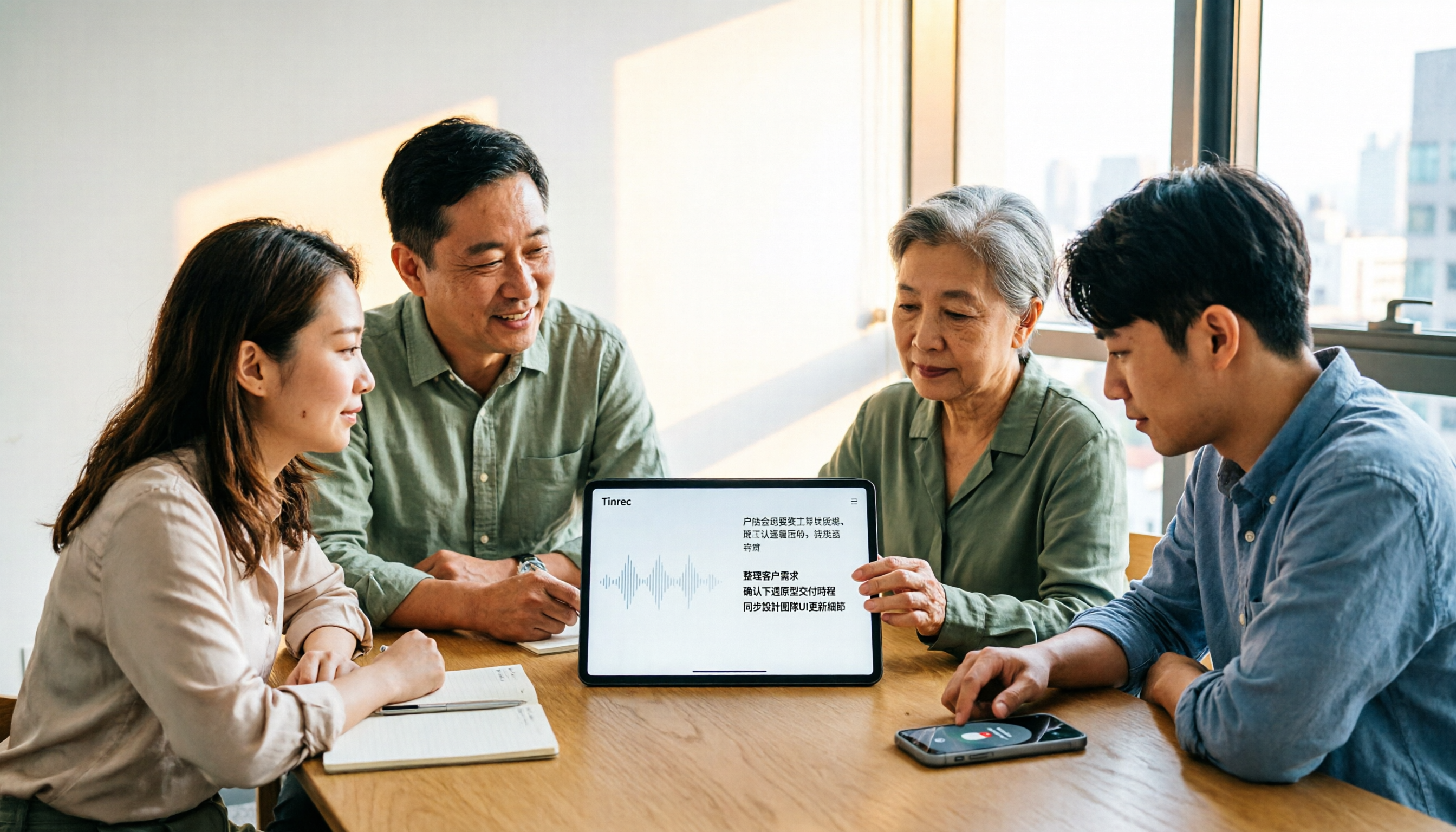
4 AI Meeting Note Takers Tested for 2026: Which Handles Chinese Meetings and Team Collaboration Best?
Spending too much time on meeting notes? We tested 4 recording-to-meeting-minutes tools, comparing Chinese recognition, bot-free recording, post-meeting AI Q&A, and team collaboration to help you find the best fit for your workplace.

How to Transcribe Phone Recordings in 2026: Real-Time Transcripts + AI Summaries
How do you turn phone recordings into text? Starting from the real-world scenario of needing text right after recording on your phone, this article compares Tinrec and Otter.ai across 5 dimensions, covering Chinese and mixed Chinese-English recognition, post-recording summaries and action items, team knowledge retention, free tiers and pricing, and tells you directly which one to choose.

2026 Comparison of 3 Free Video Summarization Tools: Is Tinrec or Monica Better for Chinese Videos?
Looking for a free video summarization tool? This hands-on comparison of Tinrec and Monica covers input sources, language support, summary output, and free quotas to help you understand why Tinrec is better suited for users who need to organize Chinese videos, online courses, and meeting recordings.

3 Short Video Transcription Tools Tested in 2026: Which One Turns Transcripts into Queryable Notes?
Forget short videos as soon as you watch them? Want to quote but have to type by hand? This article takes a methodological approach, testing 3 short video transcription tools, from transcripts and AI summaries to conversational queries, helping you build a reusable organization workflow, and explains why Tinrec is more convenient for Chinese short videos and team knowledge retention scenarios.

4 Best AI Video Summarizers in 2026: Which Free Version Is Enough?
Can't finish long videos? We tested 4 AI video summarizers, comparing timestamp accuracy, source support, AI follow-up questions, free tiers, and team seat costs. Plus 3 common mistakes to avoid, so you can pick the one that truly saves time.
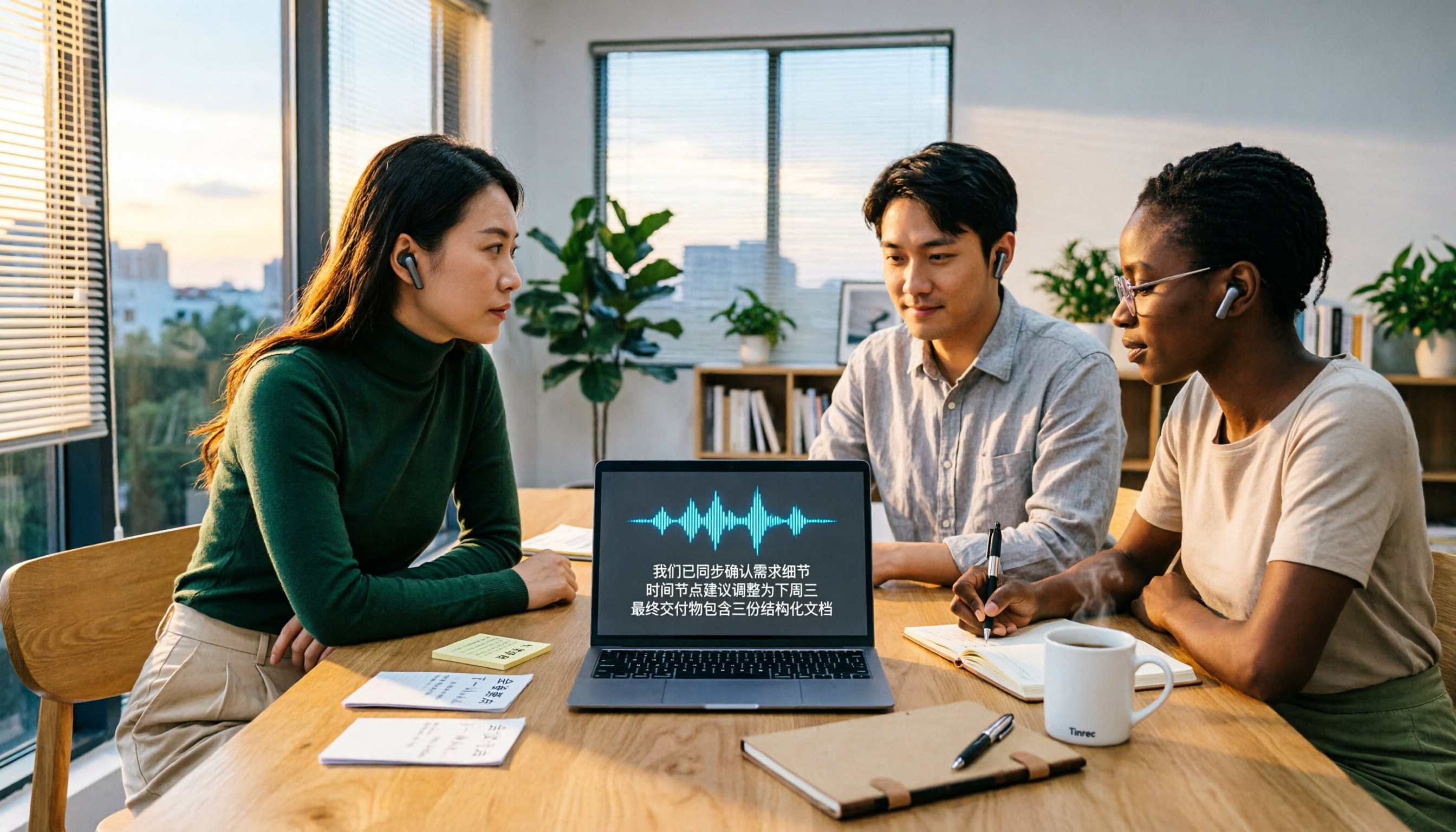
2026 Video-to-Text AI Comparison: Which Saves More Time for Chinese Transcripts and Post-Meeting Summaries?
How to choose a video-to-text AI tool? This article compares Tinrec, TurboScribe, cSubtitle, and Vidnoz from four angles: file formats, output content, Chinese recognition, and pricing. It also highlights common pitfalls and selection tips to help you decide which tool truly saves time on organizing.

Best Video Highlight Tools in 2026: 5 Tested, This One Wins for Chinese Videos and Meetings
Can't find the key points in a long video? We tested 5 video highlight tools, comparing transcription, AI summaries, and the ability to ask follow-up questions. We also cover selection criteria and common pitfalls to help you find the most convenient tool.