

Turn recordings into transcripts and summaries in minutes
Upload audio or video for multilingual transcription, AI notes, and action items
2026 Comparison of 4 Meeting Transcription Tools: Can You Record Meetings and How to Use the Recordings
Before you hit record, ask yourself three questions: Is this meeting public or private? Are you a participant or an observer? Is your purpose for recording self-protection and evidence, or do you plan to distribute it publicly? These three answers will determine whether you can record, how you can use the recording afterward, and which tool you should choose.
Can You Record Meetings? Understand This Key Question First
Bottom line: Most meeting recording issues are not about whether everyone consented, but about whether the meeting is secret and whether your purpose for recording is legitimate. Based on summaries from sources like the 秒聽錄音 Blog and Realtalk, the law does not require unanimous consent to record a meeting. If you are a participant, the meeting itself is not secret, and the recording is for self-protection or keeping a record, you typically do not need everyone's approval. However, in practice, giving prior notice is still less likely to hurt relationships.
Take a condominium owners' association meeting as an example. Sources mention that the chairperson cannot prohibit residents from recording solely based on their authority, unless the bylaws explicitly state so and it has been approved by the owners' meeting. If participants record themselves without editing or tampering, courts often accept it as evidence to reconstruct the meeting process. But note: recording for self-protection does not mean you can distribute it; if you use the recording to coerce, defame, or publicly humiliate others, you may cross from self-protection into illegality.
Article 315-1 of the Criminal Code, the crime of secret recording, requires "without justifiable reason" and "non-public." Recording a meeting you participate in to protect your rights is generally considered to have a legitimate reason; but secretly recording others' private conversations in non-public places, or recording for improper purposes, increases the risk. Workplace recording follows the same logic: recording conversations you participate in is mostly legal and does not require prior consent; but if the purpose involves intimidation, industrial espionage, or illegal benefits, problems may arise. This article is not legal advice; for actual disputes, consult a lawyer or professional.
Before Choosing a Meeting Recording Tool, Understand These 4 Key Points
First, distinguish the occasion and purpose. Public meetings, meetings with external participants, and private one-on-one conversations have different recording considerations; whether you are a participant or observer also affects legitimacy. First confirm "can I record," then worry about "what to record with."
Second, can it automatically organize after recording? Just getting a transcript is a completely different workload from getting a summary, chapters, action items, and meeting materials you can query. For student group discussions or internship weekly meetings, knowing "who needs to do what" after the meeting is more important than just having a transcript.
Third, the recognition experience for Chinese and mixed Chinese-English. Taiwanese teams often mix Chinese and English in meetings, switching between technical terms and English. Whether the tool can handle mixed content, provide real-time translation, and allow bilingual viewing directly affects whether you will want to keep using it.
Fourth, cross-platform and team data. If you record on your phone today and organize on your computer tomorrow, you will suffer if the tool does not support cross-platform. For team use, also check for team spaces, role and seat management, usage, and export. These four points are also the basis for my scoring in this test.
Tinrec (秒聽錄音) — The One I Use Most After Testing
Tinrec (秒聽錄音) is an AI meeting notes and collaboration tool for individuals and teams, available on iOS, Android, and web. It does more than convert audio to text; it organizes meeting recordings into searchable, summarizable, queryable, and exportable data. I ran it through three scenarios: group discussions, internship weekly meetings, and online interviews. The most obvious feeling was: no need to re-listen from the beginning after the meeting.
The first scenario is online meetings. Tinrec desktop version directly captures computer system audio, processing Zoom, Google Meet, Microsoft Teams, and Webex meeting audio played on the computer, without needing to invite a meeting bot. After opening Tinrec to initiate recording, it produces a transcript while recording; when the meeting ends, AI summaries, chapters, and action items are already organized, making it clear who is responsible for what and what to follow up on next time.
The second scenario is post-meeting queries. After recording, I can directly ask Tinrec: "Who mentioned the budget in the last meeting?" "What was the conclusion of the group discussion?" It answers based on the meeting content, rather than just throwing keyword search results. This is the biggest difference from tools that only provide transcripts: transcripts are raw material, AI Q&A helps you find answers.
The third scenario is output and collaboration. Tinrec can export results to Notion, Google Docs, OneNote, Dropbox, etc., and can also use Agent post-processing to generate reports, tables, and files. It supports real-time translation during meetings, allowing you to view original text, translation, or bilingual content. For those who need to incorporate meeting content into reports or shared notes, this saves a lot of time compared to manual copy-paste.
Stop organizing recordings by hand
Upload audio or video and automatically get a transcript, summary, and action items
I summarize the advantages in three points. First, the post-meeting workflow is complete: transcript → summary → chapters → action items → AI Q&A → export, all in one line. Second, the experience for Chinese and mixed Chinese-English meetings is very focused, and the team version has team hotwords to maintain common terminology; actual recognition still depends on audio quality, accent, noise, and overlapping speech, so do not expect 100% accuracy. Third, the team version precipitates meeting data into a team space: you can create multiple teams, invite members via join links, set owners/admins/regular members, assign or revoke seats, and view usage trends, member rankings, audit logs, and audio recycle bin.
The current team version terms: first eligible team trial is 7 days, 1 free seat, 300 minutes of team shared import quota; team monthly payment USD 29.80 per paid seat per month, annual payment USD 199 per paid seat per year (equivalent to about USD 16.58 per month); each paid seat provides 2,000 minutes of team shared import quota per month, and real-time recording is currently not deducted by minutes under an active team plan and active seat. Prices and benefits are subject to the official purchase page. Note that roles and seats are two different things: members with an active role but no seat can view, play, and read team data, but cannot upload, edit, import, or export; the team version currently focuses on team-level sharing, not file-level granular permissions.
Limitations should also be stated honestly. The free version is a basic quota, suitable for light use, but heavy recording, importing, and organizing needs will require payment; the personal version has free, weekly card, Pro monthly, and Pro annual, with actual prices and quotas on the official website. Also, AI summaries and Q&A may miss details; for important decisions, cross-check with transcript timestamps and recording playback. Who is it for? If you often have Chinese meetings, do not want to invite a meeting bot, want to use AI to query key points directly after the meeting, or need to precipitate meetings into a team space, Tinrec is a very smooth choice.
Besides Tinrec, What Other Options Are There?
Granola: A bot-free AI meeting notes tool, Basic is free, Business is USD 14 per user per month, Enterprise is USD 35 per user per month. It supports real-time transcript viewing, copying, and searching, but does not support uploading pre-recorded audio and does not save meeting audio. If you only record live meetings and do not need to keep audio files, consider it; but if you want to keep audio and import interview files, Tinrec is more complete in this regard.
Notta: A multi-platform transcription and meeting notes tool, free version 120 minutes per month, single content up to 3 minutes; Pro annual equivalent to USD 8.17 per month, 1,800 minutes per month; Business annual equivalent to USD 16.67 per seat per month, offering unlimited transcription, role permissions, and usage reports. Notta is strong in file transcription, subtitles, and translation; Tinrec emphasizes desktop bot-free recording of online meetings, team spaces, AI Q&A, and Agent post-processing, with a more concentrated workflow for turning data into action items after meetings.
Otter.ai: A mature AI meeting assistant, Basic free 300 minutes per month; Pro annual equivalent to USD 8.49 per user per month, including 1,200 minutes of in-app recording and 10 file imports per month; Business offers more meeting and management capabilities. If you mainly record English business meetings, Otter is a mature choice; but if you need Chinese meetings, team hotwords, and post-meeting Agent-generated reports/tables, Tinrec's Chinese team workflow is more aligned with your needs.
Avoidance Guide: 4 Most Common Mistakes When Choosing a Meeting Recording Tool
Mistake 1: Thinking meeting recording requires unanimous consent. The law does not require this, but prior notice is polite and reduces conflict; more importantly, do not distribute the recording, otherwise self-protection may become infringement or defamation risk.
Mistake 2: Treating "having a recording" as "having a record." Recording without organizing is like giving yourself a longer file. What really saves time is transcript plus summary, chapters, action items, and AI Q&A, which is also my primary criterion for choosing a tool.
Mistake 3: Ignoring free quotas and single-session limits. Notta free version max 3 minutes per session, Otter free version 300 minutes per month, Granola does not save meeting audio; check these limits before testing, so you do not find out halfway through recording.
Mistake 4: Treating the team version as "multiple people sharing one account." The team version is a separate team space; roles determine who can manage, seats determine who can record, upload, edit, and export; members without seats can read but not edit. If you need multi-person collaboration, understand seats and permissions first, so you do not buy it and find it unusable.
Conclusion: Which One Should You Choose?
Need Chinese meetings + post-meeting AI queries + team data precipitation → Tinrec. It connects recording, transcript, summary, action items, Q&A, and export in one workflow, and is friendlier for Taiwanese teams' mixed Chinese-English meetings.
Need to keep audio + upload pre-recorded interview files → Tinrec. Granola does not save meeting audio and does not support uploading pre-recorded audio; if you want to organize already-recorded interviews or historical meetings, Tinrec is more suitable.
Do not want to invite a bot for online meetings → Tinrec desktop version. It directly captures computer system audio, without adding an extra bot to Zoom, Meet, or Teams.
Mainly English meetings and zero budget → Otter.ai. This is one of the few scenarios in this article where I recommend a competitor; Otter's English meeting mindset is mature, and the free quota is generous.
Team multi-person management of seats, usage, and audit → Tinrec team version. If you are just an individual user, start with the free version for one meeting, confirm the workflow is smooth before considering a weekly card or Pro; students with limited budgets do not need to pay from the start.
(Data references: 秒聽錄音 Blog, 懷安法律事務所, 超人行銷, 全國法規資料庫, Realtalk; product and price terms are subject to Tinrec's official page.)
References
- Can you record condominium association meetings? Legal rights and practical advice - 秒聽錄音 Blog
- How can companies prevent others from secretly recording meetings? - 懷安法律事務所
- Can you record meetings? - 超人行銷
- Legislative Yuan Meeting Video and Audio Recording Management Rules - 全國法規資料庫
- 5+ practical life tips for secret recording! Workplace recording and mobile recording legal and illegal situations
Turn every recording into actionable outcomes
Get 60 free transcription minutes when you sign in. No credit card required.
Related Reading
You might also like
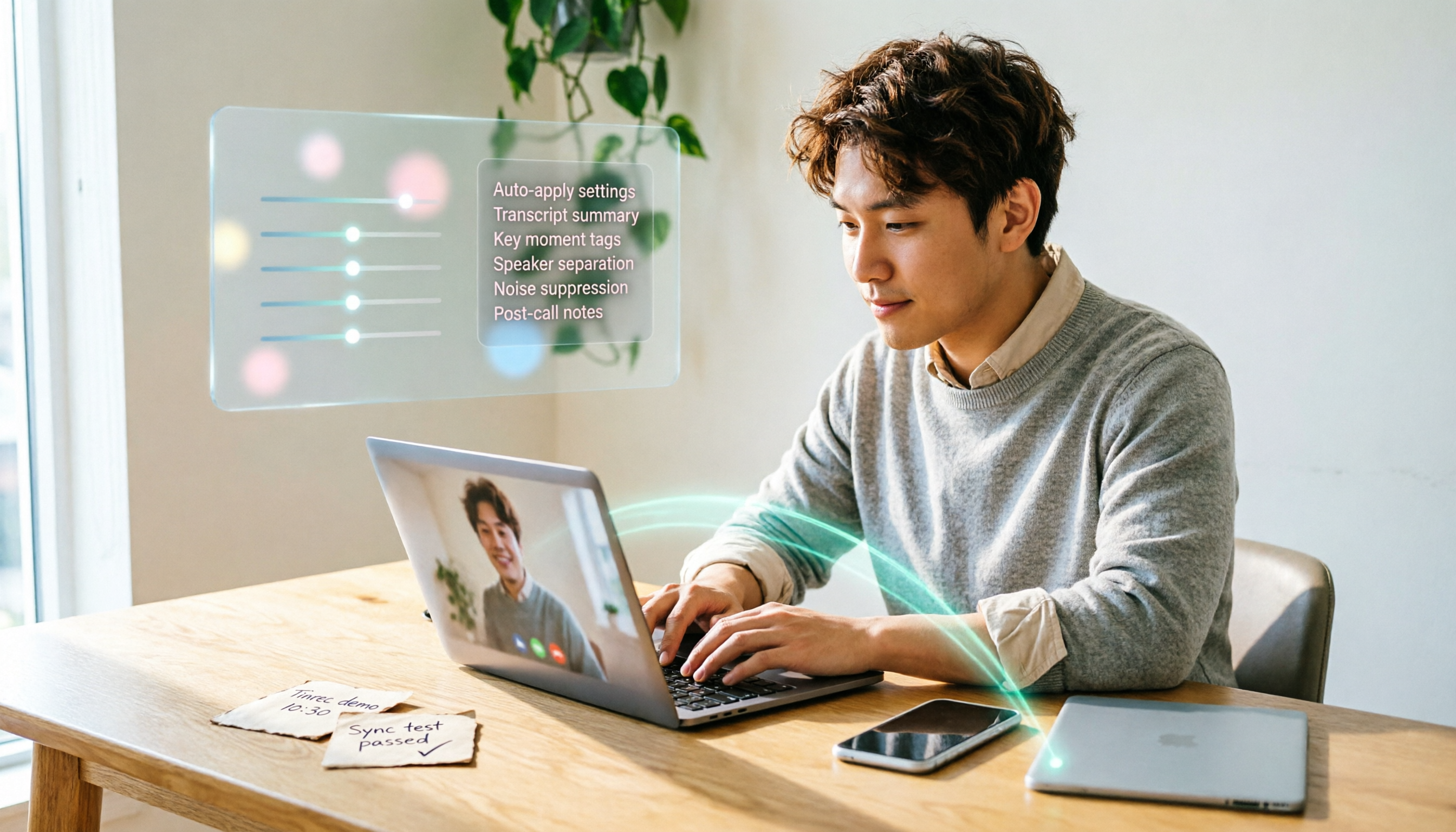
LINE Video Call Beauty Filter Guide 2026: 6 AI Adjustments + Auto-Apply Across Devices
LINE video calls have built-in beauty filters—no extra app needed. This guide walks you through where to find the settings, the six adjustment parameters, combining filters with backgrounds, fixing poor lighting, and organizing post-meeting notes. It also covers common questions and real-world limitations.

The Complete Guide to Meeting Minutes in 2026: From Transcripts to Action Items
What exactly should meeting minutes capture? Starting from the real pain points of mid-level managers, this article breaks down the 4 core elements every set of meeting minutes should include, the fields they need, and how AI tools can help you go from recording to action items. It also includes 5 checkpoints for choosing a meeting minutes tool and answers to common questions.

2026 Guide to Free HOA Meeting Recording Options: 3 Tools Compared
From legal considerations and bylaws restrictions to practical recording tips, this guide covers whether HOA meetings can be recorded, whether recording files can be requested, and compares Tinrec, Granola, and TurboScribe as free options for post-meeting organization.
3 LINE Meeting Recording Tools Tested in 2026: The Most Time-Saving Way to Get a Transcript
LINE meeting rooms don't have built-in recording, and iPhone screen recording mutes the microphone. This article compares three recording and post-meeting workflows from real meeting scenarios, and tests how Tinrec turns LINE meeting recordings into searchable transcripts, summaries, and action items. It also covers iOS and Android limitations and pitfalls to avoid.

2026 Complete Guide to the Legal Validity of Meeting Minutes: From Evidentiary Weight to Team Practices
Do meeting minutes have legal validity? This article breaks down the difference between meeting minutes and meeting summaries from evidentiary weight, signature confirmation, to team practices, and explains how to use Tinrec to make meeting minutes more complete and traceable.

Can You Record LINE Calls in 2026? 5 Steps from Recording to Transcript
Can you record LINE calls? This article first debunks 3 common misconceptions, then explains in 5 steps the process from call recording to transcript, summary, and action items. Using Tinrec as an example, it shows how to turn LINE call audio files into searchable, queryable meeting data, and covers personal vs. team plan benefits, legal reminders, and FAQs.

8 Best Audio Recorders in 2026: Tinrec vs Audacity and Which to Choose for Meeting Notes
Looking for the best audio recording software? This guide compares 8 popular recording apps in 2026, from free open-source Audacity and built-in system recorders to AI meeting note tools like Tinrec and Notta. We break down input sources, transcription, summary and action items, export options, and pricing, and explain the real limits of free versions to help you pick the right tool for your needs.
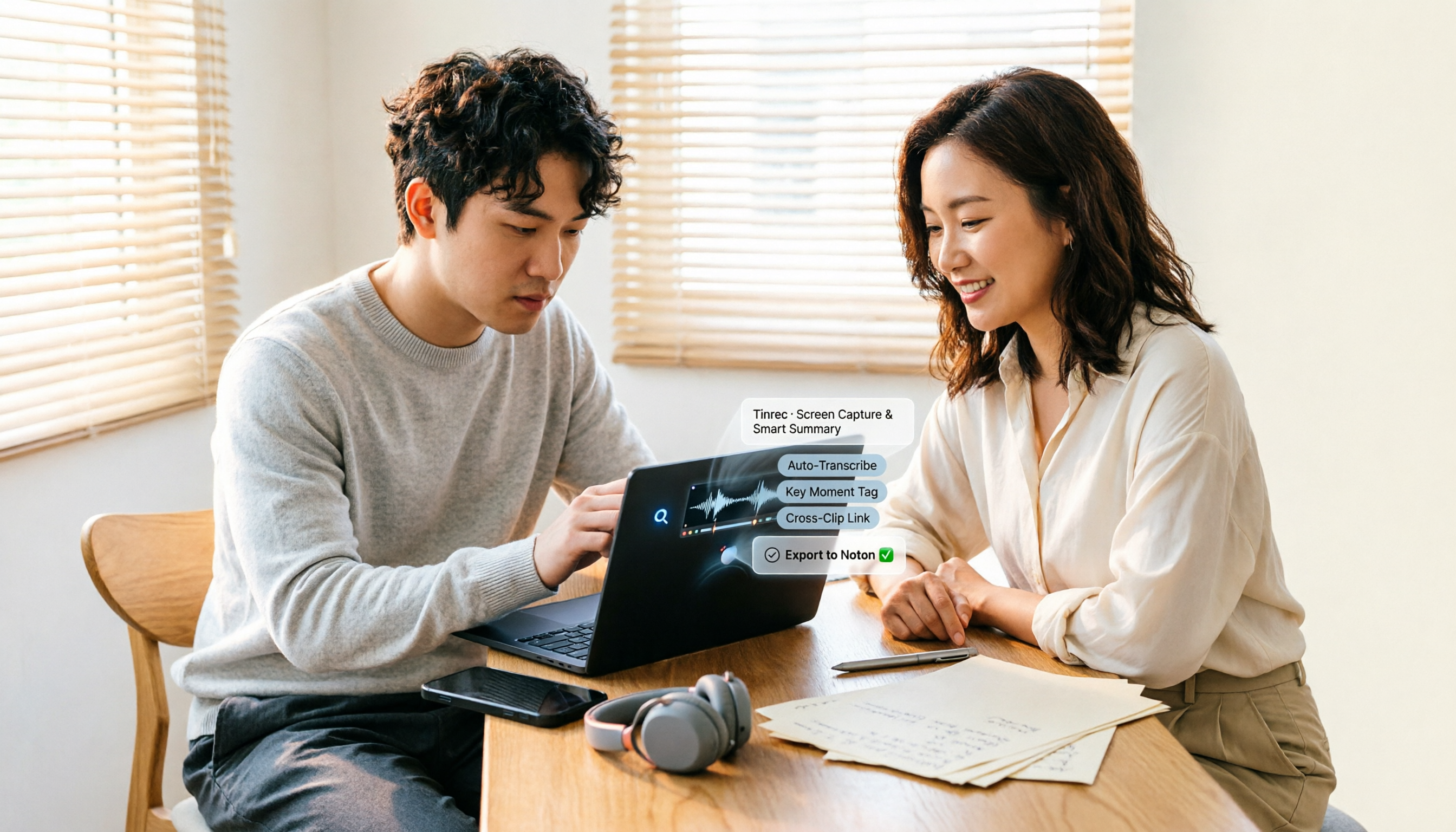
3 Screen Recording Methods Compared in 2026: How to Launch Shortcuts and Organize Your Recordings
How do you launch screen recording? This guide covers three built-in shortcuts: Windows Win+G, Mac Command+Shift+5, and iPhone Control Center. It explains their limitations and common pitfalls, then shows how to import recordings into Tinrec to turn them into searchable transcripts, summaries, and action items.

Recording Mediation Committee Meetings in 2026: Legal Boundaries, Consent Process, and Organizing Recordings
Can you record a mediation committee meeting? The answer isn't a simple yes or no. This article compiles Ministry of Justice interpretations, Ministry of Labor regulations, and court practices to explain whose consent is required for mediation recordings, why unauthorized recordings are often deemed inadmissible, and how to use tools to turn lawful recordings into searchable, reviewable records.