

Turn recordings into transcripts and summaries in minutes
Upload audio or video for multilingual transcription, AI notes, and action items
2026 Guide to Free HOA Meeting Recording Options: 3 Tools Compared
Let me ask you a question first: Are you recording HOA meetings to protect yourself, to create meeting minutes, or to make them public? These three purposes involve different legal risks and tool choices. Whether an HOA meeting can be recorded depends not on whether there is a record button, but on whether you are a participant, whether the venue is public, and whether the community bylaws have been amended by the ownership assembly to prohibit it.
First, determine three questions: Are you a party involved, is the venue public, and do the bylaws prohibit recording?
In principle, yes. If you are a participant and record the meeting yourself without editing or alteration, courts in practice often accept it as evidence, especially for reconstructing the meeting process and confirming what was said. Many people worry about the crime of secret recording under Article 315-1 of the Criminal Code, but that offense requires the recording to be "without just cause" and "non-public." HOA meetings typically involve residents and are not "non-public activities"; recording to protect one's own rights is generally considered to have legitimate grounds and does not constitute "without just cause." In other words, recording simply because you worry your statements may be misrepresented carries very low criminal risk, though each case still depends on specific circumstances.
But "can record" does not mean "the HOA must provide the recording file." Under Article 35 of the Apartment Building Management Act, interested parties may, when necessary, request to inspect or photocopy the bylaws, public fund balance, accounting vouchers, accounting books, financial statements, unpaid public funds and apportioned or other payable expenses, HOA meeting minutes, and other items. The statute does not explicitly list "HOA meeting recording files." Unless the bylaws provide otherwise or the ownership assembly has resolved otherwise, the HOA is not obligated to provide recording files; at minimum, you can request the written version of the "meeting minutes."
Can a community prohibit recording? Yes, but "no recording or video at meetings" must be written into the bylaws, and the bylaws must be approved by the ownership assembly—the HOA cannot decide this on its own. If it is merely an oral request from the chair or an internal rule not approved by the ownership assembly, residents can still assert their rights. Conversely, if the ownership assembly resolves that meetings should be recorded, the HOA has a duty under Article 36 to execute the resolution and must do so.
In practice, stating your intention before the meeting is very helpful. You can inform in advance, "To avoid future misunderstandings, I would like to record as evidence," which usually reduces hostility. The law does not explicitly require obtaining everyone's consent, but informing in advance, not recording secretly, not editing, and not using the recording for purposes unrelated to the meeting will greatly reduce disputes.
Understand these 5 key points before recording
Legal status: Are you attending as a resident, committee member, or observer? Is the meeting open to the public? Is the purpose of recording self-protection, documentation, or public distribution? Different purposes carry different risks.
Bylaws and resolutions: First confirm whether the community bylaws prohibit recording and whether the ownership assembly has passed a recording resolution. Internal rules passed by the HOA alone do not equal valid bylaws.
Notice and consent: Rather than recording secretly, explain clearly at the start. You can state that the recording will only be used to verify statements and organize minutes after the meeting, and will not be distributed arbitrarily.
Preservation and labeling: Keep the original file and do not edit it; note the meeting name, date, participants, and purpose of recording. If you only extract clips, you may lose the value of reconstructing the meeting process.
Tools and post-meeting organization: Rather than keeping only an audio file, choose a tool that can convert recordings into transcripts, summaries, and action items. Check whether it can search statements, mark timestamps, export documents, and support team collaboration.
Tinrec (秒聽錄音) — Turn meeting recordings into searchable records
Tinrec (秒聽錄音) is an AI meeting notes and collaboration tool for individuals and teams. It not only converts audio to text but also organizes meeting recordings into searchable, summarizable, queryable, and exportable data. For HOA scenarios where "people often tell different stories after the meeting," its practical value is: rather than keeping only an audio file, you keep a searchable transcript and summary.
In use, for offline meetings you can record and transcribe simultaneously on a phone or with live recording; for online meetings, use the desktop version to capture computer system audio for Zoom, Google Meet, Microsoft Teams, Webex, and other meetings without an extra meeting bot joining. Existing audio or video files can also be uploaded for transcription, suitable for making up meeting minutes afterward.
After transcription, Tinrec generates summaries, chapters, key points, and action items, and supports AI Q&A about the meeting content. For example, if you want to confirm "who mentioned the rooftop leak repair budget last time," you can ask directly without manually scrolling through a 40-minute transcript. It also supports real-time translation, viewing in original or bilingual mode, and exporting to Notion, Google Docs, OneNote, Dropbox, and other tools for further processing; when you need post-meeting reports, tables, or documents, you can also use Agent post-processing to generate them.
Stop organizing recordings by hand
Upload audio or video and automatically get a transcript, summary, and action items
If an HOA or property management team needs to jointly manage meeting data, the team version provides an independent team space, member invitations, owner/admin/member roles, seat allocation, usage analytics, audit logs, audio recycle bin, and team hotwords. Members who are active but have no seat can view, play, and read team data; only those with a seat can record, upload, edit, import, and export. The first eligible team trial is 7 days, 1 free seat, and 300 minutes of shared team import quota; paid seats provide 2,000 minutes of shared import quota per month, and live recording is currently not deducted by minutes under an active plan and seat. Actual pricing and benefits are subject to the official purchase page.
Limitations should also be clear: Tinrec is not a legal tool; whether a recording can be used and whether the HOA can be required to provide it still depends on the bylaws, resolutions, and individual cases. AI summaries may also miss details; for important resolutions, it is recommended to cross-check the transcript timestamps and original recording. The free version has only basic quota, suitable for light use; if you have meetings every week or want to build a team database, then evaluate Pro or the team version.
Besides Tinrec, what other options are there?
Granola is a bot-free AI meeting notes tool with a free Basic plan; its strength is combining live meeting transcription with the user's handwritten notes to generate meeting content closer to personal thinking. It supports viewing, copying, and searching live transcripts, but does not support uploading pre-recorded audio files and does not save meeting audio. If you only take live meeting notes and do not care about keeping the original audio, you can consider it; but HOA meetings often require post-meeting evidence and supplementary minutes, and Tinrec can retain audio files, import existing recordings, and put transcripts, summaries, and action items into a team space.
TurboScribe leans toward cost-effective file transcription: the free version allows 3 files per day, up to 30 minutes per file; the paid Unlimited plan is USD 120 per year, with a maximum of 10 hours or 5 GB per file and up to 50 files uploaded at once. If you have a batch of long recordings and the focus is bulk transcription, it is very suitable; but it is not centered on live meeting notes, AI Q&A, and a team meeting database. Tinrec's live recording, post-meeting action items, AI follow-up questions, and team seat management are better suited for continuously accumulating data after each HOA meeting.
Pitfall guide: The 4 most common mistakes in HOA meeting recording
Pitfall 1: Assuming that having a recording means you can require the HOA to provide the recording file. Under Article 35, what can be requested for inspection or photocopying is meeting minutes and other statutory materials; recording files are not explicitly included. Unless the bylaws or an ownership assembly resolution provide otherwise, the HOA is not obligated to provide them.
Pitfall 2: Assuming that an oral prohibition by the chair is effective. For bylaws to be effective, they must be approved by the ownership assembly; internal rules made by the HOA alone cannot directly restrict residents' rights.
Pitfall 3: Editing the recording afterward, or only keeping clips favorable to yourself. This easily weakens the evidentiary value and may also create legal risks. Keeping the original file and marking timestamps is more persuasive than extracting clips afterward.
Pitfall 4: Treating an AI summary as the official meeting minutes. AI can help you quickly grasp key points, but it may miss words or misunderstand; formal meeting minutes should still be prepared according to community procedures, and important resolutions should be cross-checked against the transcript and original audio.
Conclusion: How should you choose?
Want to keep HOA meeting recordings yourself and look up statements afterward → Tinrec, with searchable transcripts and generated summaries and action items.
Need Chinese or mixed Chinese-English meetings and want to use AI to follow up on key points afterward → Tinrec, much faster than manually scrolling through recordings.
HOA or property management team needs to share meeting data and manage roles and seats → Tinrec team version, with team space, usage, audit, and recycle bin.
Only have a large number of pre-recorded long files and the focus is bulk transcription → TurboScribe can be considered, but it is not centered on live meetings and team collaboration.
Only take live meeting notes and do not need to keep audio files → Granola can be considered; if you need post-meeting evidence and supplementary minutes, Tinrec is more suitable.
For legal questions, first confirm the bylaws and ownership assembly resolutions; tools are only auxiliary. Rather than arguing afterward, it is better to clarify the purpose of recording, how it will be stored, and the scope of use before the meeting.
References:
- Can HOA meetings be recorded? Legal rights and practical advice at a glance - 秒聽錄音Blog: https://tinrec.com/blog/12567
- Can you record when attending HOA meetings? Legal consultation discussion: https://www.law110.com.tw/forum_content.aspx?pid=1345866
- Legal opinion Q&A - PMA Chinese Property Management Managers Association: http://www.bma.org.tw/link11.asp?gid=6&page=2
- Can HOA meetings be recorded? - 超人行銷: https://www.isuperman.tw/%E7%AE%A1%E5%A7%94%E6%9C%83%E9%96%8B%E6%9C%83%E5%8F%AF%E4%BB%A5%E9%8C%84%E9%9F%B3%E5%97%8E%EF%BC%9F/
- Can you record video during ownership assembly and HOA meetings? — Every community should establish a full recording system: https://www.showtse.com/news/details.php?id=40606
References
- Can HOA meetings be recorded? Legal rights and practical advice at a glance - 秒聽錄音Blog
- Can you record when attending HOA meetings? We are not committee members, and every time we attend HOA meetings, our suggestions are often taken out of context. Can we record in a public setting? Do we need the committee members' consent? Is there a legal basis?
- Legal opinion Q&A - Laws and Regulations - PMA Chinese Property Management Managers Association :: Property management, building management, general manager certification class
- Can HOA meetings be recorded? - 超人行銷
- Can you record video during ownership assembly and HOA meetings? — Every community should establish a full recording system Community legal advisor / Xinzhuang District lawyer recommendation / Taipei lawyer recommendation / Community litigation lawyer recommendation / Taipei law firm / Taipei community lawyer recommendation / New Taipei community lawyer recommendation / Community dispute lawyer recommendation / Community governance lawyer recommendation
Turn every recording into actionable outcomes
Get 60 free transcription minutes when you sign in. No credit card required.
Related Reading
You might also like
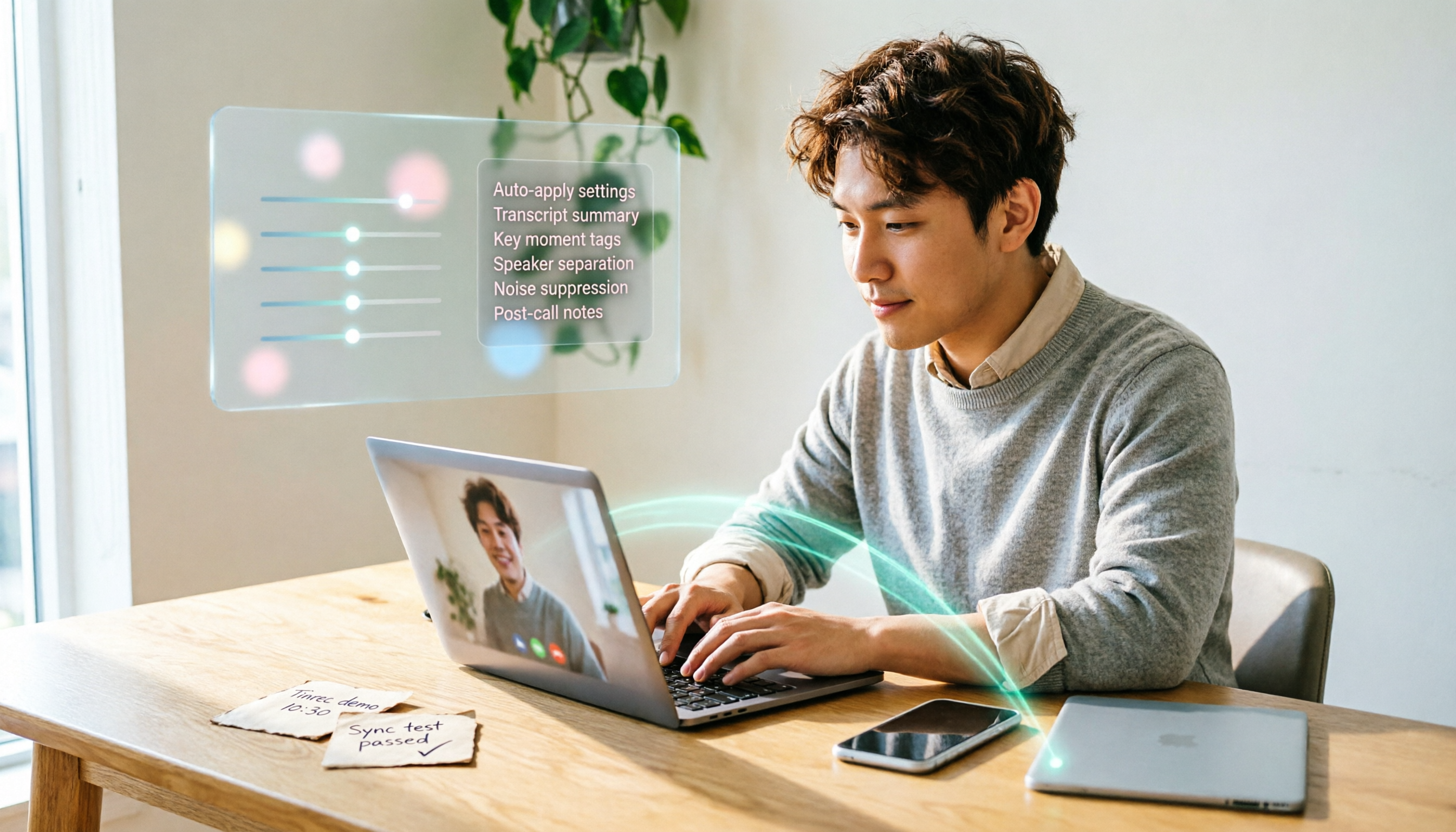
LINE Video Call Beauty Filter Guide 2026: 6 AI Adjustments + Auto-Apply Across Devices
LINE video calls have built-in beauty filters—no extra app needed. This guide walks you through where to find the settings, the six adjustment parameters, combining filters with backgrounds, fixing poor lighting, and organizing post-meeting notes. It also covers common questions and real-world limitations.

The Complete Guide to Meeting Minutes in 2026: From Transcripts to Action Items
What exactly should meeting minutes capture? Starting from the real pain points of mid-level managers, this article breaks down the 4 core elements every set of meeting minutes should include, the fields they need, and how AI tools can help you go from recording to action items. It also includes 5 checkpoints for choosing a meeting minutes tool and answers to common questions.

2026 Comparison of 4 Meeting Transcription Tools: Can You Record Meetings and How to Use the Recordings
Start with three key questions to understand the legal and practical boundaries of meeting recording, then compare Tinrec, Granola, Notta, and Otter.ai on Chinese transcription, post-meeting organization, AI Q&A, and team collaboration. Finally, get selection advice for students and teams.
3 LINE Meeting Recording Tools Tested in 2026: The Most Time-Saving Way to Get a Transcript
LINE meeting rooms don't have built-in recording, and iPhone screen recording mutes the microphone. This article compares three recording and post-meeting workflows from real meeting scenarios, and tests how Tinrec turns LINE meeting recordings into searchable transcripts, summaries, and action items. It also covers iOS and Android limitations and pitfalls to avoid.

2026 Complete Guide to the Legal Validity of Meeting Minutes: From Evidentiary Weight to Team Practices
Do meeting minutes have legal validity? This article breaks down the difference between meeting minutes and meeting summaries from evidentiary weight, signature confirmation, to team practices, and explains how to use Tinrec to make meeting minutes more complete and traceable.
Can You Record LINE Calls in 2026? 5 Steps from Recording to Transcript
Can you record LINE calls? This article first debunks 3 common misconceptions, then explains in 5 steps the process from call recording to transcript, summary, and action items. Using Tinrec as an example, it shows how to turn LINE call audio files into searchable, queryable meeting data, and covers personal vs. team plan benefits, legal reminders, and FAQs.

8 Best Audio Recorders in 2026: Tinrec vs Audacity and Which to Choose for Meeting Notes
Looking for the best audio recording software? This guide compares 8 popular recording apps in 2026, from free open-source Audacity and built-in system recorders to AI meeting note tools like Tinrec and Notta. We break down input sources, transcription, summary and action items, export options, and pricing, and explain the real limits of free versions to help you pick the right tool for your needs.
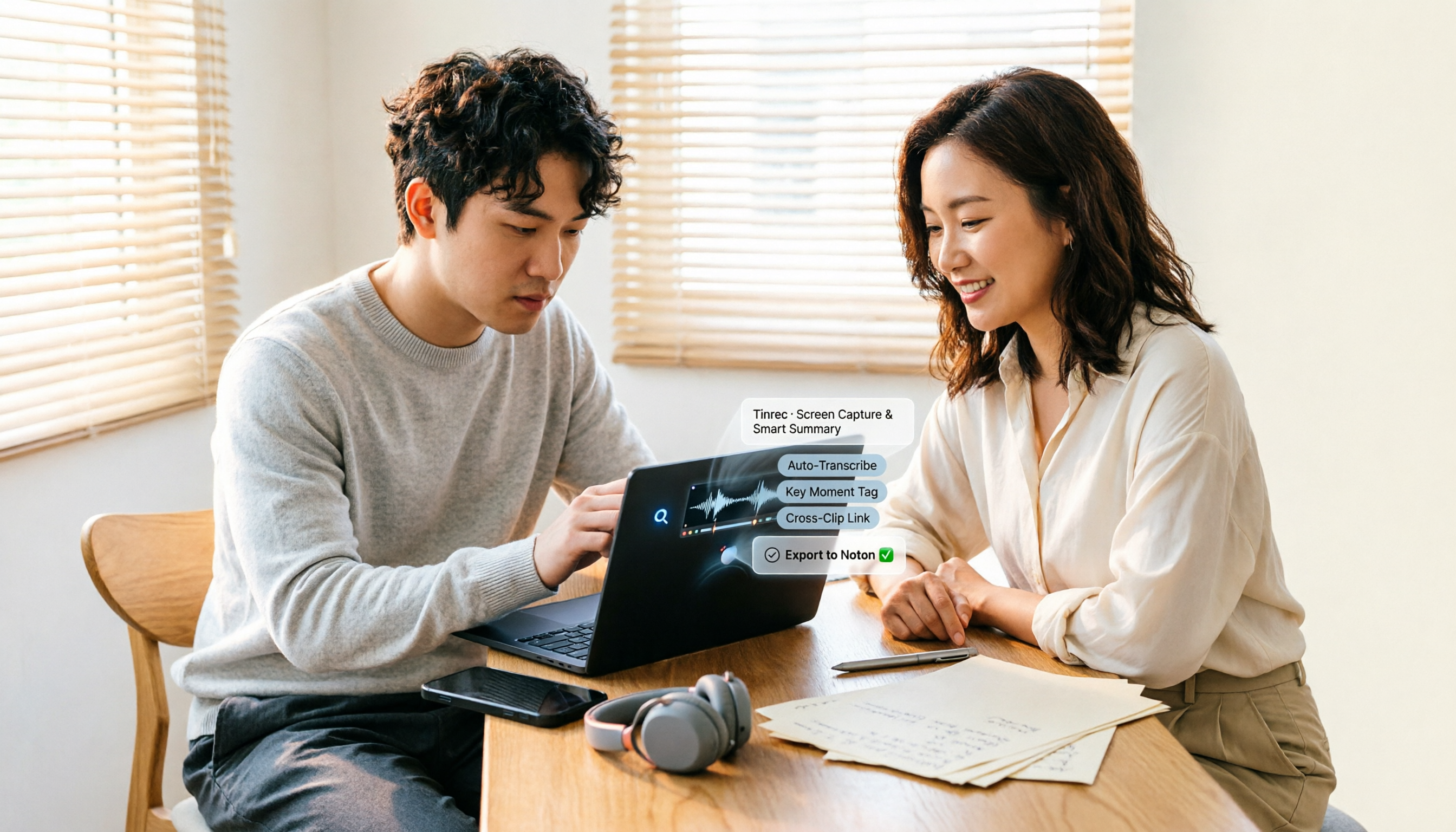
3 Screen Recording Methods Compared in 2026: How to Launch Shortcuts and Organize Your Recordings
How do you launch screen recording? This guide covers three built-in shortcuts: Windows Win+G, Mac Command+Shift+5, and iPhone Control Center. It explains their limitations and common pitfalls, then shows how to import recordings into Tinrec to turn them into searchable transcripts, summaries, and action items.
Recording Mediation Committee Meetings in 2026: Legal Boundaries, Consent Process, and Organizing Recordings
Can you record a mediation committee meeting? The answer isn't a simple yes or no. This article compiles Ministry of Justice interpretations, Ministry of Labor regulations, and court practices to explain whose consent is required for mediation recordings, why unauthorized recordings are often deemed inadmissible, and how to use tools to turn lawful recordings into searchable, reviewable records.