
Turn recordings into transcripts and summaries in minutes
Upload audio or video for multilingual transcription, AI notes, and action items
2026 Complete Guide to the Legal Validity of Meeting Minutes: From Evidentiary Weight to Team Practices
"Meeting minutes—as long as you write something down, that's good enough, right?"
If you've ever thought that, this article might change your mind a little.
Many people think that recording a meeting and adding a few lines afterward counts as completing the minutes. But when a real dispute arises and you need to bring out the meeting minutes, you discover a pile of problems: no attendee signatures, missing time and location, and what someone said doesn't match up.
This article will first answer "Do meeting minutes have legal validity?" and then discuss how to make the minutes more complete and traceable. These are also the things I pay special attention to when organizing meeting materials.
Do Meeting Minutes Have Legal Validity? First, Distinguish Between "Minutes" and "Summary"
Let's start with the conclusion: meeting minutes themselves are not law, but they can be "evidence."
In practice, meeting minutes are a written record that convenes relevant personnel to discuss a certain matter, capable of reproducing when, where, who participated, what was discussed, and whether conclusions were reached. Because the content recorded can restore the objective situation at the time, it can be used as evidence to establish that a certain event occurred.
But first, we need to distinguish between two commonly confused terms: meeting minutes and meeting summary.
- Meeting minutes: More like a verbatim record, documenting each person's statements and the discussion process.
- Meeting summary: More of a condensed version after organization, reflecting the main agreed-upon matters of the meeting.
The meeting summary itself is mainly administrative guidance in nature and does not necessarily have legal effect externally. However, if both parties sign and seal the meeting summary to confirm it, and the content meets the characteristics of a contract, then it may be recognized as having contractual effect.
In other words, the key is not what the document is called, but whether it can prove that "both parties truly reached a consensus."
Under What Circumstances Can Meeting Minutes Be Used as Evidence?
Having a record doesn't necessarily mean it's useful; courts look at "whether this record can be trusted."
In practice, several points are considered:
First, are there attendee signatures? If the meeting minutes only contain one-sided records from the organizer and no signatures from other attendees, then it depends on whether its authenticity can be proven. If it can prove objective truth, it may still be used as documentary evidence; if not, its evidentiary weight will be questioned.
Second, is the content sufficiently complete? Trustworthy meeting minutes usually clearly record the time, location, participants, discussion content, and conclusions. Records with missing pieces are hard to convince people.
Third, have both parties confirmed it? If the meeting minutes have been confirmed by both parties, or even signed and sealed, the legal effect will be clearer. Some documents, although they don't contain the words "contract" or "agreement," may still have binding contractual force as long as the content represents the true intentions of both parties and does not violate legal provisions.
Simply put: meeting minutes can be evidence, but the strength of the evidence depends on whether it is complete enough and can be verified.
What Should a "Defensible" Meeting Minutes Look Like?
When I organize meeting minutes, I try to cover these elements:
- Time and location: Which day, from what time to what time, where the meeting was held.
- Participant list: Who attended, who was absent, who was present as a non-voting participant.
- Discussion topics and summary of statements: Who said what about which matter.
- Resolutions: What the final conclusion was, whether there were reservations.
- Action items and responsible persons: Who needs to complete what and by when.
- Confirmation mechanism: Attendee signatures or written confirmation afterward.
It looks basic, but meeting minutes that truly achieve "time matches, statements are recorded, conclusions are acknowledged" are actually rare.
And frankly, manual recording makes it hard to achieve both "completeness" and "real-time." Listening while typing easily misses key sentences; supplementing from memory afterward easily distorts.
That's why I later started using tools to assist.
Why Do Traditional Recording Methods Easily Make Meeting Minutes "Invalid"?
First, it's not that manual recording is bad, but it has some inherent limitations.
First, handwriting or typing speed cannot keep up with speaking speed. A one-hour meeting may produce tens of thousands of words in a verbatim transcript; typing by hand is simply impossible.
Second, supplementing afterward distorts. People have memory biases; recalling "who said they would be responsible" three days later easily leads to mistakes.
Third, no timestamps. If the record doesn't note "this sentence was said at which minute," going back to check the recording is troublesome.
Fourth, files are scattered. Records are stored on personal computers, group chats, and cloud drives; over time they can't be found, which is as good as not having them.
These problems ultimately come down to insufficient "completeness" and "traceability" of the records. And these two points are exactly the key to whether meeting minutes can be trusted.
How Does Tinrec Help You Make Meeting Minutes More Complete?
Tinrec is an AI meeting minutes and collaboration tool for individuals and teams. It doesn't just convert sound to text; it helps you organize meeting recordings into searchable, summarizable, queryable, and exportable data.
For me, it solves exactly the pain points mentioned earlier:
Stop organizing recordings by hand
Upload audio or video and automatically get a transcript, summary, and action items
- Real-time transcription: Record and transcribe simultaneously during the meeting, no need to spend time typing afterward.
- Verbatim transcript preserves original statements: Who said what is recorded and can be checked back.
- Automatic summary and chapters: Quickly grasp key points from long meetings.
- AI Q&A: After the meeting, directly ask "What was the conclusion?" "Who is responsible for what?" without flipping through the entire transcript.
- Team workspace: Meeting materials are stored centrally, not scattered across personal devices.
Note that the transcript produced by the tool is "auxiliary material"; it cannot replace legal requirements. Whether meeting minutes have legal validity still depends on the conditions mentioned earlier—attendee confirmation, complete content, and ability to prove authenticity.
But then again, a complete, traceable, time-sequenced transcript is definitely easier to pass scrutiny than a few lines supplemented from memory afterward.
Overview of Tinrec's Core Features
Real-time recording to text: Open Tinrec to record, and text is generated synchronously. Suitable for offline meetings, interviews, and classes; by the end of the meeting, most of the transcript is already done.
Bot-free online meeting recording: The desktop version directly captures computer system audio, handling online meetings on Zoom, Google Meet, Microsoft Teams, Webex, etc., without inviting an additional meeting bot to join.
AI summary and chapters: Automatically break long meetings into meaningful sections, quickly grasping the discussion structure and key points.
Action item extraction: Organize action items from the discussion, clearly showing who is responsible for what.
AI Q&A: Ask questions around single or multiple meeting materials, suitable for going back to find "what was actually decided at that time."
Multi-format export: Export results to Notion, Google Docs, OneNote, Dropbox, and other tools for continued use.
Team workspace: Centrally store team meeting materials, with management capabilities such as members, roles, seats, usage analysis, and audit logs.
Practical Use Cases
Weekly project meetings: Weekly meetings are the easiest to "forget after finishing." Record with Tinrec, then directly view the summary and action items afterward; check progress before the next meeting without relying on personal notes.
Client interviews: Customer requirements, objections, and commitments are fully preserved in the transcript. When organizing into requirement documents or quotation references afterward, just search for keywords.
Research interviews: Qualitative research requires preserving original statements. Transcripts with timestamps allow quick context checking when citing.
Cross-language meetings: Built-in real-time translation allows viewing the original, translation, or bilingual content, especially useful for mixed Chinese-English meetings.
Points to Note When Choosing or Using Meeting Minutes Tools
First, does it retain the original recording? No matter how complete the transcript is, when a dispute arises, you still need to compare with the original audio. Tinrec retains the recording, which is important for subsequent verification.
Second, are there timestamps? Tools that can mark "this sentence is at which minute" make later checking much easier.
Third, can it export? If meeting minutes can only be locked inside the tool, their usefulness is limited. Support for multi-format export allows integration into existing workflows.
Fourth, team collaboration capabilities. If meeting materials need to be shared by multiple people, pay attention to team workspace, member permissions, and data storage methods.
Fifth, data preservation and handover. Team members change; meeting materials cannot disappear because an individual leaves. This is also why the team version particularly emphasizes seat management and resource handover.
Frequently Asked Questions
Do meeting minutes without attendee signatures still have legal validity?
Not necessarily. If there are only one-sided records from the organizer, the authenticity of the content must be provable to have a chance of being used as documentary evidence. If objective truth cannot be proven, the evidentiary weight will be questioned. It is recommended to have attendees sign or confirm in writing afterward for important meetings.
Can only an audio recording without a transcript be used as evidence?
The recording itself can be one piece of evidence, but in practice, it usually needs to be accompanied by a transcript or summary for comparison and citation. A complete transcript with timestamps is easier to understand than just an audio file.
Do meeting summaries have legal validity?
Meeting summaries themselves are mainly used to record and convey meeting situations and agreed matters, and their nature is guidance-oriented; they do not necessarily have external legal effect. However, if both parties sign and seal the summary to confirm it, and the content meets the characteristics of a contract, it may be recognized as having contractual effect.
Can the transcript produced by Tinrec be directly used as legal evidence?
The tool produces auxiliary records; whether it can be used as evidence and the strength of the evidence still depend on legal requirements and specific circumstances. Tinrec can help you make the records more complete and traceable, but for important documents, it is still recommended to combine attendee confirmation and professional legal advice.
Is the free version of Tinrec sufficient?
The free version provides a basic quota, suitable for occasionally organizing a recording and trying out the effect first. If you have stable meeting needs every week, consider Pro; for short-term intensive meetings or interviews, a weekly pass is available. Actual quotas and prices are subject to the official page.
Will team version meeting materials disappear after a member leaves?
They will not be directly taken away by the individual. Team resources belong to the team; when a member exits, is removed, or loses their seat, the team resources they are responsible for need to be handed over to other valid members. The team version also provides seat management, usage analysis, and audit logs.
Conclusion
Back to the initial question: Do meeting minutes have legal validity?
The answer is—they can be evidence, but the strength of the evidence depends on whether the record is complete enough, can be verified, and has been confirmed.
Rather than struggling with "whether the record has legal validity," ask yourself first: Will I still understand this record three months from now? If taken outside the meeting room, can others trust it?
What tools like Tinrec can do is make "completeness" and "traceability" a little easier. It cannot replace legal judgment, but it can help you produce a decent record when needed.
If you happen to have a meeting to organize, why not try the free version first. Confirm whether the transcribed content meets your needs before deciding whether to use it long-term.
References
- Do meeting minutes have legal validity, do government meeting summary files have legal validity?
- Ministry of Justice - Legal Issues
- Do meeting minutes have legal effect? - Knowledge Planet
- Do partnership meeting minutes have legal validity_Does partnership agreement have legal validity_ Economic Law Network
- Legal effect of meeting minutes, Hello, because land was occupied without authorization by the water conservancy association and neighboring land, the three parties once agreed on consensus content in a coordination meeting, and on the meeting minutes, all three parties signed and agreed, and according to the request of the neighboring land owner
Turn every recording into actionable outcomes
Get 60 free transcription minutes when you sign in. No credit card required.
Related Reading
You might also like

Can You Record LINE Calls in 2026? 5 Steps from Recording to Transcript
Can you record LINE calls? This article first debunks 3 common misconceptions, then explains in 5 steps the process from call recording to transcript, summary, and action items. Using Tinrec as an example, it shows how to turn LINE call audio files into searchable, queryable meeting data, and covers personal vs. team plan benefits, legal reminders, and FAQs.

8 Best Audio Recorders in 2026: Tinrec vs Audacity and Which to Choose for Meeting Notes
Looking for the best audio recording software? This guide compares 8 popular recording apps in 2026, from free open-source Audacity and built-in system recorders to AI meeting note tools like Tinrec and Notta. We break down input sources, transcription, summary and action items, export options, and pricing, and explain the real limits of free versions to help you pick the right tool for your needs.
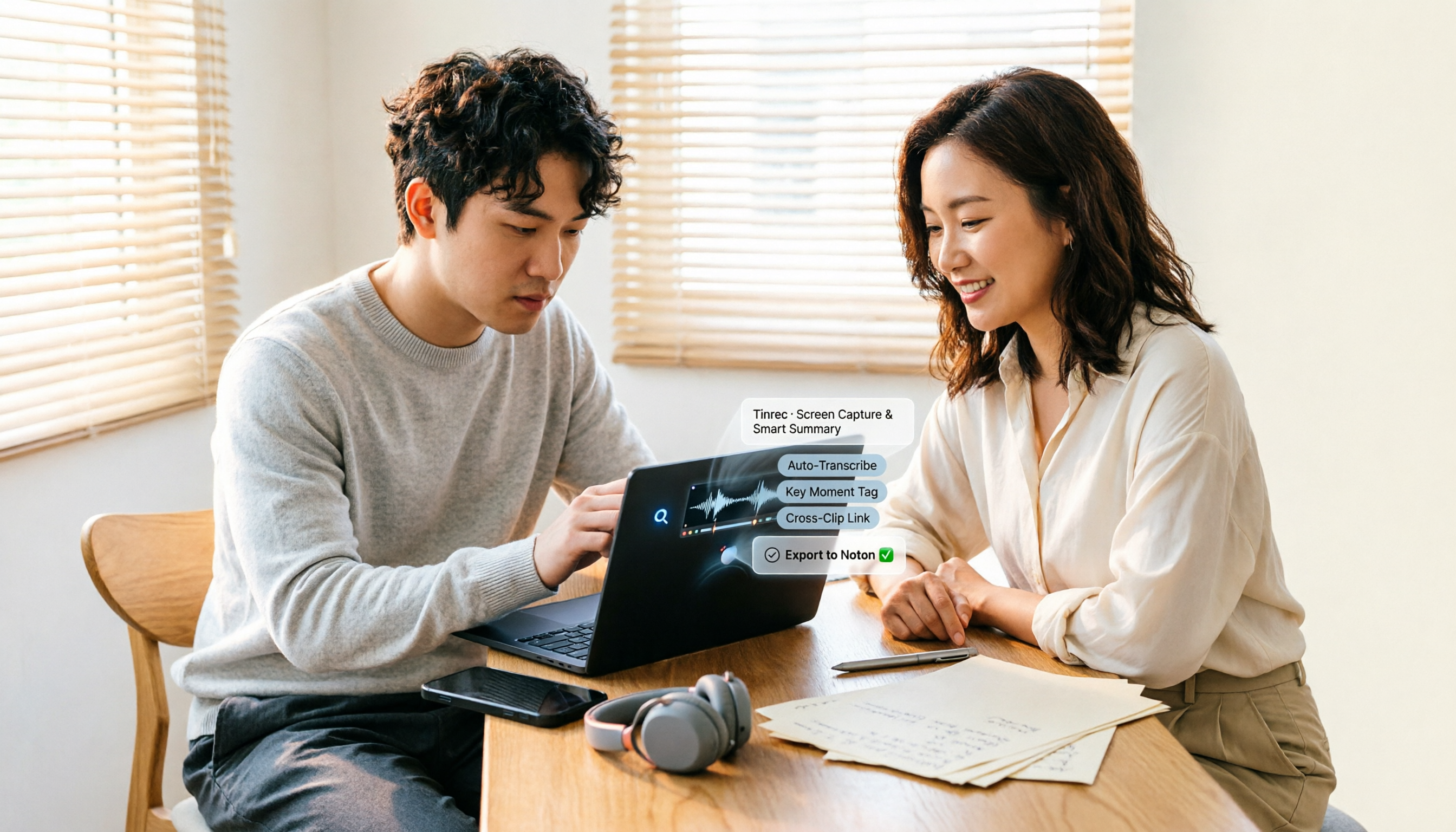
3 Screen Recording Methods Compared in 2026: How to Launch Shortcuts and Organize Your Recordings
How do you launch screen recording? This guide covers three built-in shortcuts: Windows Win+G, Mac Command+Shift+5, and iPhone Control Center. It explains their limitations and common pitfalls, then shows how to import recordings into Tinrec to turn them into searchable transcripts, summaries, and action items.

Recording Mediation Committee Meetings in 2026: Legal Boundaries, Consent Process, and Organizing Recordings
Can you record a mediation committee meeting? The answer isn't a simple yes or no. This article compiles Ministry of Justice interpretations, Ministry of Labor regulations, and court practices to explain whose consent is required for mediation recordings, why unauthorized recordings are often deemed inadmissible, and how to use tools to turn lawful recordings into searchable, reviewable records.

Is Recording at Work Legal in 2026? 5 Real-World Scenarios Compared: What Protects You and What Gets You in Trouble
Whether recording at work is legal depends not only on whether you pressed record, but also on the privacy of the setting, the purpose of the recording, and how it is later used. This article outlines the four key judgment points and five common misconceptions, and explains how to turn a lawful recording into searchable, summarizable, and collaborative meeting data with Tinrec. It also covers team plan differences in roles, seats, and data governance.
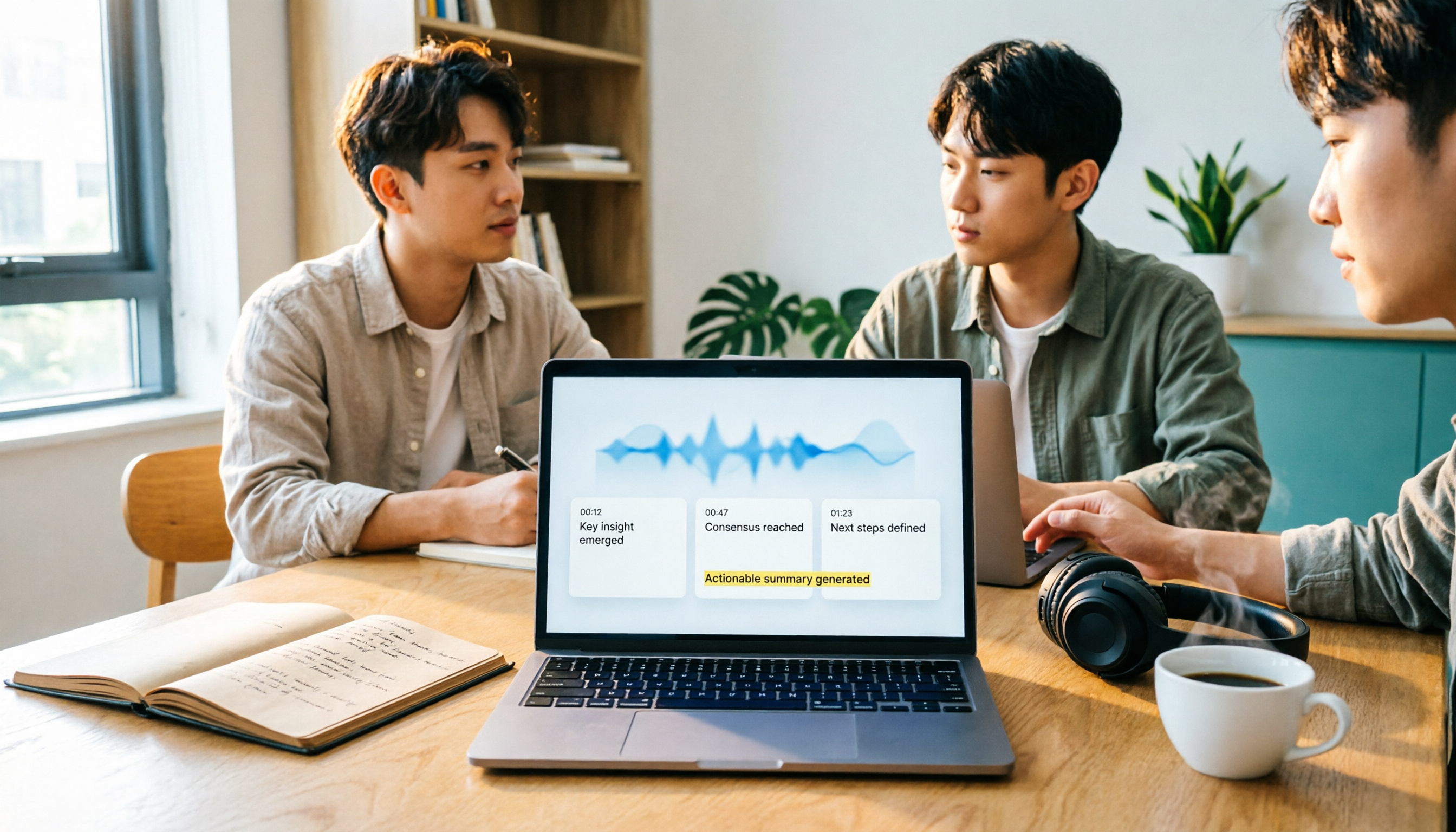
3 Ways to Record Audio on a Desktop Computer in 2026: Built-in Recorder vs. Online Tools vs. Tinrec
Desktop computers can definitely record audio, but most people start off on the wrong foot. This article tackles the common misconception that "being able to record doesn't mean you'll use it" and compares Windows/Mac built-in recorders, free online tools, and Tinrec. It also covers practical use cases for students recording lectures, online seminars, group discussions, and project interviews, along with quotas and purchasing considerations.

5 Screen Recording Methods Compared in 2026: Where the Button Is and How to Record Instantly
Where do you press to record your screen? On Windows it's Win+Alt+R, on Mac it's QuickTime Player > File > New Screen Recording, and on iPhone it's the circular button in Control Center. This guide explains the button locations, how to stop, and where files are saved on four major platforms, plus common pitfalls and how to turn meeting recordings into searchable, queryable transcripts and action items with Tinrec.

2026 Comparison of 5 Computer Recording Solutions: Recording Is Just the Start—Post-Meeting Organization Is Key
Can a computer record audio directly? Yes, but the real challenge usually comes after recording. This article reviews five computer recording solutions: built-in recording tools on Windows and Mac, Tinrec, Otter.ai, Notta, and PLAUD Note. It compares recording sources, post-meeting transcription and organization, cross-platform use, team collaboration, and free tiers, and includes buying criteria, common pitfalls, and scenario-based recommendations.

How to Record Computer Audio in 2026: A Complete Guide from Free Tools to Transcripts
This article starts with common recording mistakes and covers 5 free ways to record computer audio, including Windows Sound Recorder, Stereo Mix, Audacity, OBS Studio, and Tinrec desktop. It includes a free quota comparison table and recommended use cases to help you understand the difference between system audio and microphone audio.