

Turn recordings into transcripts and summaries in minutes
Upload audio or video for multilingual transcription, AI notes, and action items
6 Best YouTube Video Parsing Tools in 2026: Download & Transcript Comparison
Why You Need a YouTube Video Parsing Tool
Before we compare, ask yourself: do you want to save the video, or turn its content into usable text? These two goals require completely different tools.
Online courses, product launches, and industry forums now live on YouTube. Instead of rewatching a 40-minute video, most people just want to quickly grab key points, quote sections, or at least save it for offline viewing. This article covers 6 online YouTube video parsing options, split into two paths: turning videos into searchable text and downloading videos as files. We'll explain who each one is for.
Tinrec – Turn YouTube Videos into Searchable, Queryable Text Data
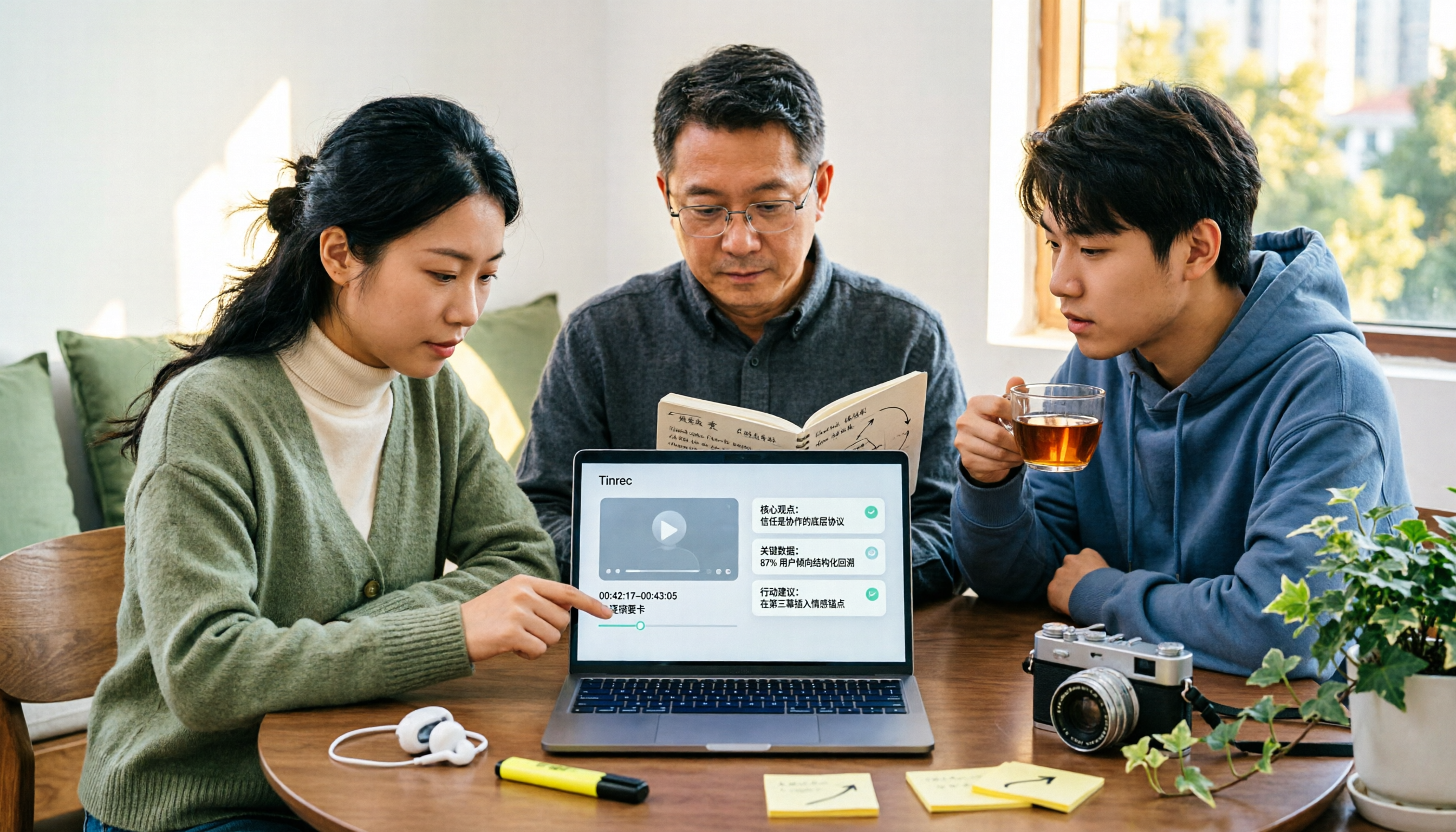
Tinrec is an AI meeting notes and collaboration tool for individuals and teams. It doesn't download YouTube videos; instead, it imports them via URL and parses public video content into transcripts, summaries, chapters, and action items, turning videos into data you can work with.
Key highlights:
- Video link to transcript: Paste a public video link to get a timestamped transcript. Search by keyword to jump to the relevant section—no more manual scrubbing.
- AI summaries, chapters, and action items: Long videos are automatically summarized with chapter structure, and action items are extracted. Great for lectures, courses, or competitor launches.
- AI Q&A and multi-format export: Ask questions directly about the video data, then export results to Notion, Google Docs, OneNote, and more. You can also generate reports, tables, and documents.
- Multilingual and cross-device: Supports multilingual transcription, mixed Chinese-English content, and real-time translation. Available on web, desktop, iOS, and Android.
Plans and pricing: The free version offers basic credits for recording, importing, summarizing, and transcribing. For short-term intensive use, consider a weekly pass. For steady weekly use, the Pro monthly plan works well. For long-term data accumulation, the annual plan offers a lower effective rate. If you want to keep video and meeting data for team reuse, the Team plan provides a separate team space with member, role, seat, usage, and audit management.
Who it's for: People who want to turn video content into transcripts and notes for later search and Q&A; small teams that need to build a reusable video knowledge base.
Cobalt.tools – Ad-Free Online Downloader with Up to 8K Support
Cobalt.tools is a free tool recommended by many reviewers. It's completely ad-free, supports up to 8K video, and offers format options like h264 (mp4), av1 (webm), and vp9 (webm). It also handles videos from Xiaohongshu, Bilibili, X, and other platforms, and works on iOS and Android. It complements Tinrec perfectly: Cobalt saves videos as files, while Tinrec turns them into searchable, queryable text. Ideal for those who just want to back up videos without needing transcripts.
yt2K – Add "2k" to the URL to Parse
Besides using the website, yt2K lets you simply add "2k" before a YouTube URL to jump to the parsing page. Changing the URL is all it takes to download—extremely low barrier. It supports up to 1080p, with 720p, 480p, and 360p options, and can also download MP3 audio. Download speed is moderate. Great for occasional users who want to save a video or two without registering.
Stop organizing recordings by hand
Upload audio or video and automatically get a transcript, summary, and action items
Kedou Video Parser – Focus on High Quality, Audio, and Image Extraction
Kedou Video Parser is a purely online tool. The process: copy a YouTube link, paste it into the input box, click to start parsing, wait for completion, then choose resolution and download. The official description says it supports 1080P, 4K, 8K, and can extract audio and images locally. It doesn't provide transcripts or summaries. If you just want the file itself, this type of tool is the most direct.
iiiLab Parser – Copy, Paste, Get HD Link and Thumbnail
iiiLab (youtube.iiilab.com) is simple: copy a video link from the YouTube app or website, paste it into the input box, click parse, and within seconds you get an HD video link and thumbnail. Click to download. The site doesn't support IE. If your browser can't download directly, you can right-click and "Save As." The official site recommends modern browsers like Chrome and Edge. Ideal for those who want the file fast and don't care about a plain interface.
TurboScribe – File Transcription for Long Files and Batch Processing
TurboScribe takes the file transcription route, focusing on long files and batch uploads. The free version processes 3 files per day, up to 30 minutes each. The Unlimited plan costs USD 120 per year (about USD 10/month), supports files up to 10 hours or 5GB, and allows 50 files at once. Unlike link-based parsers, you need to have audio or video files ready to upload. Suitable for those with a batch of materials to organize.
How to Choose Among These Options
- Want video content turned into transcripts and summaries, with Q&A later → Tinrec (one of the few that combines transcripts, AI summaries, action item extraction, and AI Q&A)
- Video is mixed Chinese-English or multilingual → Tinrec (supports multilingual transcription, real-time translation, and bilingual view)
- Want to keep video data for team reuse and manage members and usage → Tinrec Team plan (team space, roles and seats, usage analytics, audit logs)
- Just want to save the video file for offline viewing, no text needed → Cobalt.tools or Kedou Video Parser (many quality options)
- Want the fewest steps to download → yt2K (add "2k" before the URL, up to 1080p)
- Prefer the traditional copy-paste-parse flow → iiiLab Parser
- Already have a batch of audio or video files to transcribe → TurboScribe (free version: 3 files per day)
4 Things to Know Before Using a YouTube Video Parsing Tool
- First decide if you want the file or the content. If you need to search, quote, or write reports later, using Tinrec to turn videos into transcripts and summaries is far more practical than having an extra video file on your hard drive.
- Transcripts are not 100% accurate. Performance depends on audio quality, background noise, accents, overlapping speakers, and technical terms. For important content, cross-check with the timestamped transcript and the original video.
- Think about copyright and usage scope. Parsing and downloading are best for personal backup or authorized content. Before public distribution or commercial use, confirm licensing. If recording and transcription are involved, follow local laws and obtain consent when needed.
- Accept the limitations of free tools. Some free parsing sites have many ads, and a few browsers can't download directly—use modern browsers like Chrome or Edge. Also, free plans usually have daily or per-use limits.
Conclusion
YouTube video parsing tools fall into two categories: those that save videos as files, and those that turn videos into searchable, queryable data. If you just need backup, Cobalt.tools, yt2K, and Kedou Video Parser each have advantages in quality and operation. But if you care about what the video actually says and whether you can find it later, Tinrec's approach—turning videos into transcripts, summaries, and action items, with AI Q&A and export—better matches most people's real use cases. Decide whether you want the file or the content, then pick one from the scenarios above.
References
Turn every recording into actionable outcomes
Get 60 free transcription minutes when you sign in. No credit card required.
Related Reading
You might also like

Best YouTube Video Transcription Tools in 2026: We Tested 4, and Tinrec Turns Transcripts into Team Data
Still manually organizing YouTube video transcripts? We tested 4 video transcription tools, comparing subtitle dependency, post-transcription processing, and team collaboration, and share a complete method to turn video content into searchable, queryable, and shareable data.

4 AI Video Summarization Tools Tested for 2026: Which Wins on Chinese Accuracy and Summary Depth?
How should you really evaluate AI video summarization accuracy? This article starts with common misconceptions, breaks down 4 practical evaluation criteria, and compares Tinrec, Notta, TurboScribe, and Granola in real-world scenarios. It explains why accuracy isn't a fixed number, how to verify summaries against source transcripts and timestamps, and where Tinrec excels and falls short in Chinese transcription, AI follow-up questions, and team knowledge retention.
The Complete Guide to YouTube Summary Apps in 2026: How to Choose from Transcripts to AI Summaries
Can't finish long YouTube videos? Which summary app should you use? This article starts from the decision point of whether you just need a summary or need to ask follow-up questions, export, and share with a team. It covers 4 key selection criteria, common pitfalls, and compares Tinrec, YouTube Summary with ChatGPT, Notta, and TurboScribe in terms of features, limitations, and ideal users.

2026 Real-World Comparison of 4 Simultaneous Interpretation Apps: Which One Also Handles Post-Meeting Cleanup?
Simultaneous interpretation software is not just about real-time translation. This article compares Tinrec, Google Translate, iFlytek Simultaneous Interpretation, and TransGull from the perspectives of real-time bilingual support, transcripts, post-meeting summaries, action items, AI Q&A, and team knowledge retention to help you choose the right solution for meetings and cross-language collaboration.

6 Best MP3 to Text Tools in 2026: Which One Helps You Organize and Follow Up After Transcription?
How to choose an MP3 to text tool? This article reviews 6 practical options, from Tinrec's AI Q&A and meeting organization to completely free online transcription tools. It also explains what to do after getting a transcript, helping you turn audio files into truly usable data.

4 Web Video Capture Tools Tested and Compared in 2026: Which Is Right for You—Downloading, Recording, or Transcribing?
A roundup of 4 web video capture solutions, from downloaders and screen recorders to AI transcription, explaining common misconceptions and selection criteria. Using Tinrec as an example, it covers video transcripts, summaries, to-dos, and AI Q&A—ideal for anyone who needs to turn video content into searchable data.

5 Video Summarization Tools Tested for 2026: Is Tinrec or Notta Better for Chinese Speakers?
There are countless video summarization tools, but most people only compare transcription accuracy and overlook post-meeting organization and team collaboration. This article tests and compares 5 video summarization tools, analyzes the core differences between Tinrec and Notta, and shares real-world use cases and buying advice.

5 Best Course Video Summarizers in 2026: From Transcripts to AI Highlights
Can't remember key points after watching course videos? This guide compares 5 types of course video summarization methods using the same criteria, covering input sources, AI summaries, Q&A, export, and team collaboration. Using Tinrec as an example, it shows how to turn a 90-minute course into 10-minute review notes, helping you choose the best tool for your learning style.

Tinrec Voice Transcription Tutorial 2026: Bot-Free Online Meeting Notes with AI Summaries and Auto-Generated Action Items
Struggling to turn meeting recordings into usable notes? This guide shows how Tinrec goes beyond transcription to deliver AI summaries, chapters, action items, and Q&A. Compare personal and team plans, seat limits, and usage quotas to decide where to start.