

Turn recordings into transcripts and summaries in minutes
Upload audio or video for multilingual transcription, AI notes, and action items
4 Web Video Capture Tools Tested and Compared in 2026: Which Is Right for You—Downloading, Recording, or Transcribing?
The Most Common Misconception About Web Video Capture—What You're Missing Isn't a Downloader, It's a Way to Process the Content
When many people see a web video they like, their first instinct is to find a downloader and save the video as an MP4. That instinct isn't wrong, but in practice you often run into three problems: copyright and platform restrictions, files scattered across your desktop after downloading, and a pile of saved videos you never open again.
A more sensible approach is to split your needs into two tracks: one is "saving the original video," and the other is "capturing the content." If you just want to watch offline occasionally, a downloader is enough. But if what you really need are the key points, a transcript, a summary, or action items from the video, downloading the file isn't actually the most time-saving path.
This article uses the same set of criteria to compare downloaders, screen recorders, and AI transcription tools, and explains why Tinrec is better suited for the "capturing content" scenario.
Before Choosing a Web Video Capture Solution, Understand These 4 Key Points
1. Do you want a file or the content? A downloader gives you an MP4, but it doesn't organize anything. If you later need to search, summarize, or take notes, a transcription tool is more direct.
2. Supported sites and cross-platform coverage. Some tools support over 6,000 websites, while others only work with specific platforms. You should also confirm whether mobile, desktop, and web versions can work together.
3. Video quality, format, and post-processing. High-definition downloads are appealing, but the larger the file, the harder it is to manage. If what you truly need is the content, tools like Tinrec focus on transcripts, summaries, and Q&A.
4. Team collaboration and data ownership. Videos downloaded by individuals are stored locally, and when team members change, continuity is easily lost. Team tools typically store data in a shared space and manage permissions through roles and seats.
Tinrec—Our Top Pick After Reviewing the Options
Tinrec is an AI meeting notes and collaboration tool for individuals and teams. It supports real-time recording to text, bot-free online meeting recording on desktop, audio and video file transcription, real-time translation, and can import some public video links. To be clear: Tinrec is not a downloader and won't save web videos as MP4 files. Its value lies in turning video or meeting content into searchable, summarizable, and queryable data.
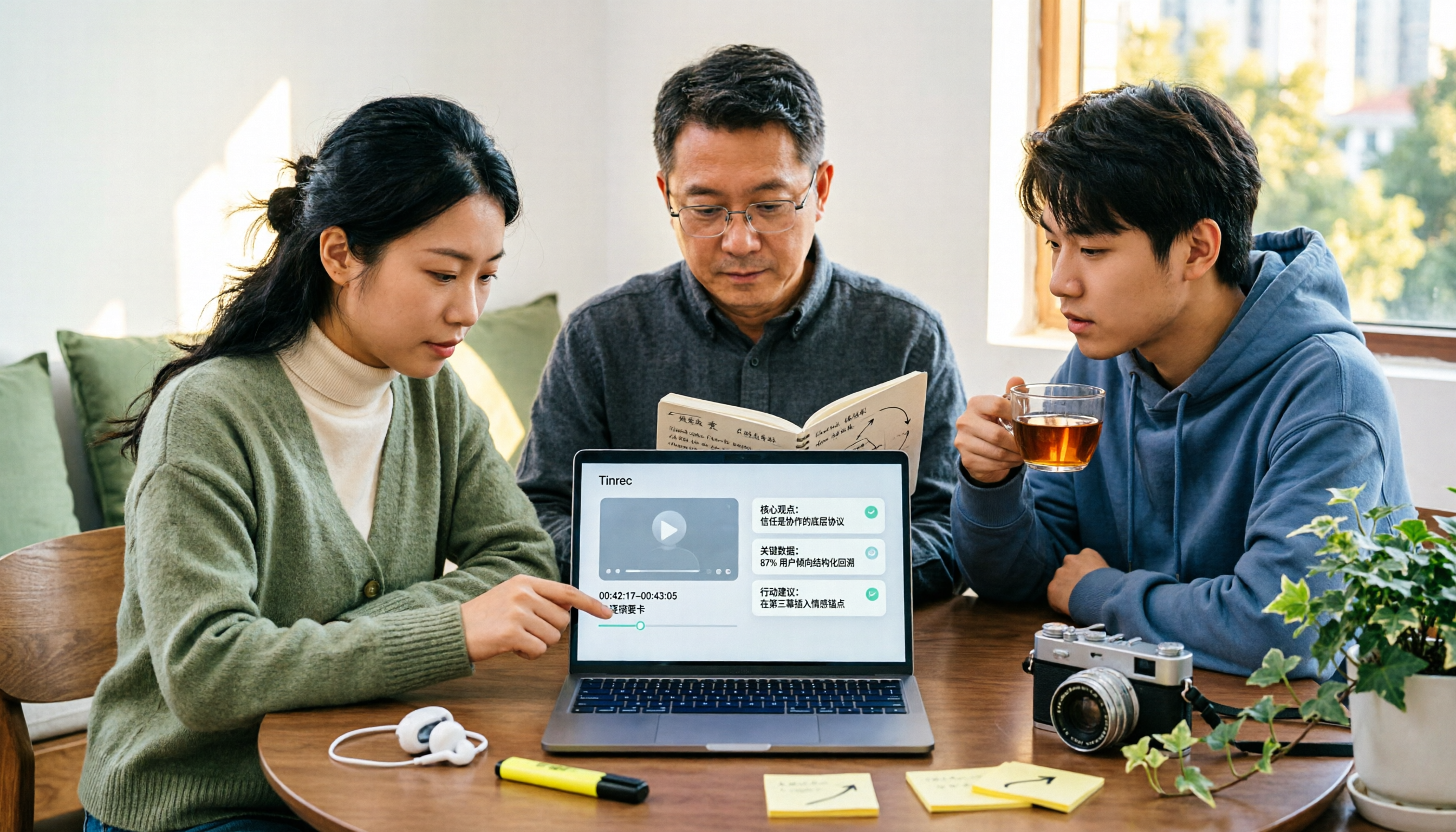
If you see a long speech, product launch, or interview on a web page, you can copy the public link and import it into Tinrec to generate a transcript, AI summary, chapters, key points, and action items. For example, with a 40-minute product briefing, you can directly ask it: "What are the three main features the speaker mentioned?" or "What objections did the customer raise?" It will answer based on the content rather than just giving you keyword search results. This kind of AI Q&A is something most downloaders don't offer.
Tinrec's desktop version also has a practical use case: it captures system audio to record online meetings, so when handling platforms like Zoom, Google Meet, Microsoft Teams, and Webex, you don't need to invite an extra meeting bot. You can see the transcript during the meeting, and after the meeting it automatically organizes summaries, chapters, and action items. For those who need Chinese meetings, mixed Chinese-English content, or multilingual transcription, this is easier than manually downloading videos and watching them slowly.
Tinrec's output isn't limited to transcripts. It supports summaries, chapters, action items, mind maps, AI Q&A, multi-format export, and can use Agent post-processing to generate reports, tables, and documents. The team version provides an independent team space, member and seat management, usage analytics, audit logs, an audio recycle bin, and team hotwords. Team resources belong to the team, and when a member leaves or is removed, their assigned resources can be handed over to other active members, so nothing disappears just because an individual leaves.
Limitations should also be stated honestly: web link import currently only handles some public video content and doesn't guarantee parsing for all websites; it doesn't provide video downloading; the free version has only a basic quota, and heavy use requires payment; transcription accuracy is affected by recording quality, noise, accents, overlapping speakers, and specialized terminology, so no tool should be treated as 100% accurate. If your goal is to save the original video, Tinrec isn't suitable. If your goal is to capture information from videos, it's the most complete option in this roundup.
Stop organizing recordings by hand
Upload audio or video and automatically get a transcript, summary, and action items
Besides Tinrec, What Other Options Are There?
CatchV: An online web video downloader that supports over 6,000 websites including YouTube, Facebook, and Instagram. Paste a URL and get a video link without installing an extension. It's suitable for people who just want to save the original video and download occasionally. Note that it doesn't organize transcripts for you and has no AI Q&A; you still have to manage downloaded files yourself. If you want searchable content, Tinrec can provide summaries and follow-up questions that CatchV cannot.
4K Video Downloader: A cross-platform video downloader app that can export high-definition video with intuitive operation. Source materials mention that the Android version currently doesn't support YouTube, so check the limitations before use. It focuses on file downloads and has no team space or post-meeting organization. Tinrec, by contrast, can turn video or meeting content into team data and supports AI Q&A.
Screencapture.com: An online screen recording tool that lets you record your entire screen, a single window, or a single Chrome tab. It's suitable for capturing screens that can't be downloaded. The limitation is that you have to spend time playing and recording, video and audio quality depend on the environment, and it can't directly generate structured summaries. Tinrec can upload audio/video or import some links and directly produce transcripts, summaries, and action items.
Pitfall Guide: The 4 Most Common Mistakes When Choosing a Web Video Capture Tool
Pitfall 1: Assuming a downloader can do everything. Many platforms have technical and copyright restrictions on downloads, and tools don't support every website. Instead of looking for a universal downloader, first check whether the content you want can be handled by a transcription tool.
Pitfall 2: Focusing only on video quality and ignoring organization. Downloading a 4K video feels great, but a week later you usually only remember fragments. If your goal is to find key points, transcripts, summaries, and AI Q&A are more useful than high-definition files.
Pitfall 3: Treating screen recording as a universal solution. Screen recording is great for emergencies, but long recordings take up a lot of space and audio quality is easily affected by the environment. It can help you save the screen, but it can't help you organize the content.
Pitfall 4: Ignoring team data ownership. Videos downloaded to a personal account are private, and when team members change, they can't be found. Team tools store data in a shared space and distinguish roles and seats: members with seats can record, upload, edit, and import/export; active members without seats can still view, play, and read.
Conclusion: Which One Should You Actually Choose?
In one sentence: to save the original video, choose a downloader; to capture content, choose Tinrec.
- Just want to watch offline and save MP4 → CatchV or 4K Video Downloader.
- Want to get transcripts, summaries, and action items from web videos → Tinrec (supports importing some public video links and has AI Q&A).
- Want to record screens that can't be downloaded → Screencapture.com.
- Team needs to retain video and meeting data → Tinrec team version (first-time eligible users get 7 days, 1 free seat, 300 minutes of shared team import quota; monthly USD 29.80 per paid seat per month, annual USD 199 per paid seat per year, about USD 16.58 per month; paid seats include 2,000 minutes of shared team import quota per month).
- Need Chinese, multilingual meetings, and post-meeting organization → Tinrec.
If you're not sure, you can try Tinrec's free version first and organize a public video or meeting recording to see how it works. If your main need really is downloading original videos, don't force it—just choose a dedicated downloader.
FAQ
Can Tinrec download web videos? No, it's not a downloader. It can import some public video links and turn them into transcripts, summaries, chapters, action items, and AI Q&A.
Which online meetings does Tinrec support? The desktop version captures system audio and can handle meeting audio played on platforms like Zoom, Google Meet, Microsoft Teams, and Webex without requiring a meeting bot to join.
Is the free version enough? The free version has a basic quota and is suitable for occasional organization. If you have steady needs every week, consider Pro; for short-term high-frequency use, look at the weekly pass.
What's the difference between the team version and the personal version? Personal version data belongs to the individual account; the team version has an independent team space and adds members, roles, seats, usage analytics, audit logs, and a recycle bin.
Can accuracy be guaranteed? We don't recommend promising a fixed number. Actual results are affected by recording quality, noise, accents, overlapping speakers, and specialized terminology. For important content, it's best to cross-check with transcript timestamps and the recording.
Sources: CatchV official page, VideoHunter blog, 4K Video Downloader documentation, EaseUS Video Downloader tutorial, Tinrec product description and competitor pricing pages. Third-party prices and benefits may change; refer to official pages for the latest information.
Sources
- CatchV: Download Online Web Videos
- [Internet Outage Drill Response] The Big Web Video Download Trick: Quickly Grab Videos for Offline Playback
- How to Download Web Videos on Your Phone? 10 Mobile Video Download Tools/Methods Revealed
- 10 Major Web Video Download Solutions in One Go! 2026 Website Video Saving Tools Shared
- Step-by-Step Tutorial to Capture Any Video from Any Website
Turn every recording into actionable outcomes
Get 60 free transcription minutes when you sign in. No credit card required.
Related Reading
You might also like

Best YouTube Video Transcription Tools in 2026: We Tested 4, and Tinrec Turns Transcripts into Team Data
Still manually organizing YouTube video transcripts? We tested 4 video transcription tools, comparing subtitle dependency, post-transcription processing, and team collaboration, and share a complete method to turn video content into searchable, queryable, and shareable data.

4 AI Video Summarization Tools Tested for 2026: Which Wins on Chinese Accuracy and Summary Depth?
How should you really evaluate AI video summarization accuracy? This article starts with common misconceptions, breaks down 4 practical evaluation criteria, and compares Tinrec, Notta, TurboScribe, and Granola in real-world scenarios. It explains why accuracy isn't a fixed number, how to verify summaries against source transcripts and timestamps, and where Tinrec excels and falls short in Chinese transcription, AI follow-up questions, and team knowledge retention.
The Complete Guide to YouTube Summary Apps in 2026: How to Choose from Transcripts to AI Summaries
Can't finish long YouTube videos? Which summary app should you use? This article starts from the decision point of whether you just need a summary or need to ask follow-up questions, export, and share with a team. It covers 4 key selection criteria, common pitfalls, and compares Tinrec, YouTube Summary with ChatGPT, Notta, and TurboScribe in terms of features, limitations, and ideal users.

2026 Real-World Comparison of 4 Simultaneous Interpretation Apps: Which One Also Handles Post-Meeting Cleanup?
Simultaneous interpretation software is not just about real-time translation. This article compares Tinrec, Google Translate, iFlytek Simultaneous Interpretation, and TransGull from the perspectives of real-time bilingual support, transcripts, post-meeting summaries, action items, AI Q&A, and team knowledge retention to help you choose the right solution for meetings and cross-language collaboration.

6 Best MP3 to Text Tools in 2026: Which One Helps You Organize and Follow Up After Transcription?
How to choose an MP3 to text tool? This article reviews 6 practical options, from Tinrec's AI Q&A and meeting organization to completely free online transcription tools. It also explains what to do after getting a transcript, helping you turn audio files into truly usable data.

5 Video Summarization Tools Tested for 2026: Is Tinrec or Notta Better for Chinese Speakers?
There are countless video summarization tools, but most people only compare transcription accuracy and overlook post-meeting organization and team collaboration. This article tests and compares 5 video summarization tools, analyzes the core differences between Tinrec and Notta, and shares real-world use cases and buying advice.

5 Best Course Video Summarizers in 2026: From Transcripts to AI Highlights
Can't remember key points after watching course videos? This guide compares 5 types of course video summarization methods using the same criteria, covering input sources, AI summaries, Q&A, export, and team collaboration. Using Tinrec as an example, it shows how to turn a 90-minute course into 10-minute review notes, helping you choose the best tool for your learning style.

Tinrec Voice Transcription Tutorial 2026: Bot-Free Online Meeting Notes with AI Summaries and Auto-Generated Action Items
Struggling to turn meeting recordings into usable notes? This guide shows how Tinrec goes beyond transcription to deliver AI summaries, chapters, action items, and Q&A. Compare personal and team plans, seat limits, and usage quotas to decide where to start.

6 Best YouTube Video Parsing Tools in 2026: Download & Transcript Comparison
Looking for a reliable online YouTube video parsing tool? We compare 6 options, from Tinrec, which turns videos into searchable transcripts, to downloaders like Cobalt.tools, yt2K, and Kedou. Use our decision guide to pick the right one and learn what to watch out for.