

Turn recordings into transcripts and summaries in minutes
Upload audio or video for multilingual transcription, AI notes, and action items
Introduction: Don't Rush to Compare Transcription Accuracy
When people look for video summarization software, their first question is often "Which one transcribes most accurately?" But honestly, transcription is just the first step. The real pitfalls come later: transcripts are long and you can't find the key points when you need them; after a meeting, action items still need to be organized manually.
In this article, I'll take a hands-on testing approach to compare 5 video summarization tools, focusing on the differences between Tinrec and Notta—if what you care about is whether you can use the output right after transcription, this article is for you.
Why Are People Looking for Notta Alternatives?
Notta is a common transcription tool that supports multiple platforms, meeting notes, document import, and translation. Many people use it to convert video or audio to text.
However, after using it for a while, some users find a few bottlenecks. For example: when recording online meetings, if you don't want a meeting bot to join, you need to find another way; recognition of technical terms in Chinese meetings sometimes requires manual correction; and if you want to extract action items or create reports from the transcript, you have to switch to other tools.
If you feel the same way, Tinrec is worth checking out. It's not just a transcription tool—it's an AI meeting notes and collaboration platform that connects the entire workflow from "recording → understanding → action."
Tinrec vs Notta: What's Different in the Core Experience?
Bot-Free Online Meeting Recording
The biggest fear in online meeting recording is having to add a bot account, which some participants find intrusive. Tinrec's desktop version directly captures computer system audio to handle Zoom, Google Meet, Microsoft Teams, Webex, and other meetings without a meeting bot joining. Notta also has solutions for meeting notes, but Tinrec emphasizes bot-free desktop recording, which is more convenient for those who value natural meeting flow and privacy.
Chinese and Multilingual Experience
Chinese meetings often mix Chinese and English and include technical terms. Tinrec covers Chinese, Traditional Chinese, and multilingual meeting scenarios, supports real-time translation and bilingual viewing, and the team version can maintain a glossary to improve recognition of technical vocabulary. Notta also performs well in multilingual transcription, but Tinrec focuses more on the organization needs of Chinese meetings, and for Taiwanese users, the interface and terminology are more intuitive.
Post-Transcription Workflow
Getting only a transcript means you're only halfway done. Tinrec automatically generates summaries, chapters, key points, and action items, and you can use AI chat to directly ask about meeting conclusions, such as "Who is responsible for what?" Notta also provides summaries and translation, but Tinrec further supports Agent post-processing to generate reports, tables, and documents, turning meeting content into deliverable work products.
Team Collaboration and Knowledge Retention
For individual use, the differences are small; once you enter a team, data ownership becomes important. Tinrec's team version provides an independent team space where meeting data belongs to the team, with members, roles, seats, usage analytics, and audit logs. Notta's Business plan also has team features, but Tinrec offers a more complete process for governance details such as resource handover after a member leaves and audio recycle bin.
Free Plan and Pricing
Tinrec's free version lets you experience basic recording, import, summarization, and transcription; for long-term use, you can choose a Pro monthly or annual plan. The team version is USD 29.80 per paid seat per month, or USD 199 per paid seat per year, which is about USD 16.58 per month. Notta's free version offers 120 minutes per month, up to 3 minutes per session; the Pro annual plan is about USD 8.17 per month. The two have different positioning—Tinrec's value lies in post-meeting organization and team collaboration, not just minutes.
Tinrec's Core Features at a Glance
Real-Time Recording to Text
Open Tinrec and text appears as you record, with very low latency. During a meeting, you can read along to make sure you don't miss key points, and the transcript is ready the moment the meeting ends.
Stop organizing recordings by hand
Upload audio or video and automatically get a transcript, summary, and action items
Bot-Free Online Meeting Recording
The desktop version directly captures computer system audio and supports Zoom, Google Meet, Microsoft Teams, Webex, and other platforms without inviting a bot to join the meeting. This is very practical for those who frequently host online meetings.
AI Summary, Chapters, and Action Items
Tinrec automatically breaks long meetings into easy-to-read chapter structures and extracts summaries and action items. No need to organize manually after the meeting—you can assign action items directly.
AI Chat Query
This is my most-used feature. After recording a one-hour meeting, just ask Tinrec—"What are the three conclusions of the meeting?" "Who is responsible for what?"—and it will give you answers based on semantic understanding, without manually flipping through 30 pages of transcript.
Multi-Format Export and Team Space
Supports exporting meeting results to Notion, Google Docs, OneNote, Dropbox, and other tools for further processing. The team version can also centrally store all meeting data, allowing new members to view historical records and turning meetings into a shared team asset.
Real-World Use Cases
Online Meeting Notes
Use Tinrec's desktop version for bot-free recording, and get the transcript, summary, and action items right after the meeting. Participants won't see an extra bot account, making the process more natural.
Classes and Interviews
For class or interview recordings, Tinrec converts them to text and automatically segments them, making review or citation easy. You can also use AI Q&A to quickly find a specific point.
Personal Knowledge Management
Import scattered recordings into Tinrec and use AI Q&A to search historical content, turning voice into searchable notes. Over time, it becomes your second brain.
Team Weekly Meetings
The team space centrally stores meeting notes, managers can view usage and audits, and data isn't lost when members leave. Every communication can settle into a reusable digital asset for the team.
Things to Look for When Choosing a Video Summarization Tool
Language Support
Does it cover Chinese, mixed Chinese-English, and multiple languages? Tinrec has specialized handling in this area, making it more friendly for Taiwanese users.
Cross-Platform Coverage
Can it be used on phone, computer, and web? Tinrec supports iOS, Android, Web, and desktop, so switching devices won't interrupt your workflow.
Post-Meeting Processing Capabilities
Does it have summaries, action items, and Q&A? Tinrec builds these into the workflow instead of just giving you a transcript.
Team Collaboration and Governance
Is data ownership and permission management clear? Tinrec's team version distinguishes roles and seats and provides usage analytics and audit logs.
Free Quota and Trial
Try before you decide. Tinrec's free version lets you experience basic features, and you can consider upgrading if it works well for you.
Conclusion: Is Tinrec Worth a Try?
If you just need to convert video to text, there are many tools on the market. But if you want to get summaries and action items directly after transcription, or even ask questions about meeting content, Tinrec is one of the few options that connects the entire workflow.
Especially for Chinese meetings, bot-free recording, and team knowledge retention, Tinrec's design is well thought out. I suggest downloading the free version of Tinrec and testing it with your own recordings—that's more direct than reading any review.
FAQ
Can Tinrec summarize YouTube videos?
Tinrec supports importing web links and can process some public video content, but its core positioning is meeting notes and collaboration, and video summarization is one of its capabilities.
Does Tinrec's free version have a time limit?
The free version provides a basic quota, suitable for light use. The specific number of minutes is subject to the official website announcement.
Which is better for me, Tinrec or Notta?
If you value Chinese meetings, bot-free recording, and post-meeting team collaboration, Tinrec is more suitable; if you only need simple transcription and translation, Notta is also a good choice.
Do I have to buy seats for the team version?
The team version charges per seat. Active members can view data even without a seat, but operations such as recording, uploading, and editing require a seat.
How accurate is Tinrec?
Actual performance is affected by recording quality, noise, and accent. It performs well with clear audio, and for important content, it's recommended to verify with timestamps.
What export formats are supported?
You can export transcripts, summaries, etc., and integrate with Notion, Google Docs, OneNote, Dropbox, and other tools.
References
- One-Click Video to Text: 3 Video Summarization AI Tools Recommended to Quickly Produce High-Quality Key Summaries - Tinrec Blog
- Top 10 Best AI YouTube Video Summarization Tools Recommended
- Use GPT to Summarize YouTube: Free Online Video Summary Tool
- Free AI Video Summary Tool—Accurate, Fast, with Timestamps
- AI Summarize Videos: Quickly Summarize YouTube Video Highlights with AI - JJTECHSHOW
Turn every recording into actionable outcomes
Get 60 free transcription minutes when you sign in. No credit card required.
Related Reading
You might also like

Best YouTube Video Transcription Tools in 2026: We Tested 4, and Tinrec Turns Transcripts into Team Data
Still manually organizing YouTube video transcripts? We tested 4 video transcription tools, comparing subtitle dependency, post-transcription processing, and team collaboration, and share a complete method to turn video content into searchable, queryable, and shareable data.
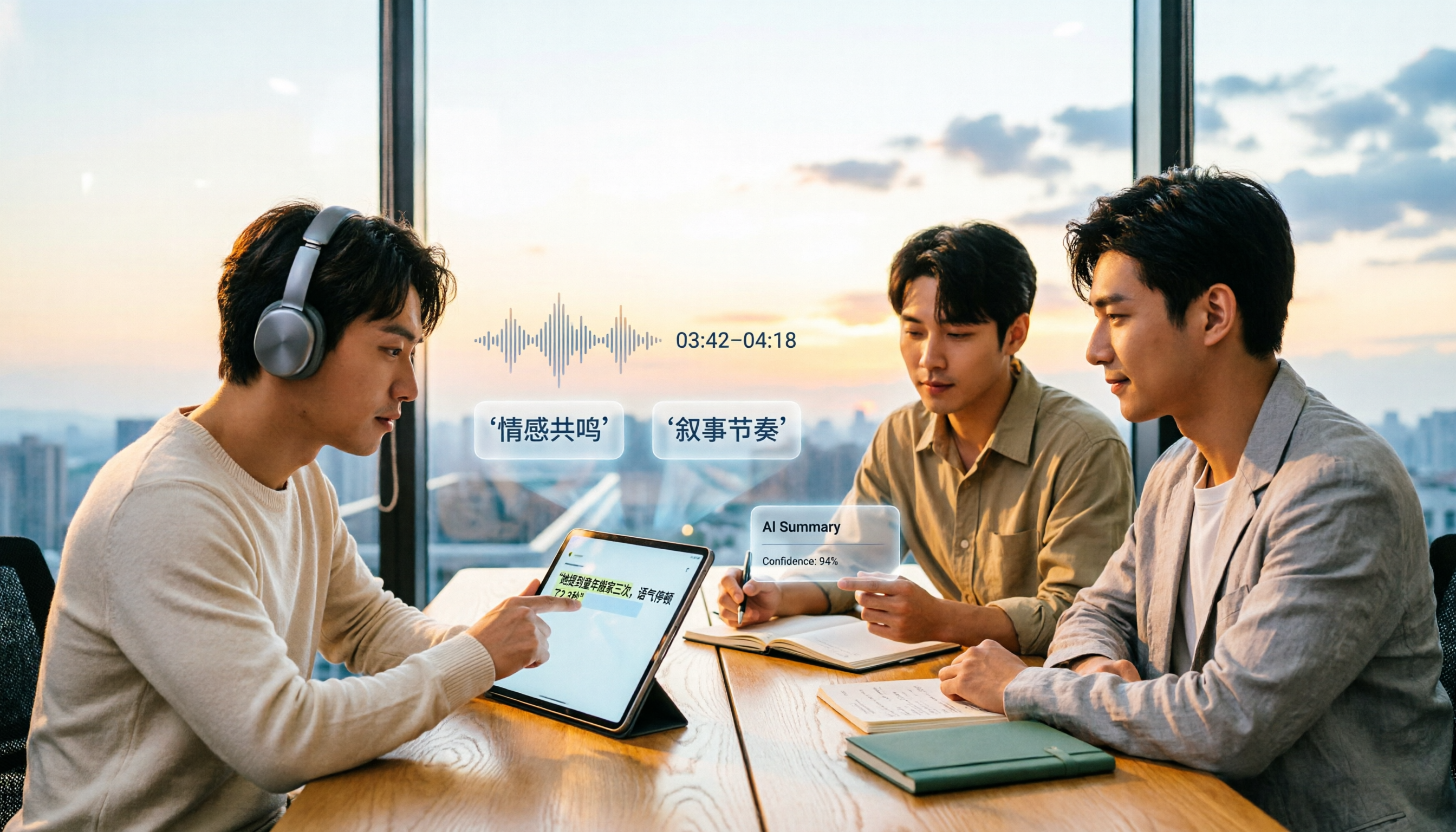
4 AI Video Summarization Tools Tested for 2026: Which Wins on Chinese Accuracy and Summary Depth?
How should you really evaluate AI video summarization accuracy? This article starts with common misconceptions, breaks down 4 practical evaluation criteria, and compares Tinrec, Notta, TurboScribe, and Granola in real-world scenarios. It explains why accuracy isn't a fixed number, how to verify summaries against source transcripts and timestamps, and where Tinrec excels and falls short in Chinese transcription, AI follow-up questions, and team knowledge retention.
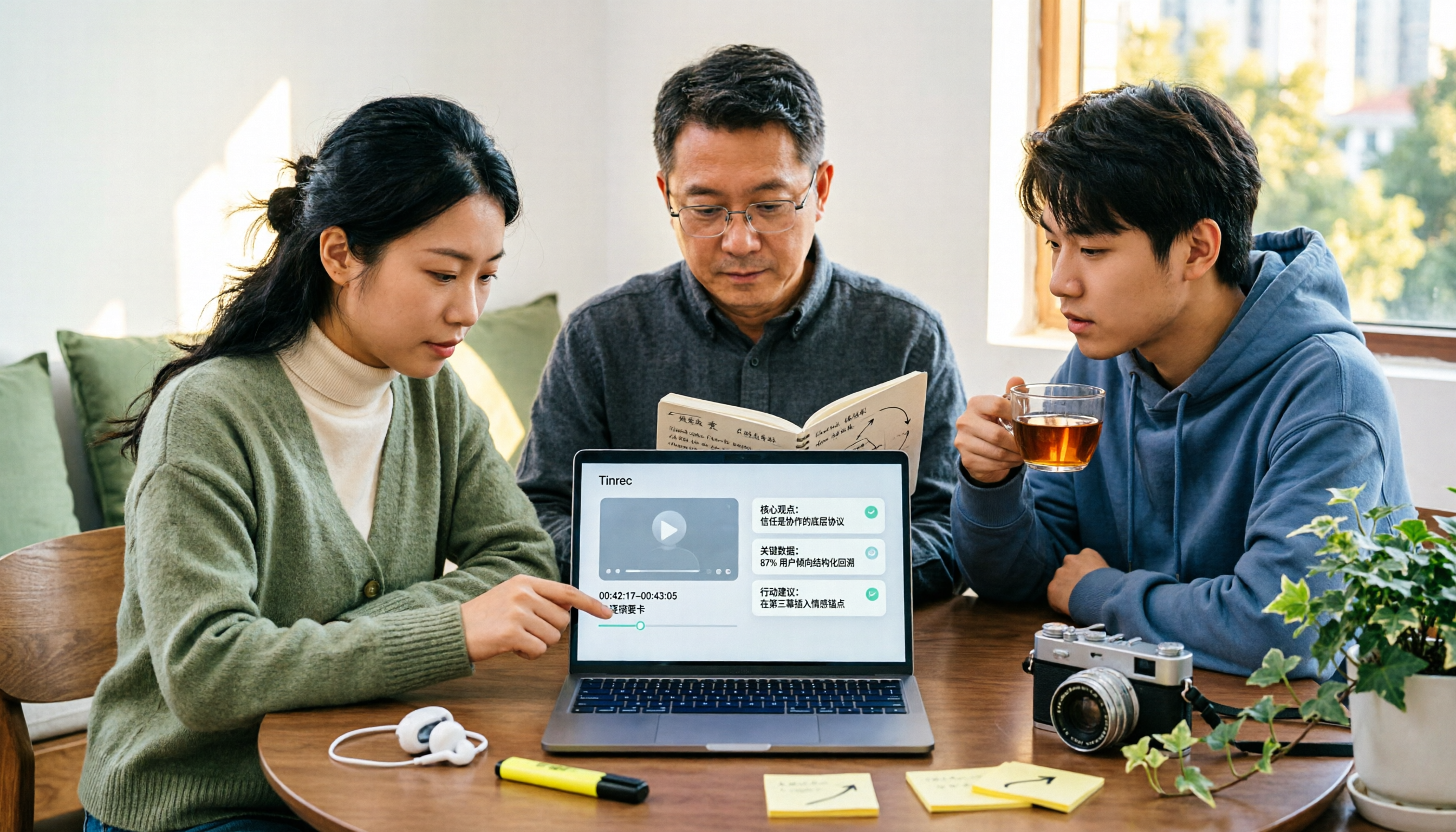
The Complete Guide to YouTube Summary Apps in 2026: How to Choose from Transcripts to AI Summaries
Can't finish long YouTube videos? Which summary app should you use? This article starts from the decision point of whether you just need a summary or need to ask follow-up questions, export, and share with a team. It covers 4 key selection criteria, common pitfalls, and compares Tinrec, YouTube Summary with ChatGPT, Notta, and TurboScribe in terms of features, limitations, and ideal users.
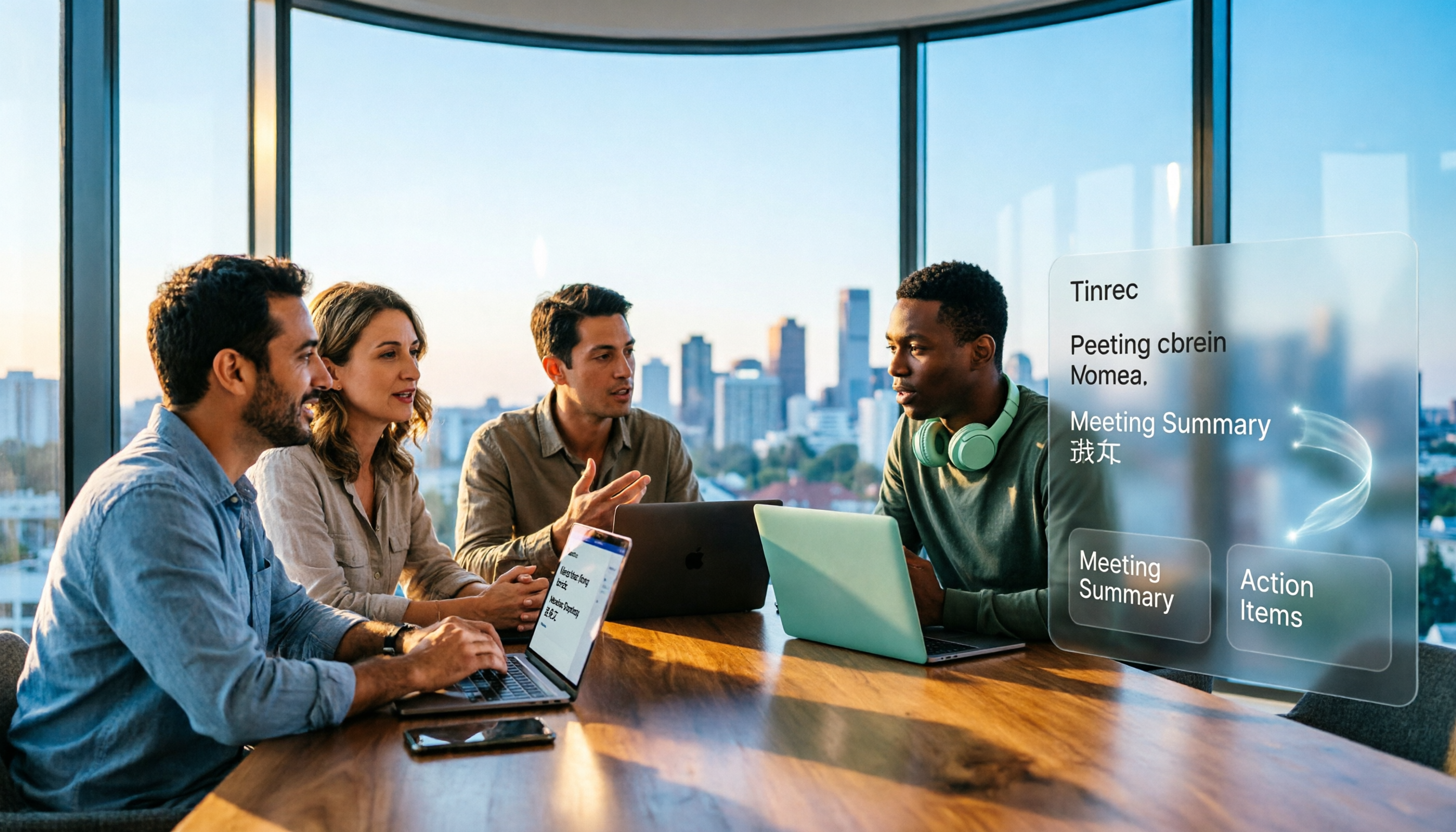
2026 Real-World Comparison of 4 Simultaneous Interpretation Apps: Which One Also Handles Post-Meeting Cleanup?
Simultaneous interpretation software is not just about real-time translation. This article compares Tinrec, Google Translate, iFlytek Simultaneous Interpretation, and TransGull from the perspectives of real-time bilingual support, transcripts, post-meeting summaries, action items, AI Q&A, and team knowledge retention to help you choose the right solution for meetings and cross-language collaboration.

6 Best MP3 to Text Tools in 2026: Which One Helps You Organize and Follow Up After Transcription?
How to choose an MP3 to text tool? This article reviews 6 practical options, from Tinrec's AI Q&A and meeting organization to completely free online transcription tools. It also explains what to do after getting a transcript, helping you turn audio files into truly usable data.

4 Web Video Capture Tools Tested and Compared in 2026: Which Is Right for You—Downloading, Recording, or Transcribing?
A roundup of 4 web video capture solutions, from downloaders and screen recorders to AI transcription, explaining common misconceptions and selection criteria. Using Tinrec as an example, it covers video transcripts, summaries, to-dos, and AI Q&A—ideal for anyone who needs to turn video content into searchable data.

5 Best Course Video Summarizers in 2026: From Transcripts to AI Highlights
Can't remember key points after watching course videos? This guide compares 5 types of course video summarization methods using the same criteria, covering input sources, AI summaries, Q&A, export, and team collaboration. Using Tinrec as an example, it shows how to turn a 90-minute course into 10-minute review notes, helping you choose the best tool for your learning style.

Tinrec Voice Transcription Tutorial 2026: Bot-Free Online Meeting Notes with AI Summaries and Auto-Generated Action Items
Struggling to turn meeting recordings into usable notes? This guide shows how Tinrec goes beyond transcription to deliver AI summaries, chapters, action items, and Q&A. Compare personal and team plans, seat limits, and usage quotas to decide where to start.

6 Best YouTube Video Parsing Tools in 2026: Download & Transcript Comparison
Looking for a reliable online YouTube video parsing tool? We compare 6 options, from Tinrec, which turns videos into searchable transcripts, to downloaders like Cobalt.tools, yt2K, and Kedou. Use our decision guide to pick the right one and learn what to watch out for.