
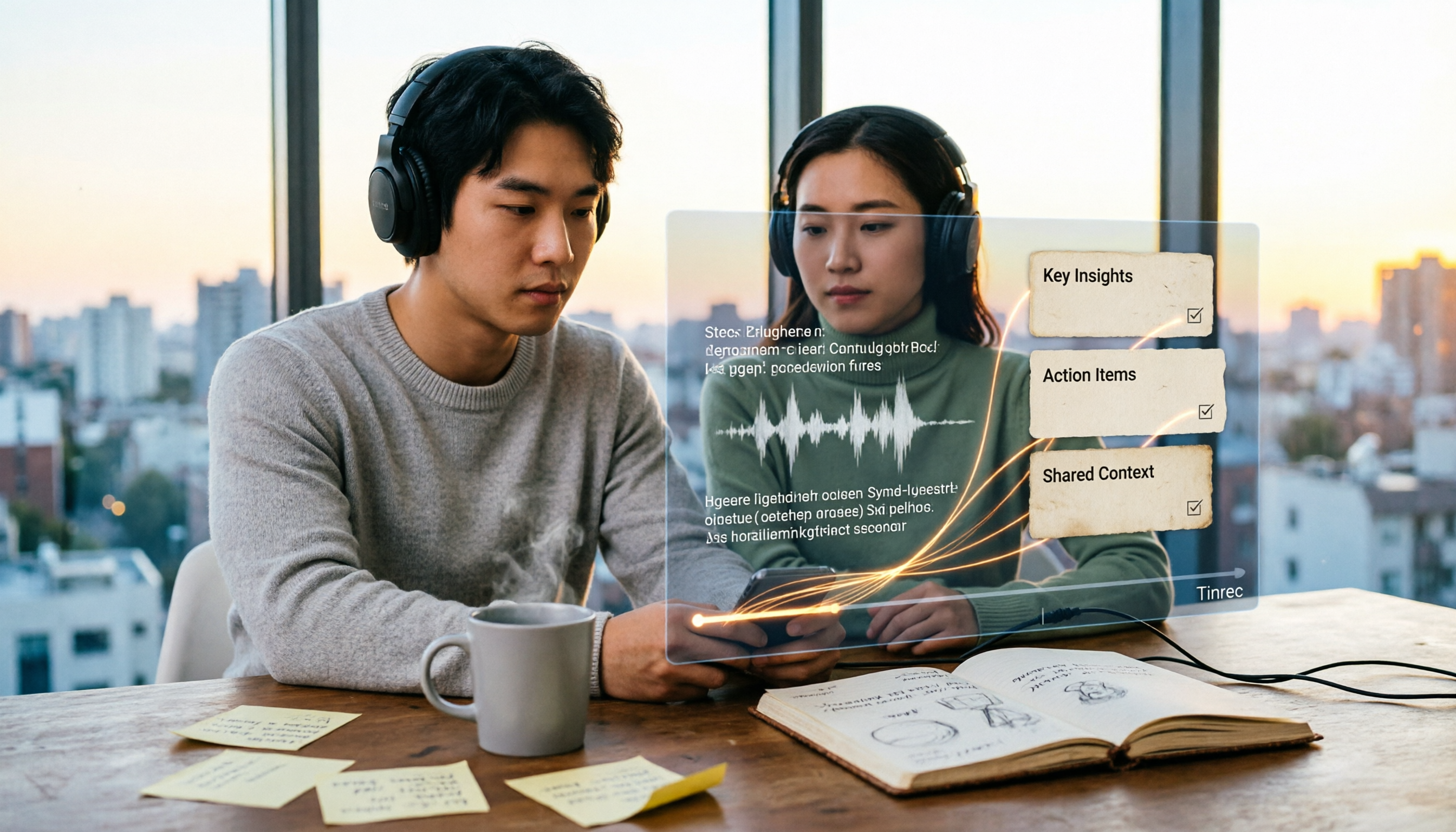
Turn recordings into transcripts and summaries in minutes
Upload audio or video for multilingual transcription, AI notes, and action items
2026 Video Summarizer Guide: Tinrec One-Click Transcript + AI Summary & Action Items
It's 10 PM on a Wednesday. You finally open that industry analysis video you saved three days ago. The progress bar shows 1 hour 42 minutes. You screenshot as you watch, fill two pages of notes, and by the time you finish it's almost midnight. The three-page summary you need for tomorrow's meeting is still blank.
It's not that you're not trying—it's that video as a format is inherently hard to reuse. You can't search it, can't copy it, and can't just pick out the five minutes you need.
The Problem Isn't That You Can't Finish Watching
First scenario: courses and lectures. Online classes run an hour or more, but the key points usually take up only ten-odd minutes. You have to watch the whole thing to find them.
Second scenario: meeting recordings. After a cross-department meeting, the recording sits in the cloud. Two weeks later someone asks, "Who said we'd delay the launch?" You have to scrub through the timeline from the beginning.
Third scenario: interviews and research material. You've accumulated twenty interview videos, but when it's time to write the report, you can't search by keyword to find "the part where the interviewee mentioned pricing."
What these three situations have in common: you don't need a player—you need a workflow that turns video into text and key points. Choose the right tool, and most of these problems disappear.
4 Key Factors Before Choosing a Video Summarizer
Transcript usability. Video-to-text isn't hard; the hard part is whether the output is readable. Does it have paragraphs, timestamps, and searchability? That determines whether the transcript is an asset or disposable junk.
Can you ask questions after transcription? If all you get is a transcript, you still have to read it yourself. A tool that lets you ask questions about the content and extract action items is what truly saves time.
Does the output format fit your workflow? Some people need a Word report, some need it in Notion, some need a spreadsheet. The output format determines how many times you'll have to manually move things around.
Personal use or team use? Organizing videos for yourself is completely different from having the whole team search the same batch of meeting recordings.
Tinrec — Our Recommended Pick After Hands-On Testing
Tinrec is an AI meeting notes and collaboration tool for individuals and teams, available on iOS, Android, and web. It's positioned not just as audio-to-text, but as a way to turn audio content—videos, meetings, interviews—into searchable, queryable, and further processable data.
Drop in a video, get a readable transcript. Upload an audio or video file, and Tinrec generates a transcript and automatically splits it into chapters. A 40-minute online course gets broken into topic sections, so you can jump straight to "Pricing Strategy" without fast-forwarding from the start. Some public online videos can also be imported via link.
No bot needs to join your meeting. This is what sets it apart from most meeting tools. The desktop version captures your computer's system audio directly, handling Zoom, Google Meet, Microsoft Teams, and Webex without an extra bot account joining the room. Open the desktop app, hit record, and the transcript generates in real time.
After recording, you can ask it questions directly. This is the most useful part in my opinion. After a full meeting or video, you can ask "What were the conclusions?" or "What were the client's concerns about pricing?" and get contextual answers instead of a pile of keywords. The same content can also be translated in real time, viewed in original, translated, or bilingual mode.
Results are portable and shareable with your team. Beyond summaries, chapters, and action items, it can generate reports, tables, and mind maps, and export to Notion, Google Docs, OneNote, Dropbox, and more. On the team plan, meeting data is centralized in a team space where members can share and view history, and admins can manage roles, seats, usage, and activity logs.
Stop organizing recordings by hand
Upload audio or video and automatically get a transcript, summary, and action items
In our testing, a single-speaker Chinese video produced a transcript that was almost immediately readable. With multi-person meeting recordings where people talk over each other, some sentences still needed correction against timestamps. Actual performance depends on recording quality, background noise, accents, overlapping speech, and technical terminology—worth stating upfront.
Pros:
- A complete workflow from transcription to summary, action items, Q&A, and export—no moving files between tools.
- Bot-free desktop recording is a relief for anyone who doesn't want a bot appearing in the participant list.
- Handles Chinese and mixed Chinese-English content well, plus team hotwords—relatively friendly for Chinese-language use cases.
Limitations to note:
- The free plan has only basic quota; heavy users need to pay. Personal plans include Free, Weekly, Pro Monthly, and Pro Annual—choose based on usage frequency.
- Link import is a supplementary feature mainly for some public videos; don't expect it to capture videos from every platform.
Who it's for: If you frequently organize courses, meeting recordings, or interview videos and want to ask questions, extract action items, and export to work documents right after transcription, Tinrec currently offers the most complete workflow. For teams that need to search historical meeting data together, the team plan's space and seat management are more suitable. Actual pricing and benefits are subject to the official purchase page.
Beyond Tinrec: Other Options
Notta. A multilingual transcription tool with the most overlap with Tinrec. The free plan offers 120 minutes per month with a 3-minute limit per item; Pro annual billing is about USD 8.17/month for 1,800 minutes per month. Transcription itself is fine, but it lacks Tinrec's Agent post-processing and team space. If you only need a transcript, consider it.
TurboScribe. A high-value file transcription tool focused on long files and batch processing: paid plans support up to 10 hours or 5 GB per file, 50 files per upload, at USD 120/year. If you have a batch of long video files, it's a great deal. But its strength is transcription—meeting summaries, action items, and AI Q&A are not its focus.
Otter.ai. A mature choice for English meetings. Free plan offers 300 minutes per month; Pro annual billing is about USD 8.49/user/month. If almost all your content is in English, it's more than enough. But note that Chinese and mixed Chinese-English content is not its main selling point, and Tinrec's bot-free desktop recording and real-time translation are areas where Otter.ai is less clear.
Pitfall Guide: 3 Common Mistakes When Choosing a Video Summarizer
Pitfall 1: Only looking at "can it transcribe?" Dozens of tools can transcribe. The difference is what happens after. If it only gives you a plain text file, you still have to read through an hour of content yourself—you've only saved typing time.
Pitfall 2: Ignoring how quotas are calculated. Some free plans have very short per-item limits—a 40-minute video won't even upload. Some quotas are shared across a team, so once someone uses them up, others can't. Before choosing, confirm that your video length matches the plan limits.
Pitfall 3: Trusting any claimed accuracy rate. Official numbers are usually measured in quiet environments with single speakers. Real meeting recordings have air conditioning noise, keyboard sounds, and people talking over each other—performance will differ noticeably. Test with your own videos; it's more reliable than ads.
Conclusion: Which One Should You Choose?
- Organizing Chinese videos, meeting recordings, and interviews, and want to ask questions and extract key points right after transcription → Tinrec (most complete workflow)
- Need bot-free recording for online meetings → Tinrec (desktop captures system audio)
- Team needs to share historical meeting data and manage seats and usage → Tinrec Team Plan
- Have a batch of very long video files and only need transcripts → TurboScribe
- Content is almost entirely in English → Otter.ai
We suggest starting with Tinrec's free plan. Take a video you've been putting off and drop it in. See if the summary and transcript match what you need. Upgrade only if it works for you—no need to pay upfront.
References
- Using GPT to Summarize YouTube: Free Online Video Summary Tools
- Top 10 Best AI YouTube Video Summarizer Tools
- ChatGPT YouTube Summary Tips: From Transcript to Summary - Mr. Mad
- NoteGPT: YouTube Video Summary Generator | ChatGPT, DeepSeek, Claude, Gemini AI Assistant | AI Sidebar | PDF Summary Tool - Chrome Web Store
- One-Click Video to Text: 3 Video Summary AI Tools Recommended for Fast, High-Quality Summaries - Tinrec Blog
Turn every recording into actionable outcomes
Get 60 free transcription minutes when you sign in. No credit card required.
Related Reading
You might also like

2026 Comparison of 4 Meeting Recording-to-Mind Map Tools: Which One Really Turns Transcripts into Mind Maps?
How to choose a tool that automatically generates mind maps from meeting recordings? This article starts with three key questions: during or after the meeting, online or offline, individual or team. Then it breaks down four purchasing factors: input sources, Chinese recognition, post-meeting outputs, and free quotas. It compares Tinrec, Notta, Otter.ai, and PLAUD Note, and summarizes common pitfalls to help you find a tool that truly turns transcripts into usable mind maps.

Best Speech-to-Text Tools in 2026: 5 Tested, Which One Prioritizes Encryption and Data Governance
Most people choose speech-to-text tools based only on accuracy, overlooking AES encryption and data governance. This article addresses common misconceptions, breaks down transport encryption, access permissions, audit logs, and data ownership, and uses Tinrec as an example to illustrate practical usage. It includes 6 key considerations for purchasing in 2026 and answers frequently asked questions.

How to Use Free Speech-to-Text in 2026: 5 Steps from Recording to Transcript
How do you choose a free speech-to-text tool in 2026? Starting from the real pain points of meeting notes, this article outlines 4 key selection criteria, tests and recommends Tinrec's bot-free online meeting recording, AI summaries and action items, AI Q&A, and export workflow, with a 5-step tutorial, free and paid plan details, plus free alternatives like Otter.ai, Notta, and TurboScribe, and a guide to avoiding pitfalls.

2026 Speech-to-Text Tools Comparison: Which Latest Version Saves the Most Time on Chinese Transcription?
How to choose the latest 2026 speech-to-text tools? This hands-on comparison reviews Tinrec, cSubtitle, Yating Transcription, and MyEdit, analyzing Chinese recognition, online meeting recording, post-meeting AI Q&A, and team collaboration. It also covers key buying factors and common pitfalls to help you find the one that truly saves time on organizing.
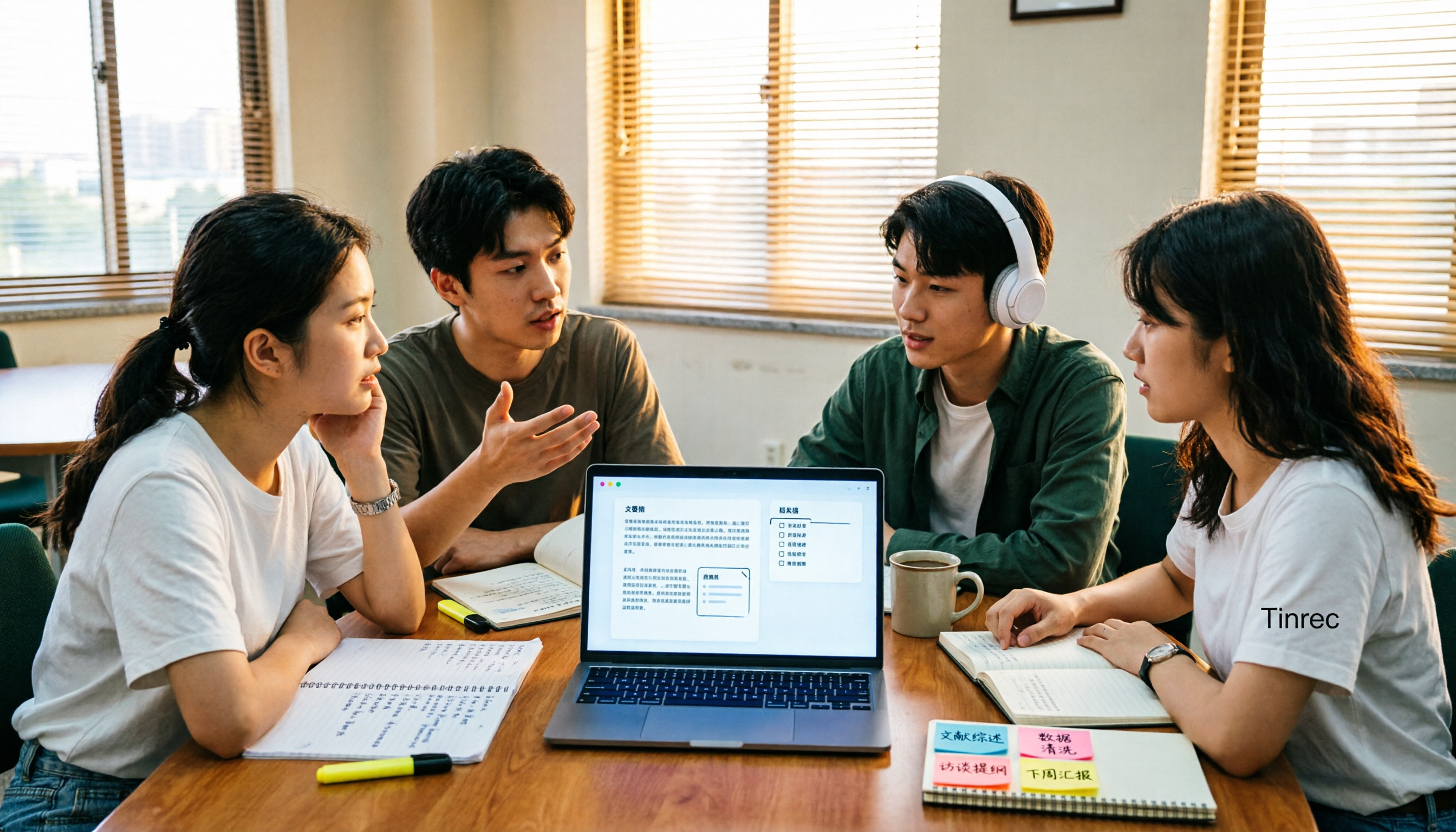
4 AI Meeting Notes Tools Compared for 2026: How to Choose Meeting Templates and Chinese Transcripts
Downloaded a bunch of meeting notes templates but no time to fill them in? This article compares 4 AI meeting notes tools for student group discussions, online classes, and project interviews, covering key selection factors like Chinese transcripts, automatic summary and action item generation, and bot-free online meeting recording, plus a semester-long review of Tinrec with pitfalls to avoid.

2026 AI Voice Recognition Tools Compared: Which Custom Vocabulary Works Best?
Spend two hours in a meeting only to find your product code missing from the transcript? The problem isn't audio quality—it's the lack of a custom vocabulary. This hands-on comparison of Tinrec, Otter.ai, Granola, and PLAUD Note covers vocabulary maintenance, post-meeting Q&A, online meeting recording, team quotas, and costs. We break down 5 key buying factors, 3 common pitfalls, and offer scenario-based recommendations.
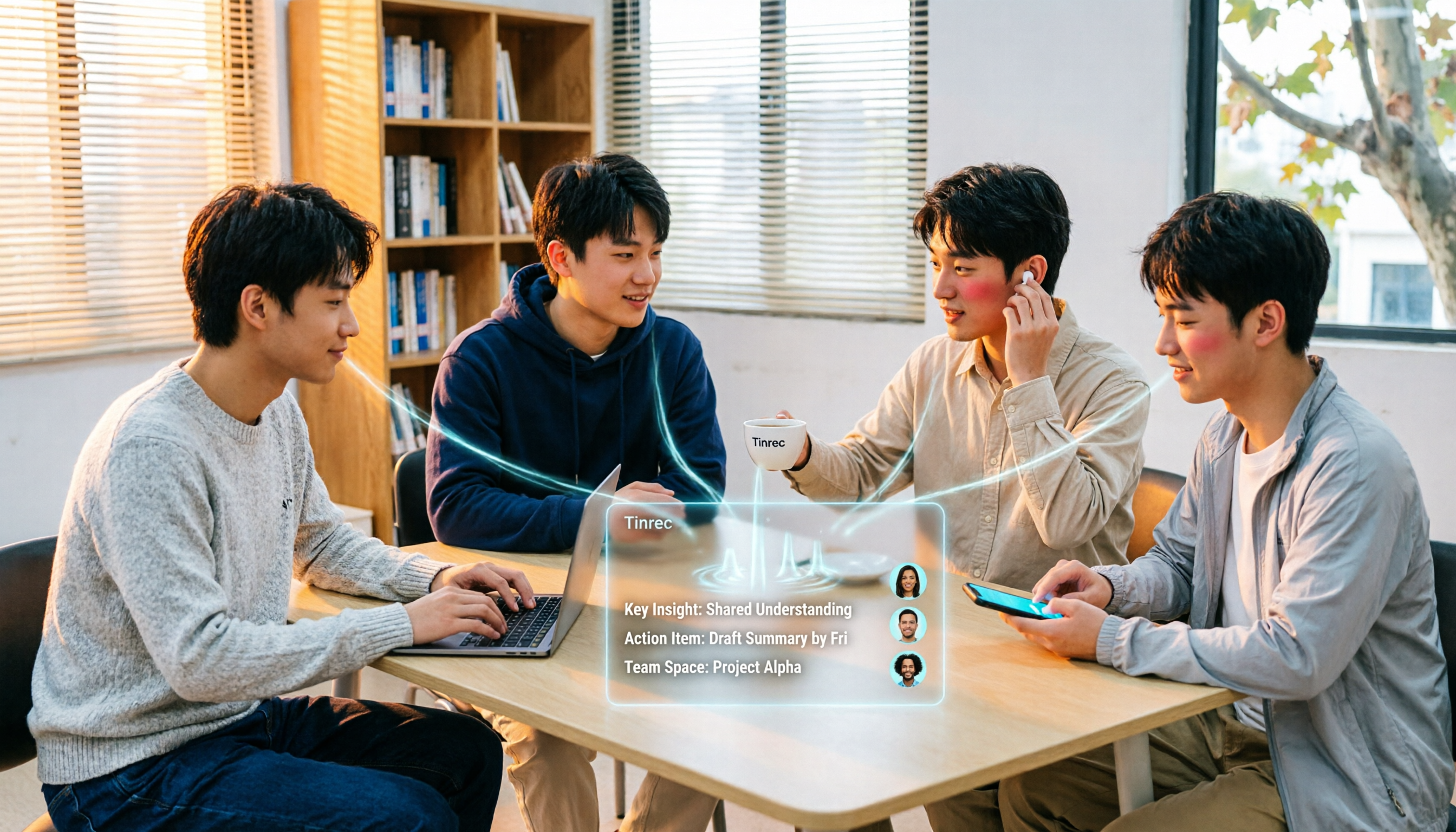
4 Speech-to-Text Tools Tested in 2026: Free Tiers and Post-Meeting Cleanup Compared
We tested four speech-to-text approaches in 2026, covering free tiers, Chinese recognition, online meeting recording, and post-meeting organization for students taking class notes, working on group projects, and conducting graduation interviews. We also share how Tinrec handles real-time transcription, AI summaries, action item extraction, AI Q&A, and team spaces.
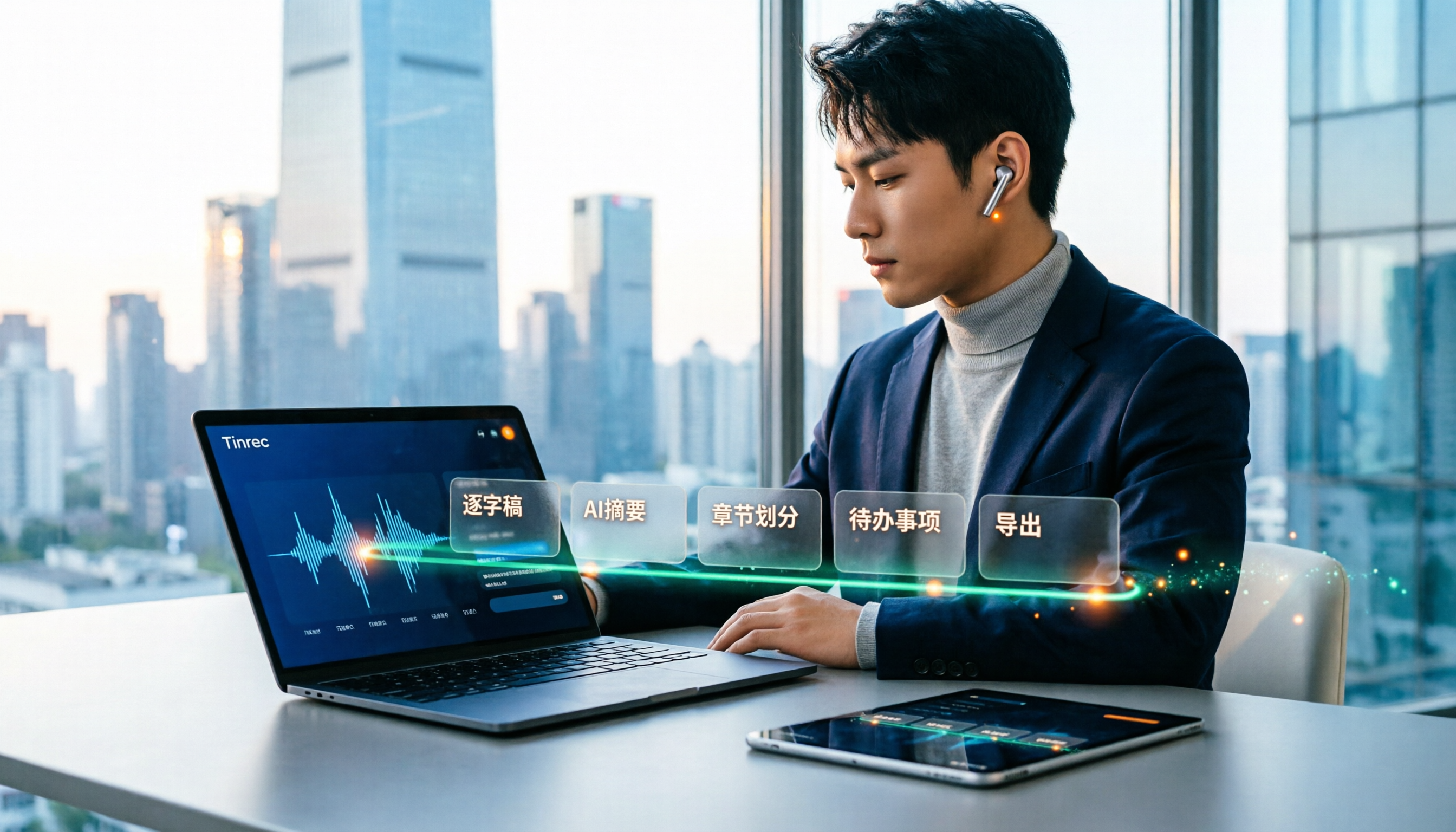
How to Use Speech-to-Text in 2025: 5-Step Free Tutorial
How do you choose and use free speech-to-text in 2025? This article walks through a complete 5-step process with Tinrec, from live recording and audio upload to generating transcripts, AI summaries, chapters, action item extraction, and exporting. It also covers 4 practical use cases, 5 buying considerations, and FAQs to help you turn meeting and lecture recordings into ready-to-use materials at zero cost.

2026 Speech-to-Text Tools Compared: Which Saves the Most Time for Chinese Meetings?
A mid-level manager overseeing a 10-person team and about 15 meetings per week shares hands-on experience. This article skips the fluff and starts from the key question: 'Do you need a verbatim transcript, or usable meeting data?' It breaks down the core capabilities of speech-to-text tools, real-world scenarios, and 5 key buying factors, and explains Tinrec's actual performance and limitations in bot-free recording, AI summary to-dos, and team seat governance.