
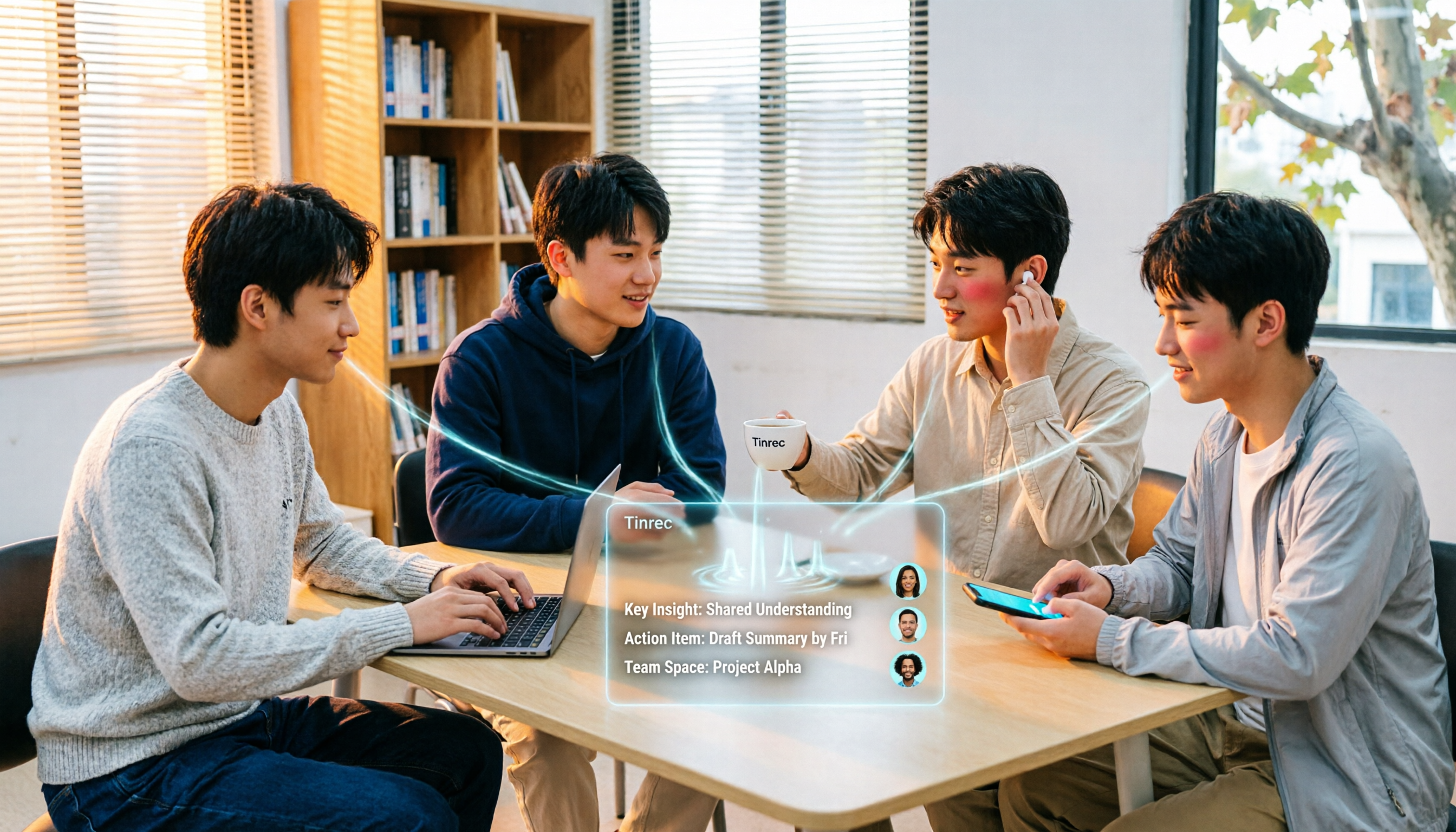
Turn recordings into transcripts and summaries in minutes
Upload audio or video for multilingual transcription, AI notes, and action items
Key Takeaways: Four Mistakes I Made
Last semester I took a three-credit required course. The professor spoke fast and wrote little on the board. My initial approach was primitive: record on my phone, open the player at home, and type while pausing and replaying. A two-hour class took me four hours to organize, and I gave up by the third week. Then I switched to AI speech-to-text and got a transcript in five minutes—but I fell into a second trap: a 12,000-word transcript, and I couldn't find the key points before the final exam.
So let me first explain the pitfalls I encountered this semester, then discuss how to choose a tool.
Mistake 1: Only looking at the word "free." Free tiers aren't just about minutes; they also hide limits on file length, editability, export options, and export formats. I once used a tool to transcribe a 90-minute class, only to discover when downloading that the free version only allowed copy-paste, and all formatting was lost.
Mistake 2: Thinking a transcript equals notes. A transcript is raw material, not a finished product. What really saves time is a processed result like "summary + chapters + action items." After class or a meeting, you don't have to spend time rereading 10,000 words.
Mistake 3: Assuming a meeting bot is the most convenient. A bot joining a meeting requires the host's consent and appears on the participant list; for online classes or lectures without a public link, it can't get in at all. Tinrec's desktop version takes a different approach: it directly captures your computer's system audio, no extra account needed to join the meeting.
Mistake 4: Believing all Chinese tools understand mixed Chinese-English. Many courses in our department use English textbooks with Chinese explanations, and a professor might mix three English technical terms into one sentence. If a tool isn't designed for Chinese contexts and lacks a custom terminology feature, the output will be a disaster.
What Can Speech-to-Text Do for Students?
Scenario 1: Two-hour class, key points ready after class. I used to compare notes with classmates right after class. Now I turn on Tinrec's real-time transcription during class, and by the end, the transcript, AI summary, and chapters are already there. I just spend ten minutes reading the summary and highlighting where the professor said "this will be on the exam."
Scenario 2: Group discussions no longer go in circles. Our group works on a project, and each discussion lasts two hours, but no one remembers the conclusions afterward. Now we record the discussion directly, and Tinrec extracts action items—who's responsible for what, what's due next time—all clear at a glance.
Scenario 3: Online lectures and internship info sessions. Many lectures are held on Google Meet or Teams and can't be downloaded. I use Tinrec's desktop version to record the computer audio directly, without asking the speaker to add a bot, and still get a transcript afterward for reference.
Scenario 4: Interview recordings for graduation projects. Interview audio files can be uploaded directly for transcription. Later, when I need to cite a passage, I can use AI Q&A to ask "What was the biggest difficulty the interviewee mentioned?" instead of listening from the beginning.
Core Capabilities of Speech-to-Text Tools
Real-time transcription. Text appears as you record, not after. With Tinrec, for example, text appears synchronously during meetings or classes, so you can immediately check if you missed key points, rather than discovering later that the recording failed.
Bot-free online meeting recording. Tinrec's desktop version captures system audio to handle meetings on Zoom, Google Meet, Microsoft Teams, Webex, etc., without inviting any bot or bothering the host.
AI summaries and chapters. This is where I find it most impactful. Tinrec doesn't just condense the transcript into a paragraph; it separately lists meeting topics, discussion conclusions, and action items, and splits long meetings into chapters so you can jump to a specific section when reviewing.
Action item extraction and AI Q&A. Transcription is just the first step. Tinrec organizes action items from the discussion; you can also directly ask it "When did the professor say the final report is due?" or "What was the client's opinion on pricing?" and it answers semantically, without you having to search manually.
Real-time translation and bilingual view. Some classes are entirely in English, or the professor mixes Chinese and English. Tinrec supports translation during recording, allowing you to view the original, translation, or bilingual comparison.
Multi-format export and post-processing. Results can be exported to Notion, Google Docs, OneNote, Dropbox for further use, and Agent post-processing can generate reports, tables, or documents. For students, this means one less copy-paste step.
Practical Application Scenarios
Class Notes
Place Tinrec on your desk and turn on real-time transcription (phone or laptop both work). After class, first read the AI summary, then jump from chapters to the places you marked. My approach this semester: treat the action items column as a review checklist. A week before the exam, I only look at that list, saving a lot of re-listening time.
Stop organizing recordings by hand
Upload audio or video and automatically get a transcript, summary, and action items
Group Projects
Our group has six people, and every meeting is a rush to catch up, then we disperse. After recording the entire discussion with Tinrec, the action items list "who needs to submit what by when," which is far more effective than asking "What was the conclusion last time?" in the group chat. If the entire project team needs long-term shared data, Tinrec has a team version that creates an independent team space to centrally store transcripts, summaries, and action items, and manage who can record and who can only view via roles and seats.
Graduation Project Interviews
Interviews usually last an hour or more, and transcripts easily run tens of thousands of words. I first upload the audio file for Tinrec to transcribe, then use AI Q&A to extract citable passages, and finally export the needed parts to Google Docs for formatting. If the interviewee mentions technical terms, I can add them to the team hotwords for better recognition later.
Online Lectures and Cross-Language Courses
When online lectures can't be recorded, use Tinrec's desktop version to record system audio; for English lectures, turn on bilingual view. This semester I attended four English online lectures and organized them into two pages of notes using transcripts and summaries, much faster than pure listening and typing.
5 Things to Consider When Choosing a Speech-to-Text Tool
1. The real limits of the free tier. Don't just look at "minutes per month"; also check file length, editability, and export options. Tinrec's approach is to let you experience recording, importing, summarizing, and transcribing with the free version first, then upgrade if it suits you. If you only need intensive organization for a few weeks (e.g., the week before final reports), consider a weekly pass; if you have long-term weekly usage, choose the Pro monthly or annual plan.
2. Can you use it directly after transcription? This is the most easily overlooked point for students. With a transcript-only tool, you still have to organize it yourself. Tinrec puts summaries, chapters, action items, and AI Q&A in the same workflow, saving both the "listening and typing" and "organizing" tasks.
3. Performance with Chinese and mixed Chinese-English. Our course content often combines Chinese explanations with English terms, so when choosing, be sure to test with your own class recording. Tinrec covers Chinese, Traditional Chinese, and multilingual meeting scenarios, and supports team hotword management for technical terms; actual performance is affected by recording quality, accent, ambient noise, and simultaneous speakers. For important content, it's recommended to verify against transcript timestamps and recording playback.
4. How to record online meetings. If a tool relies on a bot joining the meeting, you need the host's consent, and meetings without a public link are out of luck. Tinrec's desktop version directly captures system audio, and the user actively starts recording. Note that this doesn't mean "automatically joining all meetings on your calendar"; you should still get participants' consent before recording and comply with local regulations.
5. Cross-device and data portability. Students often record on phones and organize on computers. Tinrec has iOS, Android, desktop, and web versions, and results can be exported to your usual note-taking or cloud tools. Also, if you accidentally delete a recording, the team version has an audio recycle bin for recovery (retained for 30 days), which is insurance when rushing reports.
Frequently Asked Questions
Q1: Is the free version enough for students? You can start with the free version and test it two or three times with your own class recordings to confirm that transcription quality and organization meet your needs. If usage frequency is low (e.g., only recording key subjects), the free version is a reasonable entry point; if you record every class and have weekly group meetings, then evaluate upgrading.
Q2: Which online meeting platforms does Tinrec support? The desktop version captures system audio and can handle meeting audio played on a computer from platforms like Zoom, Google Meet, Microsoft Teams, Webex, etc., without an extra meeting bot. Please ensure you have participants' consent before recording.
Q3: What is the accuracy rate? It's not advisable to decide based on a single official number. Actual performance is affected by recording quality, noise, accent, overlapping speakers, and technical terms. A more practical approach: test with your own recordings and verify important information against the transcript and recording playback.
Q4: What's the difference between the team version and the personal version? In the personal version, data belongs to the individual account; the team version is an independent team space where meeting data belongs to the team, plus member and seat management, sharing rights, usage analytics, audit logs, and audio recycle bin. Note that roles determine who can manage the team, and seats determine who can record, upload, edit, and export; members without a seat can still view, play, and read team data but cannot perform recording or export operations. The team version currently offers a 7-day trial for first-time eligible users (1 free seat, 300 minutes of team shared import quota). Paid seats are USD 29.80 per month or USD 199 per year (about USD 16.58/month), and each paid seat includes 2,000 minutes of team shared import quota per month. Actual prices and benefits are subject to the official purchase page.
Q5: Can deleted recordings be recovered? In the team version, audio in the recycle bin can be restored before permanent deletion, with a current retention period of 30 days; action items are not covered by the recycle bin.
Conclusion
Speech-to-text isn't just about having the feature; the key is whether you can use the result directly after transcription. My takeaway this semester: try the free tier first, see if it gives you summaries and action items, confirm it understands Chinese and mixed Chinese-English, and ensure online meetings don't require bothering others to add a bot. Tinrec checks all these boxes, especially the summary, chapters, and AI Q&A workflow, which saves both listening/typing and organizing tasks. If you're also a student who can't keep up with note-taking in class or never reaches conclusions in meetings, I suggest trying it once with your own recording to see if the AI-organized output is what you need.
References
- Tested 4 Best "Speech-to-Text" Online Tools, Free Instant Transcription of Audio Files
- Online AI Speech, Video, Audio File Auto Transcription - Free Trial - cSubtitle
- Audio to Text - Free Speech-to-Text Tool
- Speech Real-Time Conversion to Text APP Recommendations 1. iPhone/iPad "Notes" APP Supports real-time conversion to text Cost: Free Supports Chinese, English
- Speech-to-Text Converter – Free Online | TicNote Cloud
Turn every recording into actionable outcomes
Get 60 free transcription minutes when you sign in. No credit card required.
Related Reading
You might also like

2026 Comparison of 4 Meeting Recording-to-Mind Map Tools: Which One Really Turns Transcripts into Mind Maps?
How to choose a tool that automatically generates mind maps from meeting recordings? This article starts with three key questions: during or after the meeting, online or offline, individual or team. Then it breaks down four purchasing factors: input sources, Chinese recognition, post-meeting outputs, and free quotas. It compares Tinrec, Notta, Otter.ai, and PLAUD Note, and summarizes common pitfalls to help you find a tool that truly turns transcripts into usable mind maps.

Best Speech-to-Text Tools in 2026: 5 Tested, Which One Prioritizes Encryption and Data Governance
Most people choose speech-to-text tools based only on accuracy, overlooking AES encryption and data governance. This article addresses common misconceptions, breaks down transport encryption, access permissions, audit logs, and data ownership, and uses Tinrec as an example to illustrate practical usage. It includes 6 key considerations for purchasing in 2026 and answers frequently asked questions.

How to Use Free Speech-to-Text in 2026: 5 Steps from Recording to Transcript
How do you choose a free speech-to-text tool in 2026? Starting from the real pain points of meeting notes, this article outlines 4 key selection criteria, tests and recommends Tinrec's bot-free online meeting recording, AI summaries and action items, AI Q&A, and export workflow, with a 5-step tutorial, free and paid plan details, plus free alternatives like Otter.ai, Notta, and TurboScribe, and a guide to avoiding pitfalls.

2026 Speech-to-Text Tools Comparison: Which Latest Version Saves the Most Time on Chinese Transcription?
How to choose the latest 2026 speech-to-text tools? This hands-on comparison reviews Tinrec, cSubtitle, Yating Transcription, and MyEdit, analyzing Chinese recognition, online meeting recording, post-meeting AI Q&A, and team collaboration. It also covers key buying factors and common pitfalls to help you find the one that truly saves time on organizing.
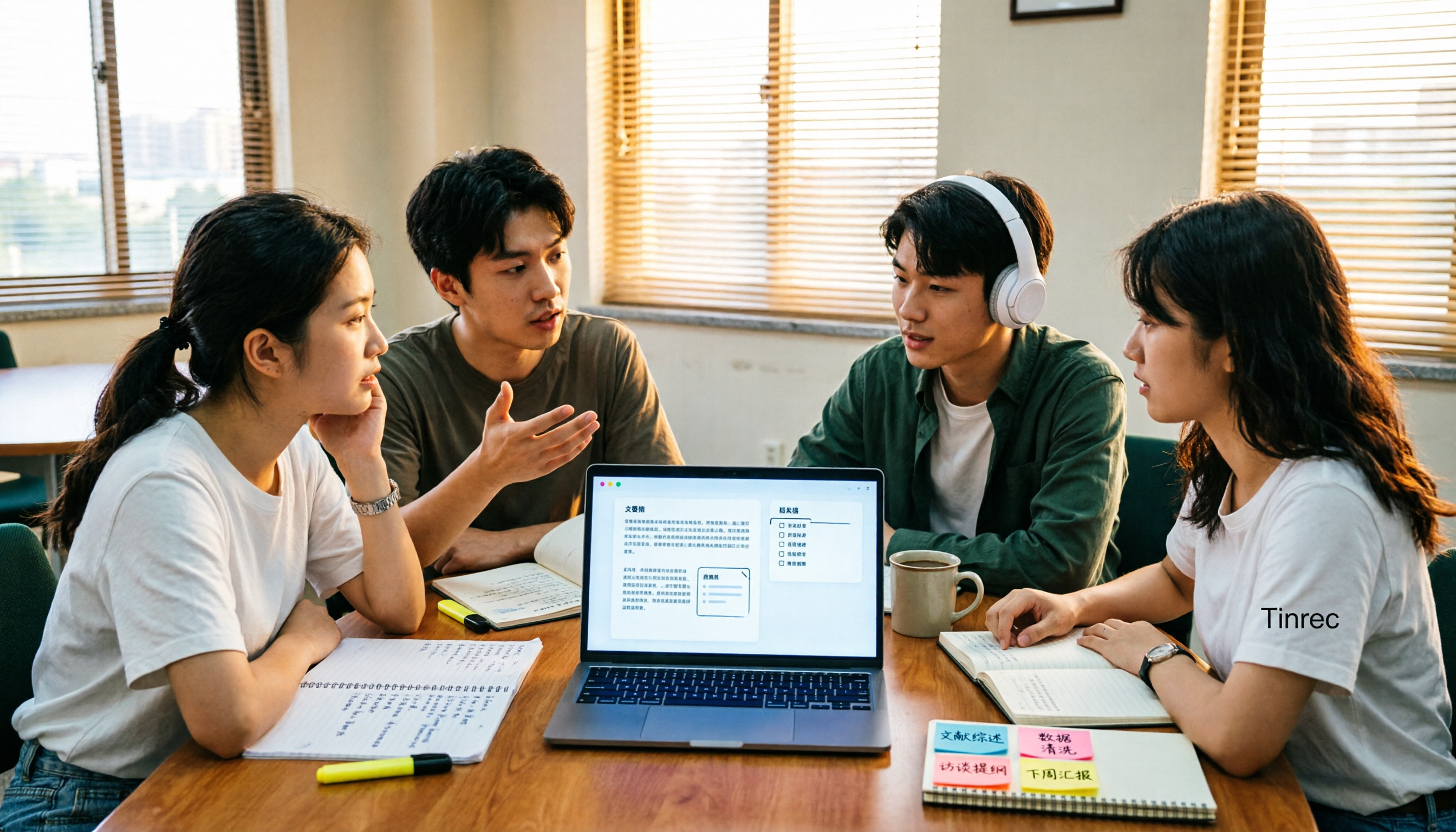
4 AI Meeting Notes Tools Compared for 2026: How to Choose Meeting Templates and Chinese Transcripts
Downloaded a bunch of meeting notes templates but no time to fill them in? This article compares 4 AI meeting notes tools for student group discussions, online classes, and project interviews, covering key selection factors like Chinese transcripts, automatic summary and action item generation, and bot-free online meeting recording, plus a semester-long review of Tinrec with pitfalls to avoid.

2026 AI Voice Recognition Tools Compared: Which Custom Vocabulary Works Best?
Spend two hours in a meeting only to find your product code missing from the transcript? The problem isn't audio quality—it's the lack of a custom vocabulary. This hands-on comparison of Tinrec, Otter.ai, Granola, and PLAUD Note covers vocabulary maintenance, post-meeting Q&A, online meeting recording, team quotas, and costs. We break down 5 key buying factors, 3 common pitfalls, and offer scenario-based recommendations.

How to Use Speech-to-Text in 2025: 5-Step Free Tutorial
How do you choose and use free speech-to-text in 2025? This article walks through a complete 5-step process with Tinrec, from live recording and audio upload to generating transcripts, AI summaries, chapters, action item extraction, and exporting. It also covers 4 practical use cases, 5 buying considerations, and FAQs to help you turn meeting and lecture recordings into ready-to-use materials at zero cost.

2026 Speech-to-Text Tools Compared: Which Saves the Most Time for Chinese Meetings?
A mid-level manager overseeing a 10-person team and about 15 meetings per week shares hands-on experience. This article skips the fluff and starts from the key question: 'Do you need a verbatim transcript, or usable meeting data?' It breaks down the core capabilities of speech-to-text tools, real-world scenarios, and 5 key buying factors, and explains Tinrec's actual performance and limitations in bot-free recording, AI summary to-dos, and team seat governance.
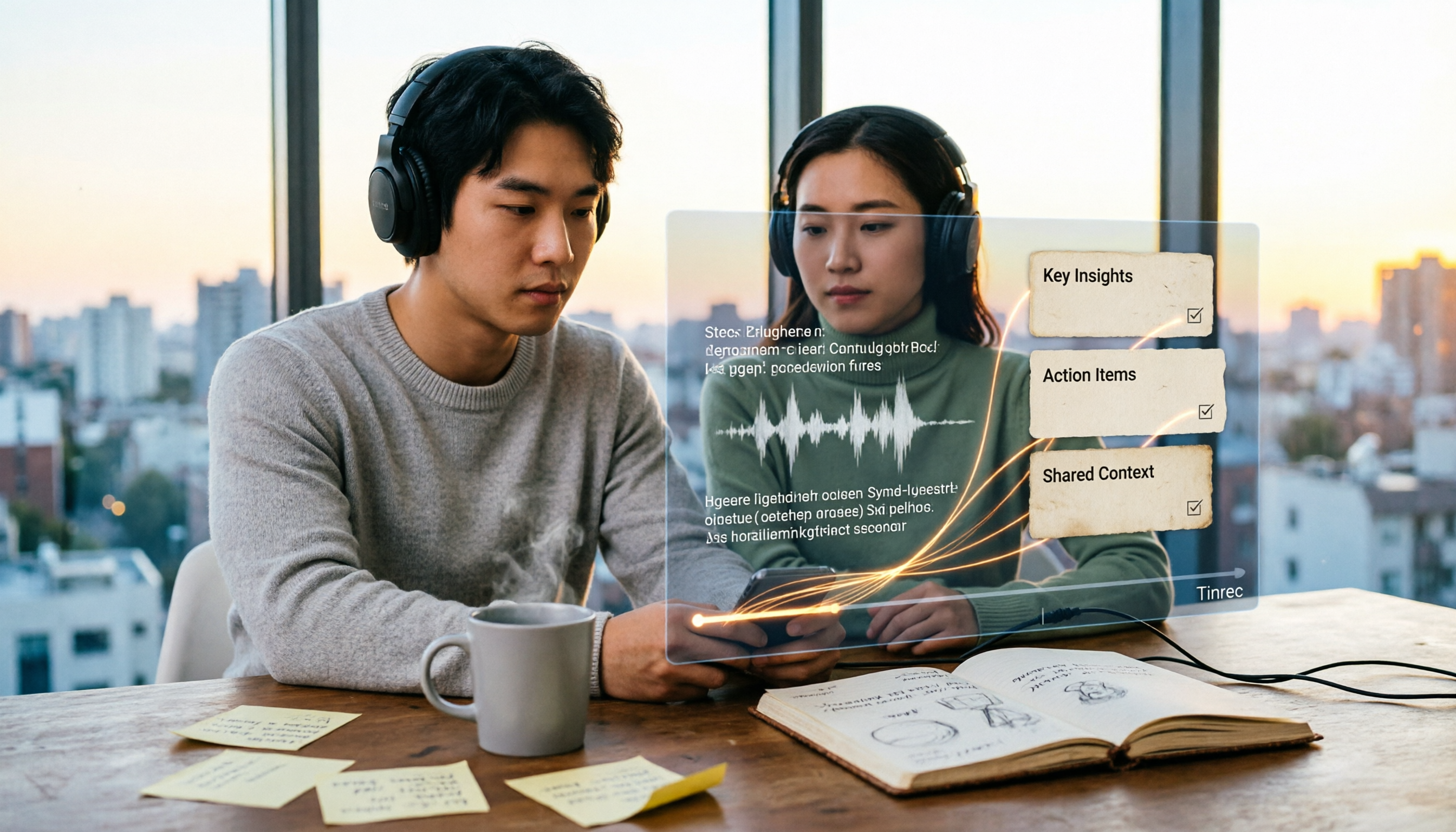
2026 Video Summarizer Guide: Tinrec One-Click Transcript + AI Summary & Action Items
Videos pile up but you never finish them? This hands-on guide walks through a complete video summarizer workflow—from uploading videos and generating transcripts to automatic summaries and action items, plus the ability to ask questions about the content after recording. We test Tinrec as the primary tool and compare it with Notta, TurboScribe, and Otter.ai, including 4 key buying factors and 3 common pitfalls to help you choose the one that truly saves time.