

Turn recordings into transcripts and summaries in minutes
Upload audio or video for multilingual transcription, AI notes, and action items
How to Use Free Speech-to-Text in 2026: 5 Steps from Recording to Transcript
A two-hour meeting, then two more hours writing the transcript—the problem was never your typing speed
It's 5:30 on a Friday afternoon. The online meeting just ended, and you're left with a 48-minute recording. Your manager messages the group: "Send me the meeting notes before you leave today."
You put on headphones, play, pause, type, play, pause again. Twenty minutes later, the progress bar is only at the 12-minute mark.
If the meeting mixes Chinese and English, it's even more exhausting. Product names, technical acronyms, and clients' English abbreviations are all mixed into Chinese sentences, forcing you to constantly switch input methods while transcribing. By the time you finish, two or three hours have passed, and there are still a bunch of misheard proper nouns to go back and fix.
This article tackles exactly that: whether free speech-to-text tools in 2026 are good enough, how to choose one, and how many steps the actual process takes. Pick the right tool, and by the time the meeting ends, your transcript is already done.
Before Choosing a Free Speech-to-Text Tool, Understand These 4 Key Points
1. How free quotas work and where the limits hide
Most tools say "free," but the restrictions are written in tiny print. Some limit total minutes per month, some limit single upload length, and some free versions don't allow exporting to Word. I usually check three things first: how many minutes per month, maximum minutes per session, and whether you can take the output file with you.
2. Chinese recognition and mixed Chinese-English
Many tools perform well in English but fall short in Chinese. The bigger headache is mixed Chinese-English sentences, like "這個 feature 下週 release." If you mainly record Chinese meetings, test with a real recording of your own—it's more reliable than official marketing claims.
3. How to capture audio for online meetings
There are two camps. One uses a "meeting bot" that joins the meeting as a participant with its own account. The other captures your computer's system audio directly from a desktop app, so no bot appears in the participant list. If you don't want a stranger showing up in your meeting, the latter feels more natural.
4. What you can do after transcription
If all you get is a transcript, you still have to read through 48 minutes of content yourself. If the tool also provides a summary, chapters, action items, and even lets you ask questions directly about the meeting content, you save not just typing time but also re-reading time.
Tinrec—The One Free Version I Most Want to Keep After Testing
Tinrec is an AI meeting notes and collaboration tool for individuals and teams, available on iOS, Android, desktop, and web. Its positioning isn't just converting audio to text—it's turning meeting recordings into searchable, summarizable, queryable, and exportable data.
Record online meetings without a meeting bot
Tinrec's desktop version captures your computer's system audio directly, handling Zoom, Google Meet, Microsoft Teams, Webex, and other online meetings. You don't need to invite any bot, and you don't need to ask others to wait while you set up. Note that this is "you open Tinrec and start recording yourself," not automatically joining every meeting on your calendar.
Live transcript while recording, with automatic summaries and action items after
Open Tinrec during the meeting, and it generates a transcript as it records. After the meeting, AI organizes a summary, chapters, and action items—who's responsible for what, what's next—so you don't have to listen from the beginning again. The transcript itself is searchable, and mixed Chinese-English sections can be checked against the original audio.
After recording, ask questions directly about the meeting content
This is where it differs most from ordinary transcription tools. You can ask Tinrec directly: "Who mentioned the budget in the last meeting?" or "What were the client's concerns about the delivery date?" It answers based on the meeting content, rather than just throwing keywords at you. You can also generate reports, tables, and meeting minutes, or export results to Notion, Google Docs, OneNote, Dropbox, and other tools for further work.
In practice: 5 steps to complete a transcript
- Open Tinrec desktop or mobile app, and choose the source to record (live recording or system audio from an online meeting).
- Press start, and the transcript is generated in sync as the meeting proceeds.
- After the meeting, review the AI-organized summary, chapters, and action items.
- For uncertain parts, use AI Q&A to ask for details, or click back to the timestamp in the transcript to verify against the original audio.
- Export the results as a document, or directly generate reports, tables, and other work outputs.
Stop organizing recordings by hand
Upload audio or video and automatically get a transcript, summary, and action items
Plans and pricing
For the personal version, the free plan provides a basic quota so you can try recording, importing, summaries, and transcription. If you have a short period of intensive meetings or interviews, consider a weekly pass; if you have steady weekly needs, the Pro monthly or annual plan is more suitable.
The team version is a separate collaboration space, not multiple people sharing one personal account. The first eligible team trial is 7 days, 1 free seat, and 300 minutes of shared team import quota. Team monthly is USD 29.80 per paid seat per month; annual is USD 199 per paid seat per year, roughly USD 16.58 per month. Each paid seat provides 2,000 minutes of shared team import quota per month; under an active team plan and active seat, live recording currently does not deduct minutes, while file and web imports use the shared team quota. Actual prices and promotions are subject to the official purchase page.
Its strengths
First, online meetings don't need a bot, which is especially friendly for external client meetings. Second, the post-transcription workflow is complete—summary, action items, Q&A, and export all in one place, not just a transcript. Third, the team version centralizes meeting data in a team space, so data doesn't leave with members when they depart.
What to be honest about
The free version provides a basic quota; if your meeting volume is high, you'll still need to evaluate paid plans. Also, Tinrec does not recommend promising a fixed accuracy rate externally; actual performance is affected by recording quality, ambient noise, accents, overlapping speakers, and technical terminology. Team version sharing permissions are primarily at the team level—roles determine governance permissions, seats determine usage eligibility—and it is not a file-level granular permission system.
Who it's for
If you frequently handle Chinese or mixed Chinese-English meetings, don't want an extra bot in the meeting, and want to use AI to find key points directly after recording, Tinrec is a smooth choice. If you need shared team meeting notes and management of member seats and usage, you can look directly at the team version.
Besides Tinrec, What Other Free Options Are There?
Otter.ai
A mature choice for English meetings. The Basic free version offers 300 minutes per month; Pro annual is roughly USD 8.49 per user per month. Its English business meeting experience is very complete, but if you mainly have Chinese meetings and want to directly generate reports or tables afterward, Tinrec's post-processing workflow and Chinese experience will be closer to your needs.
Notta
A multilingual transcription tool. The Free version offers 120 minutes per month, with a maximum of 3 minutes per session; Pro annual is roughly USD 8.17 per month. It's suitable for file processing that requires multilingual translation and subtitles, but the free version's single-session length limit is obvious. Tinrec's bot-free online meeting recording, AI Q&A, and team space are areas that file-transcription-focused tools rarely cover.
TurboScribe
A cost-effective file transcription service. Free allows 3 files per day, up to 30 minutes per file; Unlimited annual is USD 120, roughly USD 10 per month, with paid versions supporting up to 10 hours or 5 GB per file and up to 50 files at once. If you have a large number of long audio files to batch transcribe into subtitles, it has a strong advantage. But live meeting recording, action item extraction, and team collaboration are not its strong suits—Tinrec is more complete in these areas.
Pitfall Guide: The 3 Most Common Mistakes When Choosing Free Speech-to-Text
Pitfall 1: Only looking at official accuracy claims
Many tools claim "98% accuracy," but that's usually measured in a quiet environment. Real meetings have air conditioning noise, keyboard sounds, and people interrupting—the numbers will definitely change. Test the free version with one of your own recordings; that's the most accurate reference.
Pitfall 2: Only comparing free minutes without checking restrictions
"120 minutes per month" sounds good, but if you can only record 3 minutes at a time, you'll have to split a meeting into several parts. When choosing a tool, check three things: monthly quota, single-session length, and whether you can export.
Pitfall 3: Using a transcription tool as a typewriter
If you only use it to replace manual transcription, you're only using half the features. The value of meeting recordings lies in "how you use them afterward"—summaries help you review quickly, action items help you track progress, and AI Q&A saves you from re-listening to 40 minutes. Tools like Tinrec focus on post-transcription organization and follow-up questions.
Conclusion: Which One Should You Choose?
- Chinese or mixed Chinese-English meetings, want summaries and action items right after → Tinrec
- Don't want a bot joining online meetings, and don't want to interrupt the meeting flow → Tinrec desktop version
- After recording, want to ask AI directly "What's the conclusion?" "Who's responsible for what?" → Tinrec
- Team needs to share meeting data and manage member seats and usage → Tinrec team version
- Mainly English meetings, limited budget → Otter.ai's free version is a good start
- Large number of long audio files for batch subtitle transcription → TurboScribe's plans are more suitable
Free speech-to-text tools in 2026 are mature enough; the key is choosing one that fits your meeting style. Start with a free version, test it with one or two real meeting recordings, and then decide whether to upgrade—after all, your own recordings are the most honest judge of what works for you.
References
Turn every recording into actionable outcomes
Get 60 free transcription minutes when you sign in. No credit card required.
Related Reading
You might also like

2026 Cross-Device Sync Test: Tinrec vs Otter.ai — Which Is More Complete Across 5 Key Areas?
Cross-device sync isn't just about logging into the same account. This article compares Tinrec and Otter.ai across 5 dimensions: input sources, bot-free meeting recording, Chinese language experience, post-meeting organization, and team seat governance. It also lists the free and paid plan prices for both, helping you decide which one better fits your meeting needs.

How to Transcribe Audio to Text in 2026: 5 Steps from Upload to Multi-Format Export
The real key to audio transcription is whether the export format fits your workflow. This article examines four decision points: export formats, audio retention, post-meeting organization, and team sharing. It tests Tinrec's bot-free meeting recording, AI Q&A, and multi-format export process, compares MyEdit, Otter.ai, and TurboScribe, and provides scenario-based recommendations to help you choose.

Best Real-Time Speech-to-Text Tools in 2026: Hands-On Test of 5 Options, This One Excels at Live Chinese Meeting Transcription
Which real-time speech-to-text tool is best? This article shares hands-on insights from testing 5 tools in 2026 that support live transcription while recording. It compares real-time responsiveness, Chinese and mixed Chinese-English recognition, post-meeting organization, and team collaboration, with 4 key buying factors, pitfalls to avoid, and scenario-based recommendations.

Best Live Transcription with Floating Subtitles in 2026: 6 Tools Tested, This One Excels at Chinese Real-Time Transcription
Looking for a way to transcribe audio in real time and see subtitles on screen? This article reviews 6 tools, comparing real-time transcription, bot-free meeting recording, batch file-to-subtitle conversion, and free online tools. It also explains how to choose for Chinese meetings and bilingual scenarios, so your content is usable from the moment it's spoken to after the meeting.

2026 AI Noise Reduction Speech-to-Text Comparison: Which Is Best for Chinese Meetings?
A hands-on comparison of 2026 AI noise reduction speech-to-text tools, covering noise reduction, Chinese recognition, post-meeting organization, and team collaboration. We analyze the pros, cons, and pricing of Tinrec, Otter.ai, Notta, and Granola to help professionals choose the best meeting transcription tool.

2026 Comparison of 4 Meeting Recording-to-Mind Map Tools: Which One Really Turns Transcripts into Mind Maps?
How to choose a tool that automatically generates mind maps from meeting recordings? This article starts with three key questions: during or after the meeting, online or offline, individual or team. Then it breaks down four purchasing factors: input sources, Chinese recognition, post-meeting outputs, and free quotas. It compares Tinrec, Notta, Otter.ai, and PLAUD Note, and summarizes common pitfalls to help you find a tool that truly turns transcripts into usable mind maps.

Best Speech-to-Text Tools in 2026: 5 Tested, Which One Prioritizes Encryption and Data Governance
Most people choose speech-to-text tools based only on accuracy, overlooking AES encryption and data governance. This article addresses common misconceptions, breaks down transport encryption, access permissions, audit logs, and data ownership, and uses Tinrec as an example to illustrate practical usage. It includes 6 key considerations for purchasing in 2026 and answers frequently asked questions.

2026 Speech-to-Text Tools Comparison: Which Latest Version Saves the Most Time on Chinese Transcription?
How to choose the latest 2026 speech-to-text tools? This hands-on comparison reviews Tinrec, cSubtitle, Yating Transcription, and MyEdit, analyzing Chinese recognition, online meeting recording, post-meeting AI Q&A, and team collaboration. It also covers key buying factors and common pitfalls to help you find the one that truly saves time on organizing.
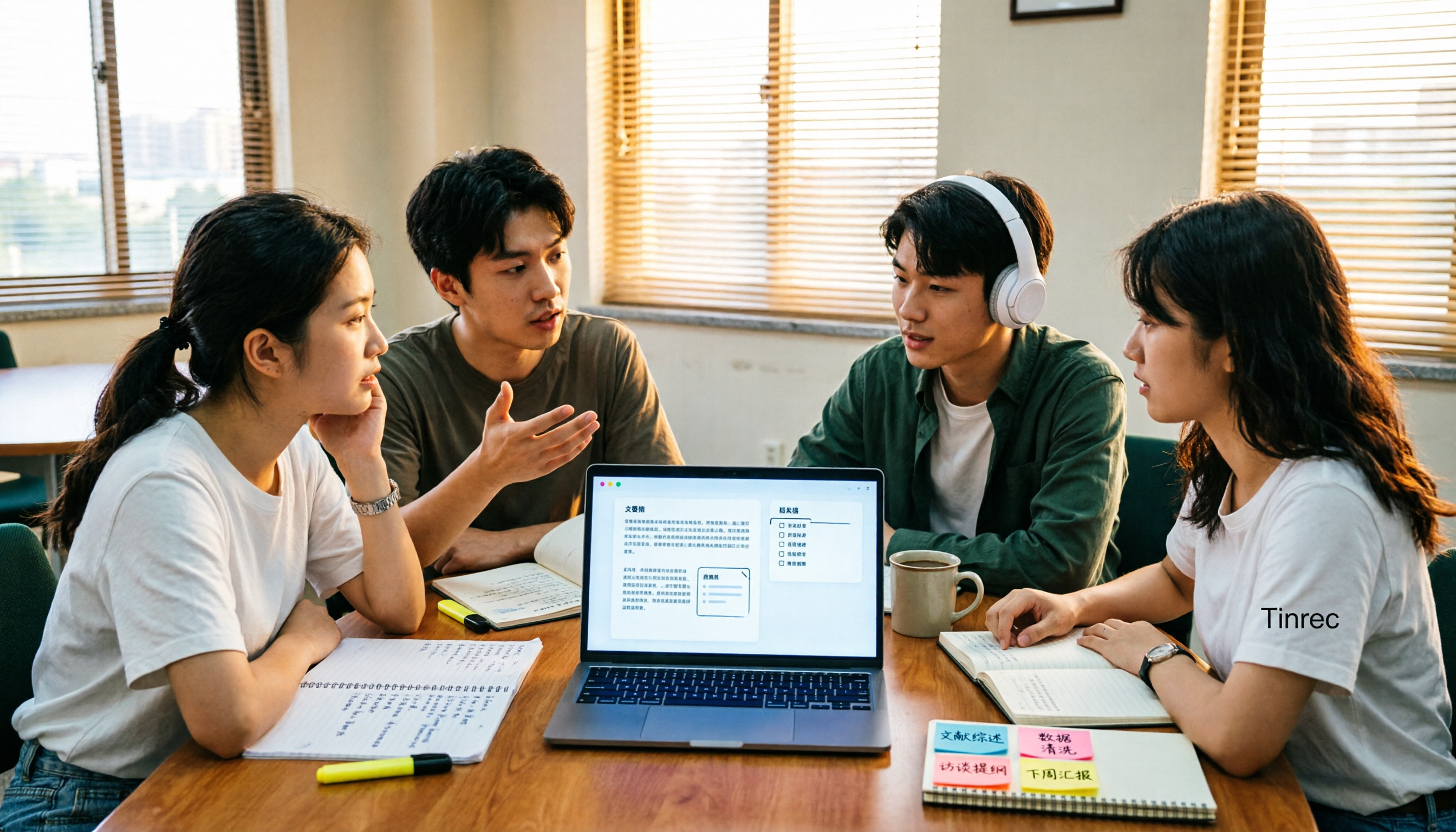
4 AI Meeting Notes Tools Compared for 2026: How to Choose Meeting Templates and Chinese Transcripts
Downloaded a bunch of meeting notes templates but no time to fill them in? This article compares 4 AI meeting notes tools for student group discussions, online classes, and project interviews, covering key selection factors like Chinese transcripts, automatic summary and action item generation, and bot-free online meeting recording, plus a semester-long review of Tinrec with pitfalls to avoid.