

Turn recordings into transcripts and summaries in minutes
Upload audio or video for multilingual transcription, AI notes, and action items
Many people choose speech-to-text tools by first looking at recognition accuracy, then price. Encryption is usually last on the list, or not considered at all.
It's not until you need to handle recordings of customer interviews, internal operations meetings, or product strategy discussions that you suddenly remember: Which server are these audio files stored on now? Who else besides me can see them?
This is the most common misconception I see. Security isn't an option to add after something goes wrong; it should be something you check on your first day of trial. Below, I'll first clarify what "encryption and security" for speech-to-text tools actually protects against, then discuss how to choose in 2026.
What Can Speech-to-Text Tools Do for You? Three Practical Scenarios
Scenario 1: After a meeting, the transcript and to-dos are ready Previously, after a two-hour meeting, you'd likely spend another hour organizing notes. Take Tinrec as an example: during the meeting, the transcript is generated in real time. Afterward, the AI summary separates discussion topics, conclusions, and action items, so you can see at a glance who is responsible for what and when it's due.
Scenario 2: Customer interview recordings—you can "ask" them later The most common situation in interviews: three months later, when writing a proposal, you only remember a key sentence the customer said but can't find which part it was in. Tinrec supports AI Q&A. You can directly ask, "What were the customer's concerns about pricing?" and it will find the corresponding content from the transcript, so you don't have to listen to the whole recording again.
Scenario 3: Cross-language meetings without waiting for translation When meeting with overseas teams, Tinrec's real-time translation lets you view the original text, translation, or bilingual content simultaneously. Transcripts and summaries are also saved, making later review much more reliable than relying on memory.
When Talking About "Security" in Speech-to-Text, These 5 Capabilities Are What Really Matter
1. Encryption methods for transmission and storage AES (Advanced Encryption Standard) is currently the most common symmetric key encryption algorithm. It was published by NIST in 2001 as the FIPS PUB 197 standard. Key lengths come in 128, 192, and 256 bits, with 10, 12, and 14 encryption rounds respectively. It is widely adopted because it is fast and suitable for handling large amounts of data. It is used in Wi-Fi's WPA2, SSL/TLS connections, cloud storage, and databases, and is often seen in encryption of multimedia files (including audio and video).
Note that a lock icon on a webpage only means "the connection is encrypted," not that the audio files are stored encrypted on the server. It's advisable to directly confirm whether official documentation clearly describes how both transmission and storage are handled. For cloud services like Tinrec, you can first check with the official team about the data processing scope of your plan, then decide which meetings are suitable to upload.
2. Who can view and who can edit Encryption protects against external intrusion, while permission controls protect against internal misuse. Tinrec's team version separates "roles" and "seats": roles determine who can manage the team, members, and team settings; seats determine whether members can record, upload, edit, import, and export. Active members without a seat can still view, play, and read team data, but cannot modify content.
3. Are actions logged? Those who truly care about security eventually ask, "Can we trace it if something goes wrong?" Tinrec's team version provides audit logs, allowing you to query, filter, and export important team operation records. This is very useful for scenarios where you need to trace "who changed this data."
4. Does data belong to individuals or the team? This is a pitfall many teams have fallen into: meeting notes are all stored in a colleague's personal account, and when that person leaves, the data disappears with them. In Tinrec's team version, team resources belong to the team. When a member leaves, is removed, or loses their seat, the resources they were responsible for can be transferred to other active members.
5. Can accidentally deleted items be recovered? Tinrec provides an audio recycle bin. Accidentally deleted audio files can be restored before permanent cleanup begins. The current retention period is 30 days (to-dos are not included in the recycle bin). This is a very practical layer of insurance.
Practical Application Scenarios
Department weekly meetings and project meetings For regular weekly meetings, the worst is the conversation "Didn't we agree on this last time?" With Tinrec, keep each meeting's transcript, summary, and to-dos in the same team space. Before the next meeting, review them, and discussions can continue directly from the last conclusions instead of arguing again.
Stop organizing recordings by hand
Upload audio or video and automatically get a transcript, summary, and action items
Sales and customer success Customer interviews, requirement confirmations, and solution discussions often involve pricing and commitments. Tinrec can organize customer needs, concerns, and follow-up actions, and export them to Notion, Google Docs, OneNote, and other tools for continued use. This saves salespeople from rushing to recall what was discussed before the end of the day.
Interview research and content creation When conducting user interviews or program interviews, the transcript itself is a material library. Tinrec supports uploading audio and video files for transcription. After transcription, use AI Q&A to extract quotable passages—much faster than listening to each segment again.
Team handover and onboarding What new hires need most is historical context. Meeting data stored in Tinrec's team space allows new members to directly view past meetings and decisions after joining, without having to ask "How was this decided before?" every time.
6 Things to Note When Choosing a Speech-to-Text Tool
1. Ask clearly about encryption methods; don't guess First, check if official documentation explains transmission and storage encryption, then look at key management and backup strategies. AES-256 is often considered the gold standard for symmetric key encryption, but the algorithm is only one part; actual security also depends on implementation and management.
2. Transcription is just the first step; post-meeting organization is key A tool that only gives you a transcript is essentially throwing the organization work back at you. In addition to transcripts, Tinrec also generates summaries, chapters, highlights, to-dos, and mind maps, and can even generate reports, tables, and documents.
3. Confirm data ownership and handover mechanisms Personal version data belongs to the individual account; only the team version has an independent team space. If you share meeting notes among multiple people, you should start with a team plan, not share one set of credentials among many people.
4. Permissions should be visible and manageable Tinrec manages teams with a three-layer design: roles, seats, and member relationships. Administrators can assign, revoke, or transfer seats, and can also view team usage trends and member rankings.
5. Are there audit logs and a recycle bin? Audit logs and a 30-day audio recycle bin may not seem useful normally, but you'll be glad to have them when needed. Both are built-in capabilities in Tinrec's team version.
6. Chinese and multilingual performance If your meetings mix Chinese and English, remember to choose a tool with a strong Chinese foundation. Tinrec supports Chinese, Traditional Chinese, and multilingual meetings, and provides real-time translation and team hotwords. You can add company-specific terminology to the dictionary to improve recognition of professional terms.
Frequently Asked Questions
Q1: What is AES encryption? Why is it often mentioned for speech-to-text tools? AES is a block encryption standard adopted by the U.S. federal government to replace the older DES. It was designed by Belgian cryptographers Joan Daemen and Vincent Rijmen, originally named Rijndael. It was published by NIST in 2001 and became effective in 2002. It is symmetric key encryption, using the same key for encryption and decryption. It is fast and suitable for large amounts of data, making it the most common encryption choice for cloud services and communication protocols.
Q2: Is AES-256 encryption always secure? Not necessarily. Encryption strength is only one part. How keys are stored, how employee permissions are managed, whether there are operation logs, and whether accidental deletions can be recovered all affect the actual security level. When choosing a tool, consider all these aspects together.
Q3: Can Tinrec record meetings on Zoom, Google Meet, and Microsoft Teams? Yes. Tinrec's desktop version processes online meetings by capturing computer system audio, without needing to add a meeting bot to the meeting room. Webex is also supported. Note that this requires you to actively open Tinrec to start recording, not automatically join all calendar meetings.
Q4: Is the free version enough? How is the team version priced? If you only occasionally organize a recording, you can start with Tinrec's free version to experience recording, import, summary, and transcription. For short-term concentrated meetings or interviews, consider a weekly card; for stable weekly use, Pro is suitable; for long-term data accumulation, the annual card is more cost-effective. The team version currently offers a 7-day trial for first-time eligible users, 1 free seat, and 300 minutes of team shared import quota. The paid plan is USD 29.80 per seat per month, or USD 199 per seat per year (approximately USD 16.58 per month). Each paid seat provides 2,000 minutes of team shared import quota per month; under an active team plan and seat, real-time recording currently does not deduct minutes. Actual prices and benefits are subject to the official purchase page.
Q5: If a team member leaves, will their meeting data disappear? It won't automatically follow the person. Tinrec team resources belong to the team. When a member leaves, is removed, or loses their seat, the team resources they were responsible for can be transferred to other active members.
Q6: Are there legal risks with audio transcription? Yes. Recording and transcription involve local regulations. It is advisable to inform and obtain consent from participants before recording, especially for customer meetings and international meetings.
Conclusion
Whether a speech-to-text tool is good or not, most people only look at recognition accuracy. But what really matters is usually "where is this content stored, who can see it, and can it be traced if something goes wrong?"
Take Tinrec as an example. It focuses on three things: online meeting recording without a bot, post-transcription summary Q&A and to-do organization, and team space management of members, seats, usage, and auditing. If you're already using speech-to-text but can't answer "who owns the data, who can edit it, and can it be recovered if deleted," it's probably time to review your process again.
References
- What is AES encryption? | Proton
- AES encryption: How it works, advantages, and use cases - Splashtop
- AES encoding - Convert string to AES - ez2o Studio
- Modern Encryption Technology — Advanced Encryption Standard AES (Part 1) – Triple A Technology Blog
- Advanced Encryption Standard - Wikipedia, the free encyclopedia
Turn every recording into actionable outcomes
Get 60 free transcription minutes when you sign in. No credit card required.
Related Reading
You might also like

2026 Cross-Device Sync Test: Tinrec vs Otter.ai — Which Is More Complete Across 5 Key Areas?
Cross-device sync isn't just about logging into the same account. This article compares Tinrec and Otter.ai across 5 dimensions: input sources, bot-free meeting recording, Chinese language experience, post-meeting organization, and team seat governance. It also lists the free and paid plan prices for both, helping you decide which one better fits your meeting needs.
How to Transcribe Audio to Text in 2026: 5 Steps from Upload to Multi-Format Export
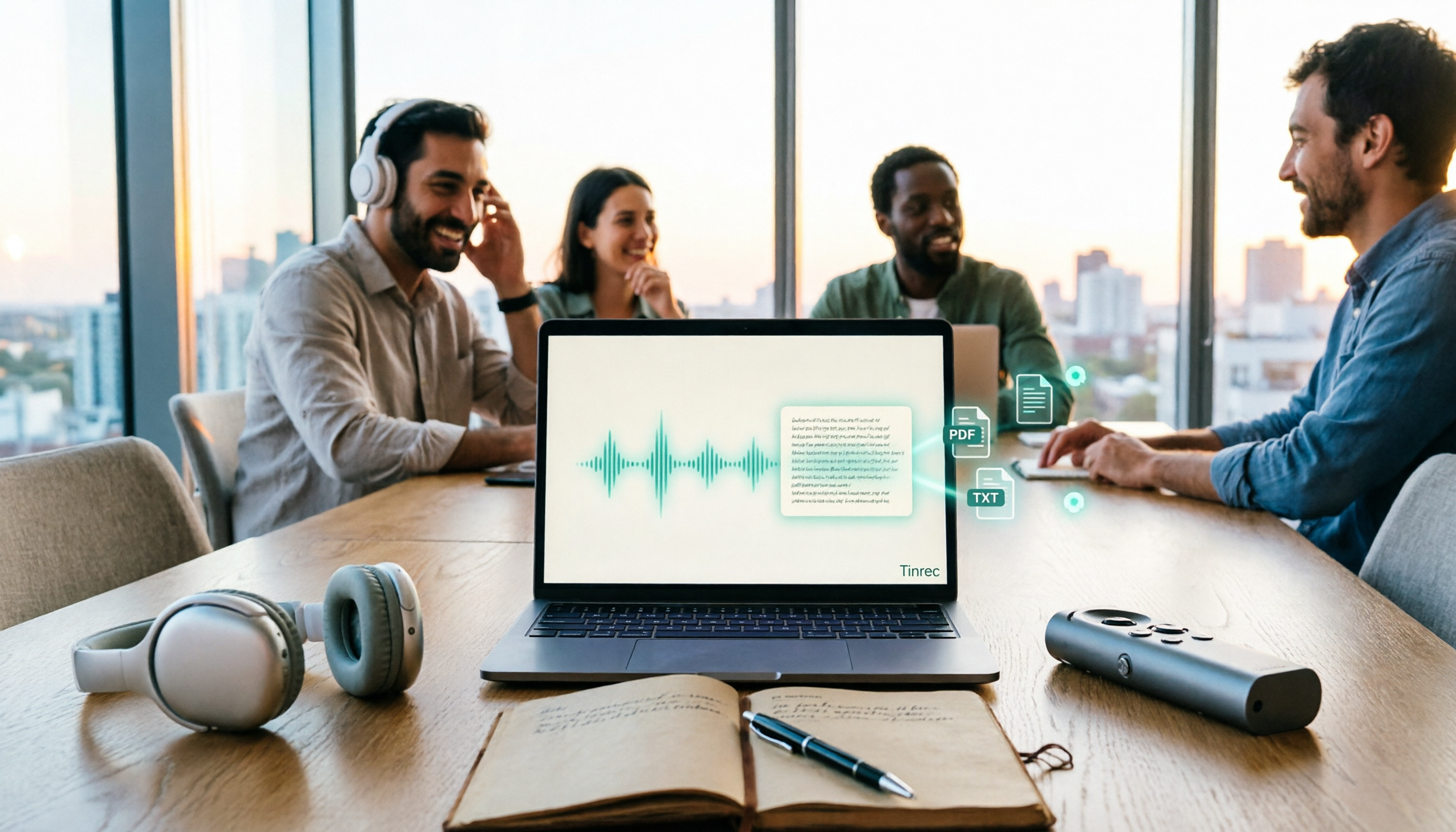
The real key to audio transcription is whether the export format fits your workflow. This article examines four decision points: export formats, audio retention, post-meeting organization, and team sharing. It tests Tinrec's bot-free meeting recording, AI Q&A, and multi-format export process, compares MyEdit, Otter.ai, and TurboScribe, and provides scenario-based recommendations to help you choose.

Best Real-Time Speech-to-Text Tools in 2026: Hands-On Test of 5 Options, This One Excels at Live Chinese Meeting Transcription
Which real-time speech-to-text tool is best? This article shares hands-on insights from testing 5 tools in 2026 that support live transcription while recording. It compares real-time responsiveness, Chinese and mixed Chinese-English recognition, post-meeting organization, and team collaboration, with 4 key buying factors, pitfalls to avoid, and scenario-based recommendations.

Best Live Transcription with Floating Subtitles in 2026: 6 Tools Tested, This One Excels at Chinese Real-Time Transcription
Looking for a way to transcribe audio in real time and see subtitles on screen? This article reviews 6 tools, comparing real-time transcription, bot-free meeting recording, batch file-to-subtitle conversion, and free online tools. It also explains how to choose for Chinese meetings and bilingual scenarios, so your content is usable from the moment it's spoken to after the meeting.

2026 AI Noise Reduction Speech-to-Text Comparison: Which Is Best for Chinese Meetings?
A hands-on comparison of 2026 AI noise reduction speech-to-text tools, covering noise reduction, Chinese recognition, post-meeting organization, and team collaboration. We analyze the pros, cons, and pricing of Tinrec, Otter.ai, Notta, and Granola to help professionals choose the best meeting transcription tool.

2026 Comparison of 4 Meeting Recording-to-Mind Map Tools: Which One Really Turns Transcripts into Mind Maps?
How to choose a tool that automatically generates mind maps from meeting recordings? This article starts with three key questions: during or after the meeting, online or offline, individual or team. Then it breaks down four purchasing factors: input sources, Chinese recognition, post-meeting outputs, and free quotas. It compares Tinrec, Notta, Otter.ai, and PLAUD Note, and summarizes common pitfalls to help you find a tool that truly turns transcripts into usable mind maps.

How to Use Free Speech-to-Text in 2026: 5 Steps from Recording to Transcript
How do you choose a free speech-to-text tool in 2026? Starting from the real pain points of meeting notes, this article outlines 4 key selection criteria, tests and recommends Tinrec's bot-free online meeting recording, AI summaries and action items, AI Q&A, and export workflow, with a 5-step tutorial, free and paid plan details, plus free alternatives like Otter.ai, Notta, and TurboScribe, and a guide to avoiding pitfalls.

2026 Speech-to-Text Tools Comparison: Which Latest Version Saves the Most Time on Chinese Transcription?
How to choose the latest 2026 speech-to-text tools? This hands-on comparison reviews Tinrec, cSubtitle, Yating Transcription, and MyEdit, analyzing Chinese recognition, online meeting recording, post-meeting AI Q&A, and team collaboration. It also covers key buying factors and common pitfalls to help you find the one that truly saves time on organizing.
4 AI Meeting Notes Tools Compared for 2026: How to Choose Meeting Templates and Chinese Transcripts
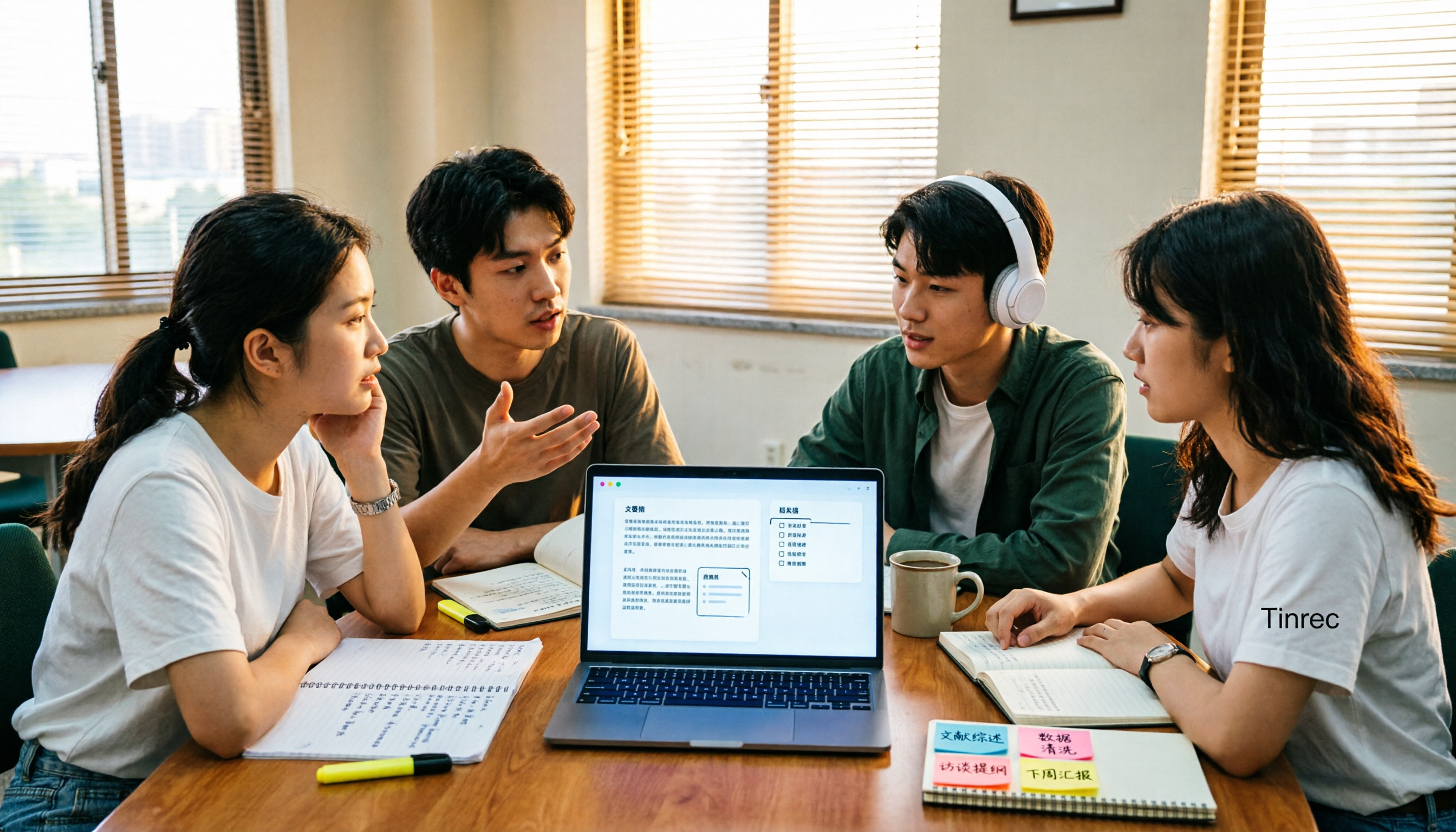
Downloaded a bunch of meeting notes templates but no time to fill them in? This article compares 4 AI meeting notes tools for student group discussions, online classes, and project interviews, covering key selection factors like Chinese transcripts, automatic summary and action item generation, and bot-free online meeting recording, plus a semester-long review of Tinrec with pitfalls to avoid.