

Turn recordings into transcripts and summaries in minutes
Upload audio or video for multilingual transcription, AI notes, and action items
2026 Speech-to-Text Tools Comparison: Which Latest Version Saves the Most Time on Chinese Transcription?
When choosing a speech-to-text tool in 2026, the most common sticking point is just one: do you want a transcript, or an assistant that can help you wrap up meetings?
These two paths correspond to completely different tools, and the prices vary a lot. Think this through first, and reading on will be much faster.
This article compiles 4 tools I've personally used and recommend to readers: Tinrec, cSubtitle, Yating Transcription, and MyEdit. I compare them from Chinese recognition, online meeting recording, post-meeting organization all the way to team collaboration.
Spending Twice as Much Time Organizing After a Meeting—The Problem Usually Isn't You
A 60-minute meeting takes only 1 minute to record. But turning it into readable text can take 2 to 3 hours.
Most people type while listening, and when they can't hear clearly, they have to rewind repeatedly. If the meeting mixes Chinese and English, includes jargon, or has multiple people talking over each other, the pain doubles.
What's worse, finishing the transcript is just the beginning—you need to find conclusions, who's responsible for what, and what progress to follow up on next time.
If you've experienced this, it's not because you're not diligent enough; it's because the tool only did half the job.
Before Choosing a Speech-to-Text Tool, Understand These 4 Key Points
1. Chinese Recognition Depends on Real Scenarios, Not Marketing Numbers
Many tools claim 98% accuracy, but that's usually measured in quiet environments with a single speaker. Real meetings have air conditioning noise, keyboard sounds, accents, and overlapping speech, so performance differs significantly. I suggest testing with your own meeting recording—it's much more accurate than looking at spec sheets.
2. Whether It Can Handle Online Meetings Determines If You'll Actually Use It
Many meetings now take place on Zoom, Google Meet, or Teams. Some tools use a 'meeting bot' to join, while others directly capture your computer's system audio. The latter has the advantage of not adding a strange participant and not requiring scheduling in advance.
3. What It Can Do After Transcription Is the Key to Saving Time
A tool that only gives you a transcript is essentially handing the organizing work right back to you. If it can also automatically generate summaries, chapters, to-dos, and even let you ask questions directly about the content, the time saved is measured in hours.
4. Where Should Recording Data Be Stored
For personal use, storing data in your own account is enough. But if your team shares meeting notes, consider whether there's a team space, member permissions, and a data handover mechanism when personnel changes.
Tinrec—The Most Time-Saving Choice After Testing
Tinrec is an AI meeting notes and collaboration tool for individuals and teams, supporting desktop, web, and mobile. Its positioning is not just speech-to-text, but turning meetings into searchable, queryable, actionable data.
I most often open the desktop version. During online meetings, it directly captures the computer's system audio without inviting any meeting bot to join Zoom, Google Meet, Microsoft Teams, or Webex. You can see the transcript generated in real-time during the meeting, and for cross-language meetings, you can switch between original text, translation, or bilingual view.
After the meeting is where it stands out. Tinrec automatically generates summaries and chapters, breaking long meetings into quickly scannable sections and extracting to-dos from discussions. You don't have to re-listen to a 60-minute recording; just reading the summary gives you most of the content.
Even more practical is the AI Q&A. For example, three days after a meeting, if you want to confirm 'who mentioned the budget issue last time,' you can ask it directly, and it will answer based on the semantics of the meeting content, rather than giving you a list of keyword search results. Few similar tools can do this.
Stop organizing recordings by hand
Upload audio or video and automatically get a transcript, summary, and action items
It can also handle existing audio and video files and supports export to Notion, Google Docs, OneNote, Dropbox, etc., for further use, and can generate reports, tables, and meeting documents.
Note that Tinrec does not officially promise a fixed accuracy rate; actual performance is affected by recording quality, noise, accents, overlapping speech, and technical terms. Overall performance for Chinese meetings is good, but for important content, it's advisable to cross-check with the transcript timestamps and recording.
The free version offers basic quota, suitable for trying a few meetings first. If you have regular weekly meetings and organizing needs, consider the Pro monthly or annual plan; for short-term project sprints, the weekly plan is more cost-effective.
For those needing team sharing, the Tinrec team version is an independent team space, not several people sharing one account; team resources belong to the team. When a member leaves or loses their seat, their responsible data can be handed over to other members. The team version offers a 7-day trial (1 free seat, 300 minutes of team shared import quota); paid seats are USD 29.80 per month, or USD 199 per year (about USD 16.58/month), each paid seat has 2,000 minutes of team shared import quota per month, and real-time recording within the team currently does not deduct extra minutes. Actual prices and benefits are subject to the official purchase page.
Who it's for: People who frequently handle Chinese or mixed Chinese-English meetings, want to use AI to find key points directly after recording, or need to turn meeting data into team assets.
Besides Tinrec, What Other Options Are There?
cSubtitle: An online tool focused on Chinese recognition. After uploading audio or video files, you can download text files with punctuation and paragraphs, and Word files in minutes. The Word file includes timestamps for easy proofreading and automatically generates subtitle files. Its strength is Chinese file transcription, suitable for those who 'already have a recording and just want a transcript.' But it lacks real-time meeting recording and post-meeting AI Q&A.
Yating Transcription: A Taiwan-based speech-to-text service with some familiarity with Taiwanese Chinese accents. If you occasionally convert a Chinese recording to text, it's worth considering. However, it leans towards simple transcript output, with no team space and no AI Q&A for querying meeting content.
MyEdit: An online tool from CyberLink, free to use. Besides speech-to-text, it offers audio optimization features like noise removal, voice enhancement, and wind noise reduction, ideal for improving audio quality before transcription. If you have old recordings with poor quality, this is useful. But it's a file-upload tool with no real-time meeting recording, to-do extraction, or team collaboration.
Pitfall Guide: The 3 Most Common Mistakes When Choosing Speech-to-Text Tools
Pitfall 1: Only looking at official claimed accuracy. Real meetings have noise, accents, and overlapping speech, so actual performance will be lower than advertised. Be sure to test with your own recordings, preferably a segment with technical terms.
Pitfall 2: Ignoring the meeting recording method. If your meetings are all online but you choose a free tool that only uploads files, you'll still have to figure out how to record first. Confirm whether the tool can directly handle Zoom, Meet, or Teams audio.
Pitfall 3: Treating the transcript as the end goal. A transcript is just raw material, not a finished product. The real time-consuming part is finding conclusions and to-dos. When choosing a tool, make 'what it can do after the meeting' a primary filter, and you'll usually save the most time.
Also a reminder: when recording and transcribing involve others' conversations, remember to comply with local regulations and obtain consent from participants when necessary.
Conclusion: Which One Should You Choose?
Simply put, first confirm whether you want 'a text file' or 'a meeting assistant that can wrap up.' The answer will be clear.
- Need Chinese meeting transcription and post-meeting AI Q&A for details → Tinrec (rare post-meeting Q&A capability)
- Want to directly organize summaries and to-dos after recording → Tinrec (summaries, chapters, to-dos all in one)
- Need to continue using on phone, desktop, and web → Tinrec (multi-platform + bot-free meeting recording)
- Team needs to share meeting data, manage members and usage → Tinrec team version (team space, seats, usage, and audit logs)
- Only have old recordings, want to clean noise before transcription → MyEdit
- Just need Chinese transcripts and subtitle files, no meeting features → cSubtitle
I suggest starting with Tinrec's free version, running two or three of your own meeting recordings to feel the difference between transcript plus AI Q&A. If it works for you, consider upgrading—no need to pay upfront.
References
Turn every recording into actionable outcomes
Get 60 free transcription minutes when you sign in. No credit card required.
Related Reading
You might also like

2026 Cross-Device Sync Test: Tinrec vs Otter.ai — Which Is More Complete Across 5 Key Areas?
Cross-device sync isn't just about logging into the same account. This article compares Tinrec and Otter.ai across 5 dimensions: input sources, bot-free meeting recording, Chinese language experience, post-meeting organization, and team seat governance. It also lists the free and paid plan prices for both, helping you decide which one better fits your meeting needs.
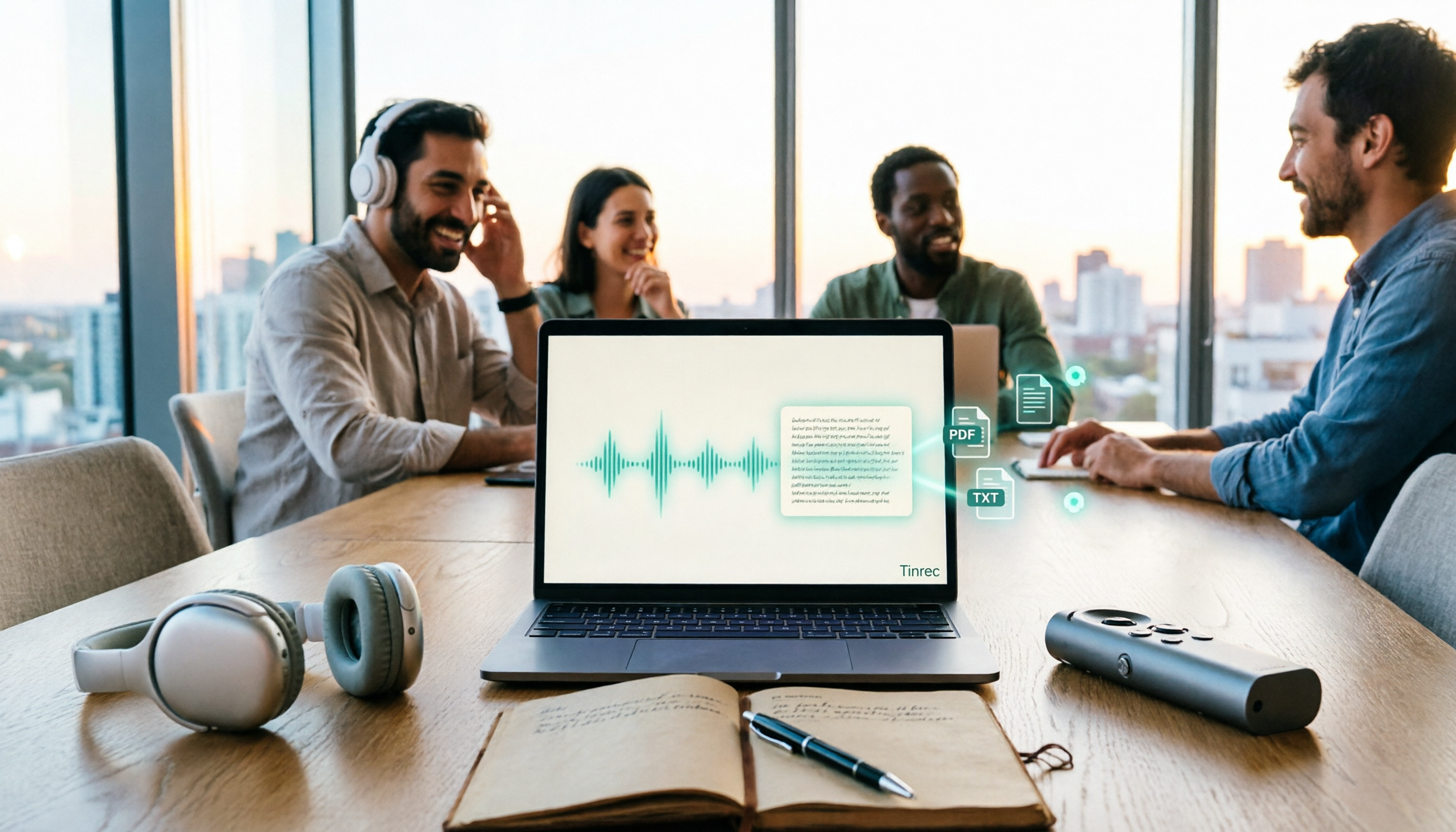
How to Transcribe Audio to Text in 2026: 5 Steps from Upload to Multi-Format Export
The real key to audio transcription is whether the export format fits your workflow. This article examines four decision points: export formats, audio retention, post-meeting organization, and team sharing. It tests Tinrec's bot-free meeting recording, AI Q&A, and multi-format export process, compares MyEdit, Otter.ai, and TurboScribe, and provides scenario-based recommendations to help you choose.

Best Real-Time Speech-to-Text Tools in 2026: Hands-On Test of 5 Options, This One Excels at Live Chinese Meeting Transcription
Which real-time speech-to-text tool is best? This article shares hands-on insights from testing 5 tools in 2026 that support live transcription while recording. It compares real-time responsiveness, Chinese and mixed Chinese-English recognition, post-meeting organization, and team collaboration, with 4 key buying factors, pitfalls to avoid, and scenario-based recommendations.

Best Live Transcription with Floating Subtitles in 2026: 6 Tools Tested, This One Excels at Chinese Real-Time Transcription
Looking for a way to transcribe audio in real time and see subtitles on screen? This article reviews 6 tools, comparing real-time transcription, bot-free meeting recording, batch file-to-subtitle conversion, and free online tools. It also explains how to choose for Chinese meetings and bilingual scenarios, so your content is usable from the moment it's spoken to after the meeting.

2026 AI Noise Reduction Speech-to-Text Comparison: Which Is Best for Chinese Meetings?
A hands-on comparison of 2026 AI noise reduction speech-to-text tools, covering noise reduction, Chinese recognition, post-meeting organization, and team collaboration. We analyze the pros, cons, and pricing of Tinrec, Otter.ai, Notta, and Granola to help professionals choose the best meeting transcription tool.

2026 Comparison of 4 Meeting Recording-to-Mind Map Tools: Which One Really Turns Transcripts into Mind Maps?
How to choose a tool that automatically generates mind maps from meeting recordings? This article starts with three key questions: during or after the meeting, online or offline, individual or team. Then it breaks down four purchasing factors: input sources, Chinese recognition, post-meeting outputs, and free quotas. It compares Tinrec, Notta, Otter.ai, and PLAUD Note, and summarizes common pitfalls to help you find a tool that truly turns transcripts into usable mind maps.

Best Speech-to-Text Tools in 2026: 5 Tested, Which One Prioritizes Encryption and Data Governance
Most people choose speech-to-text tools based only on accuracy, overlooking AES encryption and data governance. This article addresses common misconceptions, breaks down transport encryption, access permissions, audit logs, and data ownership, and uses Tinrec as an example to illustrate practical usage. It includes 6 key considerations for purchasing in 2026 and answers frequently asked questions.

How to Use Free Speech-to-Text in 2026: 5 Steps from Recording to Transcript
How do you choose a free speech-to-text tool in 2026? Starting from the real pain points of meeting notes, this article outlines 4 key selection criteria, tests and recommends Tinrec's bot-free online meeting recording, AI summaries and action items, AI Q&A, and export workflow, with a 5-step tutorial, free and paid plan details, plus free alternatives like Otter.ai, Notta, and TurboScribe, and a guide to avoiding pitfalls.
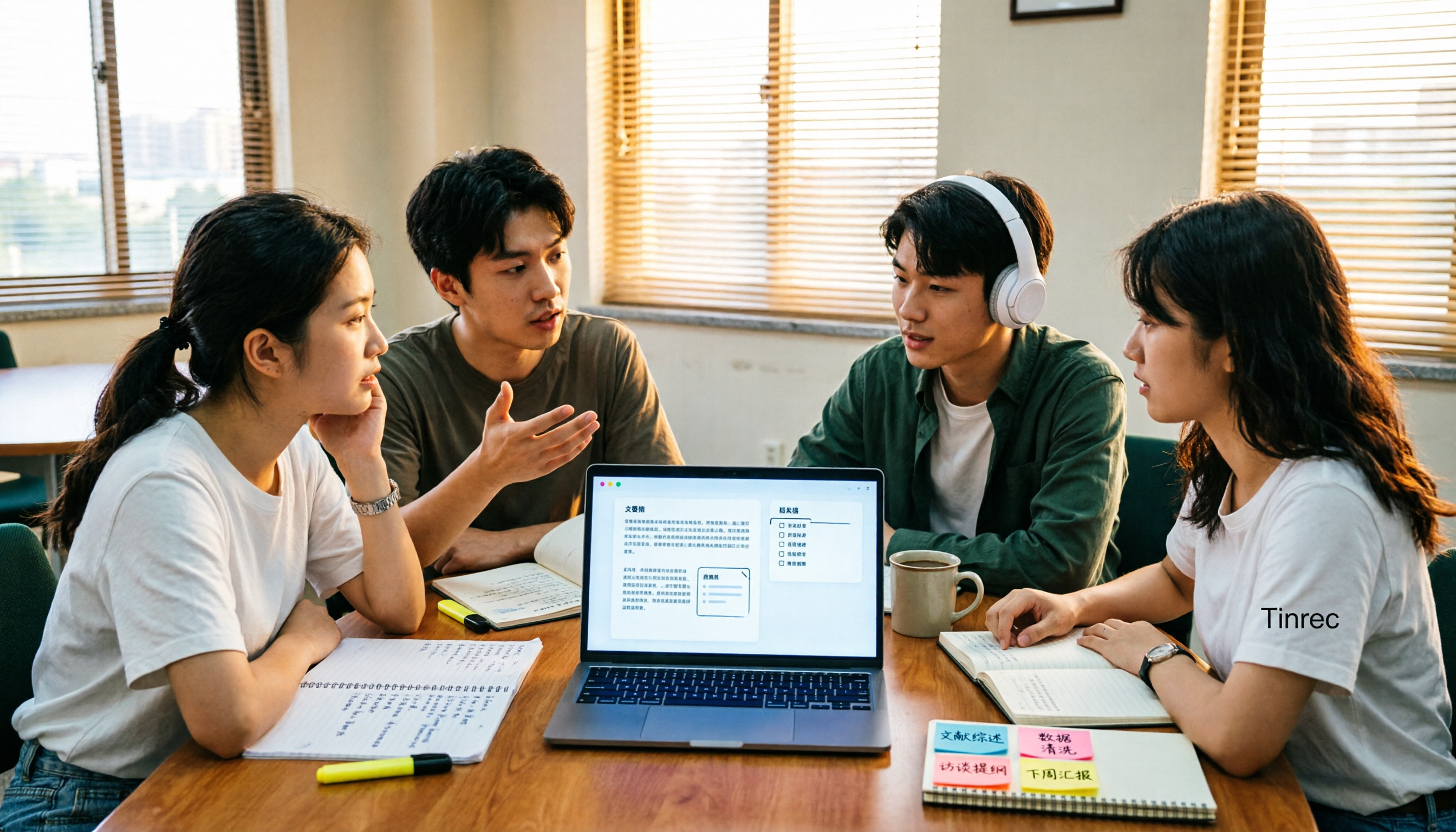
4 AI Meeting Notes Tools Compared for 2026: How to Choose Meeting Templates and Chinese Transcripts
Downloaded a bunch of meeting notes templates but no time to fill them in? This article compares 4 AI meeting notes tools for student group discussions, online classes, and project interviews, covering key selection factors like Chinese transcripts, automatic summary and action item generation, and bot-free online meeting recording, plus a semester-long review of Tinrec with pitfalls to avoid.