
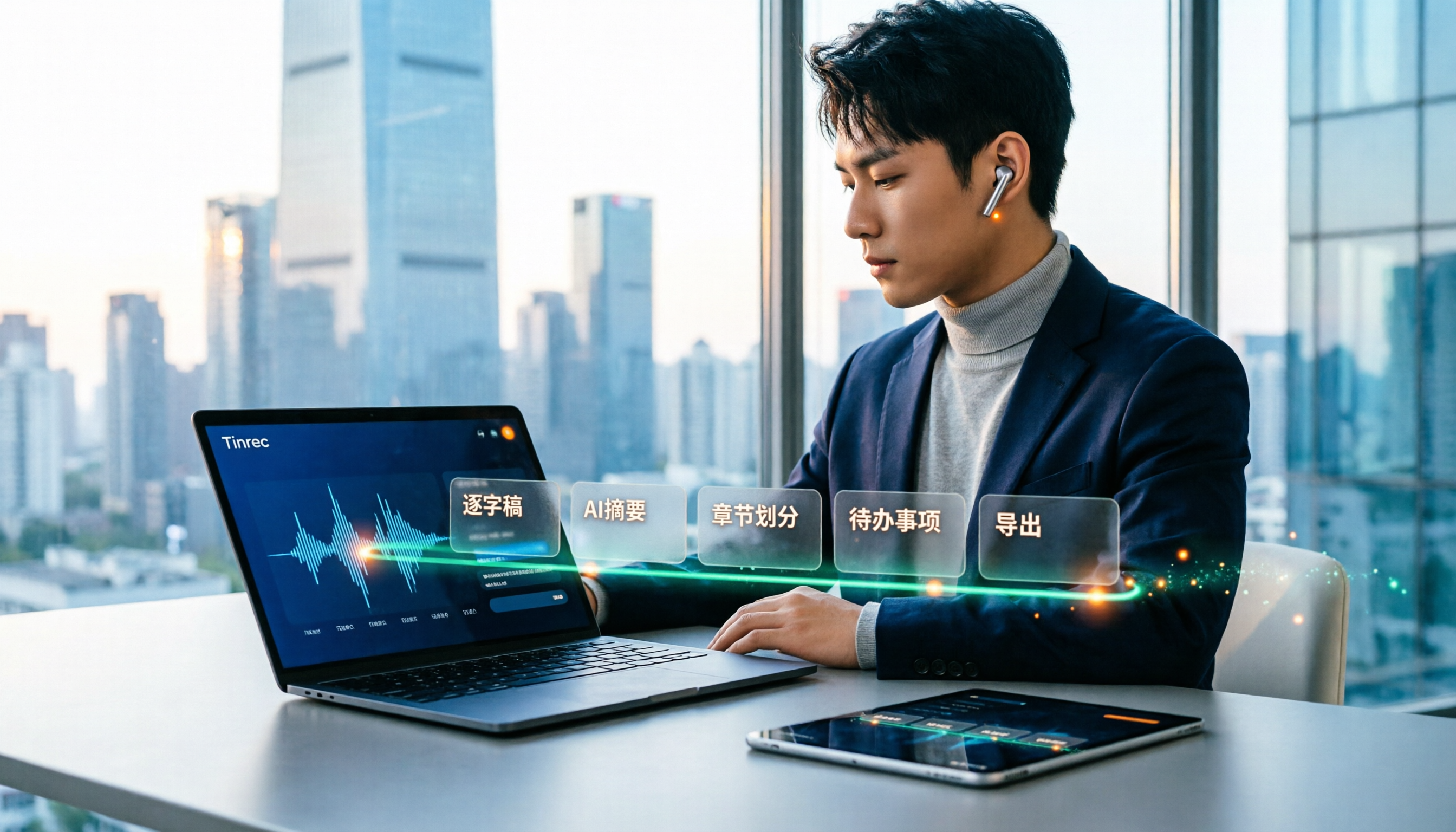
Turn recordings into transcripts and summaries in minutes
Upload audio or video for multilingual transcription, AI notes, and action items
How to Use Speech-to-Text in 2025: 5-Step Free Tutorial
After a two-hour meeting, the recording is still sitting on your phone. You think, "I'll organize it later," and by 11 p.m. you're still replaying the audio and typing out a transcript word by word. In 2025, you don't have to do that anymore—today's free speech-to-text tools don't just turn audio into text; they also help you organize summaries, key points, and action items. Below is a complete walkthrough using Tinrec, turning a recording into a meeting summary you can hand off in 5 steps.
What Can Speech-to-Text Do for You?
Scenario 1: Get meeting notes in 5 minutes after a meeting. A two-hour meeting used to take another hour to organize afterward. With Tinrec, for example, as soon as the recording ends, AI has already generated a transcript, summary, chapters, and action items. Who's responsible for what and when it's due—it's all right there when you open it.
Scenario 2: No more manual note-taking for online meetings. For meetings on Zoom, Google Meet, Microsoft Teams, or Webex, Tinrec's desktop version captures your computer's system audio directly—no need to invite a meeting bot. One less unfamiliar account sitting in the meeting room, a cleaner screen, and no need to explain to colleagues what it is.
Scenario 3: Organize old recordings and video files all at once. Got a pile of interviews, lectures, and meeting recordings on your phone? Import the audio or video files into Tinrec and turn them into searchable text. Next time you want to find "what was actually said," you won't have to listen from the beginning again.
What Are the Core Capabilities of Speech-to-Text?
Live transcript: words appear as you speak. Tinrec supports real-time recording-to-text. During a meeting, text is generated simultaneously, so you can check the transcript as you go to make sure you haven't missed key points—instead of discovering afterward that the whole segment wasn't recorded.
AI summary and chapters: no need to watch a long meeting from start to finish. For a two-hour meeting, AI automatically breaks it into chapters and creates a summary. When reviewing, you can jump straight to key sections without scrubbing through the timeline.
Action item extraction: turn "we'll deal with it later" into a list. Tinrec pulls action items from the discussion, including owners and tasks, so you can follow the list right after the meeting.
AI chat query: asking is faster than searching. After transcription, you can ask Tinrec directly: "Who mentioned the budget in this meeting?" "What does the client care about most?" It answers based on semantic understanding, so you don't have to flip through the transcript section by section.
Multi-format export and further processing. Transcripts and summaries can be exported to tools like Notion, Google Docs, OneNote, and Dropbox. You can also use Agent post-processing to generate reports, tables, and documents, plugging directly into your existing workflow.
How to Use Free Speech-to-Text: 5-Step Hands-On Tutorial
Step 1: Choose the source you want to process. Tinrec supports real-time recording, desktop recording of online meetings, audio and video file import, and mobile recording. For in-person meetings, choose live recording; for files you've already recorded, choose upload.
Step 2: Start recording or import a file. For online meetings, start recording on the desktop version and the system will capture your computer's audio. For face-to-face meetings, just press record on your phone or computer. This step doesn't require inviting anyone extra into the meeting.
Step 3: Let AI generate the transcript. After recording or importing, Tinrec automatically transcribes and preserves the original spoken content for easy searching and review. For cross-language meetings, you can also view the original text, translation, or bilingual content in real time.
Step 4: Organize key points with summaries, chapters, and action items. The transcript is just the raw material. Open the AI summary to see conclusions, use chapters to jump between sections, and extract action items for assignment. This step is where you really save an hour.
Step 5: Export or keep asking questions. If you need to submit a report, export it as a document, or use AI Q&A to follow up on details. For team meetings, keep the materials in the team space so new members can find them later.
Tinrec's free plan provides a basic quota. You can try a few recordings, imports, summaries, and transcriptions first, and consider a weekly pass or Pro if it works well for you.
Stop organizing recordings by hand
Upload audio or video and automatically get a transcript, summary, and action items
Practical Use Cases
Project weekly meetings and cross-department meetings. Weekly recurring meetings are the easiest to "forget as soon as they're over." Record discussions with Tinrec, then review summaries and action items right after. Decision rationale and action items are documented, so you don't have to ask people when you look back before the next meeting.
Customer interviews and requirements communication. Every word a customer says could be the basis for later quotes and proposals. Tinrec can turn interviews into transcripts and organize key points. When you need to confirm commitments, AI Q&A is the fastest way.
Classes, lectures, and online courses. In a 90-minute class, you can't keep up just by taking notes. Use Tinrec to record and transcribe, then review with summaries and chapters after class—much faster than rewatching the video.
Content creation and video subtitles. After shooting a video or recording a podcast, the transcript itself is a source of material for scripts and copy. Use Tinrec to generate text first, then organize it into subtitles or articles—faster than typing from scratch.
5 Things to Consider When Choosing a Free Speech-to-Text Tool
1. How the free quota works and whether it will suddenly cut you off. Some tools limit file length or monthly minutes on the free plan, making them restrictive. Tinrec's free plan provides a basic quota so you can experience recording, importing, summaries, and transcription first, then upgrade if it suits you.
2. Recognition performance for Chinese and mixed Chinese-English. In practice, meetings often mix Chinese with English terms, and that's where things most easily go wrong. Tinrec covers Chinese, Traditional Chinese, and multilingual scenarios, and also has team hotwords to maintain specialized terminology. However, actual performance is still affected by recording quality, accents, noise, and multiple people speaking at once. We recommend testing with your own recordings.
3. Can it handle online meetings without adding a bot? If your meetings are all online, check whether the tool can capture system audio on desktop. Tinrec's desktop version does exactly that—no need to invite a meeting bot.
4. Can it help you organize after transcription? A tool that only gives you a transcript still leaves you to read through 20,000 words yourself. Tinrec also provides summaries, chapters, action items, and AI Q&A after transcription—that's the key to saving time.
5. Where is the data stored, and can you take it with you? Check which export formats are supported and how data ownership works for team use. Tinrec supports multi-format export to tools like Notion, Google Docs, OneNote, and Dropbox. The team version centralizes meeting data in a team space, with roles and seats for members, plus usage analytics, audit logs, and an audio recycle bin. Team resources belong to the team; when a member leaves or loses a seat, handover is required, and the data doesn't disappear with an individual account.
FAQ
Q1: Is a free speech-to-text tool really enough? Yes. If you only occasionally organize meetings, classes, or interviews, Tinrec's free plan basic quota is enough to run a few segments first, confirm recognition quality and whether the workflow suits you, and then decide whether to upgrade.
Q2: What can I do with Tinrec's free plan? The free plan lets you experience recording, importing, summaries, and transcription with a basic quota. If you have a lot of meetings or interviews in the short term, consider a weekly pass; if you have steady needs every week, a Pro monthly or annual plan will be more suitable.
Q3: What languages are supported? Tinrec covers Chinese, Traditional Chinese, and multilingual meeting scenarios, and supports real-time translation, which can be viewed as original text, translation, or bilingual. Actual recognition performance is affected by recording conditions.
Q4: How accurate is it? We don't promise a fixed number here. Recording quality, background noise, accents, overlapping speakers, and specialized terminology all affect results. We recommend testing with your own recordings and cross-checking important content against transcript timestamps and audio playback.
Q5: Do I need to inform others when recording online meetings? Yes, be mindful. Recording and transcription involve local regulations and personal data issues. Before recording, confirm compliance and obtain participant consent when necessary.
Q6: Can a team use it together? Yes. Tinrec's team version is a separate team collaboration space. You can create multiple teams, invite members via join links, set roles and seats, and centrally store meeting data. Members can view, play, and read team materials even without a seat, but they need a seat to record, upload, edit, and export. Eligible teams can enjoy a 7-day trial on their first use, including 1 free seat and 300 minutes of shared team import quota. Paid seats provide 2,000 minutes of shared team import quota per month. Team monthly billing is USD 29.80 per paid seat per month, and annual billing is USD 199 per paid seat per year. Actual prices, currencies, and benefits are subject to the official purchase page.
Conclusion
Free speech-to-text in 2025 is no longer just a "better than nothing" level—it can directly turn meetings, classes, and interviews into searchable, organizable materials. If you have meetings or recordings to organize every week, it's worth adding to your workflow: start by running one of your own recordings through Tinrec's free plan, from transcript to summary to action items, and you'll see which hour you're saving.
References
- 2026 Free Transcription Platform Roundup: 15 Free Speech-to-Text Tool Reviews and Recommendations
- Speech-to-Text Converter – Free Online | TicNote Cloud
- Tested: 4 Best Online Speech-to-Text Tools, Free Instant Audio-to-Transcript
- Audio to Text - Free Speech-to-Text Tool
- Online AI Speech, Video, Audio File Auto-Transcription - Free Trial - cSubtitle
Turn every recording into actionable outcomes
Get 60 free transcription minutes when you sign in. No credit card required.
Related Reading
You might also like

2026 Comparison of 4 Meeting Recording-to-Mind Map Tools: Which One Really Turns Transcripts into Mind Maps?
How to choose a tool that automatically generates mind maps from meeting recordings? This article starts with three key questions: during or after the meeting, online or offline, individual or team. Then it breaks down four purchasing factors: input sources, Chinese recognition, post-meeting outputs, and free quotas. It compares Tinrec, Notta, Otter.ai, and PLAUD Note, and summarizes common pitfalls to help you find a tool that truly turns transcripts into usable mind maps.

Best Speech-to-Text Tools in 2026: 5 Tested, Which One Prioritizes Encryption and Data Governance
Most people choose speech-to-text tools based only on accuracy, overlooking AES encryption and data governance. This article addresses common misconceptions, breaks down transport encryption, access permissions, audit logs, and data ownership, and uses Tinrec as an example to illustrate practical usage. It includes 6 key considerations for purchasing in 2026 and answers frequently asked questions.

How to Use Free Speech-to-Text in 2026: 5 Steps from Recording to Transcript
How do you choose a free speech-to-text tool in 2026? Starting from the real pain points of meeting notes, this article outlines 4 key selection criteria, tests and recommends Tinrec's bot-free online meeting recording, AI summaries and action items, AI Q&A, and export workflow, with a 5-step tutorial, free and paid plan details, plus free alternatives like Otter.ai, Notta, and TurboScribe, and a guide to avoiding pitfalls.

2026 Speech-to-Text Tools Comparison: Which Latest Version Saves the Most Time on Chinese Transcription?
How to choose the latest 2026 speech-to-text tools? This hands-on comparison reviews Tinrec, cSubtitle, Yating Transcription, and MyEdit, analyzing Chinese recognition, online meeting recording, post-meeting AI Q&A, and team collaboration. It also covers key buying factors and common pitfalls to help you find the one that truly saves time on organizing.
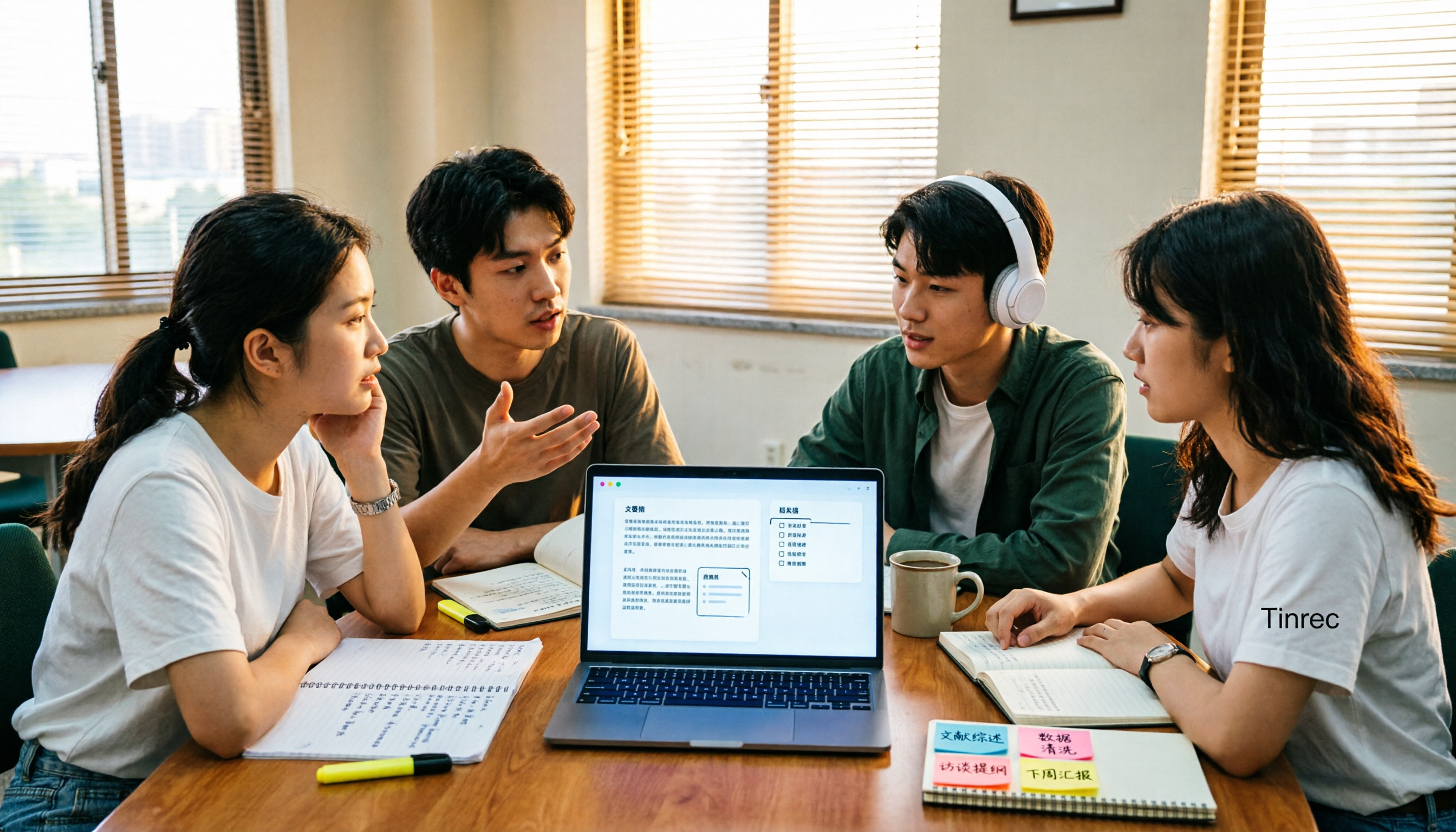
4 AI Meeting Notes Tools Compared for 2026: How to Choose Meeting Templates and Chinese Transcripts
Downloaded a bunch of meeting notes templates but no time to fill them in? This article compares 4 AI meeting notes tools for student group discussions, online classes, and project interviews, covering key selection factors like Chinese transcripts, automatic summary and action item generation, and bot-free online meeting recording, plus a semester-long review of Tinrec with pitfalls to avoid.

2026 AI Voice Recognition Tools Compared: Which Custom Vocabulary Works Best?
Spend two hours in a meeting only to find your product code missing from the transcript? The problem isn't audio quality—it's the lack of a custom vocabulary. This hands-on comparison of Tinrec, Otter.ai, Granola, and PLAUD Note covers vocabulary maintenance, post-meeting Q&A, online meeting recording, team quotas, and costs. We break down 5 key buying factors, 3 common pitfalls, and offer scenario-based recommendations.
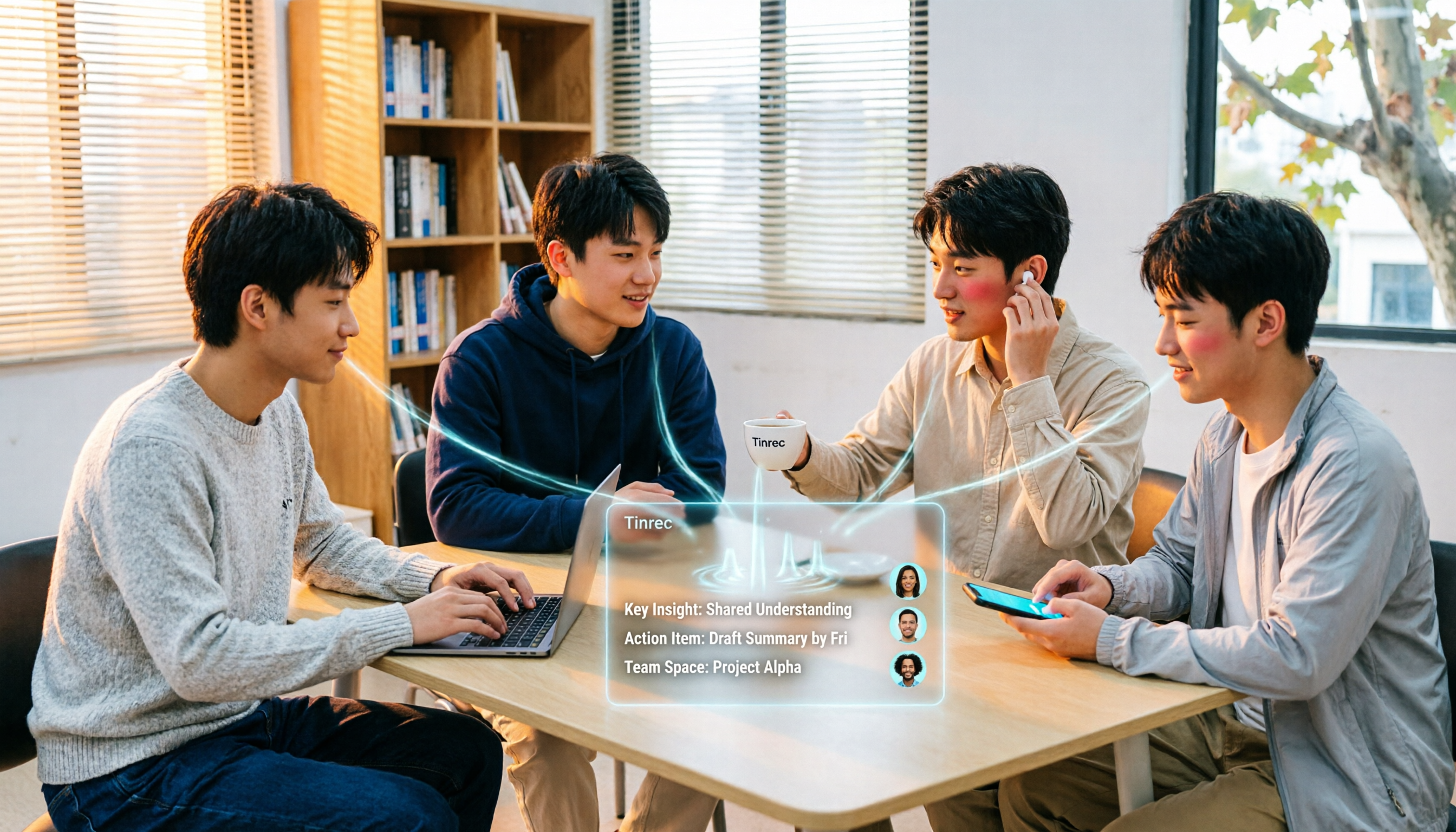
4 Speech-to-Text Tools Tested in 2026: Free Tiers and Post-Meeting Cleanup Compared
We tested four speech-to-text approaches in 2026, covering free tiers, Chinese recognition, online meeting recording, and post-meeting organization for students taking class notes, working on group projects, and conducting graduation interviews. We also share how Tinrec handles real-time transcription, AI summaries, action item extraction, AI Q&A, and team spaces.

2026 Speech-to-Text Tools Compared: Which Saves the Most Time for Chinese Meetings?
A mid-level manager overseeing a 10-person team and about 15 meetings per week shares hands-on experience. This article skips the fluff and starts from the key question: 'Do you need a verbatim transcript, or usable meeting data?' It breaks down the core capabilities of speech-to-text tools, real-world scenarios, and 5 key buying factors, and explains Tinrec's actual performance and limitations in bot-free recording, AI summary to-dos, and team seat governance.
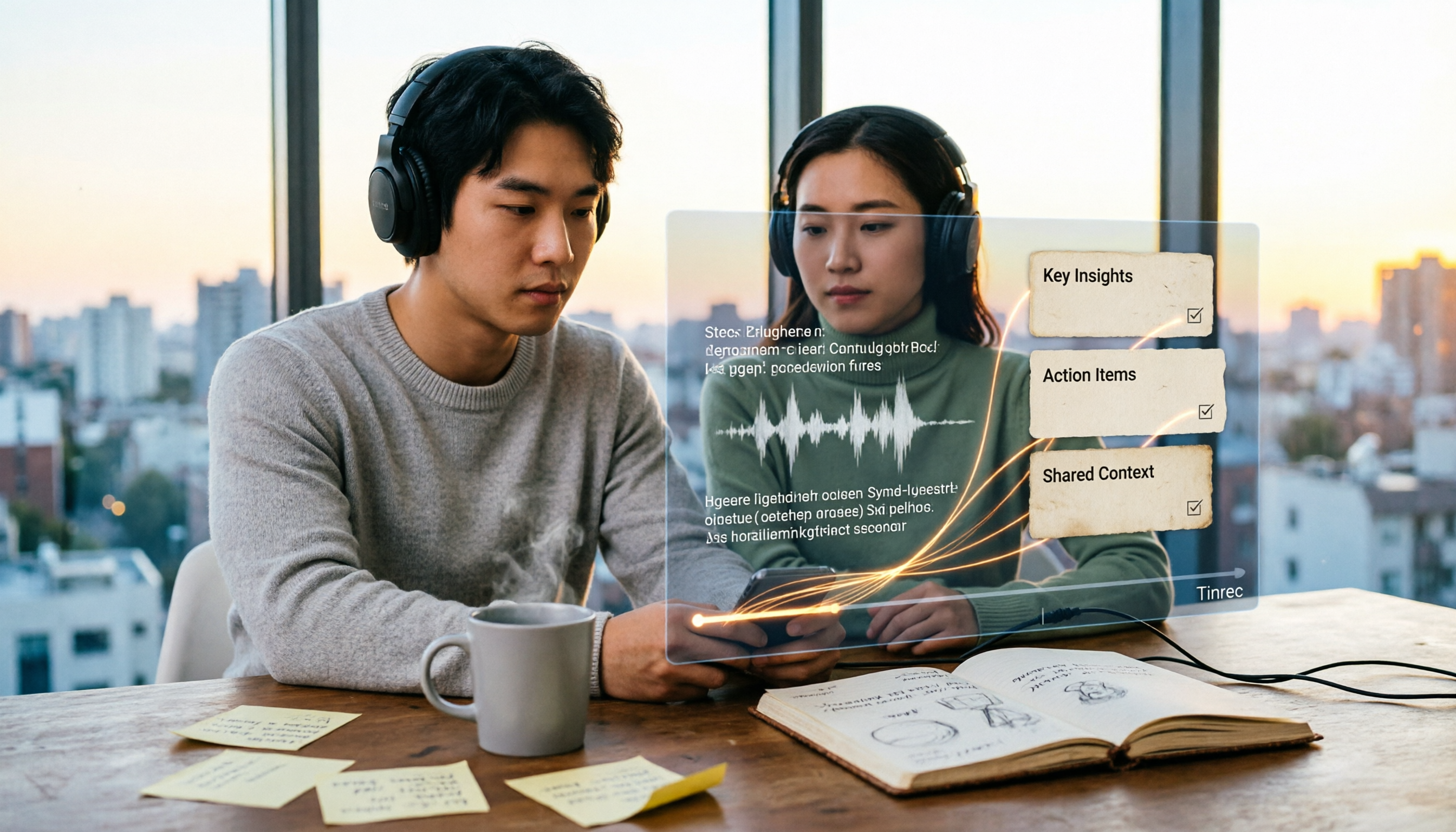
2026 Video Summarizer Guide: Tinrec One-Click Transcript + AI Summary & Action Items
Videos pile up but you never finish them? This hands-on guide walks through a complete video summarizer workflow—from uploading videos and generating transcripts to automatic summaries and action items, plus the ability to ask questions about the content after recording. We test Tinrec as the primary tool and compare it with Notta, TurboScribe, and Otter.ai, including 4 key buying factors and 3 common pitfalls to help you choose the one that truly saves time.