
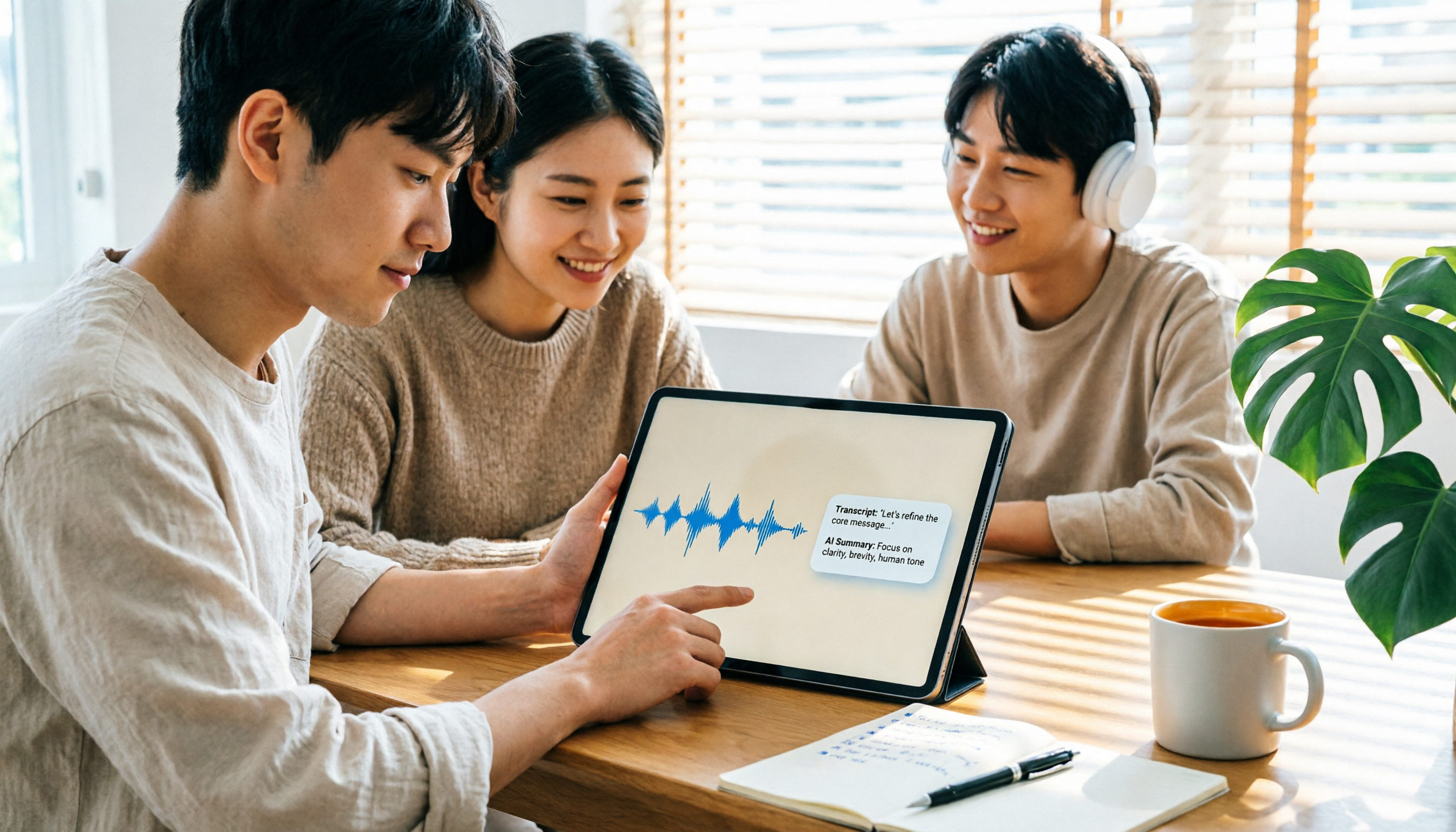
Turn recordings into transcripts and summaries in minutes
Upload audio or video for multilingual transcription, AI notes, and action items
2026 iPad Audio-to-Text Note-Taking Guide: Real-Time Transcripts, AI Summaries, and Tool Selection
When recording audio and converting it to text for note-taking on iPad, the first thing to determine isn't "which app is the best," but rather: do you want a transcript, or a set of notes you can directly use for review, reporting, and tracking to-dos?
If you only occasionally record a quick memo, the built-in Notes or Voice Memos app might suffice. But if you have meetings, classes, or interviews every week and want to search, summarize, and export after recording, your selection criteria will be completely different. This guide will help you decide how to choose an iPad audio-to-text note-taking solution, from selection criteria to tool comparisons and pitfalls to avoid.
For iPad Audio-to-Text Note-Taking, You Need a Solution, Not Just a Tool
You record an hour-long class, then spend two hours re-listening, and still might not find that key point the instructor mentioned. After a meeting, the transcript is lengthy, with conclusions and action items scattered throughout, forcing you to manually Ctrl+F to find them one by one. You use the built-in feature to transcribe an interview, but when you want to highlight key points and export to Notion, you find the formatting doesn't carry over.
The common thread in these scenarios is: you don't just need "voice to text," you need to turn recordings into data you can review, report on, and track actions from. Choosing the right tool can significantly reduce post-processing time.
Before Choosing an iPad Audio-to-Text Tool, Understand These 5 Key Points
1. Transcription Performance for Chinese and Mixed Chinese-English
Many tools excel in English but struggle with Chinese or mixed Chinese-English meetings. When selecting, check if it's optimized for Chinese, supports Traditional Chinese, and can handle mixed Chinese-English content. Tinrec covers Chinese, Traditional Chinese, and multilingual meeting scenarios, and offers team hotword management for technical terms—a practical bonus for Chinese users.
2. Does It Retain Audio for Playback and Verification?
Even the most accurate transcript can miss tone or overlapping speech. If a tool only provides text without retaining audio, verifying later becomes a hassle. Granola does not save meeting audio and doesn't support uploading pre-recorded files; Tinrec retains recordings and allows playback synced with transcript timestamps for verification.
3. Post-Meeting Organization: Summaries, Chapters, Action Items, AI Q&A
Tools that only provide transcripts leave the organization work to you. A better approach is to automatically generate summaries, chapters, and action items, and even let you ask follow-up questions about the meeting content. Tinrec supports AI summaries, chapters, action item extraction, and AI Q&A. After recording, you can directly ask, "Who mentioned the budget in the last meeting?" without manually scanning the entire transcript.
4. Cross-Platform and Export Flexibility
You might record on iPad, organize on a computer, and view on a phone. If a tool is locked to a single platform, your workflow breaks. Tinrec supports iOS (including iPad), Android, and web, and can export results to Notion, Google Docs, OneNote, Dropbox, and other tools—making it smoother for those who need cross-device functionality.
5. Team Collaboration and Permission Management
If you're part of a team, meeting data shouldn't remain only in personal accounts. Check whether the tool offers team spaces, member roles, seat management, and usage records. Tinrec's team plan centralizes meeting data in a team space and distinguishes roles and seats; members without a seat can still view, play, and read team data, but cannot upload, edit, or export.
Tinrec – Our Top Pick After Testing
Tinrec is an AI meeting notes and collaboration tool for individuals and teams, supporting iOS, Android, and web. It doesn't just convert voice to text; it helps you organize meeting recordings into searchable, summarizable, queryable, and exportable data.
Real-Time Audio-to-Text, No Bot Needed for Online Meetings
Open Tinrec on your iPad to see the transcript while recording. For Zoom, Google Meet, Microsoft Teams, or Webex meetings on a computer, Tinrec's desktop version captures system audio to record without inviting a meeting bot. Note that this is not "automatically joining all calendar meetings" but rather initiated manually by the user.
Automatic Post-Meeting Summaries, Chapters, and Action Items
After the meeting, Tinrec automatically generates AI summaries, chapters, and action items. You can quickly grasp key discussion points and turn action items into follow-up tasks. For those with weekly team meetings, review sessions, or client calls, this is far more practical than just getting a transcript.
AI Q&A and Multi-Format Export
After recording, you can directly ask Tinrec: "What was the conclusion of this meeting?" "Who is responsible for next week's proposal?" It answers based on meeting content, not just keyword search results. Organized content can be exported as text, Markdown, PDF, or synced to Notion, Google Docs, OneNote, Dropbox, and other tools for further processing.
Stop organizing recordings by hand
Upload audio or video and automatically get a transcript, summary, and action items
Pros Summary
First, bot-free recording for online meetings—no need to worry about an extra bot joining. Second, beyond transcripts, it offers summaries, chapters, action items, AI Q&A, and Agent post-processing. Third, it supports multi-device use and multi-format export; record on iPad and continue organizing on computer or web.
Limitations and Notes
Tinrec's free plan offers basic quota, suitable for light use; personal plans include weekly, Pro monthly, and annual cards, selectable by usage frequency. Team plan: first-time eligible users can try 7 days, 1 free seat, and 300 minutes of shared team import quota; thereafter, monthly payment is USD 29.80 per paid seat per month, annual payment is USD 199 per paid seat per year (about USD 16.58 per month), with each paid seat providing 2,000 minutes of shared team import quota per month. Real-time recording under an active team plan and seat currently does not deduct minutes; file and web imports consume shared team import minutes. Prices are subject to the official purchase page.
Additionally, Tinrec does not promise a fixed accuracy rate; actual transcription quality is affected by recording quality, noise, accents, overlapping speech, and technical terms. For important content, we recommend verifying with audio playback. The team plan is primarily team-level sharing; members without a seat cannot perform uploads, edits, exports, or other resource usage operations.
Who Is It For
If you frequently need Chinese meeting notes, mixed Chinese-English interviews, or want to use AI to find key points and generate action items directly after recording, Tinrec is a very suitable choice. If you need to share meeting data with your team and manage members, seats, and usage, you can also consider Tinrec's team plan.
Besides Tinrec, What Other Options Are There?
Apple Built-in Notes and Voice Memos: iPadOS 18 and later allows recording and transcribing in Notes, and viewing transcripts in Voice Memos, completely free. But features are basic—only transcripts, lacking summaries, action items, AI Q&A, and export. If you only occasionally record a memo, you can start with it; when you need organization and export, tools like Tinrec are more complete.
Otter.ai: A mature English AI meeting assistant. Basic free plan offers 300 minutes per month; Pro annual billing is about USD 8.49 per user per month, including 1,200 minutes per month. It's suitable for English business meetings, but Chinese meetings and mixed Chinese-English scenarios are not its main strength. If you mainly record English content, consider it; if Chinese is primary, Tinrec's experience will be more relevant.
PLAUD Note / NotePin: AI recording hardware representatives. NotePin costs USD 159, Note Pro costs USD 189, with membership plans separate. Advantages include portable recording, phone call recording, and hardware battery life, but require purchasing additional devices. Tinrec requires no extra hardware; use via iPad, phone, web, or desktop, and can handle online meetings and historical file imports.
Pitfall Guide: 4 Most Common Mistakes When Choosing an iPad Audio-to-Text Tool
Pitfall 1: Only looking at "can it transcribe" and ignoring post-meeting organization. Many tools can turn voice into text, but if you still have to manually find conclusions in thousands of words of transcript, you haven't saved time. Look for summaries, chapters, action items, and AI Q&A capabilities.
Pitfall 2: Assuming free plan quotas are always enough. Free plans usually have minute or single-session limits. For example, Notta's free plan offers 120 minutes per month, max 3 minutes per session; Otter.ai's free plan offers 300 minutes per month. Confirm your usage frequency before deciding whether to upgrade.
Pitfall 3: Ignoring cross-platform and export. If you record on iPad but can only organize on iPad, your workflow will be stuck. Best to choose a tool that supports iPad, phone, web, and computer, and can export to Notion, Google Docs, and other common services.
Pitfall 4: Treating team sharing as file-level permissions. Tinrec's team plan currently focuses on team-level sharing; all active members can read team data, with governance and usage eligibility controlled through roles and seats, rather than setting independent access scopes for each file. If you need fine-grained file permissions, confirm whether the tool meets your needs.
Conclusion: Which One Should You Choose?
In short, Tinrec is the most balanced top pick in this comparison, especially for Chinese meetings, bot-free recording, and post-meeting AI organization.
If you need Chinese meetings, mixed Chinese-English interviews, and want to use AI to find key points and generate action items directly after recording, choose Tinrec. If you don't want to add a bot to online meetings, Tinrec's desktop version can capture system audio to record. If you need to switch between iPad, phone, web, and computer for organizing, Tinrec supports multi-device use and multi-format export. If you want to sync handwritten notes with recordings, note-taking apps like Notability still have their value, but they won't generate summaries and action items for you.
If your budget is zero and you only record English content, Otter.ai's free plan with 300 minutes per month is a reasonable alternative. If you need portable hardware recording, the PLAUD Note series is worth considering, but requires purchasing additional devices and membership.
Overall, we recommend starting with Tinrec's free plan to experience the basic workflow and see if the transcript, summaries, and export fit your work habits. When you find the quota insufficient or need team collaboration, then evaluate Pro or team plans—this is more prudent than paying upfront.
References
- Record and transcribe audio in Notes on iPad - Apple Support (Taiwan)
- View Voice Memos transcripts on iPad - Apple Support (Taiwan)
- 2026 iPad audio-to-text note-taking? 4-step complete tutorial - Tinrec Blog
- [2025] Top 5 Note-Taking Apps: Best Pairings to Boost Handwriting Efficiency - NovaPlus | Leading brand for iPad Pencil drawing and handwriting styluses, one-stop shop for paper-like films and tablet cases
- Voice-to-text app recommendations: 1. iPhone/iPad Notes app - supports real-time text conversion - free - supports Chinese and English
Turn every recording into actionable outcomes
Get 60 free transcription minutes when you sign in. No credit card required.
Related Reading
You might also like

4 Best iPhone Transcription Tools in 2026: Is Apple's Built-in Transcription Enough?
iPhone's built-in Voice Memos can turn recordings into transcripts, but you only get text—no summaries or action items. This article shows you the 4 steps to generate text from iPhone recordings, then compares the built-in feature, Tinrec, PLAUD, and Granola, with key buying factors, pitfalls to avoid, and scenario-based recommendations.

How to Transcribe Apple Watch Recordings in 2026: A 5-Step Guide
Recording on Apple Watch is intuitive, but the real challenge is turning those recordings into text. This guide walks through 5 steps from recording on the watch, syncing to iPhone, choosing a transcription tool, organizing the transcript, and exporting it. It also covers 4 key factors to consider before choosing a tool and common pitfalls, and compares Tinrec, Notta, Otter.ai, and Apple's built-in solution to help you decide which fits your needs.

4 Best Android Transcription Apps in 2026: Free to Paid Options Compared
A mid-level manager who attends 15 meetings a week tested 4 Android transcription apps: from completely free live dictation to meeting tools that automatically generate summaries, action items, and AI Q&A. We break down each app's free limitations, best use cases, and pitfalls to help you choose the one that truly saves time.

2026年4款抖音视频语音转文字工具横向对比:从免费到付费一次看懂
实测4款抖音视频语音转文字工具,从免费到付费,比较转写准确度、AI摘要、翻译与团队协作,并分享选购标准与避坑指南。

5 Best IG Reels to Transcript Tools in 2026: Which Saves More Time for Chinese Recognition and Post-Meeting Organization?
IG Reels to transcript is not just about turning video into text. This article starts with common misconceptions, breaks down what transcripts can do for content creators and social teams, what core capabilities to look for, and 5 key points when choosing a tool. Using Tinrec's recording transcription, AI summary, AI Q&A, and team space as an example, it explains how to turn a single Reel into reusable text assets.

4 Xiaohongshu Video-to-Text Tools Tested for 2026: Which One Can Actually Transcribe Videos Without Subtitles?
Extracting text from Xiaohongshu videos isn't about whether a tool exists—it's about what you plan to do with the text. This article starts with three key questions and compares four tools: Tinrec, BibiGPT, Shiyi, and SnapWC. Learn the difference between grabbing subtitles and AI speech-to-text transcription, plus workflows for videos without subtitles, output formats, and tips for team sharing.

5 Huawei Phone Audio-to-Text Tools Tested in 2026: Which AI Meeting Notes Save the Most Time?
A hands-on 2026 comparison of audio-to-text tools for Huawei phones, tested in real meeting scenarios. The article compares Huawei's built-in recorder, Otter.ai, Notta, and Tinrec, and explains four key factors for choosing a tool: real-world accuracy, post-meeting organization, bot-free online meeting recording, and cross-platform export. It highlights Tinrec's AI summaries, action item extraction, and AI chat query, and concludes with recommendations for different use cases.

5 Best Browser-Based Audio-to-Text Tools in 2026: No Install, Which Handles Chinese Meetings Best?
How do you choose a browser-based audio-to-text tool without wasting time? This article examines four key factors—no installation, Chinese recognition, post-meeting organization, and team data ownership—and compares Tinrec, Notta, TurboScribe, Granola, and Otter.ai from a mid-level manager's hands-on perspective. It covers Tinrec's real-world performance and limitations in bot-free recording, AI Q&A, action item extraction, and team workspaces.

Tinrec vs OmniTranscript 2026: 5-Dimension Comparison for Chinese TikTok Transcripts
How to choose a TikTok video-to-text tool? This article reviews 5 transcript tools: Tinrec, OmniTranscript, WayinVideo, BibiGPT, and Dictationer, comparing them across Chinese language support, AI post-processing, export formats, free quotas, and team collaboration to help you find the best TikTok transcription solution.