

Turn recordings into transcripts and summaries in minutes
Upload audio or video for multilingual transcription, AI notes, and action items
Extracting text from Xiaohongshu videos has never been about whether a tool exists.
The real question is: what are you going to do with that text?
If you're a content planner, you might need to compile spoken scripts from 30 competitor videos into a topic bank.
If you're a researcher, you need to turn interview-style videos into citable transcripts.
If you just don't want to watch the whole video, you want to read the text first before deciding whether it's worth your time.
These three needs all sound like "video to text," but the right tools are completely different.
So this article doesn't start with a feature list. I'll first clarify the three things you need to assess, then walk you through four tools I've actually tested.
First question: Does the video have built-in subtitles?
Second question: Is the text you get a one-time thing, or do you need to keep it long-term?
Third question: Do you need plain text, or data you can query and process further?
Think through these three questions first, and you won't be swayed by specs like "supports X languages" or "Y free uses per day."
Why is "extracting text" harder than it seems? Three real scenarios
Scenario 1: The video has no subtitles.
This is the most common roadblock. Many download tools only grab existing subtitle files from the platform. When they hit a video without subtitles, they fail completely—you paste the link, and you get a blank screen.
So the first thing to check isn't how many platforms it supports, but how it actually gets the text.
Scenario 2: You get a 3,000-word transcript. Now what?
You open it and see no paragraphs, no highlights, no timestamps.
You still have to read from start to finish, manually figuring out "what three things does this video cover?"
Scenario 3: You need to process more than one video.
Ten or twenty at a time—you need a repeatable workflow, not manual copy-paste for each one.
If you've encountered any of these, this article is for you.
Before choosing a tool, understand these 4 key points
1. Does it fail completely on videos without subtitles?
You need to check whether the tool "grabs subtitles" or "listens and transcribes." The former is useless for videos without subtitles; the latter can handle any video. This is the most overlooked point, yet it has the biggest impact on success.
2. Does the transcribed text have structure?
Plain text versus a transcript with paragraphs, summaries, and highlights—the time difference for follow-up editing is huge.
My test: can this output go directly into my note system without reformatting?
3. Can the output format fit back into your existing workflow?
If you live in Notion, Google Docs, or OneNote, whether you can bring the results over matters more for your daily work than how many languages are supported.
4. Is it for personal use or team sharing?
For personal use, speed and export matter. For teams, data ownership, member permissions, and whether the transcript is still findable six months later become critical.
Tinrec — the one I kept after testing
Tinrec is an AI meeting notes and collaboration tool for individuals and teams. It works on web, desktop, and mobile, and supports importing some public video content via web links.
I kept it in my workflow not because it "can transcribe," but because it handles everything after transcription too.
Step 1: Paste the link, get a transcript.
Tinrec's web link import can handle some public video content. Links that can be imported quickly become a segmented, searchable transcript. This is my first step when organizing public Xiaohongshu videos.
Step 2: After the transcript come summaries and chapters.
For a 10-minute video, it automatically generates a summary, chapters, and highlights, and can even produce a mind map.
When doing topic research, I don't read from start to finish—I look at the structure first, then decide whether to dive into a specific section. This reversed order makes a huge difference in efficiency.
Step 3: AI Q&A is the real differentiator.
With the transcript there, I can directly ask: "What are the three selling points mentioned in this video?" "Where does the speaker talk about pricing?"
It's not keyword search. It reads the entire transcript and gives you the answer directly, pointing to the relevant section.
Stop organizing recordings by hand
Upload audio or video and automatically get a transcript, summary, and action items
This is the capability I've seen least in other similar tools. Most tools give you text and that's it.
My go-to follow-up template looks like this:
Please answer three questions based on this transcript:
1. What are the three main points of this video?
2. Did the speaker mention specific prices, times, or numbers? Please quote directly.
3. If I want to write a follow-up post, what angle would you suggest?
Limitations, clearly stated.
Tinrec's core focus is meeting notes and team collaboration. Web link import is a supplementary feature—not every video link can be ingested directly; it depends on the link type.
If a video fails to import, my fallback is to play the video and record it live, which also produces a transcript. This approach is better for a small number of videos that need careful review.
Also note: no such tool should promise a fixed accuracy rate. Actual results depend on recording quality, background noise, accents, overlapping speakers, and technical jargon. I always cross-check important content against the original.
Who is Tinrec for?
If you need not just "text" but data you can query, organize, and carry to the next tool—and you also have meeting note needs—it's more cost-effective than a pure video-to-text tool.
For teams sharing videos and meeting data, it offers a dedicated team space where you can invite members, set roles, assign seats, and view usage trends and activity logs. Meeting data belongs to the team; when a member leaves, it can be handed over and won't disappear with them.
Besides Tinrec, what other options are there?
BibiGPT
Focused on Xiaohongshu video-to-text, it automatically uses AI recognition when subtitles are missing. It supports xiaohongshu.com and xhslink.com links, outputs with timestamps, and can export SRT, TXT, and Markdown. Free 3 times per day, no registration required. Its strength is turning videos into subtitle files; but if you want a transcript to keep querying and build into searchable data, Tinrec's AI Q&A and data retention are a better fit.
Shiyi (Chrome extension)
A Xiaohongshu/Douyin content creation assistant. It supports public content collection, Markdown export, image/video saving, copy extraction, OCR, and speech-to-text. Good for competitor account research. But it's a browser extension—you need the browser open to use it, and it lacks Tinrec's live recording and cross-device use. Step away from your computer and it stops working.
SnapWC
A Xiaohongshu downloader focused on watermark-free videos, images, and note content. It solves "saving materials," not "turning content into text"—after downloading, you still have to transcribe it yourself. If you want a transcript directly, Tinrec's paste-a-link-and-get-text workflow is much easier.
Pitfall guide: 3 most common mistakes when extracting Xiaohongshu video text
Pitfall 1: Assuming all tools can handle videos without subtitles.
This is the most common misjudgment. Many tools are essentially "subtitle file downloaders." If the platform has subtitles, they work; if not, they give you nothing. Before choosing, ask: does it grab subtitles or listen itself?
Pitfall 2: Comparing only free quotas, not what you'll do with the output.
Three times a day versus fifty times a day looks like a big difference. But if you spend 20 minutes reformatting after each transcription, those saved uses don't save you time.
Pitfall 3: Treating the transcript as the end goal.
If you only use these tools as speech-to-text, you're using only a third of their capability.
After recording, directly ask "What's the conclusion of this video?" or "Did it mention specific numbers?"—that's much faster than manually scanning 3,000 words. The summaries, to-dos, and documents generated are what you actually deliver.
Conclusion: Which one should you choose?
To echo my conclusion in one sentence: first figure out what you'll do with the text, then choose a tool. Tinrec is my top pick when I need "text that can still be used."
Scenario breakdown:
- Just need subtitle files, SRT for re-encoding or timecodes → BibiGPT
- Need to collect account content and organize into a material library → Shiyi
- Just want to save videos and images → SnapWC
- Need transcripts plus summaries, chapters, AI Q&A, export → Tinrec
- Also need meeting notes and team sharing → Tinrec
Quick start checklist:
- Copy the Xiaohongshu video share link
- Paste into Tinrec's web link import and check if it can be ingested
- After successful import, look at the summary and chapters first—don't rush to read the full text
- Use AI Q&A to ask for your three key points and request direct quotes
- Export results to Notion, Google Docs, or your existing tools
- If it's team data, put it in the team space so others can find it later
Extracting text is just the first step.
The real difference is whether you can keep using the text after you get it.
Test step by step, and you'll master this method too.
References
- Xiaohongshu Video to Text — AI Speech Recognition with Timestamps | BibiGPT
- Xiaohongshu Subtitle Downloader — Free SRT/VTT/TXT Export | BibiGPT
- Xiaohongshu Video to Text — Free, No Login | BibiGPT
- Xiaohongshu Downloader - Watermark-free Videos, Images, Notes | SnapWC
- Xiaohongshu/Douyin Content Creation Assistant (Export Markdown/Images/Videos/Copy Extraction/One-click Creation) - Chrome Web Store
Turn every recording into actionable outcomes
Get 60 free transcription minutes when you sign in. No credit card required.
Related Reading
You might also like

4 Best iPhone Transcription Tools in 2026: Is Apple's Built-in Transcription Enough?
iPhone's built-in Voice Memos can turn recordings into transcripts, but you only get text—no summaries or action items. This article shows you the 4 steps to generate text from iPhone recordings, then compares the built-in feature, Tinrec, PLAUD, and Granola, with key buying factors, pitfalls to avoid, and scenario-based recommendations.

How to Transcribe Apple Watch Recordings in 2026: A 5-Step Guide
Recording on Apple Watch is intuitive, but the real challenge is turning those recordings into text. This guide walks through 5 steps from recording on the watch, syncing to iPhone, choosing a transcription tool, organizing the transcript, and exporting it. It also covers 4 key factors to consider before choosing a tool and common pitfalls, and compares Tinrec, Notta, Otter.ai, and Apple's built-in solution to help you decide which fits your needs.

4 Best Android Transcription Apps in 2026: Free to Paid Options Compared
A mid-level manager who attends 15 meetings a week tested 4 Android transcription apps: from completely free live dictation to meeting tools that automatically generate summaries, action items, and AI Q&A. We break down each app's free limitations, best use cases, and pitfalls to help you choose the one that truly saves time.

2026年4款抖音视频语音转文字工具横向对比:从免费到付费一次看懂
实测4款抖音视频语音转文字工具,从免费到付费,比较转写准确度、AI摘要、翻译与团队协作,并分享选购标准与避坑指南。

5 Best IG Reels to Transcript Tools in 2026: Which Saves More Time for Chinese Recognition and Post-Meeting Organization?
IG Reels to transcript is not just about turning video into text. This article starts with common misconceptions, breaks down what transcripts can do for content creators and social teams, what core capabilities to look for, and 5 key points when choosing a tool. Using Tinrec's recording transcription, AI summary, AI Q&A, and team space as an example, it explains how to turn a single Reel into reusable text assets.

5 Huawei Phone Audio-to-Text Tools Tested in 2026: Which AI Meeting Notes Save the Most Time?
A hands-on 2026 comparison of audio-to-text tools for Huawei phones, tested in real meeting scenarios. The article compares Huawei's built-in recorder, Otter.ai, Notta, and Tinrec, and explains four key factors for choosing a tool: real-world accuracy, post-meeting organization, bot-free online meeting recording, and cross-platform export. It highlights Tinrec's AI summaries, action item extraction, and AI chat query, and concludes with recommendations for different use cases.
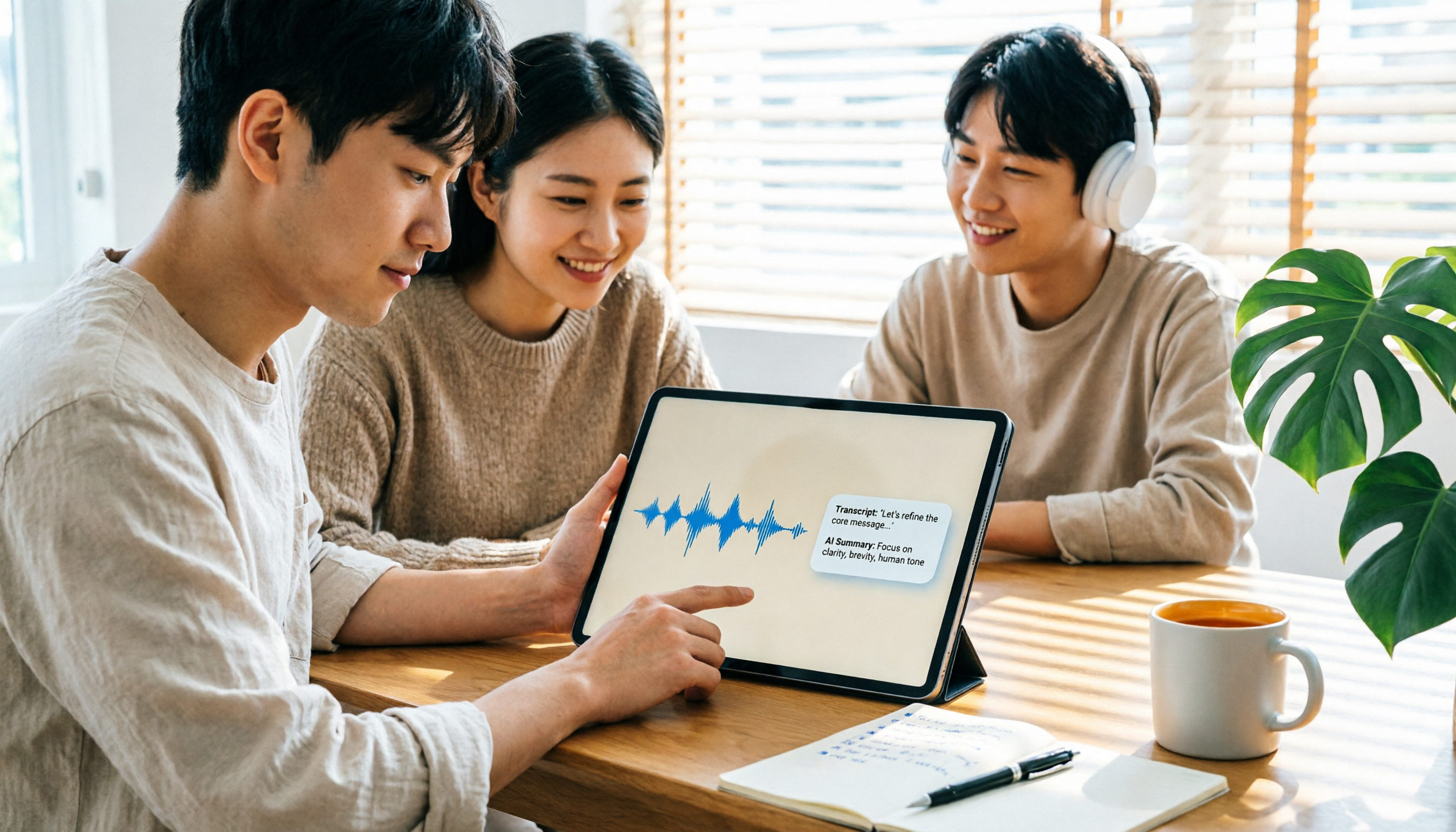
2026 iPad Audio-to-Text Note-Taking Guide: Real-Time Transcripts, AI Summaries, and Tool Selection
Should you use built-in features or third-party apps for iPad audio-to-text note-taking? This guide covers selection criteria, Chinese transcription, post-meeting AI organization, cross-platform export, and team permissions, comparing Tinrec, Apple Notes, Otter.ai, and PLAUD Note, plus practical tips to avoid pitfalls.

5 Best Browser-Based Audio-to-Text Tools in 2026: No Install, Which Handles Chinese Meetings Best?
How do you choose a browser-based audio-to-text tool without wasting time? This article examines four key factors—no installation, Chinese recognition, post-meeting organization, and team data ownership—and compares Tinrec, Notta, TurboScribe, Granola, and Otter.ai from a mid-level manager's hands-on perspective. It covers Tinrec's real-world performance and limitations in bot-free recording, AI Q&A, action item extraction, and team workspaces.

Tinrec vs OmniTranscript 2026: 5-Dimension Comparison for Chinese TikTok Transcripts
How to choose a TikTok video-to-text tool? This article reviews 5 transcript tools: Tinrec, OmniTranscript, WayinVideo, BibiGPT, and Dictationer, comparing them across Chinese language support, AI post-processing, export formats, free quotas, and team collaboration to help you find the best TikTok transcription solution.